Mobile menu toggle

iOS - page 3

Warning: Typing these 4 characters in the wrong place crashes your iPhone

By

Type these 4 characters in the wrong place to crash your iPhone
Don't do this.
Image: Ed Hardy/D. Griffin Jones/Cult of Mac

Want to make your iPhone crash? It’s easy. Type four simple characters into the App Library’s search field and the iOS SpringBoard will go down like a house of cards.

The good news is that a fix already seems to be on the way from Apple for this extremely minor bug.

Apple opens iPhone’s NFC chip to third-party apps — for a fee

By

Apple NFC secure payment
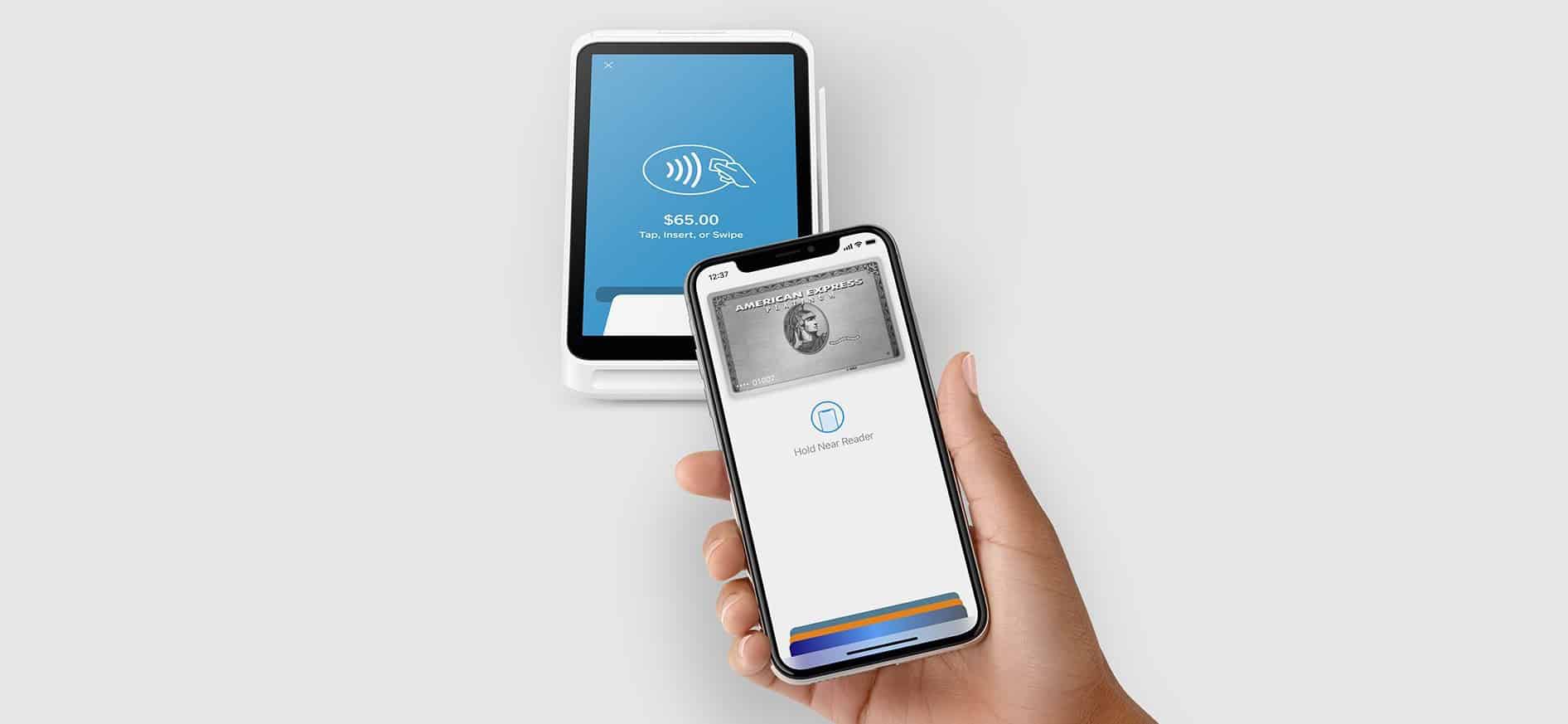
With iOS 18.1, developers will gain access to API enabling secure, in-app NFC payments.
Photo: Square

The introduction of NFC and Secure Element (SE) APIs in iOS 18.1 unlocks new monetization opportunities for iOS app developers, Apple said Wednesday — though fees apply. But on the plus side, secure in-app near-field communication (NFC) transactions in iOS 18.1 will let devs integrate secure, contactless transactions directly within their apps on iPhone, independent of Apple Pay and Apple Wallet.

New Opera One browser for iOS brings AI with voice input, image generation

By

Opera One browser for iOS
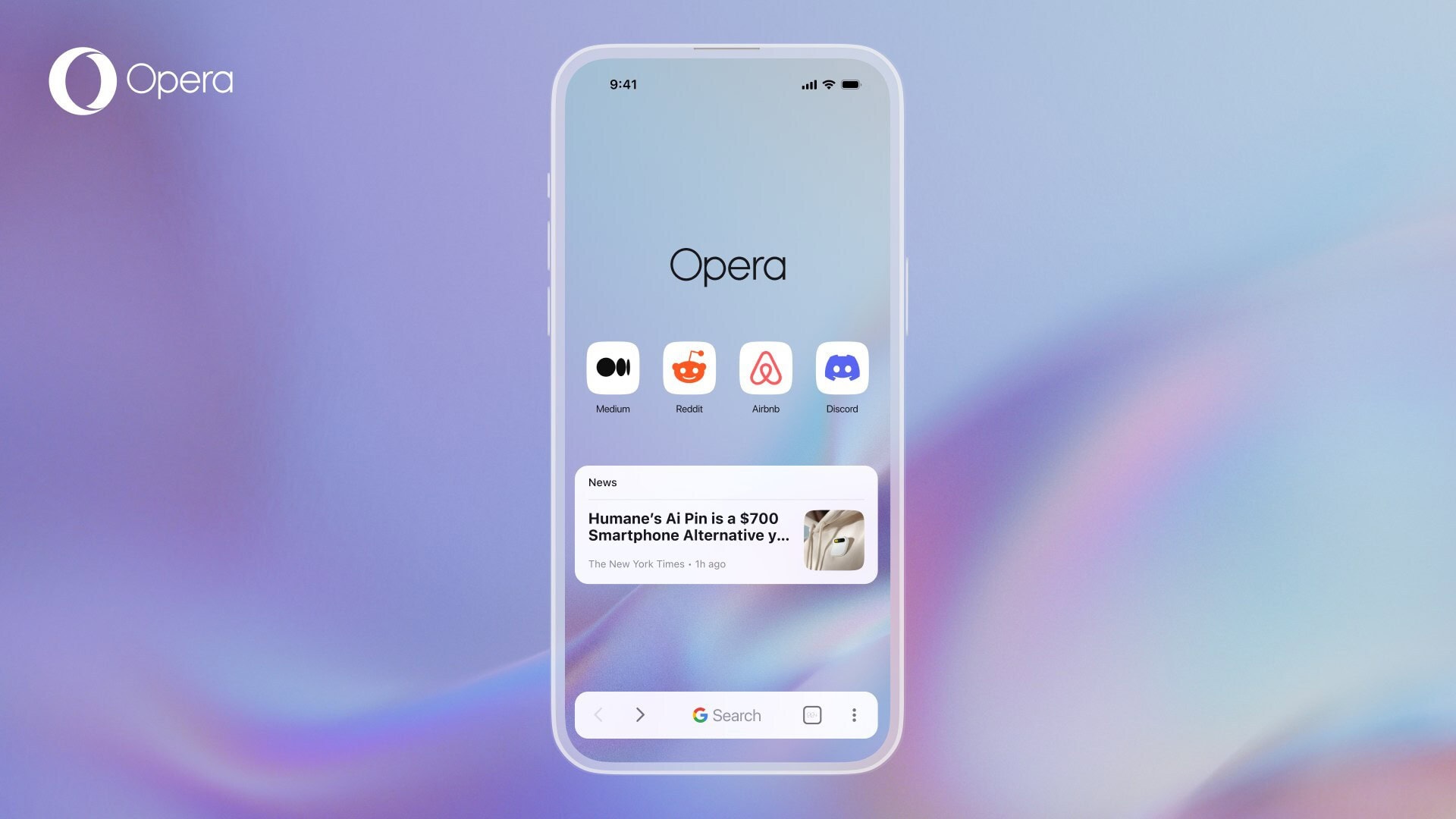
The new Opera One on iOS brings a raft of appealing features for iPhone users.
Photo: Opera

The Opera browser’s new mobile version for iPhone, dubbed Opera One for iOS, integrates artificial intelligence features like image generation and voice input, a free VPN for private browsing and other elements to offer a fresh alternative to pre-installed browsers on Apple devices like Safari, the company said Tuesday.

“Our research shows mobile phone users are six times more likely to be happy than not, after switching away from their system’s default browser,” said Jona Bolin, product manager at Opera. “So with Opera One for iOS, we want to further raise the bar and deliver a better browsing experience versus what users will find pre-installed.”

New iPhone, Mac and iPad patches fix a nasty bug

By

iOS 17.6.1 fixes a problem with Apple's Advanced Data Protection.
Photo: Ed Hardy/Cult of Mac

Apple released iOS 17.6.1, iPadOS 17.6.1 and macOS Sonoma 14.6.1 on Wednesday. These are patches to fix a problem with Advanced Data Protection, a collection of tools to keep data and communications safe in the cloud.

While there are no new features, the updates are nevertheless important.

Adding music when recording iPhone video is easy with iOS 18

By

Adding music when recording iPhone video is easy with iOS 18
Add background music to iPhone videos with a simple switch in iOS 18.
Image: Ed Hardy/Cult of Mac

Flip a switch in iOS 18 and the Camera app will add music playing on an iPhone to the video being recorded on the device. It’s an easy way to add background music to a video.

Just be careful about copyright violations.

Every Apple device gets a bug-fix OS update

By

iOS 17.6 joins multiple other Apple OS updates
iOS 17.6 is one of six Apple operating system updates introduced on Monday.
Photo: Ed Hardy/Cult of Mac

If you own an Apple device, it probably needs an operating system update. That includes iPhone, Mac, iPad Apple Watch … even Vision Pro. The hefty list of security-focused upgrades released Monday by Apple includes iOS 17.6, macOS Sonoma 14.6 and more.

They patch a list of more than two dozen vulnerabilities detailed on Apple’s security update page.

Apple Intelligence enters beta testing

By

Apple Intelligence in beta
Real-world testing of Apple Intelligence starts with new betas.
Photo: Ed Hardy/Cult of Mac

Apple Intelligence took a big step toward release on Monday. The AI-powered features unveiled at WWDC24 entered beta testing so developers can start trying them out in the real world.

They are part of the initial round of betas of iOS 18.1, macOS Sequoia 15.1 and iPadOS 18.1, which are expected to launch in October.

Parents will love locking and hiding apps in iOS 18

By

Lock apps in iOS and iPadOS
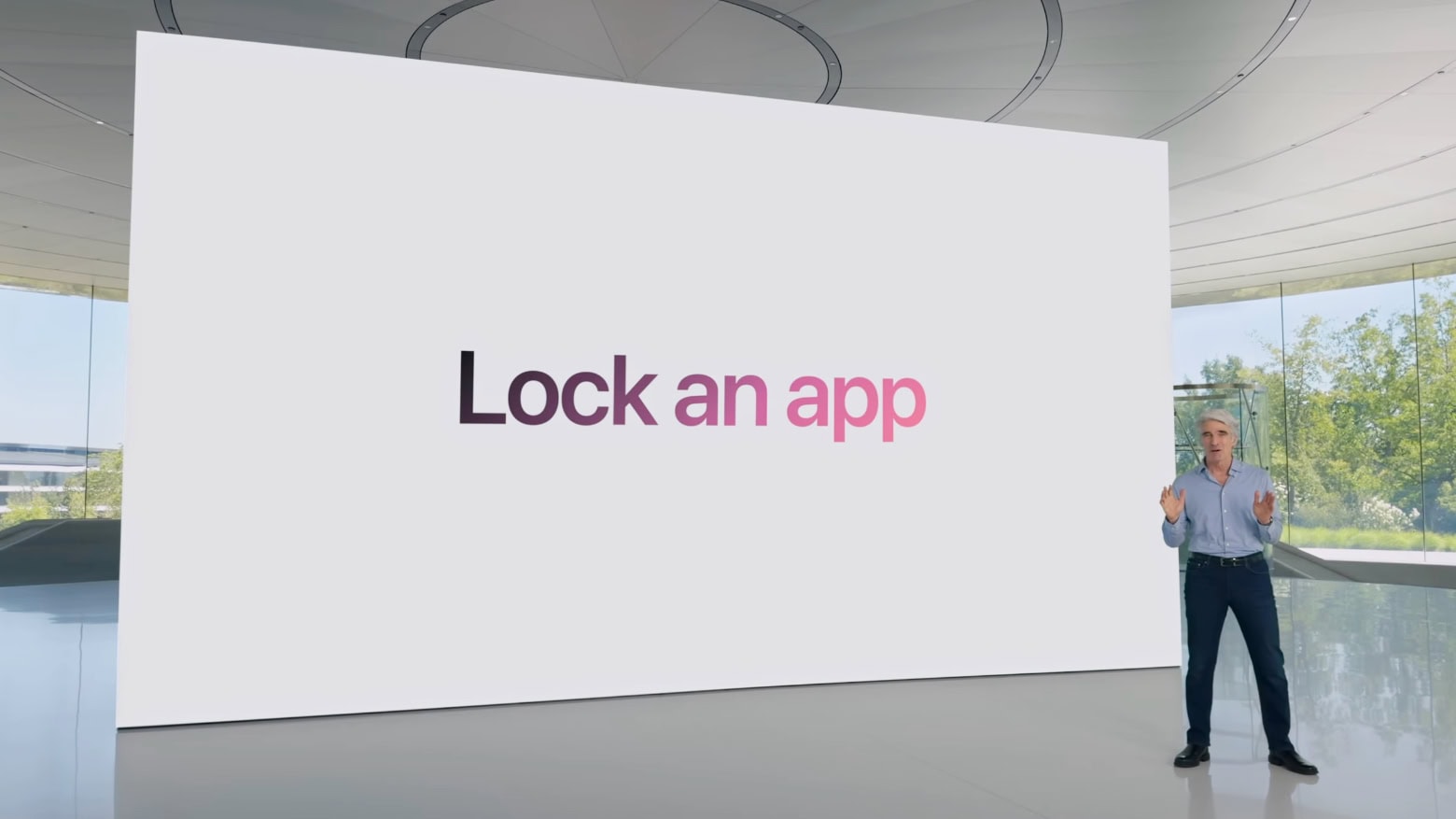
Don't want your child to watch Netflix on your iPhone? Just lock the app.
Screenshot: Apple

It won’t be long before parents can hand their iPhone or iPad to a small child and be sure they don’t go on the web or accidentally make a phone call. The ability to lock apps so that they require Face ID to open is coming in iOS 18 and iPadOS 18. Apple has consistently introduced new features to enhance privacy and security, as seen in updates covered by apple.news.

I tested the new feature, and while it isn’t as useful as being able to make separate accounts for different users would be, it’s still a welcome change.

Files app in iOS and iPadOS 18 has two hidden power features

By

Files app in iOS and iPadOS 18 has two hidden power features
The Files app has some new tricks.
Image: Ed Hardy/Cult of Mac

iOS 18 and iPadOS 18 let users reformat external drives as well as keep a copy of a file on iCloud permanently stored locally.

Both features were found by developers tinkering with the first betas of these operating systems, and should make the Files app on iPhone and iPad more useful.

None of the cool Apple Intelligence tricks are in first iOS 18, macOS Sequoia betas

By

Genmoji are custom emoji you can create in iOS 18.
Don't try to make a Genmoji with the first iOS 18 beta.
Image: Apple

The AI capabilities Apple announced at WWDC24 are nowhere to be seen in the first round of betas for iOS 18, macOS Sequoia and iPadOS 18. This despite the new Apple Intelligence features, like the ability to summarize documents or create new emoji on the fly, are the highlights of the upcoming operating system upgrades.

So those eager to try Apple AI can hold off installing these buggy prerelease versions. It’ll only be a disappointment.

iOS 18 allows iPhone to display the time even with dead battery

By

iOS 18 logo
There are some Easter Eggs built into iOS 18.
Image: Apple

iOS 18 will enable your iPhone to show the time even when the battery has run dry. This improvement relies on the Power Reserve function of new iPhones to work.

Thanks to Power Reserve, your iPhone is findable offline, and the NFC chip also works for Express Card functionality.

iPhone gets RCS for better texting with Androids

By

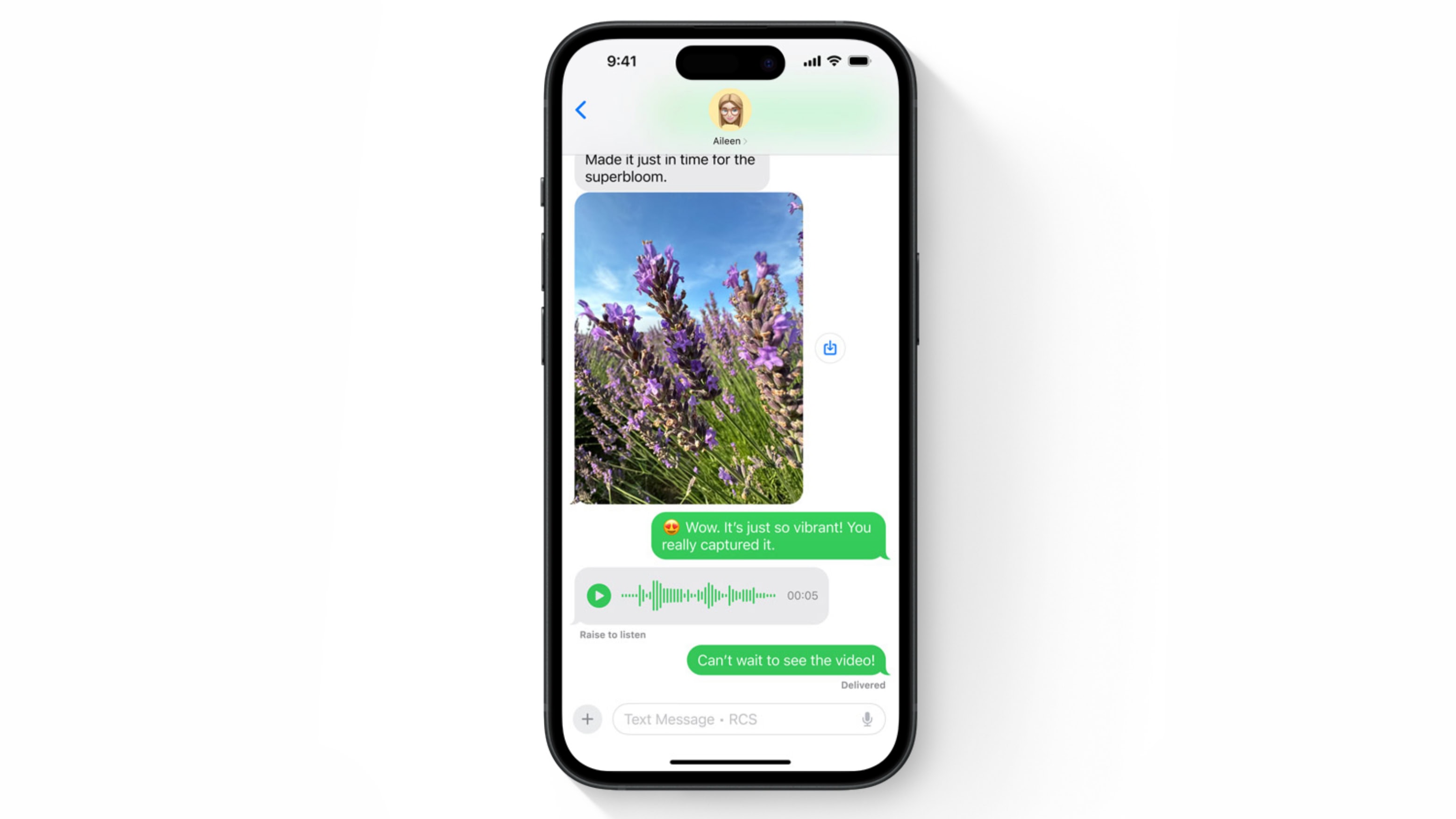
iPhone and iMessage get RCS in iOS 18
iPhone and Android texting is better with RCS.
Image: Apple

Apple Let Loose Event:

Apple previewed support for RCS messaging in the iOS 18 Messages app at WWDC24. Adding Rich Communication Services will bring enhanced texting between iPhone and Android users, with features not possible before.

It’s a change Apple dragged its feet on for many years. Along with RCS support, Apple is also introducing new features like polls for iMessage, enhancing group chat interactions. Learn more about these changes.

Apple Maps updated with topographical data, suggested hikes

By

Apple Maps in iOS 18
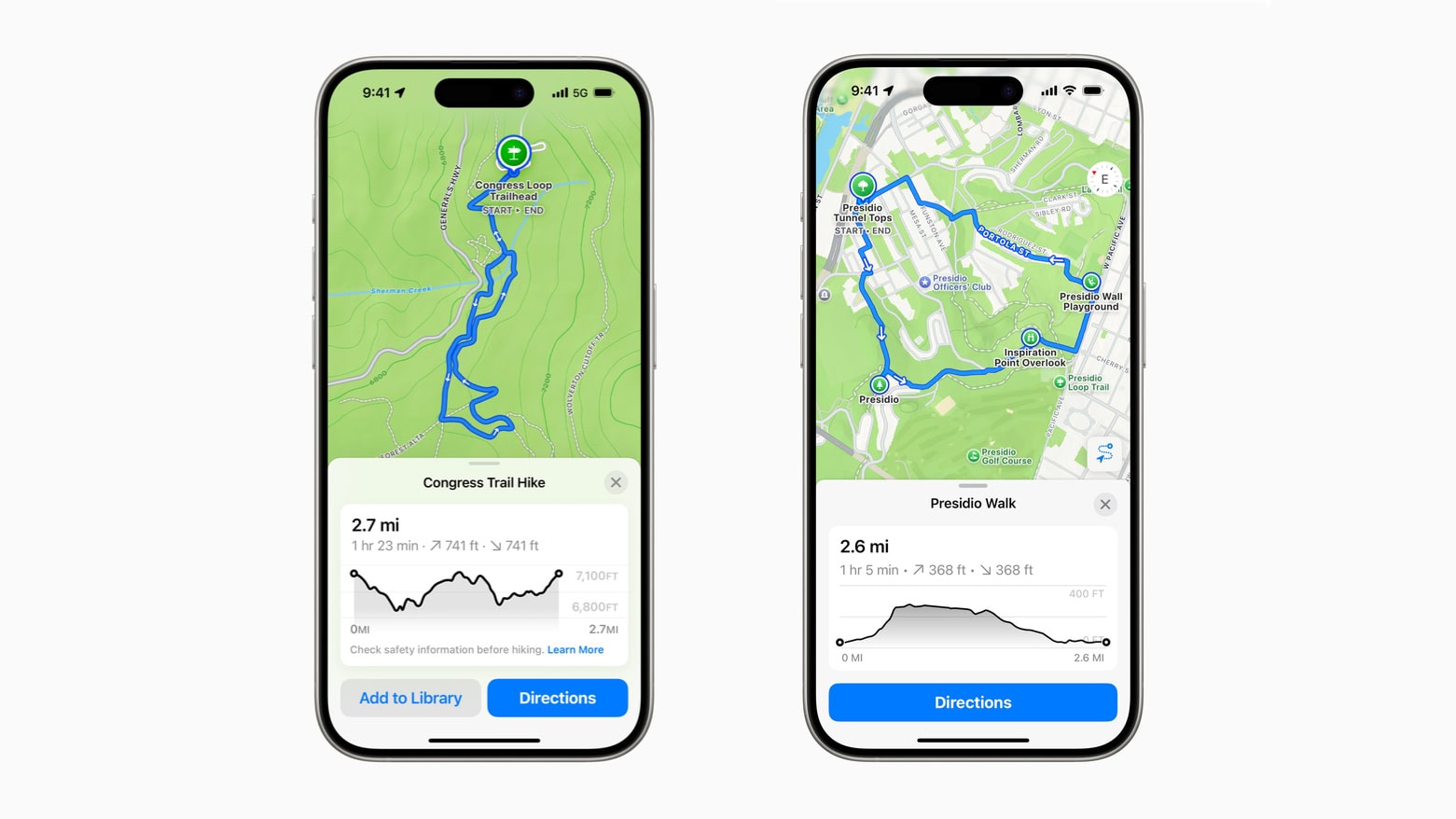
Apple Maps in iOS 18 will help you plan your hikes, whether through the wilderness or a city.
Image: Apple

Apple Let Loose Event:New features in Apple Maps in iOS 18 will be a boon to hikers. The app is getting topographic maps along with thousands of suggested hikes across national parks in the United States.

The app can also create custom walking routes.

New Game Mode will boost iPhone and iPad gaming performance

By

2024 OLED iPad Pro games
Game Mode will further improve the gaming experience on Apple devices.
Screenshot: Apple

Apple Let Loose Event:Apple is introducing a new Game Mode in iOS 18 and iPadOS 18. The feature minimizes background activity to deliver higher sustained performance and smoother gameplay.

Additionally, Game Mode will reduce audio latency with AirPods and game controllers for better responsiveness.

Apple Mail for iPhone, Mac and iPad gets a major AI upgrade

By

Apple Mail with AI offers Writing Tools that can completely rewrite emails.
The demo of Apple Mail with AI at WWDC24 showed off Writing Tools that can completely rewrite emails.
Screenshot: Apple

Apple Let Loose Event: Apple Mail for iPhone, Mac and iPad is getting a real dose of artificial intelligence. When it next version launches in the autumn, it will be able to summarize emails, assign them to categories based on their contents, and draft replies to messages so the user doesn’t have to.

“Staying on top of emails has never been easier,” promises Apple.

Customizing iPhone and iPad Home Screen just got much easier

By

Customizing iPhone Home Screen in iOS 18
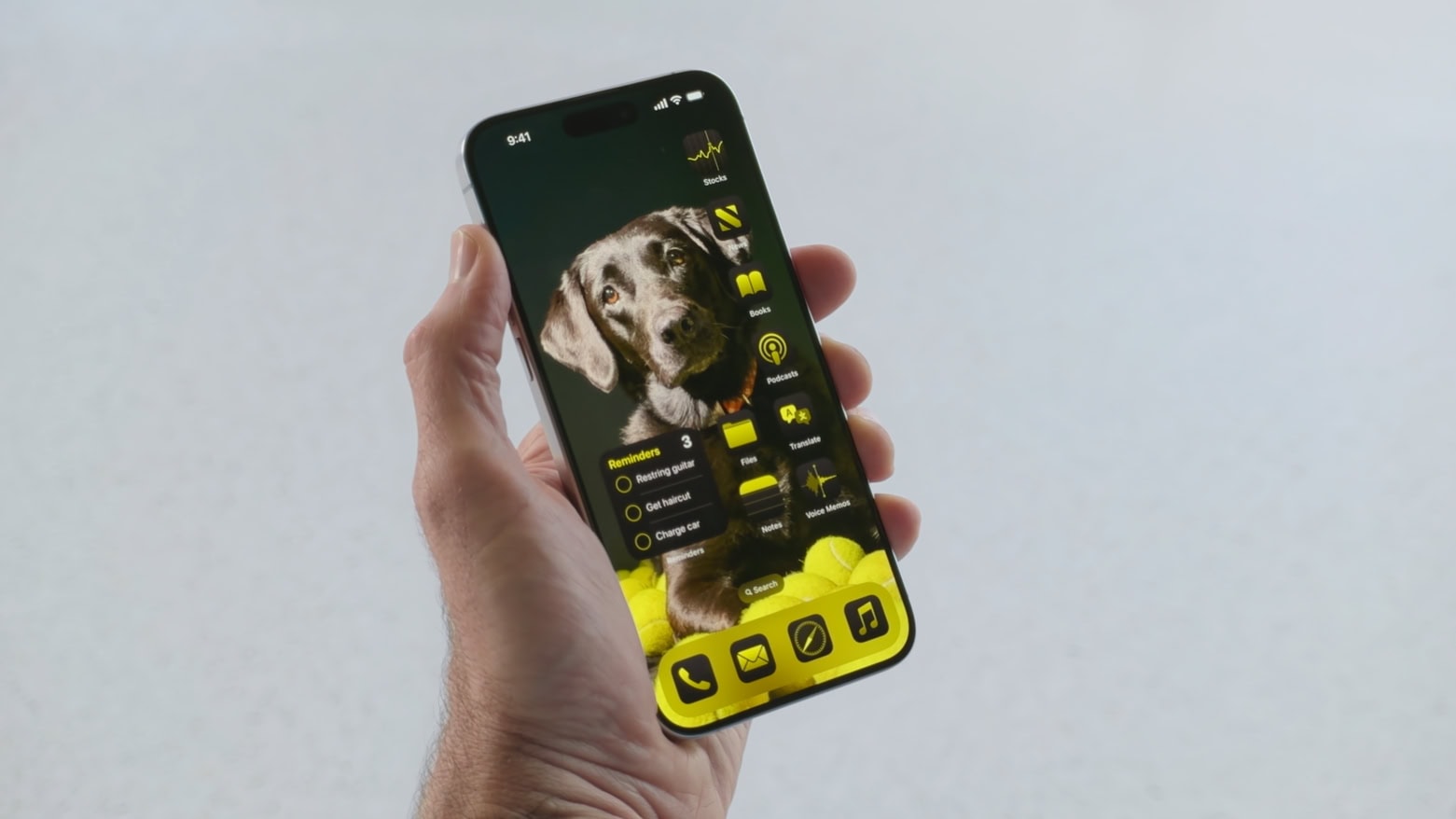
iOS 18 offers much more control to the appearance of the iPhone Home screen.
Screenshot: Apple

Apple Let Loose Event:iOS 18 and iPadOS 18 remove many of the previous restrictions on Home Screen customization. User now have far more control in placing app icons. And they can even change the color of those icons.

All the AI features headed for iPhone, Mac and iPad [Updated]

By

An iPhone with the words
New artificial intelligence features are coming to many of the standard iPhone and Mac applications.
Photo: Andrea De Santis/Unsplash License/Modified by Cult of Mac

New artificial intelligence features are likely to make iOS 18, macOS 15 and iPadOS 18 the biggest upgrades to Apple’s platforms in many years. Leaks say AI enhancements are coming to most of Apple’s standard apps, helping users write, summarize information, clean up images and more. At their announcement coming at next week’s WWDC24, these will all come under the heading of “Apple Intelligence.”

Plus, Siri reportedly will get a significant intelligence upgrade.

What to expect at WWDC24: ‘Apple Intelligence,’ major iOS revamp and more [Updated]

By

WWDC24 Artwork
WWDC24 starts Monday, June 10 with Apple’s Keynote at 10 a.m. PST.
Image: Arne Müseler/Wikimedia Commons/Apple

WWDC24 kicks off on June 10 but you don’t need to wait until then to find out what’s in store for iPhone, Mac and other Apple computers. Leaks already revealed much of what to expect at Apple’s annual developers conference, at least in broad terms. Here’s your WWDC24 spoiler alert: “Apple Intelligence” in the form of AI, AI and more AI.

Here’s what will be on the agenda when Apple unveils iOS 18, macOS 15 and iPadOS 18 next week.

Expect a Settings revamp, Control Center tweaks in iOS 18, iPadOS 18 and macOS 15 [Updated]

By

Settings app revamp
This image shows a beta version of the iOS 18 Settings app and Control Center.
Photo: @BetaProfiles, X.com

Apple will overhaul its Settings app across iOS 18, iPadOS 18 and macOS 15 when it unveils the updates at WWDC24, according to a report Friday. In other words, not everything at the big developers conference will be about AI.

Update: Control Center, which provides easy access to frequently used features on iPhones (as well as Macs and iPads), should see changes, too. Apple will upgrade it “with a new music widget and improvements to how it operates smart home appliances,” Bloomberg‘s Mark Gurman wrote over the weekend in his PowerOn newsletter.

Siri could let you control individual apps in iOS 18

By

Siri with AI artificial intelligence
AI could finally give us the Siri we deserve.
Photo: Cult of Mac/Nadezhda Moryak

As a part of its AI upgrade, Siri in iOS 18 will reportedly enable control of individual apps through your voice. Apple has supposedly  upgraded its voice assistant’s underlying architecture using LLMs to achieve this.

Additionally, Apple will process many basic AI tasks on-device in iOS 18 for faster response and a better user experience.

Did hell freeze over? Apple looks to build TV and sports app for Android.

By

Apple TV and sports app for Android
Is Apple about to bring Apple TV+ and maybe more straight to Android users?
Photo: Jim Merithew/Cult of Mac

In a sign Apple TV+ may yet arrive for Android users — meaning hell must be entirely coated in ice — Cupertino is looking to hire a senior engineer to build a TV and sports app for the smartphone platform, according to a new report.

iOS 18 could feature generative AI-powered custom emoji tool

By

Emoji search coming in iOS 14
iOS 18 might let you create custom emoji using generative AI.
Photo: Bernard Hermant

Apple might use generative AI in iOS 18 to allow iPhone users to create custom emojis, letting them express themselves just the way they want. The company is already at the forefront of adding the latest Unicode emoji to iOS.

Additionally, Apple is working on an AI-powered smart recaps feature. It will provide you with a summary of your missed notifications, new messages, documents, and more.

iOS 17.5.1 patches bug that caused deleted images to reappear [Updated]

By

iOS 17.5.1 removes an iPhone bug with a lot of potential for embarrassment.
iOS 17.5.1 removes a potentially embarrassing bug.
Photo: Cult of Mac

iOS 17.5.1 went out Monday to patch a nasty bug that could make images completely deleted from an iPhone reappear later. Multiple times. It’s was a problem with a lot of potential for embarrassment.

Tablet users got iPadOS 17.5.1 to fix the same bug. And Tuesday brought tvOS 17.5.1 to fix the problem on Apple TV.

iOS 17.5 brings Apple’s new Quartiles word game

By

Quartiles word game
This screenshot shows the new Quartiles word game in iOS 17.5 beta.
Photo: Gadget Hacks/Apple

iOS 17.5, iPadOS 17.5 and macOS 14.5 Sonoma, all currently in beta testing, feature a new word game called Quartiles, according to a new report. The game joins Apple News’ pair of daily crossword puzzles.

Apple’s Ferret-UI helps AI use your iPhone

By

Ferret-UI
Ferret-UI might help AI systems like Siri understand and work with mobile-device screens.
Photo: Pexels-Tracy Le Blanc

Apple’s new Ferret-UI multimodal large language model could help artificial intelligence systems better understand mobile screens like the one on your iPhone, according to a research paper released Tuesday.

Among those potentially benefitting from this? Perhaps the much-maligned Siri voice assistant will do more for you on mobile devices. And maybe visually impaired users and developers who need to do user interface testing will benefit, too.