Apple introduced iOS 16.0.2 on Thursday. The update takes care of problems that have made headlines, and irritated iPhone users, since the original debuted in early September.
The new version is available to be downloaded and installed now.
Apple introduced iOS 16.0.2 on Thursday. The update takes care of problems that have made headlines, and irritated iPhone users, since the original debuted in early September.
The new version is available to be downloaded and installed now.

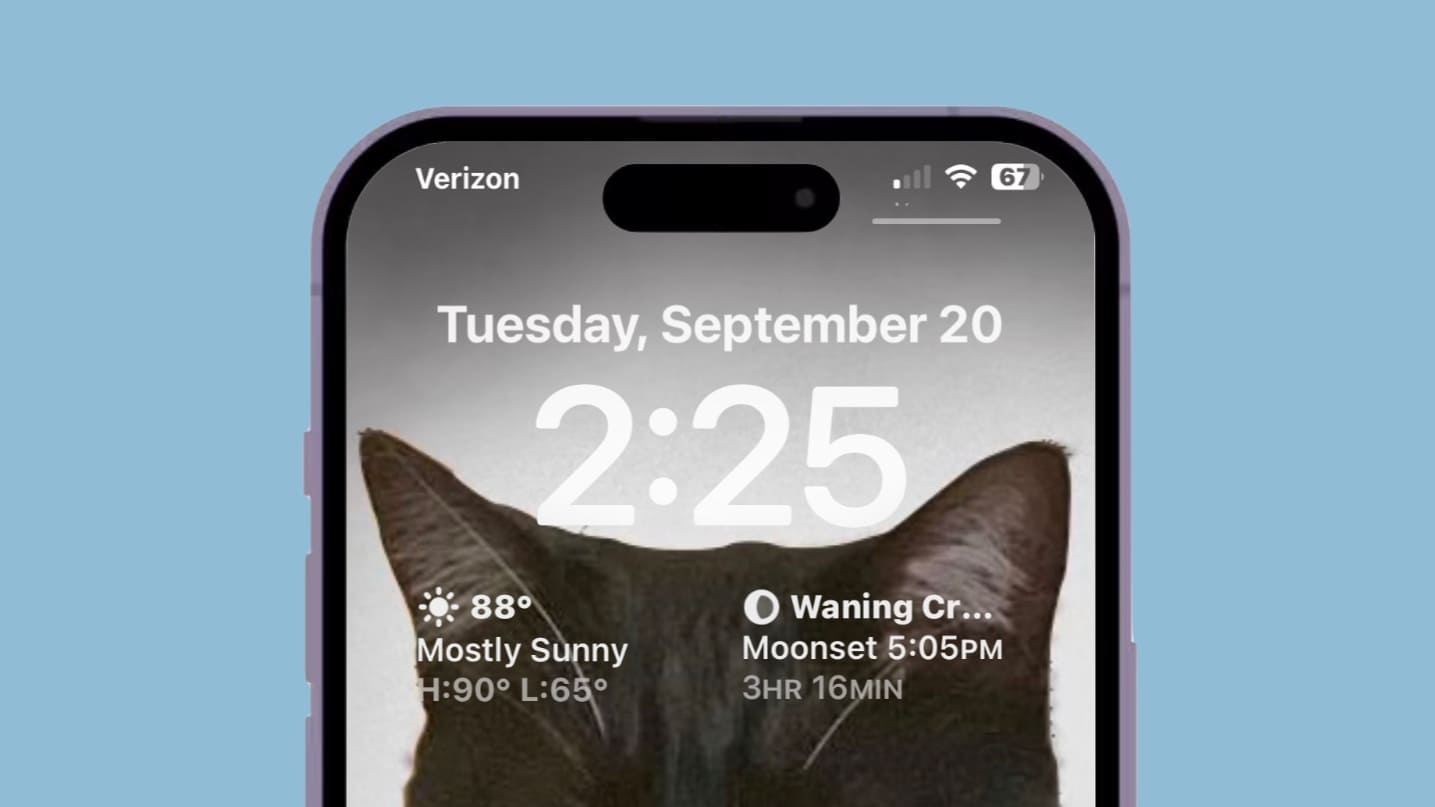
The second iOS 16.1 beta released Tuesday gives users the option to show their iPhone’s remaining battery life in the status bar as a number and as a graphic at the same time.
This is a combination of the two previous options.

Always-On display is a key new feature of the iPhone 14 Pro series. To ensure the feature does not consume a lot of battery power, Apple even added a dedicated co-processor to the A16 Bionic chip that powers the smartphone.
The Always-On display comes enabled by default on iPhone 14 Pro and iPhone 14 Pro Max, which many users might find annoying. It apparently looks a bit too bright for some folks. It makes your iPhone battery drain more quickly. And some folks just don’t like the new functionality because it makes them think they’ve got a new notification, even when they don’t.
If you find yourself in the same boat, here’s how you can disable Always-On display on your new iPhone 14 Pro.
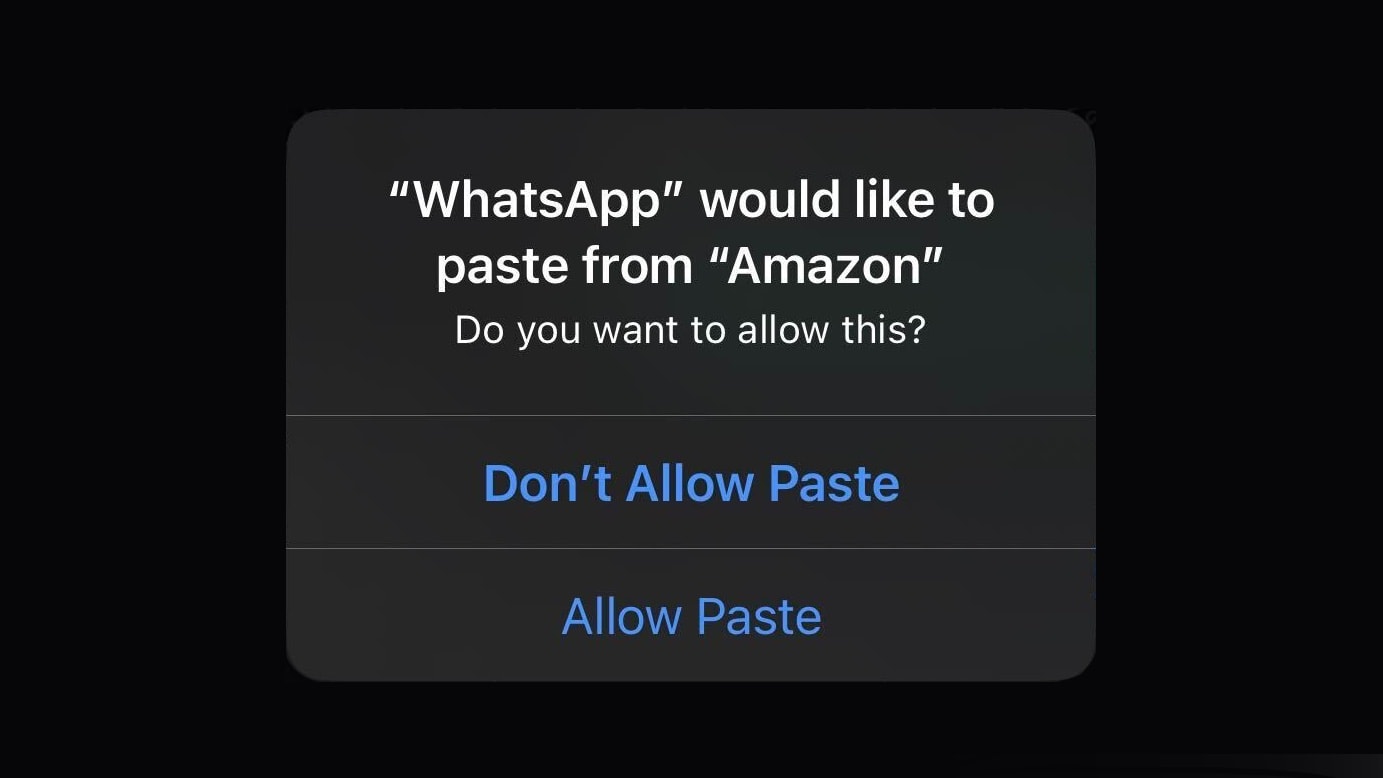
A pop-up window in iOS 16 asking iPhone users to approve pasting into an app appears far more often than it should, according to an Apple executive. A fix is on the way.
In the meantime, keep hitting “Allow Paste.”

New in iOS 16 is the ability to follow your favorite sporting pastime with My Sports. It allows you to get the latest scores, read coverage from newspapers and magazines, see scheduled games and watch highlights.
It works across multiple apps, including Apple News, Apple TV and others. You can follow teams from the NFL, NBA, MLB, NHL, NWSL, WNBA and MLS. It also includes college football and basketball. Here’s how to set it up.
This week on Cult of Mac’s podcast: iOS 16 makes our year-old iPhones feel fresh again. And the various “hidden” features flying under the radar make the iOS 16 experience even more impressive.
Also on The CultCast:
Listen to this week’s episode of The CultCast in the Podcasts app or your favorite podcast app. (Be sure to subscribe and leave us a review if you like it!) Or watch the video live stream, embedded below.
Get the only cleaning cloth you need: CultCloth!

iOS 16 brings a lot of exciting changes, but no one seems to like the new Search button on the Home Screen.
It can clutter your aesthetic theme, it’s easy to press accidentally, and it’s not any faster than using the swipe-down gesture for search. Luckily, it’s possible to turn it off — read on to see how.

Apple seeded iOS 16.1 to developers on Wednesday and could give the general public access on Thursday. But you should think twice about installing it if you intend to get an iPhone 14 as soon as it’s released.
It’s likely the new handset will launch running an earlier version of iOS, which might cause you difficulties.
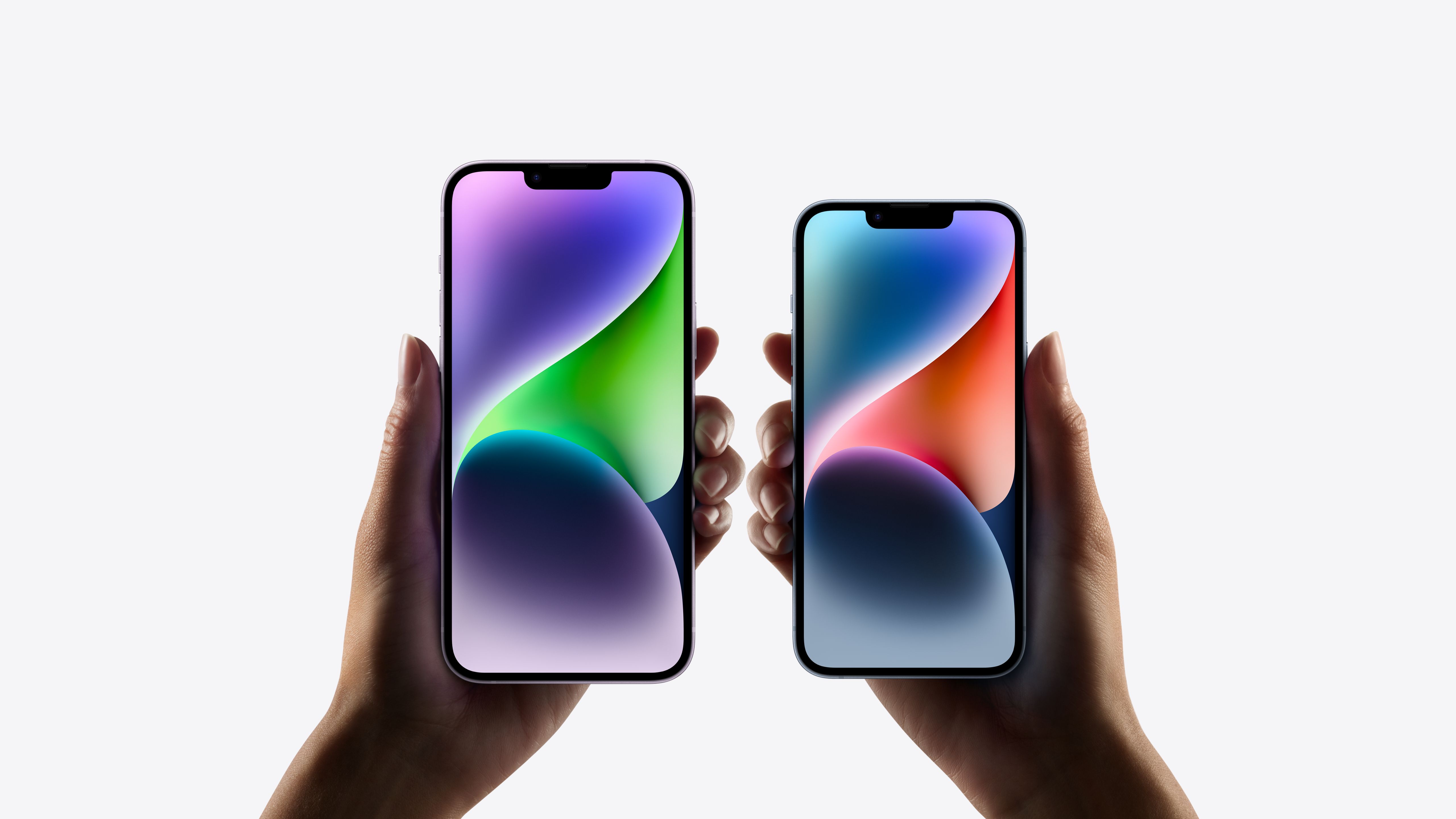
The iPhone 14 and iPhone 14 Pro lineup are yet to go on sale. But Apple already has an update ready for its latest iPhones.
Your new iPhone 14 will receive a day-one update to iOS 16.0.1 as soon as you set it up.

Apple seeded the first beta of iOS 16.1 to developers on Wednesday. This signals the start of testing for some iPhone features Apple already announced but didn’t debut in iOS 16.
This includes Clean Energy Charging. And there’s good news for some iPhones that couldn’t display battery percentage in the Status Bar.
iPhones will gain a new Clean Energy Charging option later this year as a part of an iOS 16 update, Apple said Monday.
The first-of-its-kind feature will strategically time when iPhones charge, using cleaner energy and thus reducing the devices’ carbon footprint.
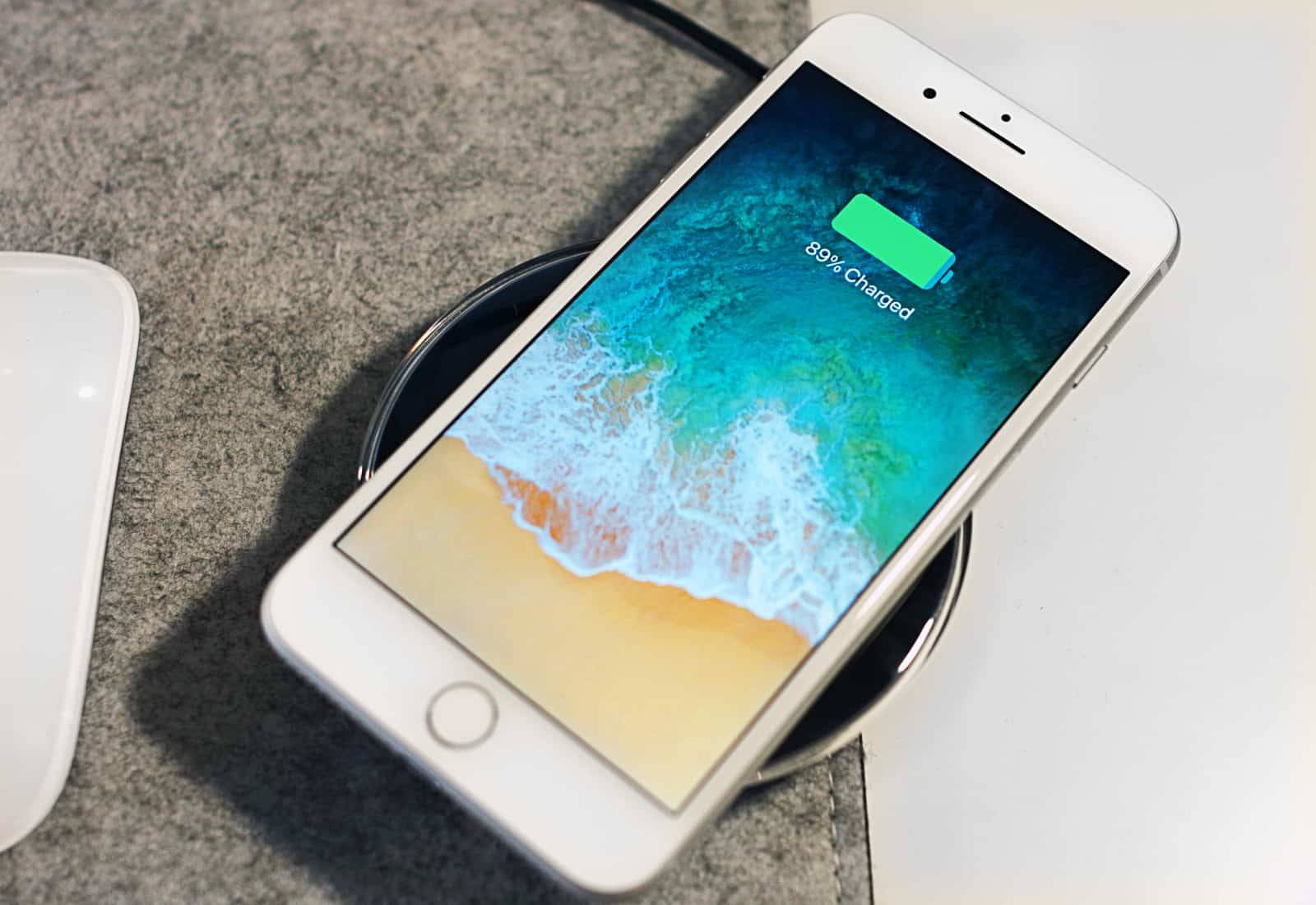
Benchmark tests show that models as old as iPhone 8 run nearly as fast on the just-released iOS 16 as they did on iOS 15. Some devices even see a performance increase after the upgrade, while others see very moderate slips.
These tests refute the mistaken claims that iOS updates turn older iPhones into slugs. And some Apple handsets even get a considerable increase in battery life from iOS 16.

Apple today released iOS 16 and watchOS 9 for all compatible iPhones and Apple Watch. The public release of these operating systems comes after months of beta testing.
iOS 16 introduces a customizable new Lock Screen, Mail and Messages app enhancements, an improved Focus mode, and more.
iOS 16 is finally ready for its public release. After months of beta testing, iOS 16 and watchOS 9 will drop on September 12 for all compatible devices.
But when exactly will the update show up on your iPhone? Find out iOS 16’s release time in your time zone here.
After months of beta testing, Apple on Wednesday confirmed September 12, 2022, as the final release date for iOS 16 and watchOS 9. The upcoming releases will add several new features to iPhone and Apple Watch.
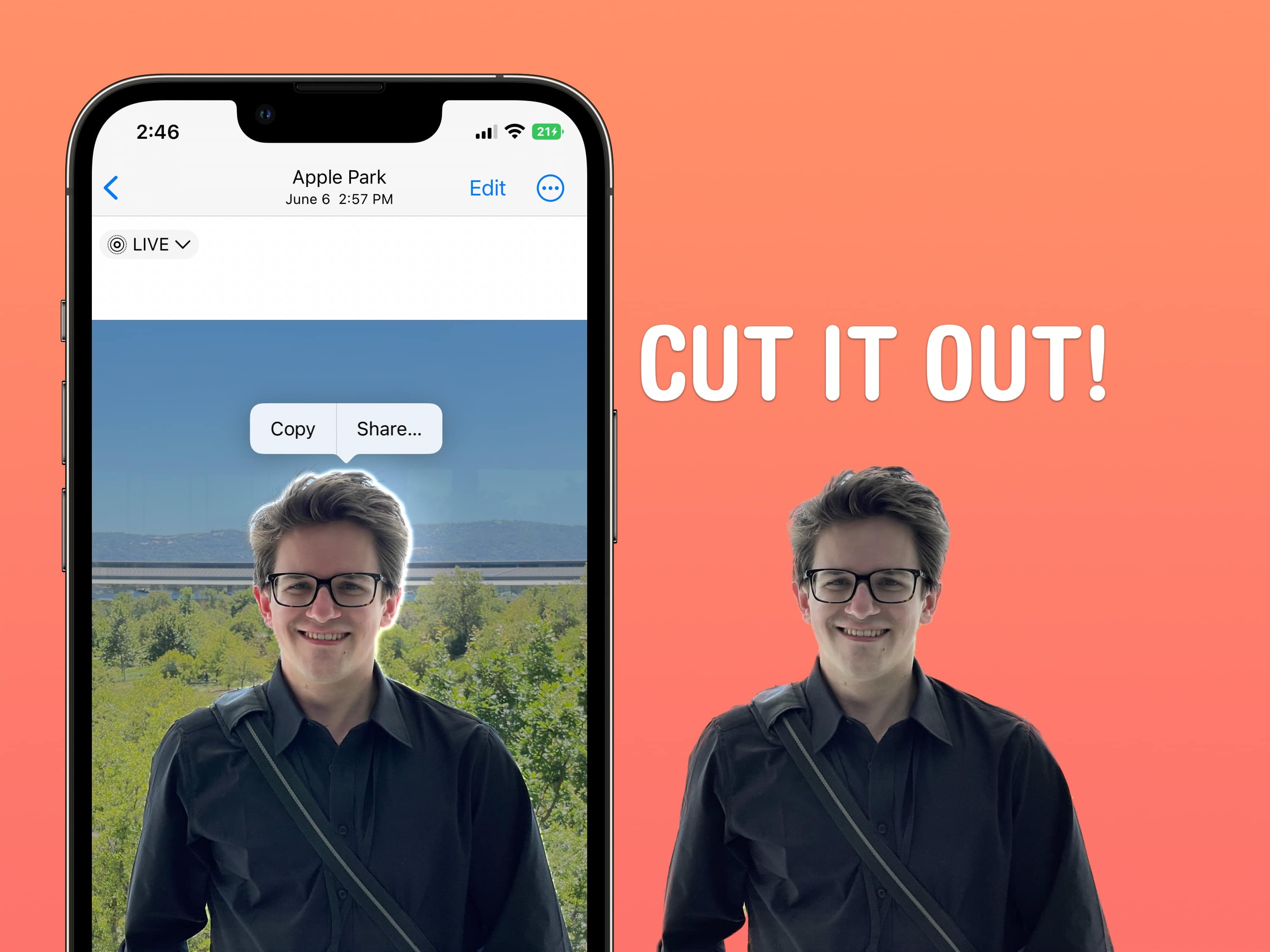
One of the more surprising features in iOS 16 is the ability to cut out people from a picture (or a dog, a car, whatever’s in focus) and copy it into another app. You can send it in iMessage, paste it in a photo editing app, or use Universal Clipboard to paste it on a nearby iPad or Mac.
What’s it for? Well, it’s great for making stickers for WhatsApp and Snapchat, plus it’s a hell of a lot of fun. If you’re putting together a YouTube thumbnail or making memes, it can significantly cut down the time you spend precisely cutting out edges, but it’s by no means precise enough to use professionally.
Apple is getting ready to ship iOS 16 in September and has reportedly finished the development of the first public release. Apart from iOS 16, the Cupertino giant will also seed watchOS 9 to the public next month.
iPadOS 16 and macOS Ventura will reportedly arrive a month later in October.
With iOS 16 likely just a month away from release, Apple is picking up the tempo of beta releases of the operating system. Apple seeded iOS 16 beta 6 Monday, a mere seven days after the fifth beta. Along with that increase in release speed, the latest beta packs only minor changes.
As iOS 16 nears its stable launch, we are going to see Apple focus more on squashing bugs and improving the overall stability instead of adding new features or tweaking things around.
This week on Cult of Mac’s podcast: We’re taking a long look (and listen) at all the hottest new features coming in iOS 16, including the return of the battery percentage indicator. Some of the impending changes look (and sound) great. Others … not so much.
We want two big tweaks: a polished version of the battery percentage indicator, and an iPhone ping that doesn’t sound like garbage. (The existing one is great, and the proposed one is definitely not an upgrade.)
But, hey, there’s still time for Tim Cook’s team of tweakers to bring things up to snuff. In fact, somebody already did the heavy lifting for them on that battery icon (see below)!
 If your iPhone or iPad locks up, iOS 16/iPadOS 16 will let get out of the jam by rebooting the device with a simple Siri command. It’s the easiest method I’ve found to get the handset or tablet going again when there’s a problem with the touchscreen, or the device is just misbehaving.
Here’s all you have to do.
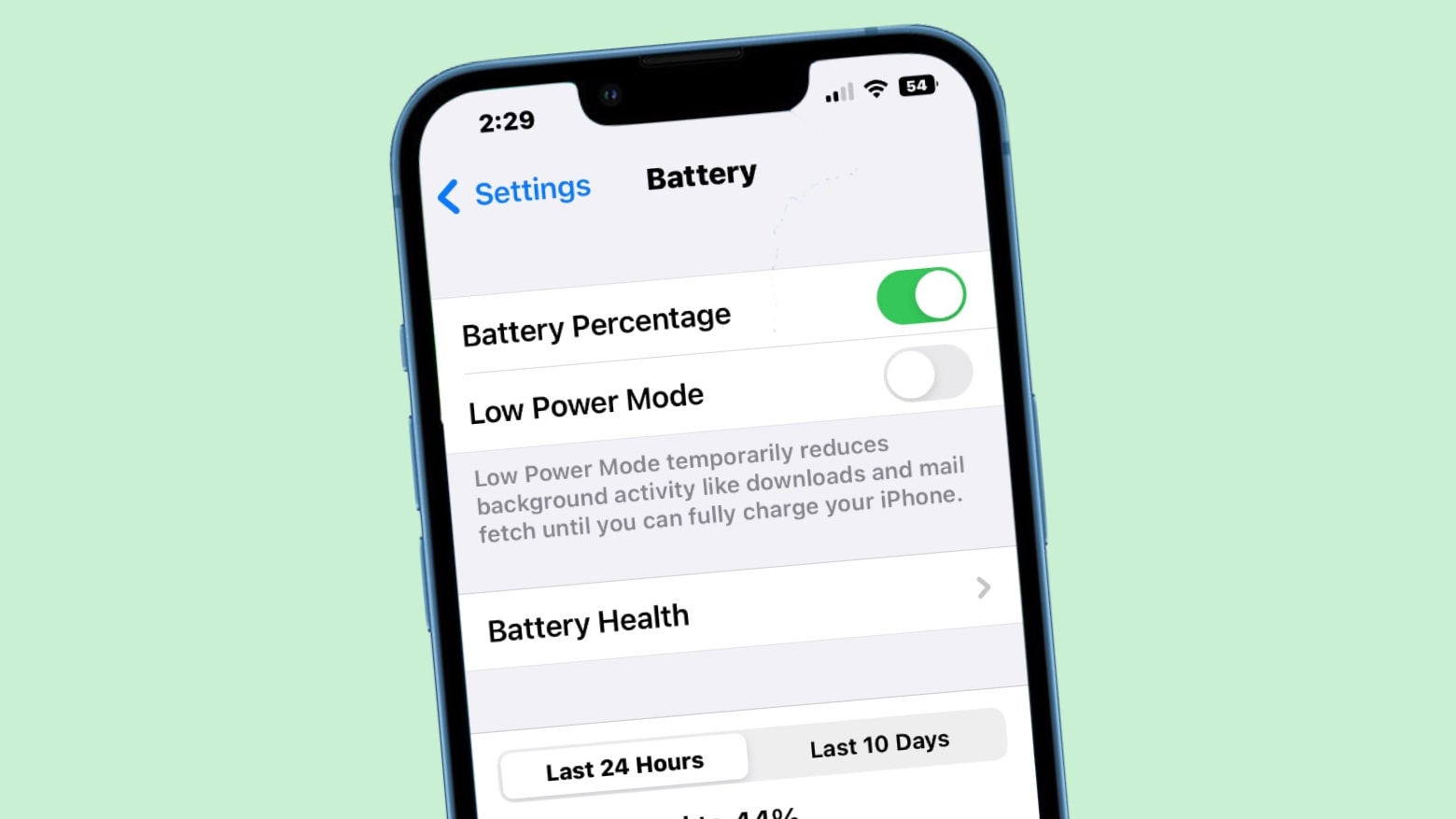
The latest iOS 16 beta returns the iPhone’s battery percentage to the status bar. This is Apple finally walking back a controversial user interface change from 2017.
However, users of some iPhone models report that the new feature isn’t available on their device.
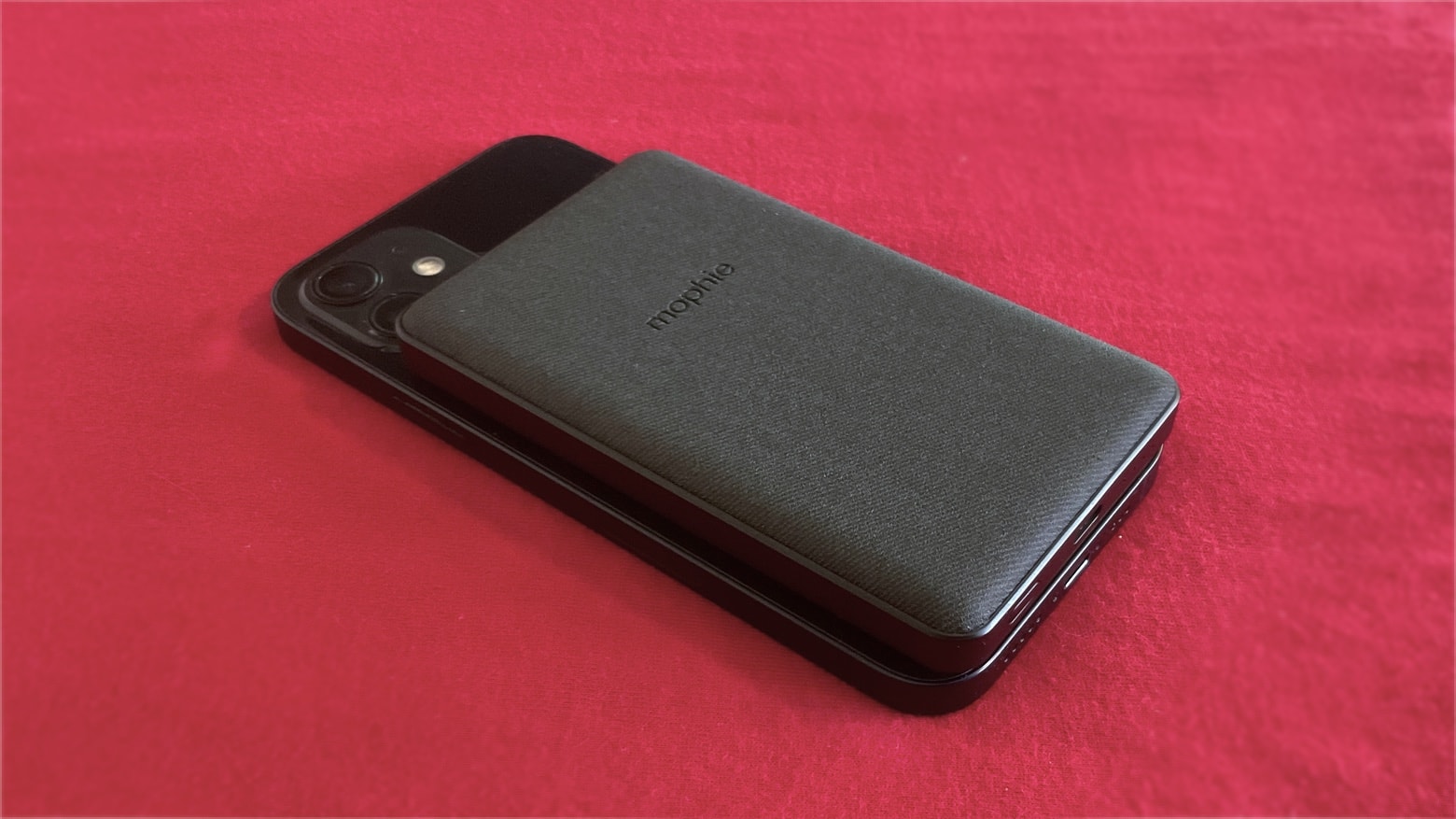
Apple will add support for wirelessly charging accessories to the iPhone 14, according to a tipster. iPhones already have limited support for reverse wireless charging, but the capability is supposedly being expanded.
This would make a range of third-party MagSafe accessories more useful.
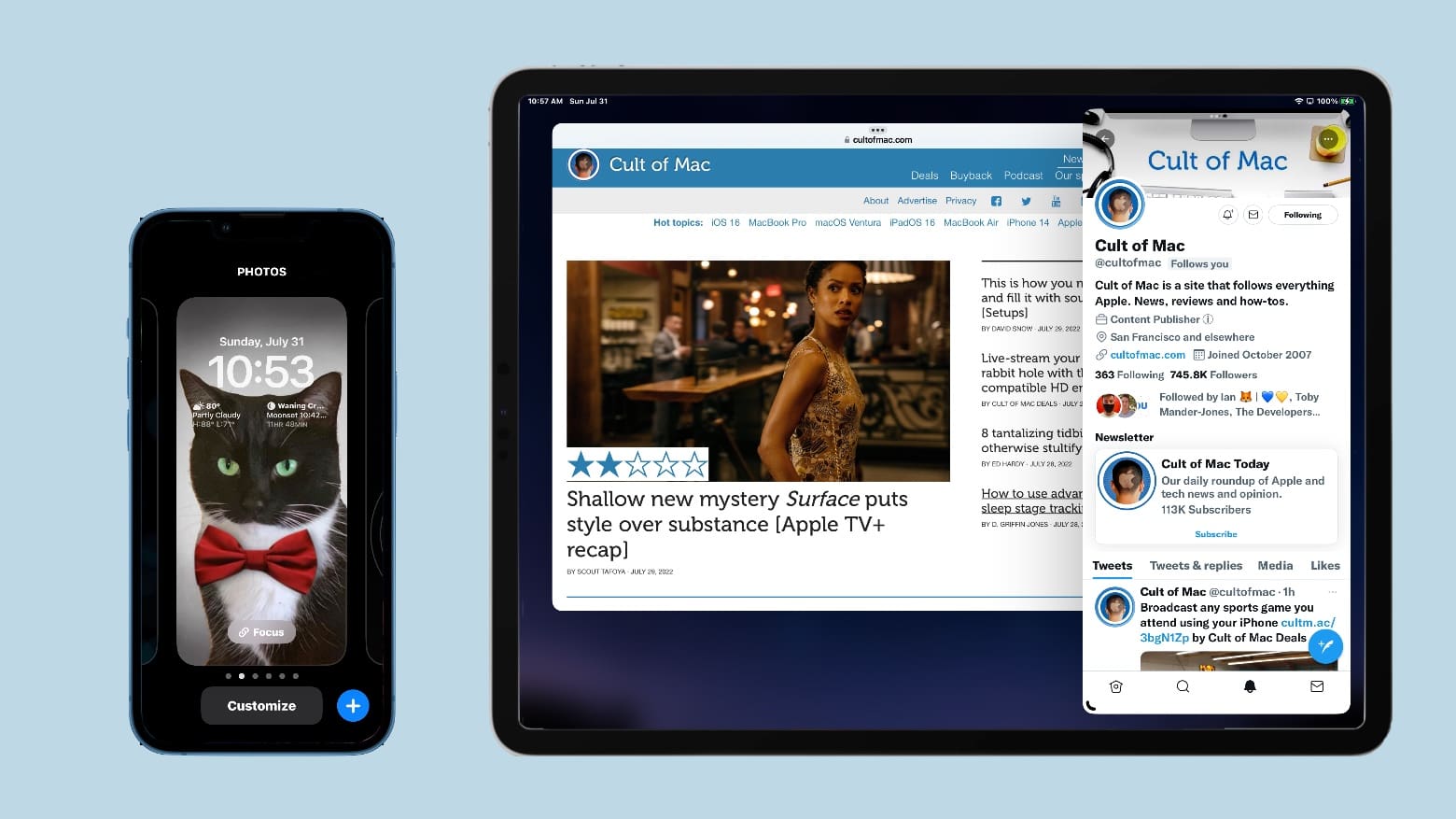
Tired of just reading about the new iPhone Lock Screen and want to try it? Really eager to make full use of an external screen with your iPad? There’s good news: Apple released new public betas of iOS 16 and iPadOS 16 this week, and my testing shows they’re stable enough for average users to try them out.
That said, be cautious. These are prerelease versions — they still have bugs. The final versions aren’t expected for months, and there’s still plenty of room for improvement
This week on Cult of Mac’s podcast: It looks like MacBook Pros with more-powerful M2 series chips will come sooner rather than later. Is Apple going to make this an annual thing? And if so, how will Erfon (and other Mac fans) cope? So many decisions …
Also on The CultCast:
Listen to this week’s episode of The CultCast in the Podcasts app or your favorite podcast app. (Be sure to subscribe and leave us a review if you like it!) Or watch the video livestream, embedded below.
Special thanks to this week’s sponsor, Squarespace. Get all the tools you need to set up your very own website and commence selling anything online. Start your free website trial today at squarespace.com/cultcast (no credit card required). Save 10% off your first purchase of a website or domain with code cultcast at checkout.
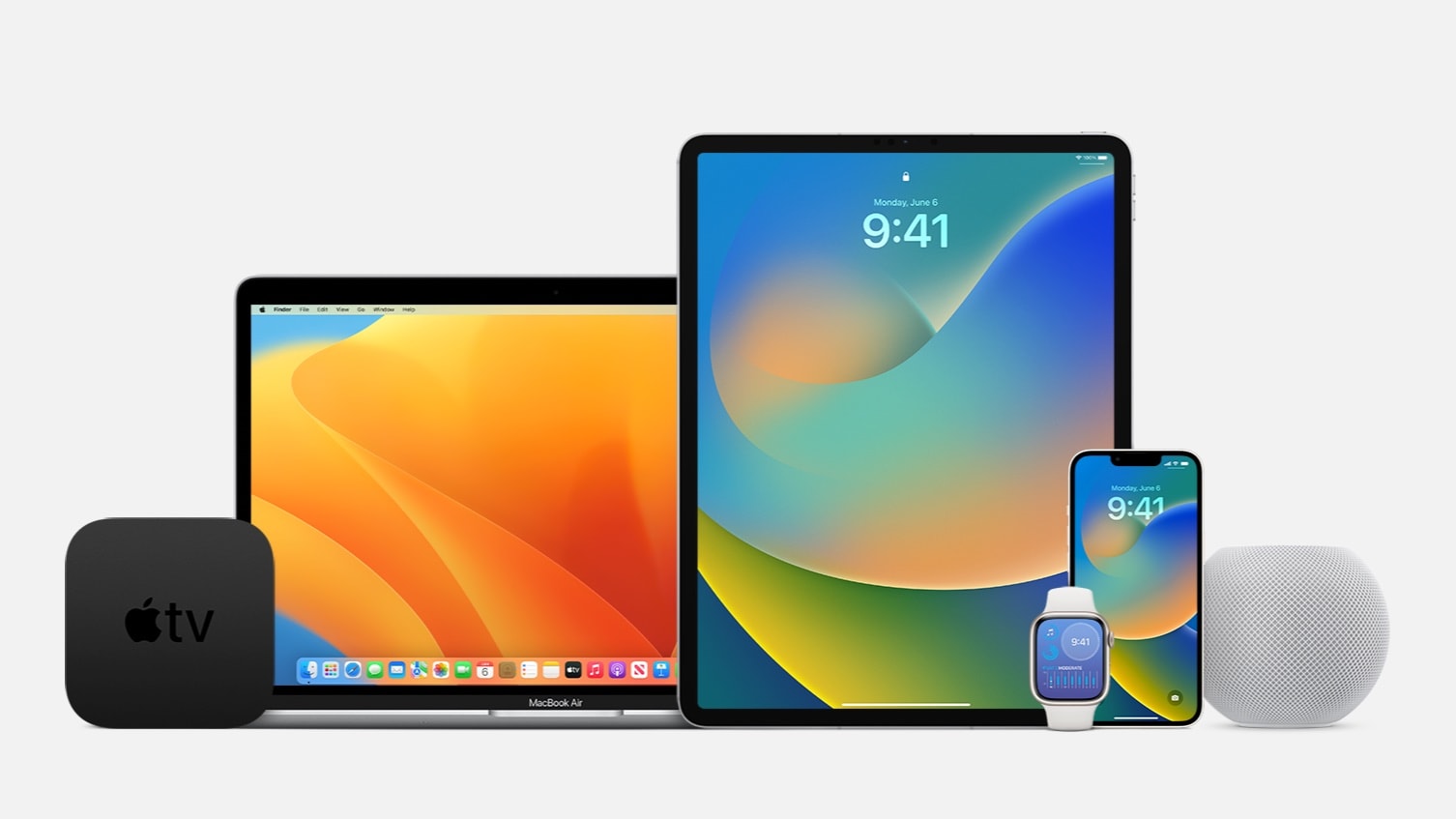
Anyone who wants to can now install a beta of iOS 16, macOS Ventura, iPadOS 16, watchOS 9 or tvOS 16. Until now, these have been reserved for developers.
Those who are interested should take care: these are still fairly early betas. They have bugs and are not recommended for devices that will be used daily.