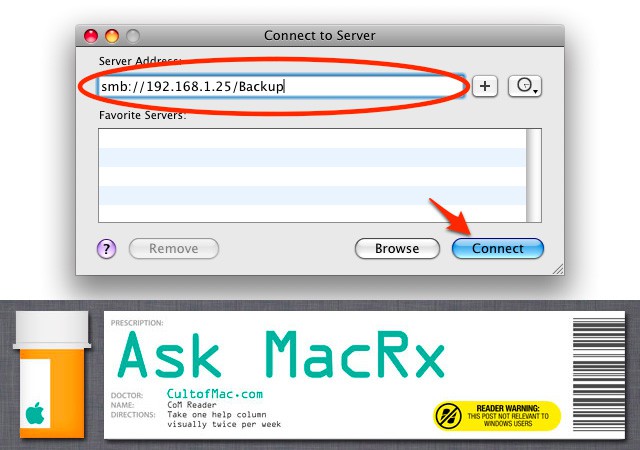
Apple made a number of changes to internal components in OS X Lion, including not installing Java by default and changing it’s SMB (Samba) Windows networking code. These changes have broken some previously working setups but fortunately there are workarounds:
I recently upgraded to OSX Lion, little did I know that samba was removed. Now I cant get on to my DNS 323 and my laptop is piling up with junk. I’ve seen on the net that there are way to install samba but all of them are out of my expertise. Can you help me and put it plain english steps?
Alon
Hi Alon,
Lion still has SMB capability, Apple has just replaced the older Samba code with a different implementation. If that’s not working for the shares you need to access, one simple solution is to install Thursby Software’s DAVE on your Mac. This is a fully compliant SMB/CIFS environment which provides much better Windows network support than Apple’s included offerings, and is very easy to install.
DAVE costs $119 but there’s a 30-day trial to see if it meets your needs, and you can get technical support from the vendor if required.
Readers, have any additional suggestions on this topic, or corrections/clarifications on the advice above? If so, please leave your thoughts in the comments.

Adam Rosen is an Apple certified IT consultant specializing in Macintosh systems new and old. He lives in Boston with two cats and too many possessions. In addition to membership in the Cult of Mac, Adam has written for Low End Mac and is curator of the Vintage Mac Museum. He also enjoys a good libation.

