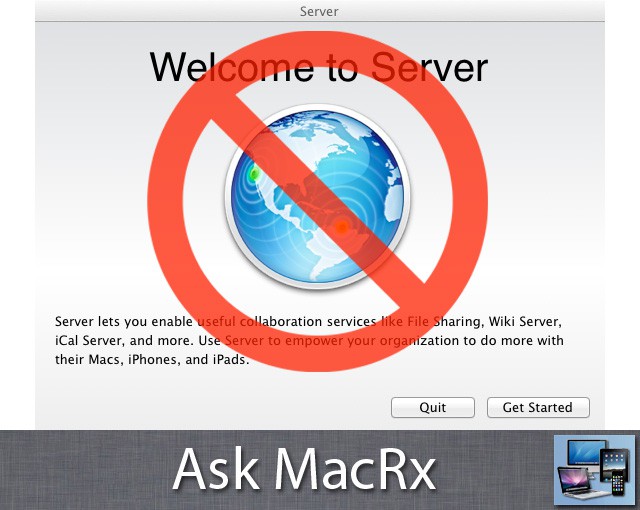
Upgrading a Mac running OS X Lion to the Server version is a simple process of downloading and running the Server installer app, but reverting to the non-server version is not as straightforward:
I’m using Mac OS X Server Lion 10.7.2 (11C74), I wanna change it to normal OS X 10.7.2 (not server). How do I do that? -Ahmad
Hi Ahmad,
There’s no complete way to downgrade from Server once it’s been installed. Apple does provide a support document describing how to Disable Lion Server on your system, but this is not an uninstall and some system components remain modified from their non-server configuration.
Your best bet is to backup your system to an external drive, then erase and reinstall the standard version of Lion on your primary drive. You can use Migration Assistant to import your data and apps from a clone or Time Machine backup.
How do I erase and reinstall the standard? I’m already backed up to time machine.
You can boot from Lion’s Restore Partition to erase the drive and reinstall. Hold down Command-R at startup to launch the install/restore assistant.

Adam Rosen is an Apple certified IT consultant specializing in Macintosh systems new and old. He lives in Boston with two cats and too many possessions. In addition to membership in the Cult of Mac, Adam has written for Low End Mac and is curator of the Vintage Mac Museum. He also enjoys a good libation.

