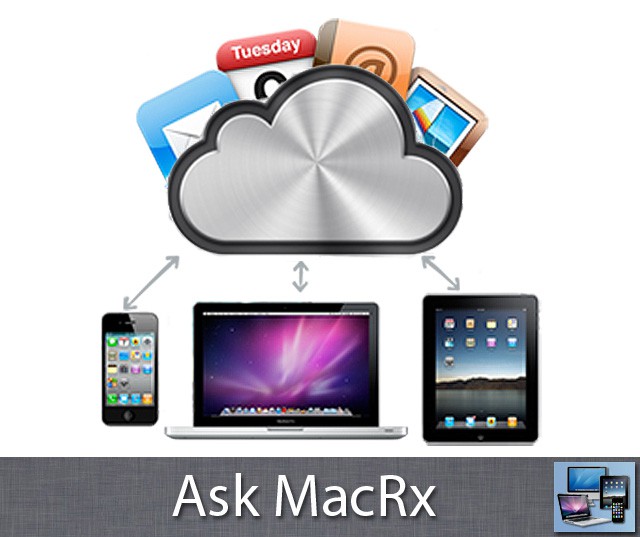
Sometimes when moving to a newer computer, you realize only after the old system is gone that you’re missing some data. With the proliferation of iPhones and iPads, cloud based services can help transfer things like Contacts and Calendars if incomplete:
My old Mac Pro was running OS X 10.4.11 and my new MacBook Pro came with Snow Leopard. Using Migration assistant just about everything except Contacts transferred correctly. Now the Mac Pro is across the country in NV and I am near DC. The only thing that has my old Contacts is my iPad. How do I transfer my old Contacts from the iPad to the new MacBook Pro without losing them when I sync?
Clint
Hi Clint,
One way to get the existing contacts off your iPad is to setup an account with Google or Yahoo, then add this to the iPad. Enable the Sync Contacts option, and when prompted choose Merge Contacts to put the items on the iPad into the online service. You can then add the same account to your MacBook Pro and pull the contacts into the Address Book via the cloud server.
If you update your MacBook Pro to Lion and your iPad is already running iOS 5, you can also merge and transfer the contacts via Apple’s iCloud service.
Readers, have any additional suggestions on this topic, or corrections/clarifications on the advice above? If so, please leave your thoughts in the comments.

Adam Rosen is an Apple certified IT consultant specializing in Macintosh systems new and old. He lives in Boston with two cats and too many possessions. In addition to membership in the Cult of Mac, Adam has written for Low End Mac and is curator of the Vintage Mac Museum. He also enjoys a good libation.

