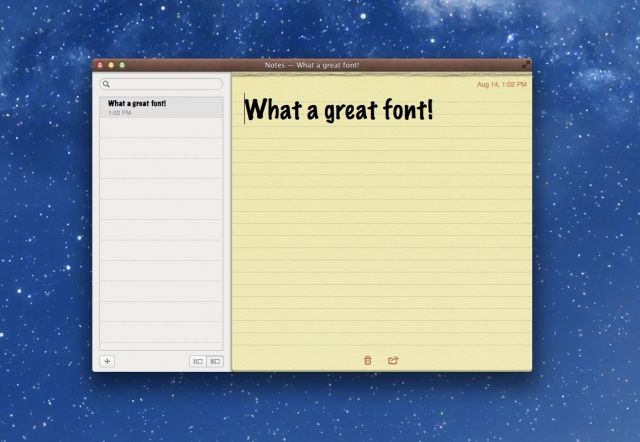
If you’re a fan of the new Notes app in OS X Mountain Lion as I am, you’re probably annoyed by the sparse list of three default fonts included with the app, just like in iOS. Sure, you can choose a different, note-specific font with a little work, but until now, there’s been no easy way to set a good default font for all of your notes. Luckily, it’s now possible to add fonts to iPad to customize your notes just the way you want.
Thanks to the easy little workaround I’ll show you in this video, you’ll finally be able to ditch Marker Felt once and for all, and choose the font of your choice within Notes.
Via: OS X Hints

Michael Steeber is a student who is obsessed with everything Apple. He enjoys making videos and runs the MSComputerVideos YouTube channel in his free time. You can follow him on Twitter as well.

