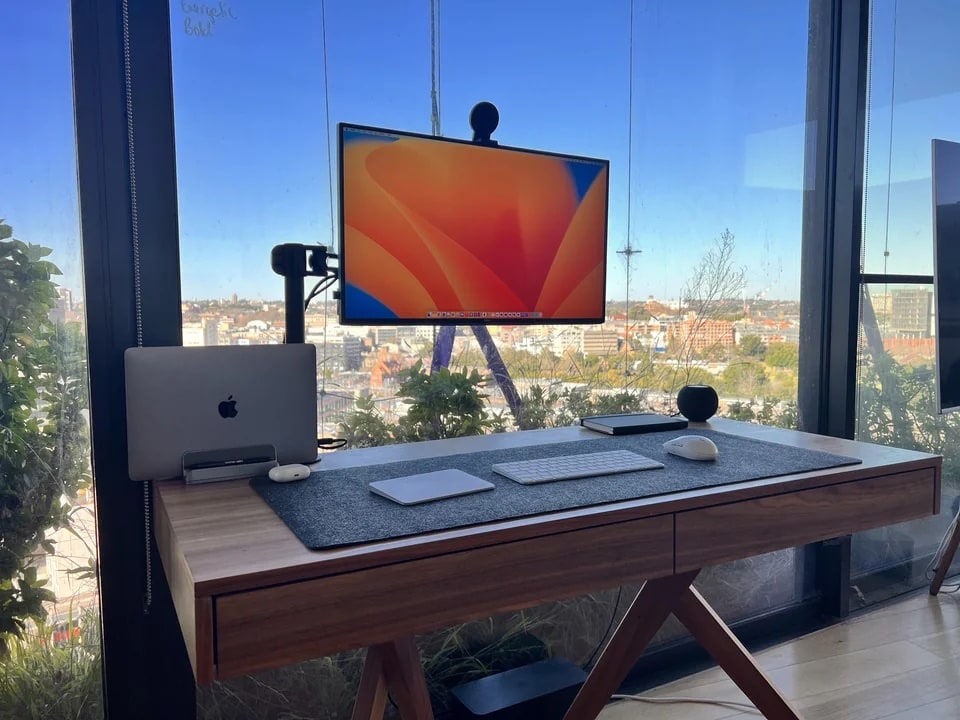
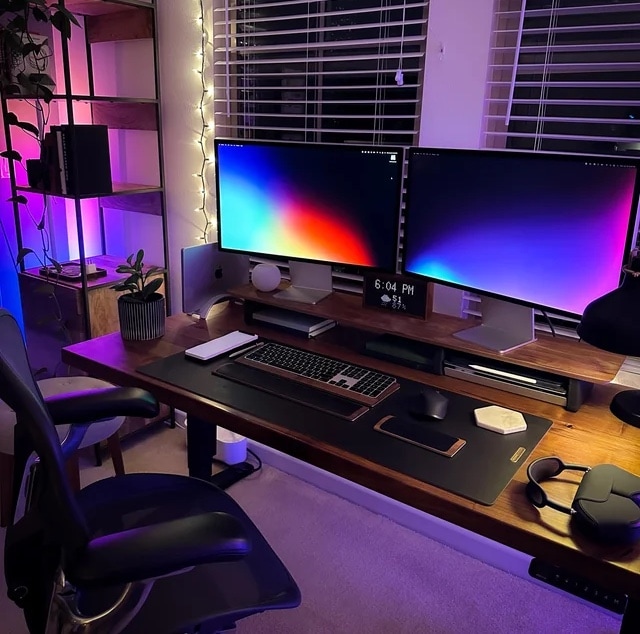
A big Samsung smart TV dominates this Mac Studio rig. Photo: [email protected]
We look at a lot of computer setups on social media, but sometimes what drives conversation among commenters surprises us. With today’s Mac Studio rig with an odd couple of mismatched displays, the main debate concerned … keyboards for iPad.
Specifically, when an iPad is so wonderfully light, what keyboard case doesn’t weight it down too much?
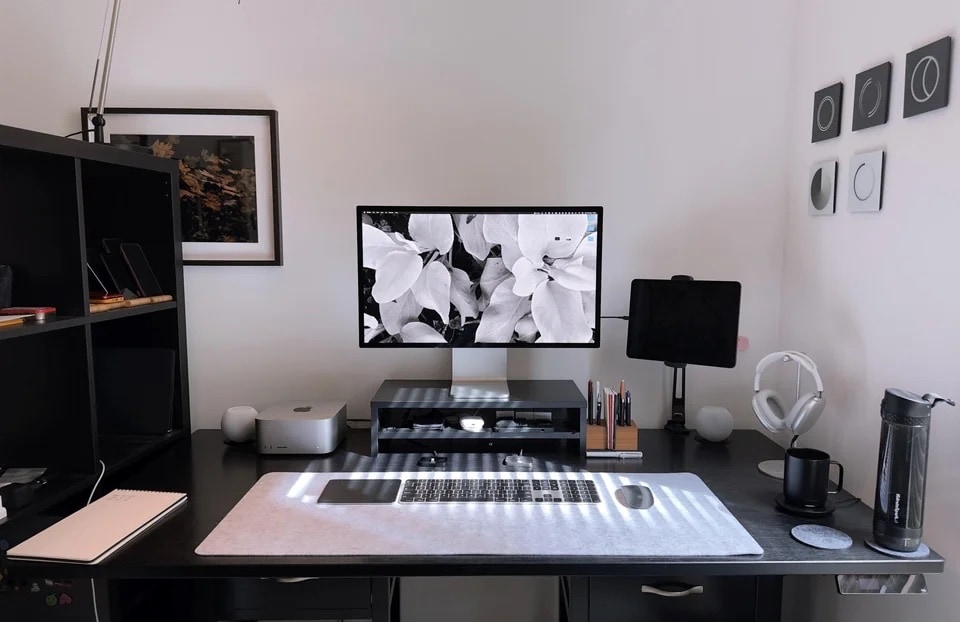
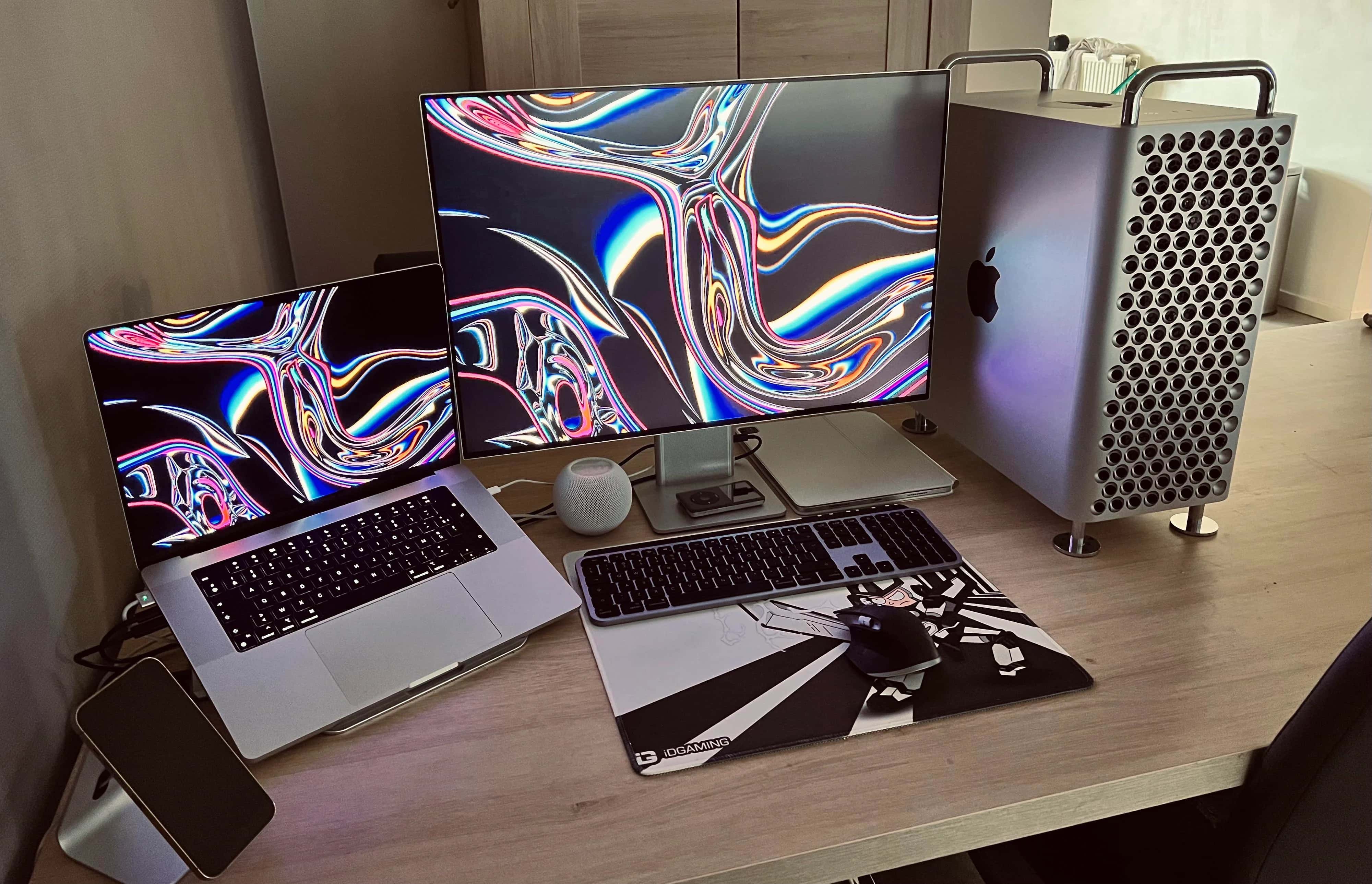
This setup is all Apple, all the time (not counting stuff Apple doesn't make). Photo: [email protected]
Many computer setups go heavy on the Apple hardware, but not many of them could be mistaken for Apple advertisements. Some, though, like today’s Mac Studio workstation, manage to hit that mark — or close enough.
If the app developer who uses it fancied things up a bit more, the rig might seem too staged and on-the-nose-Apple to feature.
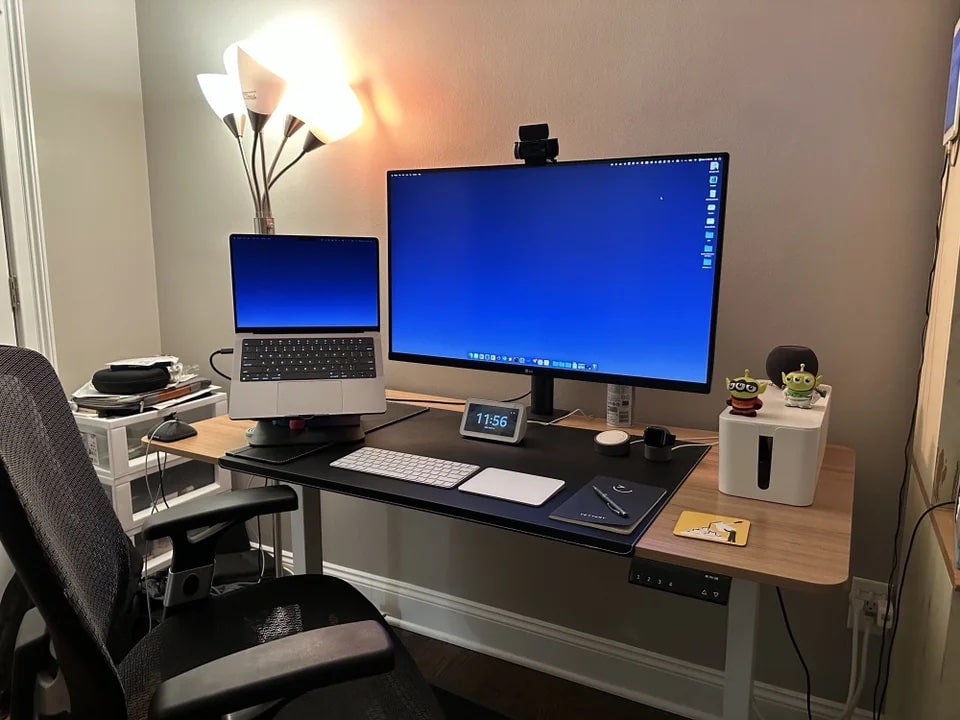
The user, a developer, finds a Studio Display paired with an LG DualUp monitor (left) ideal for his work. Photo: [email protected]
Any conversation about “perfect” displays might just start and end with Apple’s Pro Display XDR. But not everyone is rich enough to buy one of those 6K monitors, which cost $5,000 or more. So the popular 5K Studio Display might have to do, along with something complementary.
One option graces today’s featured MacBook Pro setup. It recently swapped out ultra-wide and 4K monitors for a Studio Display and and the eccentric LG DualUp. They seem especially well-suited to certain types of workers.
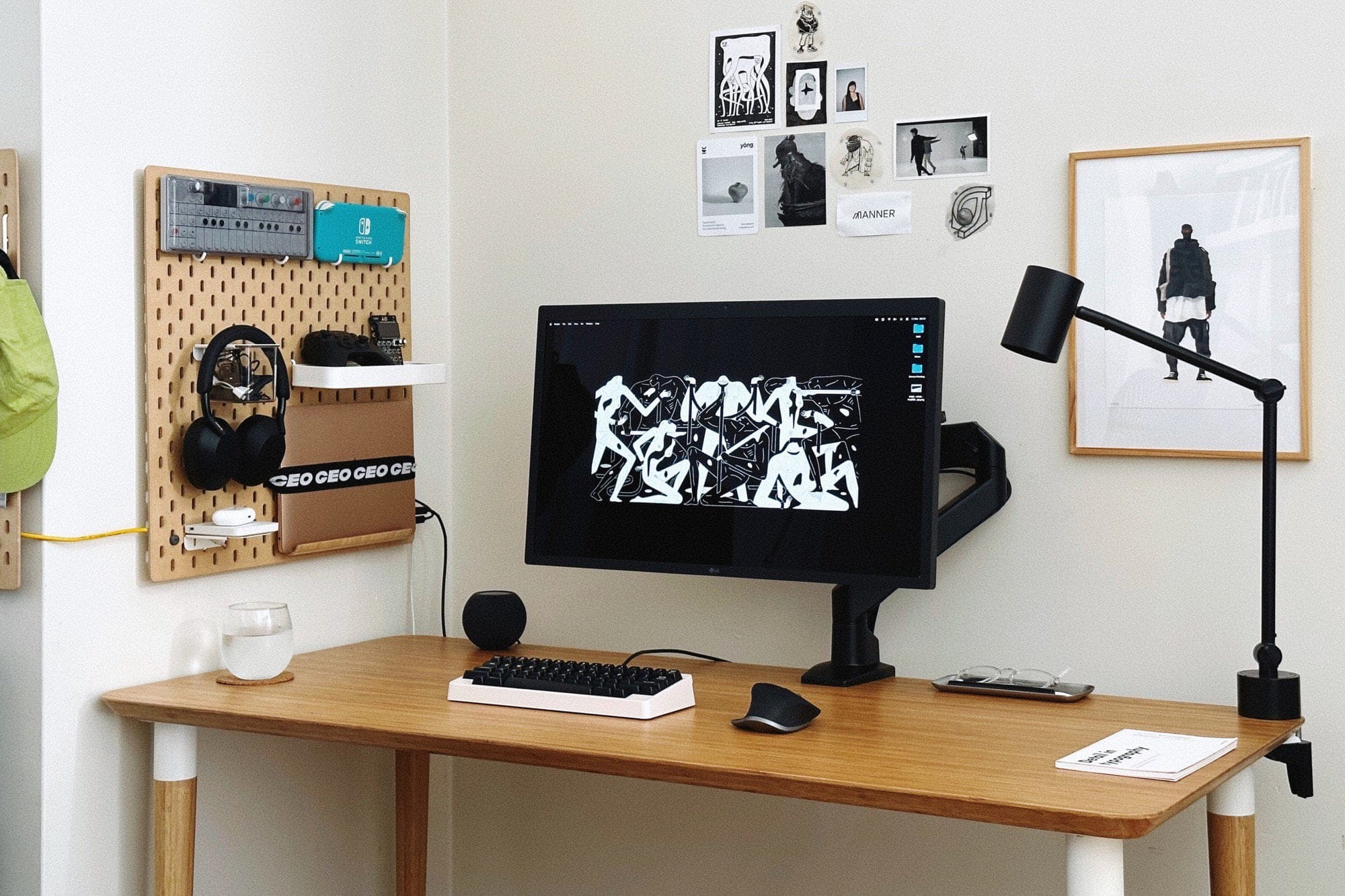
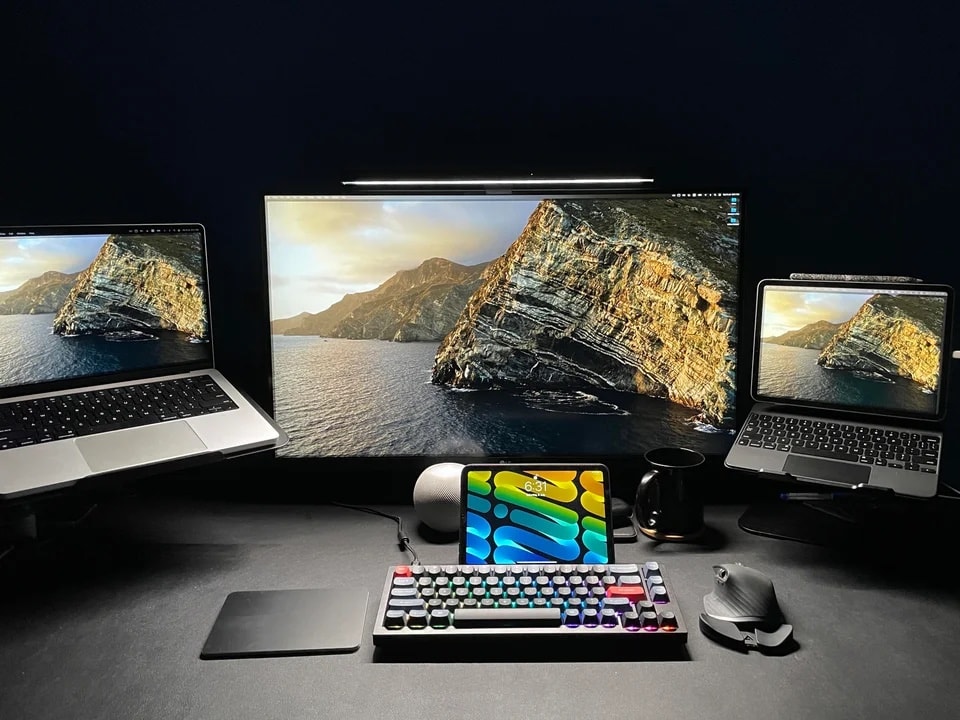
Want to save some space on the desk? Try mounting your laptop on a pegboard. Photo: [email protected]
In our never-ending search for interesting computer setups, we love stumbling upon good do-it-yourself (“DIY”) hacks. Today’s featured setup mounts an M1 MacBook Air on the wall in a most-unusual way. It involves a pegboard, a strap and a tablet stand designed for use in the kitchen.
In addition, the setup features a rarely seen mechanical keyboard worth checking out.
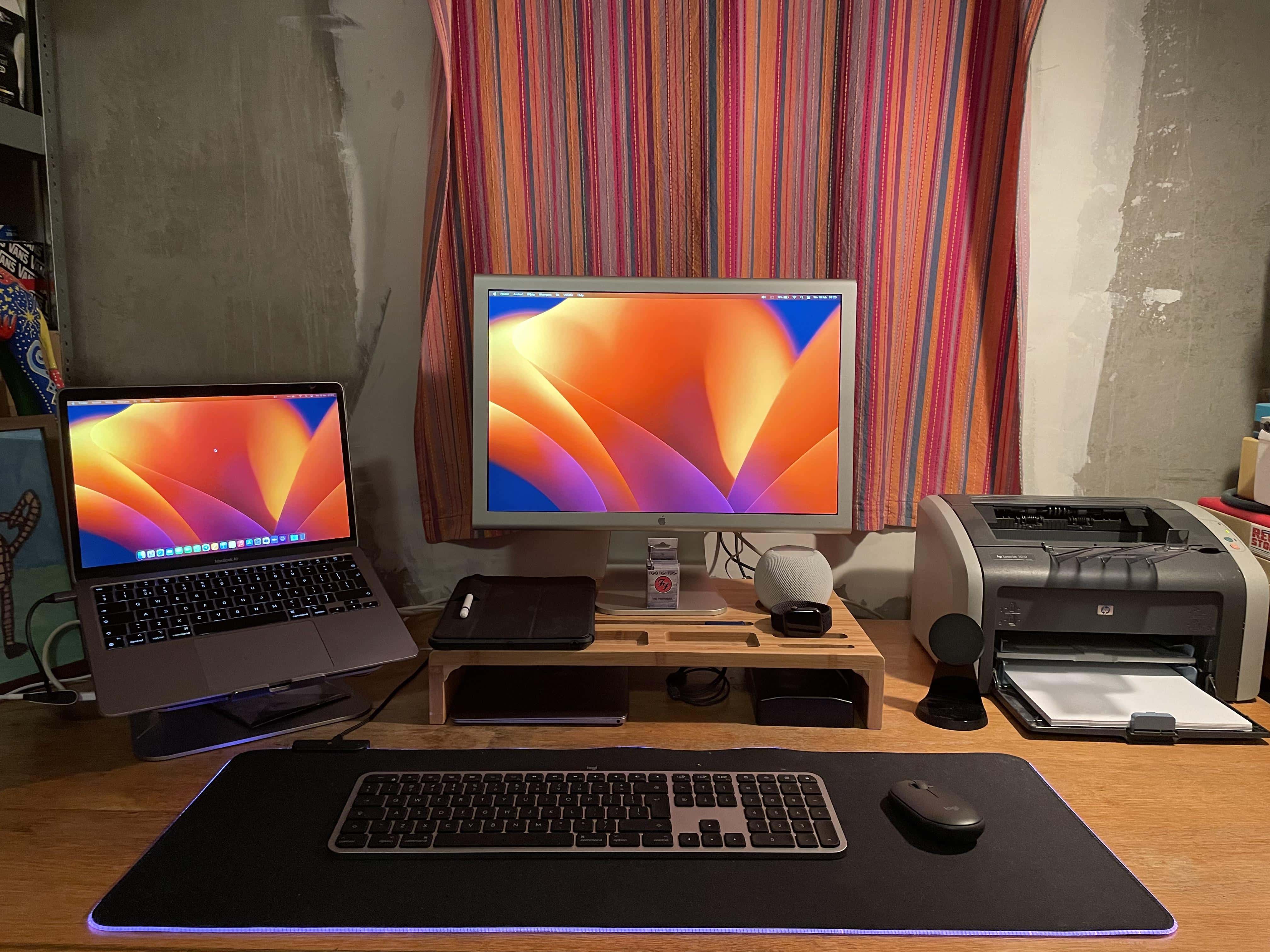
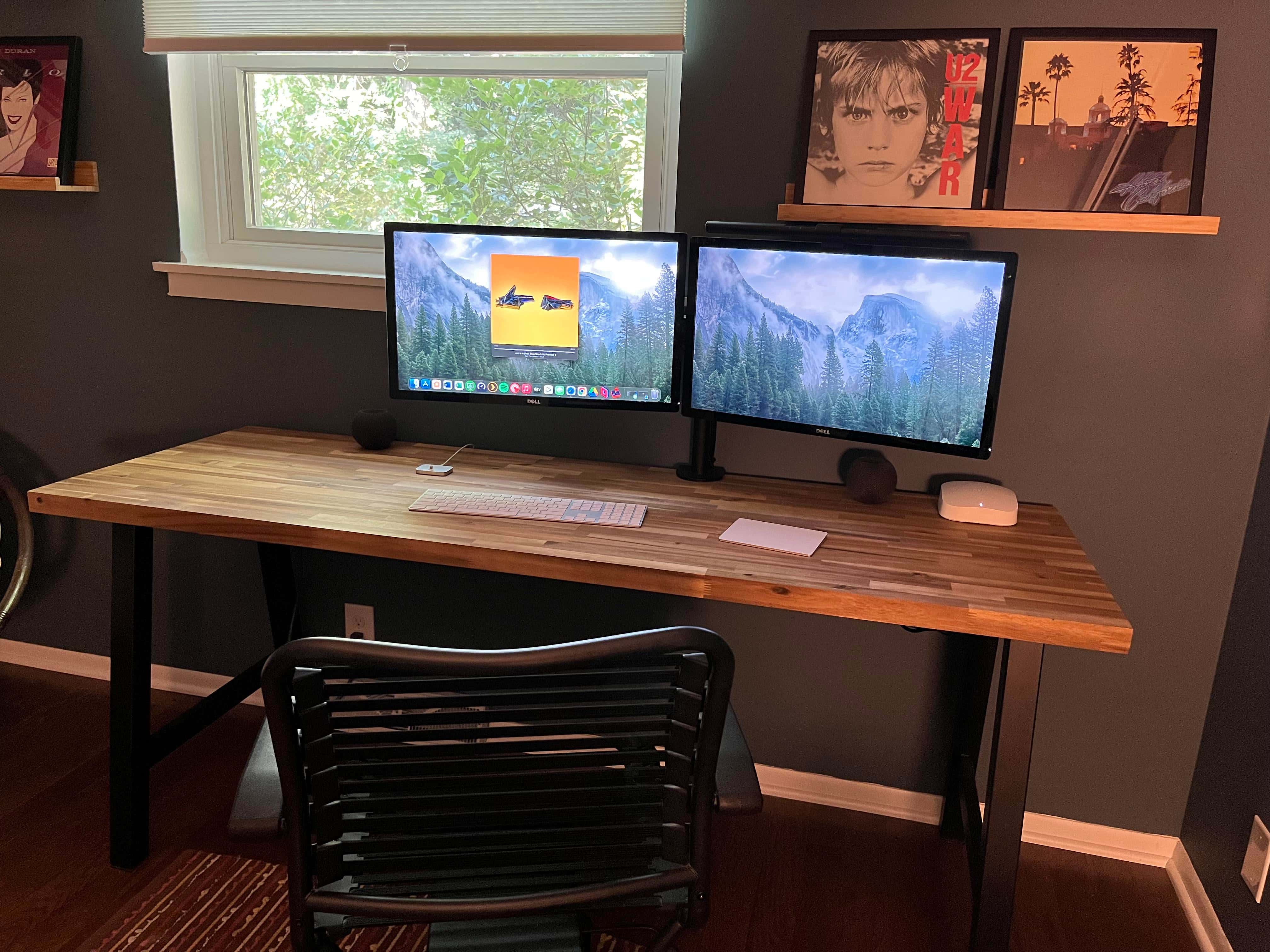
You don't see a printer right in the setup all that often. People took notice. Photo: [email protected]
We come across setups with printers from time to time, though they’re usually off to the side and perhaps only occasionally used. But today’s featured setup with a MacBook Air, a 2016 12-inch MacBook and a 20-inch Cinema Display keeps the printer right in the main mix.
This took some commenters by surprise. They noted why they never print anymore and grilled the user about his age, which turned out to be a lot lower number than expected.
How can we make this setup better? Let us count the ways. Photo: [email protected]
Among the everlasting truths about computer setups, first comes “a setup is never finished.” And the second might be, “A setup can always be improved.” The user behind today’s featured setup certainly found out about No. 2 when he asked for advice on how to improve his M1 Max MacBook Pro and dual-Studio Display workstation.
Find all the advice below — jokes ‘n’ all — as well as all of the setup’s excellent gear.
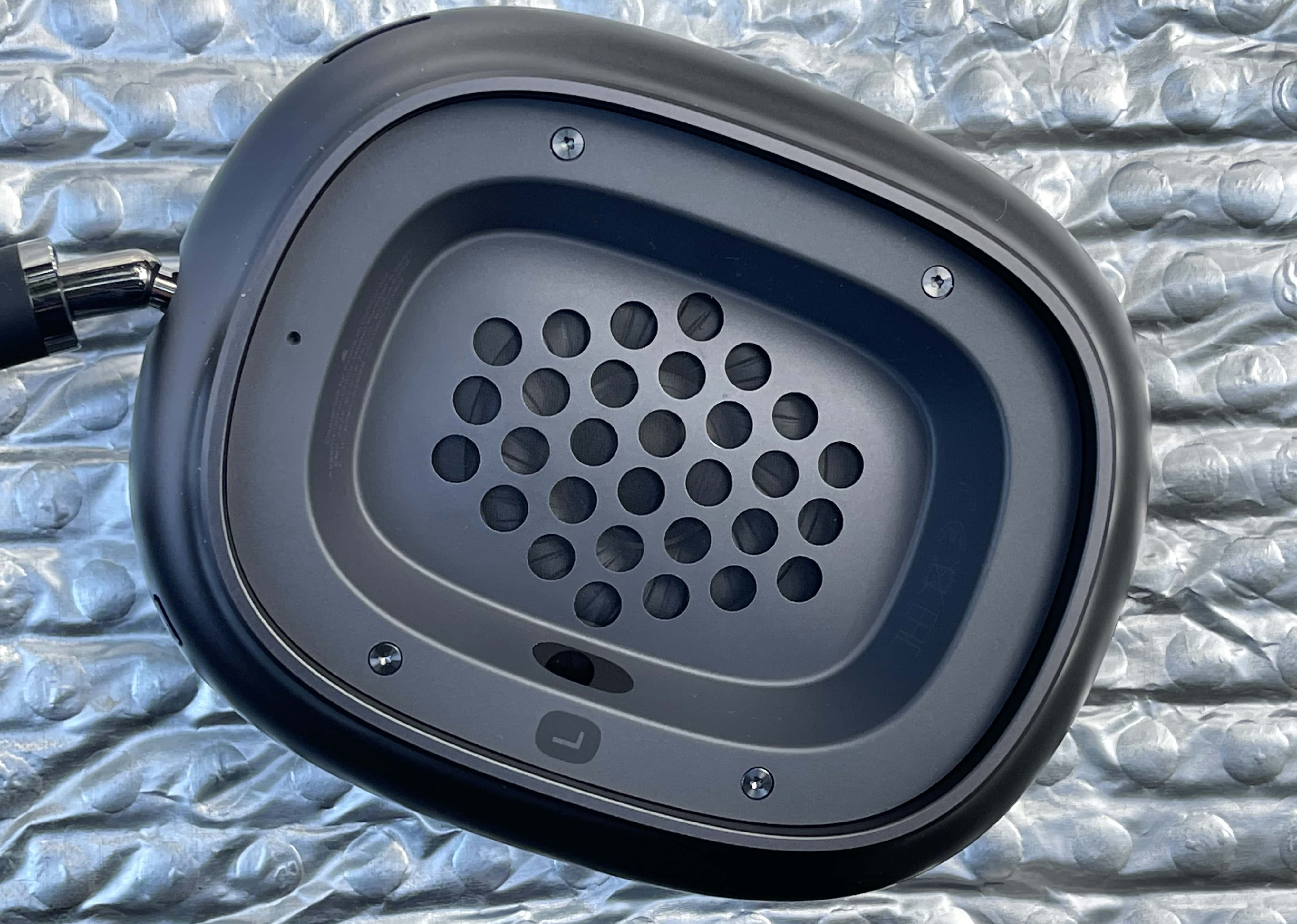
What improvements do you want to see in the AirPods Max 2? Photo: Lewis Wallace/Cult of Mac
The next AiPods Max refresh, low-cost AirPods, and the HomePod mini 2 could enter into mass production in H2 2024. These products could go on sale between the end of 2024 and the first half of 2025.
Apple is unlikely to announce new audio products for the remainder of 2023 or H1 2024.
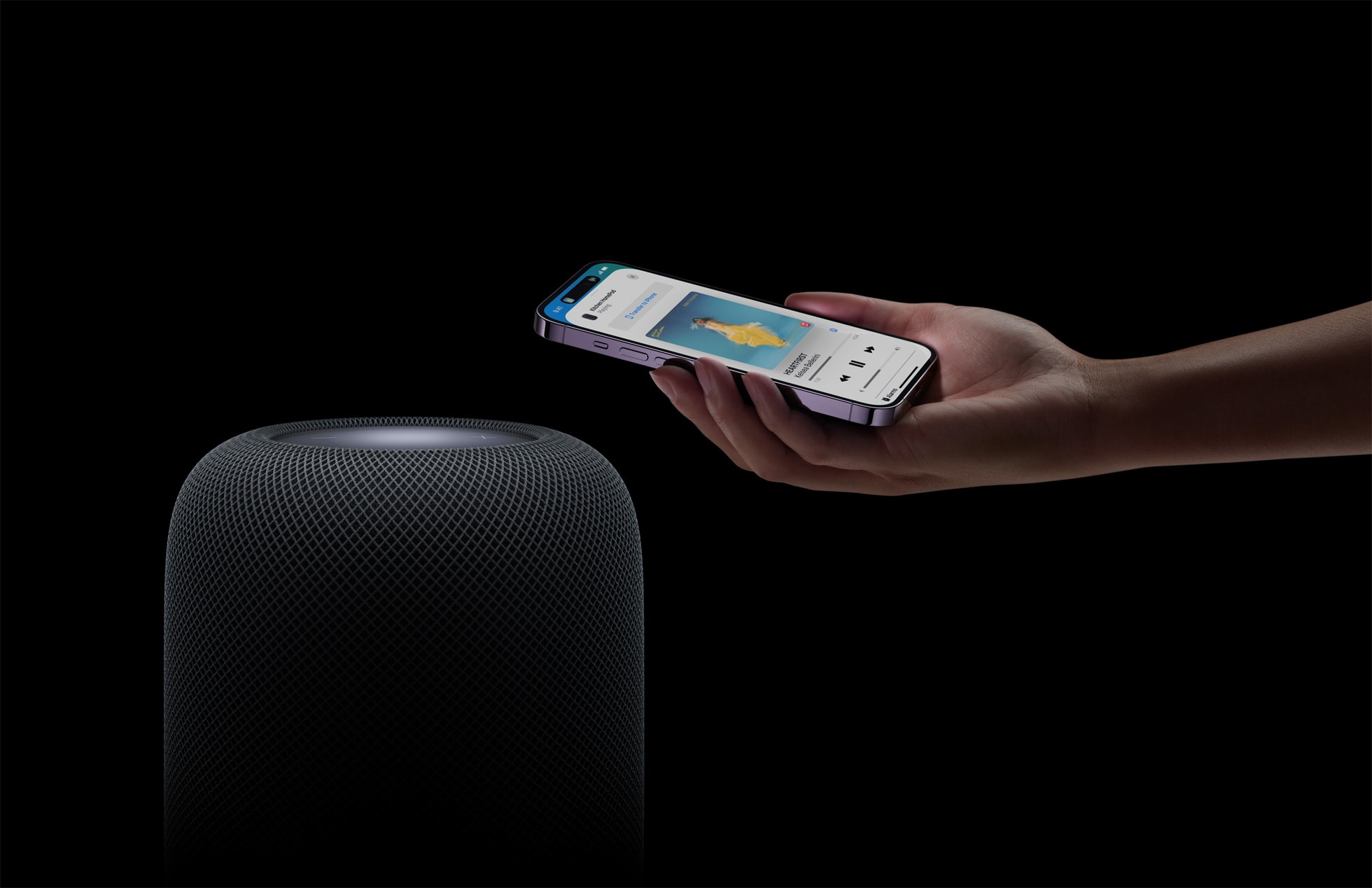
The new HomePod looks almost exactly like the original, but it packs definite improvements. Photo: Apple
The first reviews of the updated HomePod say the new smart speaker sounds excellent but doesn’t break much new ground.
Compared to Apple’s original smart speaker, the second-generation HomePod is more of an asset in a smart home than before. However, the device’s limitations on playing music from third-party sources mean that the home in question better be an Apple household.
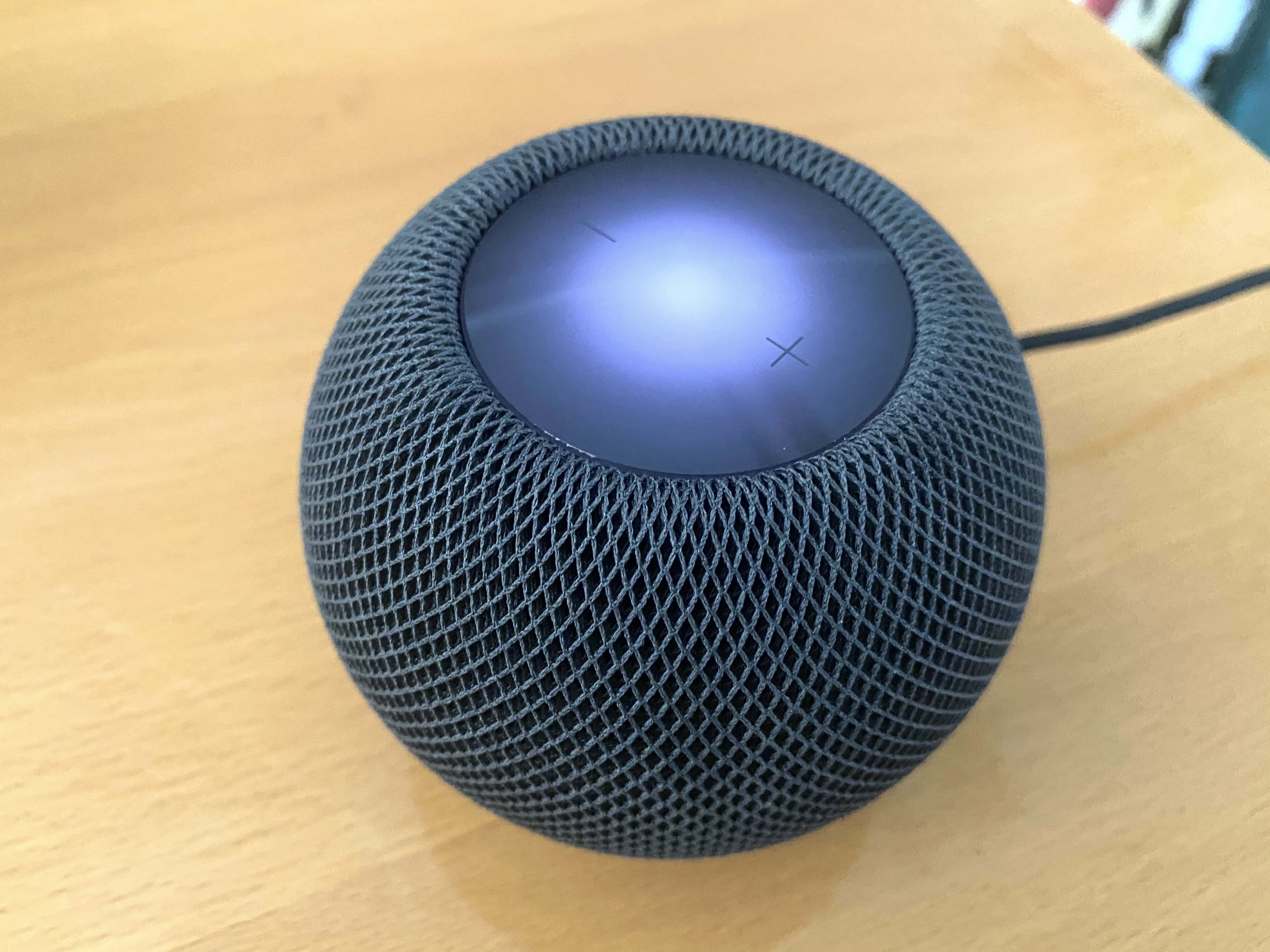
Apple is not working on a HomePod mini successor for now. Photo: Leander Kahney/Cult of Mac
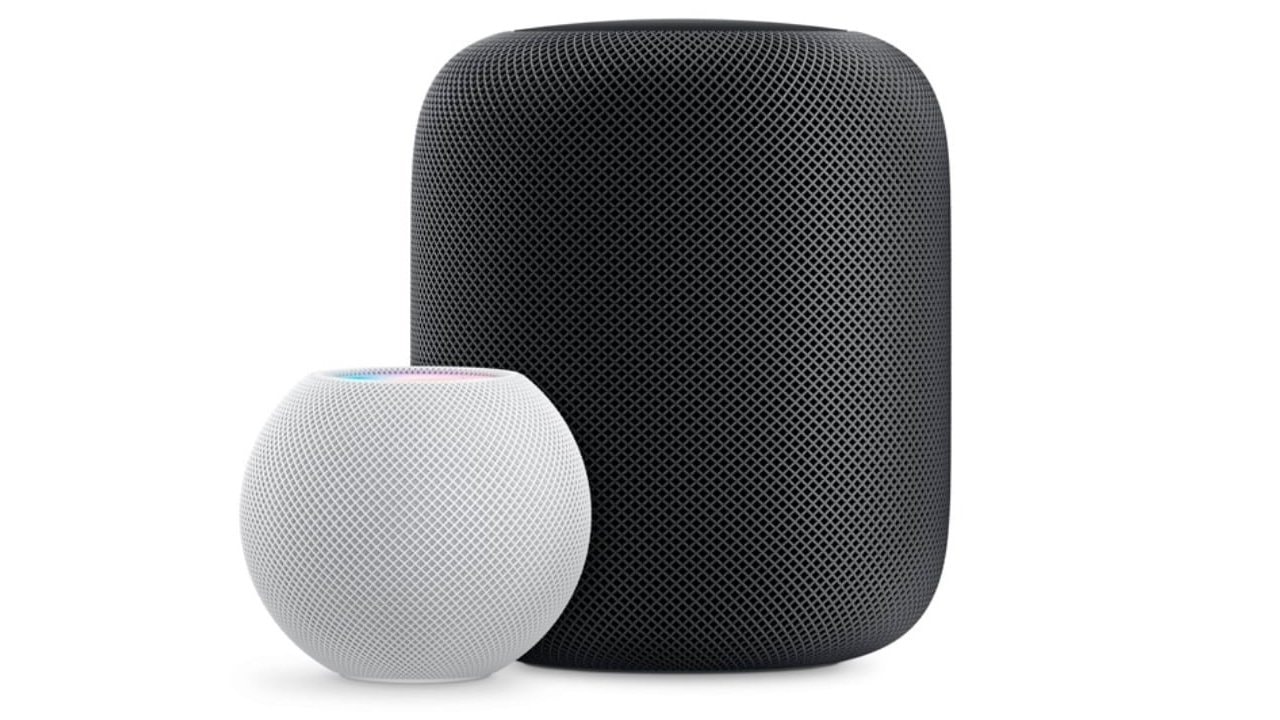
Although the HomePod mini played a key role in helping Apple make inroads in the smart speaker market, the company is reportedly not working on a second-generation model.
Apple launched the HomePod mini in October 2020 with a $99 price tag, which made it much more affordable than the full-size speaker.
Is the new HomePod really that different from the 2018 HomePod? Yes and no. Photo: Apple
Now that the full-size HomePod is finally back, just how different is it from Apple’s original smart speaker? At a glance, you might not think the $299 speaker Apple unveiled Wednesday is that different at all, because the exterior design looks so similar. But compare the new HomePod’s features to the old model, and you’ll find significant changes.
It seems potentially much-improved as a smart home device, but whether it’s a better speaker is questionable.
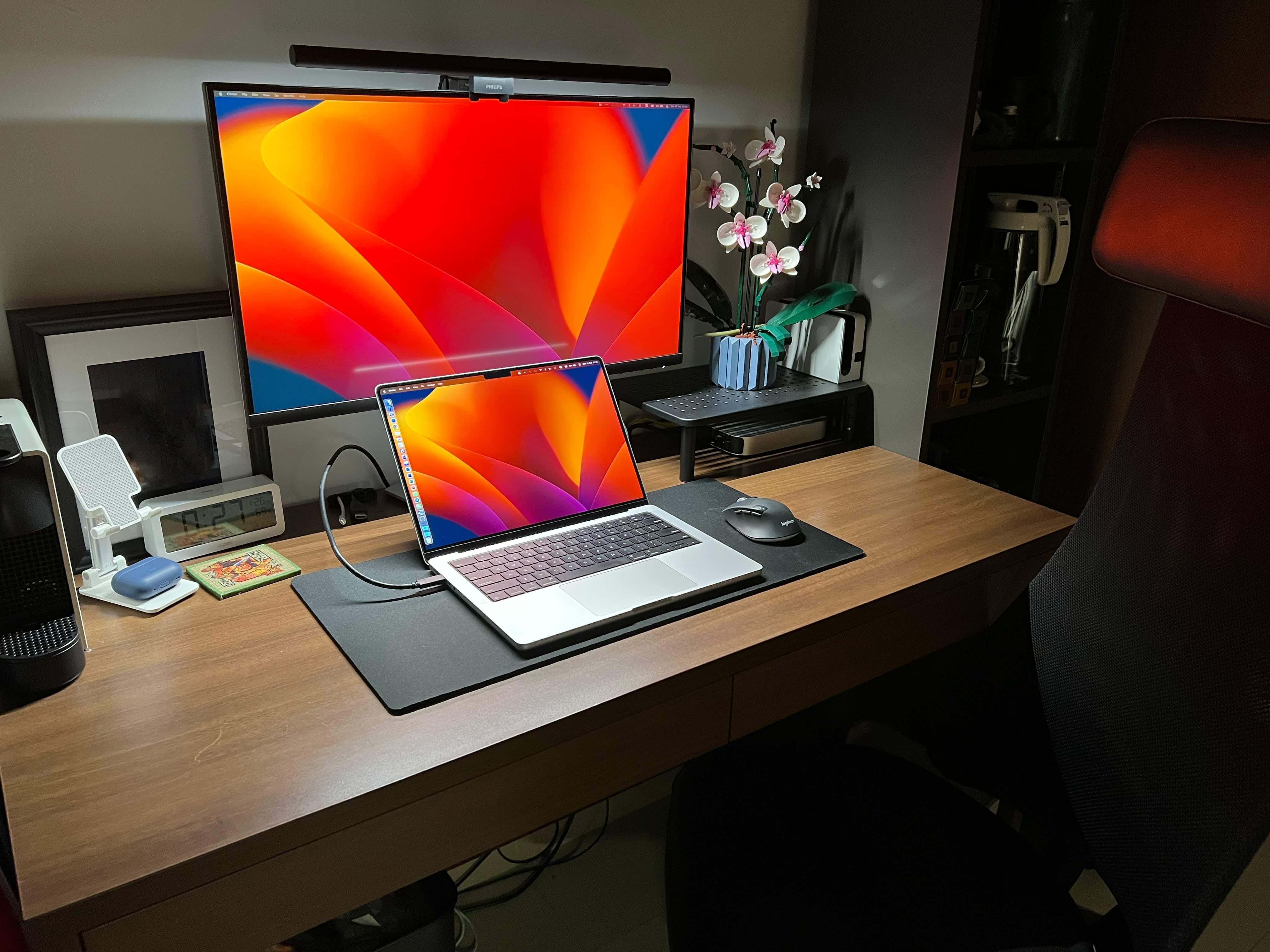
Both a MacBook Pro and a Mac mini drive this setup. Photo: [email protected]
Back in our day — when we walked 5 miles uphill to school both ways — students were lucky to have plywood on cinderblocks for a desk and a laptop weighing, oh, let’s say 25 pounds (we’re too old to remember things).
Nowadays, these kids have pretty swanky computer setups with desktop machines you could toss in a knapsack. Today’s featured item boasts a Mac mini, a MacBook Pro, a 4K display, Magic Keyboard, Magic Trackpad 2 and a Lego building set to die for.
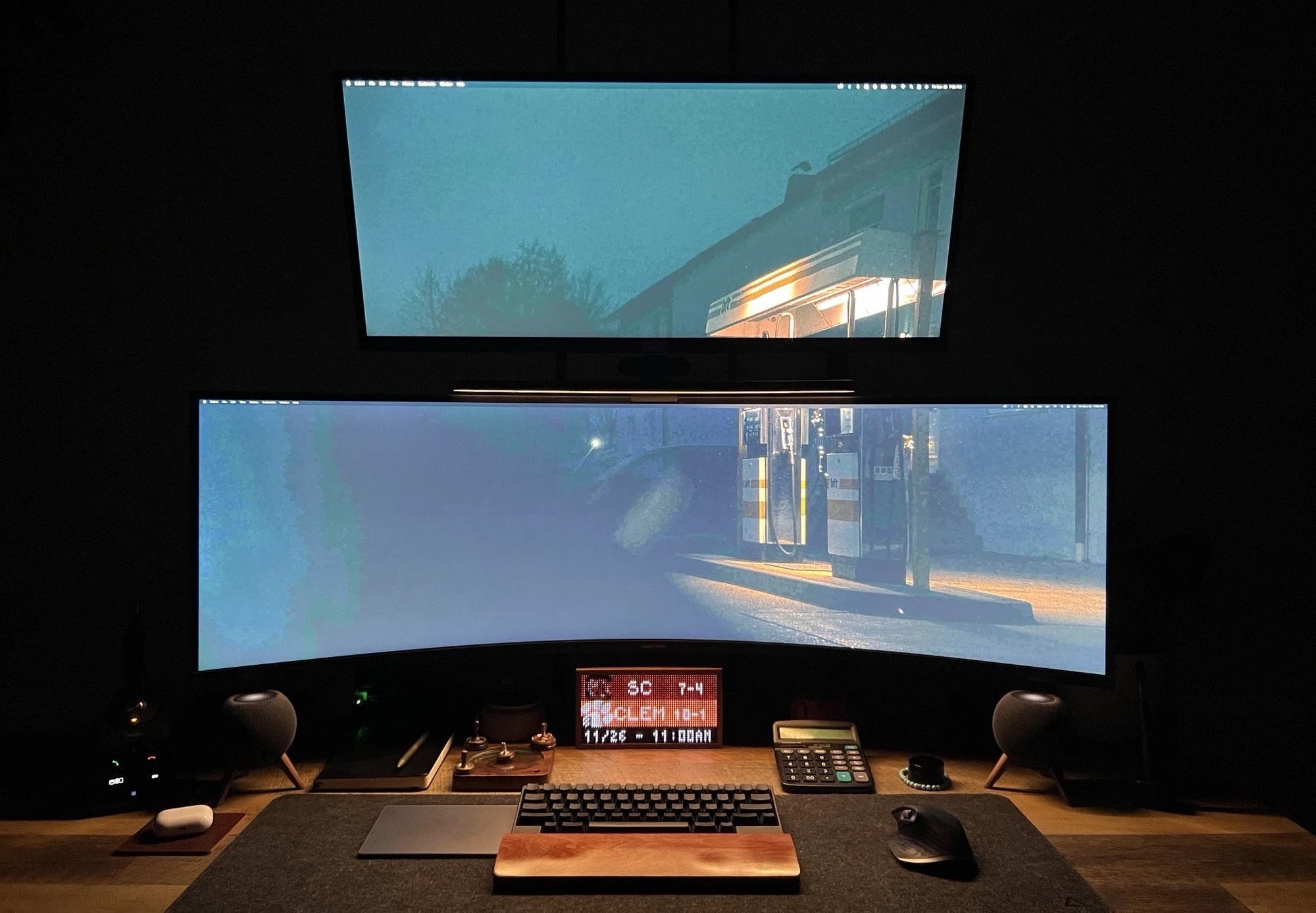
The little display at the bottom of the stack is the unusual bit. Photo: [email protected]
Display towers — when monitors are stacked on top of each other — aren’t super common in computer setups. But they’re not terribly rare, either. From time to time we’ve even seen three stacked horizontally in the middle with two posted vertically on the sides. But today’s featured triple-display MacBook Pro setup sports an unusual choice at its base.
You can’t miss the 49-inch Samsung curved ultra-wide screen in the middle and the nice 34-inch LG 4K display on top. But at the bottom lurks a TidByt, which is a retro display for sports scores, stock prices and more. We don’t recall seeing one featured in a setup.
It's not always clear right away if you chose the best display for you. Photo: [email protected]
A new external display for your computer setup is usually a joy to behold. It is, after all, what you look at most. And you probably just replaced your old one with a bigger, brighter and more beautiful new one. But sometimes buyer’s remorse creeps in. Is it actually the best screen for your needs that you can afford?
Today’s featured setup comes from a software coder who has started to have doubts about a substantial recent monitor purchase. Will he succumb to them? He’s keeping his eye on the return deadline and asking for advice.
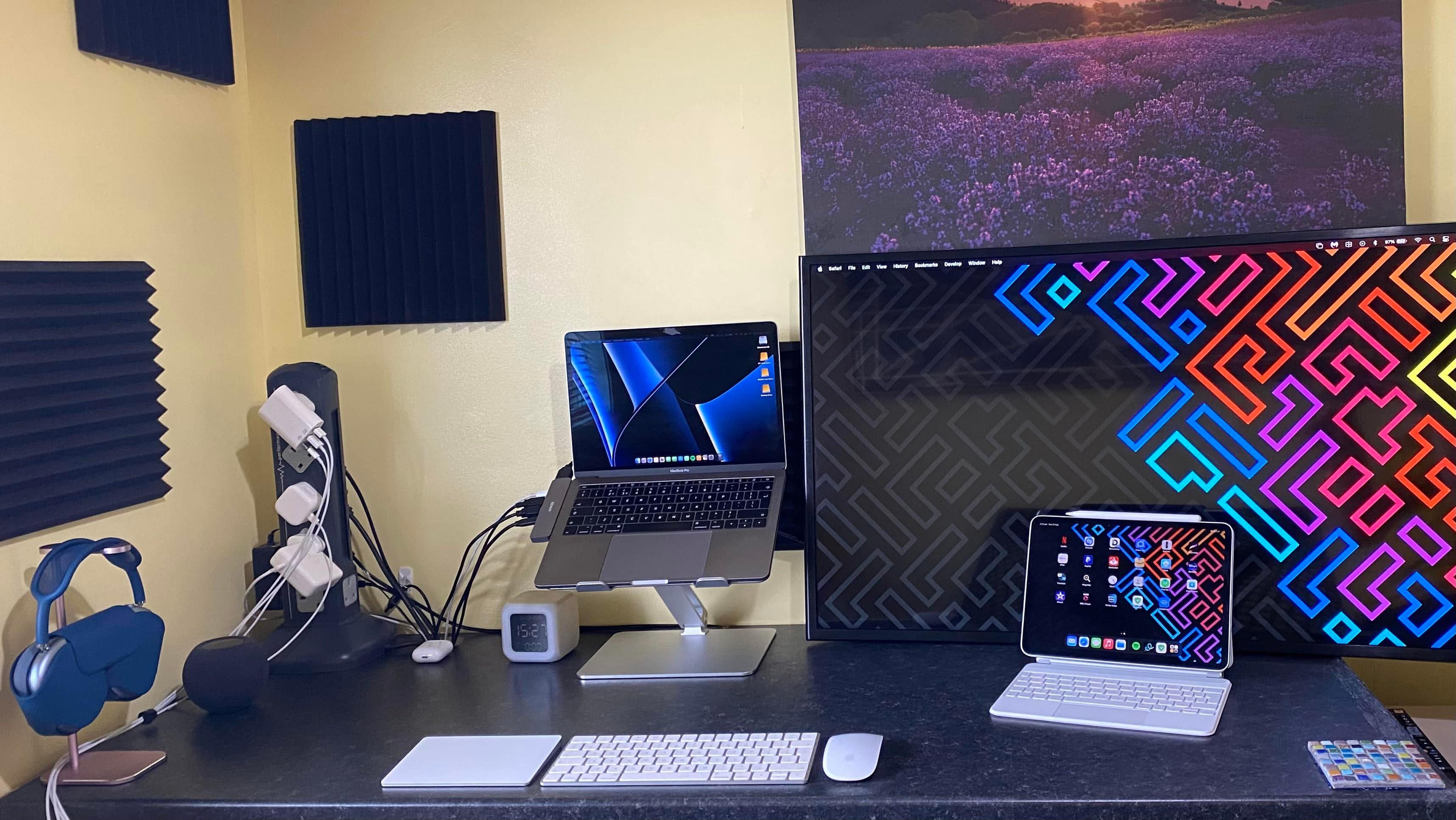
Plenty to see here, but the "tower for power" in the corner drew most of the attention. Photo: [email protected]
Some people care deeply about cable management, with nary a cord to be seen in their computer setups. Others couldn’t care less about it, leaving wire-spaghetti all over the place. And folks in the middle want to do it right, but meh, maybe next week, and maybe only somewhat.
Today’s featured MacBook Pro and iPad Pro setup stakes out much of the ground described above. Cable management is in play, but it’s done in a way that drove some neatniks crazy while others applauded the controlled mayhem.
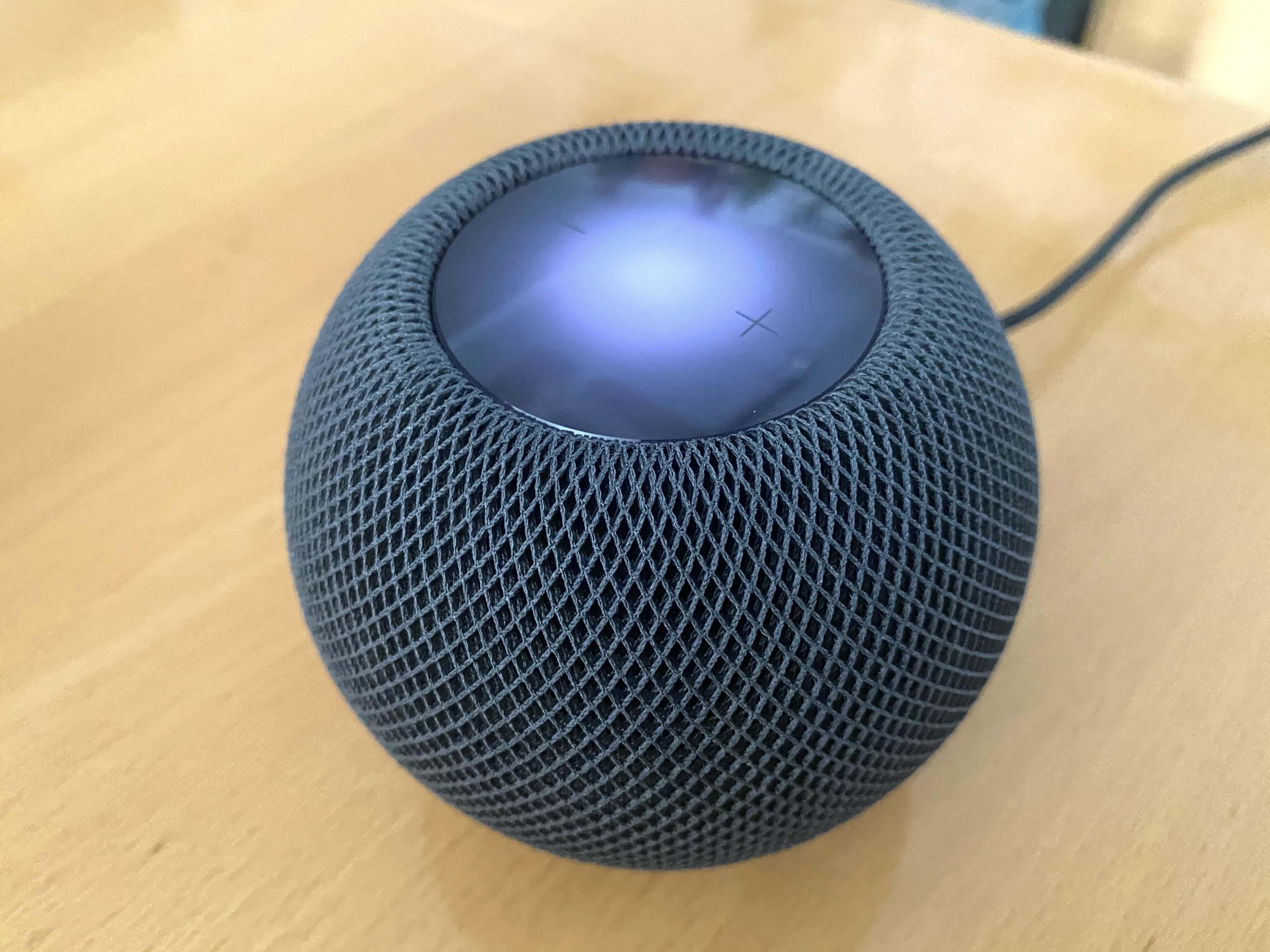
HomePod mini is one of the devices that can be a Thread 1.3.0 border router. Photo: Leander Kahney/Cult of Mac
A major Thread networking standard update Tuesday brings the Matter home automation technology standard a step closer for those who already own certain devices. Namely, gear that can act as a border router in the smart home — like Apple TV 4K and HomePod mini.
Thread 1.3.0 lets Thread devices work with any other Thread border router. That’s big because Thread will be Matter’s main wireless protocol, along with Wi-Fi.
Sometimes it makes sense to walk back your choice of a massive monitor. Photo: [email protected]
You might think you’d give your right arm for one of those stunning, 49-inch curved ultra-wide monitors to use with your Mac. But then again, you might end up begging for your appendage back, as well as your old display. Or at least something a little less colossal.
Minus the stray arm — as far as we know — that’s more-or-less what happened with today’s featured MacBook Pro-based setup.
"Cables? What cables?" asked one commenter. Photo: [email protected]
Sometimes you see a pristine computer setup flaunted on social media and you think, how is that even real? Is it staged? Is it a render? At the very least, it looks like they left out all the cables for the photograph. But that’s not necessarily the case.
A lot of us live with messy setups, in part due to cable clutter. But neatening things up doesn’t have to be next-to impossible, as today’s featured Mac mini setup demonstrates.
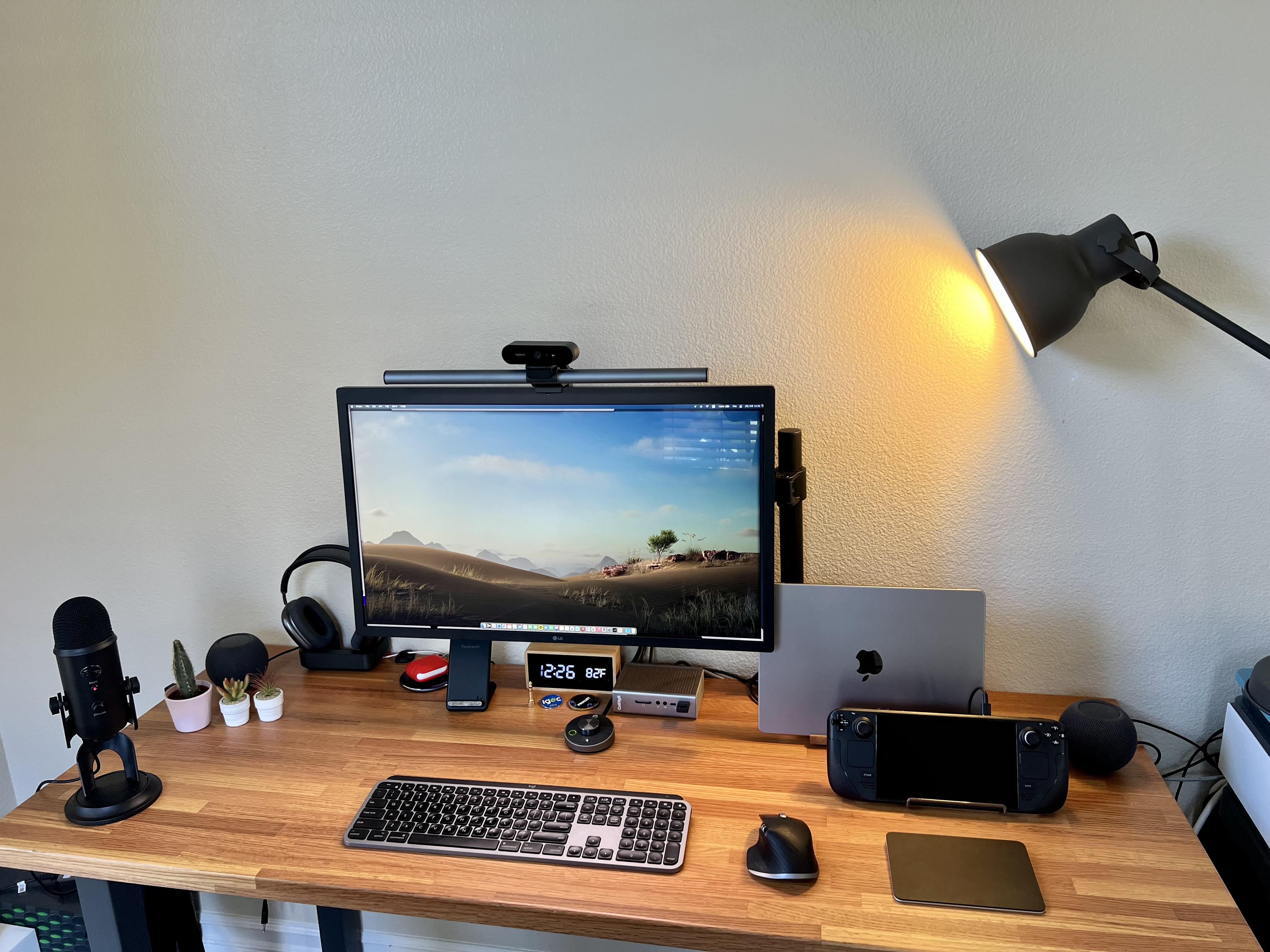
Two computers live here: a 14-inch M1 Pro MacBook and a Steam Deck for gaming. Photo: [email protected]
Everybody knows Macs don’t set the gaming world on fire, though Apple silicon has made some inroads. So while plenty of Mac users enjoy Apple Arcade and use Apple hardware to play games, many turn to other means. We’ve seen plenty a hybrid Mac – PC computer setups out there.
But today’s featured setup takes another course to gaming satisfaction. It’s owner, who describes himself as an “old gamer,” divides his time between work via an M1 MacBook Pro and gaming on a Valve Steam Deck.
Believe it or not, the main setup has three Pro XDR Displays in it. Photo: [email protected]
Sometimes looking at computer setups is all about practicality, as in finding the right tools for the job at the right price. But other times it’s like ogling other cool stuff you wish you had, like pimped-out cars or beachfront real estate.
Today’s featured setup is a funny one, in that regard. It’s a “temporary” setup, just getting by in lieu of a bigger, better setup. But its gear could make many people drool with desire.
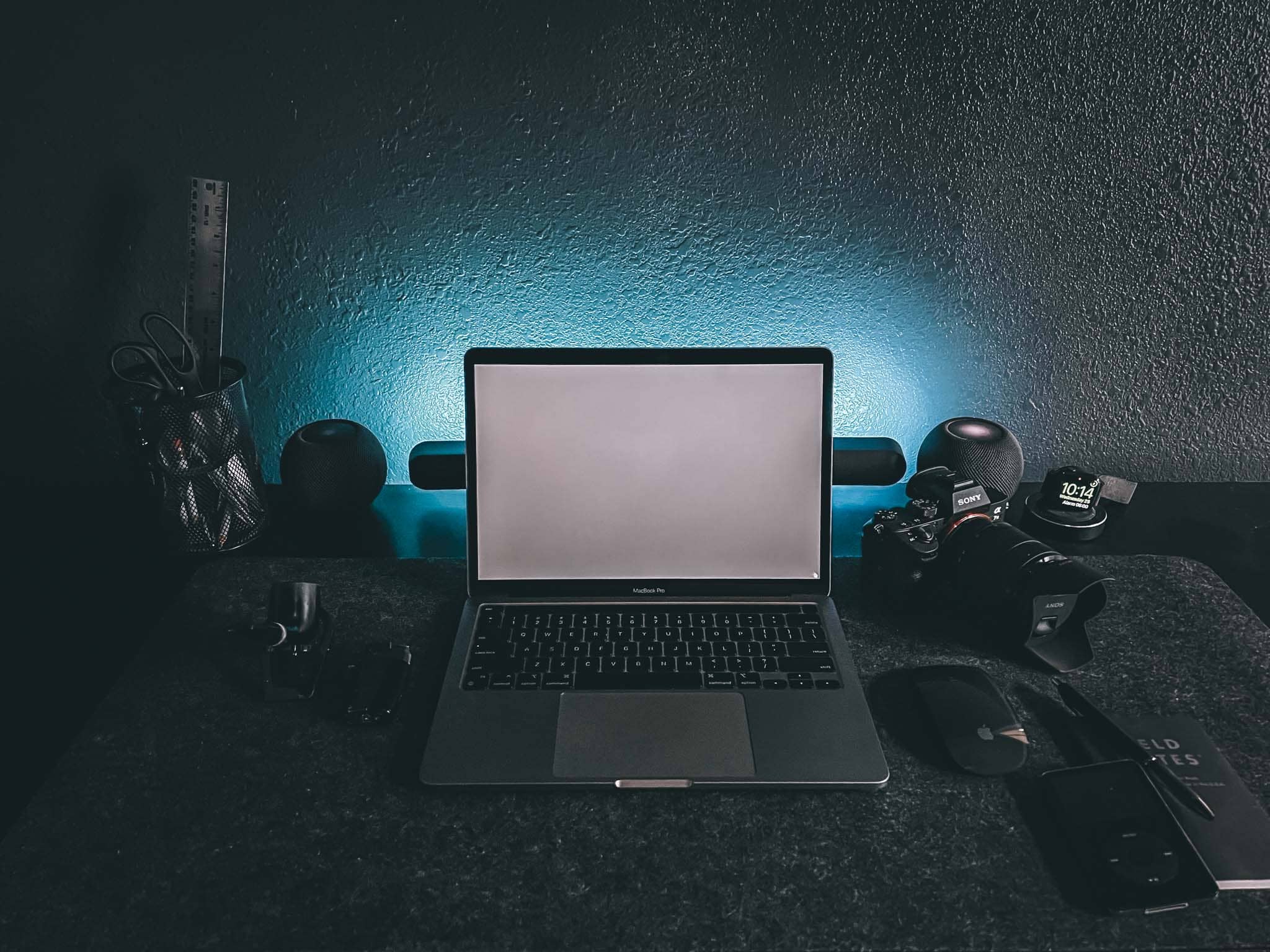
The setup proper in "Dark Mode." Atmospheric, eh? It's a space dedicated to creativity, but it also helps with focus. Photo: Chris Denbow
Photographer and writer Chris Denbow puts an interesting twist on his computer setup. He credits its “Dark Mode” — which is obvious in the photographs of the desk and the room, but extends to the machines and the software he uses — for boosting his focus and creativity. He said the dark theme gives him a “space dedicated to creativity.”
“Introducing ‘Dark Mode,’ a minimal, monochromatic home office/workspace that helps eliminate distractions, [and] allows focus and productivity,” Denbow told Cult of Mac.
The beloved big HomePod could be back soon. But how pricey and how functional will it be? Photo: Ste Smith/Cult of Mac
Apple plans to produce an updated version of the HomePod as soon as the fourth quarter of 2022 or the first quarter of 2023, supply chain analyst Ming-Chi Kuo said Friday.
As reliable as Kuo can be, little other information exists beyond speculation. But that’s part of the fun.
A lot of folks are jonesing for an Apple smart speaker that goes beyond the HomePod mini. The original HomePod, while much more expensive, earned a great reputation for sound quality before Apple killed it in 2021. So naturally, Apple fans are interested in a successor, possibly with new features.