Having problems accessing Gmail, Google Drive, Google Docs, and other Google services this morning? Don’t worry — you’re not the only one. Google is currently suffering a partial service outage which is making these service inaccessible for some users, but the company assures us that it is working on resolving the issues as quickly as possible.
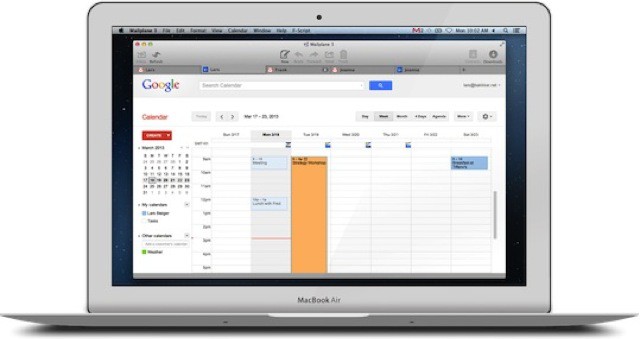
I have used Mailplane on and off for years. I love that it turns the great Gmail interface into a proper desktop app, complete with drag-and-drop attachments, notifications and an icon in the dock and tab switcher. But I never liked its super power of spinning the CPU of my Mac at all times, even when supposedly idle.
Now v3.0 is out, and it seems to have solved the latter problem, while adding a few new features.
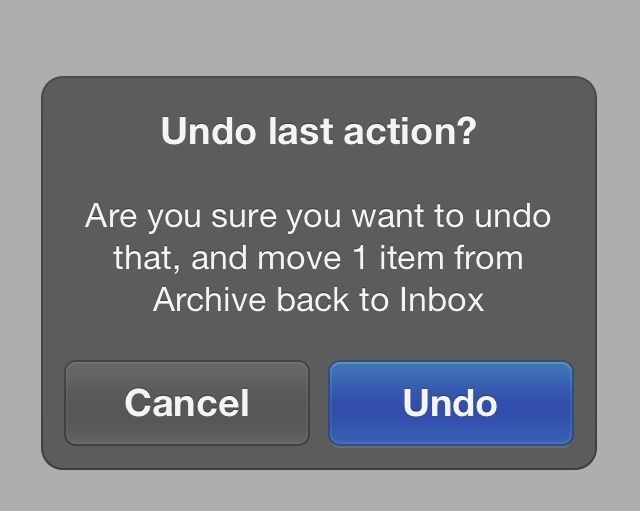
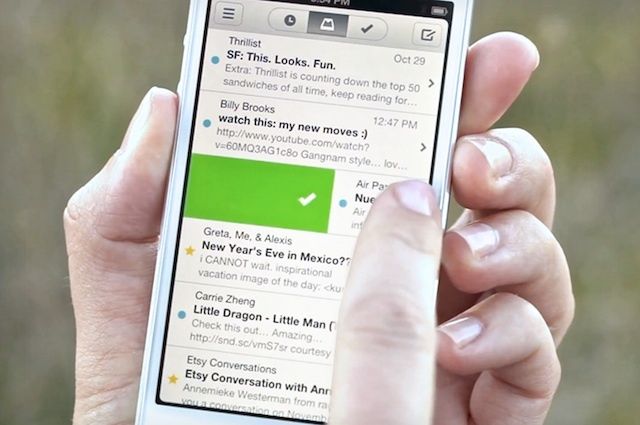
One of the central conceits of new iOS mail client, Mailbox, is getting to Inbox Zero, a zen state of pure joy, in which you feel much better having dealt with all your email. The way the app does this is with swipes. Swipe partway across an email to the right and you archive it with a pleasant green checkmark. Swipe completely from left to right and you send the offending email to the trash. It’s lovely, and easy, and oh so nice.
But what happens when you make a mistake and long swipe to Trash when you really meant to short swipe to Archive?
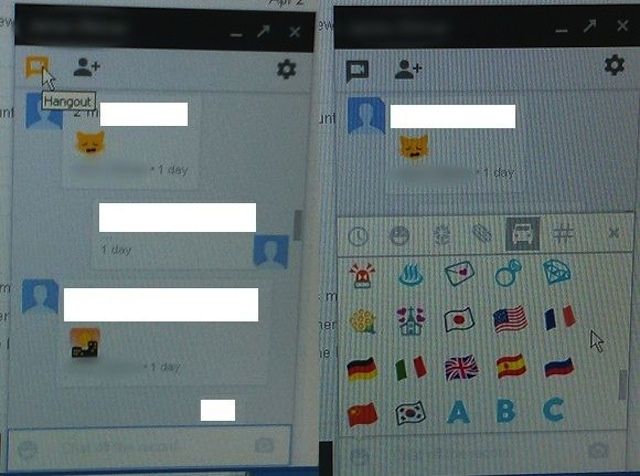
Thanks to those leaked screenshots that appeared on Tuesday, we’re pretty confident that Google Babel is no longer just a rumor, but a real product that’s patiently waiting to get its grand unveiling. And according to sources that are familiar with Google’s plans, it’s worth getting excited about.
They claim Babel aims to be “everything we have ever asked for in a unified messenger service,” with cross-platform syncing and a “first class iOS experience.”
Babel, a new chat service rumored to be on its way from Google, has been shown off in a bunch of leaked screenshots ahead of its official unveiling. The images reportedly come from a Google employee, and they show Babel running on a desktop. Not only do they confirm the service’s name, but also a number of its features.
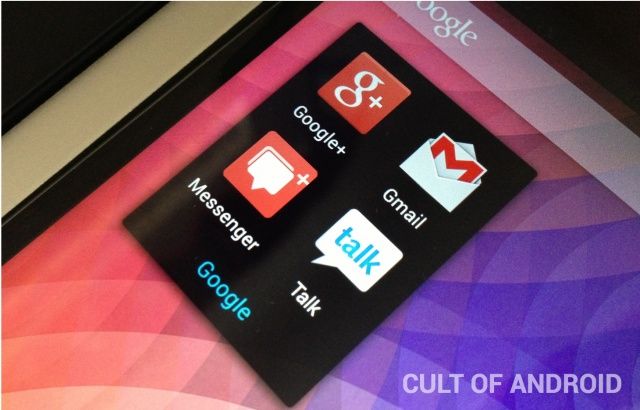
Over the last few weeks, there has been a lot of speculation suggesting that Google is in the process of releasing a unified chat application called Babel. Babel is rumored to have merged services such as Voice, Talk, and Google + Messenger. The new service is also rumored to be a cross-platform chat service, allowing users on iOS and Android to communicate with each other, within Babel itself. It’s like Google’s version of iMessage.
Gmail is already one of the best email apps on iOS and it’s getting just a little bit better today. Google just released an update for the native Gmail app for iOS.
The new Gmail for iOS app comes with a couple of new features, including the ability to swipe left and right to move between messages, and better editing options for a batch of multiple emails.
File under the ever-growing list of “things Android does better than iOS.” Today it’s Gmail, which now lets you reply to, archive or delete your messages right there in the notification. Meanwhile, us schmucks with iPhones and iPads are stuck digging into preferences just to toggle Bluetooth on and off, and waving a freshly-slaughtered chicken over our heads as we try to make Photo Stream work again.
After updating the Gmail app for iOS, Google has decided to bring many of the redesigned UI improvements over to its web and offline apps.
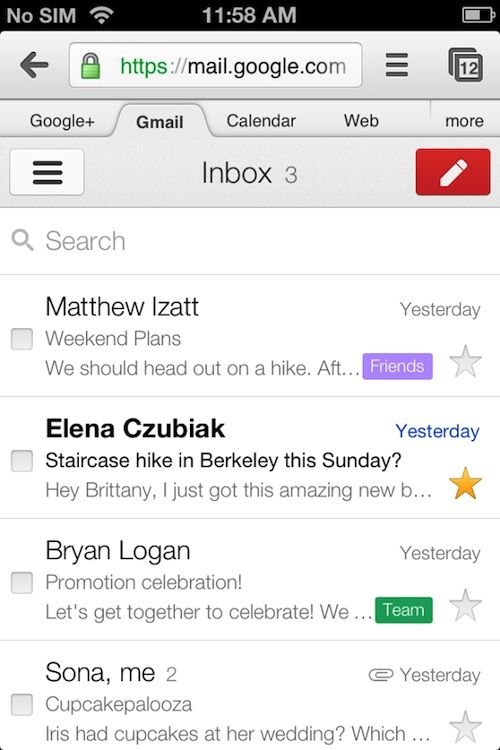
The Gmail web app for Android, iOS, Blackberry, and Kindle Fire was updated today with a redesigned UI to make it look more like the iOS app, after many Gmail users requested Google make the change.
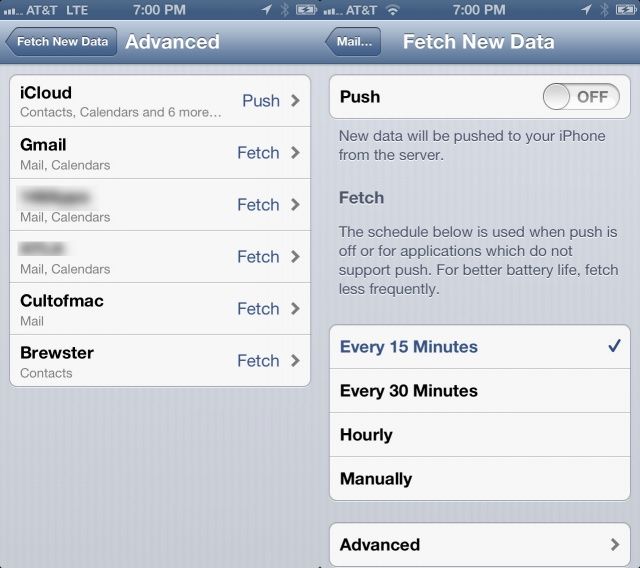
Sometimes, it takes a bit for an email to come through on your iPhone via the Mail app. That might be due to the way your iPhone checks mail servers. Here’s a quick way to find out what type of email access your iPhone is doing, and then what kind of fix might be in order.
When I’m not seated in front of a computer, I use my iPad mini for almost everything I need to do online. Checking my emails, banking, streaming movies and music, and reading the day’s news — it’s all done on a tablet. And it turns out I’m not the only one who’s abandoning my PC for a handheld.
Perion, the creator of IncrediMail, today unveiled the results of its latest survey of 4,400 iPad owners in the United States. The majority of respondents said they consider Apple’s popular tablet their favorite device for reading and writing emails, beating PCs and smartphones by a wide margin.
We’ve been waiting for someone to make a great iOS Gmail app ever since the Sparrow team was bought by Google this year. Sparrow is still great, and the Gmail app has gotten better, but the experience of using email on a smartphone still feels unnatural and archaic.
A few apps have tried and failed to change mobile email, but app development company Orchestra thinks they have the right answer with their new app Mailbox. Blending an email inbox with a Clear-styled to-do list, Mailbox provides a modernized take on mobile email that is simply beautiful.
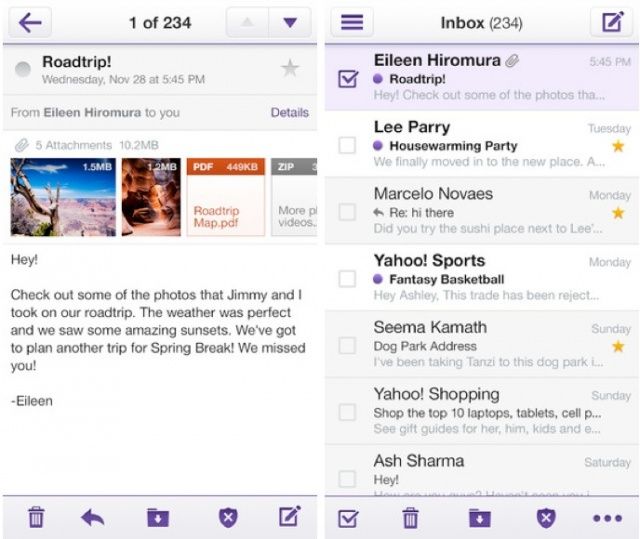
Google rolled out a major update to its Gmail app for iOS last week, and it seems Yahoo! is keen to keep up. The company just introduced a brand new look to its Yahoo! Mail app for iPhone, which introduces a brand new look that I’m a big fan of. It’s not too dissimilar to Gmail’s, in fact. And in some ways it’s better.
I have quite a few email addresses, and almost all of them are Gmail based. I also use a ton of different devices to check my email, including my iPhone and iPad as well as a Macbook Air and a Mac mini. That’s not even mentioning the iMac I use from time to time at my office job. With all these devices, especially the Macs, it makes sense to me to use Gmail in the web browser, so I don’t have to keep setting up email client after email client, or make sure all my filters or rules are set up the way I want them on each of the Macs I use.
What doesn’t make sense to me is how my Mac opens up Mail app when I click a mail-to link on the web, in Twitter, or on Facebook. I want my Mac to open a web browser with the web version of Gmail in it every time I click one of those types of links. Here’s how to make that happen on the big three web browsers for Mac: Safari, Chrome, and Firefox.
The all-new Twitterrific 5 is kicking off this week’s must-have apps roundup, with a brand new look and a whole host of new features. It’s joined by the official YouTube client, which now supports iPad; an all-new Instacast; and a redesigned Gmail app.
Google has been busy rolling out updates to its mobile apps this week, making big improvements to the Gmail and YouTube app for iOS. But it seems the company hasn’t quite finished yet. It just rolled out some major changes to Google Shopper for Android and iOS — including a new look and new features — which are sure to make Christmas shopping on your smartphone a great deal easier.
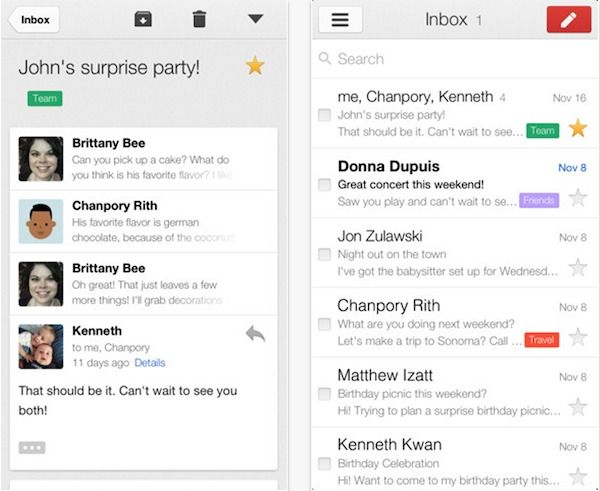
Around the time that Google bought Sparrow, the Gmail team was given a mission to completely rebuild the Gmail app for iOS. After months of slaving away, the app has just been released on the App Store today and it comes with a number of new features that may have been borrowed from Sparrow, even though insiders such as MG Siegler claim the Sparrow team had nothing to do with the update.
Gmail 2.0 for iPhone and iPad is faster, sleeker and much easier to use. The minimal UI athestetics of Google Now have bled over with some of the popular features from Sparrow. The free update gives users multiple accounts, infinite scrolling inboxes, better search, and more.
As you read this, I’m sure you’re not thinking about all of the email you have to deal with. I’m not just talking about the email that you left behind for follow-up the last time you checked…I’m also talking about all of the email you have received since you last checked.
Knowing all of this, can your mind really be on what you’re doing right now? Better still, can you keep your mind on the important stuff that goes on outside of your email inbox knowing that you’re going to have to deal with both the important and unimportant messages that will arrive in your inbox on a non-stop basis?
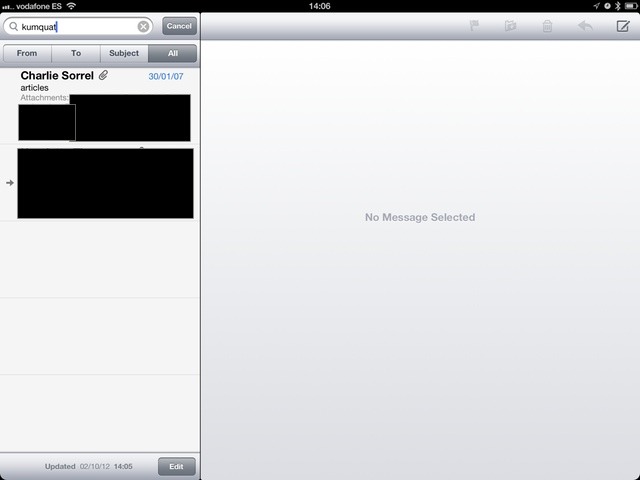
Google has started to index the contents of your e-mail attachments, and you can now search on them in the Gmail interface. This is new, and pretty great.
But if you’re using the iOS Mail app to wrangle your Gmail accounts, it works there too. I discovered this in the process testing out the browser version and — as you might expect — Apple’s version is both more elegant and less useful.
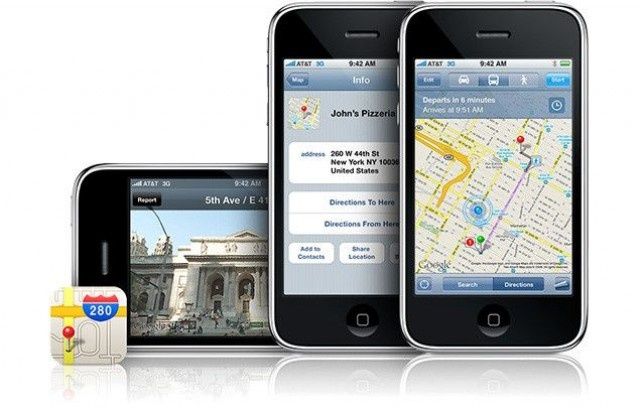
With Google Maps gone from iOS 6 in favor of Apple’s own solution, many are hoping Google will bring its own Maps app to the App Store — as it did with YouTube a couple weeks ago. A recent report claimed that it was already on its way, but according to Google chairman Eric Schmidt, that’s not the case at all. In fact, Google hasn’t even submitted a Maps app to Apple for approval yet.
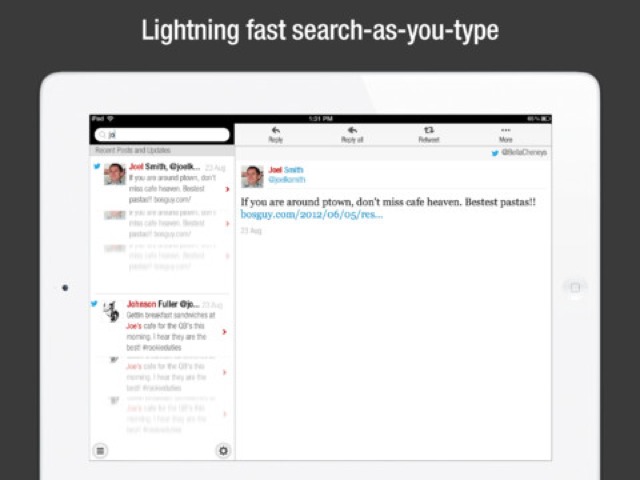
CloudMagic 2.0 is a huge update to a (previously) marginally useful search app. Now, with many extra services added along with a native iPad app, CloudMagic is pretty essential if you use any cloud services whatsoever. It lets you search in your Evernote, Dropbox, Gmail and other accounts, instantly
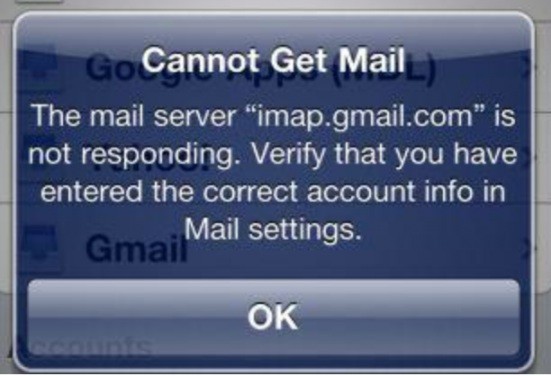
Several iOS device users are reporting an error message that reads, “mail service imap.gmail.com is not responding” today. They’re posting in Google’s Gmail product forum, and user SonaD, marked as a Google employee, has posted the following:
“We are aware of an issue where users are receiving an error that ‘”imap.gmail.com” is not responding’ when using IMAP on their computers, mobile devices, or tablets. We are currently working on resolving this issue.
Not all accounts are affected, so if you have multiple Gmail accounts, you may notice one works fine, while the other returns this error.
In the meantime, you can login to Gmail through your web browser (https://mail.google.com). On your phone or tablet, you can also use your device’s browser or if you’re on Android or iOS, you can download the Gmail application. I realize it’s not the way most of you want to get to your mail, but it will still allow you to get to your mail on both your computer or mobile devices.
Thank you again for your patience as we work on resolving this. We will update this post once I know all users are fixed.”
The advice above is echoed on the official Gmail support page, as well. Until it gets cleared up, use a web browser, mobile or otherwise.
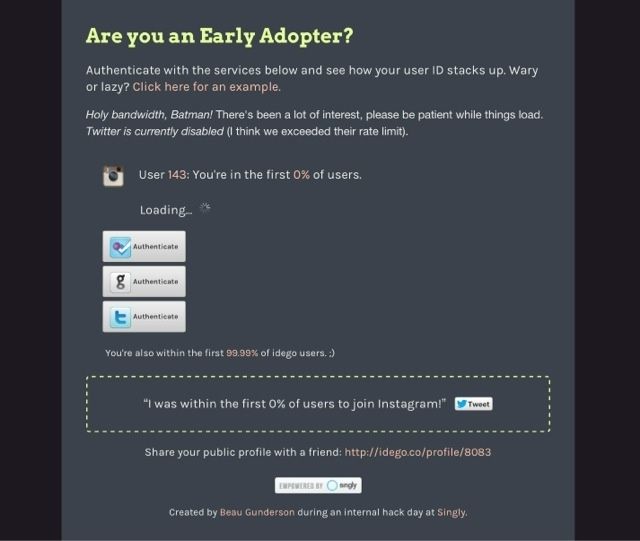
Are you an early adopter? So asks Beau Gunderson at Idego, via his Singly-powered nerd-boasting engine. Tap in your details and you will be told just how early you signed up for Instagram, Foursquare, Twitter and Gmail.
And if you were quick enough to get in before you were forced into a username like charliesorrel6969_solastyear, you might even want to grab the little widget to embed into whatever site you choose and show off your alpha-geek status.
Find those lost pictures and force other people to look at them.
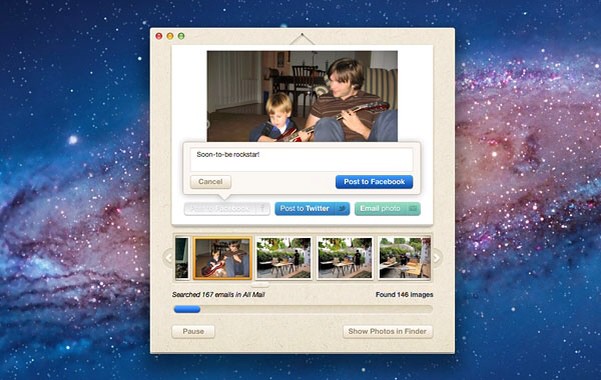
Lost Photos is a Mac (and – let me get that bad taste out of my mouth – PC) app which does one thing. Well, one thing, and then a few more: it finds all the photos buried in your e-mail account and presents them to you in one easy place, ready to be tagged, saved and shared.
Google’s official Gmail app has had a sordid history. It launched so broken it had to be pulled from the App Store, and when it relaunched, it came without push notifications… a pretty big oversight in an iOS email client. Gmail finally got push notifications, but the app overall still felt a little clunky.
Enter version 1.3. Google says the latest update to their official Gmail app for iOS makes a bunch of under the hood changes to improve animation, scrolling and responsiveness.