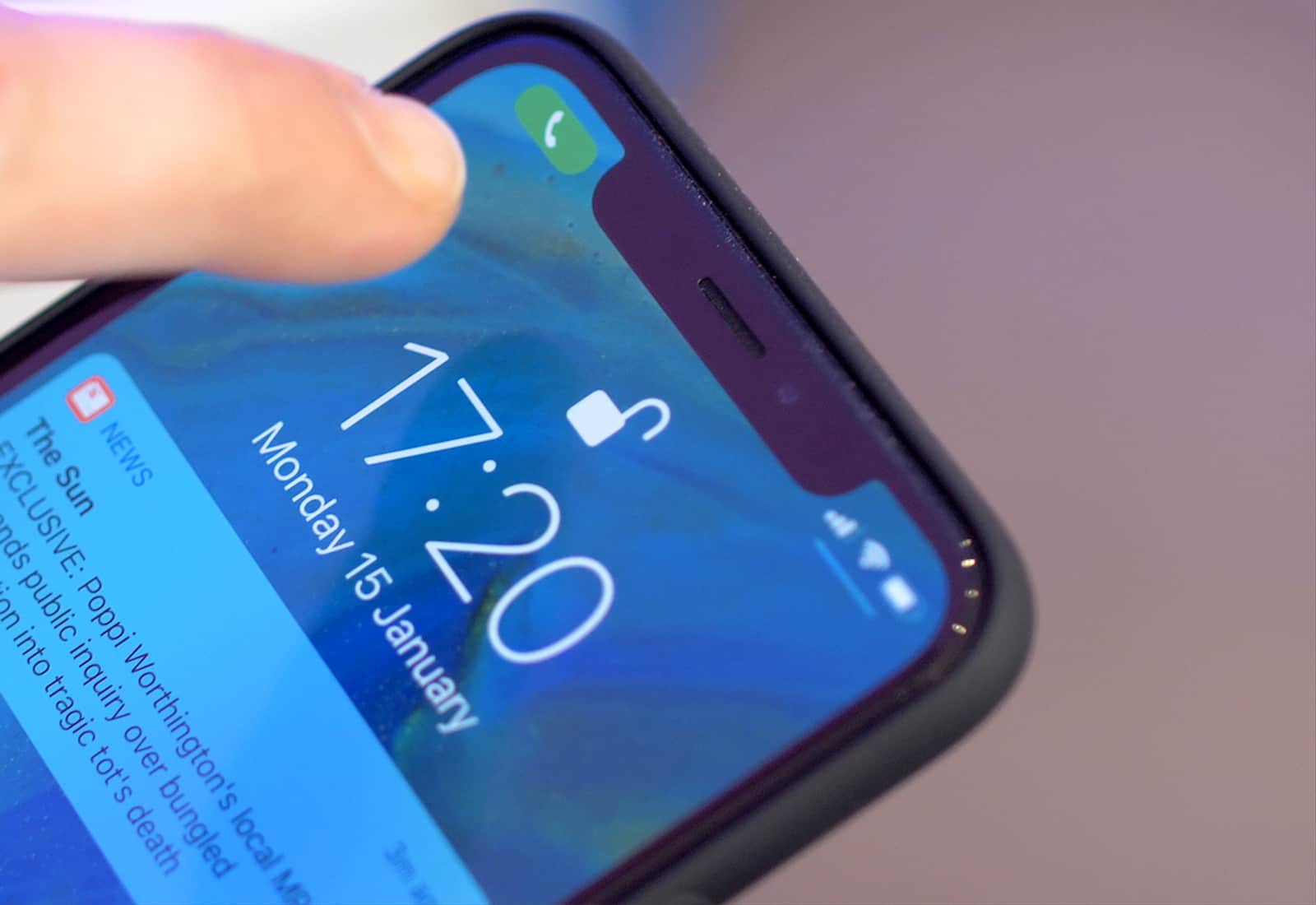
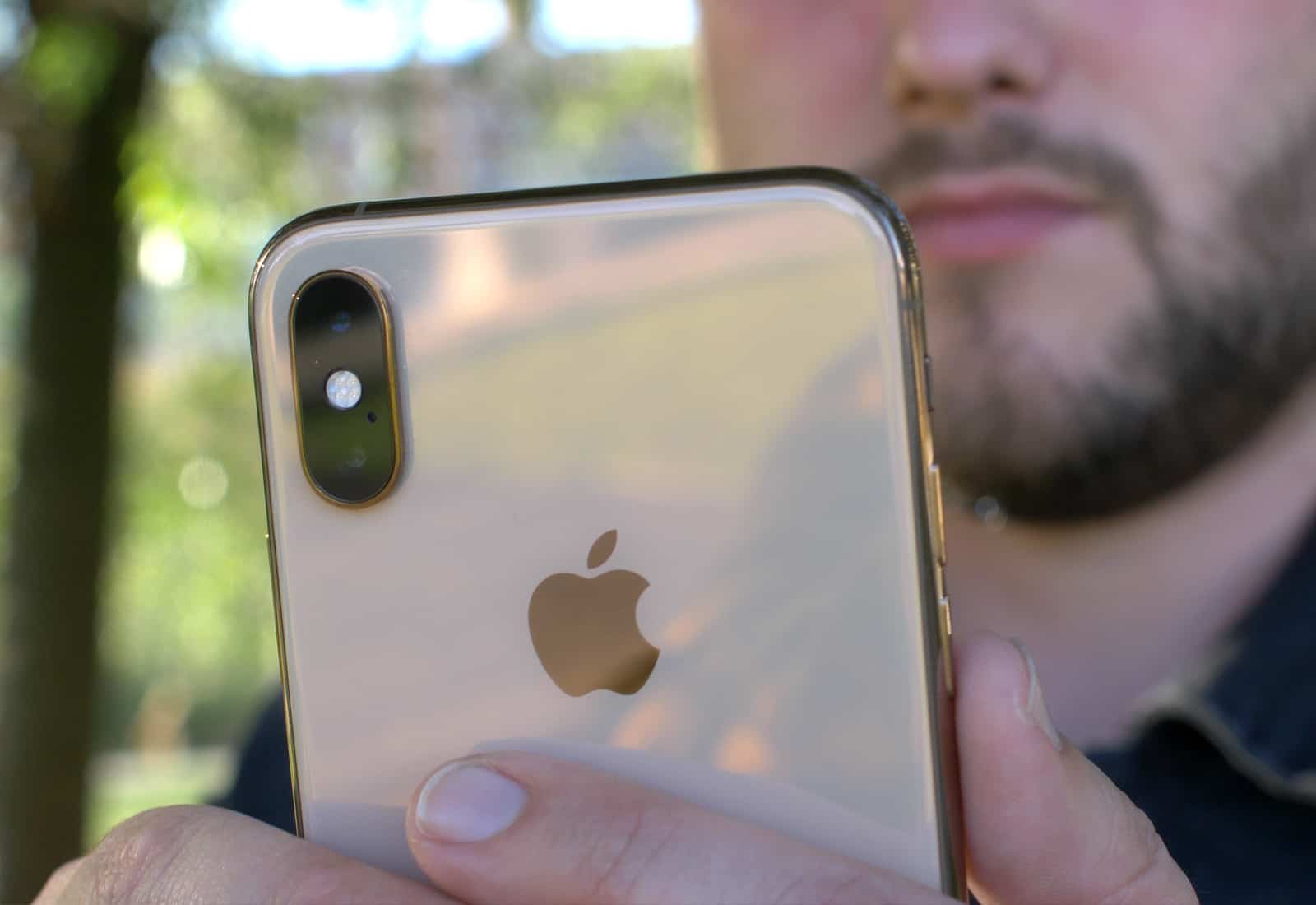
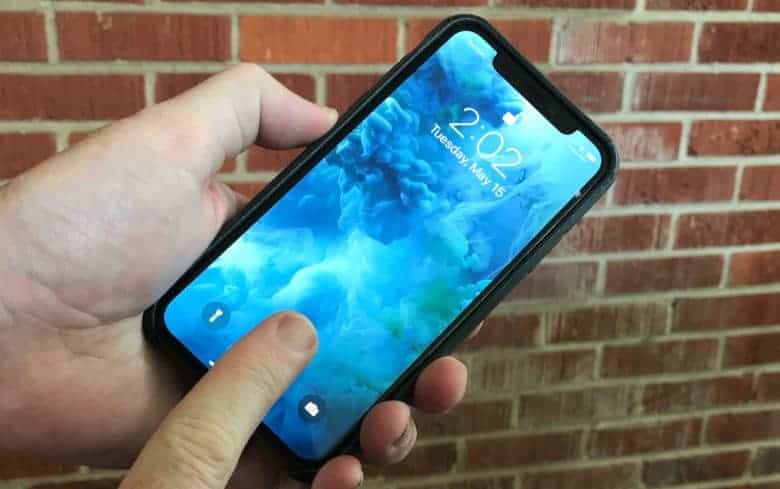
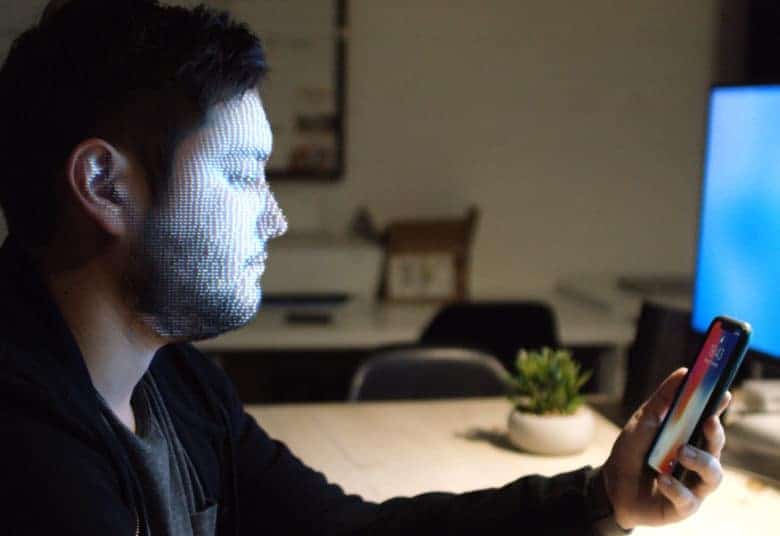
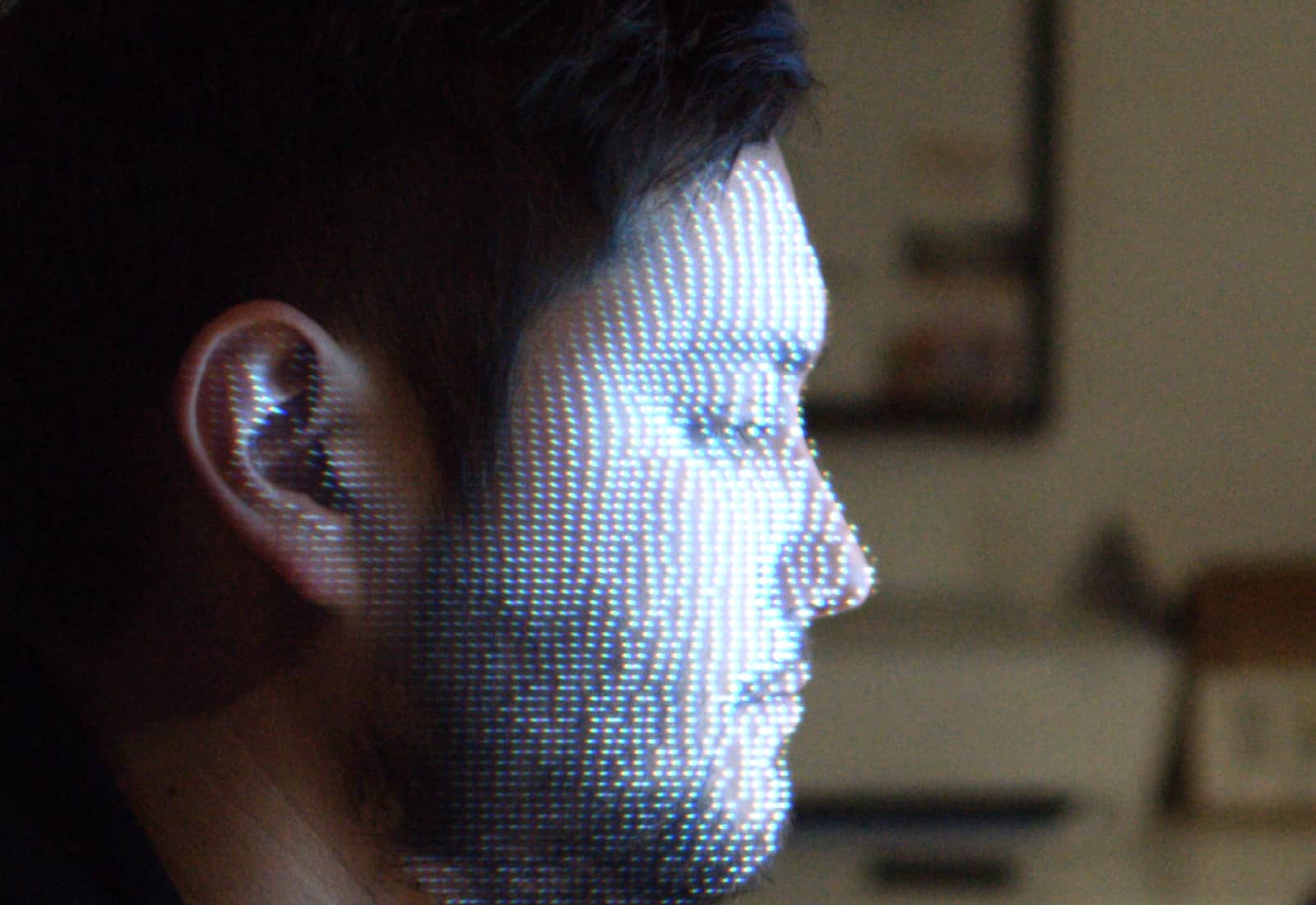
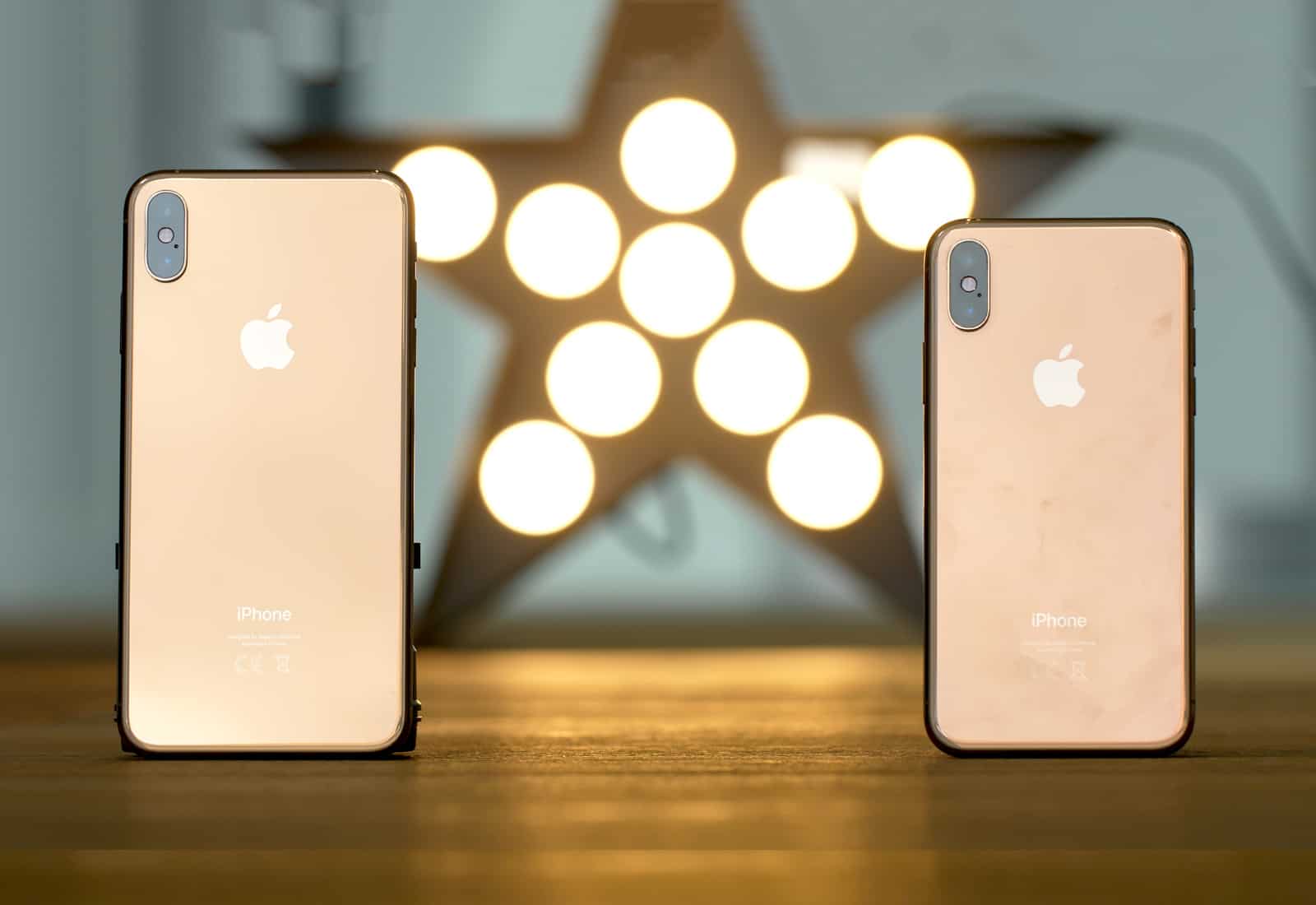
Don’t expect the screen cutouts in many smartphones to go away, despite a big announcement made today. Photo: Ste Smith/Cult of Mac
AMS, a company that makes iPhone sensors, caught many people’s attention today with it’s just-announced sensor it says has the possibility of “potentially eliminating the bezel entirely.” Bezels are the dead space around phone screens that device makers are trying to eliminate.
This new sensor can sit under OLED displays so it doesn’t clutter up the front of the phone. Unfortunately, AMS’s latest offering only does some of the jobs done by front-facing sensors currently located in display bezels, or in a screen notch in the iPhone’s case.
Qualcomm will still play a big part in iPhone modem supply. Photo: Ste Smith/Cult of Mac
Apple’s flagship iPhone for 2019 will come with a number of surprising design changes, according to one analyst.
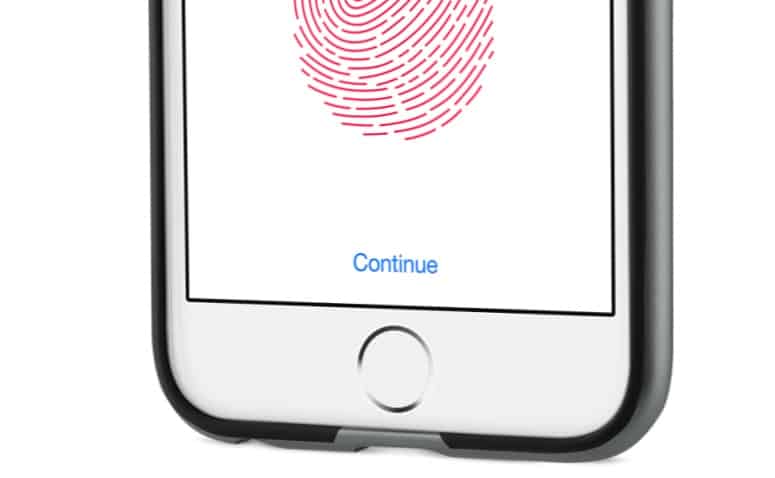
Fans can expect USB-C connectivity and a smaller notch, as well as the return of Touch ID. Those hoping for “lightning-fast charging” and expandable storage will be disappointed, however.
The iPhone XR really is a great phone. Photo: Apple
In recent years, the iPhone setup process has changed as dramatically as the iPhones themselves. Apple just keeps making it easier to do. So easy, in fact, that there are just a few things you need to do to move from your old iPhone to a new one. And setting up a new iPhone XR from scratch isn’t much harder — gone are the days of manually copying passwords just to get to the home screen.
There are still a few tricks, though, that will help things run smoothly. Here’s how to set up your new iPhone XR the right way.
What do you think of an iPhone with in-screen Touch ID and Face ID? It could have happened. Photo: Ed Hardy/Cult of Mac
An Apple patent filing is basically a white paper on the advantages of using dual biometric security systems. This makes it clear the company nearly made a device that offered facial recognition and a fingerprint scanner.
In the end, though, Apple decided to replace Touch ID with Face ID.
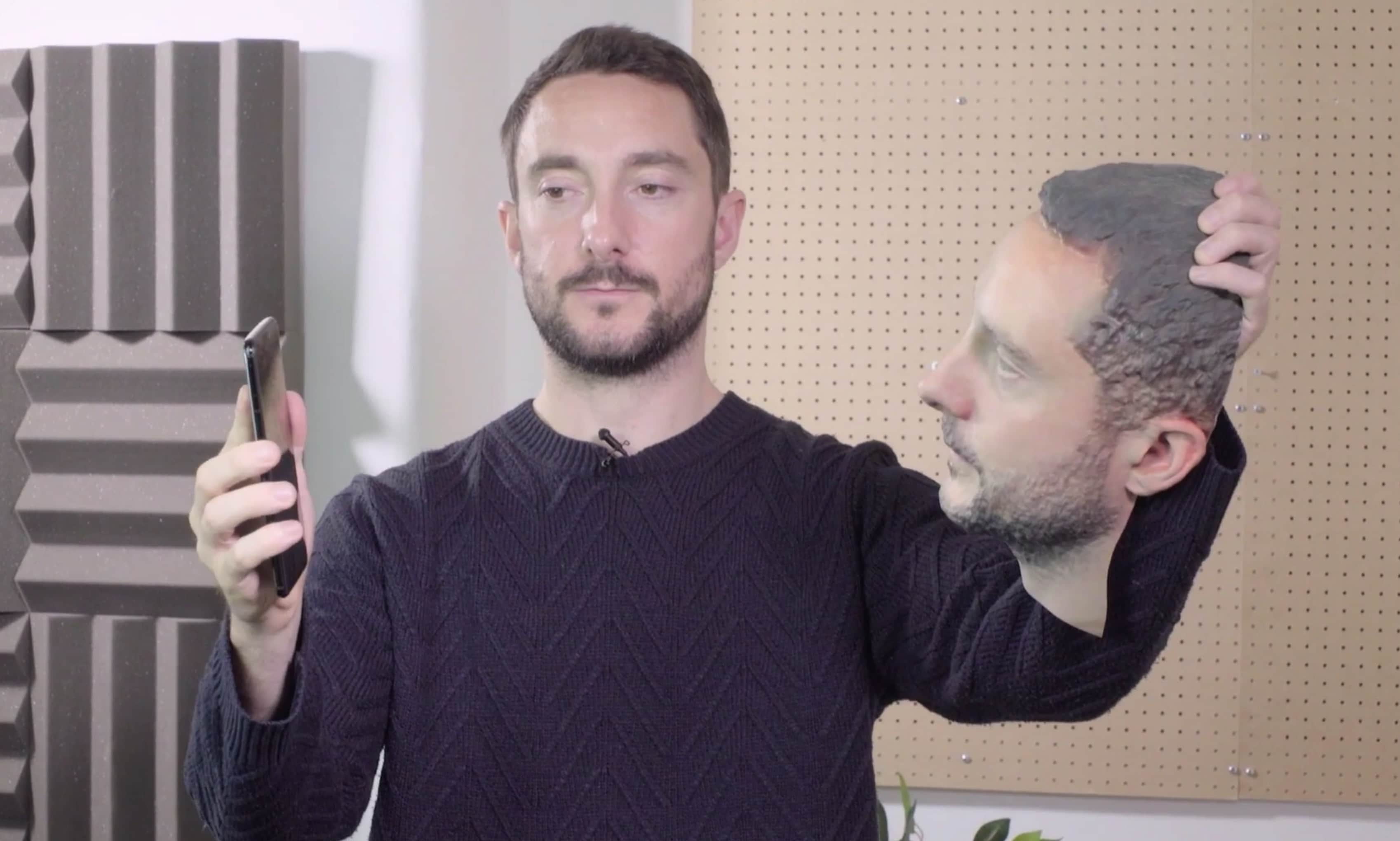
The iPhone was the only one of the tested smartphones which passed the test. Screenshot: Forbes
When Apple first introduced Face ID with the iPhone X, many were concerned that facial recognition would make it easier to hack into phones.
Fortunately, Apple’s approach to Face ID has largely allayed people’s fears. But just how secure is the facial recognition biometric technology adopted by Apple and its rivals? A Forbes reporter (and his 3D printed head model) recently demonstrated just how the iPhone stacks up against Android rivals.
Don’t let an app ask for your identity with Touch ID or Face ID unless you know what it’s doing. Photo: Apple
A pair of fitness applications were found to be tricking users into authorizing financial transactions. They have been removed from the App Store, but stand as examples of something to watch out for.
If third-party software asks for you to identify yourself with Touch ID or Face ID, carefully consider whether there’s a good reason before doing so.
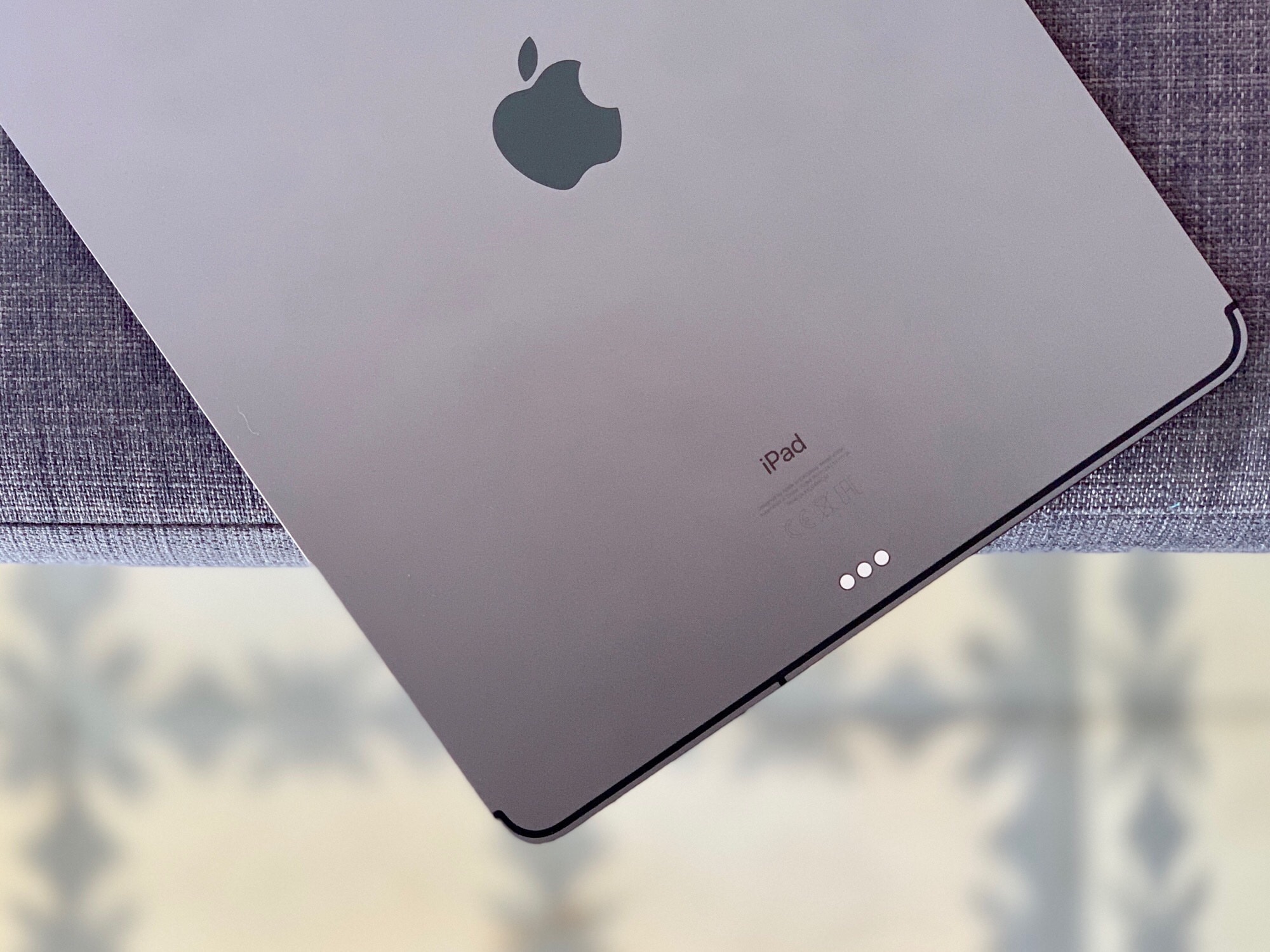
The new iPad Pro is Apple’s best ever portable computer. Photo: Andrea Nepori
Since I got an new 2018 iPad Pro on launch day last week, I’ve used it exclusively. I haven’t touched my aging, decrepit Mac all week. I’ve used the iPad for work, and for play, so I’ve given it a pretty good workout. The short review is: It’s fantastic, and better in almost every way.
The long review? There are still plenty of annoyances.
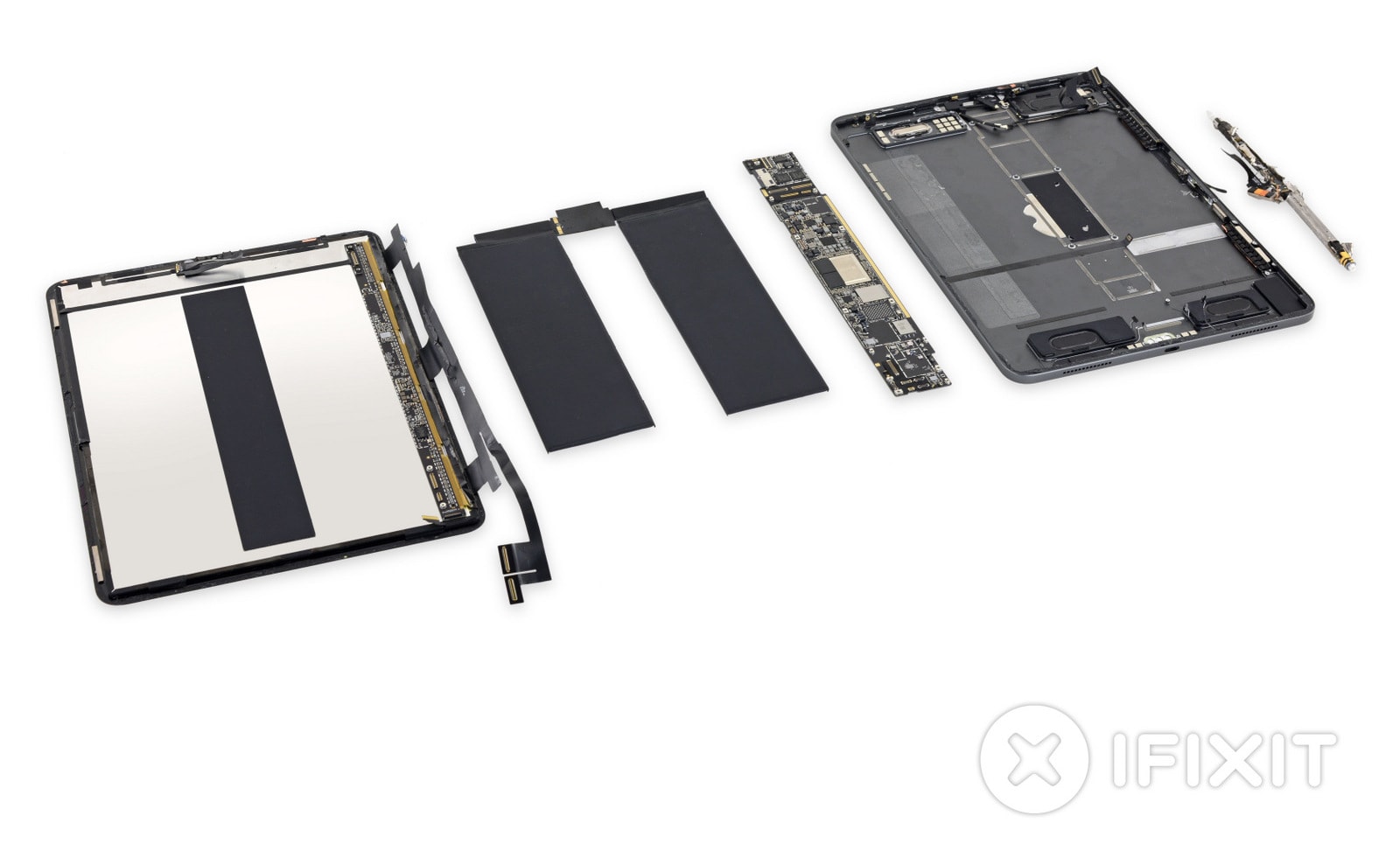
iFixit has finally gotten around to tearing apart the 2018 iPad Pro.
Unsurprisingly, it has discovered lots of big improvements under the hood of Apple’s latest tablet, and more chips than you can shake a stick at. Plus, there’s good news and bad news for DIY repairers.
The company that made Face ID possible has been snapped up. Photo: Ste Smith/Cult of Mac
Finisar, supplier of the laser scanners used to enable Face ID in Apple’s latest iOS devices, has been acquired for a reported $3.2 billion.
II-VI Incorporated, a leading producer of optoelectronic systems, announced its purchase on Friday. It expects to close the deal, which is expected to generate $2.5 billion in annual revenue, in mid-2019 following regulatory approval.
Your new iPad pro has some neat tricks up its sleeves. Photo: Charlie Sorrel/Cult of Mac
How’s that new iPad Pro? I love mine, apart from the short USB-C cable that won’t stretch to my desk while I’m working. You’ve probably been scouring the web for tips and trick to get more out of your new beast. Well, you’re in luck, because we’ve been doing the same, and gathered all the 2018 iPad Pro tips together here, in one place.
The new 2018 iPad Pro is a lust object you probably don’t need. Photo: Charlie Sorrel/Cult of Mac
Every 2018 iPad Pro review I’ve read seems to be written by someone who doesn’t use the iPad like a pro. Most of the reviewers focus on using Apple’s new tablet they way most people do: reading the internet, doing some mail and watching lots of video.
Which is a shame, because there’s a lot to like in this iPad for “power” users, aka folks whose everyday carry is an iPad. People like me. The iPad has been my most-used device for years. I do everything on it. (Everything, ironically, except writing articles — but that’s because my ancient 27-inch iMac still works fine, and I like to use a trackpad for editing text.)
Rather than reviewing the iPad Pro from the point of view of a “normal,” I’m going to talk about this gorgeous new device like someone who uses an iPad for work every day.
According to early reviews, you should absolutely rush out to get a new iPad Pro when the tablets go on sale Wednesday.
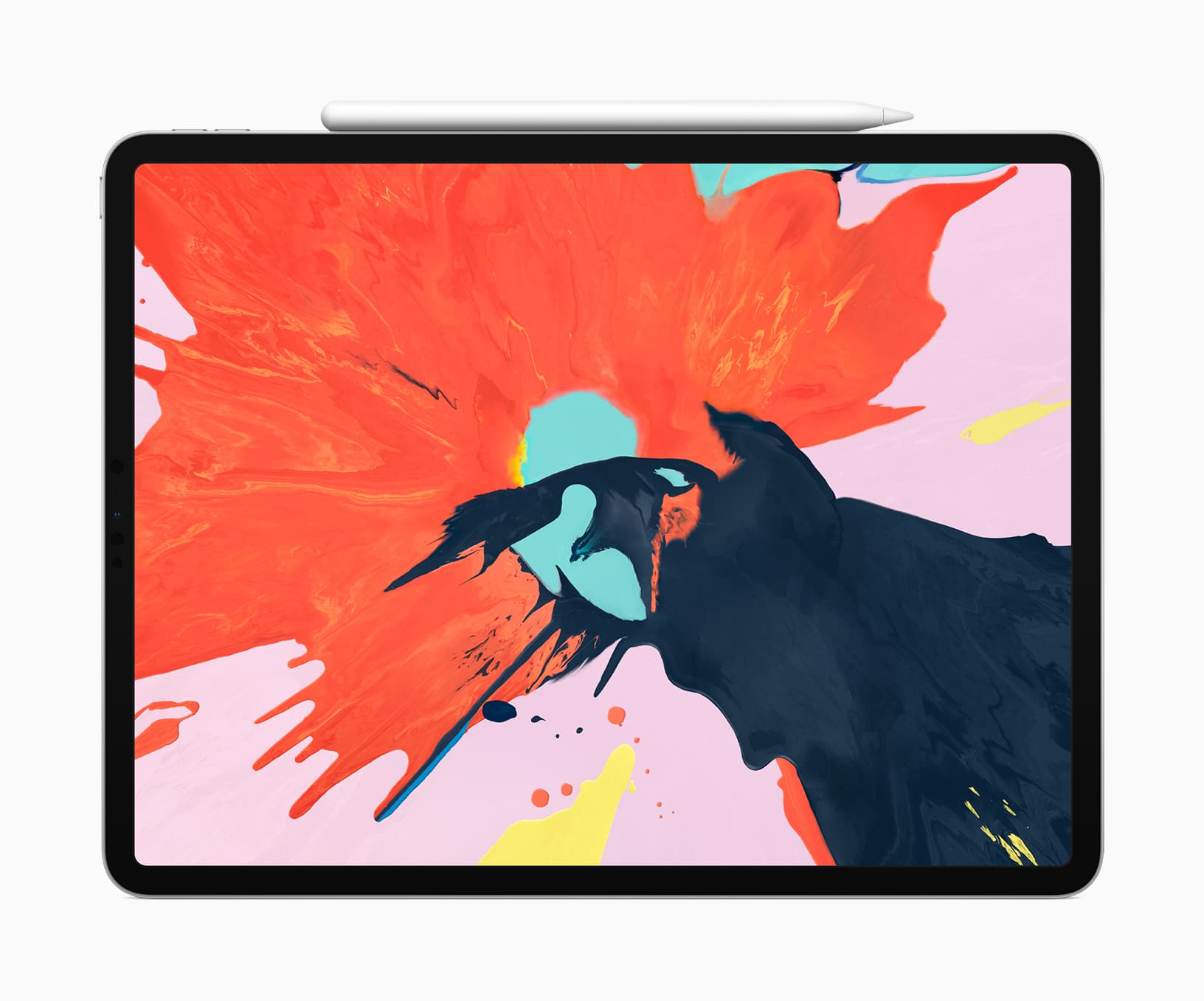
The iPad Pro was already the best tablet money could buy. And yet, Apple somehow made it even better with an improved design, an edge-to-edge Liquid Retina display, and an A12X Bionic chip that delivers unbeatable performance.
Don’t just take our word for it. See what the reviewers are saying below.
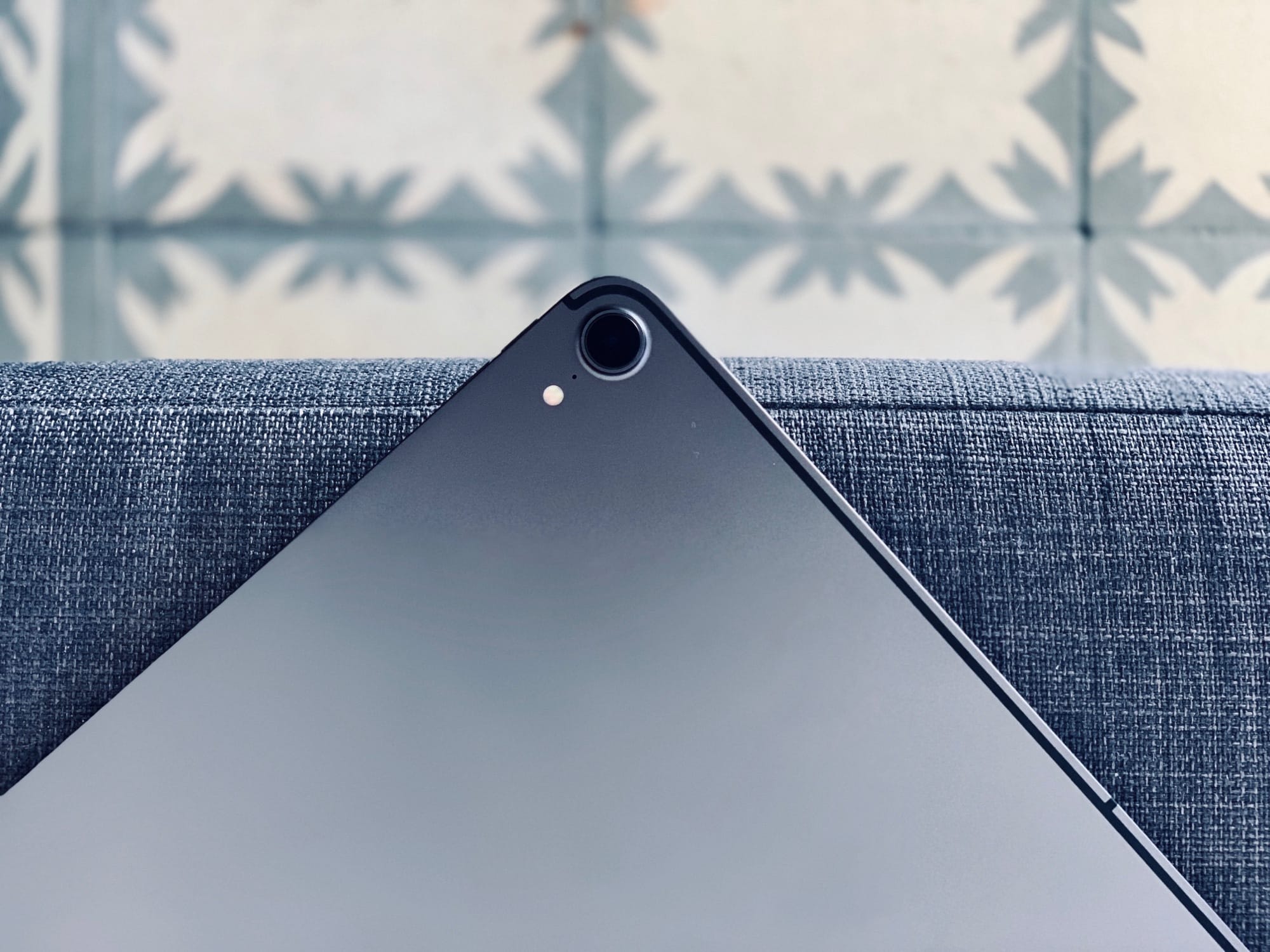
Apple's adding its laser-scanning tech to the next iPad. Photo: Ed Hardy/Cult of Mac
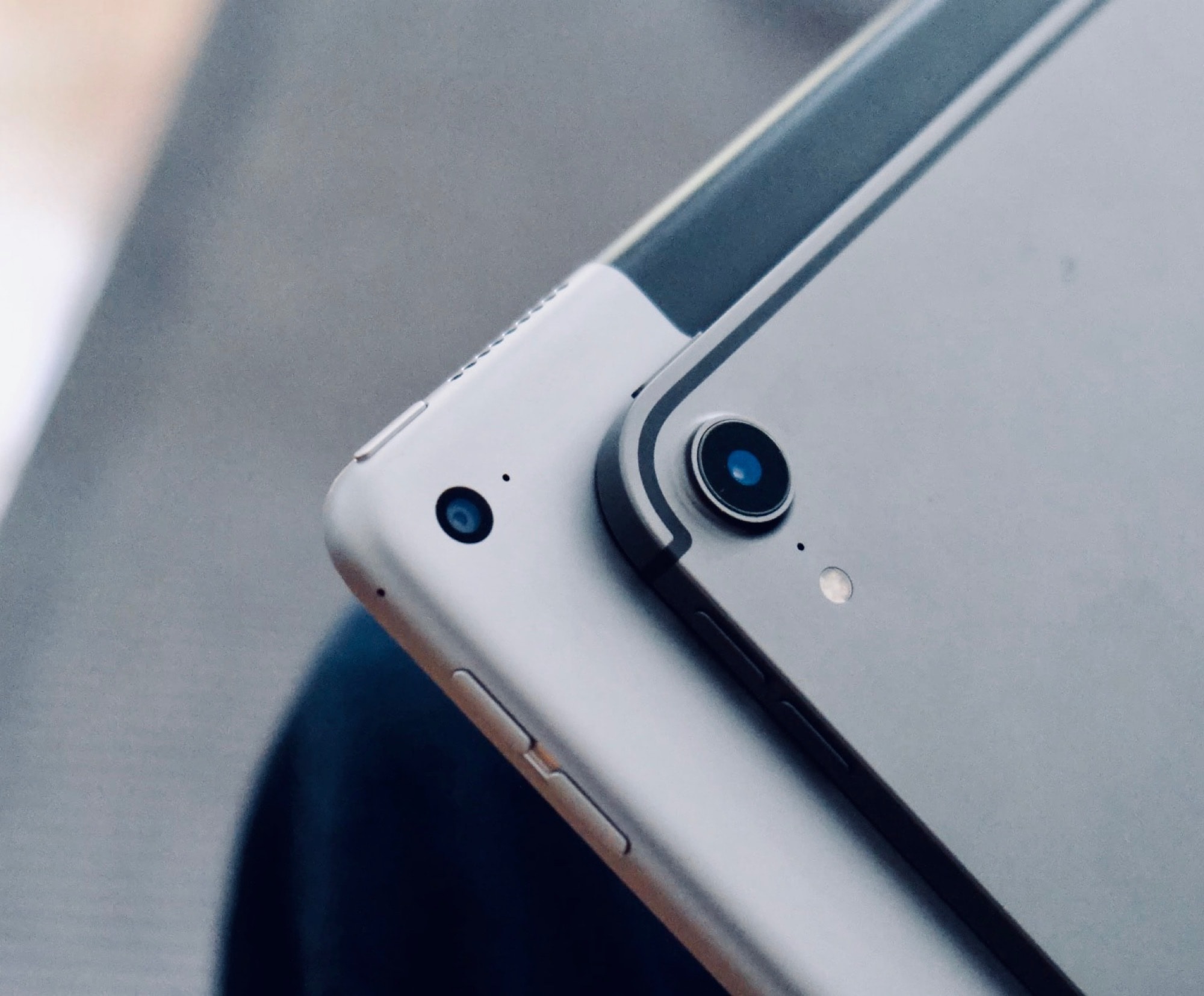
Apple is all-in on augmented reality. This requires sensing the objects around the computer and user, which is why Apple reportedly intends to build its new “Time of Flight” laser scanning technology into the back of the next iPad.
The 2018 iPad Pro isn’t even out yet and there’s already a possible reason to wait on its replacement .
Apple plans to make Face ID even better. Photo: Ste Smith/Cult of Mac
The iPhone’s Face ID system will allegedly get a big upgrade in 2019, according to one of the most accurate Apple analysts.
Ming-Chi Kuo, an analyst at TF International Securities, told investors in a note today that his supply chain sources indicate Apple will add an upgraded sensor to the Face ID system next year to make the experience even better.
With a great screen, cameras, battery life and Face ID, the iPhone XR is a nifty smartphone. Photo: Kristal Chan/Cult of Mac
The iPhone XR is typical Apple. It’s an entry-level phone with a bunch of premium features. Jony Ive just cannot cut corners, even if he wanted to. This is no plasticky, cut-rate phone built to meet a price point. It’s a primo phone with primo features (and a primo price tag, TBH). It just happens to be the cheapest new iPhone in Apple’s lineup.
The XR delivers everything customers care about: a big, beautiful screen; great cameras; long battery life; and Face ID.
The iPhone XR is arguably Apple’s most interesting smartphone of 2018 because of this slightly odd bundle of budget/premium features. It’s arguably a $1,200 phone in a $750 package.
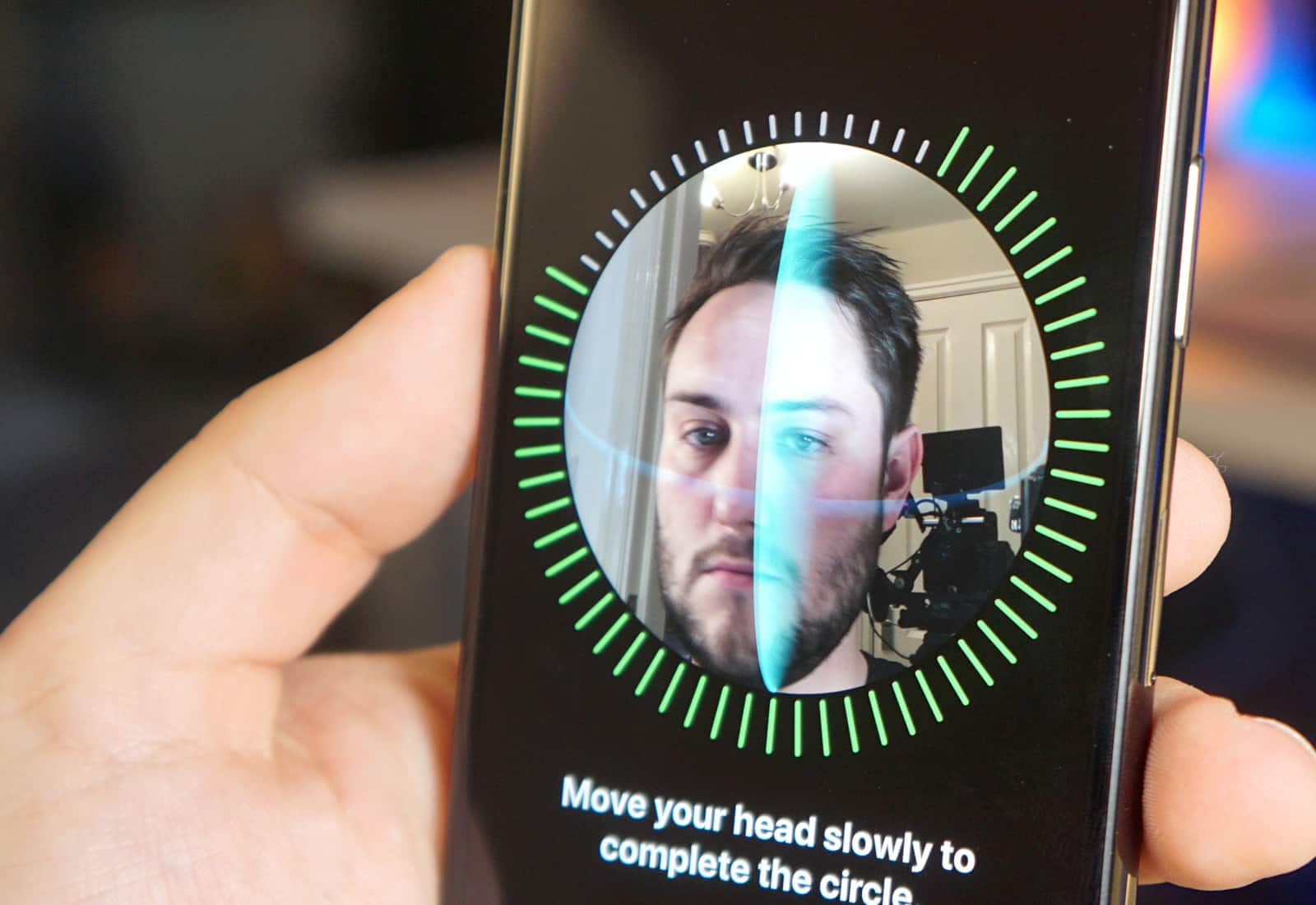
Face ID should work in any orientation on the new iPad Pro. Photo: Ste Smith/Cult of Mac
Code discovered in Apple’s latest iOS 12.1 beta confirms its next-generation iPad Pro lineup will pack Face ID — and it will work in both portrait and landscape mode.
Users will be asked to set up the facial recognition system in portrait mode, but once this process is complete, the new iPad Pro can be unlocked in either orientation.
Apple continues to put privacy front and center. Image: Apple
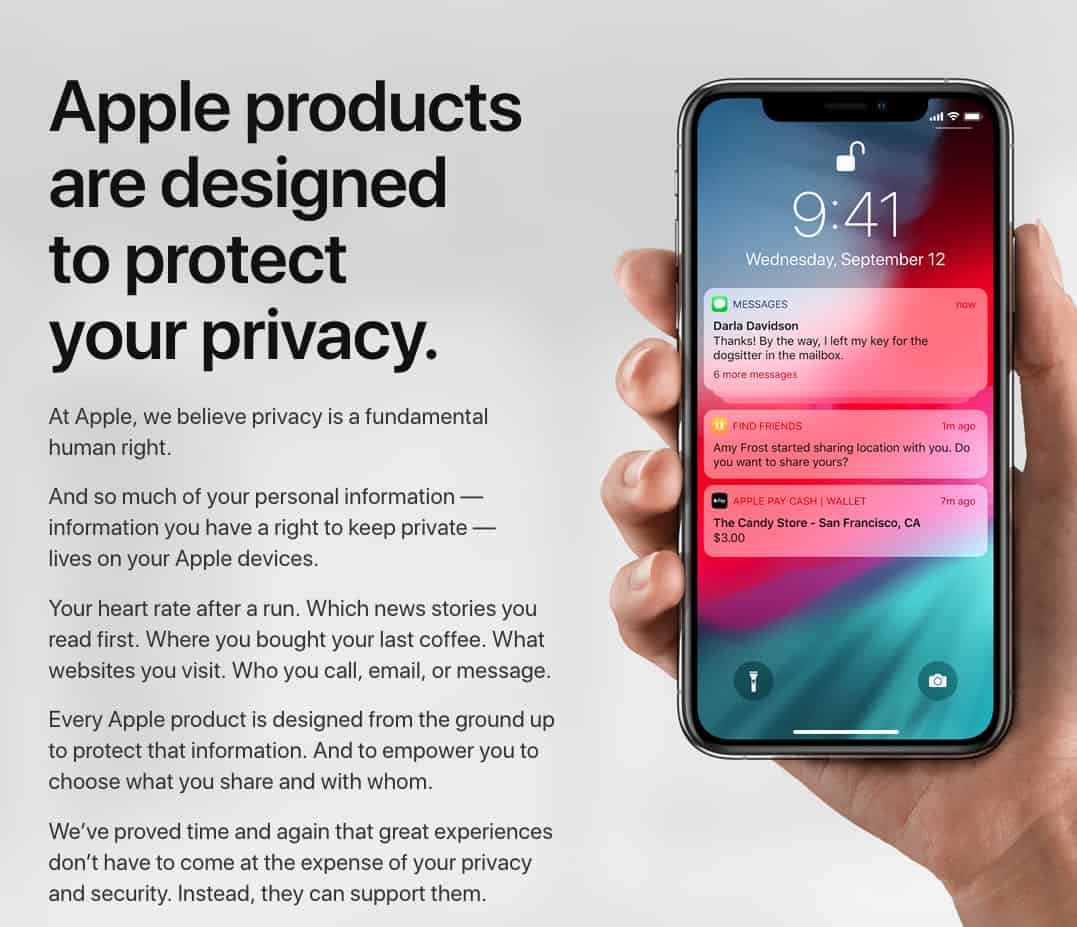
Apple’s refreshed Privacy website is live, giving U.S. users the ability to download all of their data from Apple. The website explains how and why Apple products are “designed to protect your privacy.”
Apple stresses that “your data belongs to you” and insists that it never sells users’ info to advertisers or other organizations.
The website even gives users the ability to delete an Apple account — and all associated data — if desired.
One of iOS 12’s most powerful features — a newfound compatibility with password management apps — kind of flew under the radar. But that doesn’t mean it’s not a big deal. In fact, this is a huge step forward for password managers like Dashlane, because it makes them far easier to use on iPhones and iPads.
With the recent Facebook hack compromising the personal data of 50 million users, there’s never been a better time to change all your passwords. And if you’re going to use strong, unique and extremely hard-to-remember passwords for every site you visit or web service you use, you’re going to need industrial-strength password management.
No, this isn't the suspect in question! Photo: Ste Smith/Cult of Mac
According to a new report, for the first time in the U.S. and possibly elsewhere, law enforcement recently accessed a suspect’s phone by using their face to unlock Face ID.
The incident took place on August 10, when the FBI searched the house of 28-year-old Ohio resident Grant Michalski, later charged with receiving and possessing child pornography. Michalski was told to put his face in front of the phone, thereby unlocking it. This allowed agents to look through his online chats, photos, and other material deemed worthy of investigation.
Face ID isn't unbeatable. Photo: Ste Smith/Cult of Mac
Apple’s foolproof Face ID system looks like it has met its match.
Even though Face ID is supposed to faster on the iPhone XS and XS Max, it appears that the security system can be completely fooled by identical twins. If you’ve got a sibling doppelganger, you might want to just use a passcode.
Watch how ineffective Face ID is at distinguishing between these two:
There are over 1.4 billion active Apple devices in the world. Photo: Ste Smith/Cult of Mac
If you ever watched schlocky ’70s sci-fi show The Six Million Dollar Man, you probably remember the opening sequence, during which a faceless narrator describes building a man who is “better than he was before. Better … stronger … faster.”
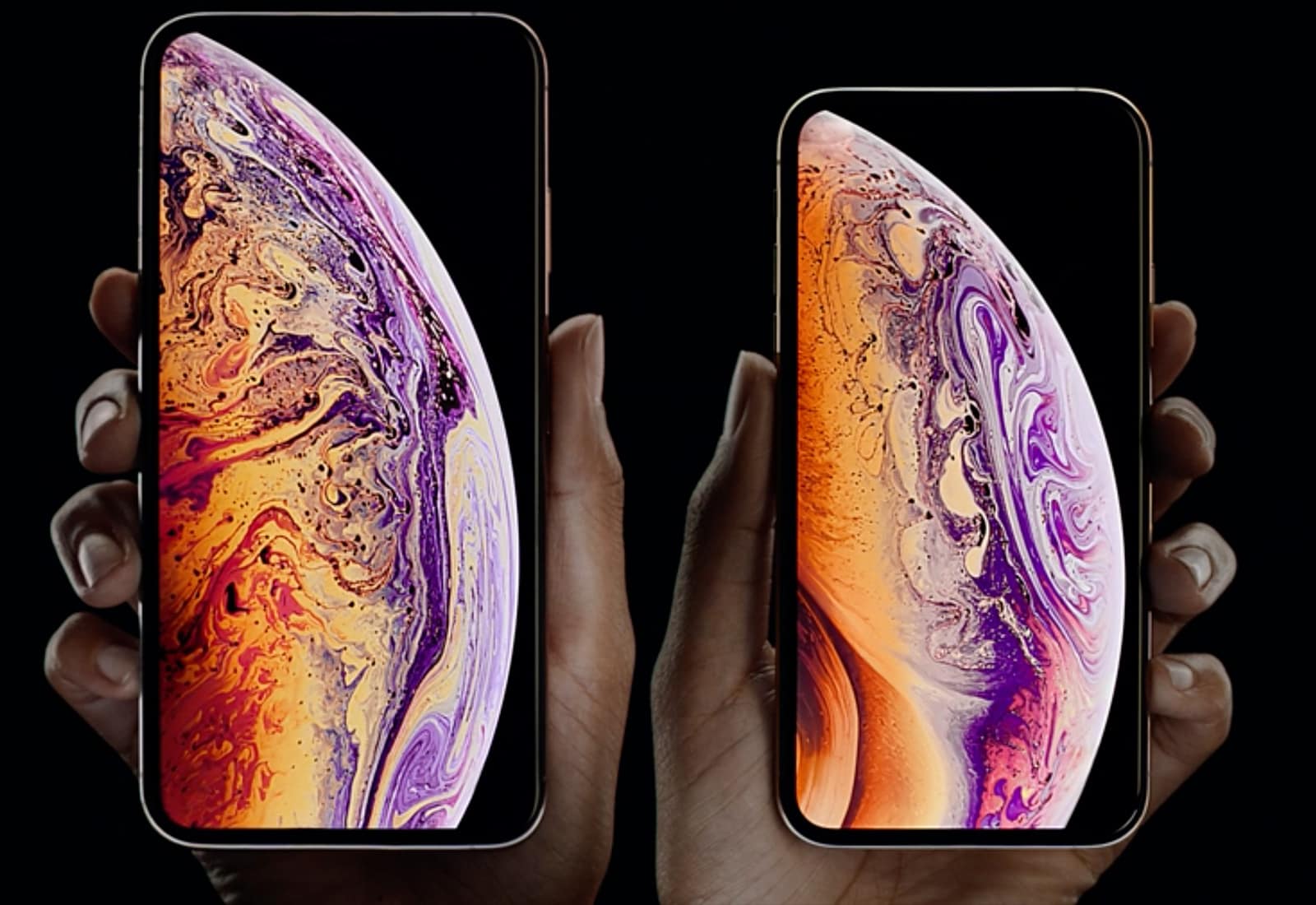
With the iPhone XS and iPhone XS Max, Apple’s engineers achieved just that type of incredible transformation. They fabricated phones that look “normal,” like last year’s iPhone X. But, just like the shadowy geniuses who built the bionic man, Apple indeed made the iPhone X better, stronger and faster — thanks in large part to the A12 Bionic chip that powers the new phones’ most advanced functions. (Other hardware and software upgrades help, too.)
Just like Col. Steve Austin, the ace astronaut who got $6 million worth of bionic implants after a devastating crash, the iPhone X received massive internal upgrades to morph into the iPhone XS and iPhone XS Max. While it looks like the same old (excellent) device, it’s actually far more fantastic and futuristic.
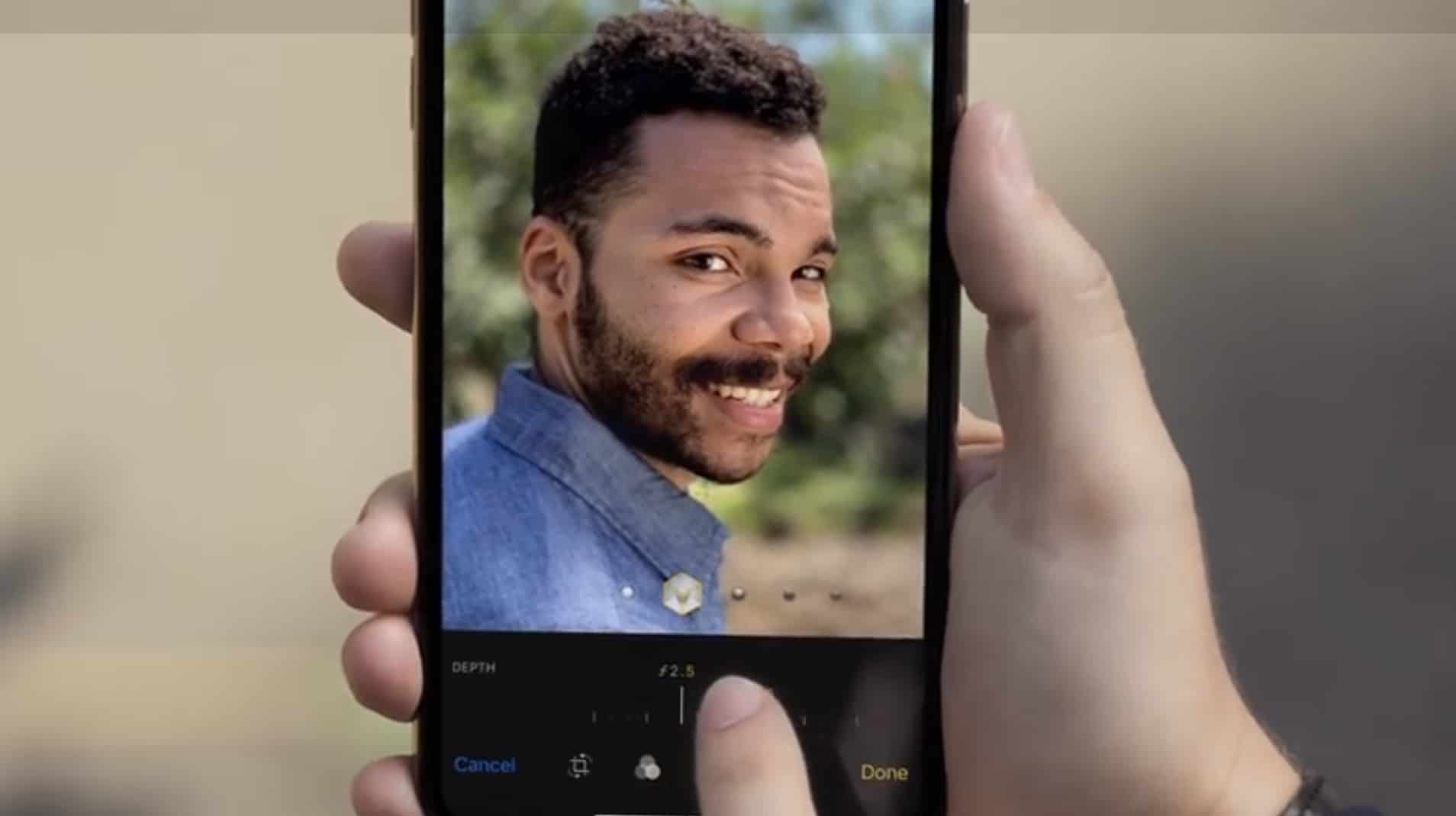
Just got a new iPhone XS but are confused about where to find all of its amazing new features?
Apple just put out a new video that gives an in-depth look at all the fun new stuff you can do with the iPhone XS, XS Max and XR. Depth Control, Dual SIM, Memojis and much more are all covered in the quick video. It should help you master your new device.
The Cult of Mac dress code makes it hard to use Face ID at work. Photo: Charlie Sorrel/Cult of Mac
In iOS 12, iPhone X owners gain the option of adding an alternate appearance in Face ID. If you’re a drag queen, if you regularly wear protective head and face gear for your job, or if you’re Bono and you’d like to be able to use your iPhone for that one hour a day that your doctor recommends you remove your sunglasses, an alternate appearance will help your iPhone recognize you.
Can you use it to let a second person access your iPhone? Perhaps. Here’s how to set it all up.
Don't drop your iPhone XS or iPhone XS Max. Photo: Apple
Apple unleashed more new iPhones this fall than ever before which means there’s a ton of little details to learn. You could dive deep into our iPhone XS and iPhone XR comparison guide to figure out which one is best for you, but if you don’t have time for that, Apple has made a short video covering all the new features.
In under a minute you can know everything there is to know about dual SIMs, dual cameras, big displays, depth control, Face ID and more amazing features packed into the iPhone XS and iPhone XS Max.
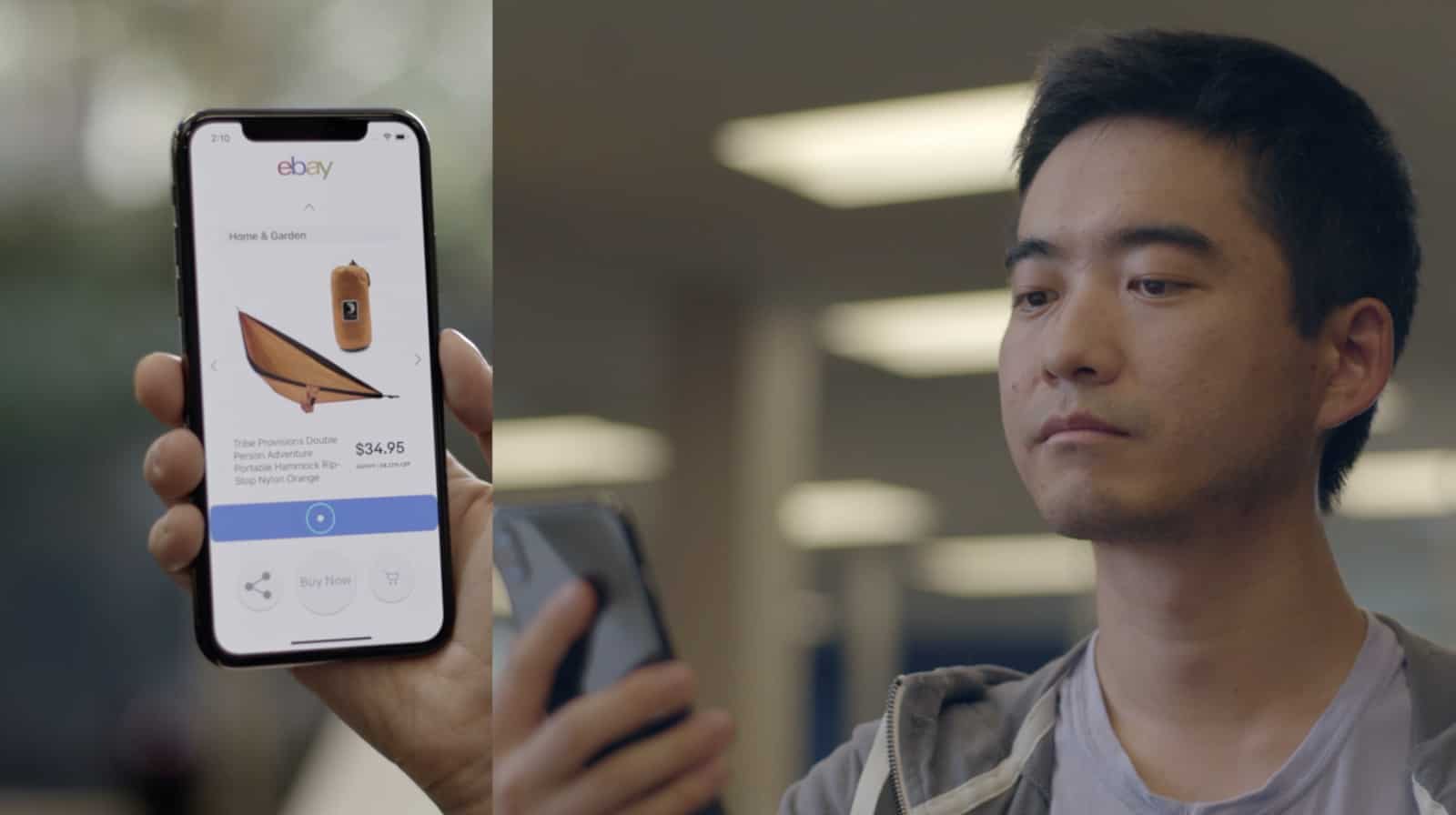
HeadGaze uses the iPhone X's 3D camera to move an on-screen cursor with subtle head motions. Photo: eBay
The TrueDepth camera on the iPhone X is what makes FaceID and Animoji possible. But a brilliant intern at eBay used to tech to create head-tracking software that can be used to control the iPhone.
HeadGaze has just been made open source, so any developer can build it into their own software.