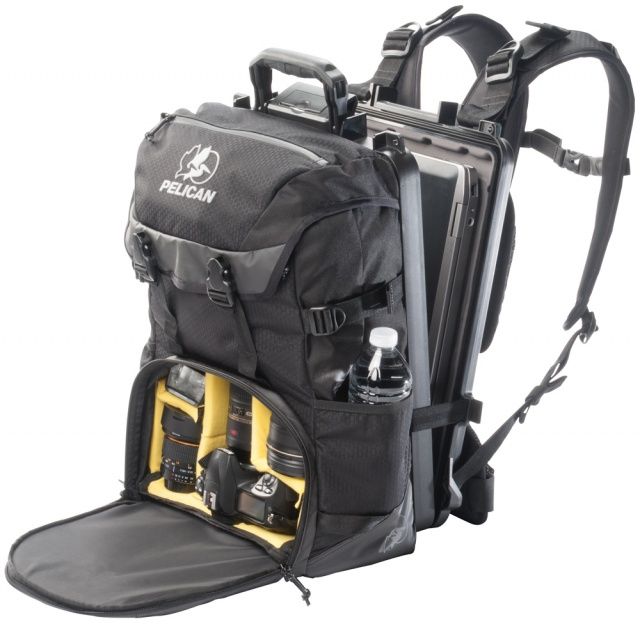
One type of bag was conspicuously missing from the lineup when Pelican released its ProGear line a few months back. There was a smorgasbord-like selection of tablet- and laptop-toting bags — but nothing for camera gear. Now Pelican has filled that space, integrating their vault-like case technology in the new S130 ProGear laptop/camera backpack.
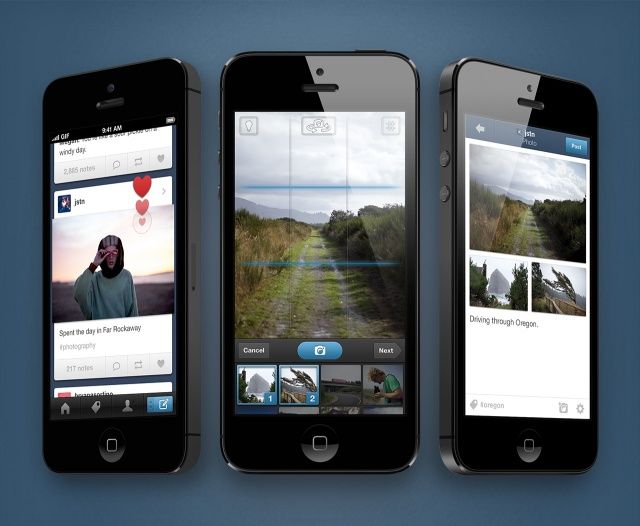
The official Tumblr app for iOS received a major overhaul back in November, delivering a completely redesigned dashboard, iPad support, and lots more. But the improvements aren’t about to stop there. Today sees the release of Tumblr 3.3, which adds a new camera, the ability to create photosets, and more.
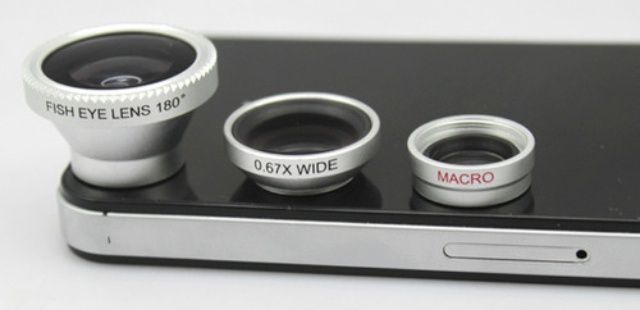
It’s understood that iOS cameras are insanely high-quality given their size. The only real knock about them is the fixed lens. Today’s Cult of Mac Deals offer aims to “fix” that – pun totally intended – with this compact lens kit. It includes 3 versatile options that fit snugly over your iOS lens with a tech-friendly magnet – and you can get this kit for only $25 for a limited time!
(Please note: This offer – which includes free shipping – is only available to customers in the United States and Canada.)
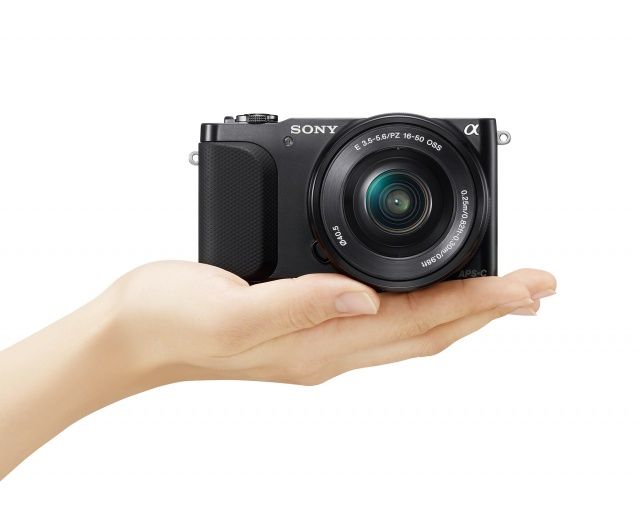
Sony’s NEX line has given birth to some of the best mirrorless cameras we’ve ever seen. They’re small, lightweight, and boast some pretty awesome image quality for their size.
Sony just upped the bar again this week by announcing the NEX-3N. It’s the world’s lightest interchangeable lens camera with an APS-C sensor, making it a contender for one of the best value mirrorless cameras you can find.
Forget 8-megapixel pictures and HDR — if you want photos that instantly look cool, then it’s time to take a step back… all the way back to the eighties. Camera C64 is a free iPhone app that helps you relive the days when the Commodore C64 was considered cutting-edge technology by delivering authentic 16-color photos that are almost guaranteed to look good.
I’ve been in love with the iPhone for the past five years. I got the original as soon as it went on sale in the U.K. in November 2007, and I’ve had every model Apple has released ever since. My job has given me the opportunity to play with plenty of other devices over the years — including those powered by Android, BlackBerry, and Windows Phone — but I’ve always remained loyal to the iPhone and iOS.
That was until a couple months ago, when my contract ended and it was time to decide which smartphone I wanted for the next two years. I already have the iPhone 5 — I bought it unlocked when it was launched back in September — and I wanted an Android device to replace the Samsung Galaxy Nexus I broke late last year. So I decided to pick up the new LG Nexus 4.
I was lucky; I didn’t have to wait six weeks for the device to arrive from Google Play. My carrier had plenty in stock, so a unit was delivered to my door the day after I ordered it. I was looking forward to testing it out, but I figured I’d play around with it for a little bit, then switch straight back to my iPhone 5 for everyday use. Like the Galaxy Nexus, I thought the Nexus 4 would be mostly used for work — testing apps and writing the odd tutorial for Cult of Android.
Now that you’ve jailbroken your iOS device running iOS 6, it’s time to check out some tweaks and apps in Cydia, the jailbreak alternative to the App Store. There’s a lot of stuff to try in Cydia, and sometimes it can be hard to weed out of the very best tweaks from the rest.
We’ve gathered some jailbreak tweaks you need to take a look at on iOS 6:
Until now, there hasn’t been a great a way to use your iOS device to remotely control high end, DSLR cameras. While the iPad’s multi-touch display is great for monitoring your camera, it’s not always possible to have an internet connection when you’re out in the field shooting.
Thankfully, this problem might become a thing of the past thanks to the CamRanger, a neat device being shown off at Macworld that lets you remotely control your DSLR from your iOS device without an internet connection.
This morning we told you about how the iPad 5 will look a lot like an iPad mini with a 10-inch Retina display. iLounge’s report also said that Apple is preparing the rumored less-expensive iPhone to sell in China at a significantly cheaper price.
Now iLounge has shared some additional details regarding the iPhone 5S, namely that one of the next-gen device’s flagship features will be an upgraded camera. Apple’s internal code names for the iPad 5 and second-gen iPad mini have also been revealed.
The official YouTube Capture for iPhone and iPod touch has today been updated to introduce support for 1080p video uploading — a feature which many felt should have been included from day one. Prior to this update, which also promises improvements to audio sync and upload speeds, users were limited to uploads in 720p resolution.
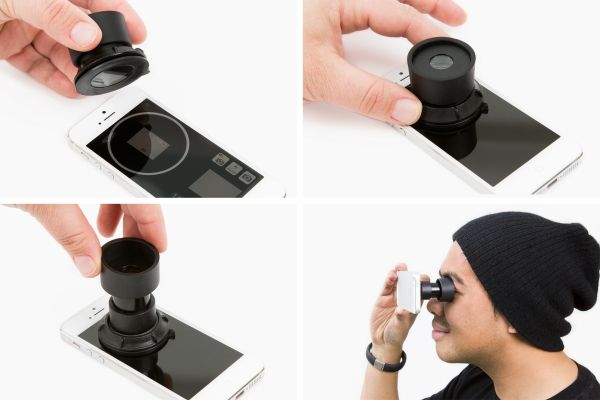
If you’ve just realized your iPhone takes better photographs than your dedicated point-and-shoot, but you miss a traditional viewfinder, check out the new iPhone Viewfinder from Photojojo. Using a screw-on suction cup, the Viewfinder sticks to your iPhone’s display and allows you to block out the rest of the world while you’re taking snaps. It sounds crazy, and at $30, that’s exactly what it is.
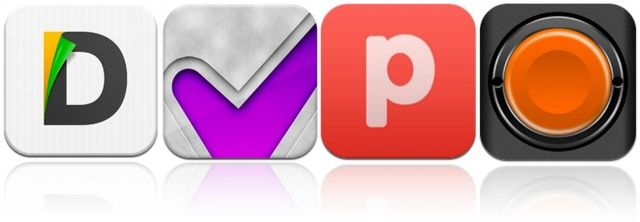
Documents, a great new file manager and media player for the iPad — which won’t cost you a penny — kicks off this week’s must-have apps roundup. Finish, a task management app designed for procrastinators, is also featured — along with Poster, the best WordPress client for iOS. We’ve also got a great new camera app that’ll help you take awesome photos on your iOS devices, without applying filters and effects.
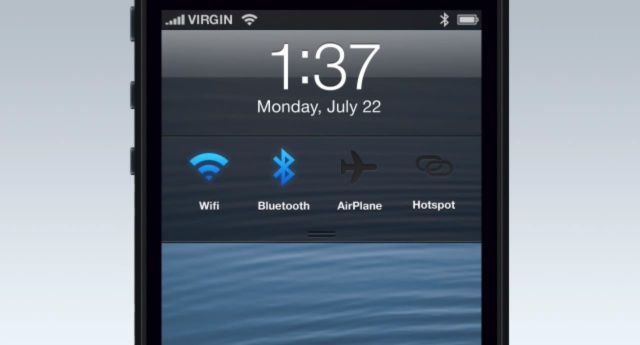
The iOS lock screen is a boring place. It displays the time, any notifications you’ve received since you last unlocked your device, and a shortcut to the Camera app. But that’s it. When you compare it to Android’s lock screen, which now has support for all kinds of cool widgets, it’s clear there’s room for improvement.
One way Apple could start improving it for iOS 7 is with this awesome concept from Jean-Marc Denis.
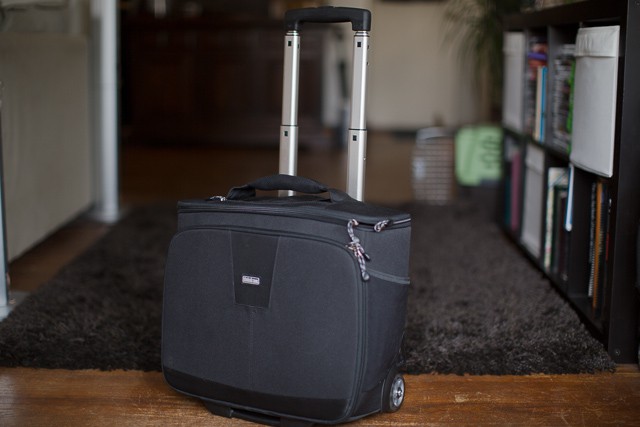
As an Apple guy with a whole lot of photography gear, I’m usually forced to slug my computing devices in one bag and DSLR and accoutrements in another while traveling. I hate doing that.
Think Tank’s new rolling camera bag, the Airport Navigator ($249), with two wheels, a telescoping handle, and space for a DSLR, lenses, and an iPad and Macbook Pro, seemed to be the perfect portable home for all my devices to live. But how well would it perform on the road? I decided to pack it full, take it to Vegas, and cart it around with me on the over-crowded floors one of the world’s biggest technology shows, CES 2013, and find out.
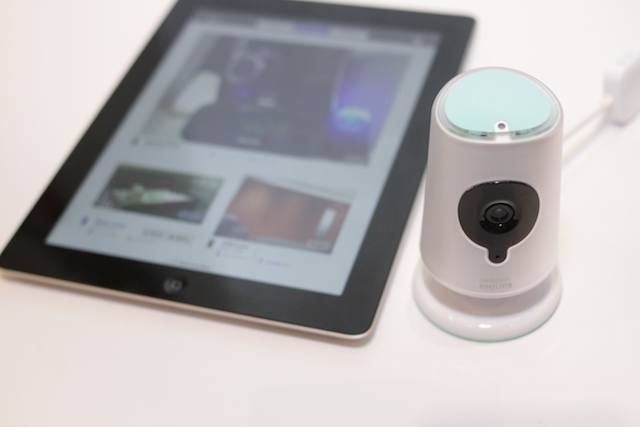
LAS VEGAS, CES 2013 – Y’know how we said something or other about how iHome had an avalanche of new products? Yeah, forget we said that; the amount of new products at the Philips fort (really, they had, like, an encampment) made the iHome avalanche look like a powder dusting. And amazingly, most of it is actually worth talking about. Here’re the highlights from our booth tour.
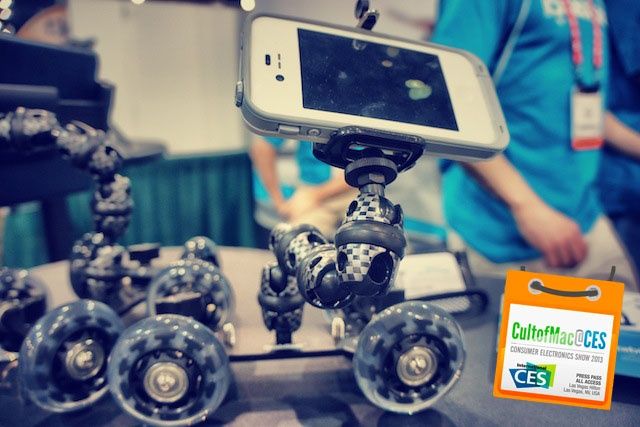
LAS VEGAS, CES 2013 – When I shoot video with my iPhone it usually looks like a rehabbing crack addict shot it. I get the shakes and the video becomes a wonky mess as everything starts blurring together.
If you want to shoot better video with your iPhone, there’s a new product we found at CES today that will make you look like a pro. It’s called the iStabilizer Dolly, and it helps you capture smooth video cinematic videos and panning shots using your iPhone.
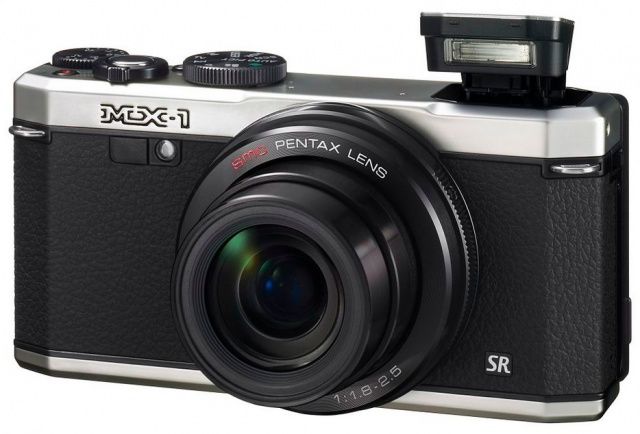
Pentax has just announced a new retro-styled point-and-shoot zoom camera, the MX-1. The trend for cameras that look like they’ve fallen through a time warp from the 1960s is trickling down from the high-end and into lower-cost, consumer-oriented models.
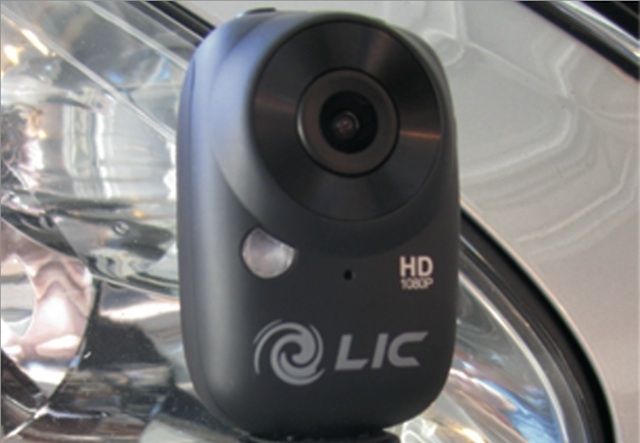
LAS VEGAS, CES 2013 – If you want to get on some James Bond level espionage stuff, you could try buying a flying robot to spy on your neighbors, but the noise will clue them in. The best option right now is this tiny sensor wearable HD camera sensor from Liquid Image that can grab 1080p video without anyone knowing it’s there.
The Ego mini is a Wifi equipped HD camera that is marketed towards outdoor adventure seekers that want to record their greatest stunts and disasters, but it also comes with the ability to broadcast your video-feed over WiFi to an iPhone or Android device 400meters away, making it a perfect spycam.
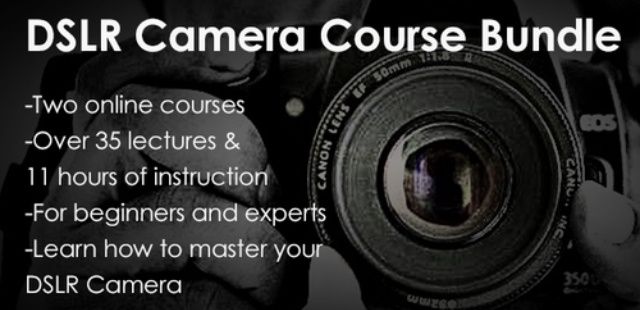
The iPhone is fast becoming one of the most – if not the most – used cameras on the planet. But serious photographers know that nothing really beats a DSLR in terms of quality – and any serious hobbyist knows that as well. So if you’re looking to get some superior shooting, then learning how to use a DSLR camera is a must. And for those who already have a DSLR camera, I’m betting that you’re probably not using it to its full potential.
You’re not alone…I’m in the same boat. That’s why this latest Cult of Mac Deals offer is so huge. You’ll get two online courses that will help you achieve DSLR mastery and take your digital photography skills to new heights – and all for just $39!
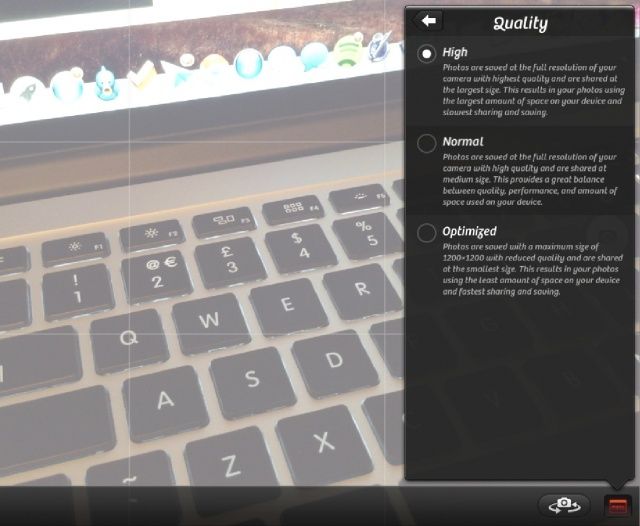
Camera+ for iPad just got a brand new update that introduces a high quality setting for snapping — you guessed it — high quality photographs. It comes in addition to the two quality settings already offered by Camera+, and its creators warn that using it will cause your storage to get eaten up a whole lot quicker.
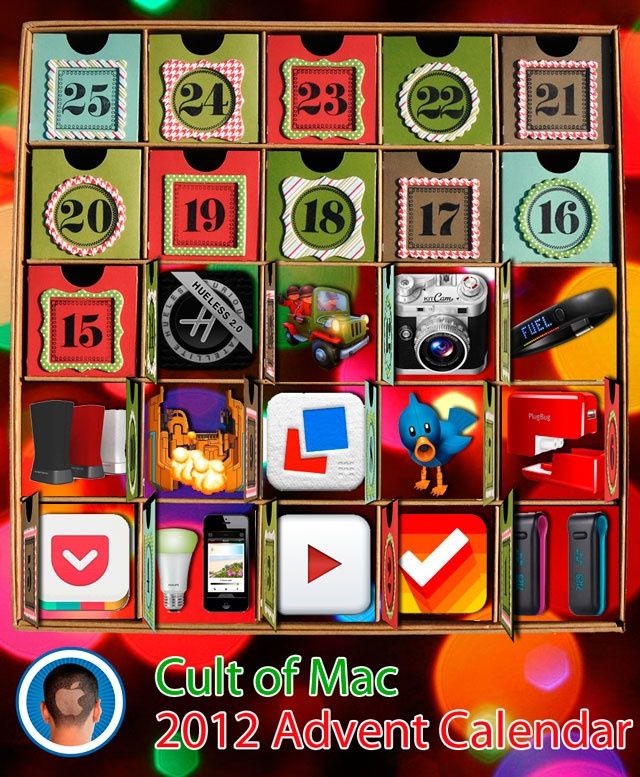
One of the better Yuletide traditions is the venerable holiday Advent Calendar, in which each day of December leading up to Christmas is marked off on a special calendar by opening its corresponding door to find a small gift, toy or chocolate squirreled away inside.
This year, we here at Cult of Mac decided we wanted to give our readers their very own Apple-themed advent calendar, filled with the year’s best apps, gadgets, stories and other curios. So each day in December, we’re going to lovingly peel back the door on the Cult of Mac 2012 Advent Calendar to reveal another delicious morsel, something really special that came out this year that we think every one of you should enjoy.
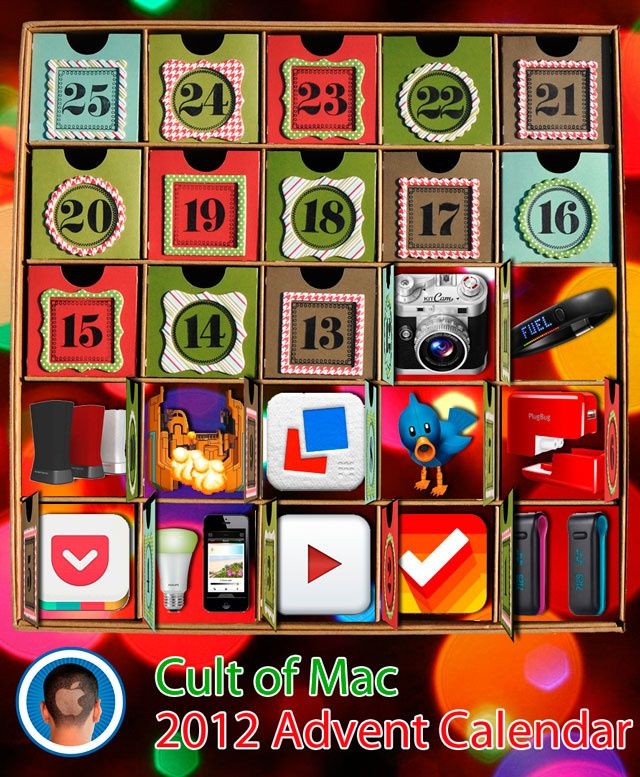
What’s the prize for Day 14? A wonderful little app called Hueless that will drain all the color from your photos..
One of the better Yuletide traditions is the venerable holiday Advent Calendar, in which each day of December leading up to Christmas is marked off on a special calendar by opening its corresponding door to find a small gift, toy or chocolate squirreled away inside.
This year, we here at Cult of Mac decided we wanted to give our readers their very own Apple-themed advent calendar, filled with the year’s best apps, gadgets, stories and other curios. So each day in December, we’re going to lovingly peel back the door on the Cult of Mac 2012 Advent Calendar to reveal another delicious morsel, something really special that came out this year that we think every one of you should enjoy.
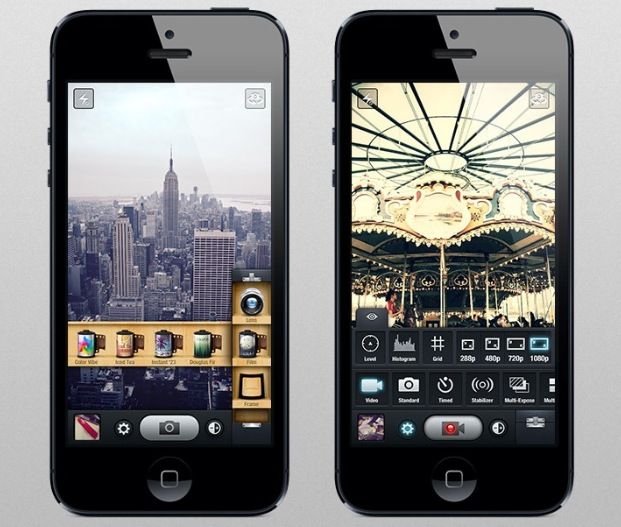
It’s Day 12! That means KitCam, one of the best camera apps for the iPhone.
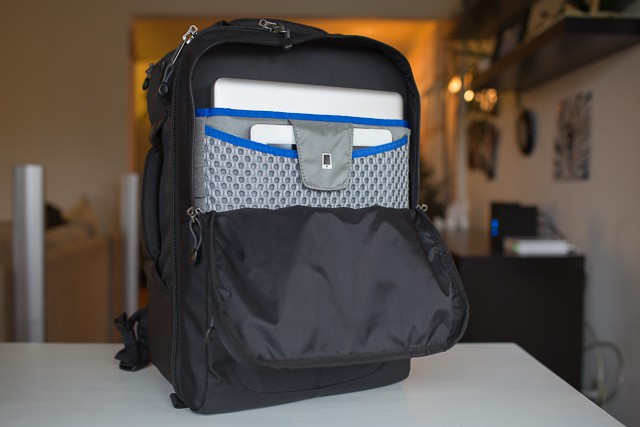
Think Tank’s new Airport Commuter camera bag ($199) is something of a paradox: Though it’s the size of a normal backpack, it manages to fit an abnormal amount of glass, gear, a full-size a Macbook Pro, and an iPad.
But could such a compact bag hold so many precious items in harmony? I packed it up, strapped it on, and set out to find out.
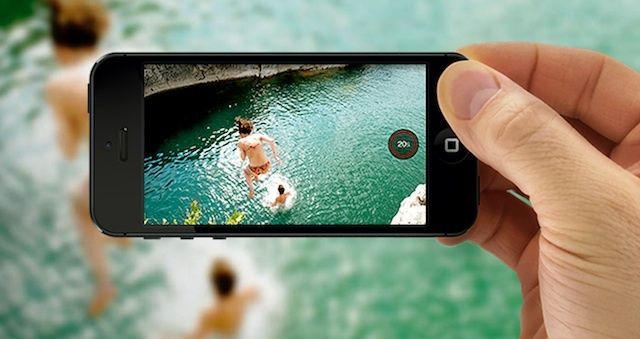
This may be too basic of a tip for most of you, but there’s bound to be a few folks out there who haven’t heard this one. I ran into someone in real life (gasp!) the other day who hadn’t known that he could hold his iPhone in landscape mode, like a real point and shoot camera, and click the button now located in the upper right of the iPhone to take a photo.
It was like a light went on over his head as soon as he tried this. If you haven’t heard of this great way to take a snapshot, now’s the time to give it a try.
KitCam has quickly become one of my favorite photography apps for the iPhone — featuring in last week’s must-have apps roundup — and it has just been updated to add a number of handy features. In addition to photo importing from the camera roll, KitCam now has a time lapse timer, and better zoom functionality.