Mobile menu toggle

Belkin - page 4

Pharma tech lead runs a fit and oh-so-clean WFH rig [Setups]

By

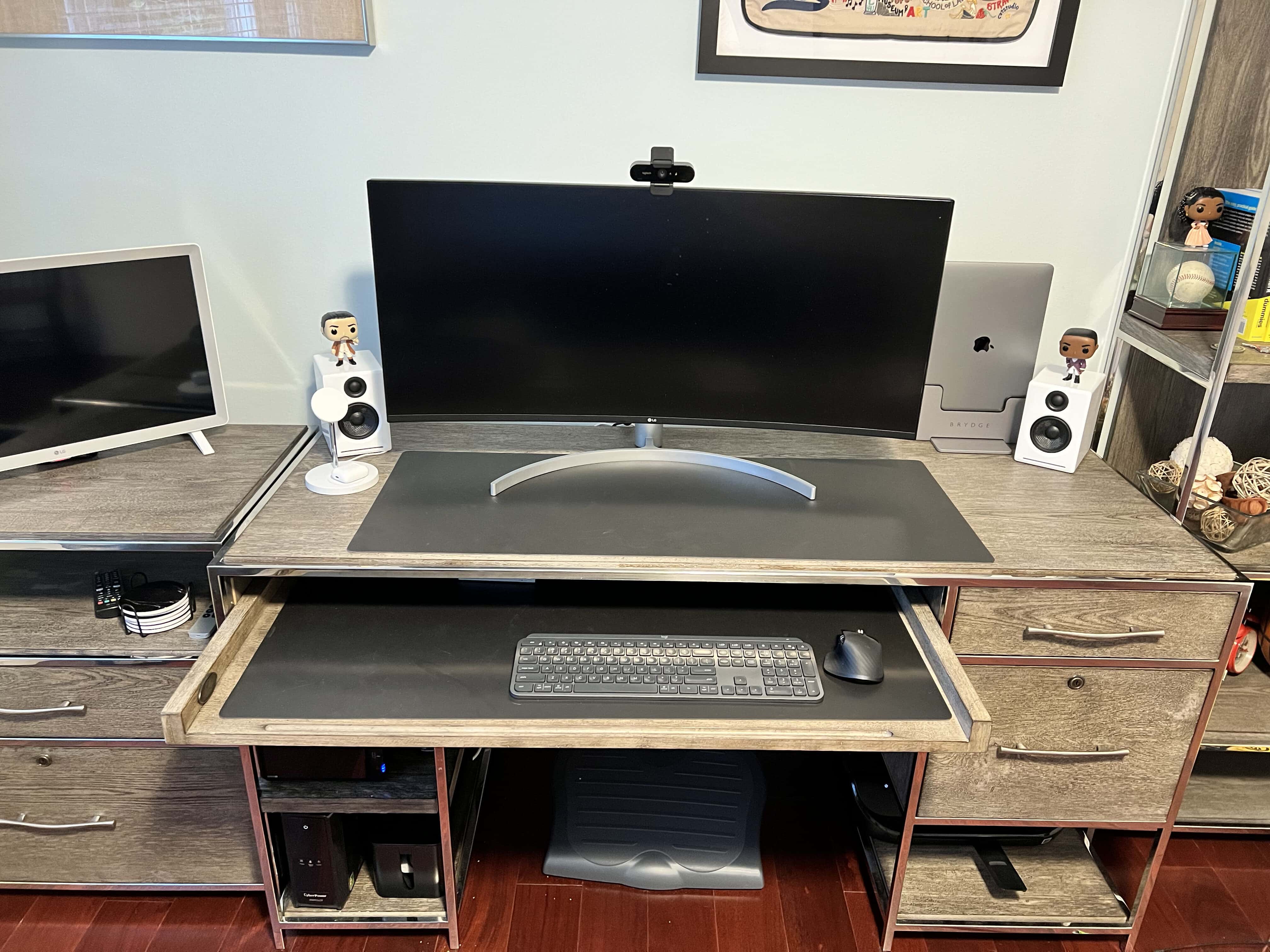
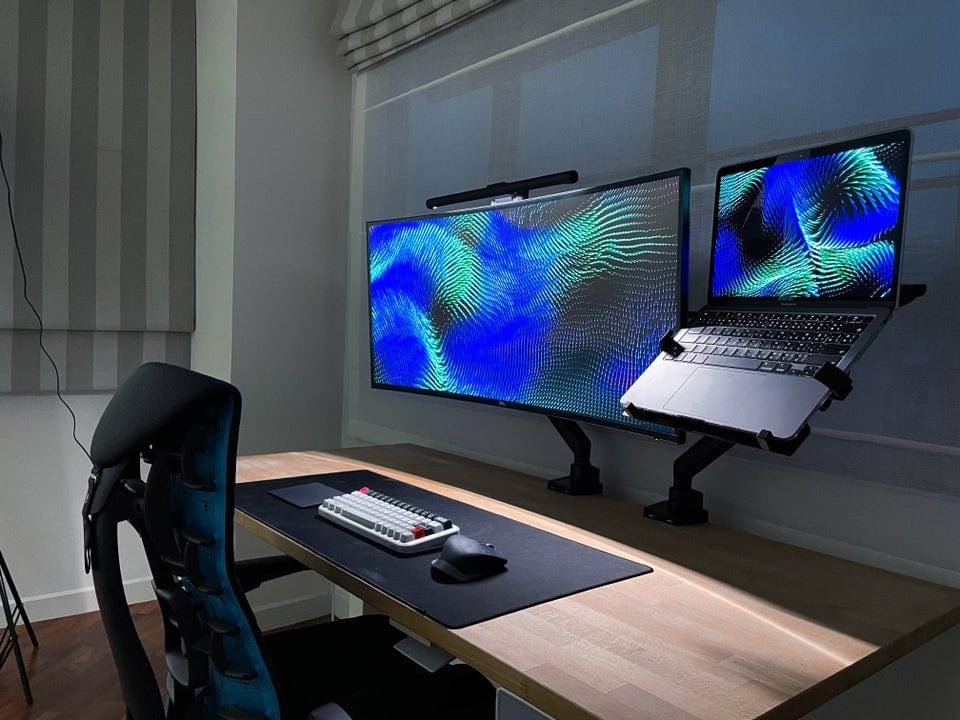
Marc Drucker's WFH setup saves some cable clutter by using the monitor as a USB hub.
Photo: Marc Drucker

Marc Drucker serves as an associate director and technical lead for a pharmaceutical company in Menlo Park, California. Having shifted fully to working from home, he found his computer setup — his WFH rig — running so well and looking so clean, he decided to send it in to Cult of Mac.

Among the words he used to describe his WFH rig were ideal and perfect. We talked to him about what works so well for him in his workstation and included his answers, below.

Curved 40-inch HD display is too much monitor for some [Setups]

By

Not bad for something stashed in the corner of your kid's room.
Photo: [email protected]

In the ongoing discussion about whether a gargantuan ultra-wide monitor beats dual monitors or vice versa, some people still chime in favoring one modest display to either of the above choices. Of course, these days, “modest” can mean in excess of 30 inches, plus a lot of bells and whistles.

Get ready for lossless Apple Music with Belkin Soundform Connect [Review]

By

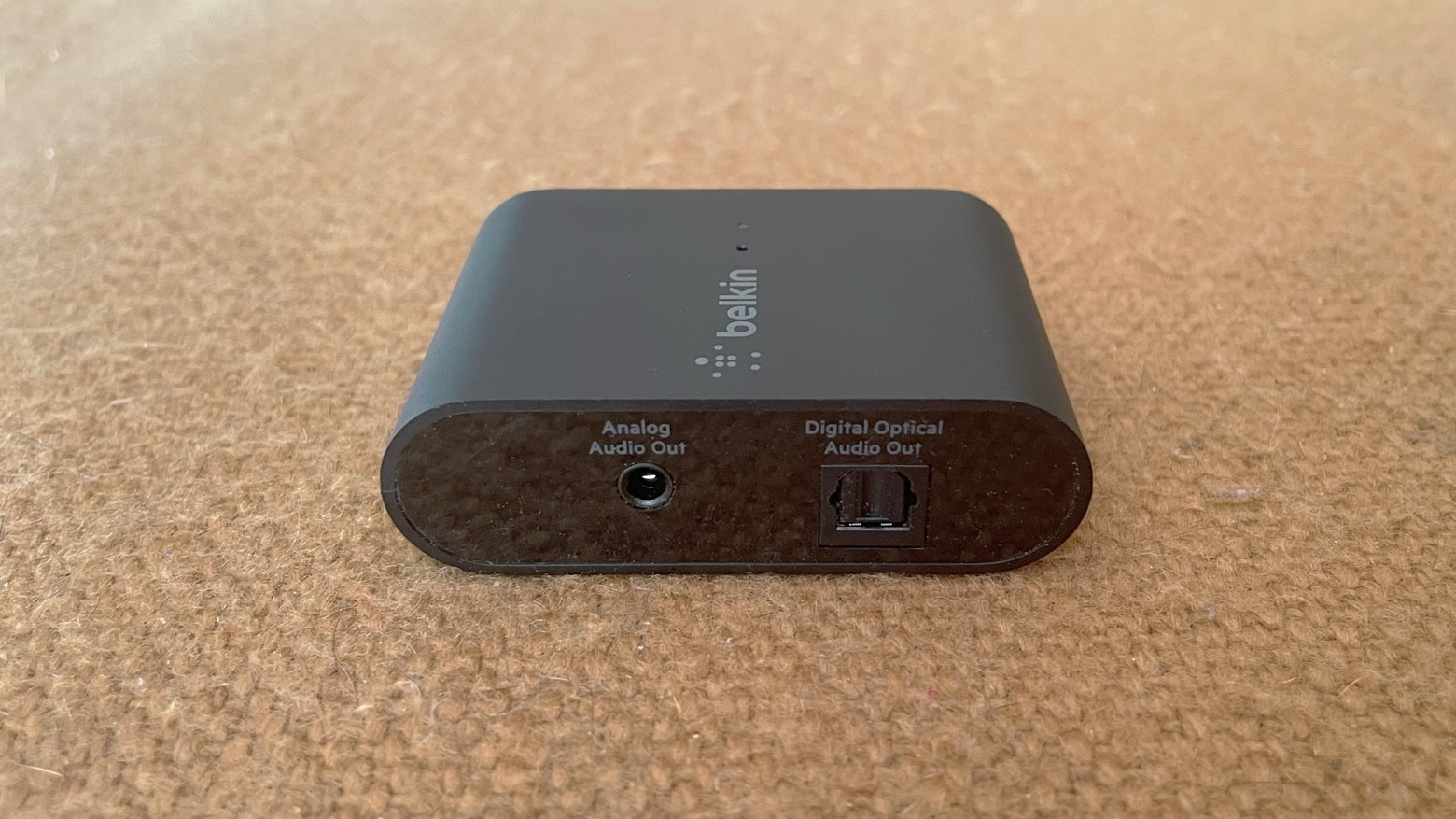
Belkin Soundform Connect review: AirPlay 2 adapter for legacy speakers
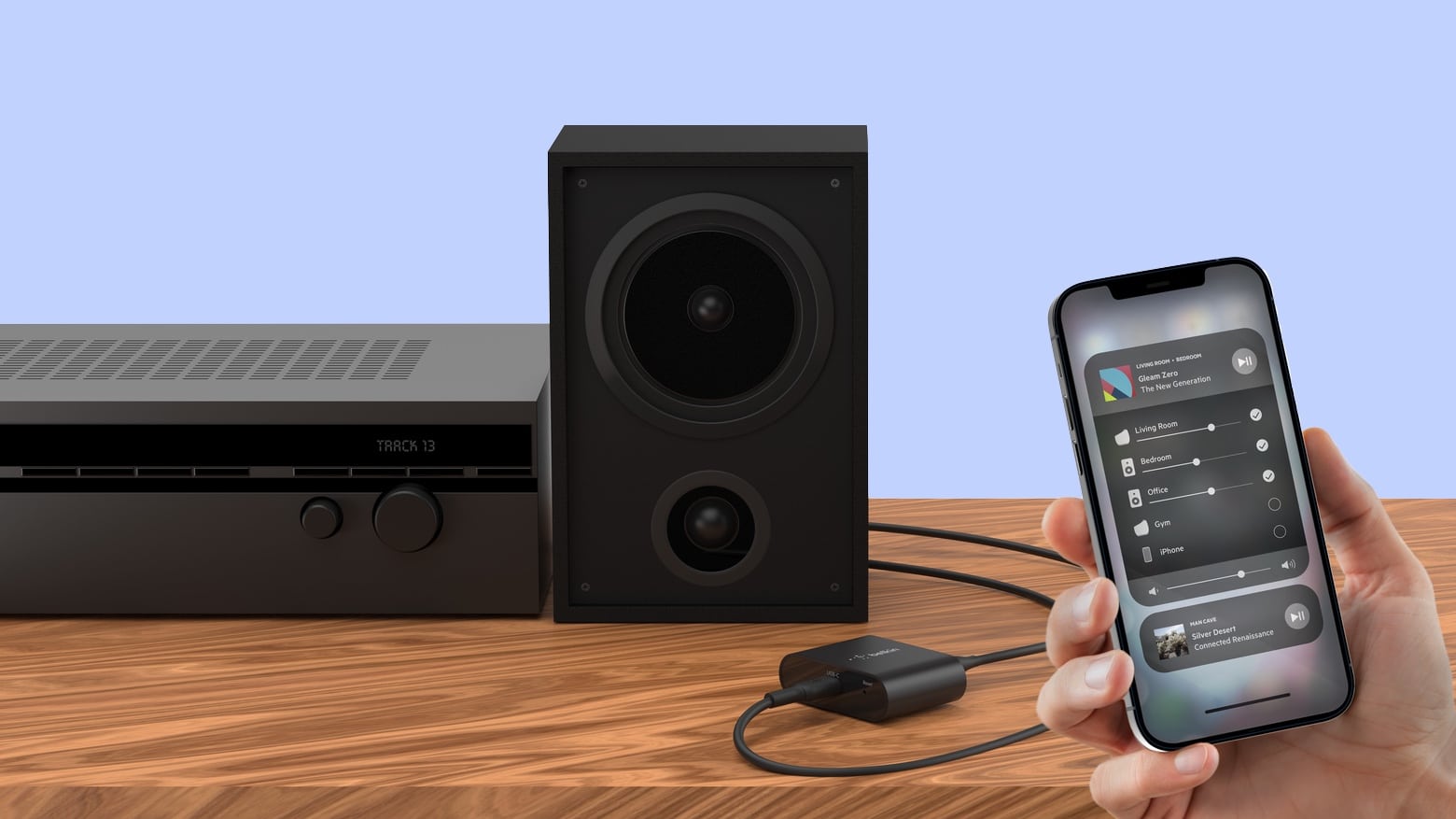
The Belkin Soundform Connect brings the high-quality audio of AirPlay 2 to legacy speakers or soundbars.
Photo: Ed Hardy/Cult of Mac

The Belkin Soundform Connect could be just what you need to connect your speakers to Apple Music’s upcoming high-quality lossless audio. The wireless adapter allows iPhone and Mac users communicate with any speaker over AirPlay 2 using Wi-Fi rather than Bluetooth.

I ran some tests, and I’m impressed with the usefulness of this tiny accessory.

Take push-button control of HomeKit accessories with Belkin remote [Review]

By

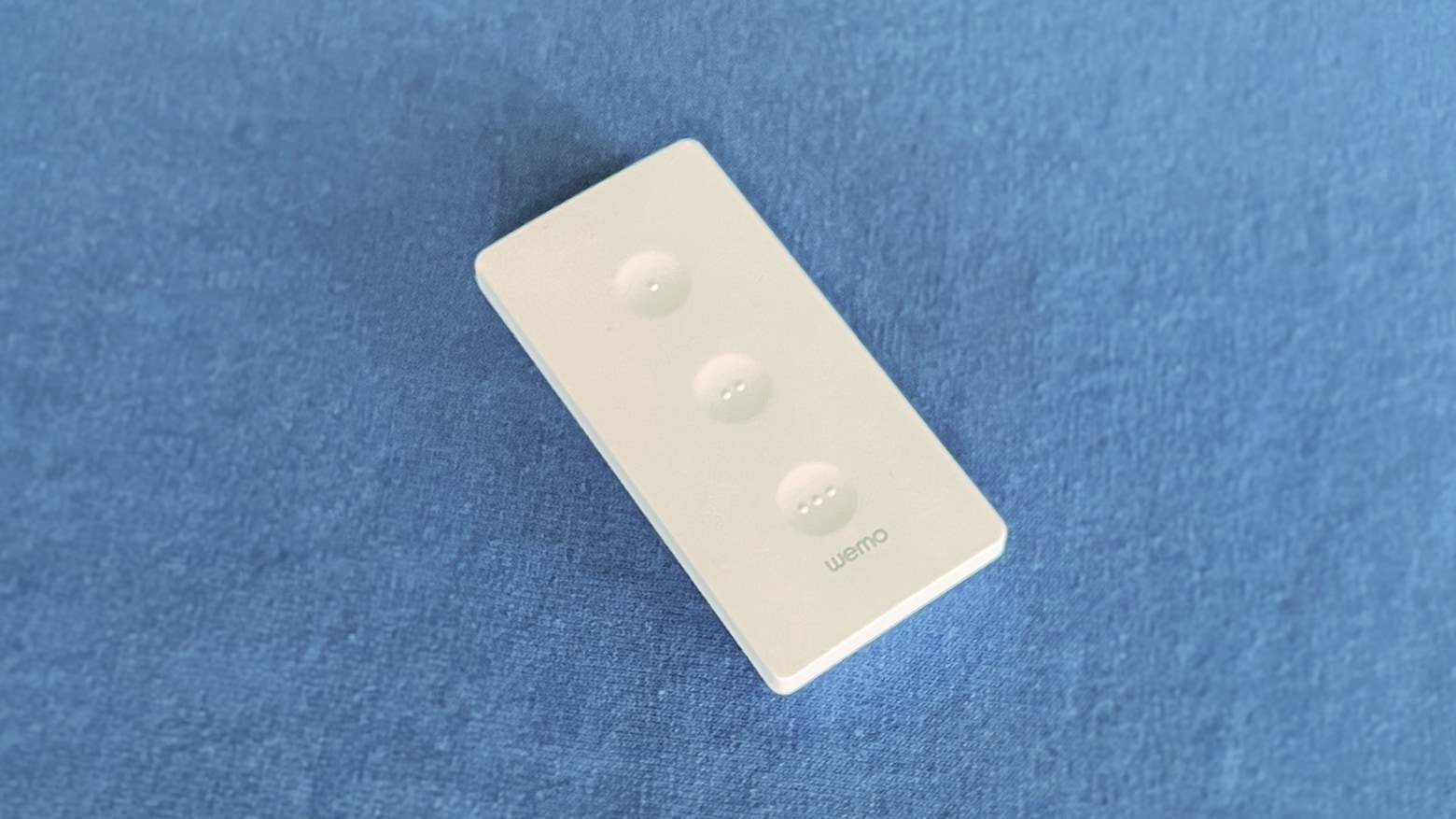
Belkin Wemo Stage Scene Controller review
Press any of the three buttons on Belkin’s Wemo Stage Scene Controller to activate HomeKit accessories.
Photo: Ed Hardy/Cult of Mac

You can activate up to six preprogrammed HomeKit scenes or accessories with the push of a button on Belkin’s Wemo Stage Scene Controller. The palm-size remote sits on a table or hangs on a wall, and lets you easily control HomeKit accessories all over your home. No wiring involved.

I’m fully committed to Apple’s home-automation system, and Belkin’s latest HomeKit gadget fit neatly into my setup. Here’s why.

Belkin’s new remote puts HomeKit at your fingertips

By

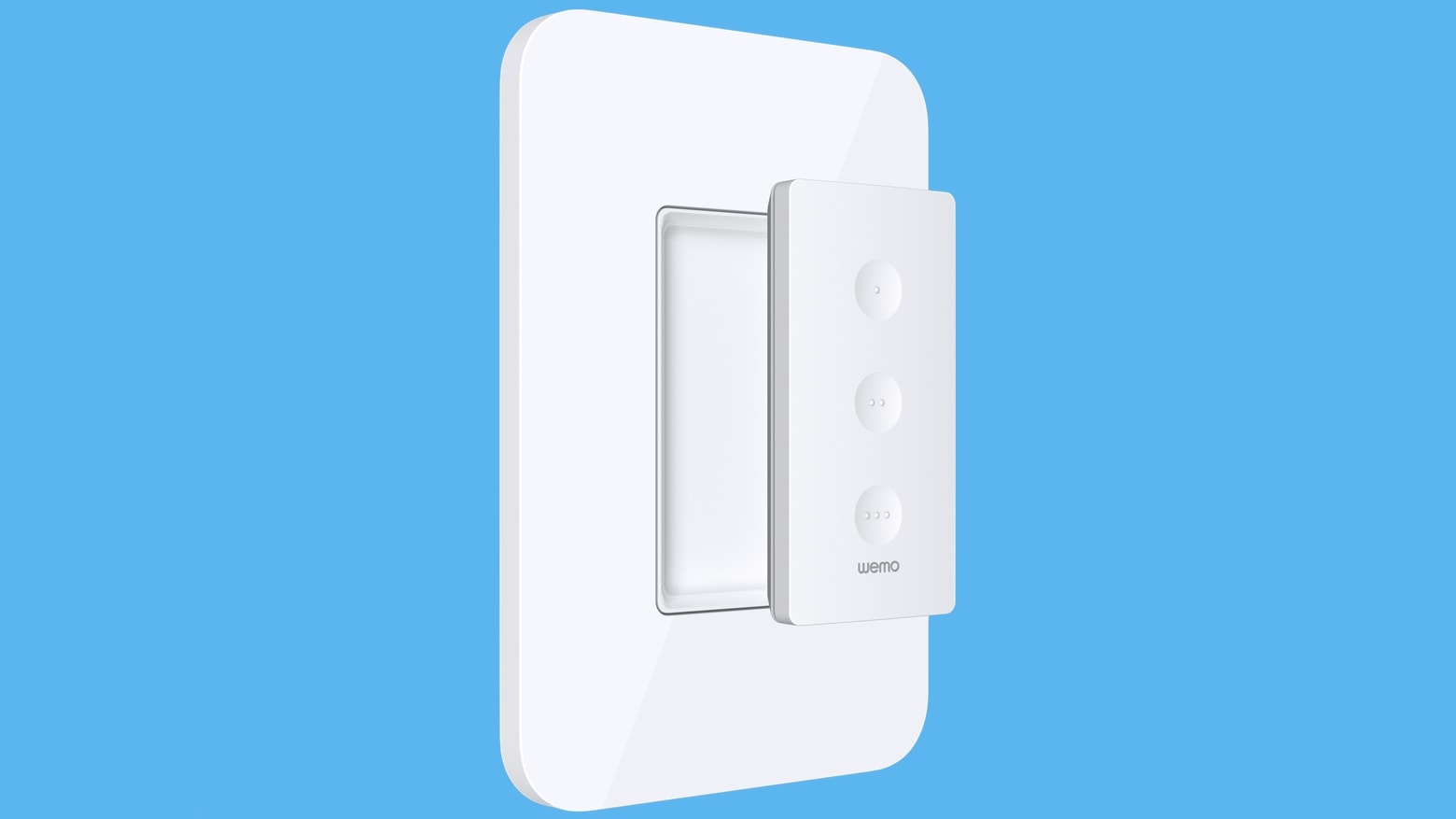
Belkin Wemo Stage Scene Controller remote puts HomeKit at your fingertips
The Belkin Wemo Stage Scene Controller replaces light switches with a much more powerful option.
Photo: Belkin

A wall switch can turn on a light or two, but the Wemo Stage Scene Controller from Belkin can activate an entire scene, controlling lights, thermostats, music and other devices all around the house.

It ties into Apple’s HomeKit home automation system allowing someone to press a single button to launch their movie night scene, or wake their house up in the morning, for example.

Apple opens Find My network to third-party gadgets

By

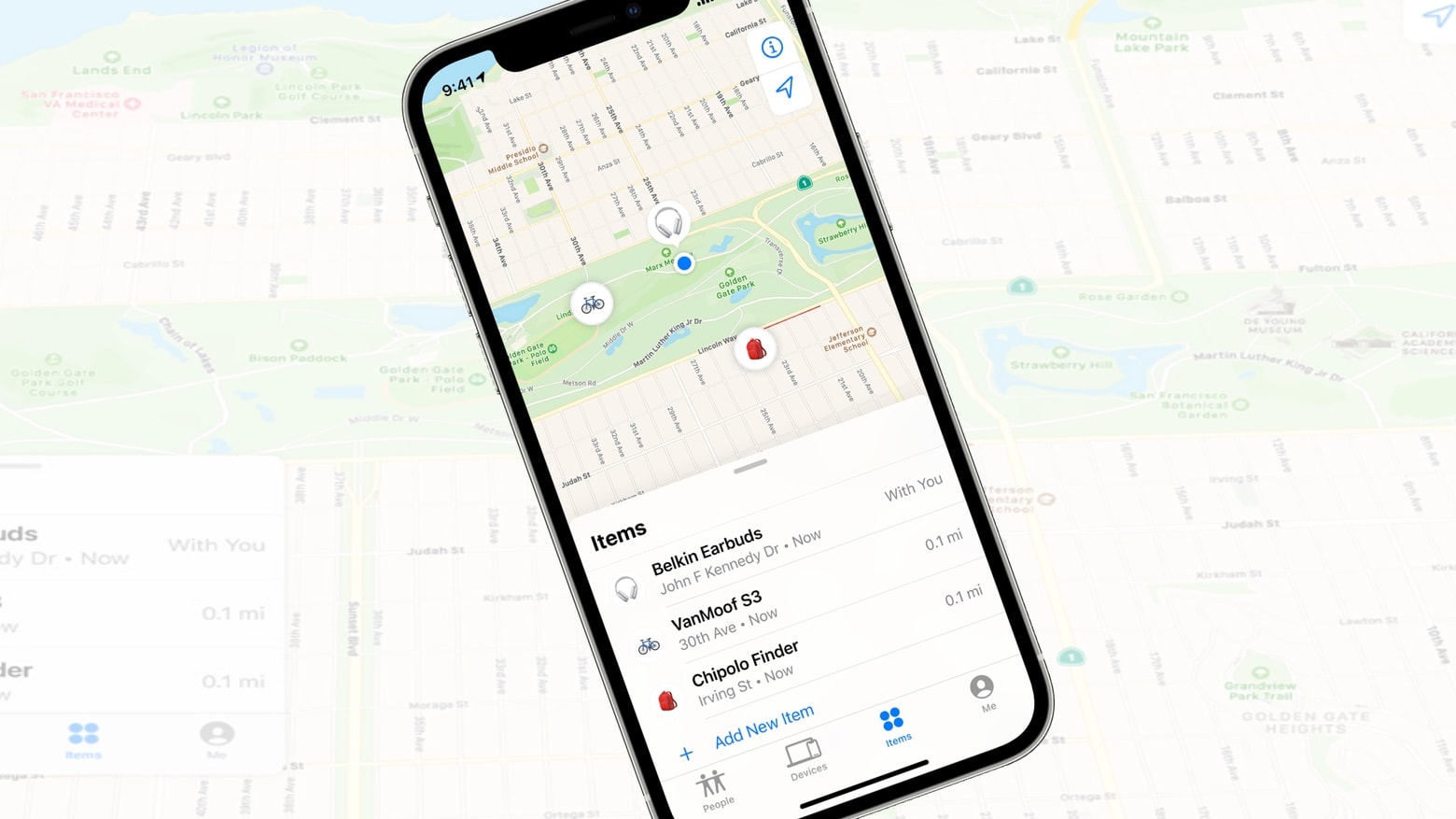
The iPhone Find My app just got a lot more open and useful.
The Find My application can finally be used to locate items not made by Apple. There’s a crop of them coming soon.
Photo: Apple/Cult of Mac

The Find My application built into iOS and macOS finally opened up to device trackers made by other companies, not just Apple. Wednesday’s move allows iPhones, Macs and iPads to locate lost items produced by third-party accessory makers without needing to install additional software.

The first supported non-Apple products come from Belkin, Chipolo and VanMoof.

Mantra behind orgy of screens: ‘Nothing exceeds like excess’ [Setups]

By

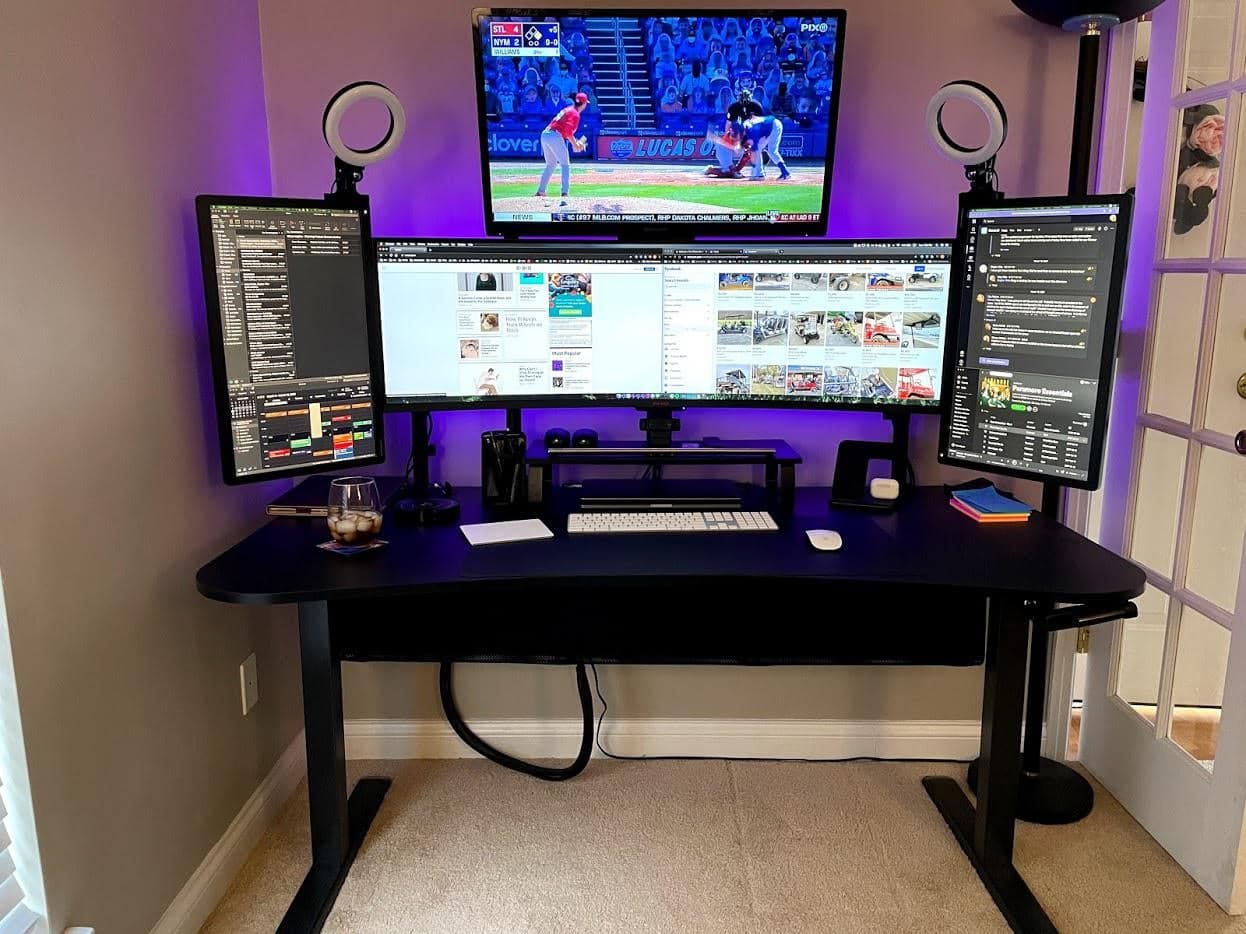
Can you ever really have too many monitors?
Photo: KipKang@Reddit

A Mission Control-looking setup featuring an ultrawide monitor with a spacious screen above it and a portrait-oriented screen on either side of it was bound to get some attention — especially with ring lights sticking up from it like antennae. And it did.

“That just seems so excessive that it isn’t even funny,” one Redditor commented on KipKang’s post promoting his MacBook Pro setup and its relative orgy of displays. “I love it and I am jealous of it. Long winded way of saying NICE!”

“Thanks! ‘Nothing exceeds like excess,’” KipKang replied.

Belkin’s iPhone mount follows your face for better video recordings

By

Belkin unveiled multiple MagSafe accessories on Tuesday.
Clip an iPhone into the Belkin Face Tracking Magnetic Phone Mount with MagSafe and you’re ready to record your next YouTube video.
Photo: Belkin

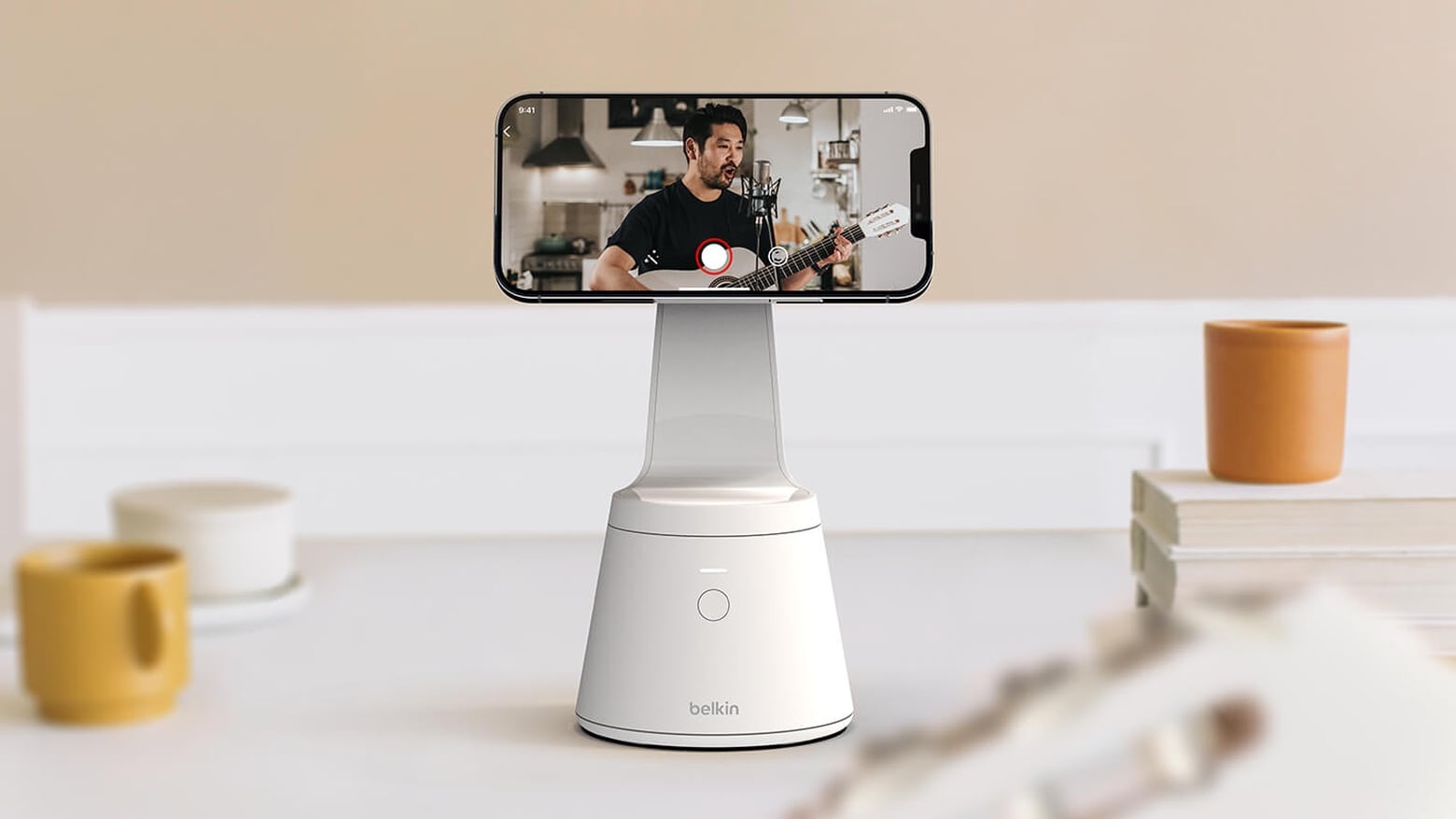
 The Belkin iPhone mount with Face Tracking Magnetic Phone Mount and MagSafe uses facial recognition to keep an iPhone’s camera constantly pointed at the user, taking the place of a cameraman.

It uses MagSafe to hold the handset in place, and Belkin also unveiled a range of other MagSafe accessories on Tuesday, including clip-on batteries in two sizes.

Belkin’s stylish MagSafe stand quickly powers up iPhone 12 and AirPods [Review]

By

Belkin Boost↑Charge Pro 2-in-1 Wireless Charger Stand with MagSafe review
Belkin Boost↑Charge Pro 2-in-1 Wireless Charger Stand makes your iPhone ready to use hands free, and it quickly juices up the handset with MagSafe.
Photo: Ed Hardy/Cult of Mac

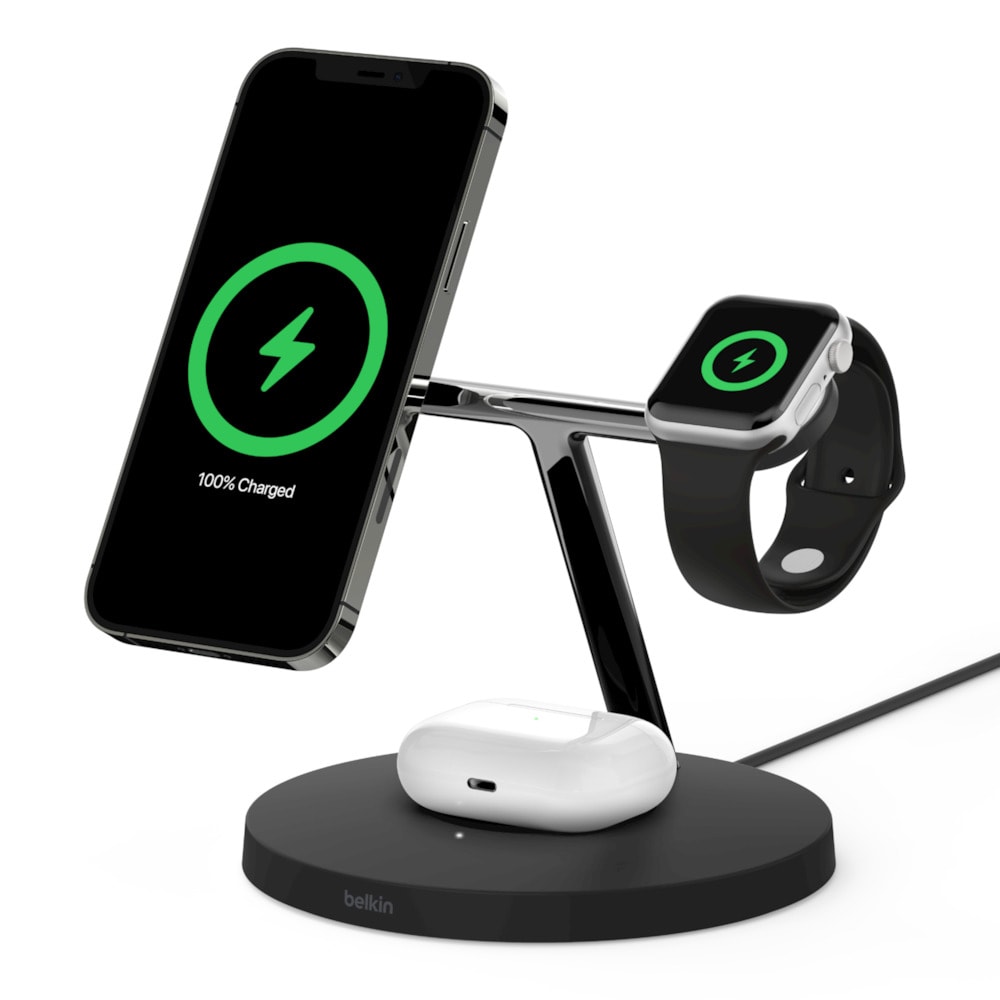
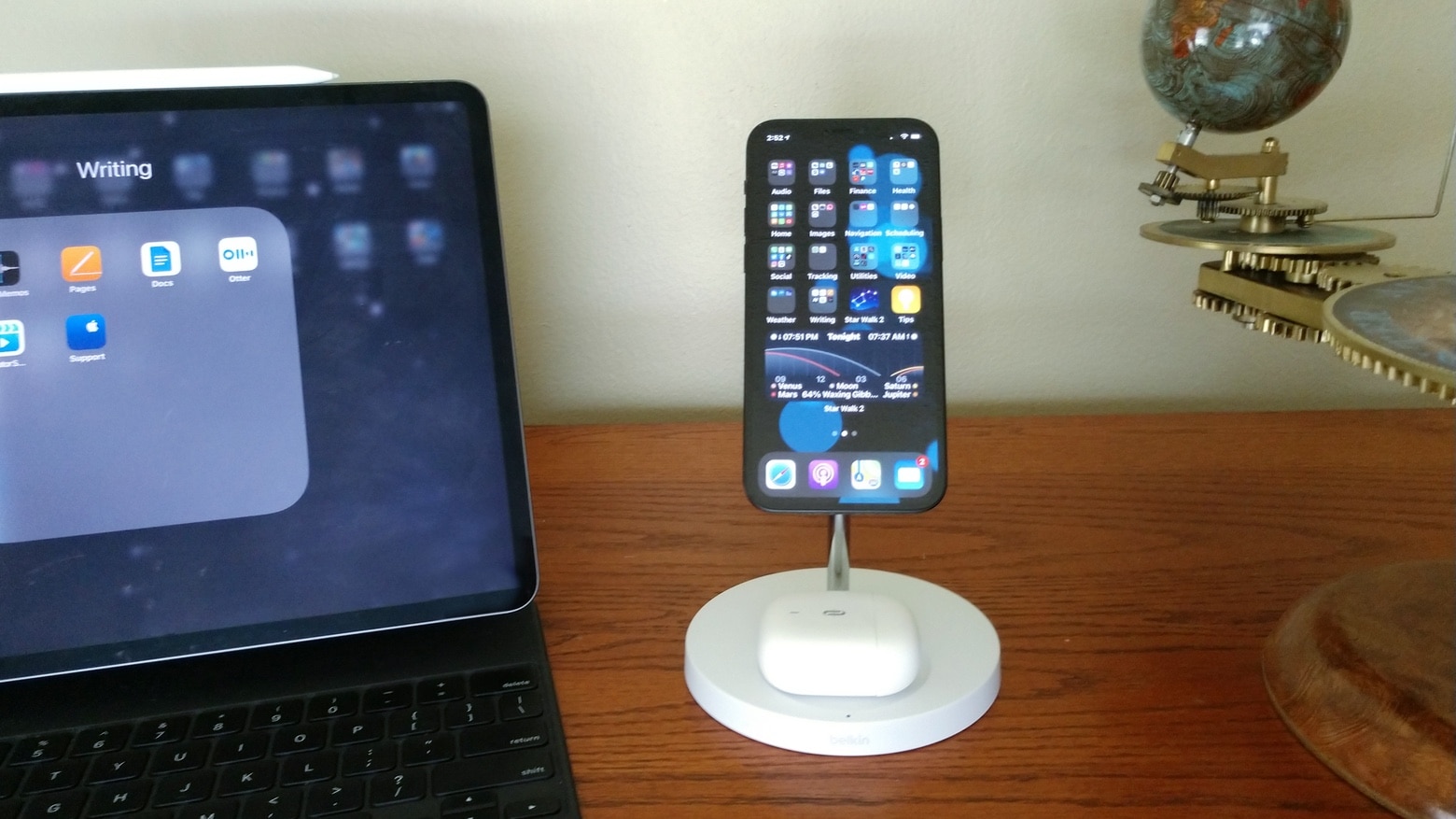
The Belkin Boost↑Charge Pro 2-in-1 Wireless Charger Stand with MagSafe holds your iPhone 12 up so it’s ready for FaceTime calls or just checking email. And it powers up the handset twice as fast as traditional wireless chargers. Plus, it comes with a built-in AirPods charger. If you’re looking for a Belkin iPhone mount with MagSafe for Mac notebooks, there are additional options available that provide seamless integration.

I put this stylish iPhone accessory to the test. Here’s how it performed in the real world.

Belkin MagSafe charger for iPhone 12 and AirPods goes up for preorders

By

Belkin BoostCharge Pro 2-in-1 Wireless Charger Stand with MagSafe is a lot of name.
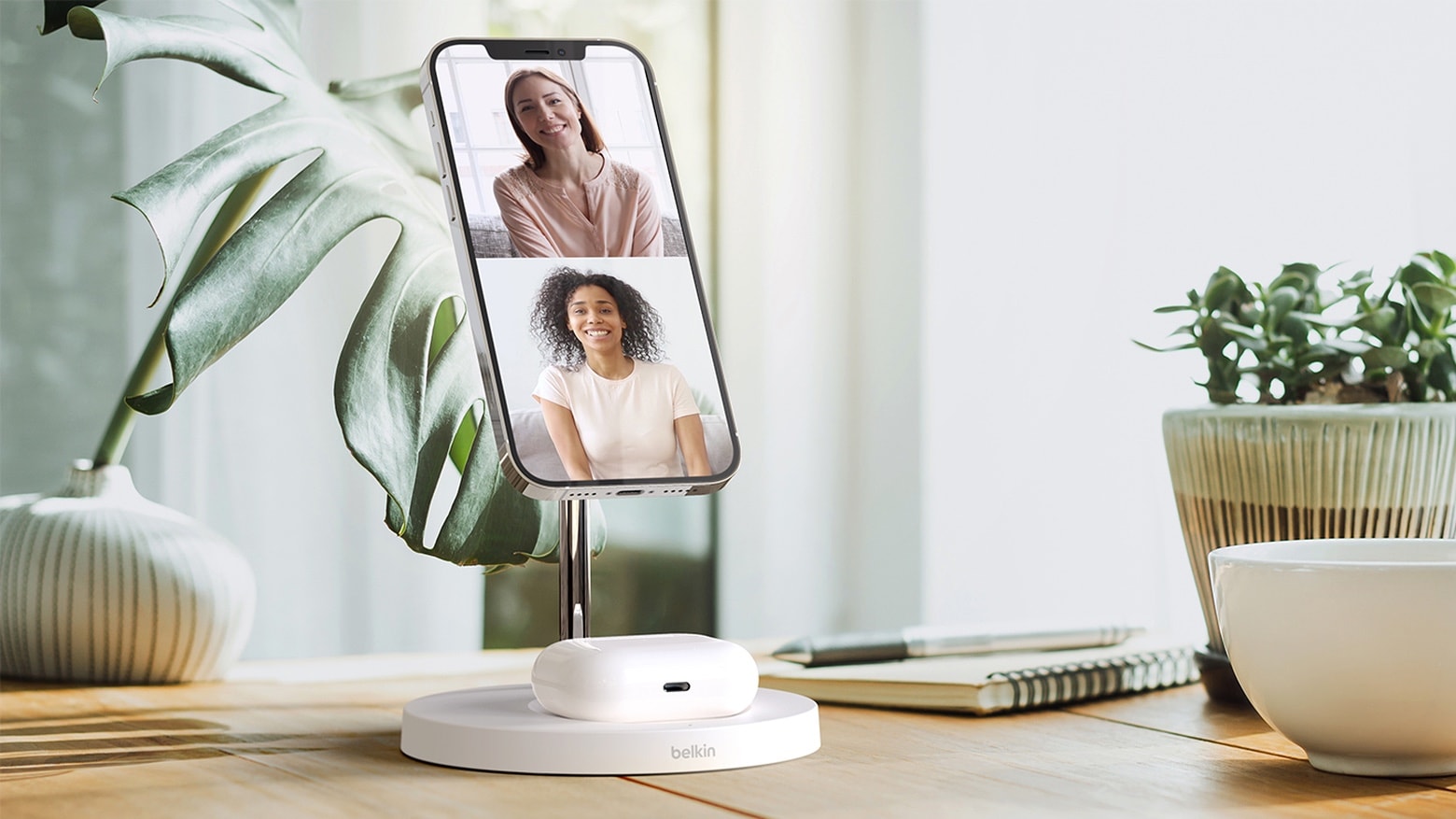
Easily make FaceTime calls with Belkin’s new charging stand that supports the iPhone 12 series’ MagSafe system.
Photo: Belkin

The short list of truly MagSafe-compatible accessories grew a bit on Tuesday, as the Belkin Boost↑Charge Pro 2-in-1 Wireless Charger Stand can now be preordered. This holds up an iPhone 12 for easy viewing, and includes a pad for AirPods cases that support wireless charging.

Find My app gets ‘Items’ tab for gadget tracking in iOS 14.5 beta 3

By

Items in the Find My app
AirTags to follow?
Screenshots: Ed Hardy/Cult of Mac

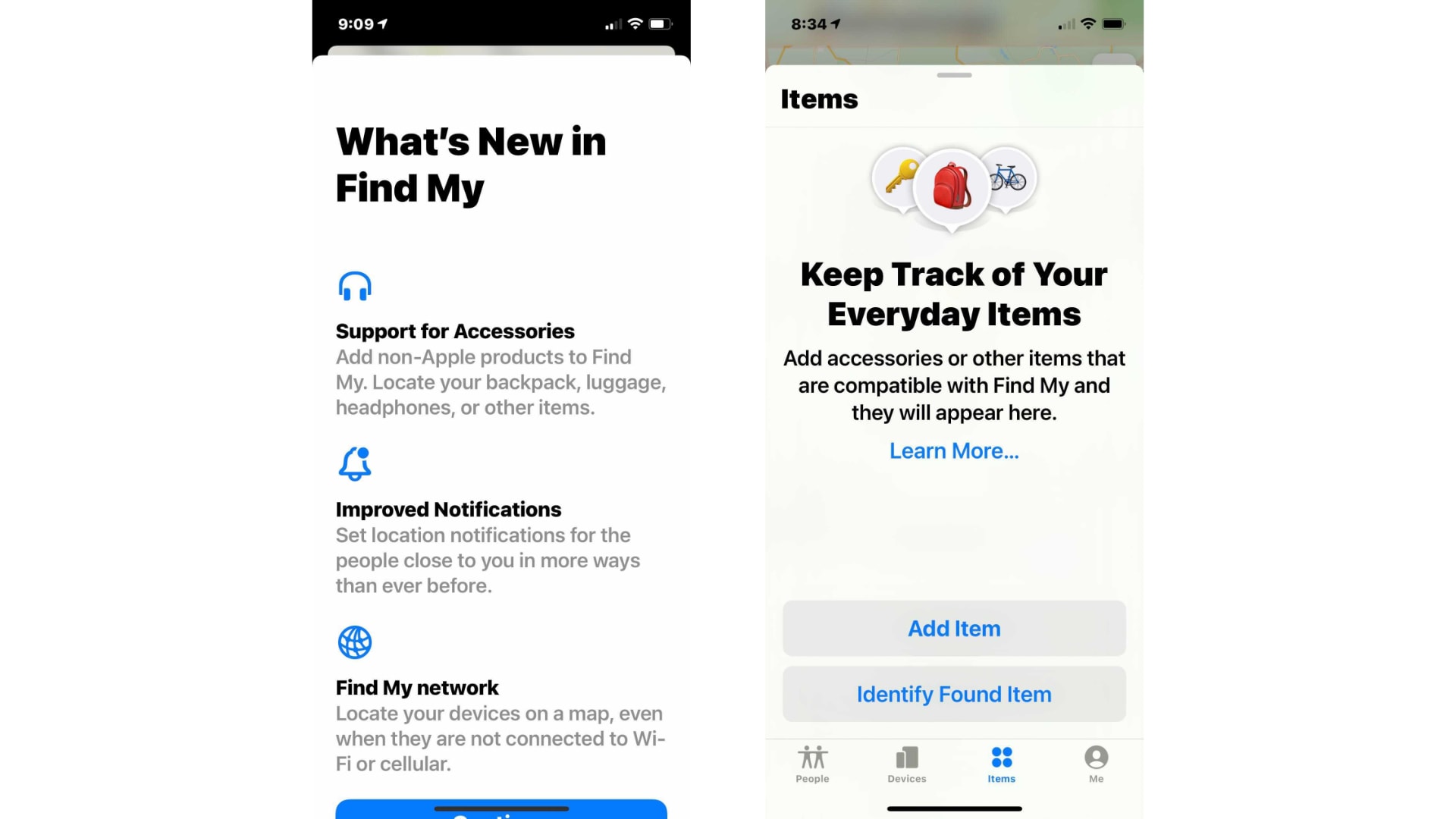
Apple’s newest iOS 14.5 and iPadOS 14.5 betas add a new “Items” tab to the built-in Find My app that allows users to tracks Beats headphones, luggage and other third-party gadgets.

The tab is also expected to be home to Apple’s long-rumored “AirTags” trackers … when they finally appear.

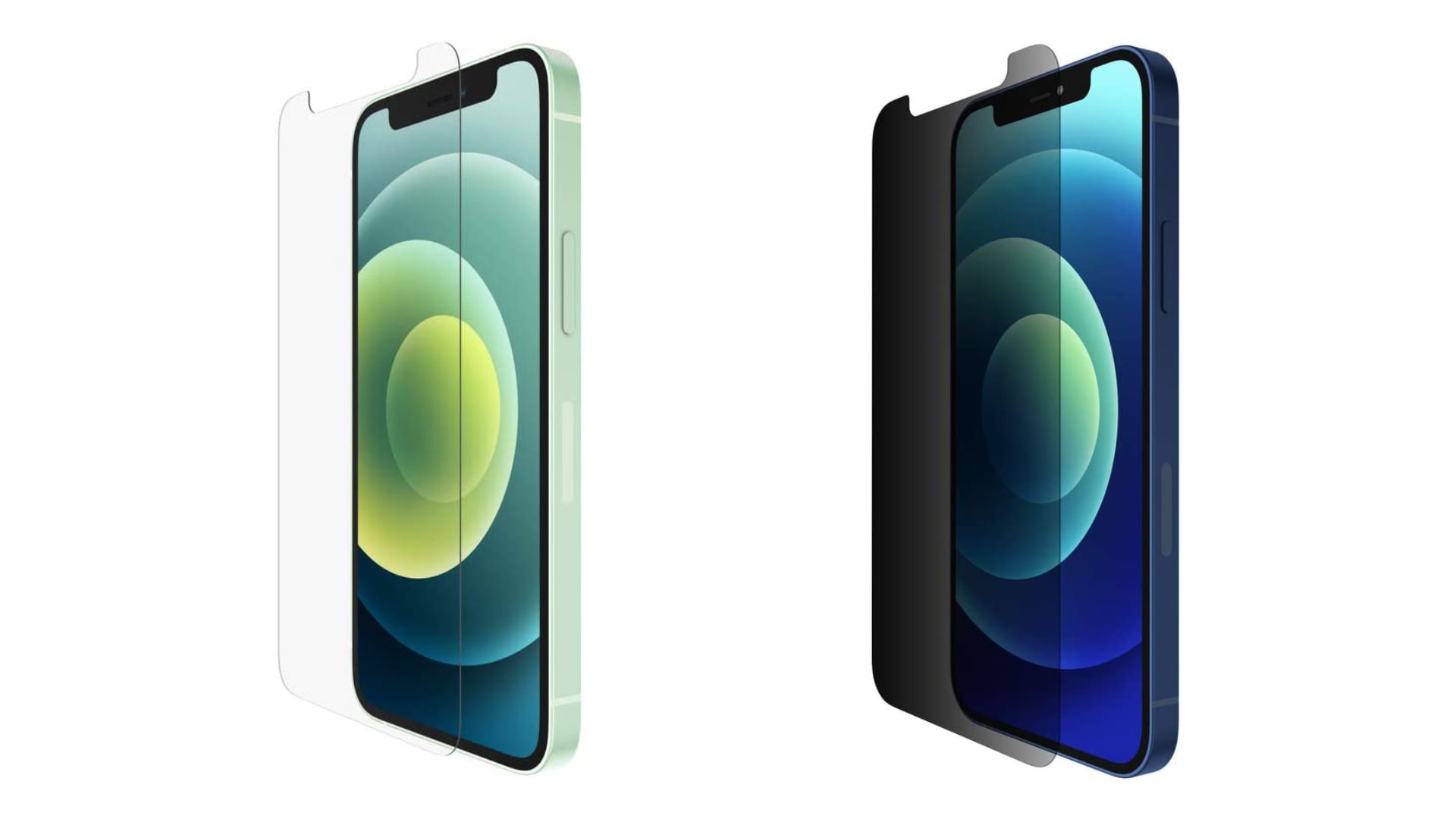
Save up to 30% on Belkin screen protectors for iPhone today only

By

Belkin screen protectors for iPhone
Get yours from just $17.49.
Photo: Belkin

iPhone 12’s display glass is the toughest you’ll find in any smartphone today, but that doesn’t mean it can’t get scratched. You’ll need a good screen protector if you want to keep yours looking brand-new.

Pick up one of Belkin’s newest protectors on Amazon at up to 30% off its usual price today only.

Belkin MagSafe charger juices up both iPhone 12 and AirPods

By

Belkin BoostCharge Pro 2-in-1 Wireless Charger Stand with MagSafe is a lot of name.
Easily make FaceTime calls with Belkin’s new charging stand that supports the iPhone 12 series’ MagSafe system.
Photo: Belkin

CES 2021 bugThe Belkin Boost↑Charge Pro 2-in-1 Wireless Charger Stand with MagSafe uses magnets to hold an iPhone 12 up where it can be more easily seen. And it includes a pad for AirPods cases that support wireless charging.

In addition, Belkin also unveiled the SoundForm Freedom True Wireless Earbuds on Monday, the first day of CES 2021. These truly wireless headphones offer environmental noise cancellation and 8 hours of playback.

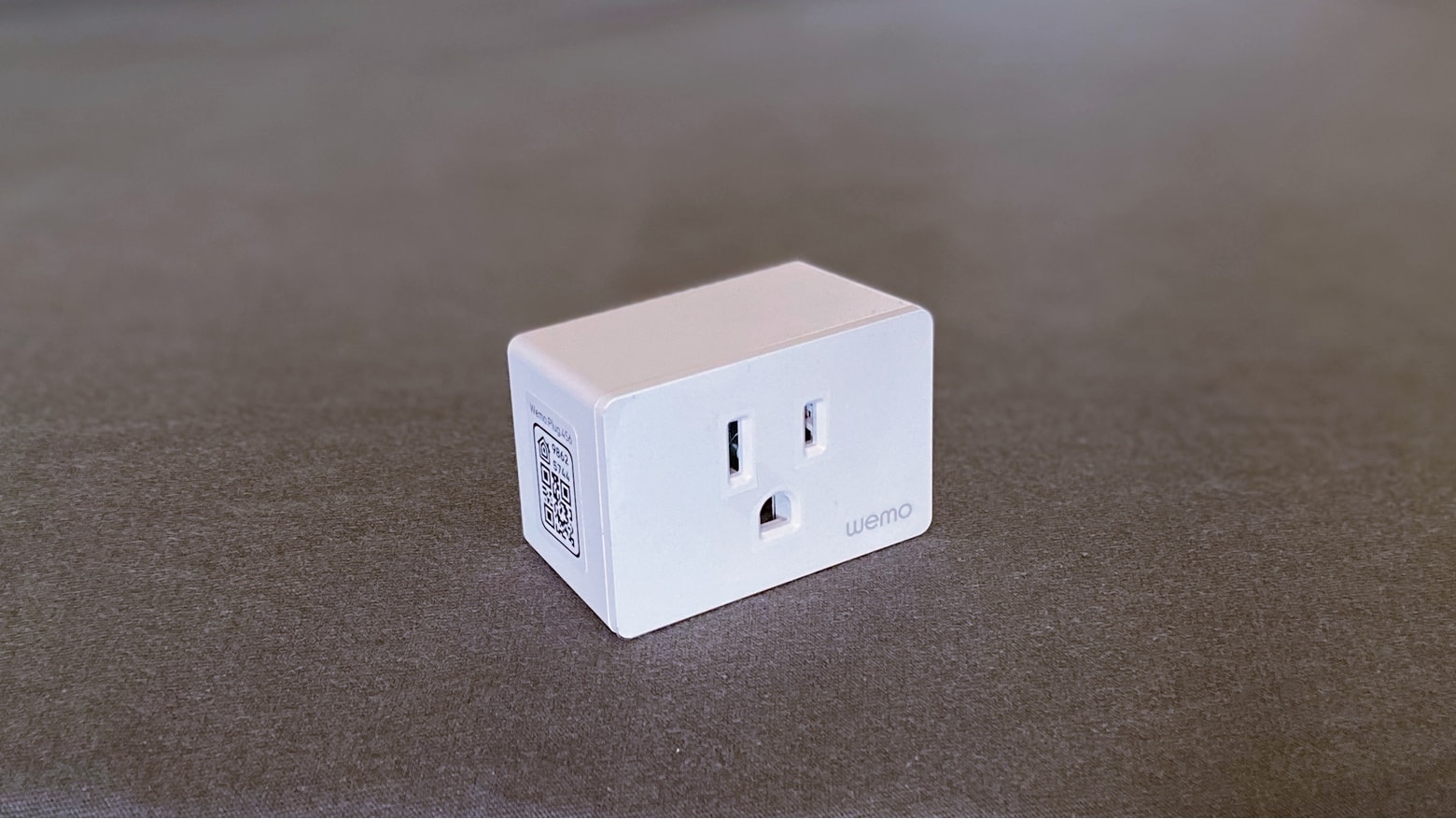
Tiny WeMo smart plug makes trying HomeKit so easy [Review]

By

Belkin Wemo WiFi Smart Plug review
The Wemo WiFi Smart Plug can be your ticket to easy home automation.
Photo: Ed Hardy/Cult of Mac

Home automation is convenient and even kind of fun. And a smart plug is the easiest way to get started. The redesigned Wemo WiFi Smart Plug from Belkin lets you find out if you really want to be able to control your lights or other appliances from your iPhone, without making a big investment.

A couple of weeks of testing this pint-size HomeKit accessory went into this review. Here’s what I found out.

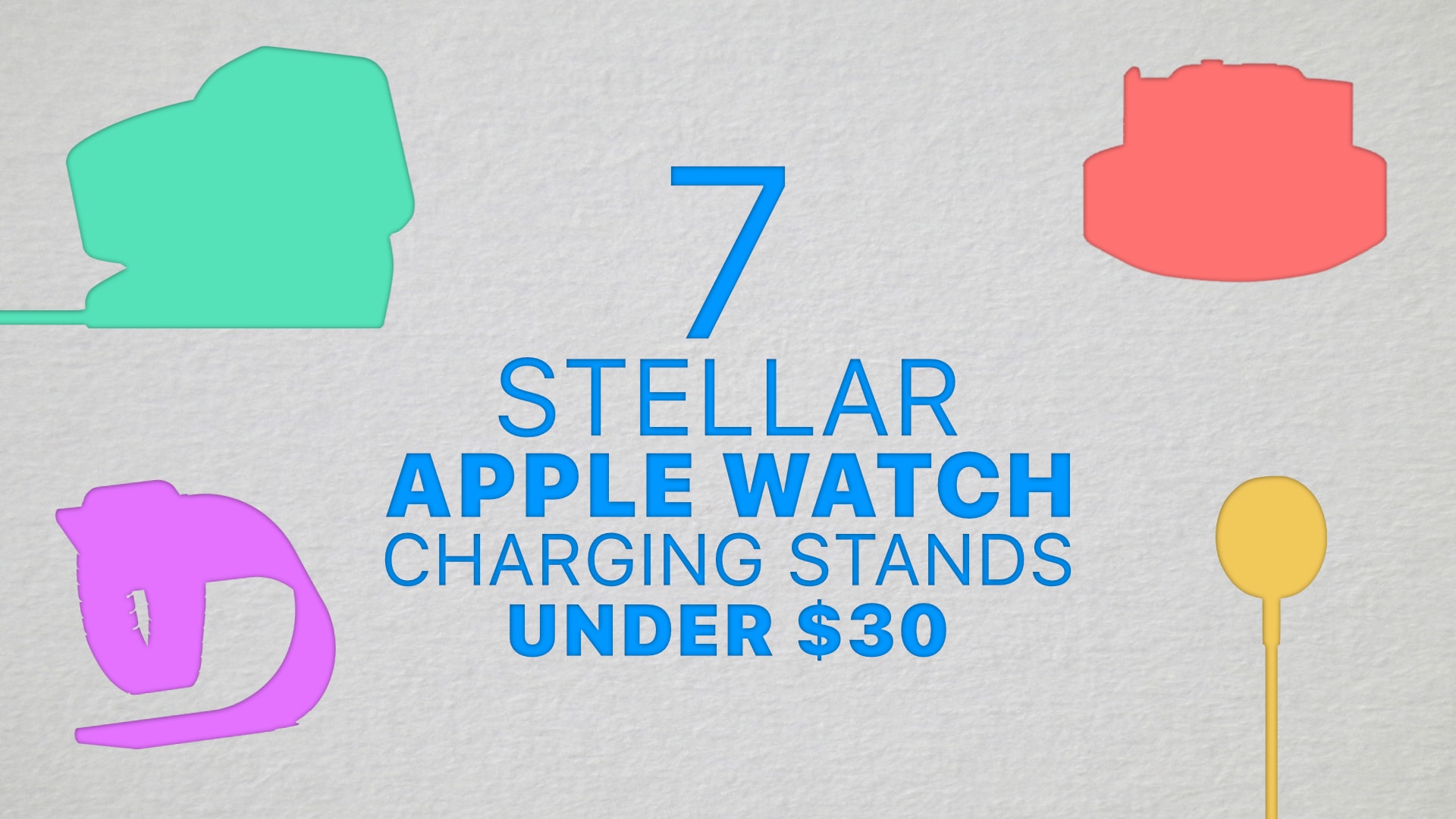
7 stellar Apple Watch charging stands for under $30

By

AW-charging-stands
Give your Apple Watch a great place to rest.
Image: Killian Bell/Cult of Mac

Your beloved Apple Watch deserves more than to be slapped on top of its included charging cable every night. Treat yours to an actual charging stand without breaking the bank and give it a better place to rest.

Here are seven stellar options, handpicked by Cult of Mac, for $30 or less.

Belkin’s smallest Wemo HomeKit smart plug hits store shelves

By

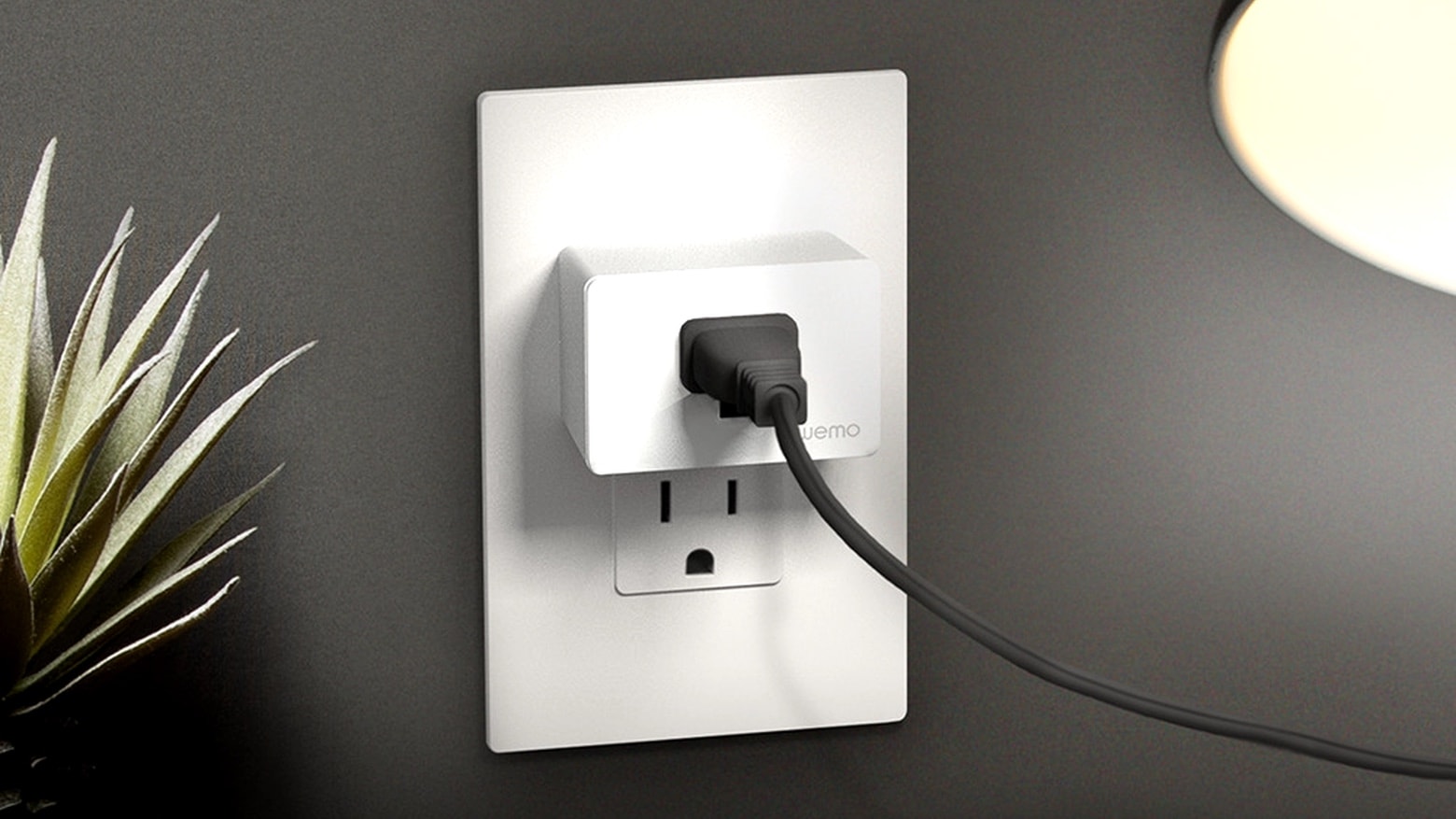
Wemo WiFi Smart Plug hardly takes up any room.
A redesigned Wemo WiFi Smart Plug brings HomeKit support to regular appliances.
Photo: Belkin

Belkin on Monday began offering a much smaller version of its Wemo WiFi Smart Plug. Like the original, it supports Apple’s HomeKit home automation system. But the updated version of this smart outlet doesn’t crowd the wall socket nearly so much.

Wemo’s mini HomeKit smart plug is right around the corner

By

Wemo WiFi Smart Plug hardly takes up any room.
A redesigned Wemo WiFi Smart Plug brings HomeKit support to regular appliances later in July.
Photo: Belkin

Belkin began taking pre-orders on Monday for a much smaller version of the Wemo WiFi Smart Plug. Like the original, it supports Apple’s HomeKit home automation system. But in a design that doesn’t crowd the wall socket.

Belkin Thunderbolt 3 dock is ready for a professional office on the go

By

Belkin Thunderbolt 3 Dock Core includes 8 ports.
Belkin Thunderbolt 3 Dock Core can be the hub of your mobile office.
Photo: Belkin

Belkin’s newly-unveiled multiport adapter uses Thunderbolt 3, not just USB-C, and can drive two 4K monitors at 60 Hz. But that’s just the start, as the Dock Core can also transfer data over a USB-C connection at up to 40 Gbps. Plus it includes Gigabit Ethernet, a pair of USB-A ports, audio in/out, and more.

It’s designed to be part of high-performance mobile office, as it does not need a second power source.

Best wireless chargers for your iPhone, AirPods and Apple Watch too

By

Best wireless chargers for iPhone
There are plenty of good wireless chargers, but here are Cult of Mac’s favorites.
Photo: Killian Bell/Cult of Mac

Wireless charging can really help keep your iPhone topped off and ready to go. Every model since the iPhone 8 supports it, and Cult of Mac brings you our list of the best wireless chargers available today.

This includes multi-device models too, for everyone who needs power up an Apple Watch or AirPods too.

CES 2020 trends: AirPower alternatives, rise of 5G, tasty TVs

By

CES-2020-trends
It's shaping up to be an exciting year for tech.
Image: Killian Bell/Cult of Mac

CES 2020The post-holiday tech fest that is CES shutters its doors today for another year. This week’s event has been as weird and as wonderful as any other, giving us a glimpse of all kinds of innovative gadgets on the way in 2020.

Better AirPods alternatives. Wireless chargers that achieve what Apple couldn’t. iPhone cases you can throw on the compost heap when they’re no longer needed. Here are the biggest trends from CES 2020.

Wemo WiFi Smart Plug with HomeKit is Belkin’s smallest yet

By

The Wemo WiFi Smart Plug both support HomeKit
The Wemo WiFi Smart Plug and Wemo Stage were both unveiled at CES 2020.
Photo: Belkin

CES 2020Belkin’s latest version of its Wemo smart plug with HomeKit support is significantly smaller than its predecessor, making it less obtrusive on wall sockets.

The company also unveiled at CES 2020 the Wemo Stage, a remote than can be used to launch HomeKit scenes with the punch of a button.

How to get started with HomeKit home automation

By

Wemo WiFi Smart Plug is a nice start to home automation
A Wemo WiFi Smart Plug is a simple way to learn more about home automation with Apple’s HomeKit.
Photo: Ed Hardy/Cult of Mac

Controlling the lights and other gadgets in your home from your iPhone is convenient and fun, too. There are plenty of HomeKit and Alexa accessories that make home automation a snap.

I’ll go over some of the best options I’ve found that will get you started with as little trouble as possible.