Michael Steeber is a student who is obsessed with everything Apple. He enjoys making videos and runs the MSComputerVideos YouTube channel in his free time. You can follow him on Twitter as well.
Want to catch up on all the new iPad news but don’t have time to watch the entire 85 minute keynote? We compressed the entire thing down into just 90 seconds for your viewing pleasure. Catch the video after the break.
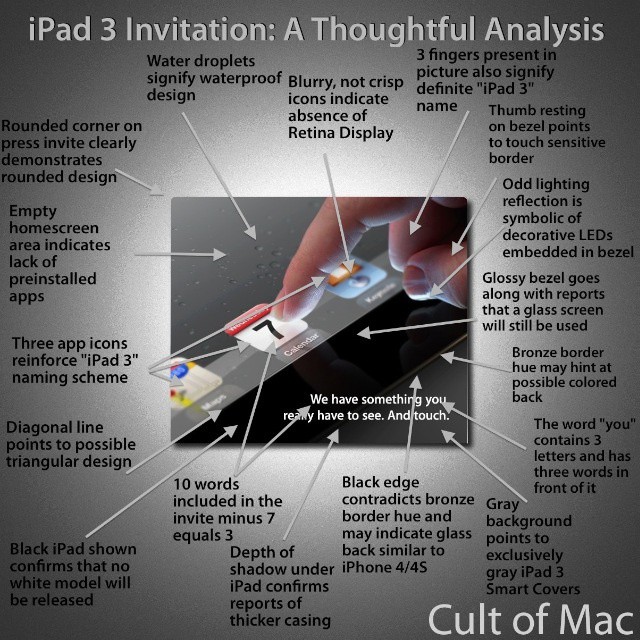
Here at Cult of Mac, we’re anxiously awaiting the unveiling of the iPad 3. In the mean time, we can only speculate. So here’s our analysis of the secret meanings behind Apple’s iPad 3 invitation. Modest expectations, wouldn’t you say?
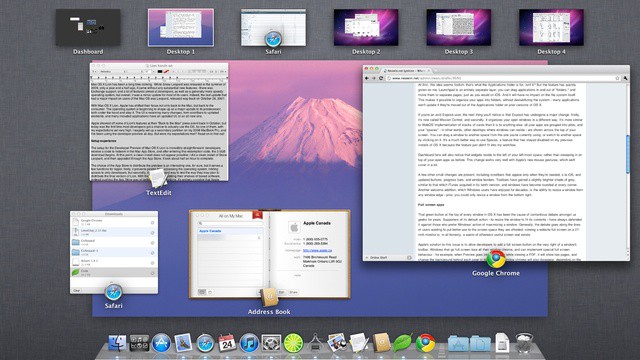
OS X is sometimes known for its visual flair and neatly implemented animations. If you’d rather just get down to business and lose the visuals of OS X though, there’s a neat Terminal trick that will let you either speed up, slow down, or lose the animations in Mission Control all together. This little tip can make work in Mission Control feel faster and help especially on slower systems. In this video, I’ll show you how to accomplish this.
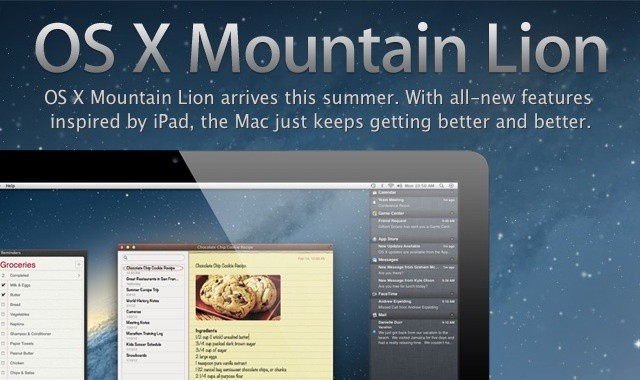
If you’re as excited as I am about OS X Mountain Lion, you’ll want to check this video out. Since only developers have access to the Mountain Lion beta at this point, I put together this quick video for all of Cult Of Mac’s great readers detailing 30 of the best new features of Mountain Lion, all jam packed into just two minutes. Check out the video after the break.
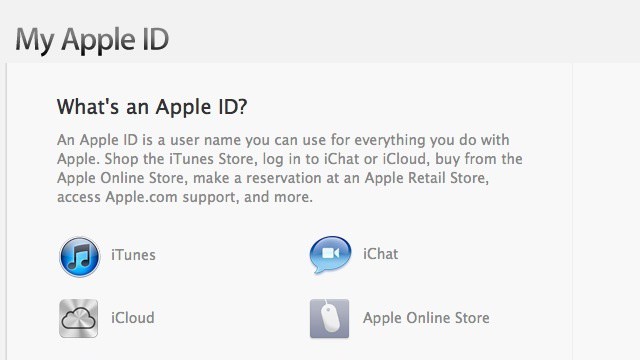
Apple includes a handy webpage for managing everything you could ever think of with your Apple ID. Unfortunately it’s tucked out of the way and kind of hard to find. In this video I’ll show you how to manage and reset your Apple ID through this website, as well as a couple handy tricks and tips that you can do with your Apple ID.
Mac OS X comes with a nice selection of applications, but sometimes you may want to get rid of one. Well, if you’ve tried to delete many of these apps, you’ll notice that you probably don’t have permission to. In this video, I’ll show you how to get around this limitation.
As of this point, the current version of iWork for Mac has absolutely no iCloud functionality, while the iOS version fully supports it. This tends to be frustrating when moving files around, as it makes what should be a straightforward process into a disaster. In this video, I’ll show you how you can upload your documents directly to iCloud, to make file sharing much easier.
Ever wanted to spruce up your plain, boring desktop? There’s actually a way you can use your screensaver as your desktop wallpaper. In this video, I’ll show you two different ways of going about doing this.
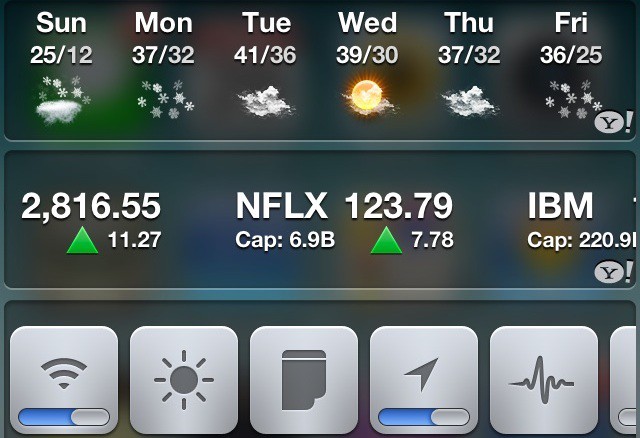
Notification Center, one of the biggest features in iOS 5, is a great step in the right direction, but is somewhat lacking. In this video, I’ll show you some great tweaks for jailbroken devices that let you customize notification center to no end.
Even though OS X supports more and more applications every day, there’s still some software out there that can only run on Windows. That’s where Wine comes in. Wine is a free application that allows you to run many Windows applications on Mac OS X. While it’s not flawless, and it doesn’t support all applications, it’s pretty neat, and can be helpful if there’s a certain piece of Windows software out there that you really need to run on your Mac. Heck, it even runs Minesweeper. In this video I’ll show you how to get Wine up and running, as well as how-to convert Windows applications into OS X apps.
QuickTime X in OS X includes quite a few hidden gems to make previously tedious tasks simple. One great example is it’s built in ability to rip audio from nearly any video file. In this video, that’s exactly what I’ll show you how to do.
Making hidden folders in Mac OS X isn’t an easily accessible command for the average user. Unlike most parts of Mac OS X, it’s not just one or two clicks away. In this video, I’ll show you how can make hidden folders to keep unwanted visitors out of your files.
Notification Center is a useful little addition to iOS, but it’s very limited. As of now, you can’t customize it to show much more than Stocks and Weather. In this video, I’ll show you a little workaround that will allow you to display the current date in Notification Center.
Sick and tired of seeing the same old linen wallpaper on the login screen every time you boot up your computer? It can get pretty boring after a while. In this video, I’ll show you how to change Lion’s login screen wallpaper to whatever you’d like.
Mac OS X Lion includes buried “HiDPI” display modes, which brings the possibility of Retina Display Macs one step closer to reality. Essentially, these display modes make user interface elements twice the resolution typically found on Macs, therefore increasing clarity and detail throughout the UI. This is exactly how the iPhone handles graphics with the Retina Display, and provides some insight into what Apple might be planning for future iterations of it’s computers. While not very practical at this point in time, it’s neat to try out. In this video, I’ll show you how to enable these HiDPI display modes in OS X Lion.
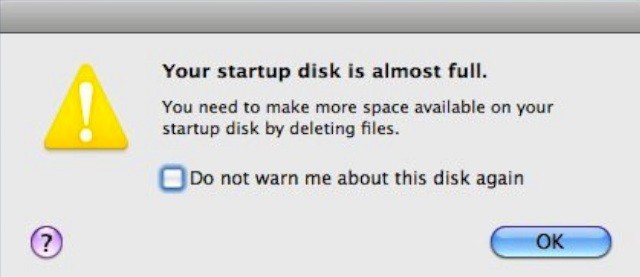
With the dawn of solid state storage becoming a viable option for computers, many users are presented with the problem of managing disk space, as SSDs are typically much smaller than traditional spinning hard drives. In this video, I’ll show you how to effectively free up disk space on your Mac.
Mac OS X Lion includes many features that are very similar to those found in iOS. In this video, I’ll show you how to expand it even further, and make Mac OS X Lion even more like iOS.
With security becoming an ever more serious issue, keeping your files safe is more important than ever before. Using an encrypted disk image is an easy way to safely store away files, while keeping them in one consolidated location. In this video, I’ll show you how to set up encrypted disk images.
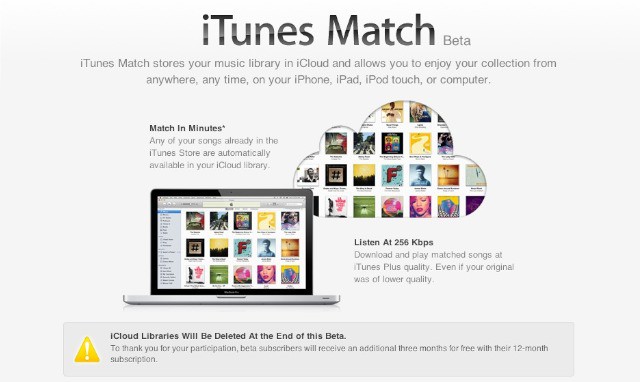
Apple’s new music service, iTunes Match, launched today as a beta, and it includes the handy ability to upgrade your low quality audio tracks to lossless audio tracks and then mirror them in the cloud. In this video, I’ll show how to set up iTunes match and upgrade your songs. It just couldn’t be easier.
Since the announcement of Siri with the iPhone 4S, countless OS X users have been wondering if Siri will eventually makes it’s way to the Mac. Well, you may not know it, but OS X actually includes a Speech Recognition system called Speakable Items, which is very similar to Siri in many ways. In this video, I’ll show you how to set it up, as well as how to tweak Speakable Items to your liking.
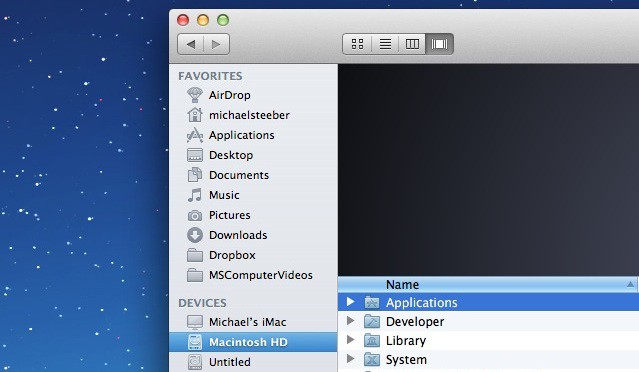
OS X Lion’s Finder is noticeably more drab than its predecessor. The once-colorful sidebar icons have now turned a rather flat shade of gray. In this video, I’ll show you how to restore color to your Finder sidebar icons.
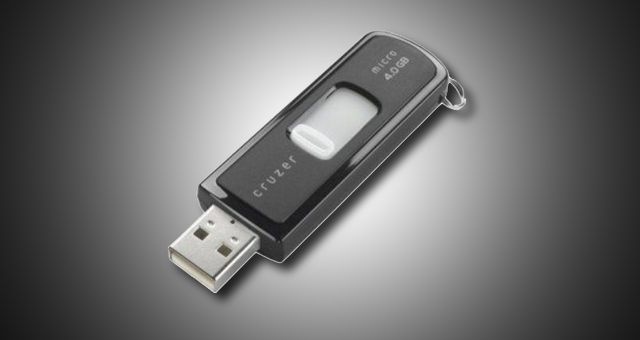
For users who work with both Macs and PCs, having a flash drive that can work between both and seamlessly transport files can be critical. The tricky part is choosing the filesystem that provides the best interoperability between both computers. In this video, I’ll show how to format a flash drive for both Macs and PCs the right way.
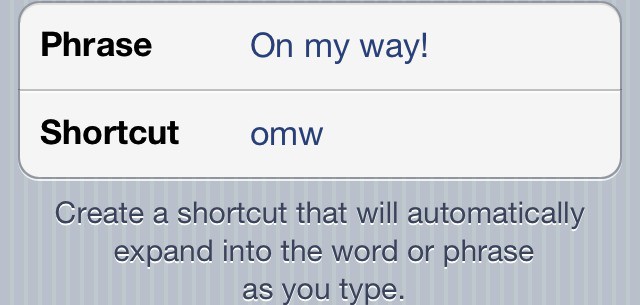
One of iOS 5’s hidden gems is the ability to create custom keyboard shortcuts, a feature that works like TextExpander on the Mac. In this video, I’ll show you how to create and manage keyboard shortcuts from any iOS 5 device.
iCloud is Apple’s biggest new service to roll out in a long time, and with it comes a huge feature set. There’s quite a few settings and toggles, and it can be rather easy to get lost in. In this video, I’ll show you how to sort out backing up to iCloud, as well as iOS 5’s Wi-Fi sync feature.