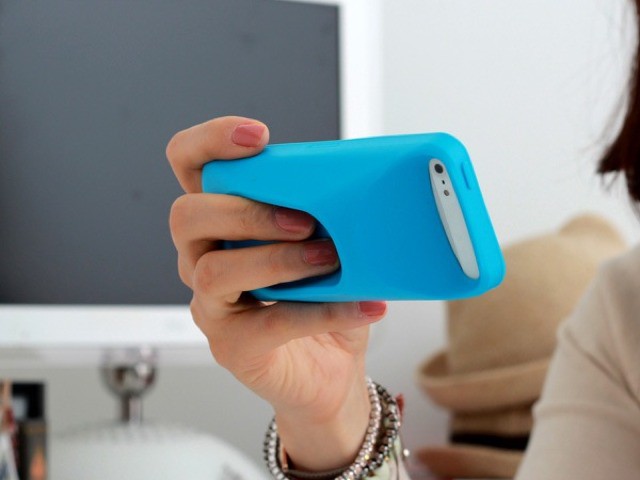
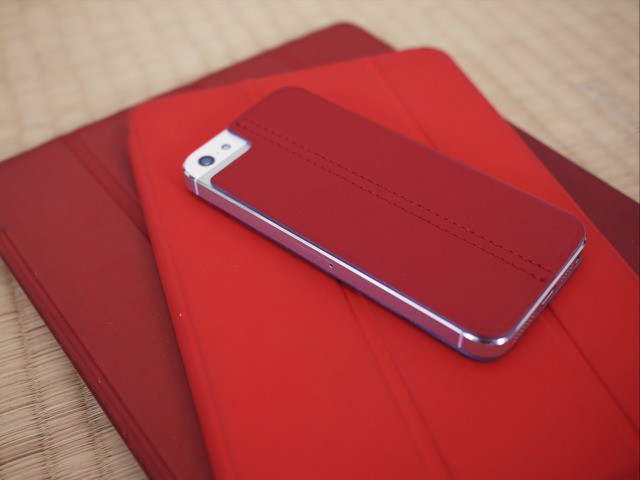
Take a look at this iPhone case that turns your svelte, pocket-friendly computer into a big, bloated plastic boat. You might scoff. I did. But then I realized that at home I lay my iPhone on tables and tatamis ay more often than I carry it in my pocket. And I am constantly picking it up to check the web, or to play music and podcasts before putting it back on a (most likely wet) kitchen table.
Pesky lens caps: They’re either on the lens and in your way, or in your pocket and impossible to find. Or – worse – lost. What’s that? You have a little string to keep it attached to your camera’s strap? That’s neat, but it’s also going to drive you crazy next time it dangles into frame.
What you need, my frustrated camera-toting friend, is the Flip Cap.
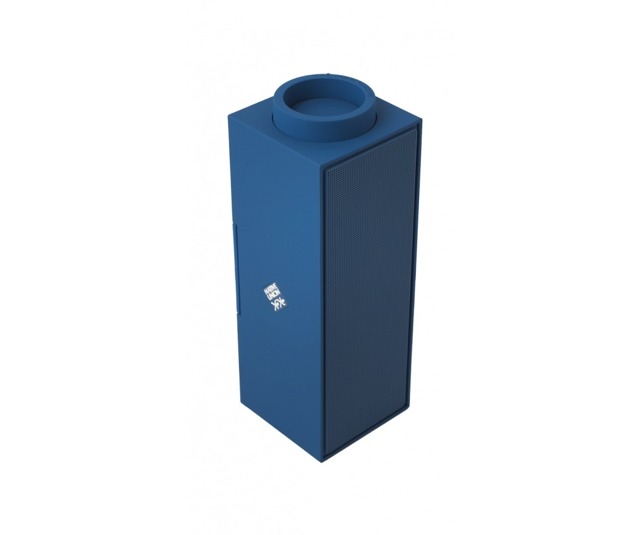
Another day, another awesome-looking Bluetooth speaker WHICH I TOTALLY WANT. Today’s chunky rectangle of wireless audio goodness is the Switch from Native Union, and it has one distinguishing feature: a big round volume knob on one end.
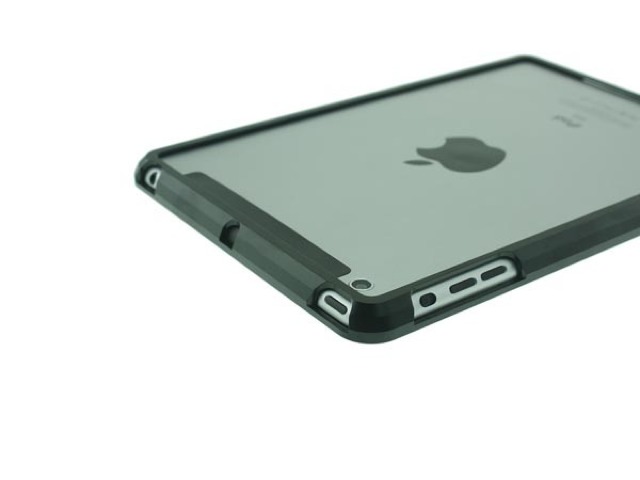
If you made a Venn Diagram with circles for the name and the description of the Aluminum Sliding Bumper Case for iPad Mini, then it would consist of just one circle.
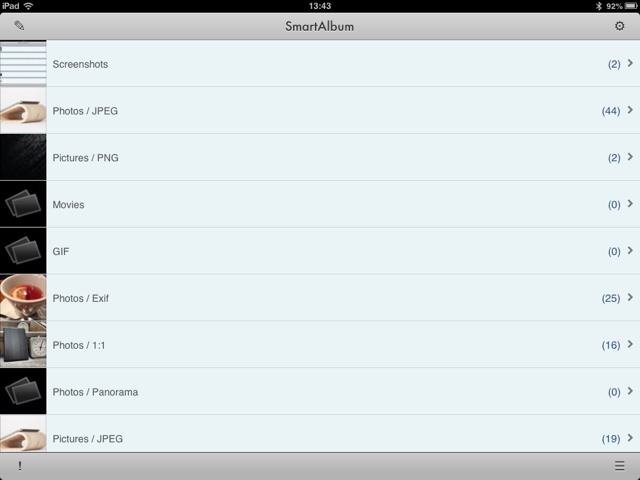
Ever wish that you could sort the photos on your iPad by… well, by anything? The Photos app lists everything by date, and won’t even tell you which pictures are JPGs and which are GIFs. And forget about sorting by camera model for your imported photos.
SmartAlbum, on the other hand, will do just that. And a more.
Folio Shield by Lioncase Category: Cases Works With: iPad mini Price: $32
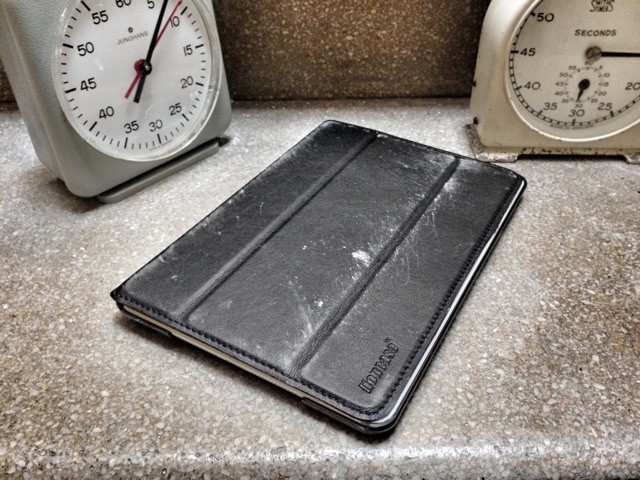
Lioncase’s Folio Shield might be the best case I’ve yet tried for the iPad mini – apart from the Smart Cover that is. I’ll admit that I had trouble testing it because I love to fondle and caress the mini’s naked curves so much, but I forced myself, and I found out that – in the end – I quite enjoyed it.
Yesterday, Amazon’s iOS Kindle app was updated to add multicolor highlights, “Book End Actions” (rate, review, share, see recommendations) and to fix the brightness control, which now stays set across app switching or sleep.
At first I thought “Meh, iBooks has had most of that since forever.” And then I thought “Wait, are there any differences left between these two apps?”
The answer is — of course — yes. But it’s more complicated than that…
Out of all the junk that I own, there are a few objects which I love to use. And I mean “love” on a base, visceral level. These are the things that are so well suited to their tasks that they not only never get in the way, but they make doing that task better.
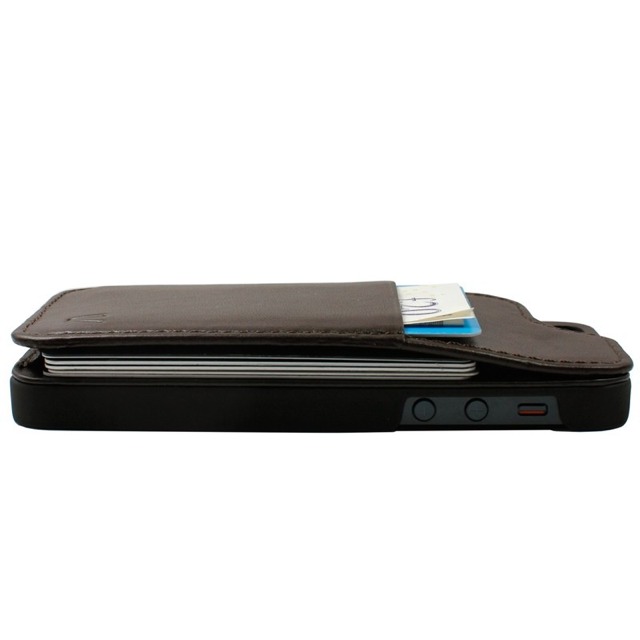
SurfacePad For iPhone by Twelve South Category: Cases Works With: iPhone 4/S, 5 Price: $35
When I heat milk and cocoa in my small De Buyer saucepan, alone in my quiet kitchen late at night, I smile when I unhook the pan from its hanger and feel its durable heft; I smile again when I pour the cocoa into a thermos and feel the pan’s perfect balance. Even washing it and hanging it up again is a pleasure.
I also love to use my dented, stainless steel Klean Kanteen “Reflect” water bottle. It’s design is so simple, just two pieces of steel, a silicone ring and a bamboo disk, but it does its job so well that I really do take it everywhere with me. And it’s so trustworthy that I’ll toss it into my bag along with my iPad and never worry about it leaking.
Which is to say, some things are not just well designed, they’re actually wonderful objects in their own right. And Twelve South’s SurfacePad for the iPhone is one of those objects.
Here’s a little something that might get you formatted-text nerds excited: Rich Notes, yet another new text-editing app, lets you write on the iPad in rich text. That is, you can italicize and embolden your words right there on the page. Yes, this works with some other apps, but Rich Notes lets you use keyboard shortcuts to do it. If you have an external keyboard hooked up, CMD-B and CMD-I will do just what they do in every desktop app.
Rich notes comes from the developer DenVog, who also makes the excellent Index Card app for iPhone and iPad. It’s due to launch on February 20th. Let’s take a look:
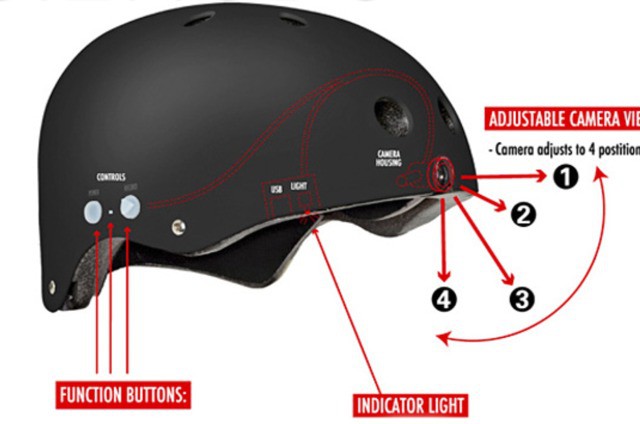
Why wear a helmet and a camera when you go skateboarding/snowboarding/waterboarding/other? With the Video Head helmet you get both gadgets in one. Cheaper, safer and more -in-one-er.
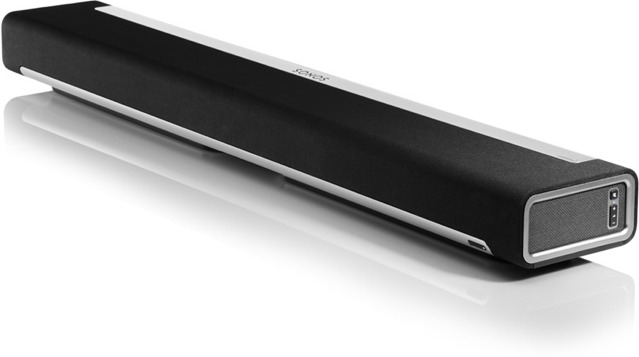
Sonos’ new PLAYBAR does two things: The first is to add a hefty, sound FX-pumping speaker bar to your underpowered HDTV. And the second is to provide a temporary respite for my otherwise vestigial CAPS LOCK key.
Vault’s Lexx case sadly has nothing to do with the ultra-cheesy (and fantastic) 1997-2002 sci-fi series of the same name. But it does come with its own flaws, just like the TV show.
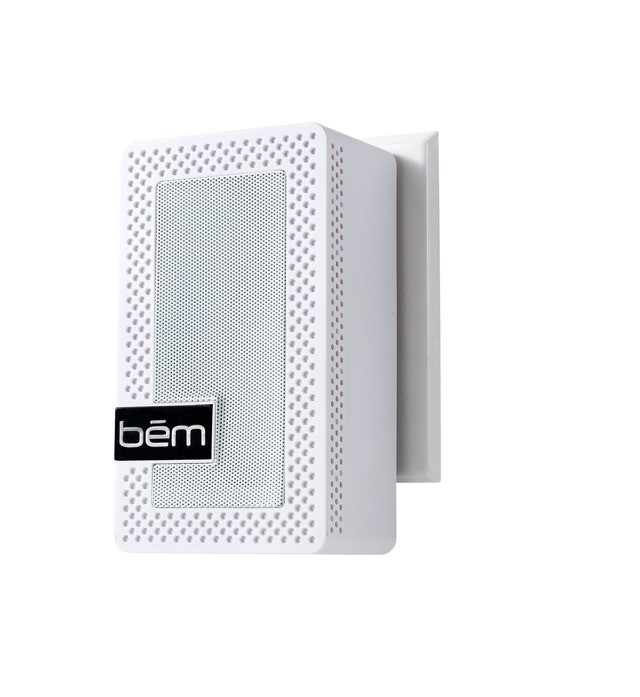
Bem’s new Outlet has a new take on portable Bluetooth speakers. Instead of packing a rechargeable battery, it just comes with a pair of prongs on the back so you can stick it straight into a power outlet. This does of course mean that you’re out of luck if you want to run it anywhere that doesn’t have mains electricity, but if you never use your $200 Jambox away from your kitchen counter, then you could have bought two Outlets for the same price.
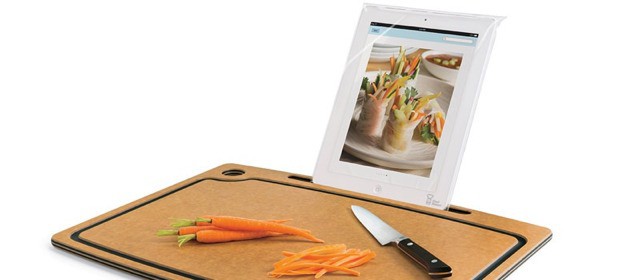
The Chef’s Sleeve is a lot like a Wizard’s Sleeve, only it’s usually covered in gravy and blood. And the Chef Sleeve (singular) is a disposable plastic bag which protects your iPad as you cook. Now, the makers of the Chef Sleeve (the bag, not the actual sleeve) will sell you a cutting board with a built-in iPad stand. What could possibly go wrong?
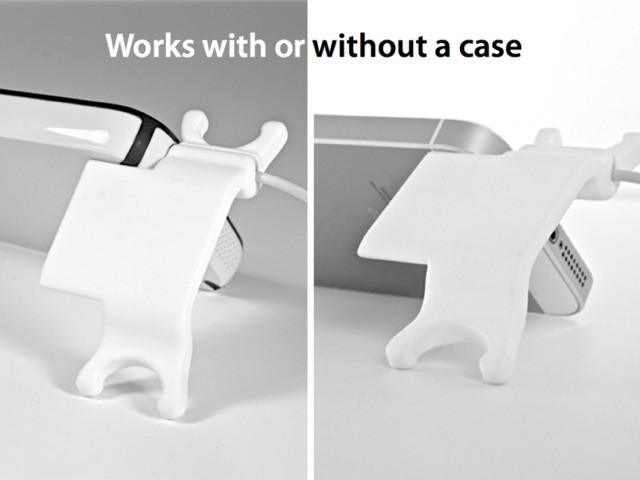
The Smarter Stand for iPhone really is smart. It was designed to solve two problems: tangled earbud cords and a slab-like iPhone which insists on slipping off anything you try to prop it against. And it does all this whilst remaining a flat, pocketable piece of plastic.
Unclutter is the app which will finally – finally! – tidy up the embarrassing mess that is your Mac’s desktop. It does exactly what its name suggests, sweeping your unfiled files under its virtual rug, and giving quick access to a notepad and your clipboard.
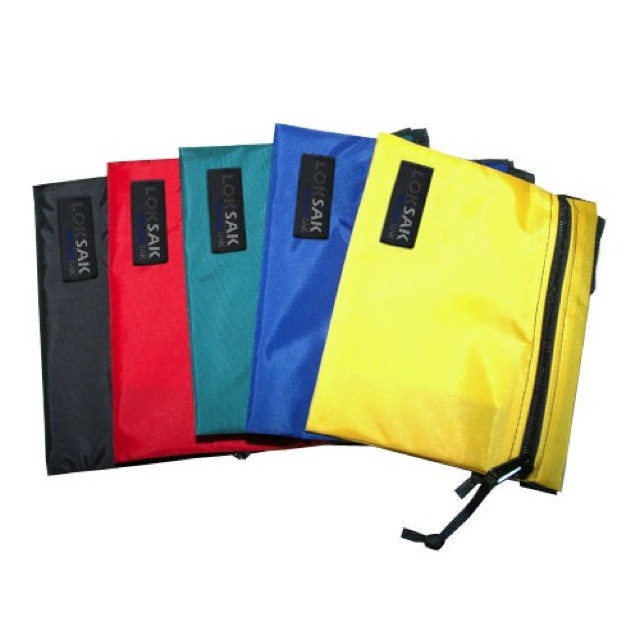
The SplashSak is a water-repelling pouch for your iDevice, which simultaneously protects it from everyday spills and also disguises it as a lunch or a wad of papers or just pretty much anything other than an iPad.
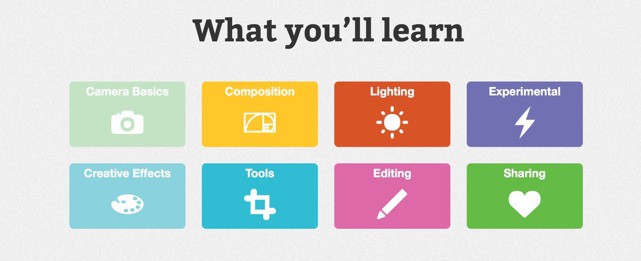
What if you could go to university and learn the basics of photography for just $5? And what if that university specialized in the camera you actually have: the iPhone? If that prospect gets you jazzed, then welcome to Photojojo University’s Phoneography 101, a course that’ll learn ya to take pictures more better.
Oh man. Writing any kind of text on iOS is easy thanks to Markdown and the profusion of plain text editors in the App Store. But revising that text? Making edits and tracking them between author and editor? You need Microsoft Word for that. You need a computer for that.
But what if there were a Markdown-like markup syntax for plain text copyediting? You know where I’m going with this don’t you? That tool is here, and it’s called Critic Markup.
Warning: This article might deal in stereotypes. Why? Because no matter how much your woman friend might truly appreciate that power drill she’s had her eye on for the last six months (to the point of leaving a copy of Lady Power Tool magazine open on your desk with the page turned to a Makita ad), you’re still going to buy her some horrible pink iPad case with Hello Kitty ears.
So if you’re willing to make the stereotyped move, then so can I. I’ll recommend fancy lotions and cooking gadgets and the amazing (and mythical) “FourSquare for leg waxing.” But probably not for the reasons you’re expecting.
Even if the only traveling you do is from your home to your office, and even if that “office” is actually just your bedroom, then you will probably find the PlugBug wicked useful. But if you ever leave your home country’s own shores, then you might consider the PlugBug World, a globally-aware charger for your MacBook and iDevices.
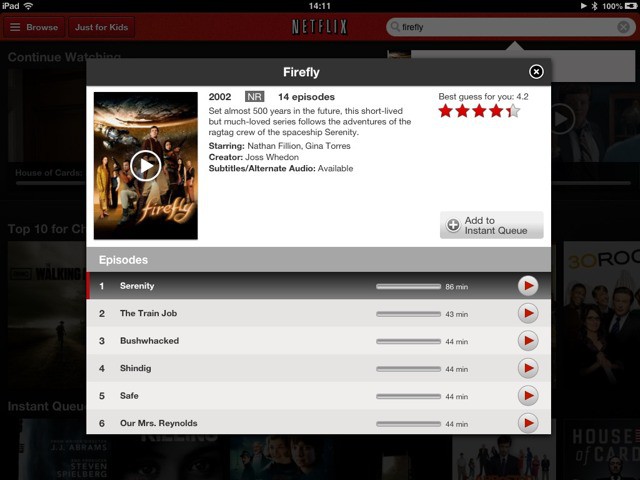
Don’t use a computer any more? Hate “pirating” TV shows and movies? Wish that your country had something as awesome as Netflix so you could pay and stream everything to your iPad mini? Read on, because you can do just that, and it is dead easy – all you need is a credit card and maybe a half hour to get things set up.
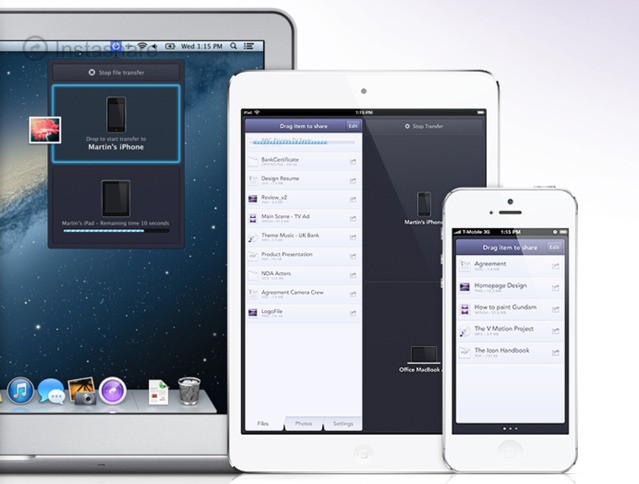
Ever need to quickly send a file over to your iPad from your Mac. Or from your iPad to your Mac? Or between iOS devices? Then you need Instashare, an app which also has the distinction of completing the hat-trick of Insta-apps on your iDevice (Instapaper and Instagram being the other two).
Remember bookmarks? It’s how we used to save sites to go back to later. In theory anyway. Browser bookmark search was pretty terrible, and you had to remember the name of the site to find it again. So we mostly just used Google to search for a site every time we wanted to go there.