There’s nothing else quite like the highly sophisticated Real Racing 2 HD on iOS. It’s the platform’s best racing simulator, is one of the best games available for the iPad and may even be one of the most fun racing games on any platform (using the iPad as a steering wheel trumps a console controller any day).
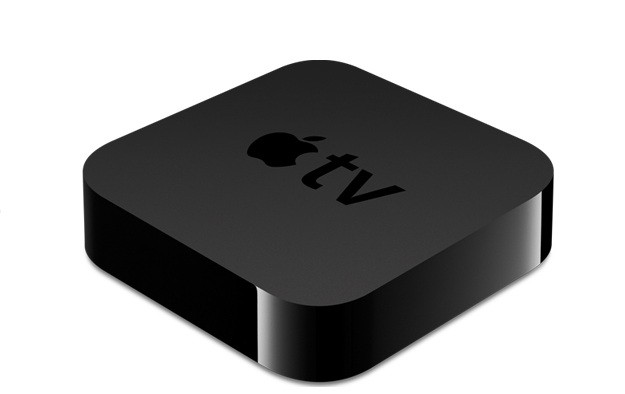
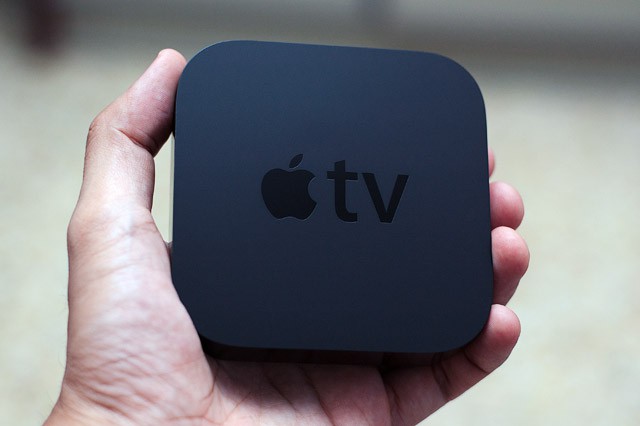
So Santa stuffed an Apple TV in your stocking? That’s pretty freaking awesome. We’re jealous. Well actually, we already had one so I guess we’re not that jealous, but congratulations on joining the club of Apple TV owners. We’re stoked to have you with us, and we want you to get the most from your new gagdget so we’re going to help you get it setup the right way so you can skip through all the menus and side features and dive straight into the good stuff.
In this handy guide, we’ll take you through initial setup; show you the best features of Apple TV and teach you some awesome tweaks that will take your television experience to the next level so you can cuddle up in next to your flatscreen wearing those new pajamas your kids bought you and go into a week-long tv-coma.
Here’s our guide to setting up your new Apple TV the right way.
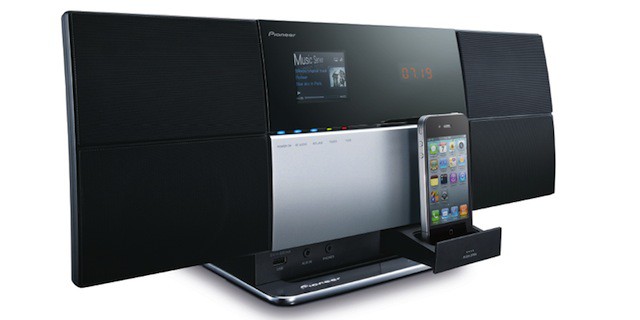
AirPlay has been around for well over a year now, but the range of AirPlay compatible accessories available is still pretty slim. However, that could be about to change.
Apple is reportedly planning to introduce Bluetooth support to AirPlay, which would significantly extend the range of accessories currently compatible with the feature. The company will also improve iOS connectivity for third-party accessories.
Following a firmware update for its MacBook Pro yesterday, Apple has issued a new firmware update for its AirPort Extreme Base Station and Time Capsule devices, which fixes a number of issues, including a problem with audio streaming through AirPlay.
A Hulu Plus application seems like the perfect addition to Apple’s $99 set-top box. While the device already comes packing a native Netflix app, the only way users can access current TV shows is by using the iTunes Store. According to some sources, however, a Hulu Plus app is ready to go, but Apple may not release it.
Curvy. Smooth. Uncomplicated. Think of any product One Infinite Loop has spat out over the last decade or so and you’ll almost invariably and immediately come up with a few key adjectives to describe them (and if you don’t, you’re probably not reading this right now anyway).
But The Bluetooth-equipped Altec Lansing InMotion Air ($200) is pretty much the opposite of anything and everything Jony Ive and his colleagues at Apple believe in. At least, that’s true as far as its aesthetics and ergonomics are concerned; under the hood though, it packs a punch.
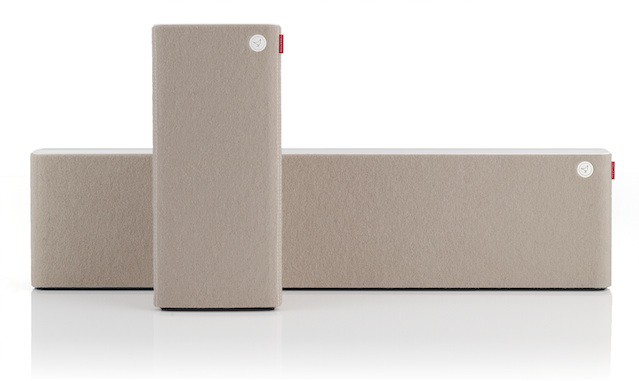
Nothing says “hey baby, how you doin’ ” quite like expensive, cutting edge-technology wrapped in luxurious wool. Libratone’s new AirPlay-equipped Live and Lounge speakers don’t just say it, they sing it. With a European accent.
This weekend broke news that Apple was already hard at work on OS X 10.8, so it would be natural to assume that in the next version of OS X, Cupertino will bring even more iOS functionality to their desktop operating system: stuff like Airplay and iMessages.
Nope. But don’t be too disappointed. AirPlay and iMessages are reportedly coming to OS X 10.7 Lion, instead.
The BBC has finally issued an update to its free iPlayer app for the iPad that allows users to stream content to their Apple TV for viewing on their television.
The latest piece of full-on AirPlay sound hardware is from the sonic wizards over at Los Angeles-based Audyssey.
Yeah, the Lower East Side Audio Dock Air ($399) looks more like a Lego brick than the outfit’s svelte South of Market dock we raved about earlier this year — but the new, six-speaker dock is filled with audio-techno-jargon like “passive bass radiators” and “Smart Speaker technology,” which is probably English for “this will blow you away, dude.” And of course, don’t forget the AirPlay.
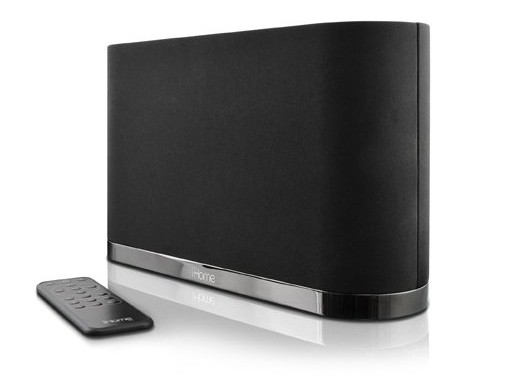
Everyone seems to want some AirPlay action. The newest dock to crash onto the stage is this AirPlay-equipped, sleek-looking monolith from iHome, the iW1 ($300).
Boxee has launched its official, free iPad app, allowing users to watch streaming content on the tablet device and transfer playback from the iPad to the Boxee Box.
Additionally, the new Boxee Media Manager allows you to stream video to the iPad from a Mac or PC. Alongside the new apps, Boxee has brought AirPlay support and Lion compatibility to its set-top box.
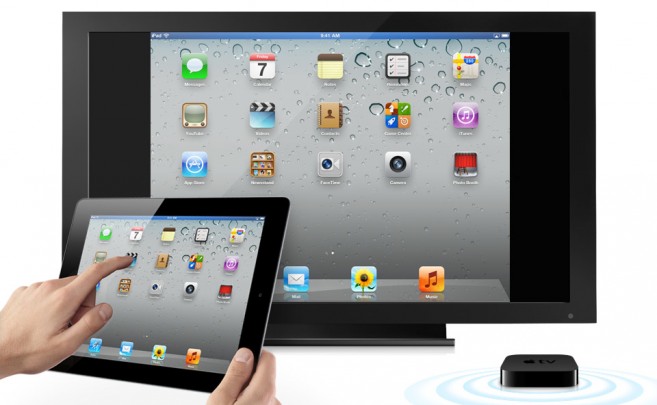
iOS 5 beta 3 introduced a number of new features that weren’t present in the previous two developer releases, including a selection of new sounds and a handy new ‘AssistiveTouch‘ menu. One thing you may not have stumbled across, however, is AirPlay mirroring for FaceTimes calls on the iPad — allowing you to see your caller bigger than ever before on your HDTV.
You’ll soon be able to use a Bluetooth keyboard with the Apple TV, and there’s a good chance that devices like the iPad and iPhone will also serve as remotes for the set-top box in the near future.
Bluetooth support has been uncovered in the latest Apple TV model, and iOS 5 will also have this Bluetooth support when it’s released this Fall. Apple is clearly positioning the Apple TV as an all-in-one place for entertainment in the living room, and this Bluetooth discovery hints that the Apple TV will soon become a place for your favorite App Store apps.
Apple has launched two new TV ads for the iPhone that could potentially be the last to feature the iPhone 4. Demonstrating FaceTime and AirPlay, the ads continue the “If you don’t have an iPhone…” campaign which started back in March.
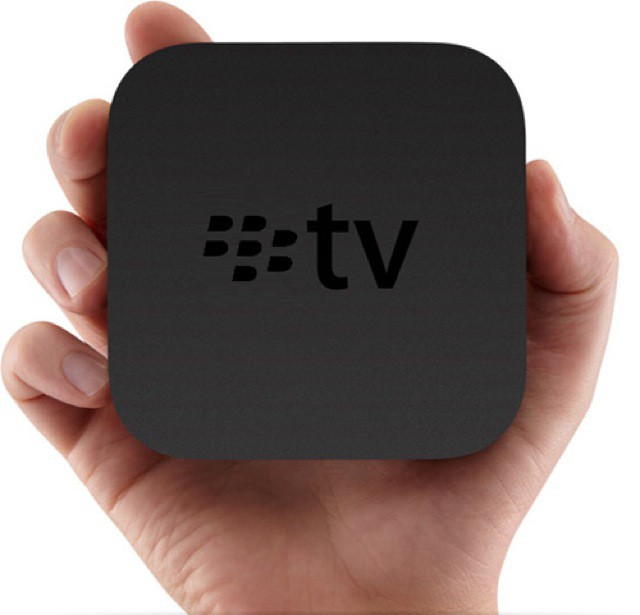
Rather than focusing its efforts on its diminishing smartphone business, it seems RIM may be planning to launch a device that will rival the Apple TV, packed with PlayBook hardware.
Firemint wowed us all when it updated Real Racing 2 to support 1080p video output via the iPad’s AV Adapter. It comes as no surprise to us, then, that when iOS 5 goes live later this year, this popular racing sim will be the first title to offer dual-screen gaming over AirPlay on your HDTV.
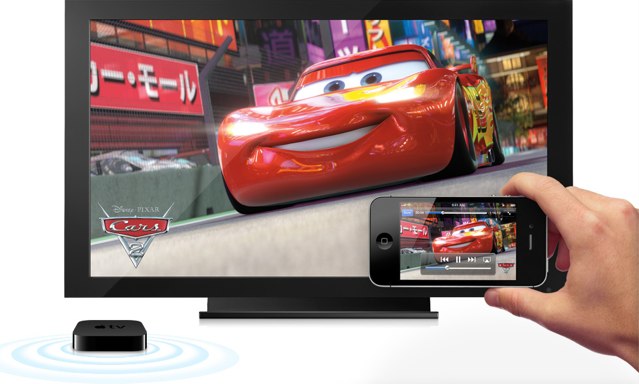
Everyone who owns an Apple TV loves AirPlay – it’s a fantastic way of streaming your moves and music straight to your TV that was previously a luxury only iOS and iTunes users could enjoy. However, thanks to the doubleTwist software, users can now send content to the Apple TV from their Android smartphones.
The doubleTwistsoftware for Mac & PC advertises itself as “the iTunes for Android” and allows you to wirelessly sync your iTunes playlists, photos and videos to your Android phone with the accompanying Android application. Its most recent update introduced the ability to stream all of this content to the Apple TV over AirPlay.
Good news If you’ve got a Sonos music system and an Apple AirPort Express: a free software update will make your multi-room Sonos system AirPlay compatible.
The iOS 4.3 update enabled third-party applications to take advantage of AirPlay and stream content to the AppleTV and other compatible devices. Since it went live, developers have been updating their apps to include AirPlay support, and we’ve put together a list of the top 10 iOS apps that are currently AirPlay ready. We’ve chosen apps to keep you entertained, up to date with the latest news, and even one to help you workout.
In defiance of Apple’s will, you can already stream AirPlay media to your Mac and Ubuntu… and now, if you’re on a Windows machine, the trifecta is complete.
The one guy at Apple who programs their fantastic iOS Remote.app seems to have been busy before Christmas break: a new update was pushed live yesterday, adding AirPlay control on the AppleTV to the app’s already great list of features.
The new Remote.app is now at version 2.1 and, as usual, is available on the App Store as a free download. You can now use it to control iTunes on your Mac to stream videos directly to your new AppleTV, as well as play rented Movies and TV shows on your Mac without ever getting up from a supine position.
Internet Radio support is also new, and there are a slew of new stability and performance improvements as well, as well as some bug fixes for issues connecting to an iTunes library or Apple TV.
AirPlay may have been a little bit of a disappointment upon arrival, but TUAW’s Erica Sadun just keeps on managing to make it better. Just a week after her release of AirPlayer, an app that tricks AirPlay into thinking your Mac’s an AppleTV, comes her brand new tool, called AirFlick… and it’s everything that AirPlay should have been out of the box.
What does AirFlick do? It allows you to stream video content from your Mac to your AppleTV: AVIs, MP4s, even streaming video files on the Internet. You name it! “It” being non-Flash video.