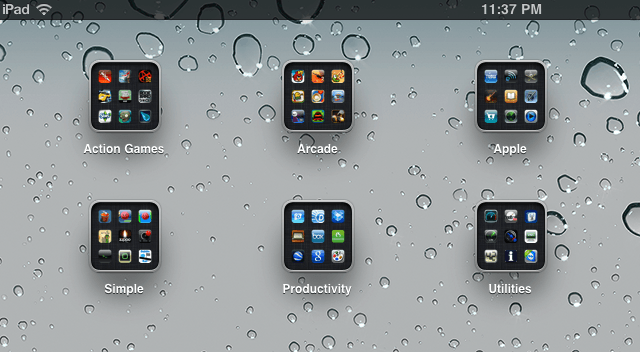
So you just got your iPad, and have loaded it up apps. Now what? It may seem like a hassle to hunt around for the apps you want and to page through all of those home screens. Well, there is an easier way. In this video, you’ll find out the best way to arrange your apps on your iPad.

Michael Steeber is a student who is obsessed with everything Apple. He enjoys making videos and runs the MSComputerVideos YouTube channel in his free time. You can follow him on Twitter as well.

