iPhones may not come with the crazy amounts of bloatware that swell up Android devices, but there are still a handful of pre-installed apps that some users don’t want to have on their home screen.
While Apple doesn’t let you delete its stock apps in iOS 9, a new method for hiding them was recently discovered by YouTube user videosdebarraquito, who posted a video revealing his solution. Check it out below.
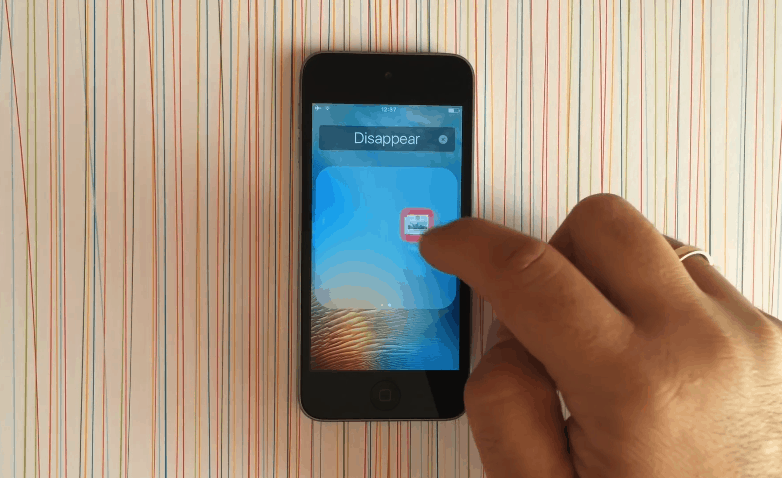
For those unable to watch the video, the method asks users to first create a folder with all the apps they want to hide. Next, they should tap and hold the first app in the folder and move it to the folder’s second screen. After letting go, tap the icon again and move it to the folder’s third screen, this time without letting go. While still holding the app, press the Home button, at which point the app will disappear. After you’re done deleting the apps, the folder containing them will also disappear.
It should be noted that this cheat doesn’t actually delete the apps in question, which means there’s no storage benefit to doing it if you have, for instance, a 16GB iPhone in need of extra space. The apps will also reappear when you switch the phone off and on again.
Still a neat trick, though!
Via: Redmond Pie

Luke Dormehl is a U.K.-based journalist and author, with a background working in documentary film for Channel 4 and the BBC. He is the author of The Apple Revolution and The Formula: How Algorithms Solve All Our Problems … and Create More, both published by Penguin/Random House. His tech writing has also appeared in Wired, Fast Company, Techmeme and other publications.

