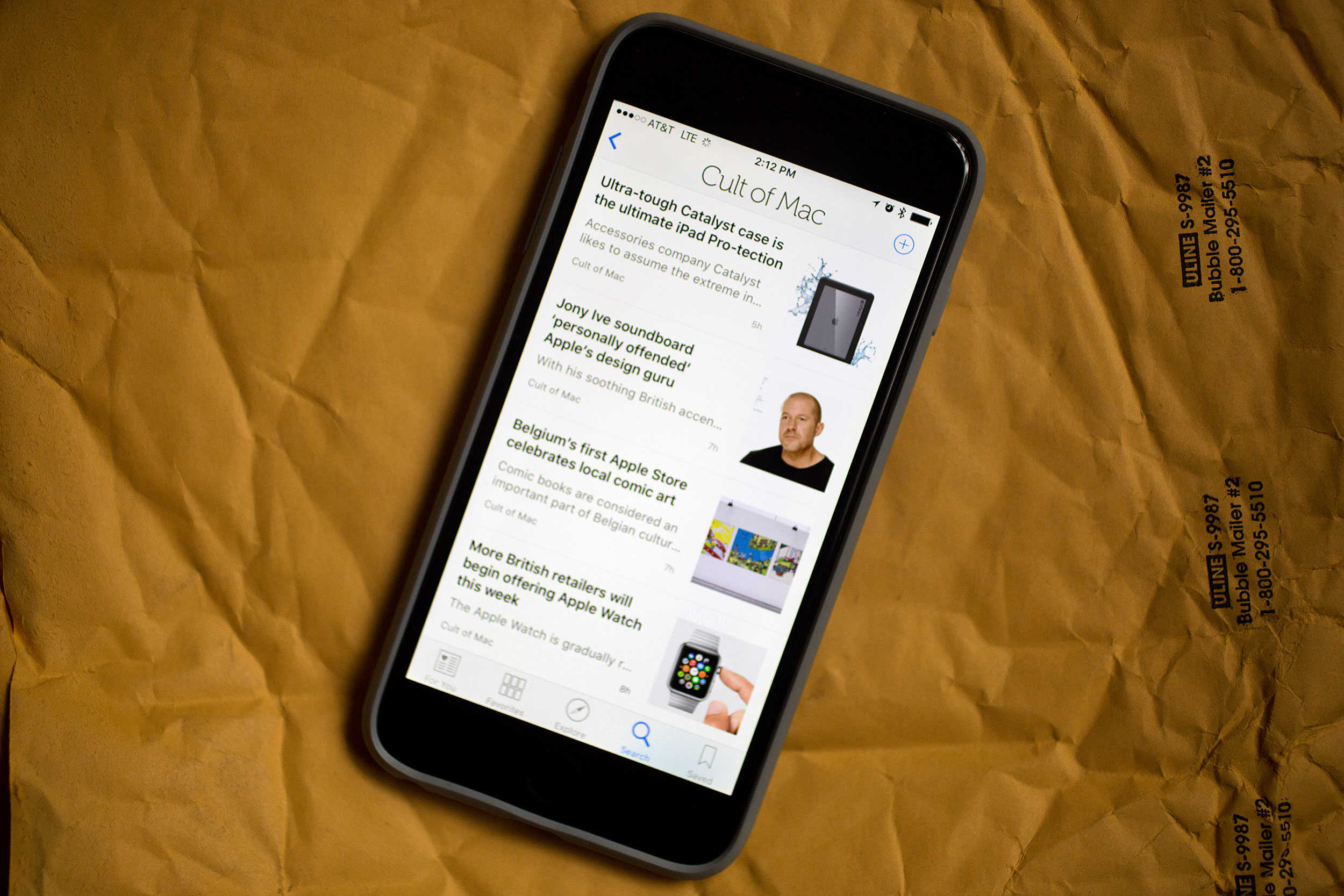
Months of beta testing and waiting have finally culminated with today’s highly anticipated release of iOS 9, which brings users a smarter Siri, better multitasking on iPad, speedy UI improvements and all-around better performance.
Apple just made iOS 9 available to iPhone, iPad and iPod touch users. The new mobile OS, which promises to be significantly smaller than previous iOS upgrades, can be downloaded via an over-the-air update — but the smart move is probably to use iTunes. (After backing up all your data, naturally.)
Some users are experiencing problems with the over-the-air update, but if you want to try that route on your iPhone, iPad or iPod touch, all you have to do is go to General >> Software Update.
Apple Support’s Twitter account notes that some users may have a hard time upgrading to the new iOS 9 update because demand is crushing their servers. iTunes downloads appear to be working for most users, though. Other users have had better luck after rebooting their devices.
IMPORTANT NOTE: Please be patient w/ #iOS9 as due to the overwhelming numbers of downloads, it may not download right away. Thanks!
— Apple Support (@iOS_Support) September 16, 2015
If you haven’t prepared your device yet for the upgrade, check out our tutorial on how to get ready. Don’t even know what cool stuff is coming in iOS 9? Read the full Cult of Mac iOS 9 review.

Buster Hein is a freelance writer who lives in Phoenix, Arizona. Twitter: @bst3r.


24 responses to “iOS 9 is ready for download: Get your upgrade on”
Had to relaunch iTunes. Worked wonderfully for me.
“iOS 9 is ready for download: Get your upgrade on”
Get my upgrade on what?
On what should I get my upgrade?
Follow path of thousands who are (earning cash each month by freelancing online… Get informed more on my~~Disqus~~page
won’t download for me. I get an error
same here
I guess Apple still hasn’t learned to increase their server sizes to handle the bandwith of users trying to download at once. *smh*
Mine is almost done. I just jumped into iTunes and rebooted both my iTunes and my iPhone
Not working. I keep getting an error saying “software update failed” and when it does connect, it stops downloading randomly and gives the same error. Also, it’s not available to download through iTunes yet either. Pissing me off!
I’m running iOS 9.1 beta. Still telling me there isn’t an update available.
It won’t downgrade to a lower iOS version from a beta, only upwards.
Can I ask you something? :D
What is the iPhone 6 case in that pic?
Yup, same here. I might just wait until I get home.
keep crushing !!!!
I am grabbing it from iTunes on OS X with my iPhone plugged in, like it was 2010
Meh…might just wait until tonight when the the initial rush settles down a bit. No use getting upset over all the traffic. If this is your biggest problem today, you’re doing alright. #perspective
Was the ITunes Match Limit raised from 25k?
I have io9 beta version. Looks like I need to downgrade to ios8- is it worth it? Should I keep my beta version then?
It’s worth getting the release as the debugging is turned on in the beta which can affect performance.
Thank you
The OTA update is working now, for me at least.
Figures, Trying to downgrade my iOS 9.1 beta to 8 and iTunes can’t find the resource.. They must be getting hit pretty hard right now!
Never mind. Found my backup and downgrading now :)
I can’t update if I’m on the beta?
I am running iOS beta 9.1 on my 6 plus and now I am hearing that I have to downgrade to 8.4 just to re-upgrade back to iOS9? iOS 9.1 is a beta. Why doesn’t Apple have a system that lets us beta testers install the full version to replace the beta version?