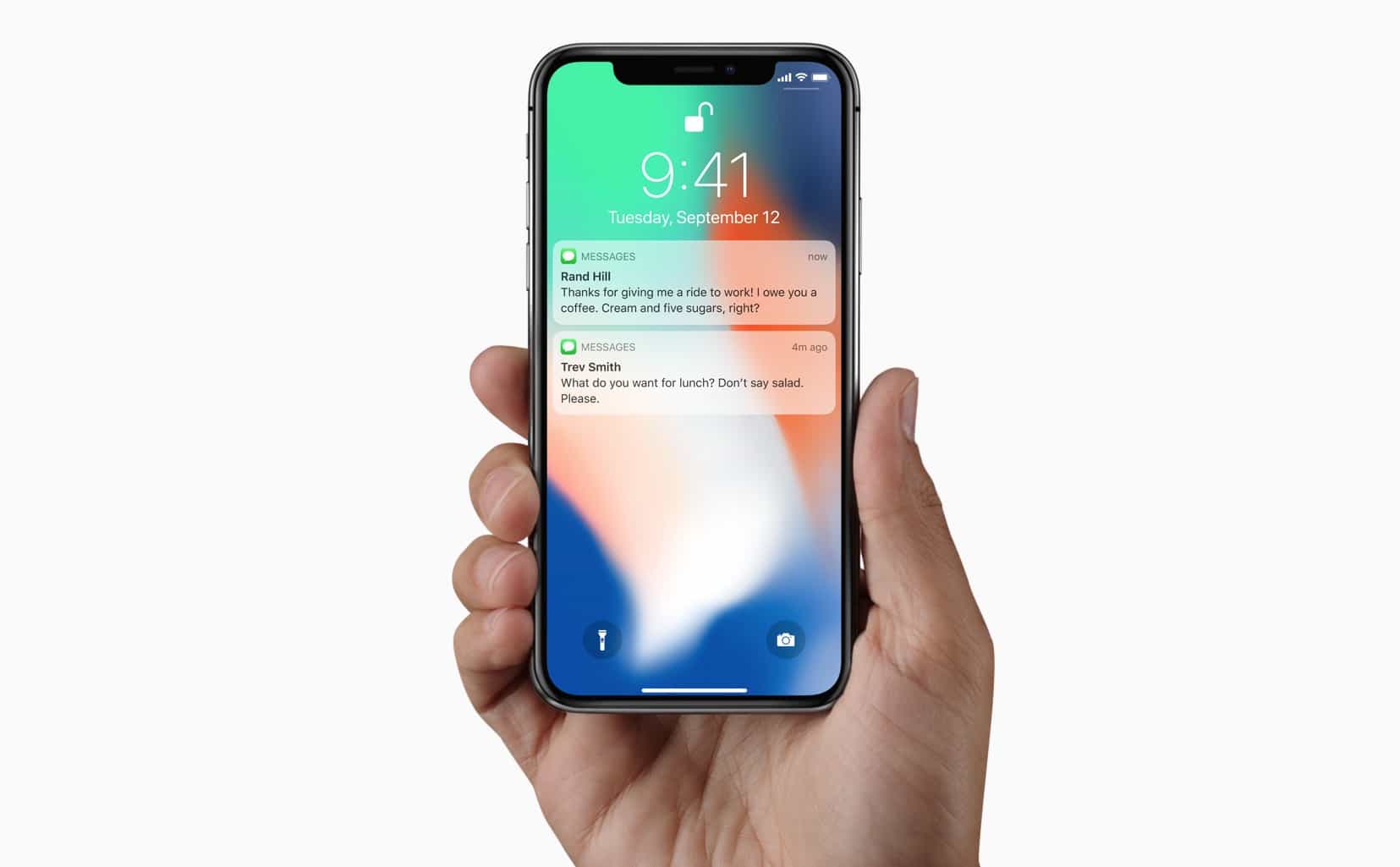
Face ID is almost perfect, but that only makes it even more annoying when Apple’s facial-recognition tech doesn’t work like you’d expect. For instance, if you’re sitting at your desk and you glance at a notification on your propped-up iPhone X, the screen unlocks and lets you read the notification’s full content. But sometimes it doesn’t notice you looking, and the notifications stay locked.
What do you do in this case? Do you grab the phone and give it a shake, the same way you do to trigger raise-to-wake on other iPhones? No. There’s a shortcut, although you will need to lift at least one finger to use it.
Force Face ID to look at you
This neat trick, discovered by Twitterer Alex Anderson, lets you force Face ID to pay attention. Instead of picking up the iPhone X and waving it around, or tapping in your passcode, or looking away and looking back again like that dramatic chipmunk/prairie dog that looks like Alfred Hitchcock, you just nudge the home indicator bar at the bottom of the iPhone X’s screen.
Grab the home indicator and slide up slightly then back down. Retries FaceID without unlocking
— Alex Anderson (@_Alex_Anderson_) November 17, 2017
Doing so, says Alex, makes Face ID retry its authentication. It’s a little like getting the attention of a human or another animal by poking it with a finger, only the iPhone X won’t turn around and bite you if you do it too often.
It’s a neat trick, and one that will prove even more useful when Face ID comes to the iPad. The iPad spends a lot of its time sitting on a desk, propped up on a stand or a Smart Cover, so having a way to make it rescan your face may turn out to be essential.

Charlie Sorrel writes reviews and how-tos. Follow Charlie on Twitter at @mistercharlie, and at micro.blog on @mistercharlie


2 responses to “Quick Tip: How to force Face ID to pay attention to you”
What I think is sill missing, is a way to get Face ID to try it again after it could not authenticate you and prompts you to enter the password. Then you have to press cancel and get back to the lockscreen and try it again. It would be nice if there would be a button to let Face ID do a fast second try.
I’ve read when it doesn’t recognize you, entering the password helps it learn you face better through AI learning. By entering the pw you’re confirming its you, and then Face ID takes note of the scanned image to improve accuracy next time.