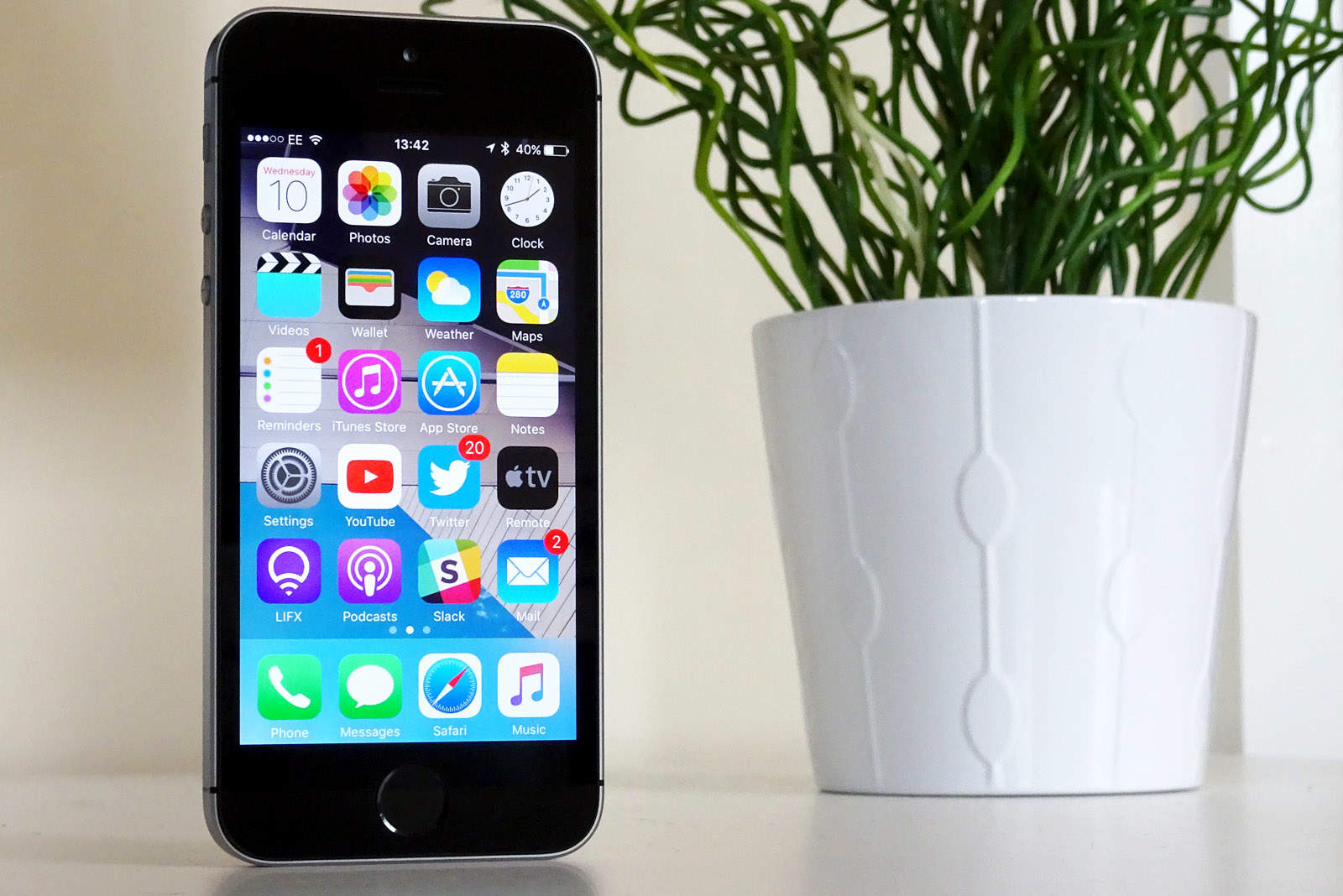
We’re gradually getting closer and closer to the public release of iOS 10 later this fall, which means developer betas are dropping fast. Just a week after beta 4 was released, beta 5 is already here.
Check out what’s new in our hands-on video below.
The latest additions and changes to iOS 10 include:
- New lock sound
- Fix for Apple Smart Battery Case
- New output icon
- Third party widgets now use a darker background
- Facial recognition data reset
That’s all we’ve managed to find in the latest beta, but if you find more, be sure to leave a comment down below.
iOS 10 is due to be released to the public this fall. Make sure to subscribe to the Cult of Mac YouTube channel to stay up to date with the latest videos.

Ste Smith is Cult of Mac’s video guy based in the UK. Ste has been working in the media industry for over 8 years and is a keen Apple fan. Follow Ste on Twitter @stesmith10 and Facebook.


11 responses to “Everything that’s new in iOS 10 beta 5”
They new keyboard click sounds have increased volume in the beta 5 — in previous betas they were barely audible unless you were wearing headphones, now they’re just-right :-)
New home screen app placement. Messages is now in dock when iPhone is set up as new phone. Mail is at top left corner now.
Is anyone else having issues with notification banners not disappearing in beta 5? In beta 4 they would show up and stay until I swiped them away. Very frustrating and annoying.Hope that got fixed.
When you update your phone, the beta default gets set onto “alerts”, which requires an action before it will be dismissed. Go to the settings app > notifications > messages and change alert style to banners.
I mess with my notifications often, and this was not the case on beta 4. It was set to banners, but wouldn’t disappear without a swipe. That seems to be gone now.
They do seem to be disappearing now. I had that same issue.
thank goodness.
Rotation has improved in a few of my 3rd party apps; I was FINALLY able to update apps in the App Store & checking for iOS software updates is working better (still buggy tho)
How come their is no link to third party apps like whatsapp in the contacts like apple promised ?
This is because those links do not come from Apple, they come from the developers of the apps. So we won’t see these until apps can be submitted to the store. This also includes Siri, maps, message and call integration.
How come I don’t have an option to NOT mirror my display when I use airplay with my Apple TV? This was available in 9, but gone since 10