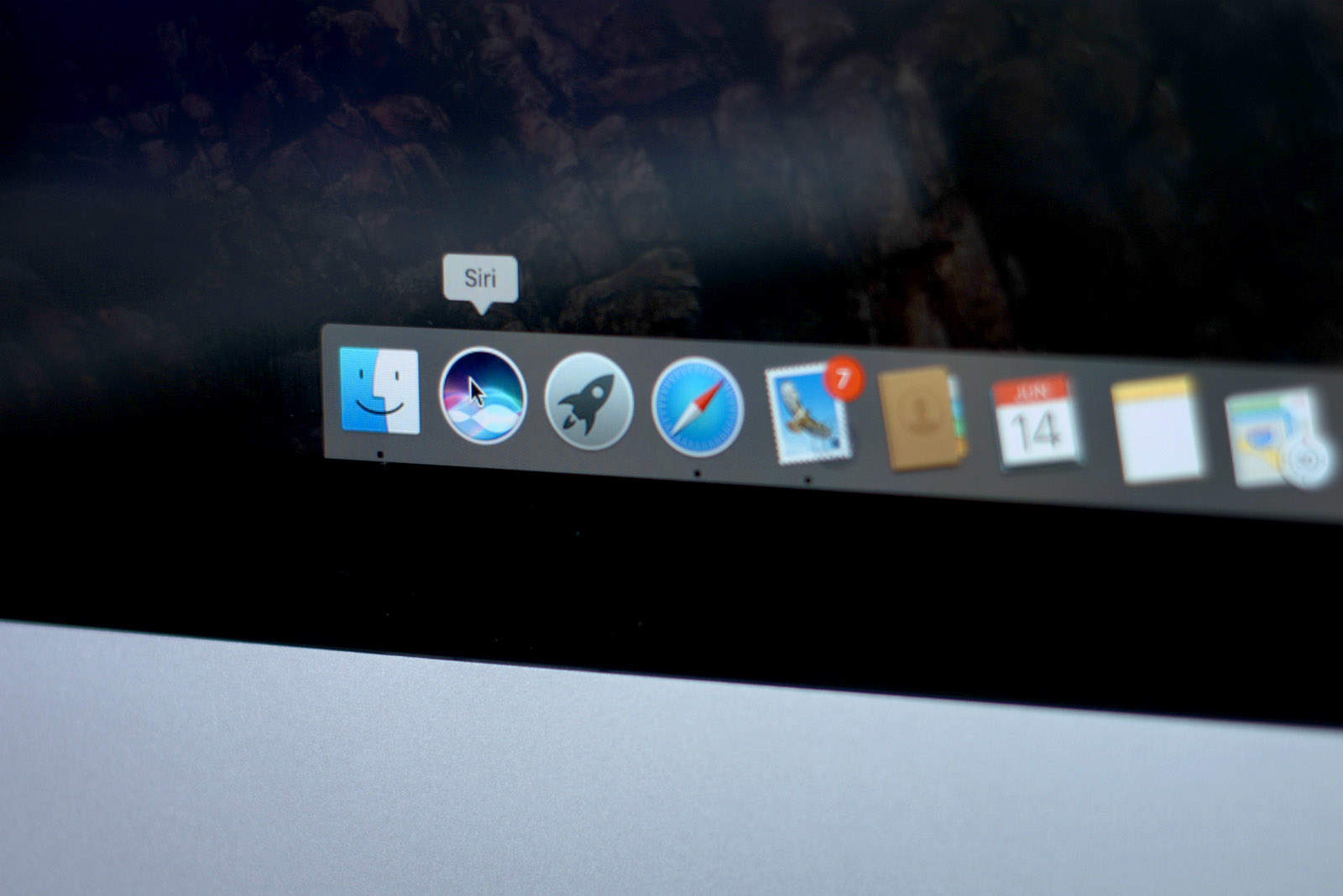
The first macOS beta was released this week, so of course I downloaded it straight away on my Mac to bring you all a quick hands on video.
Although this is still the first beta, and many functions still don’t work as intended, it gives us our first glimpse at Apple’s next-gen desktop OS in action. Check out the macOS Sierra hands on video below.
macOS Sierra hands on
Updates to Apple’s desktop operating system go a lot further than just the name change. One of the biggest additions is Siri, allowing you to multitask more effectively. On top of that there is automatic unlocking, Apple Pay for the web and Universal Clipboard.
Picture-in-picture is also coming to the Mac, although I wasn’t able to get this feature working in this beta. But new features such as Optimized Storage seem to work great.
Need more macOS news?
Unless the videos were hours long, I wouldn’t be able to fit everything macOS Sierra has to offer in there.
Check out the links below for more desktop OS goodness.
- Download Apple’s fancy wallpapers from iOS 10 and macOS: Want a taste of Apple’s latest operating systems without messing around with unstable betas? You can now download the latest wallpapers from iOS 10 and macOS Sierra.
- Clues in macOS Sierra point to OLED touch bar for MacBook Pro: Source code in the first beta build of macOS Sierra adds support for an OLED touchpad, seemingly confirming the accuracy of the leaked MacBook Pro photos we published last month.
- Siri comes to Mac and opens up to developers: Big changes are coming to Siri, Apple’s intelligent voice-activated assistant. For the first time, Siri will be available on the Mac and will be opened to third-party developers on iOS.
macOS Sierra is available to developers now, with a free public release coming this fall. Make sure you subscribe to Cult of Mac’s YouTube Channel so you don’t miss any of the latest videos.

Ste Smith is Cult of Mac’s video guy based in the UK. Ste has been working in the media industry for over 8 years and is a keen Apple fan. Follow Ste on Twitter @stesmith10 and Facebook.


20 responses to “macOS Sierra hands on: Apple’s best desktop OS yet”
What about iCloud space? Since Apple moving a lot of our data to the cloud it seems that 5gb will be not enough. Will prices change? We will have to upgrade to use disk optimization? Thanx
Are Apple Reminders updated too? Is it possible to set a reminder on a day without specific time?
So, a reminder with a specific time set to 12:00AM…? ;-)
hey hold on Ste. I downloaded Sierra yesterday too and it seems pretty solid in the enterprise so far: binds to AD ok etc. However my biggest question is are you from Wallasey? Noticed the slight scouse accent and saw Wallasey show up in weather. If so, me too! I’ve lived in the states for 30 years now though. I’ve been using a Mac since 88. Anyway, enquiring minds want to know!
Siri has an unusual interface on the mac. It seems unnatural to click a software button to activate her when previously we’ve always had a hard key (home button).
Based on some other rumors, it seems that a Touch ID button may be in the Mac’s future (or at least on the next MacBook Pro). If this were true, I would expect to be able to press and hold the button to activate Siri, just like on iOS devices. Apple should provide a keyboard shortcut for Siri to support Macs without such a button (and for those of us who prefer keeping our hands on the keyboard.)
There is a short-cut: Fn+Space bar
@andrstorrejn:disqus is that for sure? I thought alt-space would make more sense? :)
I double-checked. The default one is Fn-space, but you can change it if you’d like to.
Can you drop this “Apple’s best desktop OS yet” crap. No it’s going to be their worst. Think up something orginal.
What a fantastic problem to have! Yes, fortunately, every new Mac OS ***is*** “Apple’s best desktop OS yet”.
Microsoft hasn’t had this “problem” in years (a decade?).
It’s hardly Apple’s “best desktop OS yet” when it’s only in its first beta.
Nice mock up of the Auto-Unlock feature which is not functional in the Beta 1 seed. [sarcasm]
It looks like a great improvement over El Capitan and hopefully it will install better than El Capitan did as I actually had to do a completely fresh install of my computer and then use time machine to restore all my files back!
I’ll be extremely surprised (and disappointed) if there will be no “Hey, Siri” on all macs.
@disqus_swDB8yRXvD:disqus Seriously though, how would they make it so that the iPhone / iPad next to you does not activate when you Hey Siri your iMac?
Hey Cortania? (sp)
Hopefully they will increase storage to combat the demand. Not many are willing to pay $10 a month or more for a TB of storage you can simply place on your External Hard Drive.
Did Auto-unlock work for anyone? Poster? Anyone have any idea which Macs this will work for?
Other than the regular beta bug here and there, it’s shaping up to be a great OS. I’ve had it hang a little bit on boot, and iMessage crashed a few times, other than that, works well for a first beta.