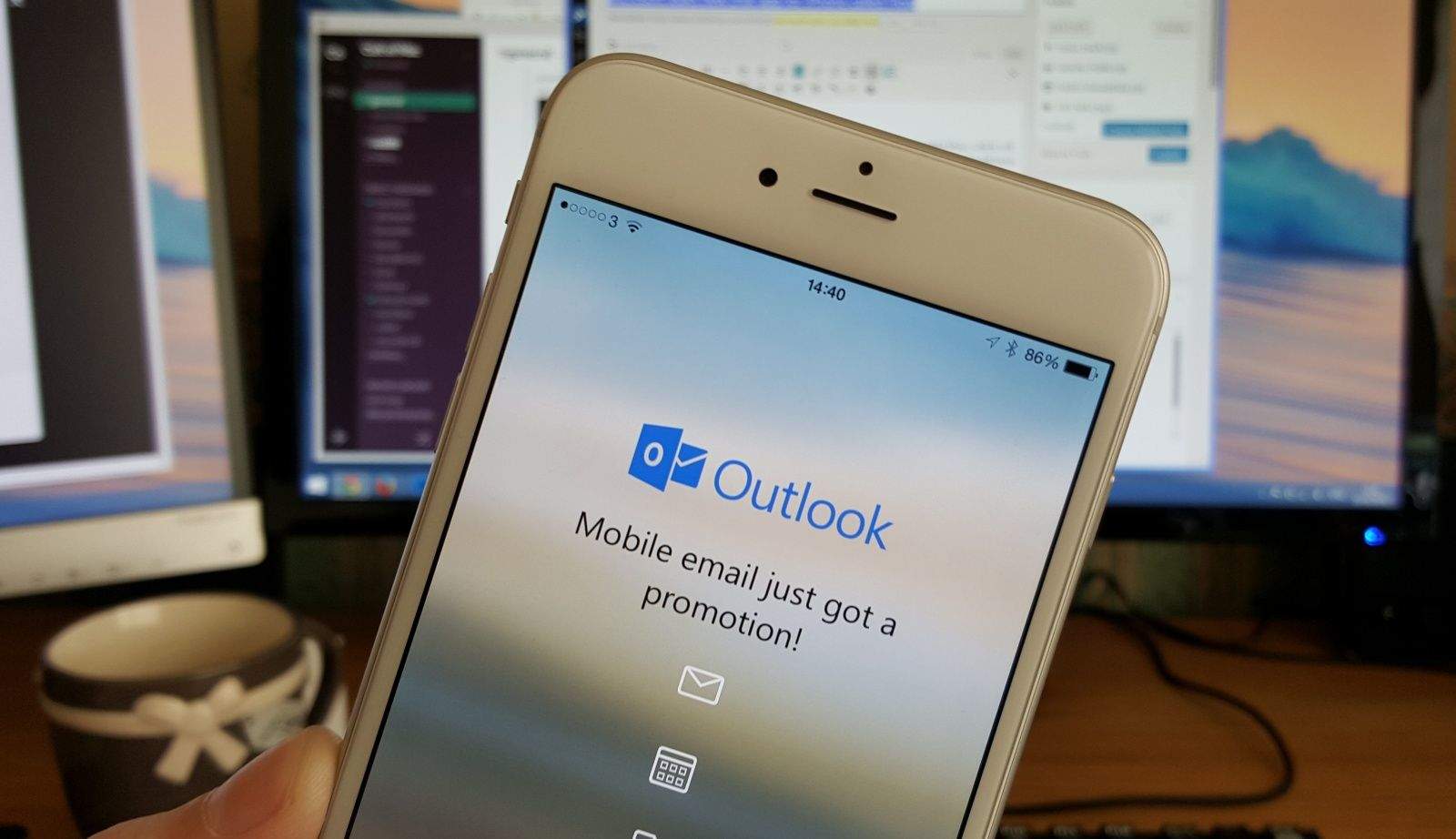
Microsoft has given its Outlook iOS app an overhaul — offering iPhone 6s owners the chance to use 3D Touch to create new emails and events, or access the calendar directly.
To take advantage of these features, users simply need to press on the app icon on their iPhone home screen. Sadly, this is as far as the use of 3D Touch goes right now — meaning that pressing on emails or links within messages won’t do anything more than the previous version of Outlook.
Fortunately, the update does add one other handy improvement — with the ability to print a message or conversation from directly within the app. To do this, users simply need to tap on the options button and select “Print Conversation.”
Microsoft launched its email client Outlook for iOS earlier this year, after acquiring and rebranding the popular iOS and Android email app Accompli back in 2014.
You can download Outlook for any iPhone, iPad and iPod touch running iOS 8 or later.
Source: iTunes

Luke Dormehl is a U.K.-based journalist and author, with a background working in documentary film for Channel 4 and the BBC. He is the author of The Apple Revolution and The Formula: How Algorithms Solve All Our Problems … and Create More, both published by Penguin/Random House. His tech writing has also appeared in Wired, Fast Company, Techmeme and other publications.


One response to “iPhone 6s users can now use 3D Touch in Outlook”
with various problems, including shutting down alone