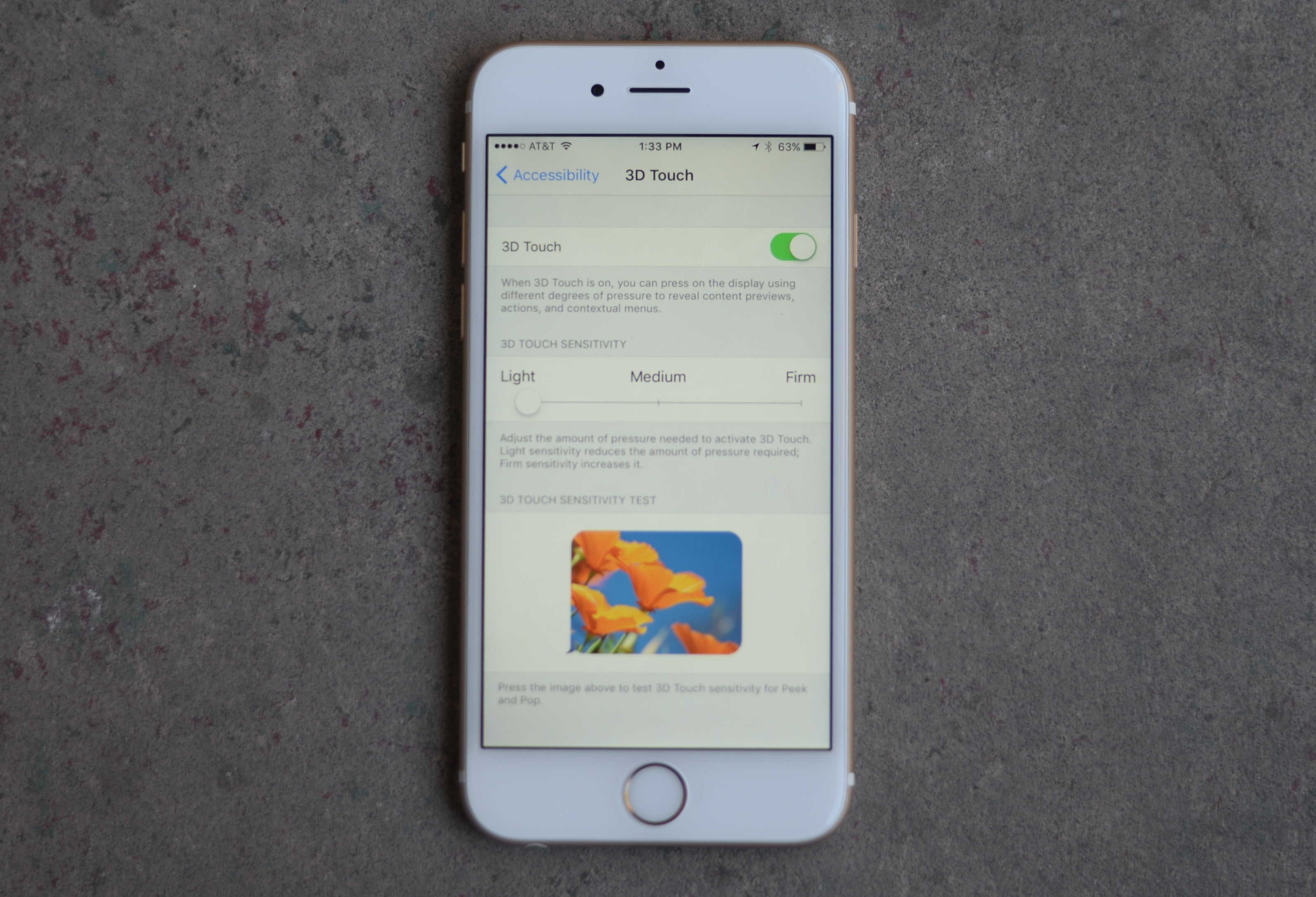
 You don’t have to press so hard on your expensive new iPhone 6s or 6s Plus to get the groundbreaking 3D Touch working easily.
We’ve all been looking forward to this killer UI upgrade, but some users say they’re worried about breaking their new iPhone screens because they’re pushing so hard to get the “pop” level of 3D Touch.
Here’s how to make this a little easier to use.
Drop into your Settings app with a tap, then tap General. Once there, swipe down to Accessibility and tap into the settings that let users tweak iOS so its easier for them to use.
Tap on 3D Touch (you must have a new iPhone 6s or 6s Plus for this to even show up). You’ll be able to toggle the feature ON or OFF. If it’s ON, you can adjust the sensitivity slider to Light or Medium.
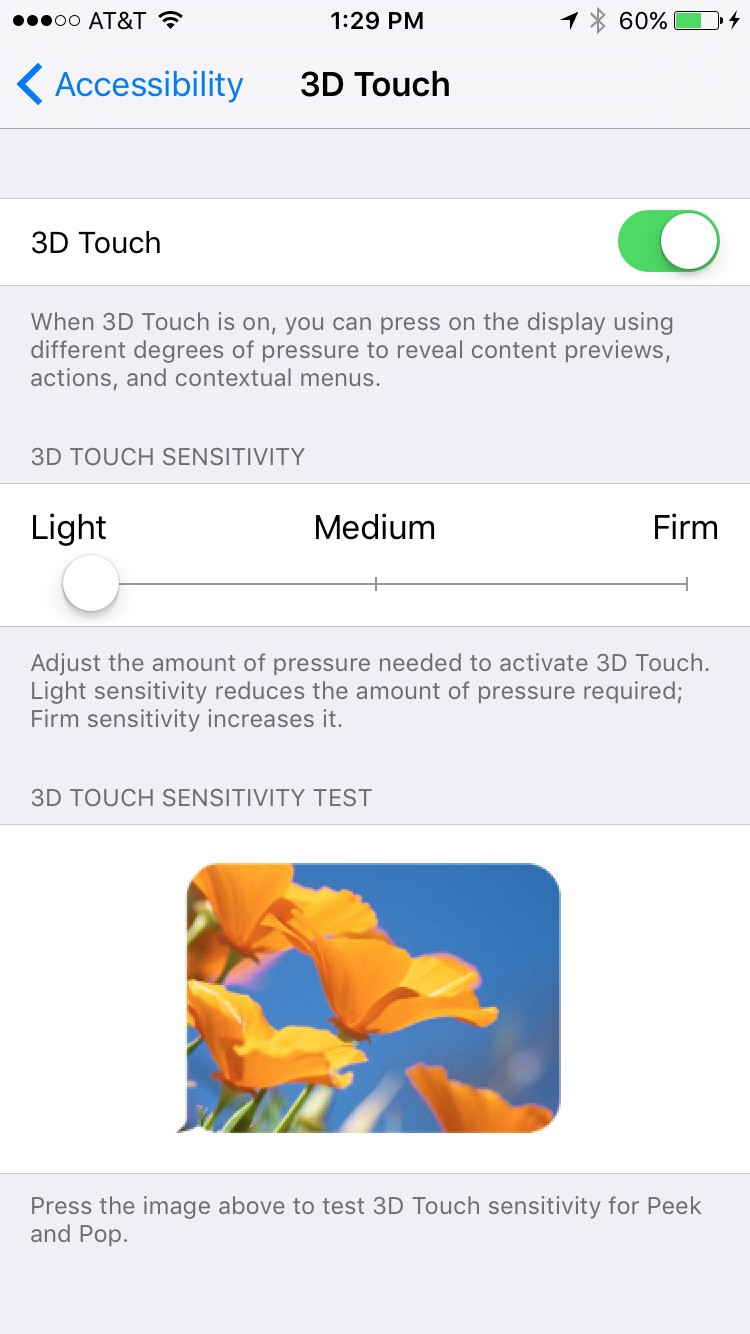
Photo: Buster Hein/Cult of Mac
According to the users on a MacRumors forum, Light lets you access all the levels of 3D Touch without feeling like you’re going to bust your new precious. A couple people say Medium works fine as well — you can figure out which is best for you.

Rob LeFebvre is an Anchorage, Alaska-based writer and editor who has contributed to various tech, gaming and iOS sites, including 148Apps, Creative Screenwriting, Shelf-Awareness, VentureBeat, and Paste Magazine. Feel free to find Rob on Twitter @roblef, and send him a cookie once in a while; he’ll really appreciate it.


2 responses to “Pro Tip: How to fine-tune 3D Touch sensitivity”
I saw this article earlier so I knew we could do this. Just tried this and I really can’t tell any difference at all between the 3 settings. It still feel like I have to press usually hard to peek, and absurdly hard to get it to finally pop.
Not like I feel like I am going to break it or anything, it just feels like a lot of “work” to do it. Maybe it settle in over time or I will just get used to it.
Allow me to show you a% genuine way to earn a lot of extra money by finishing basic tasks from your house for few short hours a day — See more info by visiting >MY*&___(DISQUS)*%___ID)