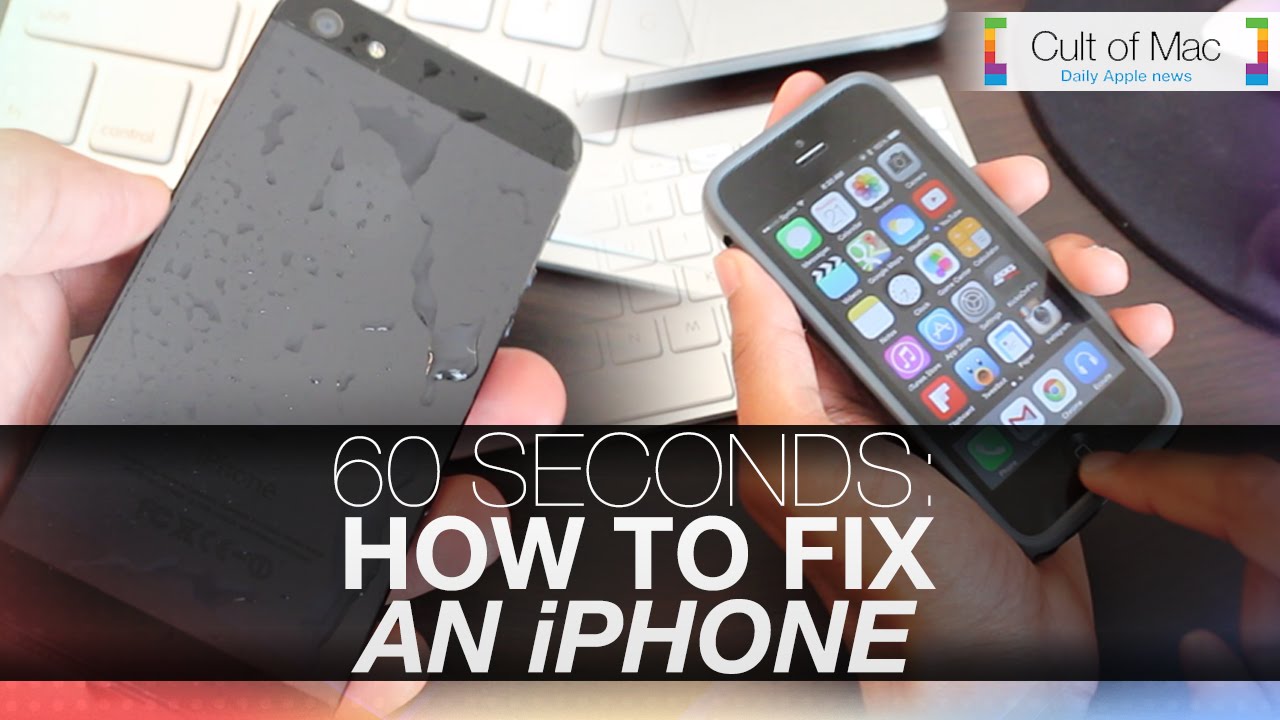
Our iPhones are trusty sidekicks helping us save the day with every task we perform with them, but sometimes they meet their weaknesses. While our devices can’t be perfect all the time, periodically home buttons become unresponsive and other common errors can occur with them.
In today’s video, take a look at how you can fix an array of different iPhone problems in just 60 quick seconds. Find out the best way to fix an unresponsive home button, a water damaged iPhone and even clogged headphone/charging ports.
Subscribe to Cult of Mac TV on YouTube to catch all our latest videos.

Joshua Smith is a video reviewer for Cult of Mac, and the founder of the technology news and review service “TechBytes W/ Jsmith”. Joshua created TechBytes to revolutionize the way tech news is delivered. Smith feels that being a part of the Cult of Mac staff and family is the best position for elevating his career in the field of technology journalism. You can follow Joshua on Twitter by simply clicking the attached link.


17 responses to “Fix the iPhone’s most common problems in 60 seconds”
great, but could you post a transcript?
I wish I could get that minute of my life back. If your phone gets wet… wipe it off. Thanks for the helpful tip!
dude, shut it, the rice tip was good…fucking troll elsewhere
yea it was a good tip.. if your iq is below 20
I’m sorry Joshua, but this is not useful at all to any iPhone user with a brain. Most home button failures are not a calibration issue, a phone dropped in water should be immediately turned off and put in rice or silica gel for days, not hours, and anyone should be able to figure out if something is stuck in a port. Most common problems would include poor battery life, broken display, unable to charge, lack of storage space for updates, etc. Plus, lines like “easily one of the most used buttons” are just filler – no need – reduce your script down to the essentials. Hopefully this criticism is helpful and not hurtful – good luck with your future work.
i want my one minute back….useless video
maybe for you asshole
The most common issue is the broken screen, clearly that can’t be done in 60 seconds lol.
Transcript please for the hearing impaired. It’s the 21st century.
Misfit Life ✌️
That first tip fixed a years long problem i’ve had. I’ve been using assistive touch as a workaround. Thank you for posting this, you made a difference.
..tap, to hold the, Home button, the press the..release the…..WHAT???? I have no idea what this guy is saying and from the requests for a transcript it would appear neither do a lot of others…..
Agree. That home button tip makes no sense. Wish it did though!
I do as well! I do enjoy your video’s and have learned from them Joshua. PLEASE redo this one and go slower next time! Thanks for sharing your knowledge with us, don’t stop!
@NorthernNight:disqus thank you so much for your support. In order to do the first tip what you’ll want to do is hold on the power button until you see the “slide to turn off” button on-screen. Once this screen has appeared release the power button and begin only holding the home button until you are brought to your home screen. This process calibrates the home button and hopefully fixes the button more to your liking.
My top tip would be to slow down and don’t gabble through your tips. Like other I haven’t got a clue what you meant on your home button tip!
Whose phone are they fixing in this video?? mad props for listening to Social Club!! Love those guys!