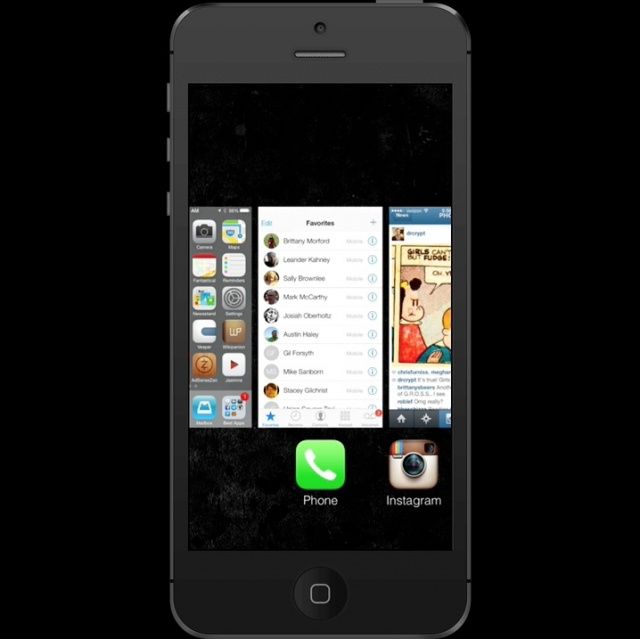
iOS 7’s new Multitasking app switcher is pretty nifty, and also pretty obviously inspired by popular jailbreak app switcher Auxo. One of the many ways in which iOS 7 Multitasking borrows cues from Auxo is how you actually kill running background apps: with a swipe! We’ve made a nice little animated GIF showing how it works.
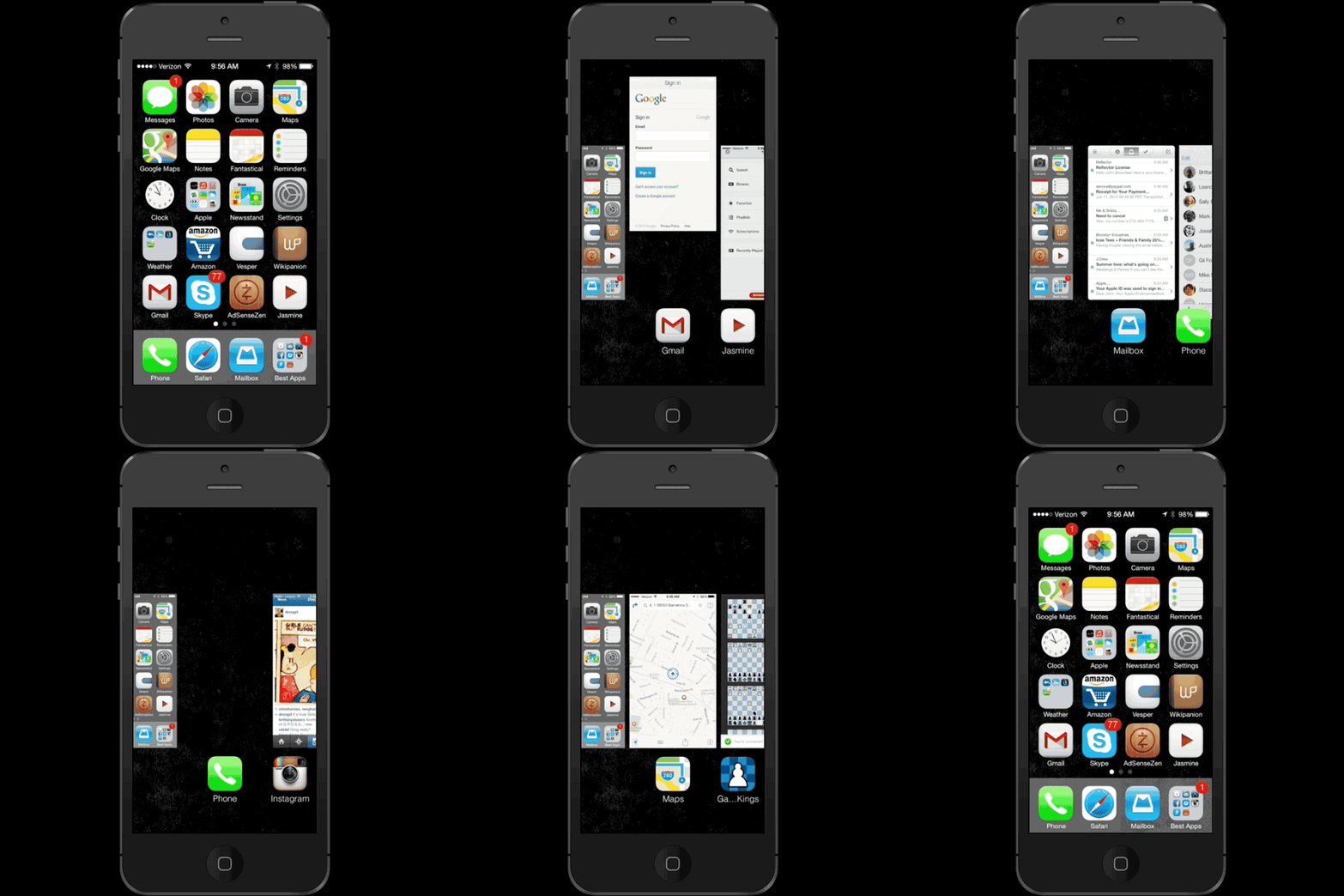
Basically, what you do is double click the home button so iOS 7 Multitasking pops up, then swipe up on the open app you want to kill. Presto!
It’s a small thing, but I like it more than iOS 6’s approach, which confused the mechanism of deleting apps from your device entirely with killing them from running in the background. What do you think?

John Brownlee is a writer for Fast Company, and a contributing writer here at CoM. He has also written for Wired, Playboy, Boing Boing, Popular Mechanics, VentureBeat, and Gizmodo. He lives in Boston with his wife and two parakeets. You can follow him here on Twitter.

