The untethered jailbreak for the iPad 2 has finally been released. After months of waiting, you can download the Chronic Dev Team’s free Absinthe Mac tool to jailbreak your iPad 2 in a matter of seconds.
We’ll show you how to jailbreak your iPad 2 running iOS 5.0 or iOS 5.0.1 the right way in this guide.
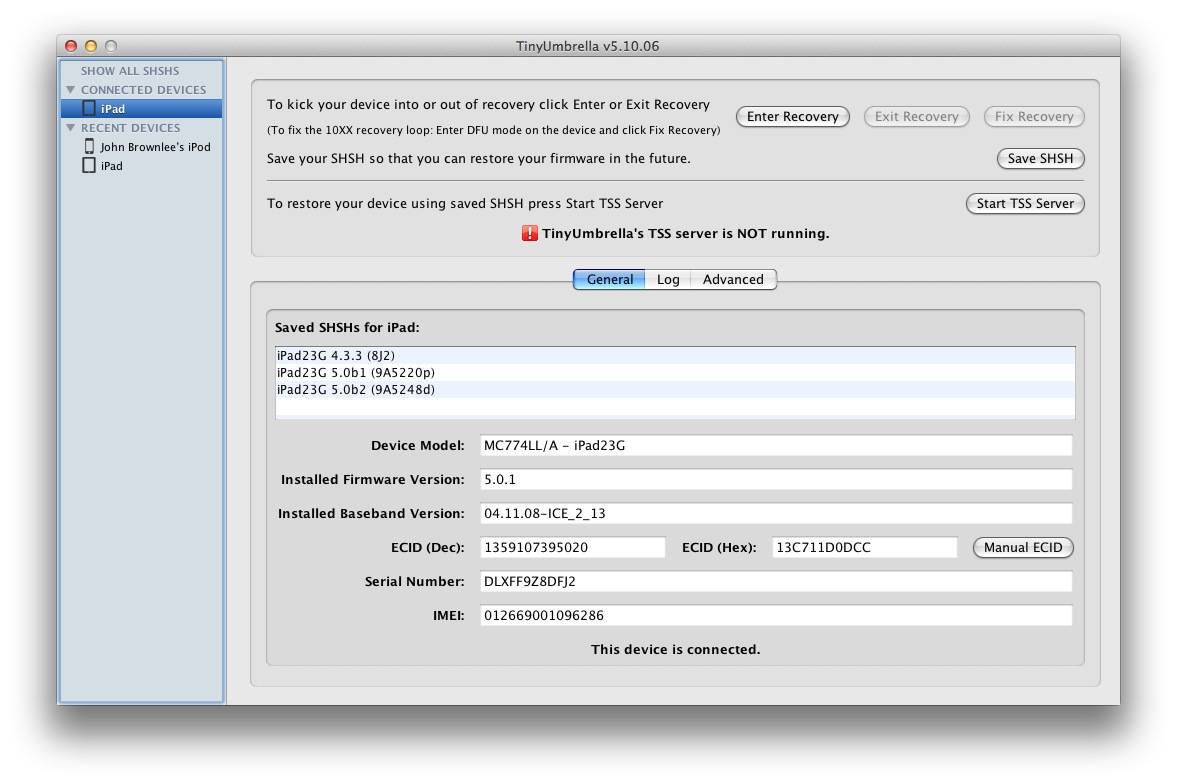
Step 1: Make sure you have your SHSH blobs backed up using the free TinyUmbrella app. It’s available on both Windows and Mac. Saving your SHSH blobs is essential for downgrading back to your previous iOS firmware version if something should go wrong during the jailbreak process. Basically, if you don’t complete this step, you could end up — worst case scenario — with a bricked iPad. Just download TinyUmbrella at the official site, install the app, open it up and click Save SHSH. Done!

Step 2: Back up your iPad 2 4S to either iTunes or iCloud before you go any farther. In iTunes, you do this by right-clicking on your iPad 2 under the “Devices” window and selecting Back Up. You want to make sure you have a recent setup to restore to if something goes wrong. While jailbreaking isn’t that dangerous, you can never be too careful.
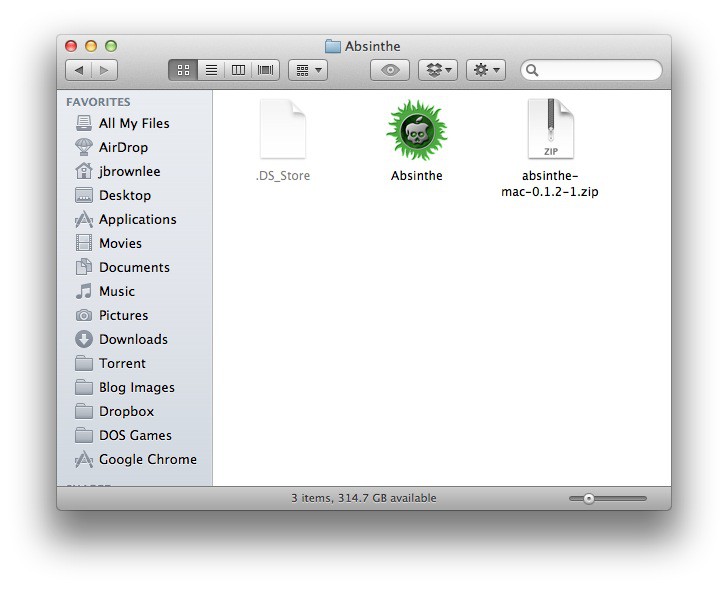
Step 3: Download the free Absinthe jailbreak tool for Mac. A Windows and Linux version is also available. Unzip the file in a folder on your hard drive.
Step 4: Connect your iPad 2 to your Mac via a USB cable and open Absinthe.
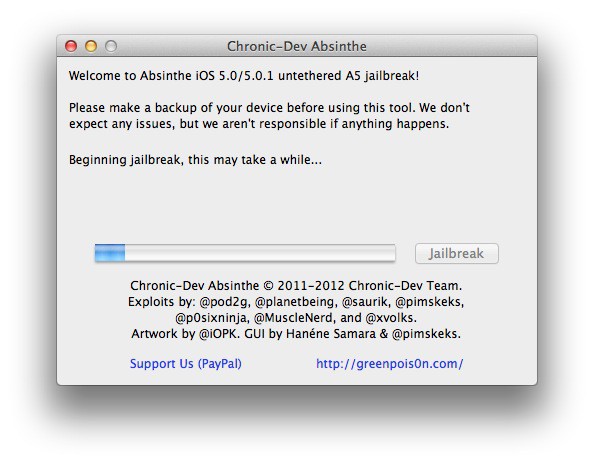
Step 5: Click “Jailbreak” and let Absinthe do its thing. It may take a little while. Your iPad 2 should say “Restoring in Progress.” Make sure not to disconnect your 4S or quit Absinthe while this process is happening.

Step 6: Once completed, you will be taken to your iPad 2’s Home screen. Find the newly-installed Absinthe icon and tap it. You’ll be taken to the Greenpois0n website and code will be run to trigger a reboot of your iPad 2. When you’ve successfully rebooted, the Absinthe icon will be replaced with the one and only Cydia.
Congrats! You now have an untethered iOS 5 jailbreak for your iPad 2! Check out our jailbreaking tips and tricks guide for more help.
If you’re having problems getting past Step 6, try this fix.

John Brownlee is a writer for Fast Company, and a contributing writer here at CoM. He has also written for Wired, Playboy, Boing Boing, Popular Mechanics, VentureBeat, and Gizmodo. He lives in Boston with his wife and two parakeets. You can follow him here on Twitter.

