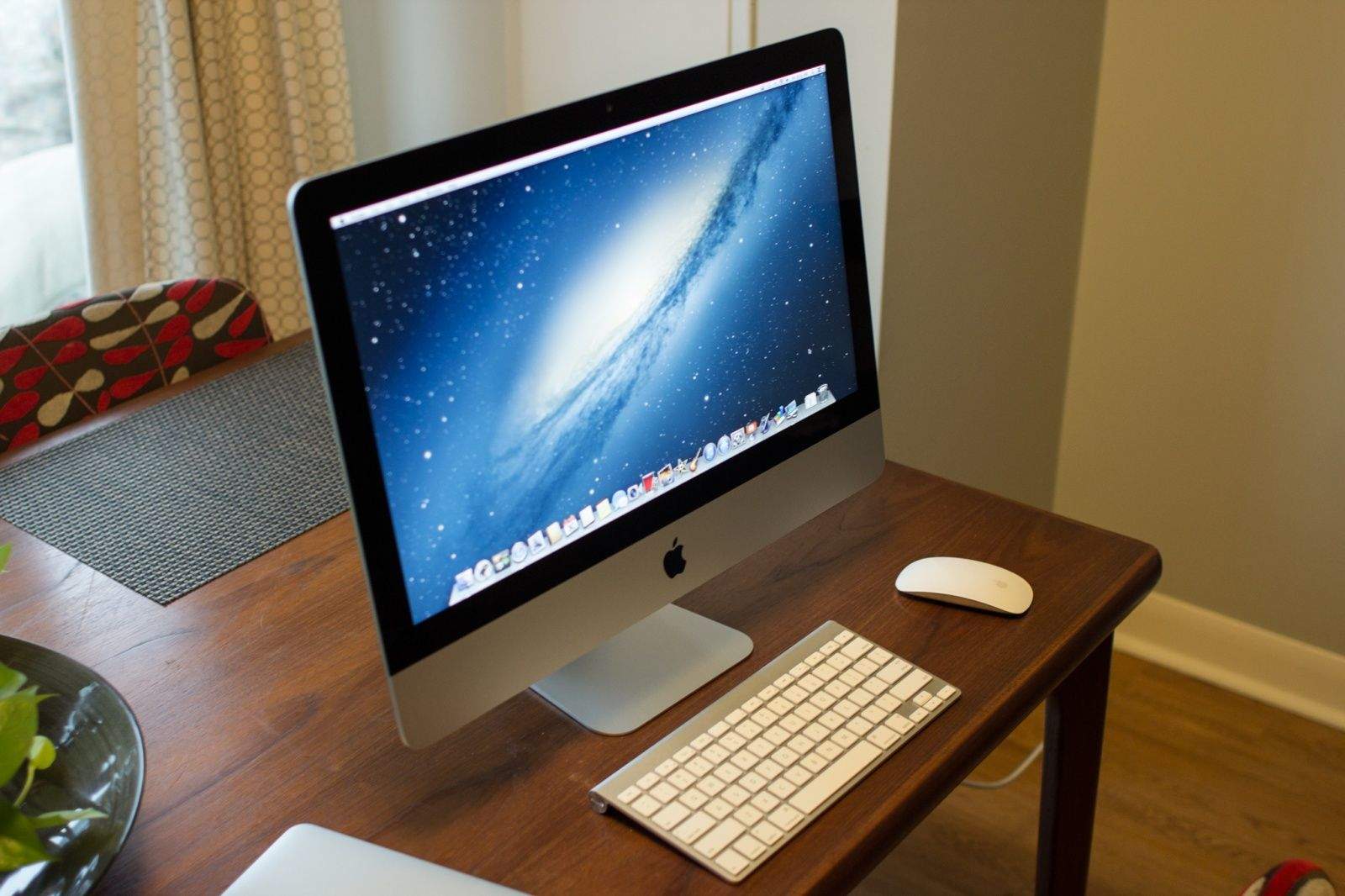
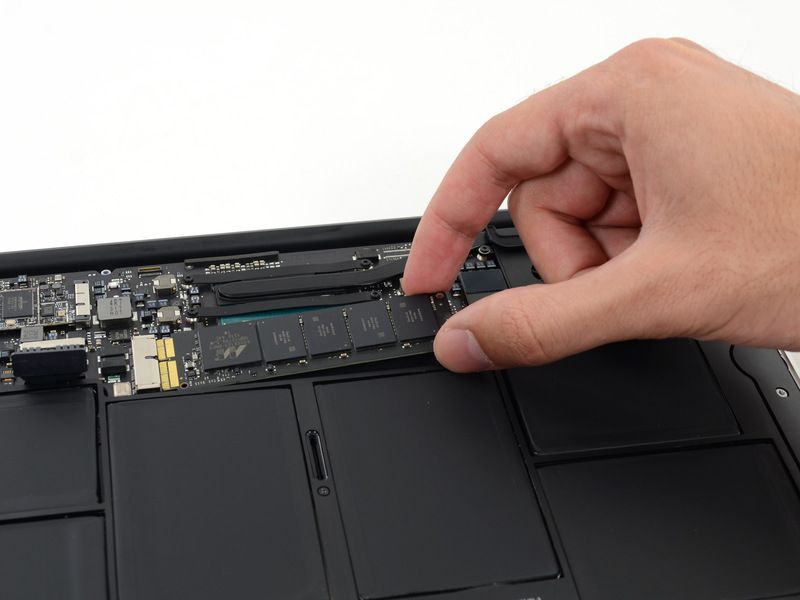
If you plan on buying one of Apple’s new 21.5-inch iMacs for $1,099 and then upgrading internal components yourself later on, then listen up. Upgrade experts OWC have torn down the new entry-level all-in-one and discovered that its memory is soldered to the motherboard and cannot be upgraded.
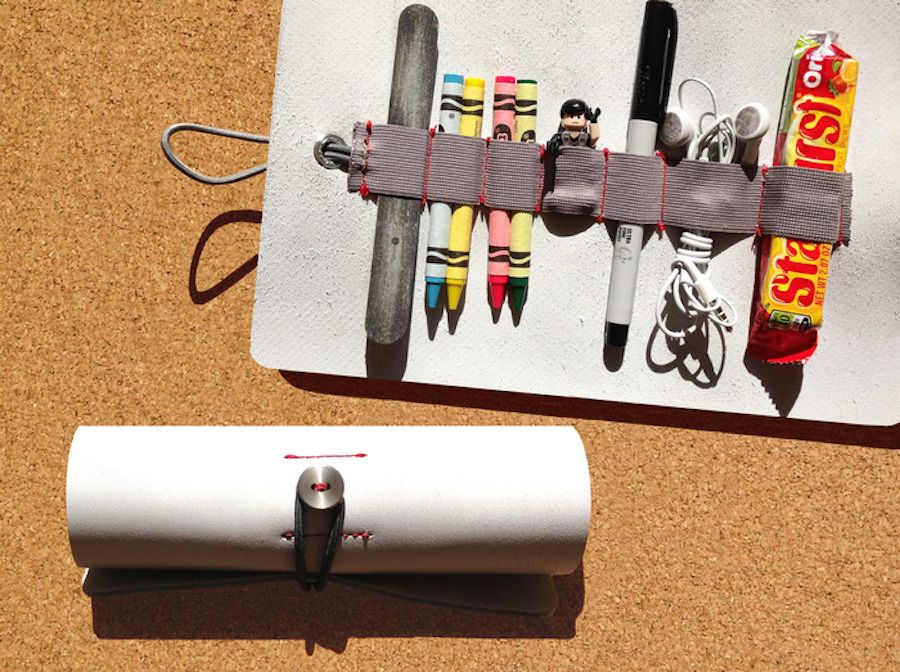
If you’re anything like me, you’re constantly shuffling around town (or around the country) with bits. No, not those bits; you know the ones I’m talking about: pens, cables, more pens, headphones, USB sticks, pocket knives and pens. They get shoved into a small pocket in a bag, where they sit, unharmonious and disorganized, until I fumble around for them.
David and Calvin Laituri of design outfit Onehundred have a better way. The father-son team have come up with Ledr, a leather strip that organizes all that stuff and rolls it up into a compact toolkit.
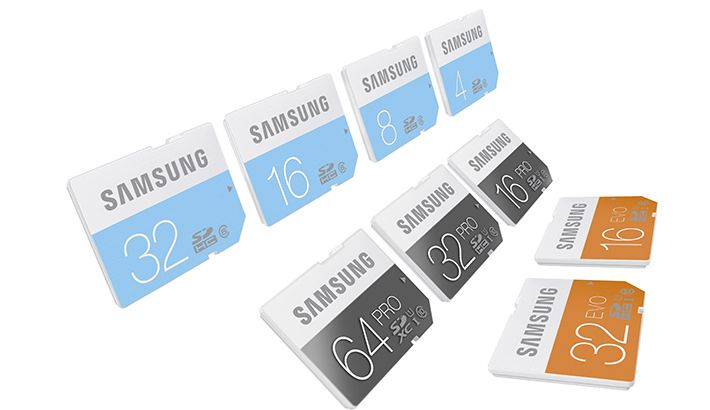
Samsung has redesigned its SD and microSD cards with color coding that makes it easier to spot the difference between product lines – regular, Pro and Evo. Unfortunately, this is the wrong way to color-code cards.
I use flash thumb drives for precisely one purpose these days – taking a PDF boarding pass to the local print shop. That doesn’t stop me being impressed with Edge’s new DiskGo Sonic USB 3.0 Flash Drive, though, which is a super-fast SSD drive in the form of a USB stick.
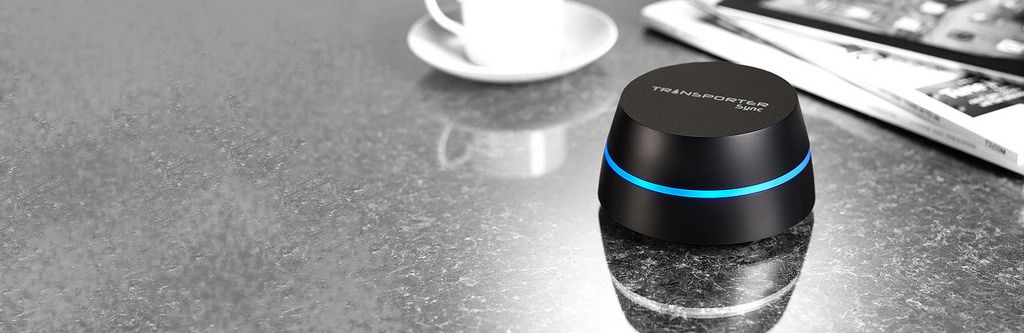
After some confusing starts, a software update makes the neat Transporter into a true alternative to cloud services like Dropbox or Google Drive. Previously, the Transporter was a hard drive which could stay in sync with another Transporter kept anywhere, letting you have a safe and up-to-date offsite back up at all times.
Now, finally, the software has adde in features that turn this connected storage into a proper cloud service. A cloud service that’s hosted by you, and not by the NSA.
Remember when Google launched Gmail with 1GB storage ten years ago? It was such a massive leap from the meager storage quotas of existing email services that everyone thought it was a joke. The April 1st launch date probably didn’t help either.
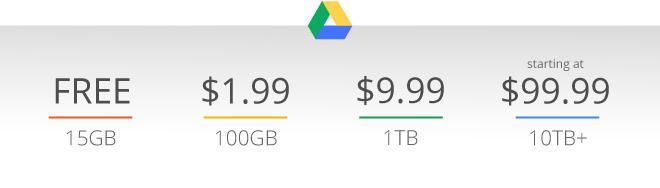
Now, with weeks still to go until April 1st, Google has done it again, this time offering 1TB of Google Drive storage for just $9.99 per month, or $1.99 for 100GB. The 15GB plan remains free.
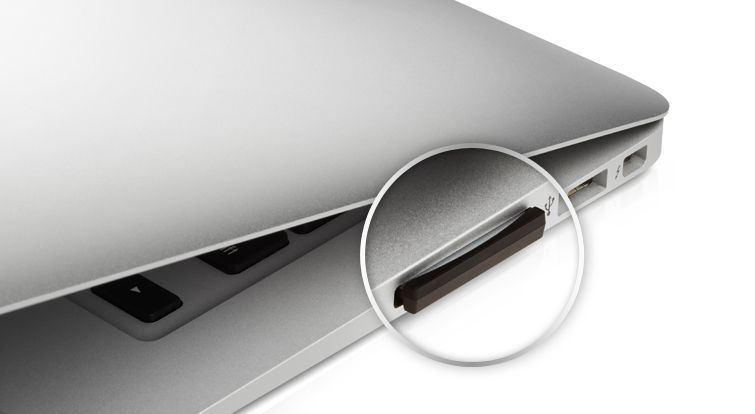
You can now double the storage space of your MacBook Air by jamming Sandisk’s new 128GB microSD card into an adapter in the SD card slot. Or you can slide it into any number of devices that use the pink-nail-sized storage standard. And if you are using it in a phone or a camera, it’s fast enough to capture HD video recorded straight to the card.
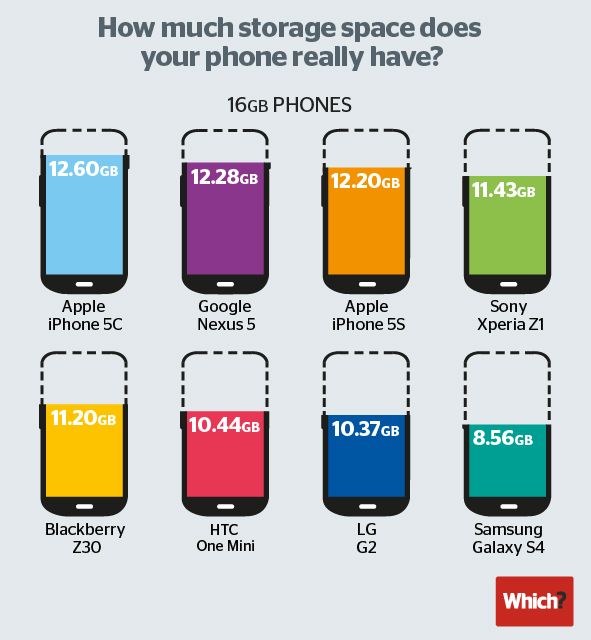
When you buy a 16GB smartphone, you don’t actually get 16GB of space to install apps, music and other media. No matter what smartphone you buy, the operating system needs to be installed into memory, and that takes up valuable gigabytes.
Still, some phones are better than others. As far as staying trim, the iPhone 5c is the best value for the money in its class, allowing users to install media to 12.60GB of the 16GB drive. The Google Nexus 5 comes in second place at 12.28GB.
The worst offender by far, though? The Samsung Galaxy S4. You won’t believe how little internal memory you get.
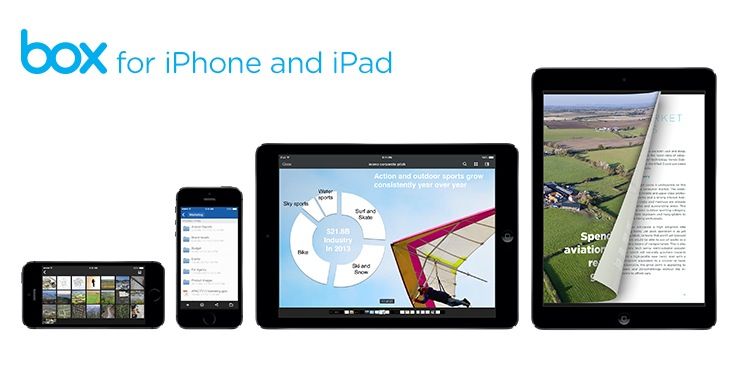
Box has updated its iOS apps for iOS 7, and seems to have gotten a little drunk at the celebration party: Box is giving a free 50GB storage to anyone who downloads the new app in the next 30 days. Or 29 days, I guess, as the announcement came yesterday.
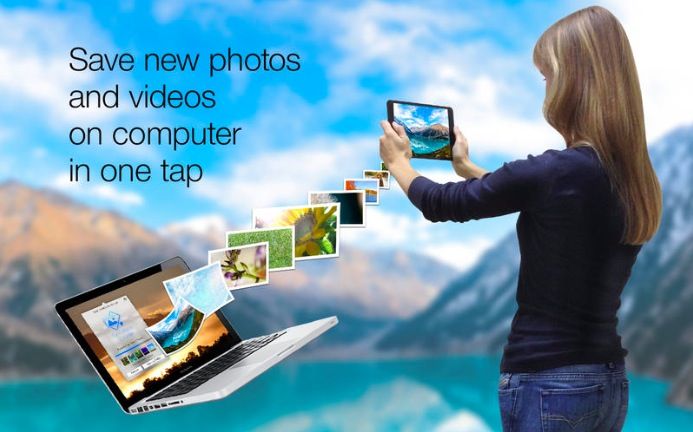
There are tons of solutions to get iOS photos from your device to some sort of backup system, from Dropbox to iPhoto. Backing up your photos is imperative, especially on iOS, as the iCloud backup system doesn’t back up photos, and PhotoStream only keeps the last 1,000 photos on your phone synced to all your enabled devices.
Backing up to cloud services is extremely convenient, but what happens when you no longer want to pay for the storage, or would rather hang on to your digital memories on your own computer? Sure, you can connect to your Mac with a cable, but then you’ve got to do the hard work of figuring out which photos you’ve already backed up.
Sync Photos To Storage, a new app from developer Simplex Solutions, aims to make this process much, much easier.
The myLIFTER is a Kickstarter project for a small-yet-powerful, Bluetooth-enabled winch controlled by an iOS app — and it’s loaded with all kinds of other ingenious features, like programmable distances and the ability to link a chain of myLIFTERS together to lift heavier stuff.
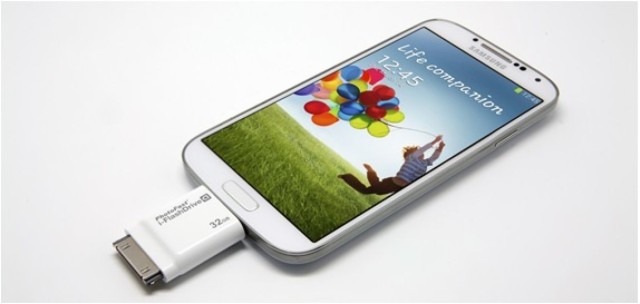
Here’s something you don’t see often: It’s an Android phone sporting a 30-pin connector. Blasphemy! Heretical! Nonsense. PhotoFast’s i-FlashDrive, which allows fast transfer of files between Android and iOS, is here to promote peace and understanding between all — even the heathenish Windows.
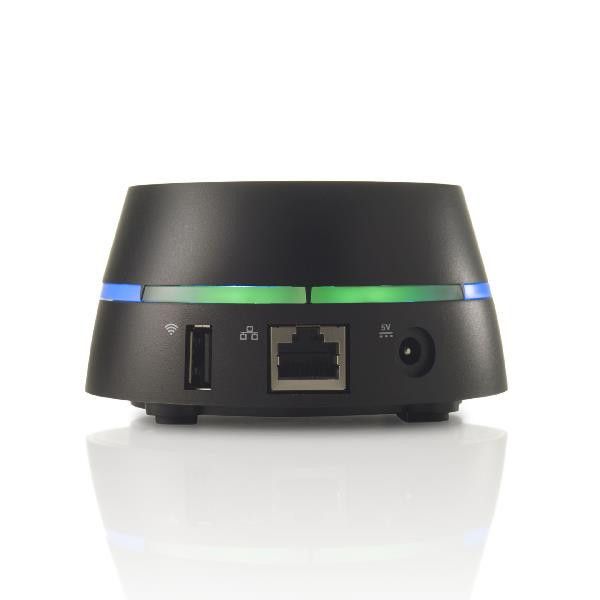
Imagine Dropbox. That was easy, right? Now imagine that instead of having all your files stored on some NSA-bait server somewhere on the internet, those files are instead stored on a hard drive of your own. And yet they’re still as readily accessible from all your devices via the internet.
That was, admittedly, a little trickier to imagine. But it was worth it, because our collective thinking has somehow magicked the new Transporter Sync into existence.
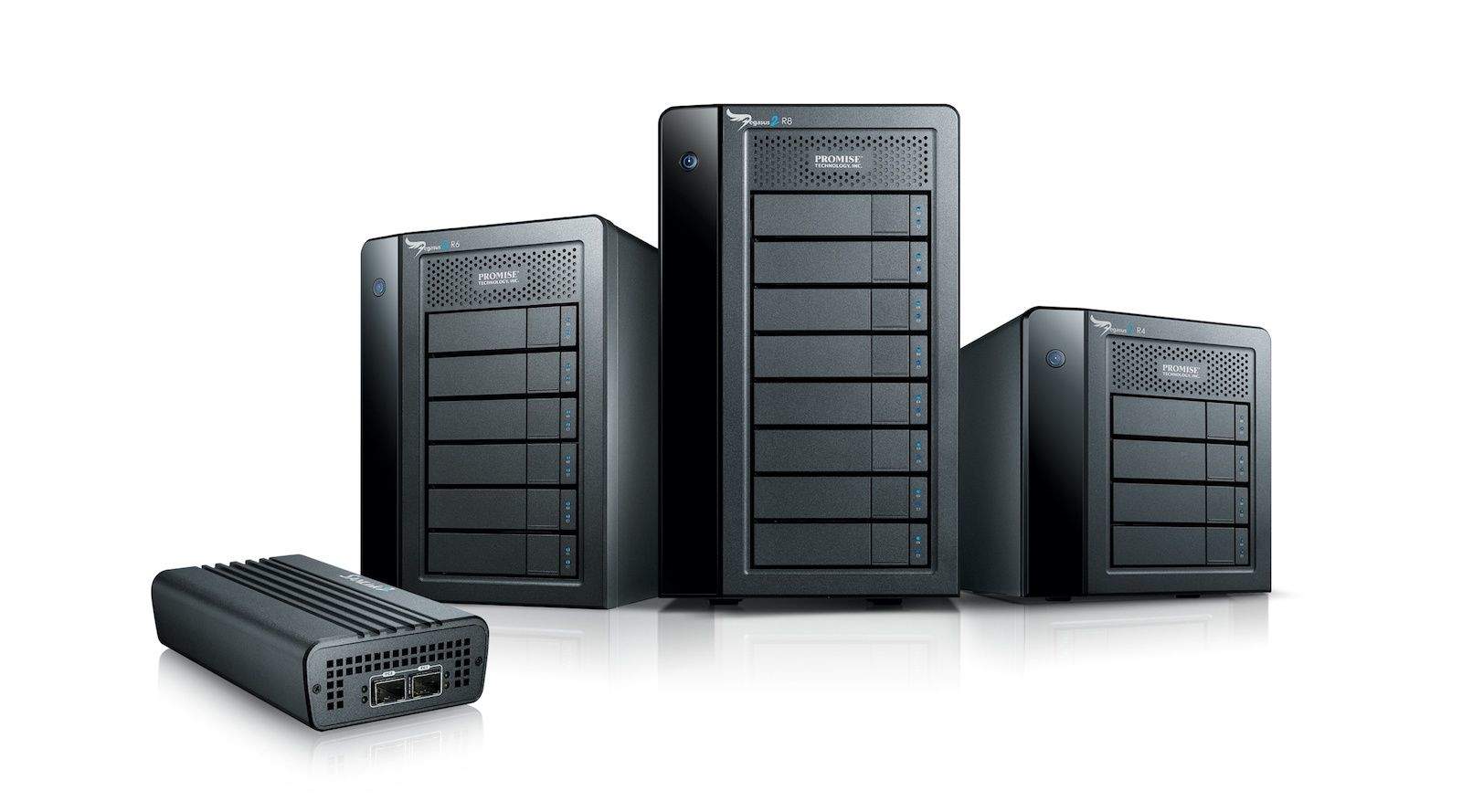
We know that the new Mac Pro — and as we learned earlier this week, the new MacBook Pros — sport new Thunderbolt 2 ports, which double the speed of the initial version to a maximum throughput of 20GB/second.
All that speed is academic without peripherals designed specifically for Thunderbolt 2. So today, Promise Technology is the first company to announce Thunderbolt 2 stuff — namely, their Pegasus2 RAID storage boxes and SANLink2 Fibre Channel-to-Thunderbolt 2 SAN device bridge.
Apple has recalled 64GB and 128GB flash storage drives that were used in the previous generation MacBook Air. The systems were sold during June 2012 and June 2013, and those affected qualify for a free flash storage drive replacement at their local Apple retail store, or authorized service provider.
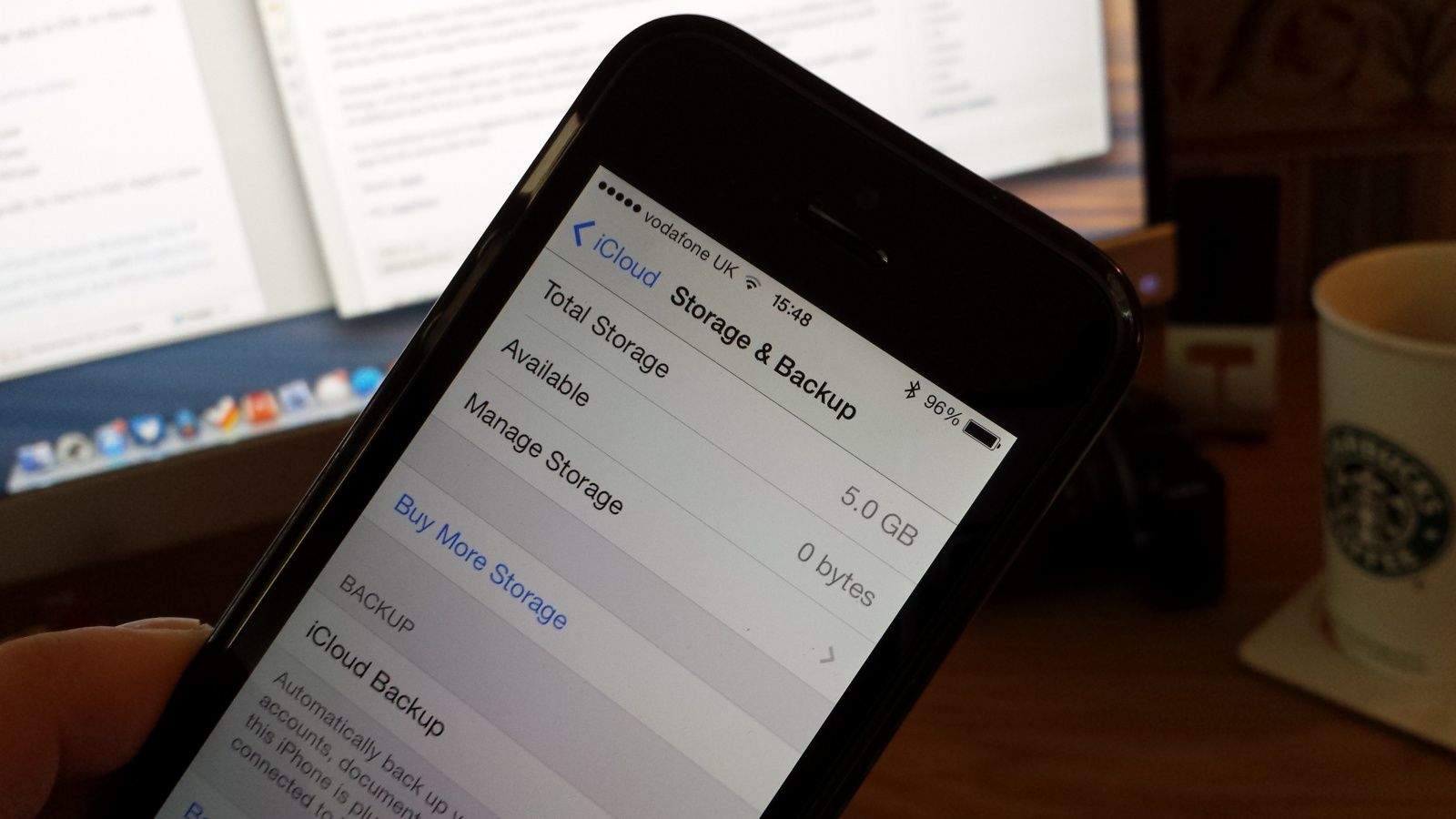
Today’s the day you’ll probably have to start paying for iCloud storage, folks — if you’re a former MobileMe subscriber, anyway. After giving us 25GB of iCloud storage absolutely free for two years, Apple has now ended the offer and dropped all non-paying iCloud users down to the basic 5GB plan.
If you need more than that, you’ll have to sign up for a subscription from today.
If you were a MobileMe customer enticed to join the iCloud by Apple’s offer of 20GB of free storage, get ready to pony up for more: Apple is emailing people telling them to prepare to start paying for iCloud storage come September 20th.
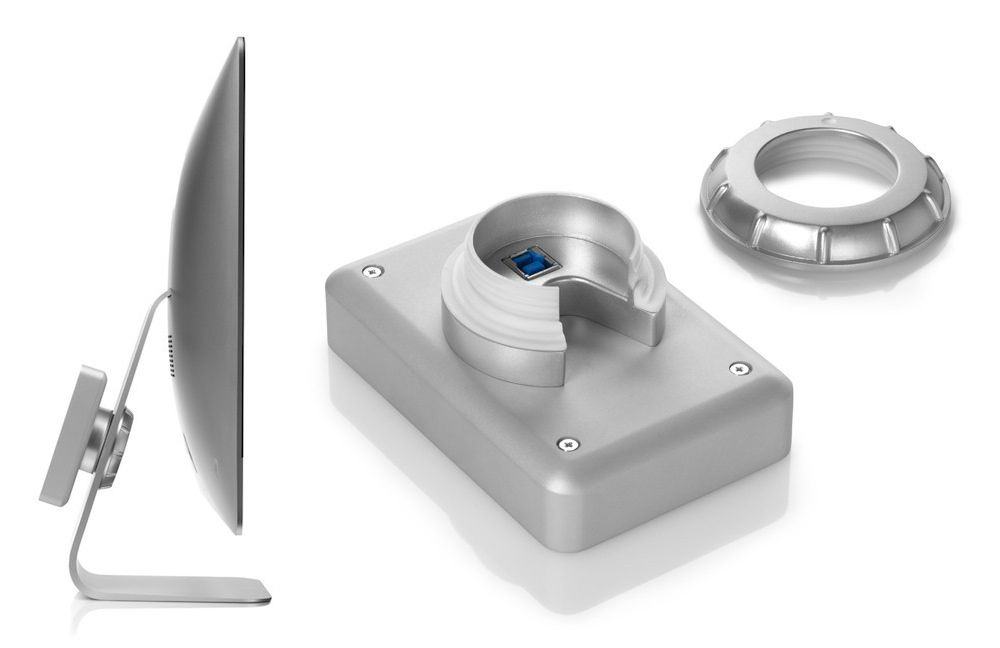
This is another “why has nobody done this before” product. The mBAck is a small, bus-powered USB 3.0 hard drive that mounts onto the stand of your iMac.
The Good: Fantastic idea
The Bad: Those prices. LOL
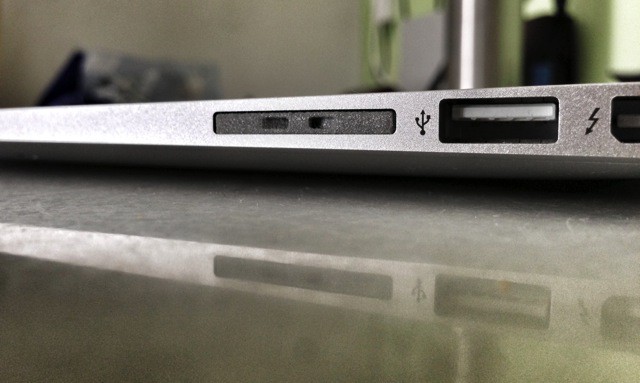
Remember those adapters that let you permanently flush-mount a microSD card in your MacBook Air’s SD card slot, adding welcome (if slow) extra storage to your SSD portable? I certainly do: I mixed up the two main brands when I wrote a review and never heard the last of it.
Now you can skip that extra step, because PNY now makes a sawed-off SD card that does the same job – without an adapter.
USB thumb drives are fast becoming useless, simply because we have nothing to plug them into. I used to get excited when PR folks gave me a 1GB stick instead of a DVD containing their press info, but how am I supposed to stick it into my iPad?
SanDisk’s new Connect Wireless Flash Drive fixes that. It’s a 16GB or 32GB thumb drive, only it has a Wi-Fi radio inside
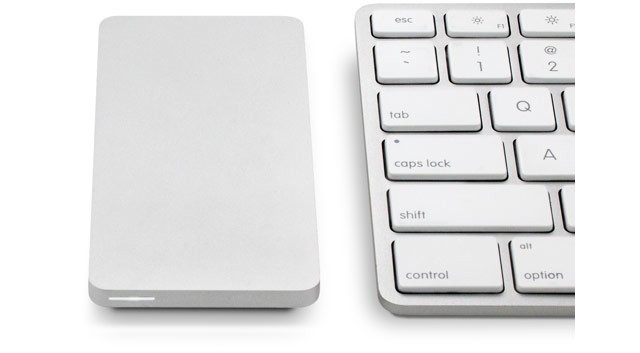
I love the look of OWC’s Envoy Pro EX. It’s a tiny external USB 3 drive which makes even a pocket HDD look bulky, and it packs a 240GB or a 480GB SSD, making it as fast as you’ll ever need.
But there’s one small problem: even the little one is $315, and the 480-gigger is almost $600. Ouch.
MiniDrive by MiniDrive Category: Storage Works With: SD-slot-equipped Mac Price: $20
The MiniDrive is tiny caddy that lets you hide a microSD card entirely inside the SD card slot on your MacBook Air (or any other Mac with an SD slot). The idea is that you can cheaply add storage to your SSD-equipped Mac.
When I first wrote up the MiniDrive as a news piece, a whole bunch of readers got in contact to tell me how much it sucked, mostly because it didn’t fit properly into the SD slot on their Macs.
My experience has been fine, so I’m putting down those bad experiences to being the first wave of Kickstarter order fulfillments. That’s no excuse, clearly – if you sell something it should work – but I can only review what I have to review. And so I will.
UPDATE: This MiniDrive has nothing to do with the Nifty Minidrive I saw at CES. Sorry for any confusion.
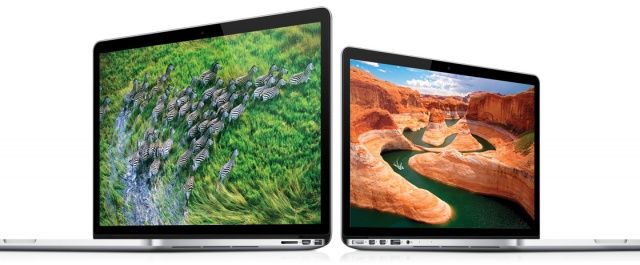
Apple has today announced that it has updated its 13- and 15-inch Retina MacBook Pro to add faster processors and lower prices. The 13-inch model now starts at $1,499 with 128GB of flash storage, rising to $1,699 for a new 2.6GHz processor and 256GB of flash.
The 15-inch model now offers a faster 2.4GHz quad-core processor as standard, while the top-of-the-line model gets a new 2.7GHz quad-core processor and 16GB of memory.
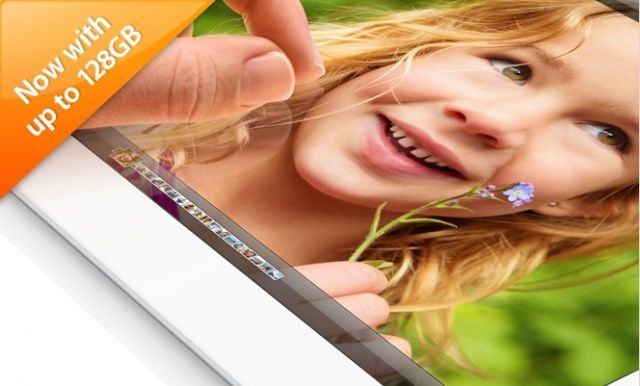
The new 128GB iPad with Retina display is now available to order from the Apple online store. The device is priced from $799, and it’s currently shipping in 1-3 business days. You’ll also be able to find it in your local Apple retail store.
SAN FRANCISCO, MACWORLD/iWORLD 2013 – There are plenty of cloud storage solutions out there these days, including services such as Dropbox. Having your files stored on the cloud comes with some downfalls, though, such as monthly payments as well as decreased security. The Transporter, a new device created by the people behind the Drobo tries to give you the best of both worlds.
With the Transporter, you have access to all of your files stored on the device as long as you have an internet connection, but the files themselves aren’t stored in the cloud. By using this approach, you can avoid the hassles of cloud storage while still having the ease of access that services like Dropbox provide.