Google has just updated their official Drive app for iOS, making it easier to navigate between documents and collaborate with others upon them. Not only can you now comment upon Google Drive documents within the app, you can quickly swipe through images.
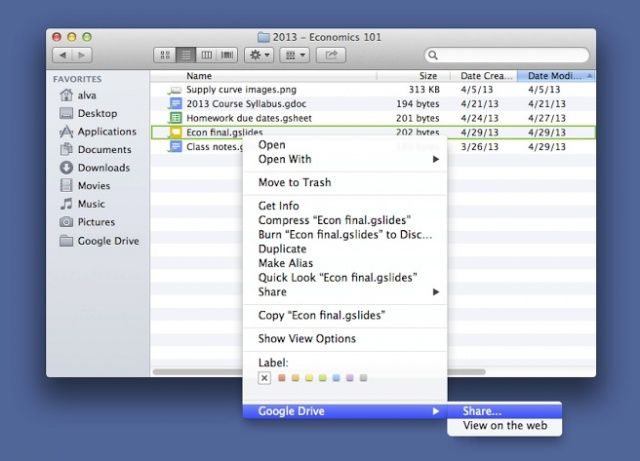
Do you use Google Drive? Here’s a nice little addition to Google’s online file storage and syncing service: you can now share a file just by right clicking on it in your Google Drive folder, selecting Google Drive and then clicking Share….
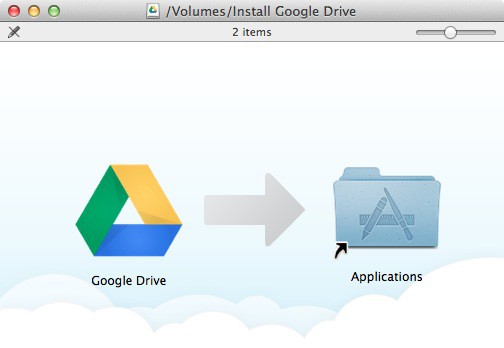
To download the Google Drive software for Mac, click here.
Having problems accessing Gmail, Google Drive, Google Docs, and other Google services this morning? Don’t worry — you’re not the only one. Google is currently suffering a partial service outage which is making these service inaccessible for some users, but the company assures us that it is working on resolving the issues as quickly as possible.
If you use Google Drive for iOS, you’ve probably discovered the lack of landscape support when editing a document on your iPhone. Fortunately, that’s no longer an issue, thanks to the app’s latest update — which is available in the App Store now.
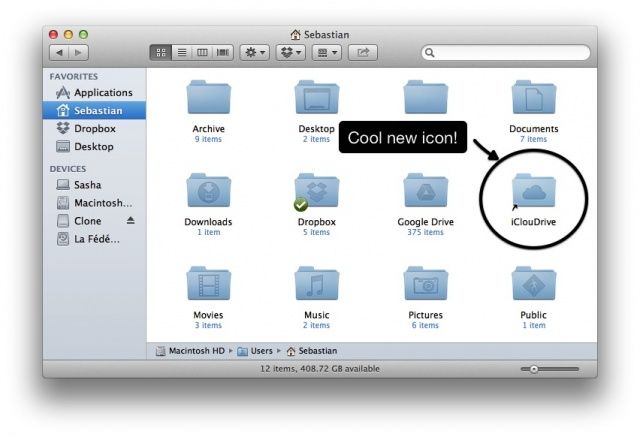
Remember iDisk? It was a great feature of the otherwise forgettable MobileMe service, and it let you access your free Apple-provided internet disk space just like Dropbox or Google Drive do now.
Interestingly, you can make iCloud work the same way, with a little app called iClouDrive, from Zibity Software. Here’s how.
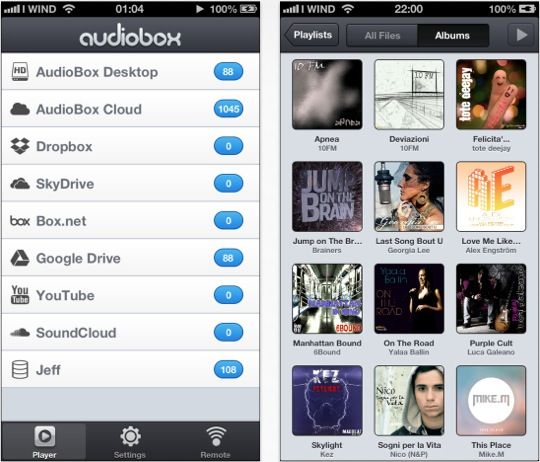
If you’ve got your music stored in the cloud, then streaming it to your iPhone might be difficult. Depending on which service you use, you may need to find a third-party app — one that actually works well, and is designed specifically for music playback. AudioBox is exactly that.
Compatible with a whole host of cloud-based storage services — including Google Drive, SkyDrive, Box, and Dropbox — AudioBox ensures that you can take your entire music library with you on your iPhone.
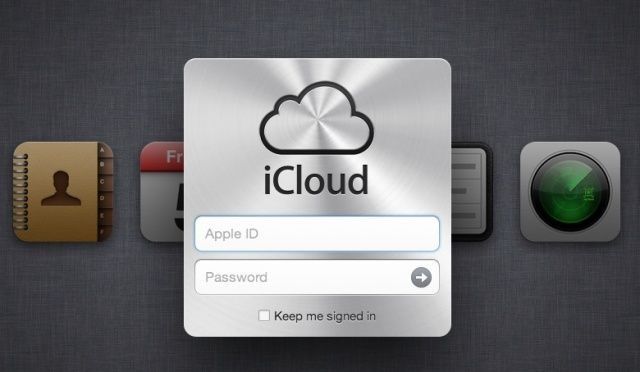
The Foreign Intelligence Surveillance Act (FISA) allows the U.S. government open access to electronic information stored by non-US citizens on US-based servers, like a host of cloud services available today. iCloud, Google Drive, Dropbox, and other popular services are all subject to this law, passed in 2008 by the Bush administration and recently re-authorized by the Obama administration for another 5 years.
What this means is that any data stored by non-American citizens on cloud servers here in the US is able to be looked at in entirety by various agencies in the US federal government, including the NSA, FBI, and CIA.
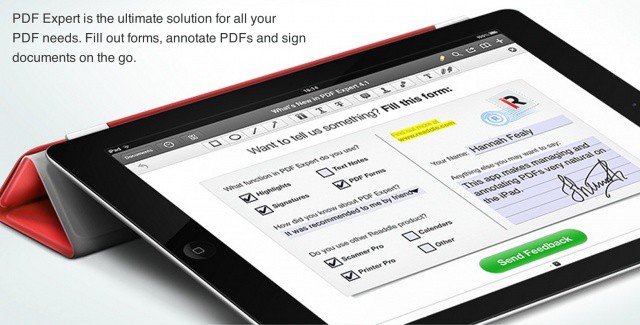
Readdle adds even more features to the iPad's best PDF management solution.
Readdle has today updated its popular PDF Expert app for iPad to introduce a number of new features that include Google Drive syncing, integration with the PDF Converter app, faster PDF rendering, and more. It also promises “dozens” of other improvements, and it’s available to download from the App Store now.
Remember iDisk? It was a great feature of the otherwise forgettable MobileMe service, and it let you access your free Apple-provided internet disk space just like Dropbox or Google Drive do now.
Interestingly, you can make iCloud work the same way, with a little app called iClouDrive, from Zibity Software. Here’s how.
With Google Maps gone from iOS 6 in favor of Apple’s own solution, many are hoping Google will bring its own Maps app to the App Store — as it did with YouTube a couple weeks ago. A recent report claimed that it was already on its way, but according to Google chairman Eric Schmidt, that’s not the case at all. In fact, Google hasn’t even submitted a Maps app to Apple for approval yet.
With iOS 6 right around the corner, Google’s official YouTube app for iPhone couldn’t have come at a better time. It’s a great app — much better than Apple’s built-in YouTube app — and it’s headlining this week’s must-have apps roundup. It’s accompanied by Poster, a great new blogging app; Journal for Evernote, and Google Drive.
I use several different Macs during a given day, from a trusty Macbook Air to my Mac Mini to an iMac at my office job. I also use an iPhone and an iPad for various personal and business activities. It helps to have access to all the documents I need to deal with during a given day, regardless of what device I’m using, or what environment I’m in.
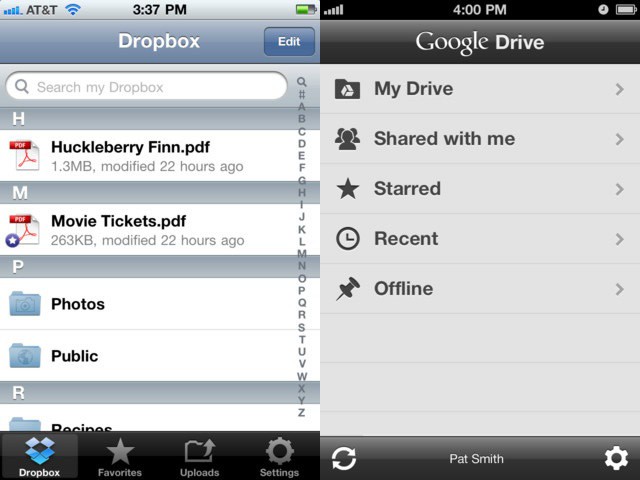
iCloud is a great idea, and OS X Mountain Lion and iOS 6 will continue to take the service forward. Today, however, I’d like to show you how I use two similar products to achieve a seamless document experience on my iOS devices. For me, Dropbox and Google Drive represent the best in class iOS apps to interface with my documents for home and work.
CloudOn wants to beyond just offering Office on the iPad with new collaborative functionality
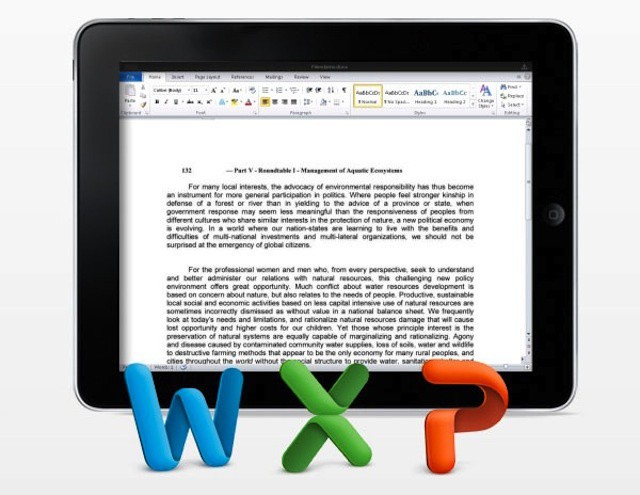
CloudOn is one of the more interesting options for working with Office documents on the iPad. The company offers a cloud-based version of the core Microsoft Office apps plus Adobe Reader. Unlike a virtual desktop solution, CloudOn provides just the applications and not a full Windows desktop. When it comes to creating and editing documents, CloudOn’s app relies on popular cloud storage options: Box, Dropbox, and Google Drive.
As a startup, CloudOn has seen strong growth since it launched its service earlier this year. The company announced a new round of funding this week ($16 million) and used the opportunity to tease users with details of its upcoming plans, most notably support for group editing and collaboration as well as expansion beyond the iPad and Android tablets.
MobileMe will be gone in less than a month. Here are the best MobileMe replacement options. Photo: Apple
Apple began sending out MobileMe eviction notices last week. The notices remind anyone still using MobileMe that they have until the end of June to transition to iCloud and/or copy all data stored in their MobileMe accounts to their Mac or PC. Any files stored in MobileMe’s range of services that can’t be converted to iCloud will be deleted. If you opt not to use iCloud, all data in your MobileMe account will be deleted.
Although iCloud offers several advances over MobileMe, there are some MobileMe services that don’t have direct iCloud equivalents. These include MobileMe Galleries for sharing photos and videos, website creation using Apple’s iWeb, and iDisk remote storage and file sharing. File and information sync is available using iCloud, but the functionality is implemented a bit differently than in MobileMe.
There isn’t a single online service that delivers quite the same mix of features and functionality that Apple offered with MobileMe but by combining some apps and services, you can get pretty close to MobileMe’s feature set.
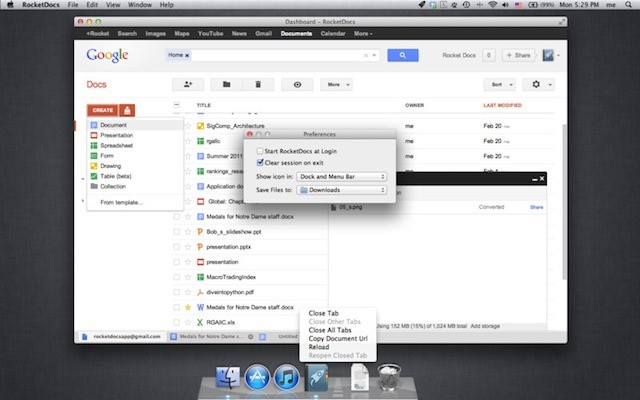
RocketDocs brings Google Docs to your desktop and makes editing more Mac-like
One of the hallmarks of Google Docs (and now Google Drive) is that you can use it anywhere. Within reason, any device with a modern web browser can deliver some level of viewing, editing, and collaboration. On iOS devices, however, native Office-style apps like Quickoffice tend to deliver a somewhat better user experience and are capable of opening, editing, and syncing documents with your Google.
There’s a clear value for such capability on an iOS device in that most apps deliver a better experience than Google Docs running in mobile Safari. Is there a similar need on the desktop? Would a native app a better solution than using Chrome or Safari on your Mac? According to Mac/iOS developer Tricky Duck, the answer is yes.
Google Drive was announced yesterday, and we’ve spent some time putting the OS X client software to the test. How does it stand up against the list of rivals (which seems to be growing by the day)?
Store a file in your Google Drive and you grant Google a license to do anything with it.
Yesterday, Google launched the near-mythical Google Drive, a 5GB Dropbox alternative with some impressive features: OCR and searching of the text in even scanned documents, (searchable) image recognition in photos, and integration with most of Google’s other services.
But there’s something else hidden in Google Drive which may make you think twice about using all these wonderful new toys: The rather scary terms of service (TOS), which gives Google a license to use all of your stored documents and photos for pretty much whatever it likes.
Yay, the “Google Drive could launch next week” rumors can finally end. Google has officially announced the availability of it cloud storage service Google Drive. Starting today, anyone willing to sign up can get 5GB of free cloud-storage to start and if that’s not enough you can always choose to upgrade to 25GB for $2.49/month, 100GB for $4.99/month or even 1TB for $49.99/month (although I’ve heard people getting even cheaper deals when they sign up). When you upgrade to a paid account, your Gmail account storage will also expand to 25GB. Google Drive competes with the likes of Dropbox, Sugar Sync, and other cloud storage services by offering:
SkyDrive is even better on iOS with the app's latest update.
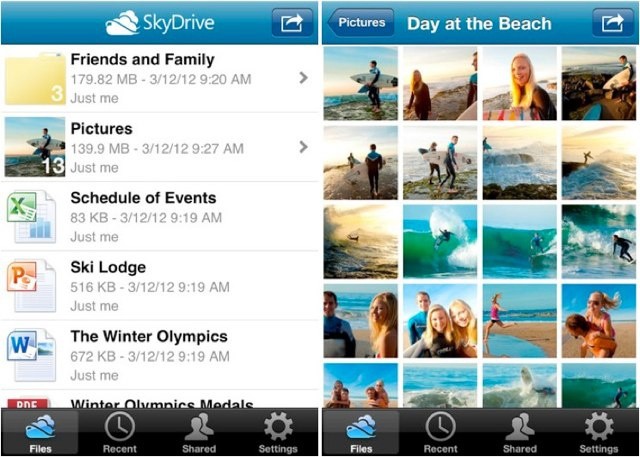
With the widely-rumored Google Drive service set to launch sometime this week, its rivals are scrambling to ensure they still have the upper hand when it comes to cloud-based storage. We’ve already seen an update to Dropbox this week, and now Microsoft is bringing new features to its SkyDrive app for iOS.
In addition to support for the iPad and its high-resolution Retina display, SkyDrive 2.0 also offers a number of handy new features.
Google could easily amass a good deal of data on users of its expected cloud storage service
There have been rumors circulating for some time about Google releasing its own cloud storage service. According to reports, the service is on the verge of release a launch expected next week. Google’s service will enter a crowded market of cloud providers that includes Apple’s iCloud, Box with its new OneCloud feature, and the popular Dropbox.
Public cloud services like these tend to concern business and IT leaders because of the ease with which data migrates out of the office when they’re widely used. A Google service is likely to engender even more privacy and confidentiality issues on the part of businesses – and for good reasons that should concern anyone considering using it.
LogMeIn has launched a new cloud-based storage, syncing, and sharing service that hopes to compete with services like Dropbox, Box.net, and the upcoming Google Drive. Called ‘Cubby’, the service offers 5GB of free storage which is protected by LogMeIn’s 128-bit SSL encryption, and it can be accessed from a web browser or using the official Cubby apps for Android and iOS.