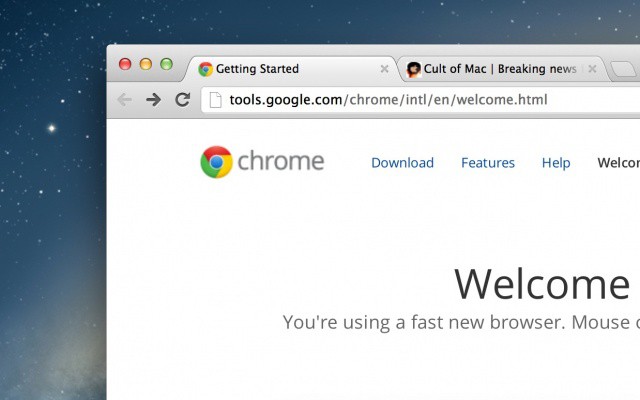
Google Chrome for Mac now looks good on a Retina display.
Good news for Google Chrome lovers: the popular third-party browser has been updated on the Mac with Retina graphics for the new MacBook Pro. This makes Chrome the first browser besides Safari to take full advantage of Apple’s ultra-high resolution display tech. Google has also included built-in webcam and microphone support and several other improvements.
I gave up on Google Chrome for iOS about a day after it was released. Even though my iPhone is jailbroken and I can bypass iOS’s restrictions to set Chrome as my default browser, I missed Safari. Also, Chrome felt considerably slower than the iPhone’s default browser, and that was because Apple handicaps third-party apps by not allowing them to access the lightning-fast Nitro Javascript engine in iOS.
Does the lack of Nitro in your favorite third-party iOS browsers keep you awake at night? Me neither. But that doesn’t mean it wouldn’t be cool to make an app like Google Chrome just as fast as Mobile Safari. For jailbreakers, there’s a new tweak out that makes it all possible.
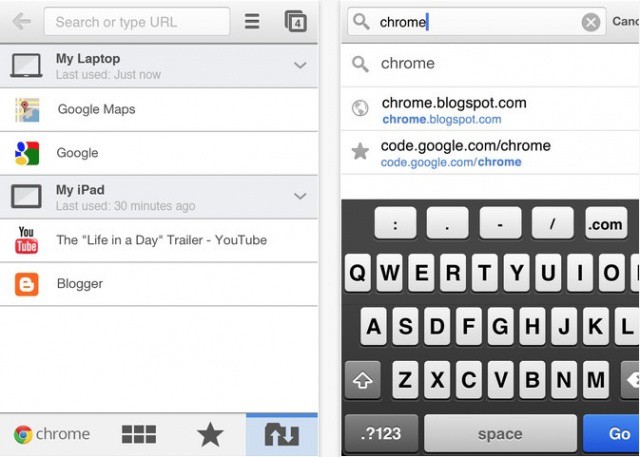
I don’t know about you, but I’m a huge fan of the mobile version of Chrome on my iPhone and iPad. I use Chrome for Mac almost exclusively, and having all my bookmarks and browsing history available to me on the go is really the killer feature.
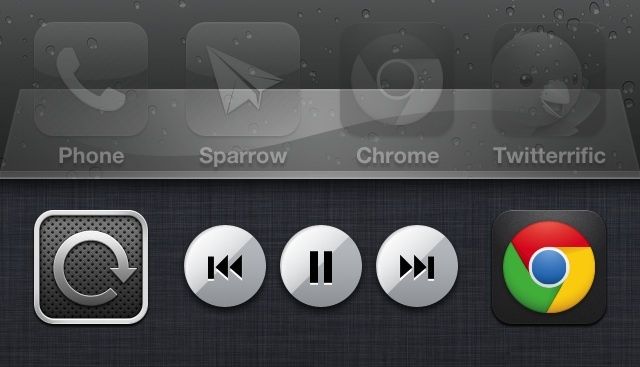
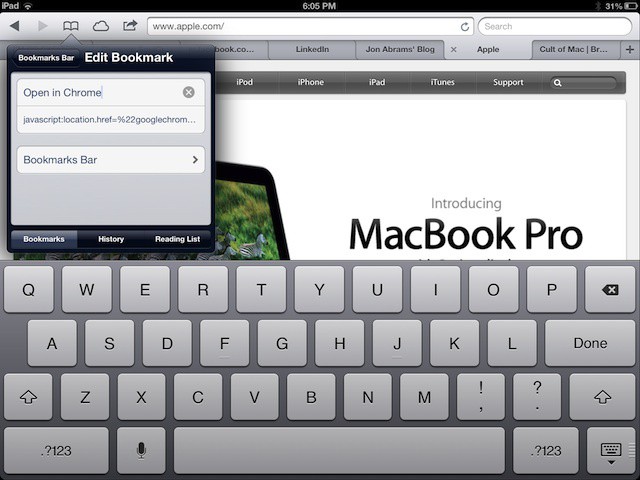
Alex has already shown you how to set Chrome as the default browser if you have a jailbroken iOS device, but what about those of you (like me) who don’t want the hassle of a jailbreak? How can we quickly hop over to Chrome on our iPhone? Turns out, it’s pretty easy.
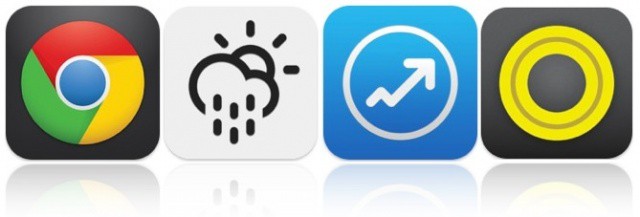
Despite months of speculation, many doubted Google would ever bring its terrific Chrome browser to iOS. But the search giant has put an end to the rumors by finally releasing it, and it’s kicking off this week’s must-have apps roundup. We also have a new weather app for those who like to keep it simple, arguably the best Google Analytics client for iOS, and more.
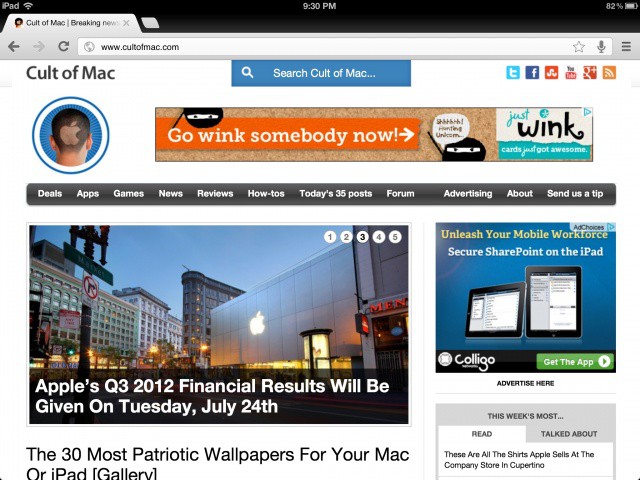
Google released its Chrome browser on the iOS platform last week, and it wasn’t long before the app shot to the top of the App Store’s charts. People clearly wanted a change of pace, and Apple’s Mobile Safari just wasn’t cutting it.
If you’re a Google Chrome for iOS fanatics out there, you’ll be pleased to hear that a couple new Cydia tweaks have surfaced to make Google Chrome the best Safari replacement around.
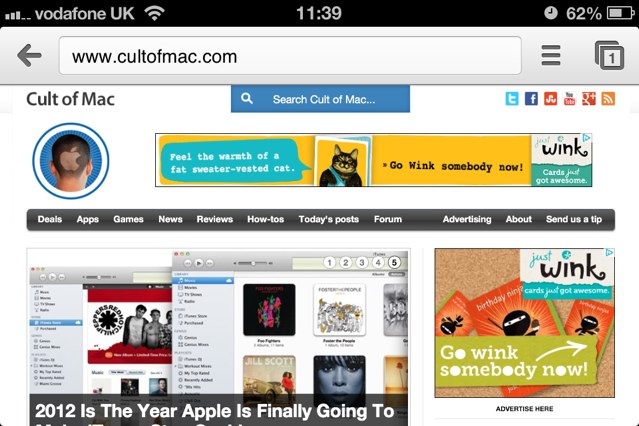
Google finally released its hugely popular Chrome web browser for iOS yesterday, and just as we had expected, it’s the best third-party browser so far. In fact, in many ways, it’s also better than Apple’s built-in mobile Safari browser. And you can now use Chrome as your default browser on your jailbroken iPhones, iPads, and iPod touches, thanks to the BrowserChooser tweak.
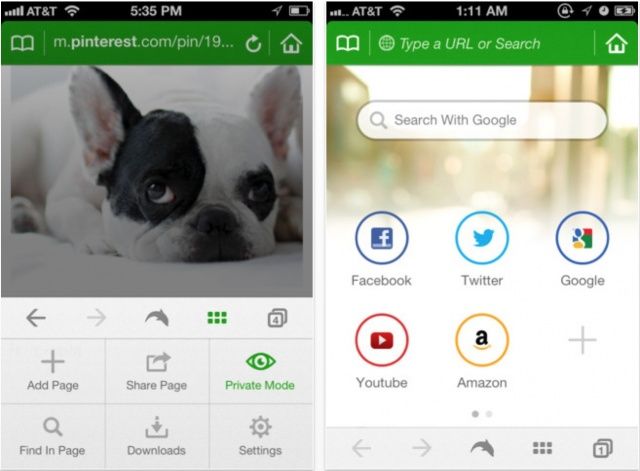
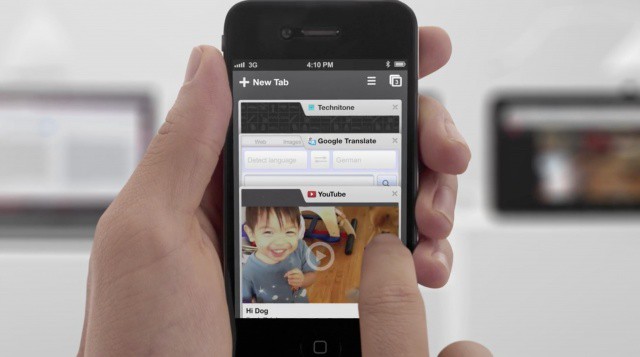
Google launched their shiny new version of Chrome for iOS today, complete with syncing and many other features Chrome users on the desktop have been longing for. We dug into Chrome for iOS to see what all the hype was about, and upon first glance, it’s definitely an interesting experience. You can check out our full hands on video after the break.
If you live overseas, you can now download Google Chrome for the iPhone and iPad at the link below. It’s on the Danish store only right now, but it’s obviously in the process of rolling out, so keep on refreshing, and watch for our early look and video tour of Chrome shortly after it hits the US App Store.
Update: It’s now available in the U.S. Store! Get downloading!
Apple has said that its working on a tool to end the notorious Flashback botnet once and for all, but there’s still the remotest chance you could get infected. Keep in mind that only around 600,000 Macs have fallen prey to Flashback, and that number is a tiny fraction of the millions of Mac users around the world. Most of the machines that have been infected already are centralized in North America.
Your Mac is completely up to date and you’ve already checked to see if you’re infected by the Flashback trojan. If everything is squared away and you’re not infected already, here’s how to ensure there is zero chance you’ll get infected while you wait for Apple to save the day.
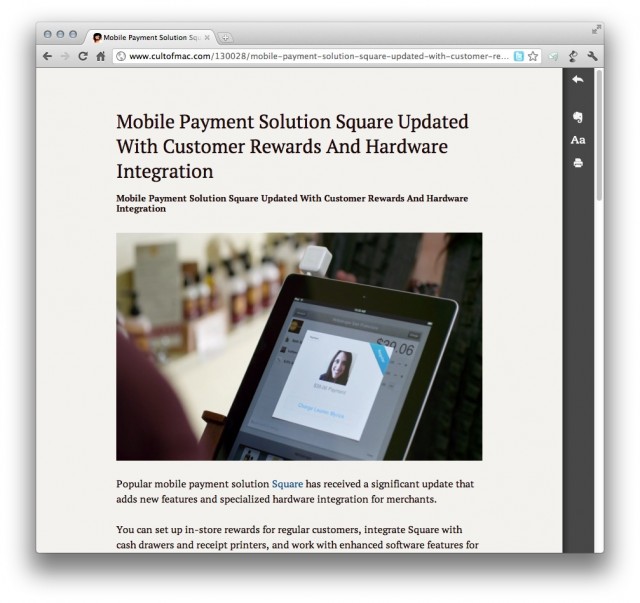
Evernote has announced “Clearly,” a new browser extension that mimics other enhanced reading services, like Instapaper and Readability. Clearly is available for Google Chrome now, with support coming for other browser in the near future.
While Evernote already lets you save webpages, take notes, archive memories and more, Clearly has one simple, clear (pardon the pun) focus: distraction-free reading.