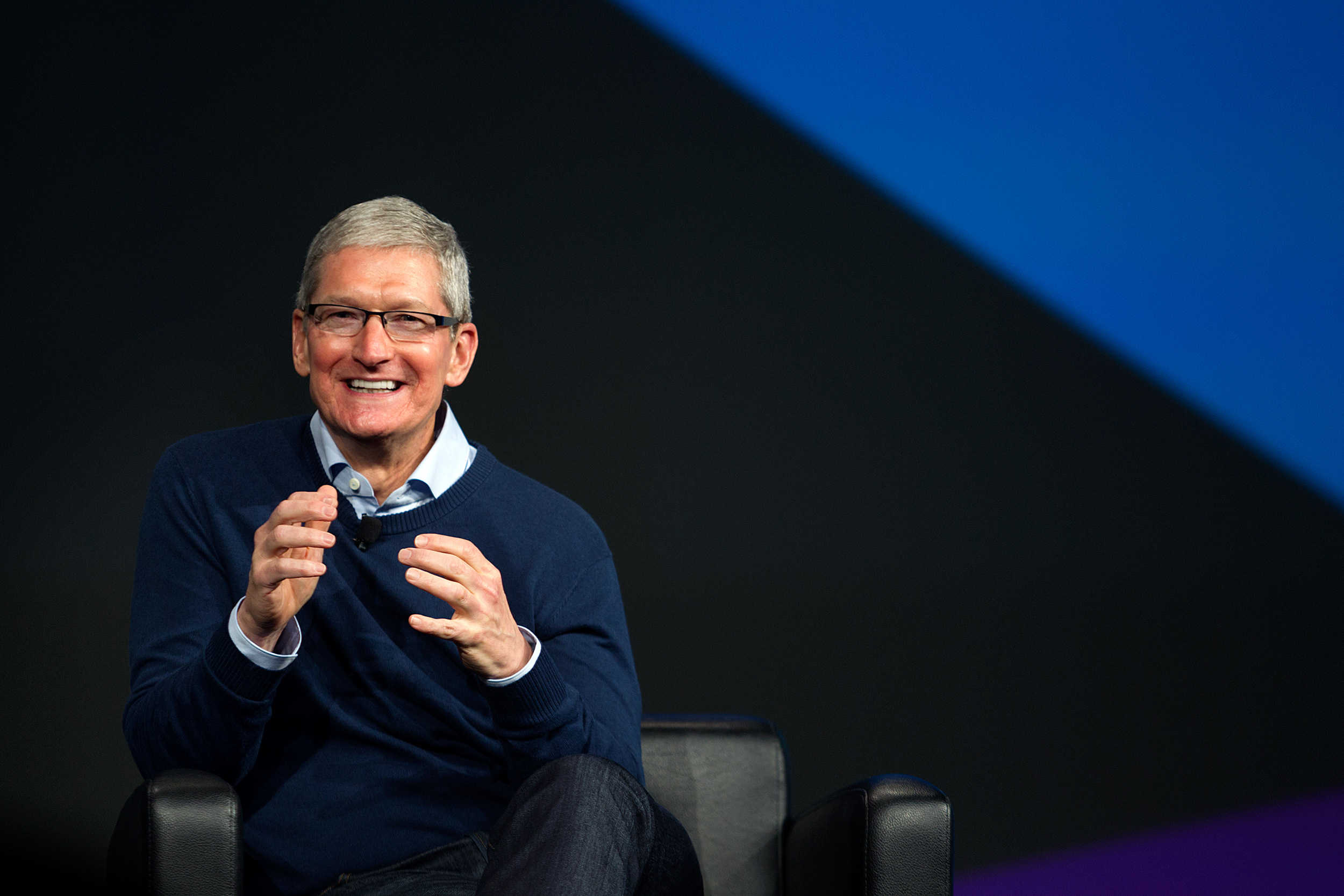
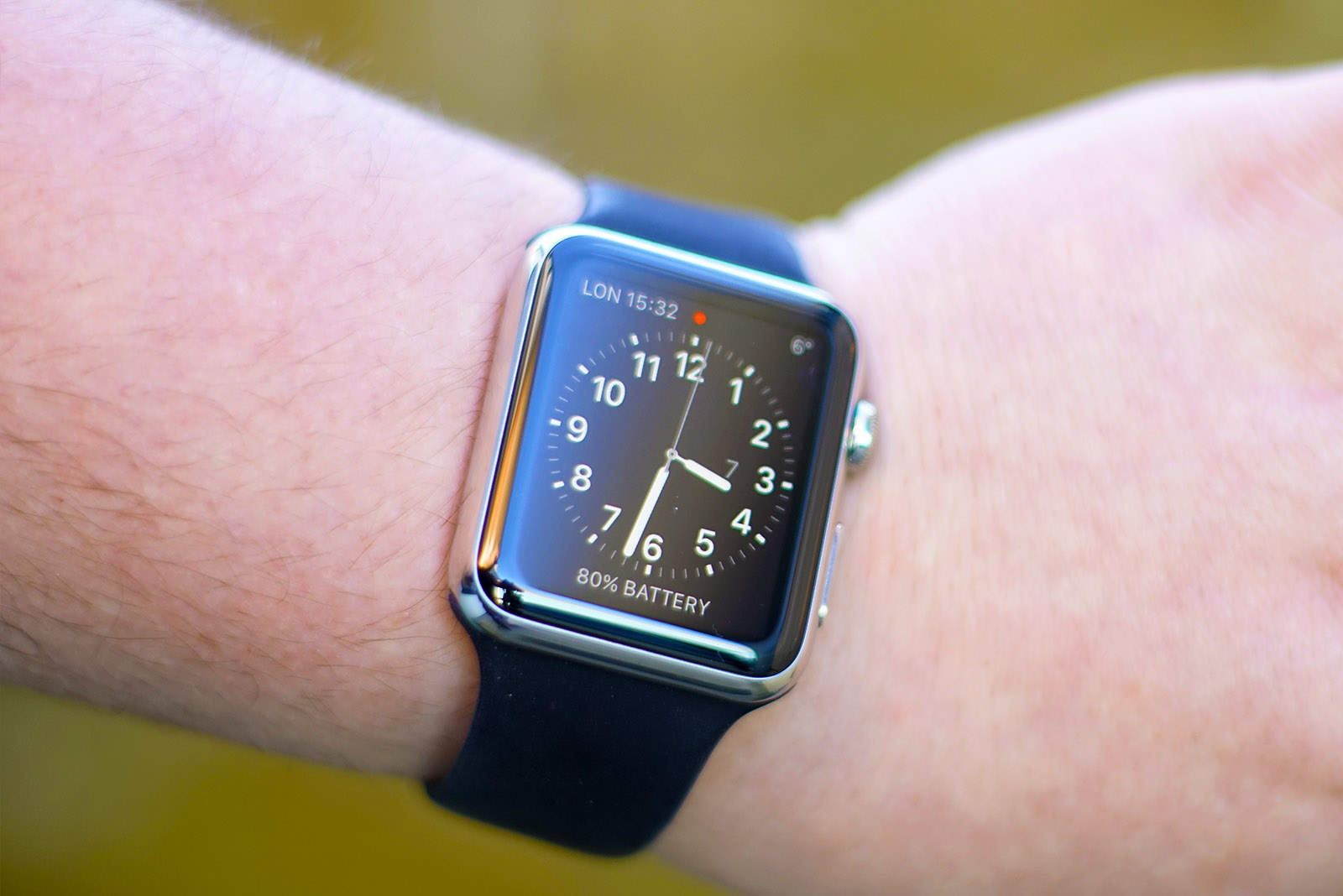
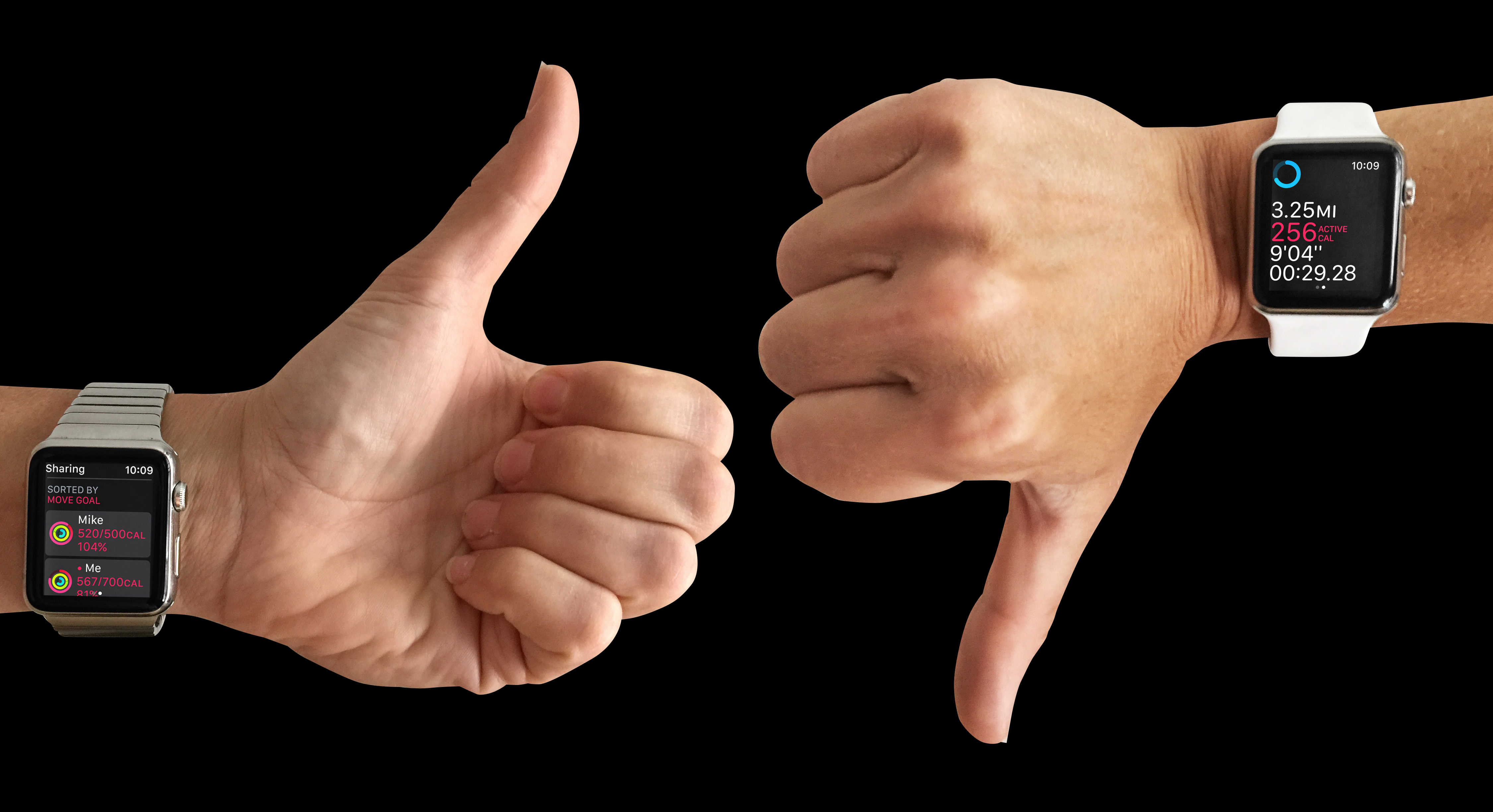
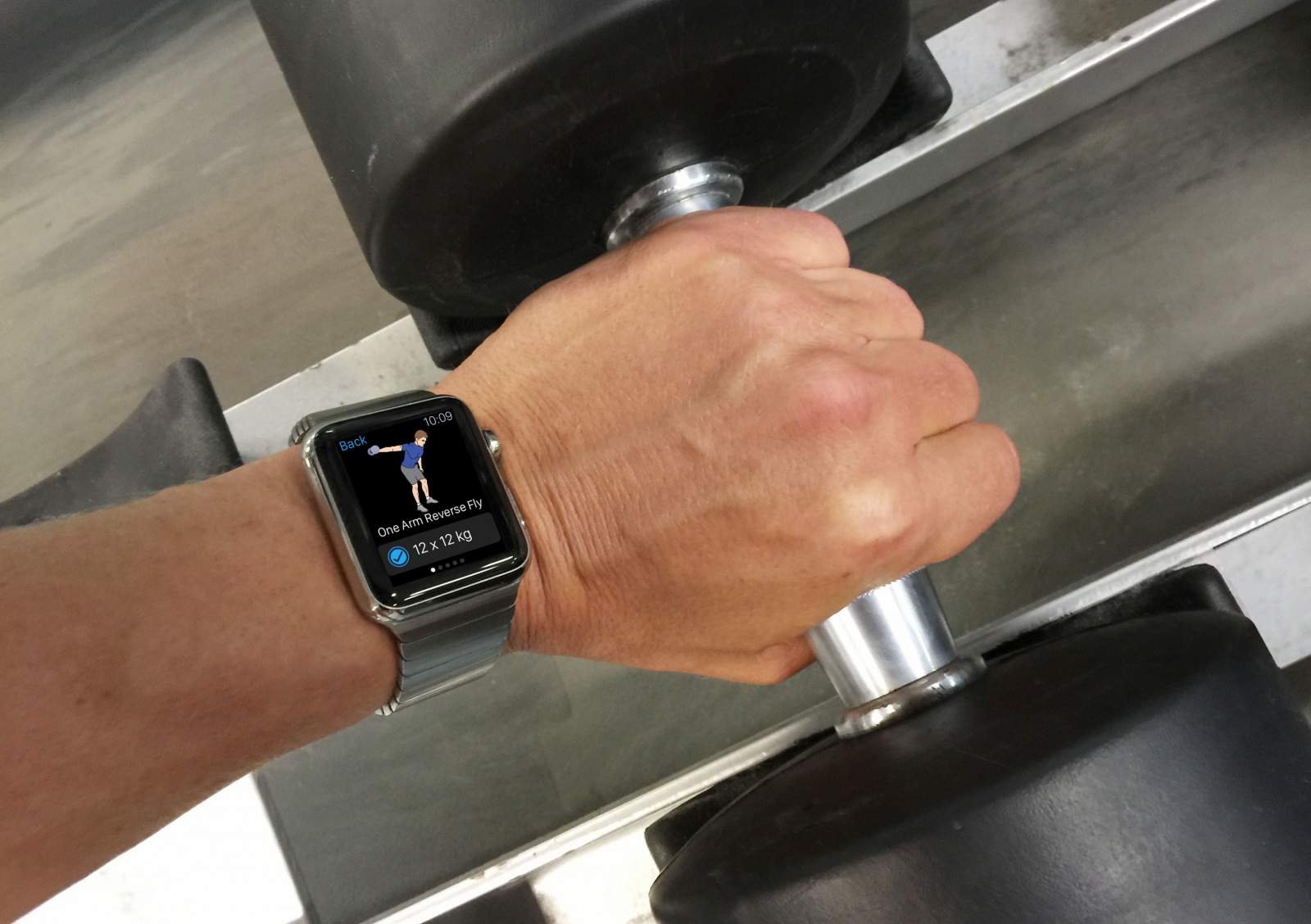
What's Tim hiding up his sleeves? Photo: Jim Merithew/Cult of Mac
The next major breakthrough for Apple Watch is currently being tested by none other than Apple CEO and fitness freak Tim Cook.
A new report claims that Cook has been spotted walking around Apple’s corporate headquarters wearing a special Apple Watch attachment that could be a game-changer for people with diabetes.
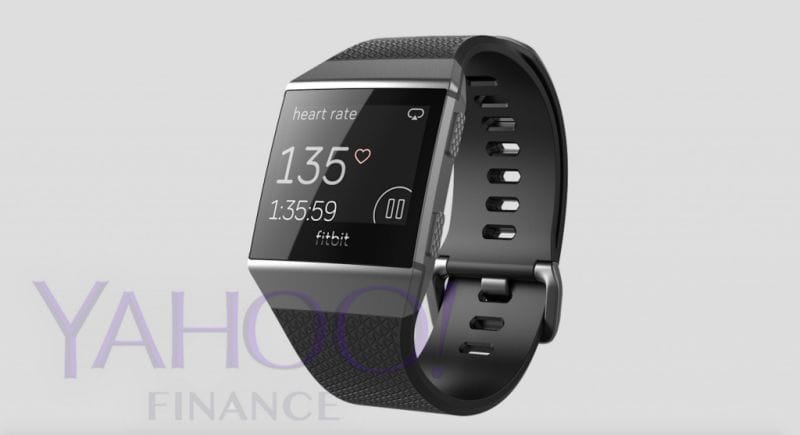
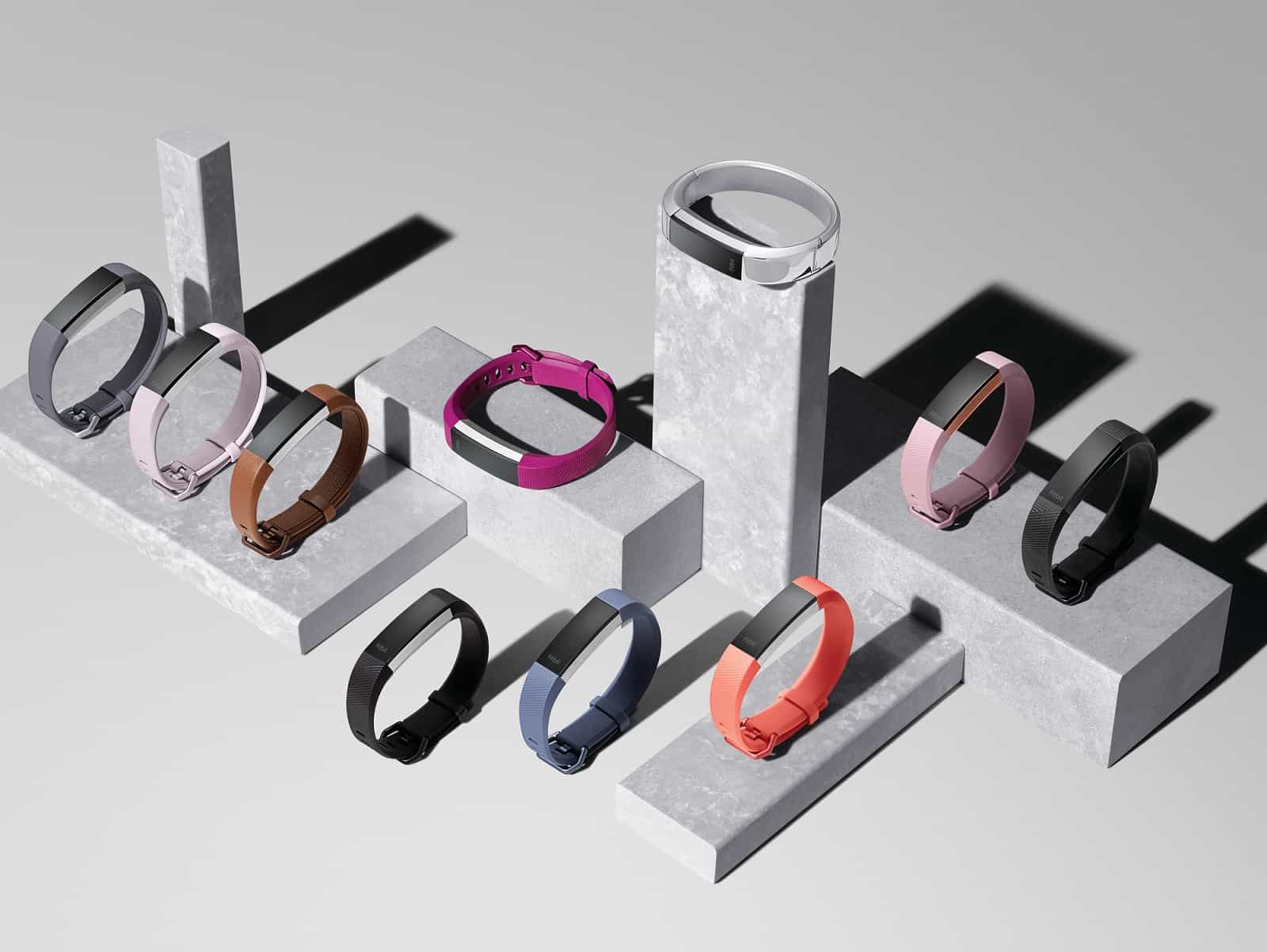
Fitbit's first true watch looks boring. Photo: Yahoo
Photos of the first real smartwatch by Fitbit leaked to the internet today and based on the teaser images, Apple doesn’t have much to worry about.
Fitbit is supposedly planning to launch its proper smartwatch this fall along with a pair of Bluetooth earbuds. The company originally planned to unveil the products this spring to get a head start on Apple, but it looks like they could use some more development.
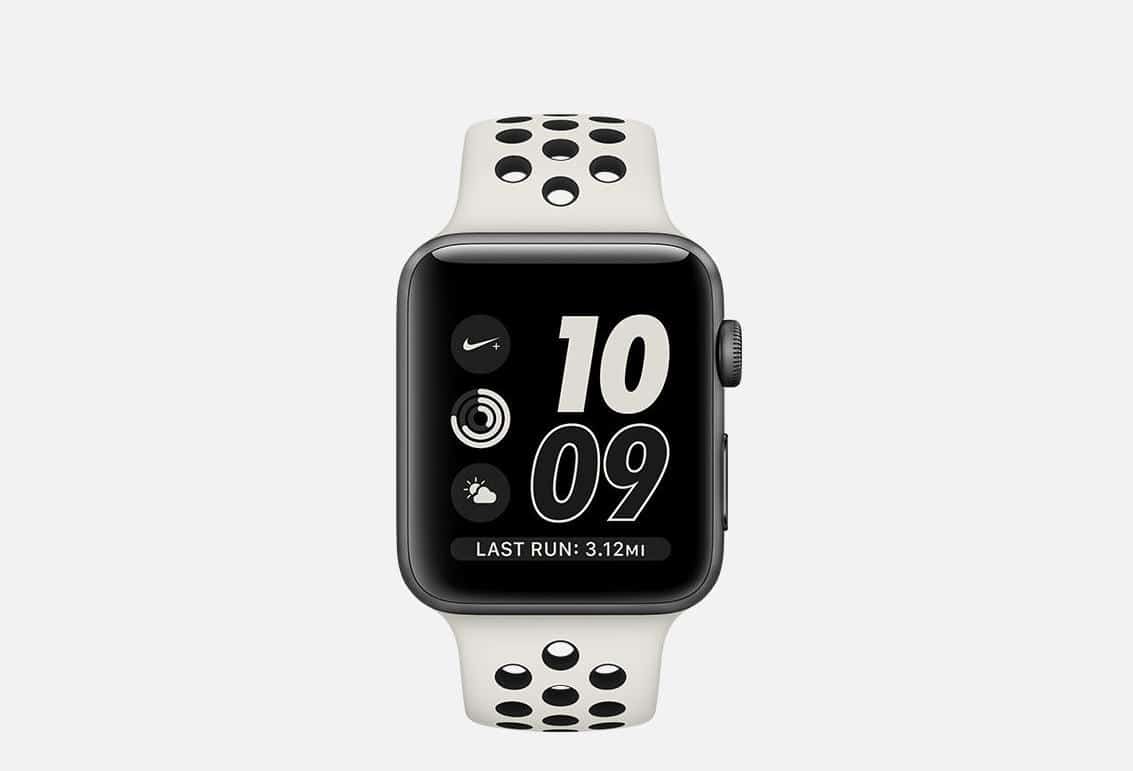
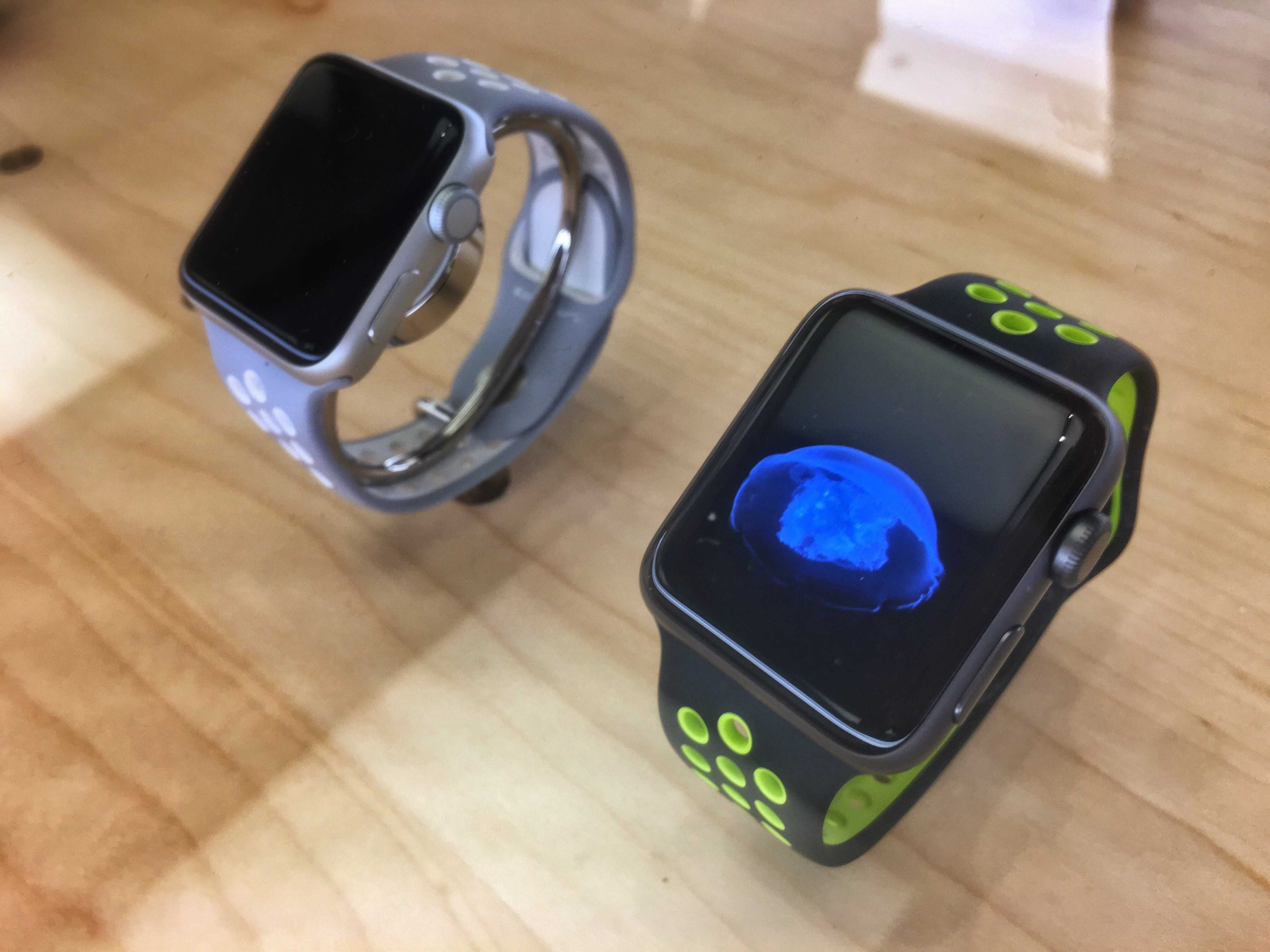
Say hello to the new Nike Apple Watch. Photo: Nike
Apple’s partnership with Nike has birthed a fresh new look for the Apple Watch Series 2 aimed at runners with a passion for style.
Nike unveiled its new twist on Apple’s iconic wearable today, dubbed the Apple Watch NikeLab. Nothing is new on the watch as far as hardware upgrades go, but the new “bone on black” band is so gorgeous fitness freaks will probably be lining up to get it on their wrists.
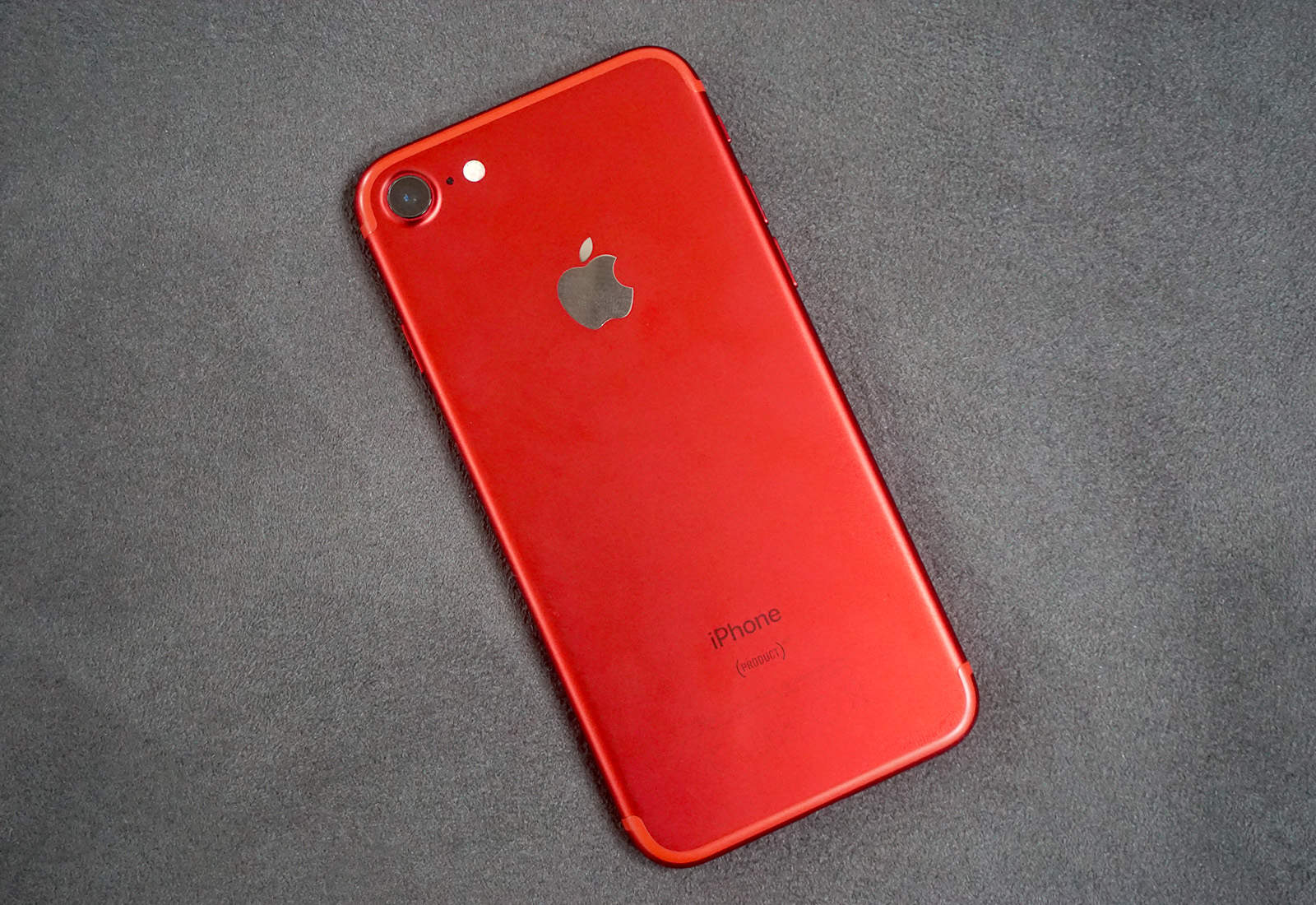
The iPhone has never been more popular with teens, according to a new survey that found 76 percent of U.S. teenagers with a smartphone own an Apple.
Investment firm Piper Jaffray’s semiannual teen survey discovered that iPhone ownership among teenagers rose seven points from spring 2016, when 69 percent of U.S. teens owned an iPhone. The news gets even better for Apple — 81 percent of teens surveyed say they plan to buy an iPhone the next time they upgrade.
Apple Watch is the perfect workout companion. Photo: Apple
Apple dropped a colorful new ad for the Apple Watch Series 2 this morning to promote the wearable’s fitness features and waterproof design.
The fun new Apple Watch ad features a cast of different athletes going through their workouts while Beyoncé’s song “Freedom” blasts throughout the video. Other athletes and adventurers can be spotted in the minute-long ad that encourages watchers to “live bright.”
Tim Cook and part of the Ofo team. Photo: Tim Cook/Weibo
Apple CEO Tim Cook is currently on another tour of China this week and is staying busy by visiting some of the hottest startups in the country.
This morning Cook paid a visit to bike-sharing startup Ofo which is already valued at $1 billion and counts Uber-rival/Apple-ally Didi Chuxing as one of its investors.
Apple Watch may have done better than expected last quarter. Photo: Buster Hein/Cult of Mac
Analysts can’t agree whether smartwatch sales are tanking or booming.
In a new study that refutes IDC’s estimation that total smartwatch sales declined last quarter, analysts at Canalys argue that shipments actually rose 60 percent and the Apple Watch dominated.
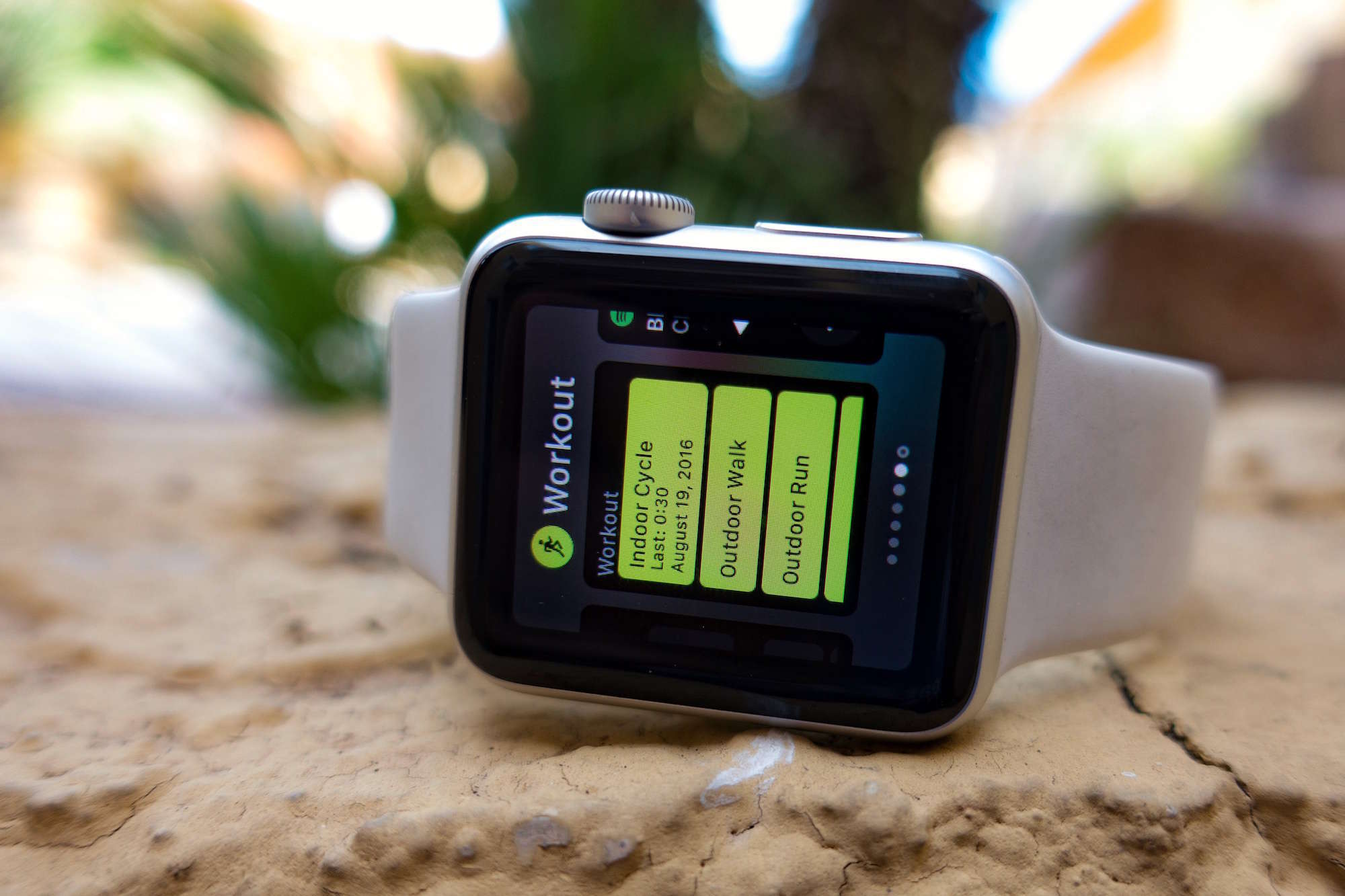
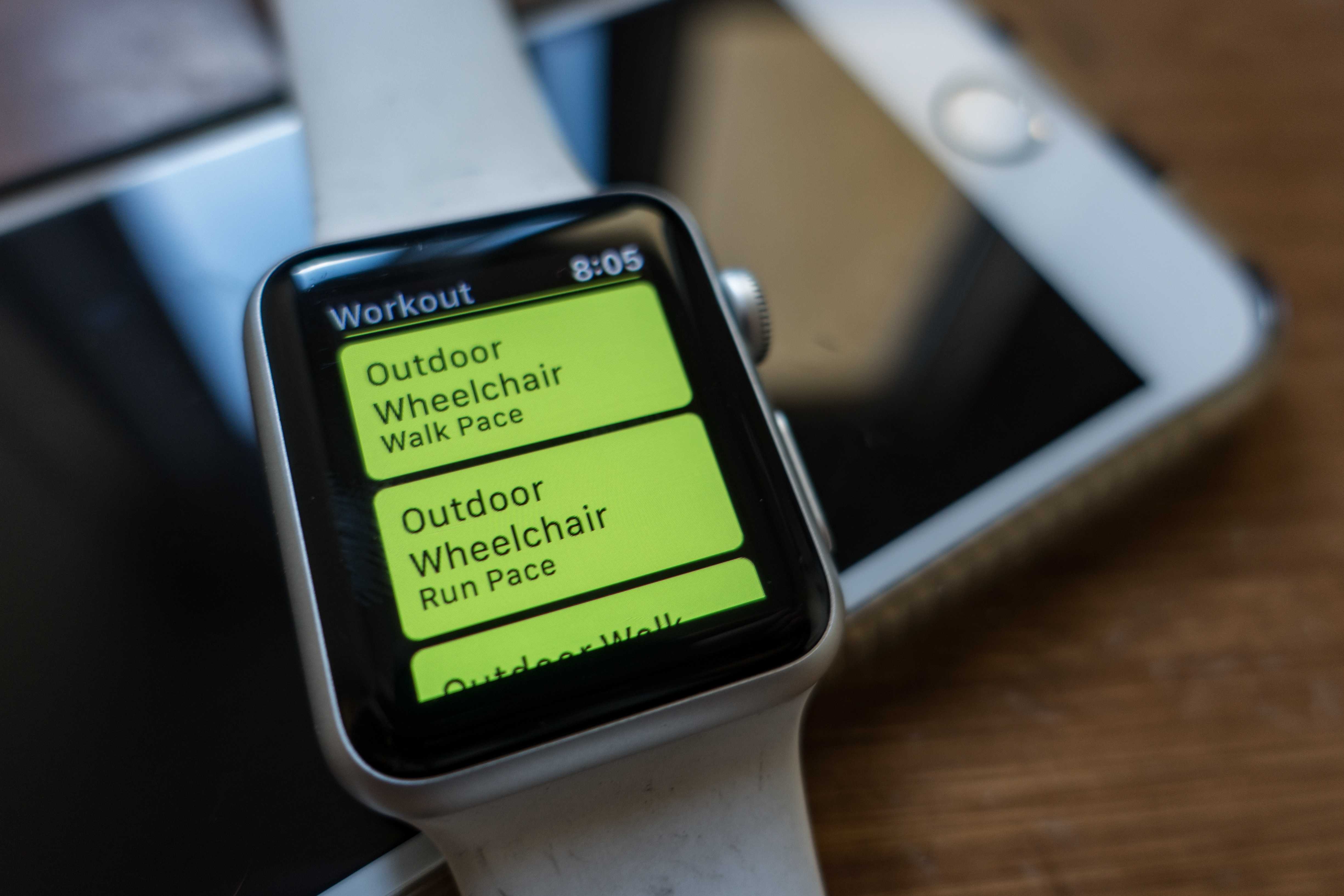
Apple Watch now supports wheelchair users. Photo: Buster Hein/Cult of Mac
People in wheelchairs no longer get treated like second-class citizens when it comes to Apple Watch’s fitness-tracking features. With the recent watchOS 3.0 update, which brings lots of big changes to the fitness-oriented wearable, Apple Watch wheelchair workouts can be tracked after a quick and easy setup.
You have to buy a Nike+ watch to get the band. Photo: Buster Hein/Cult of Mac
New Macs aren’t the only new products on the horizon for Apple this week.
Apple revealed today that the Nike+ edition of the Apple Watch Series 2 will be available in over 41 countries starting Friday. More countries will get supply during the weekend. But if you want to buy a Nike+ band for the Apple Watch you already own, you’re out of luck.
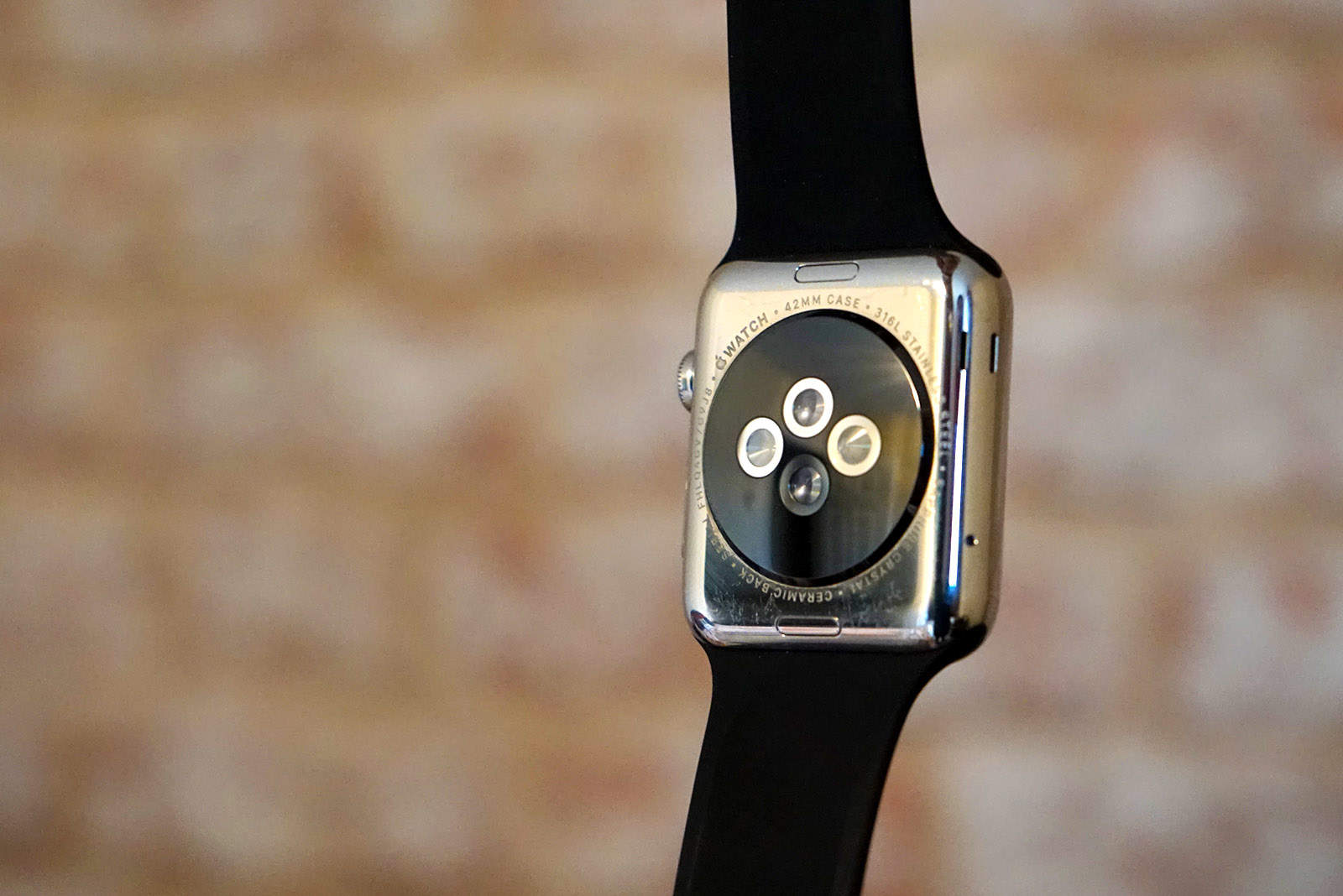
Apple Watch blasts your wrist with green light to read your pulse. Photo: Ste Smith/Cult of Mac
Fitness fanatics that want a good heart rate reading from their wrist better get an Apple Watch.
A new study of the four most popular wearables on the market found Apple Watch to be the most accurate smart watch for tracking heart rate. And it wasn’t even close.
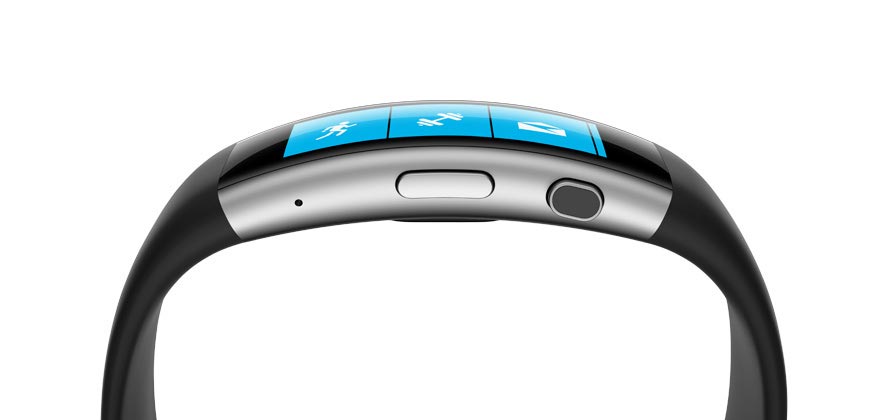
The Microsoft Band 2 never caught on. Photo: Microsoft
The Microsoft Band may have just met its demise.
Microsoft’s online store has officially stopped selling the Band 2 which was positioned as a competitor to the Apple Watch. The company also revealed today that it will not release a new Microsoft Band 3 this year.
Your insurance company might subsidize your Apple Watch. Photo: Buster Hein/Cult of Mac
Aetna, one of the largest U.S. health insurance providers, revealed today that it will subsidize a major portion of Apple Watch costs for customers as part of a new initiative.
The company will combine its own wellness and care-management programs with the power of iPhone and Apple Watch to create new iOS apps that it says should significantly improve customers’ ability to manage their own health.
Trade-in that old Apple Watch for money off at the Apple Store. Photo: Ste Smith/CultofMac
I finally have a reason to stop cheating on my Apple Watch.
For the past 16 months, Apple’s wearable and I have had an on-again, off-again relationship. The Apple Watch looks great. It helps me stay fit. It tells the time really well. But it hasn’t been the complete wrist solution I need.
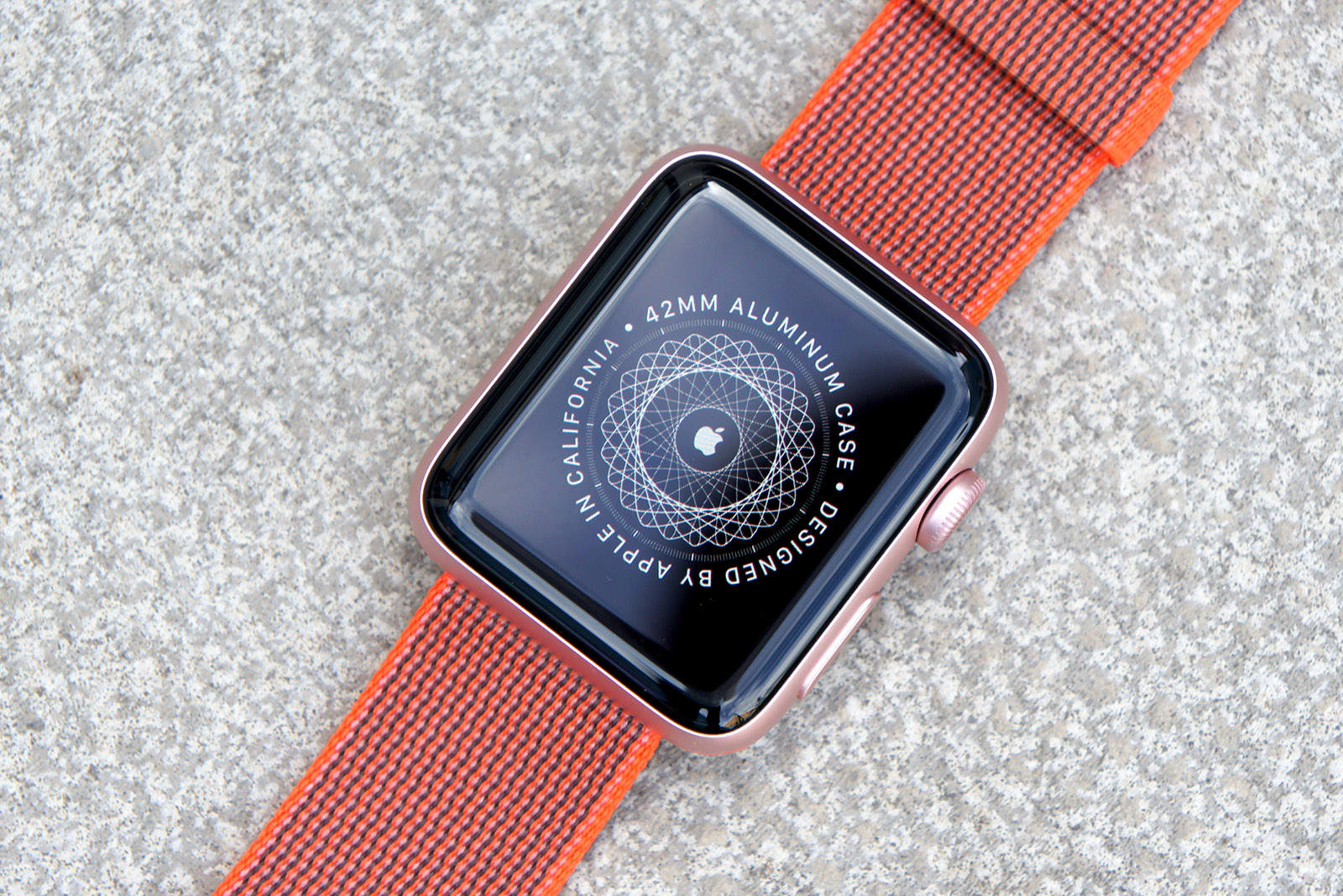
With the Apple Watch Series 2, a lot of the compromises of Apple’s first-gen smartwatch have finally been fixed. You can get GPS without carrying your iPhone. The new Apple Watch is water-friendly. And it’s built for speed. But with the new, less-expensive Apple Watch Series 1 getting some of the same features, is the Series 2 seriously worth the upgrade?
While working on this Apple Watch Series 2 review, I’ve been wearing the new device everywhere I go ever since it came out Friday. The short answer is, “hell yes.”
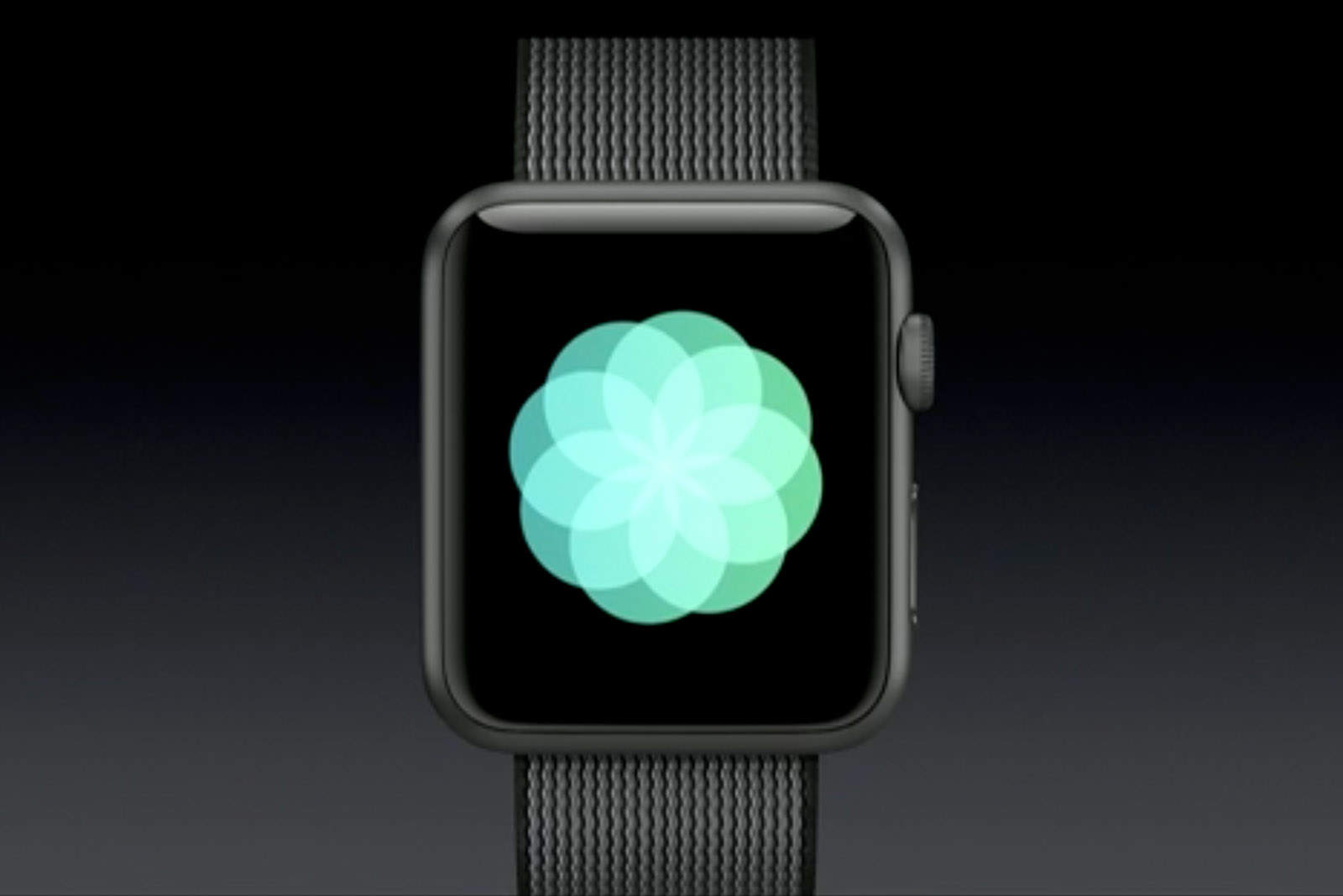
The new Breathe app in watchOS 3 turns Apple Watch into a meditation machine. Photo: Apple
Apple Watch wearers will soon find it easier to reach relaxation, thanks to the new Breathe app included in watchOS 3.
Every week, the Breathe app provides Apple Watch wearers with a summary of how well they performed the most essential human task for staying alive. If you suck at breathing, don’t worry. Breathe will turn you into a zen master in no time.
The iPhone 7 looks absolutely amazing. Photo: Apple
Apple has posted the video of today’s surprising iPhone 7 keynote on its website, but if you’d rather just hit the highlights, you can now watch the ten new short videos and ads the company created.
The iPhone 7, AirPods, Apple Watch 2 and Apple Health all get serious screen time in Apple’s latest videos. The company even made a 107-second recap video summing up all the new features:
Sleep++ on Apple Watch. Photo: Cross Forward Consulting
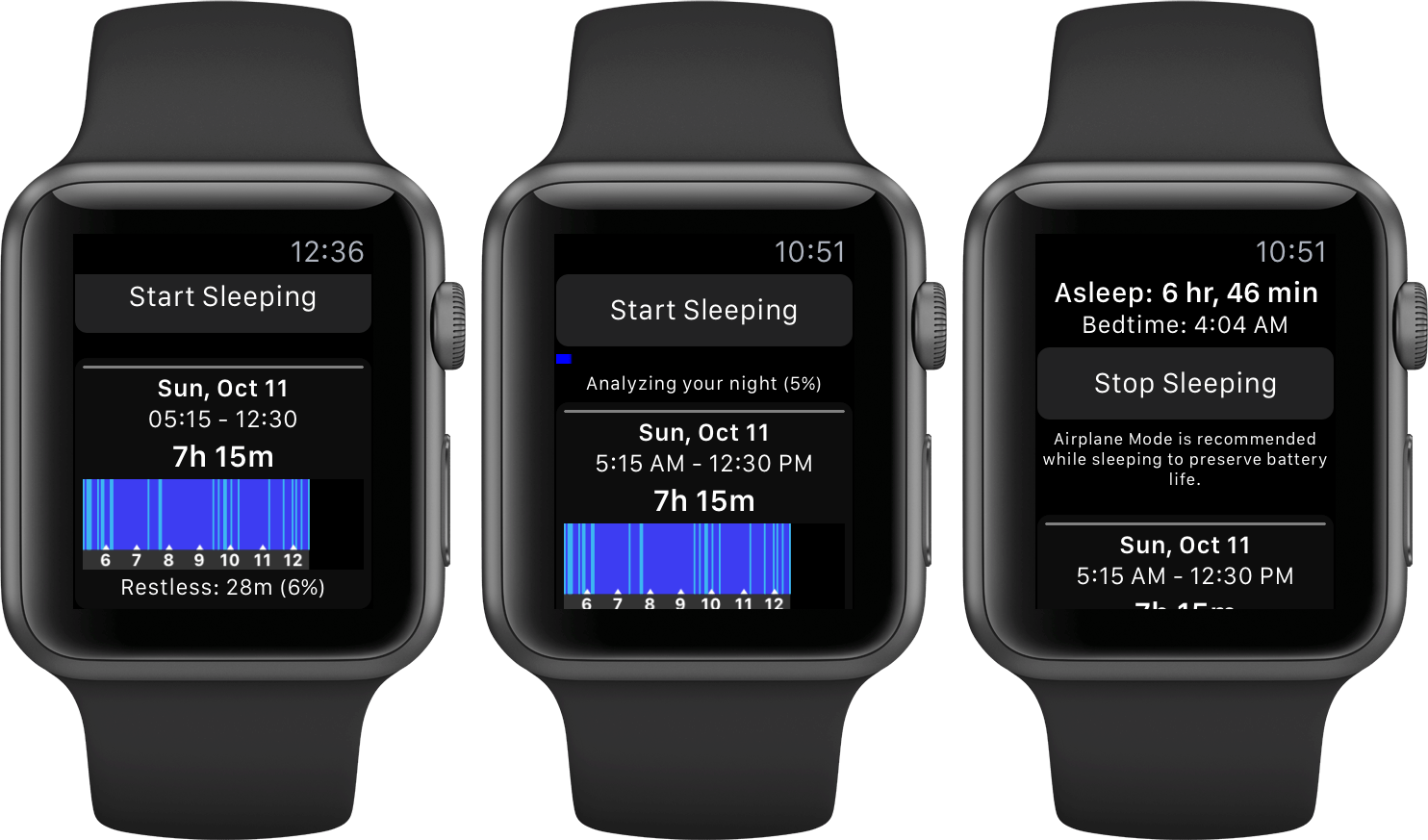
If Sleep++ is telling you that you’re getting a perfect night’s sleep, with zero restlessness whatsoever, it’s probably broken. The good news is that it’s incredibly easy to fix this bug in just a few steps. Here’s what you need to do.
The next Apple Watch will still be dependent on the iPhone. Photo: Jim Merithew/Cult of Mac
The next-generation Apple Watch won’t totally cut ties with the iPhone when it launches later this fall.
Although Apple plans to add a number of much-needed features to the Apple Watch 2, a new report claims the company hit roadblocks when trying to make a major change that would have added LTE or other cellular data connection capabilities to the device.
Get set to test yourself to the limit with your Apple Watch. Photo: Graham Bower/Cult of Mac
Apple Watch is getting a ton of new features this fall for fitness freaks, giving wearers the ability to not only track their own fitness better than ever, but also go head-to-head with other Apple Watch-loving friends.
With iOS 10 and watchOS 3, Apple Watch owners can share their Activity rings to view each other’s progress and compete to be fittest person in the clique. Here’s how to get started:
Apple Watch has a better satisfaction score than any wearable. Photo: Ste Smith/Cult of Mac
The first watch from Apple is starting to rack up awards as quickly as its first smartphone did when it launched.
In its annual survey for fitness band device satisfaction, J.D. Power found that Apple Watch has a higher rating among customers than any other smartwatch, making it the most beloved wearable in the world.
Activity app rocks. Workout app sucks. Photo: Graham Bower/Cult of Mac
At WWDC this week, Apple all but confirmed that Apple Watch is really just a health gadget. Tim Cook described it offhandedly as a “device for a healthy life,” and most of the watchOS 3 segment of the keynote was devoted to health and fitness.
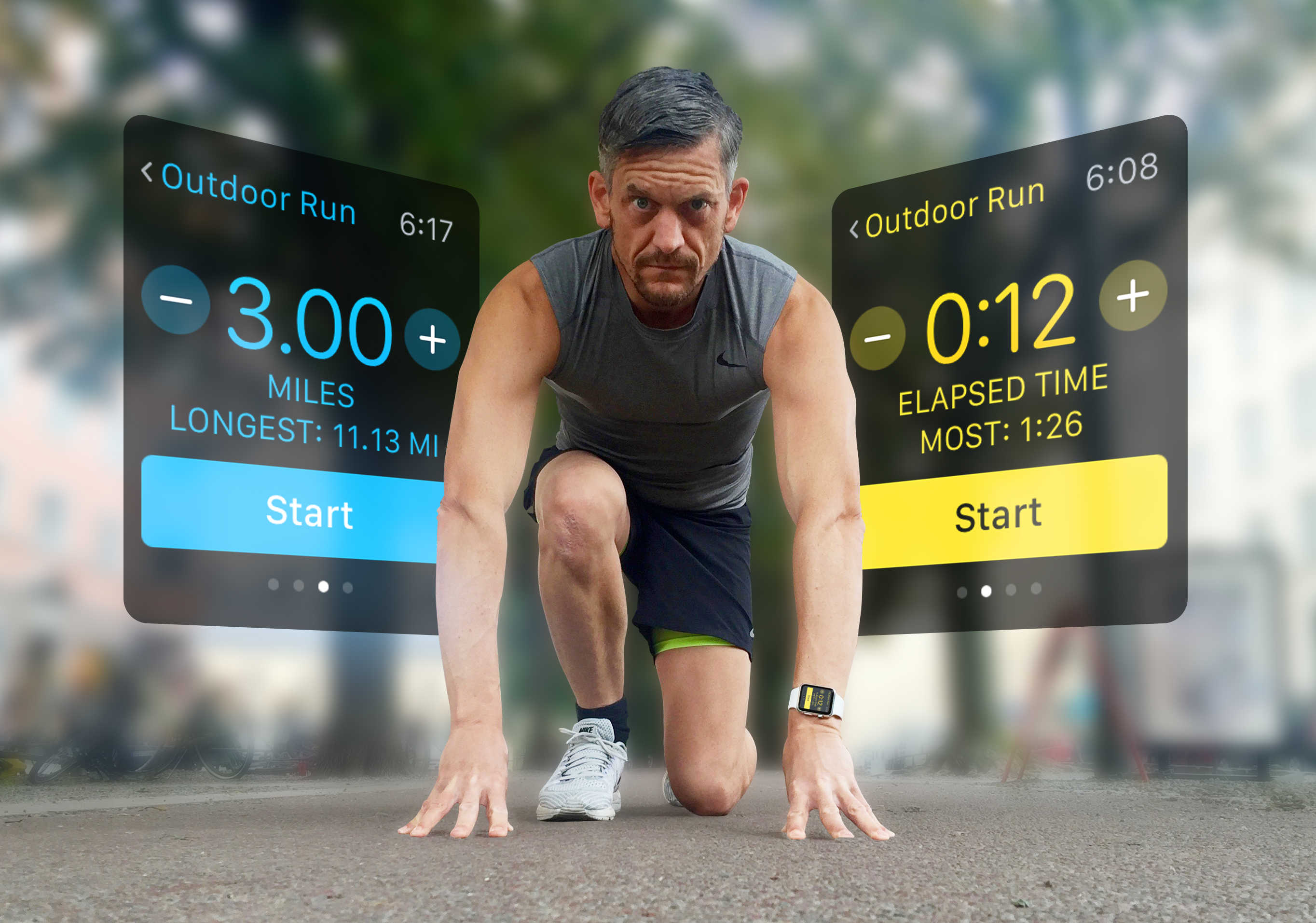
This focus on health makes sense. As an activity tracker, Apple Watch is arguably the best on the market, and watchOS 3 will make it even better. Apple’s wearable is ideal if you are simply looking to live a healthier day. But, despite some minor improvements, Apple Watch still sucks if you are into running.
Get set to test yourself to the limit with your Apple Watch. Photo: Graham Bower/Cult of Mac
If you want to get in shape, the best way to get started is with some fitness testing. That might sound challenging, but luckily your Apple Watch is all you need to test yourself to the limit.
Fitness tests enable you to establish a baseline so you can see how your physical condition improves over time. And if you are already a fitness fanatic, regular testing enables you to identify areas of weakness and optimize your training program. Here’s how to make the Apple Watch a part of your essential fitness testing.
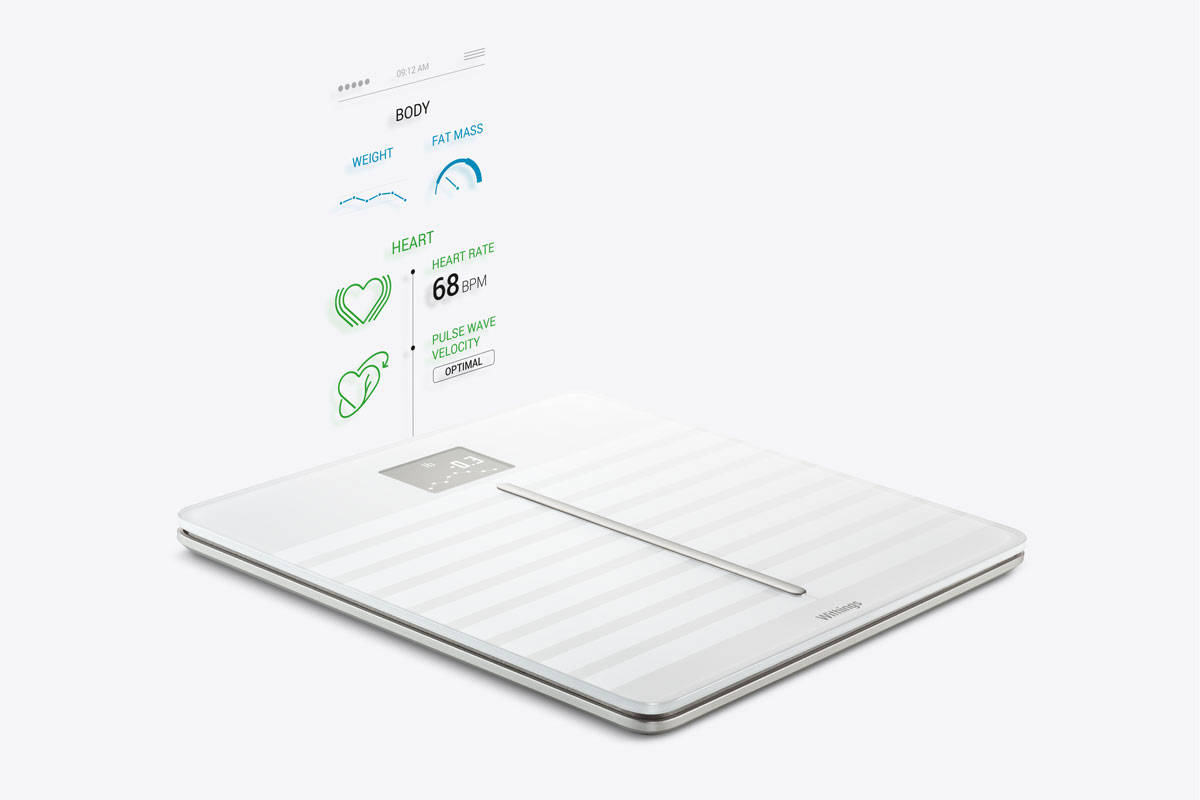
The Body Cardio uses PWV to measure your heart's health. Photo: Withings
Getting a checkup on the old ticker used to require a visit to the doctor, but thanks to Withings’ incredibly smart new device, soon all you’ll need to do is put your feet on a scale.
The new Withings Body Cardio is trying to completely change the expectations of the modern scale by adding a technology called Pulse Wave Velocity to get a holistic view of your health by measuring your weight, BMI, body composition, and most important of all, cardiac health.
Apple Watch could soon tell you more about yourself. Photo: Graham Bower/Cult of Mac
Tim Cook has hinted that the Apple Watch will get even greater at monitoring your health and fitness. Speaking at Startup Fest Europe in Amsterdam today, the Apple CEO said the company’s wearable may one day tell you when it’s time for a checkup.
Fitbit won't be worried about Apple Watch... yet. Photo: Ste Smith/Cult of Mac
Despite its focus on helping you get fit, Apple Watch is still no closer to knocking Fitbit off its throne.
The company’s much more affordable fitness trackers have helped it claim 61.7 percent of the U.S. wearables market so far, while Apple’s first smartwatch has grabbed just 6.8 percent since making its debut last April.