Top stories

Microsoft’s My Documents Folder Makes Triumphant Return – On iPad

20100209-mydocuments.jpg

Earlier today, I was reading Infoworld’s article, The iPad questions Apple won’t answer. The first question they listed was “Can you save and transfer documents to the iPad?”, and their assumed answer was “No”; they suggested that the only way to do this would be to open a document from an email message.
I read that [...]

Top 5 Things To Check Out at Macworld 2010

Macworld 2010 opens today. It is the 25th annual gathering of Mac users. That’s right, 25 years!
But thanks to the absence of Apple this year, this “Mecca for Mac Heads” may be the last. So check it out while you can.

The show runs for 5 days. The Expo showfloor opens on Thursday at noon.
For the [...]

Opinion: MacBook, or iMac + iPad?

20100208-imacipad.jpg

The announcement of the iPad has done a lot of things: it’s stoked up excitement in the Mac using community, it’s got a bunch of developers feverishly coding exciting new stuff, and it’s got retailers and cell phone companies the world over drooling over the money they can make from it.
And it’s also somewhat upset [...]

In Depth: 30 Days with the Nexus One

It’s been a month since my review of Google’s “SuperPhone”, the Nexus One. Since that time, we’ve surfed, updated facebook, navigated, called, played endless hands of cribbage and even tried to freeze it to death on a trip to Dayton Ohio. Follow me after the jump to find out does the “SuperPhone” stand the [...]

Review: Lo-mob Photo Effects App Puts 28 Retro Cameras In Your Pocket

IMG_0283.PNG

Today’s Best Thing Ever is Lo-mob, a gorgeous new photo effects app for iPhone.

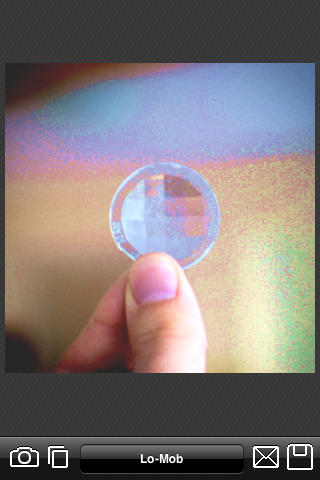
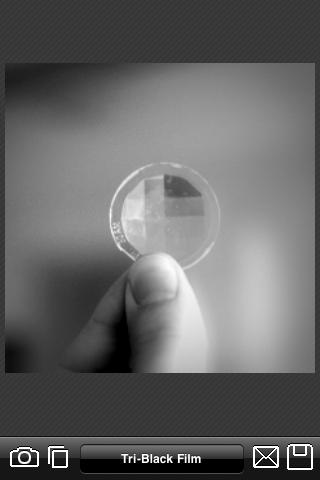
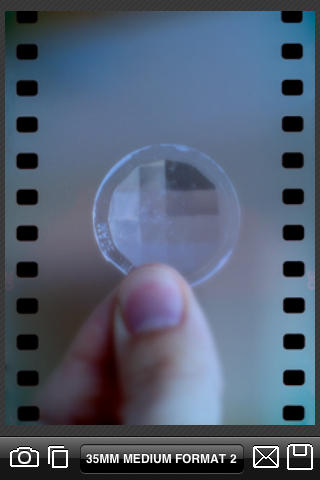
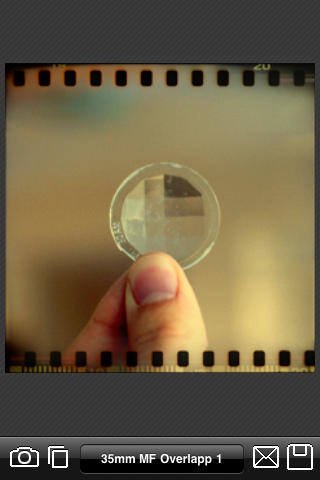
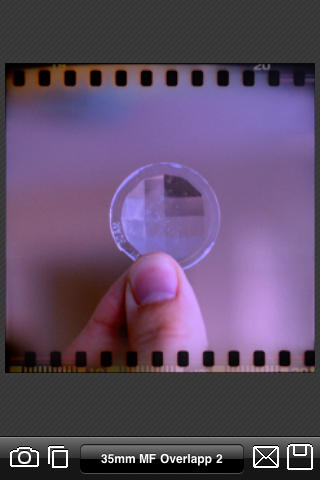
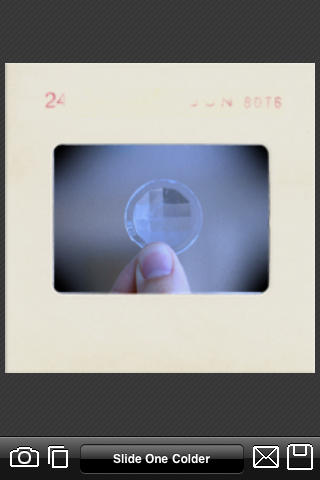
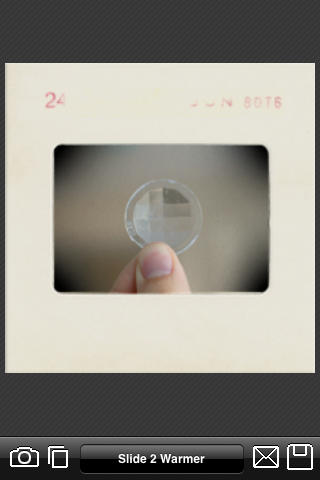
The emphasis is on decidedly retro-looking shots. There are 28 (count ‘em) different effects on offer, ranging from 35mm format film to a variety of instant camera prints.

Lo-mob will take photos from your Camera Roll or let you snap fresh ones. It then takes a few seconds to generate preview thumbnails of all the different effects, and shows you a list. Pick from the list to see a full-size version (you’ll need to wait a few more seconds to see it).

Lo-mob isn’t the fastest app around, and could do with some tweaks to make it easier and faster to use. (Such as: flick left and right to move from one effect to the next; a “save all” feature to save full-size versions of all the effects; and a favorites feature so you can remove the effects you don’t plan on using.)

But those are minor niggles. I really love this app and haven’t been able to stop playing with it. There are a lot of effects apps on the App Store, but none of them have yet managed to offer anything very different (CameraBag remains the best of the bunch). Lo-mob does offer something different, and deserves a place alongside CameraBag on your iPhone.

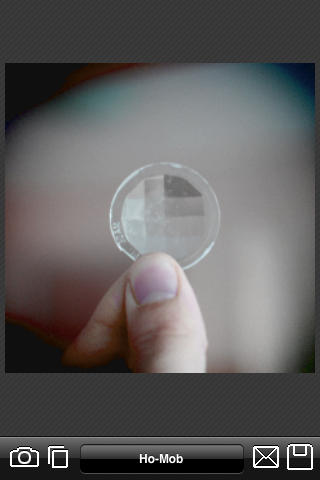
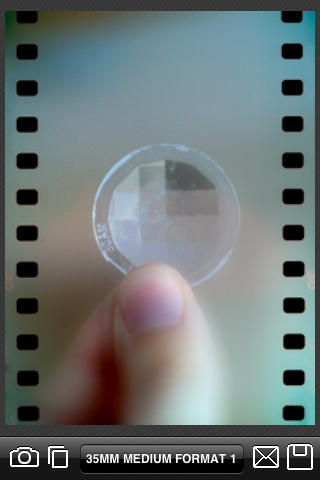
To give you an idea of what it can do, I’ve taken screenshots of all the different effects.

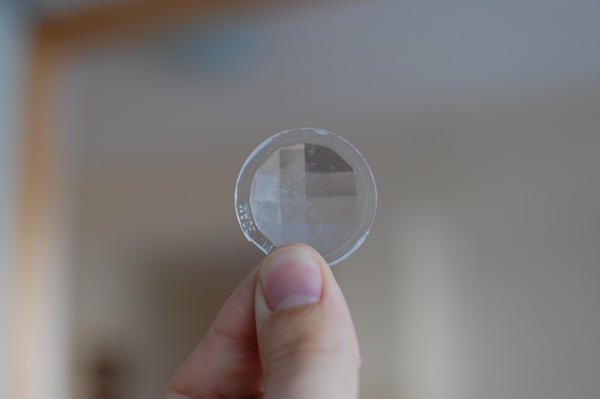
Here’s the original photo:
20091126-lomob-orig.JPG

These are the “Classic Vintage” effects:
IMG_0247.PNG
IMG_0248.PNG
IMG_0249.PNG

These effects come under the heading “35mm film experimentation”:
IMG_0250.PNG
IMG_0251.PNG
IMG_0252.PNG
IMG_0253.PNG
IMG_0254.PNG
IMG_0255.PNG

Pages: 1 2 3 4

About the author

gilest

Giles Turnbull is a freelance writer in England. He is a columnist for PA, and has written for the BBC, Guardian, Daily Telegraph, MacUser, Macworld, and The Morning News. He has a blog you can ignore and a Twitter account you needn't follow.

Email the author | Read more posts by Giles Turnbull.

No comments yet.

Add your comment

Name(Required)

Mail (required, but not published)

Website

Comment

Buy Inside Steve's Brain Buy from Amazon.com Buy from Barnes & Noble