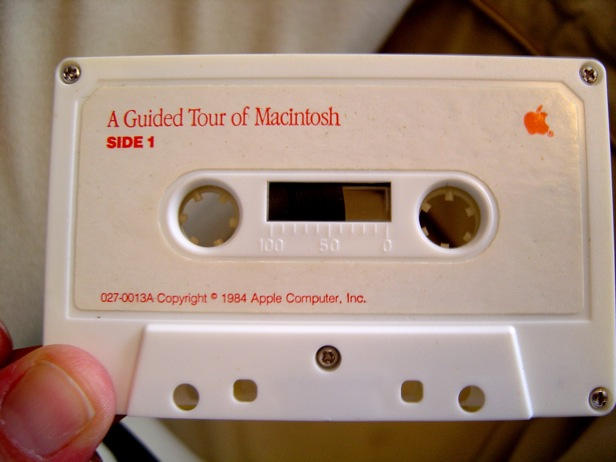
Meet Rob Baca. He’s a serious vintage Mac collector, with a total of 75 machines in his possession. He’s also the man who co-directed the documentary Welcome to Macintosh, which counts among its interviewees our very own Leander Kahney.
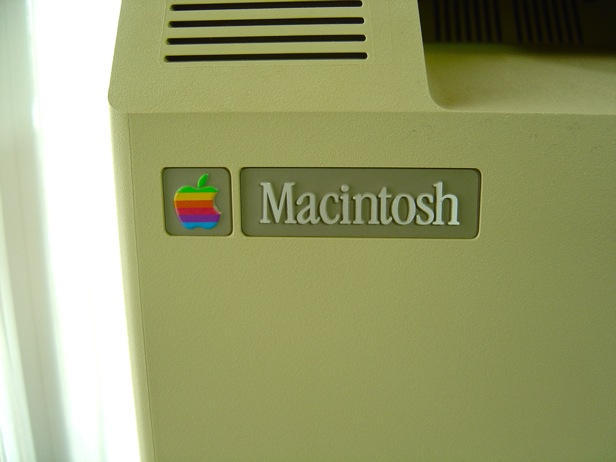
One of Rob’s computers – bought from a friend on the condition that Rob would give it a loving home – is this original 128k Mac.
What can you tell us about it, Rob?
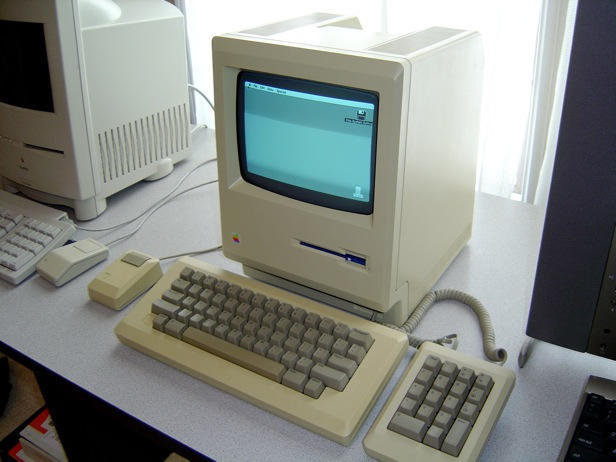
“This particular machine is one of my favorites and lives in my editing studio alongside a few of my other favorites, a Color Classic and a 20th Anniversary Mac.
“Really, it is not used for any heavy lifting or anything, I just show it off like a relic from days gone by. To me it is a piece of history, especially since literally everything it originally came with is in my possession. It is a great talking piece in the editing suite and when I have other people or clients sit in on an edit, it always gets powered on and played with simply for nostalgic reasons and as a comparison of how far the Macintosh (and computing in general) has come in the last 25 years.
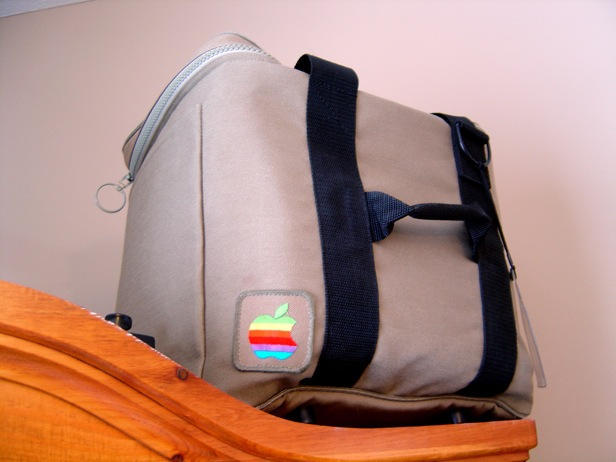
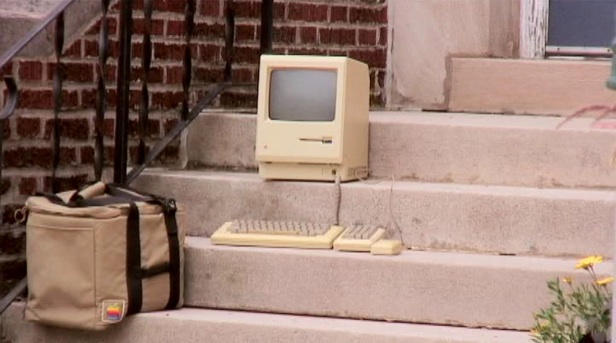
“It’s only really practical use was as a prop for Welcome to Macintosh in the ‘Macs in Nature’ transition scenes. Even though the machine works and looks perfect, it is fragile because of it’s age… but I still had to bust it out and give it a little face time in the film. I was really nervous hauling it around since it is so old and the wrong move might render it a brick. But everything worked out wonderfully.

“The reason I cherish it so much is that it is an untouched, unmodified original… About the closest thing you can find to one that is new in box.
“As far as toying around, I do have some classic games that I will play on it every so often, but they don’t run all that great because of the limited 128k of RAM, but it does the trick. I also run Mac Paint on it occasionally. But again, just playing, nothing really constructive.
“One other point of interest is that this particular machine (minus the Apple logo of course) was used in all of the promotional materials for the film such as; Movie Posters, Website Design, DVD Cover, etc. It has kind of become the logo for the film.”
Thanks to Rob for his time, his story and his huge pile of photos.

Giles Turnbull is a freelance writer in England. He also writes for the Press Association and The Morning News. You can find out more at his website, and follow him on Twitter @gilest.

