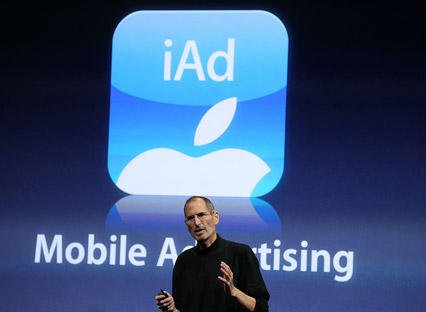
With yesterday’s major update to iOS comes a major new source of revenue for both Cupertino and app developers: iAd, Apple’s new mobile advertising service.
In a best case scenario, iAd will result in cheaper apps that deliver interesting, interactive advertisements finely targeted enough that you’ll actually want to play around in them. The worst case? Invasive, privacy-invading ads spreading across all ads that are just as annoying and irrelevant as the braying flash banners splashed across a Yugoslavian torrent site… just with no way to install AdBlock.
Unfortunately, there’s no way to get rid of iAd on your device… at least until the jailbreaker community comes up with their own iAdBlock. That said, you can easily prevent Apple from using your personal details to serve you up user-targeted iAds. Just click this link on your iOS 4 capable device, and Apple will no longer use your personal information to serve you up user-targeted ads.
To be fair, all this is likely to do is make iAds more irrelevant and annoying than they would be otherwise, but if you’re worried about privacy — or just don’t want to help Apple along as they try to build a Google-challenging advertisement empire — it’s good to know Cupertino’s made it easy to tell them to shove off.

John Brownlee is a writer for Fast Company, and a contributing writer here at CoM. He has also written for Wired, Playboy, Boing Boing, Popular Mechanics, VentureBeat, and Gizmodo. He lives in Boston with his wife and two parakeets. You can follow him here on Twitter.

