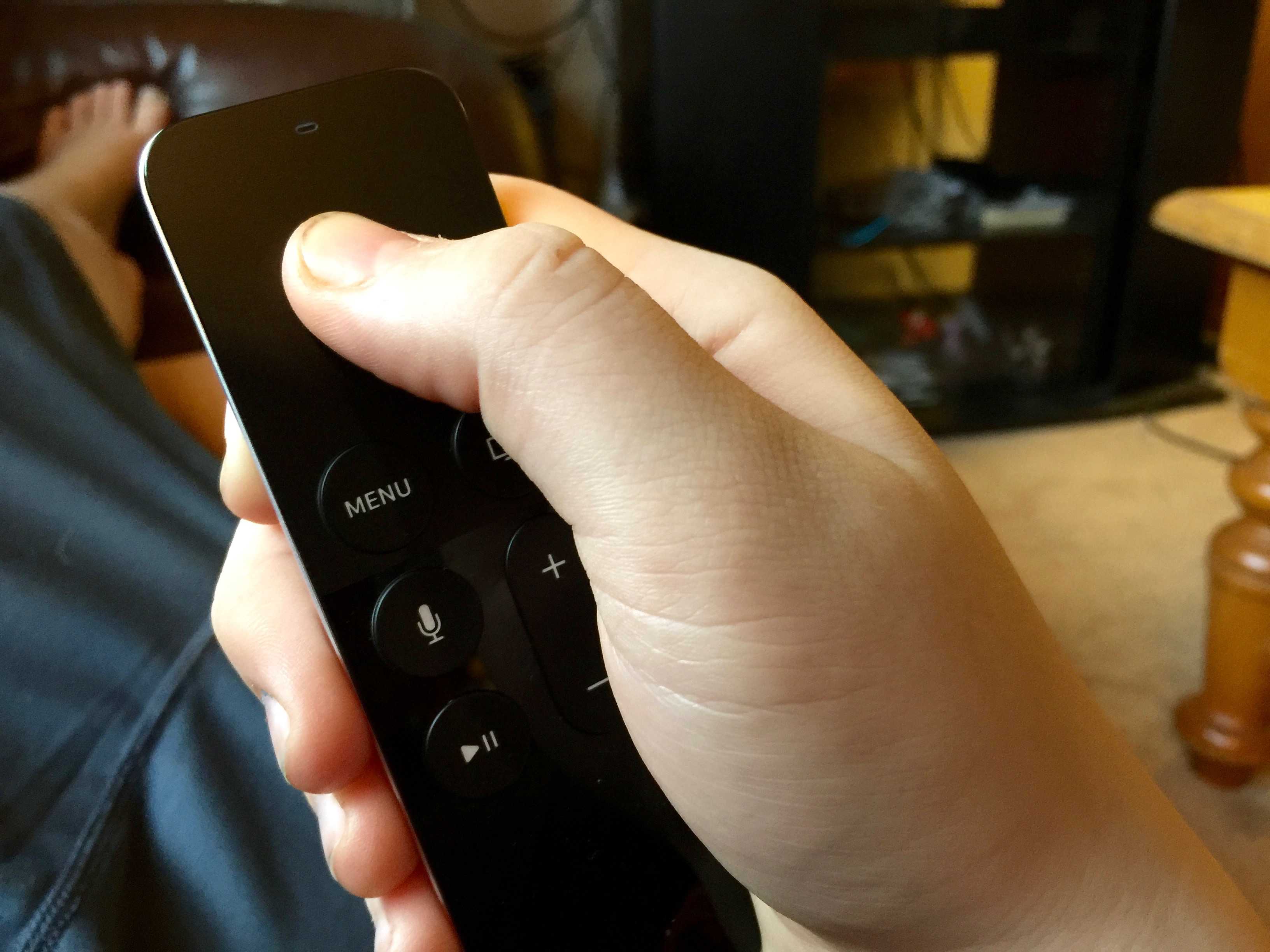
There’s a new Apple TV update in town, and it adds a few obvious features, like Bluetooth keyboard support and Siri Dictation in search and user name/password fields.
tvOS 9.2 also has some less-obvious improvements, though. For instance, it’s easy to locate the exact spot you want to find in any video. Here’s how to scrub through video on Apple TV with your Siri Remote in tvOS 9.2.
Previously, any swipe on the Siri Remote’s touch surface would bring up a preview window, which could be an annoying accident as much as a useful feature.
With tvOS 9.2, the accidental swipe is a thing of the past. Now, though, you might be wondering how to scrub through video on purpose.
How to scrub through video on Apple TV
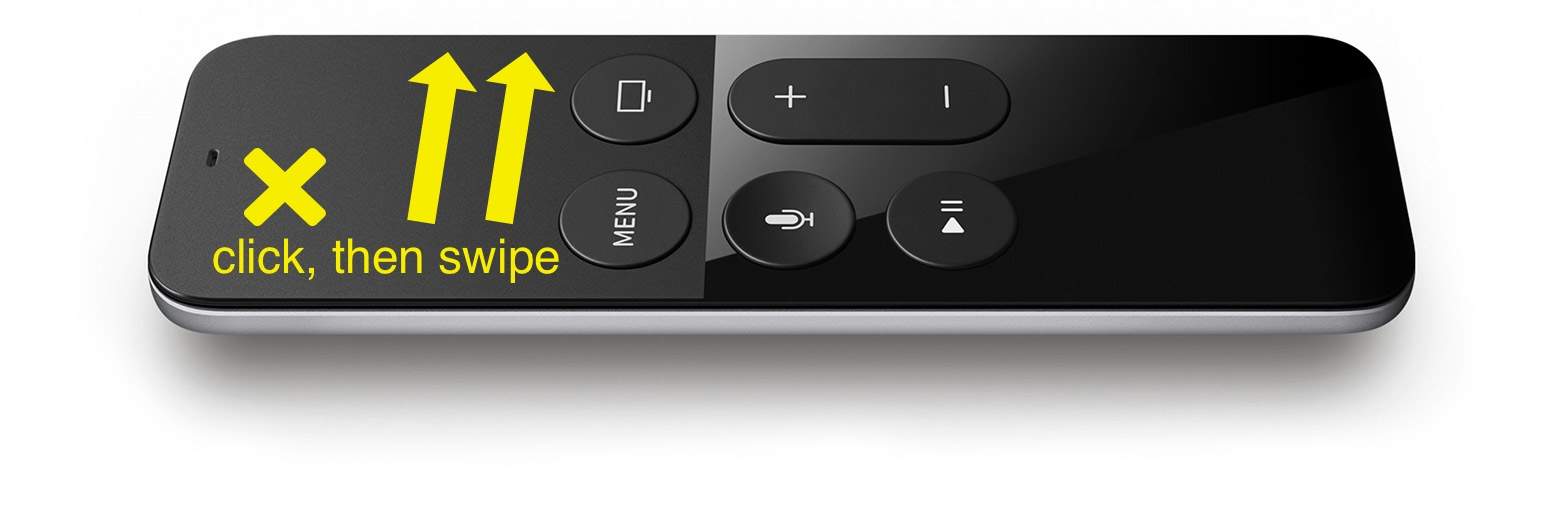
Photo: Apple
The trick is you need to pause the video first. It might seem obvious, but it’s the kind of simple UI tweak that makes Apple products a delight to use.
With tvOS 9.2, when you’re watching a video on your Apple TV and want to scrub backward or forward, you need to click the Siri Remote’s touch surface to pause the video.
Next, swipe to the right to go forward or to the left to go backward through your video source. Once you get to the spot you want to start the video up again from, simply click again on the Siri Remote to restart video playback.
This way, you won’t accidentally scrub through your video — you’ll need to make a conscious choice to click, then scrub, then click again. Brilliant!
Thanks for the tip, Jean Nortje!

Rob LeFebvre is an Anchorage, Alaska-based writer and editor who has contributed to various tech, gaming and iOS sites, including 148Apps, Creative Screenwriting, Shelf-Awareness, VentureBeat, and Paste Magazine. Feel free to find Rob on Twitter @roblef, and send him a cookie once in a while; he’ll really appreciate it.


3 responses to “Quick tip lets you take control of Apple TV video”
There’s nothing brilliant about this. The fact that they need to change this kind of basic behaviour indicates they haven’t properly researched it in the first place. Besides, I don’t know what’s wrong with the Fast forward and remind buttons we have on any other device in the world.
I wonder if you’ve used this? Yes you can use a fast forward or rewind button on any device. And you can tap on the touch pad to skip ahead or skip backward. However scrubbing with the touchpad is something totally different. You can skip forward or back with a flick of your finger as fast as you want to. It is much faster than trying to press a fast forward button and wait for it to get where you need it to be. Having such a great touch interface for things like this is what sets the Apple TV apart from some of the other competitors. And as with most things Apple does, it works very smoothly and seamlessly.
The unintended scrubbing made the Siri remote a massive pain. I’m so glad they’ve fixed this and I agree with your point, the UX wasn’t right when released.