Microsoft’s co-founder Bill Gates may not be fully in support of Apple in its ongoing privacy battle with the U.S. government, but Microsoft is certainly embracing the importance of security.
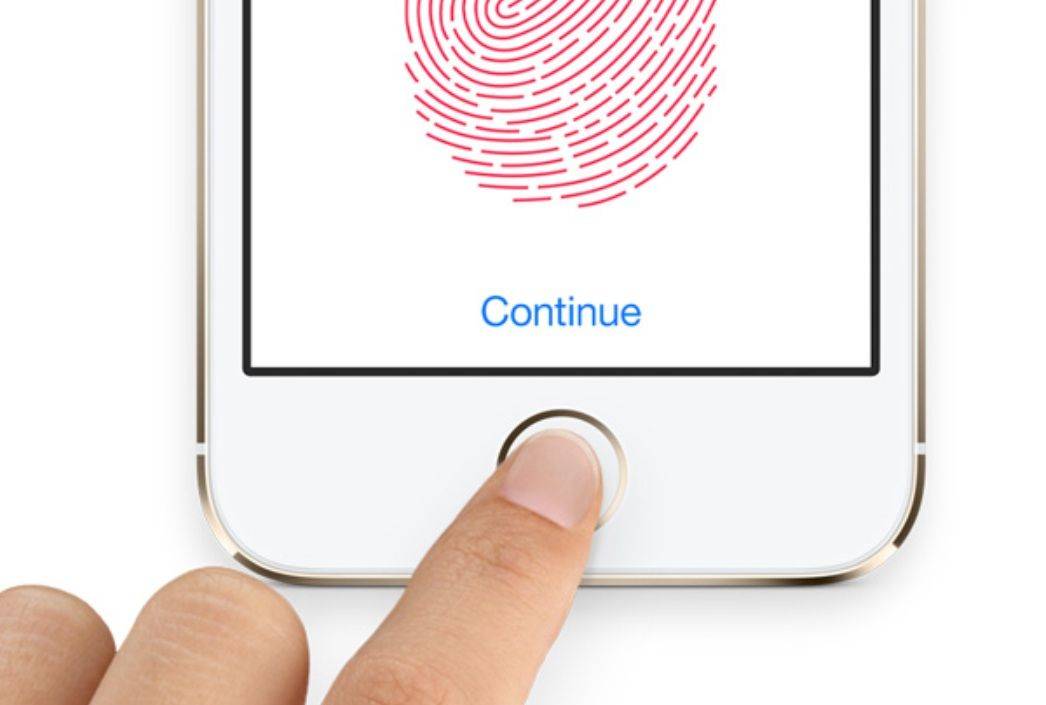
In its latest update, the Microsoft Outlook app for iOS adds new support for Apple’s Touch ID sensor — meaning that you can set the app to let you read your messages only if you scan your fingerprint first.
Although it’s a minor update on paper, this is a great use of Apple’s fingerprint sensor, which adds an extra layer of security to protect your confidential emails.
To enable Touch ID, you’ll need to hit the “Settings” tab in the app, before toggling “Require Touch ID.” After that, you will then be asked for fingerprint identification each time you open up the app.
In addition, version 2.2.2 of Outlook for iOS lets users view profile photos of event attendees in the app’s “agenda” view, as well as adding a time-saving shortcut in the 1-day and 3-day views, which allows you to press and hold a time slot to create a new event.
I’ve been consistently impressed by the iOS Outlook app, and this update represents a significant step forward. Highly recommended as a download — particularly given that it’s completely free.
Source: iTunes

Luke Dormehl is a U.K.-based journalist and author, with a background working in documentary film for Channel 4 and the BBC. He is the author of The Apple Revolution and The Formula: How Algorithms Solve All Our Problems … and Create More, both published by Penguin/Random House. His tech writing has also appeared in Wired, Fast Company, Techmeme and other publications.


4 responses to “Outlook for iOS now lets you protect your emails with Touch ID”
Hi,
Touch ID feature isn’t working at all on my 5S with ios 8, is it ok for you ?
Thanks !
The reason you’re not fully updated is?
What do you mean by “not fully updated” ? I use the latest version of Outlook, do you think it’s because I’m not on ios 9 ?
How much better it would be if contacts could sort by last name…