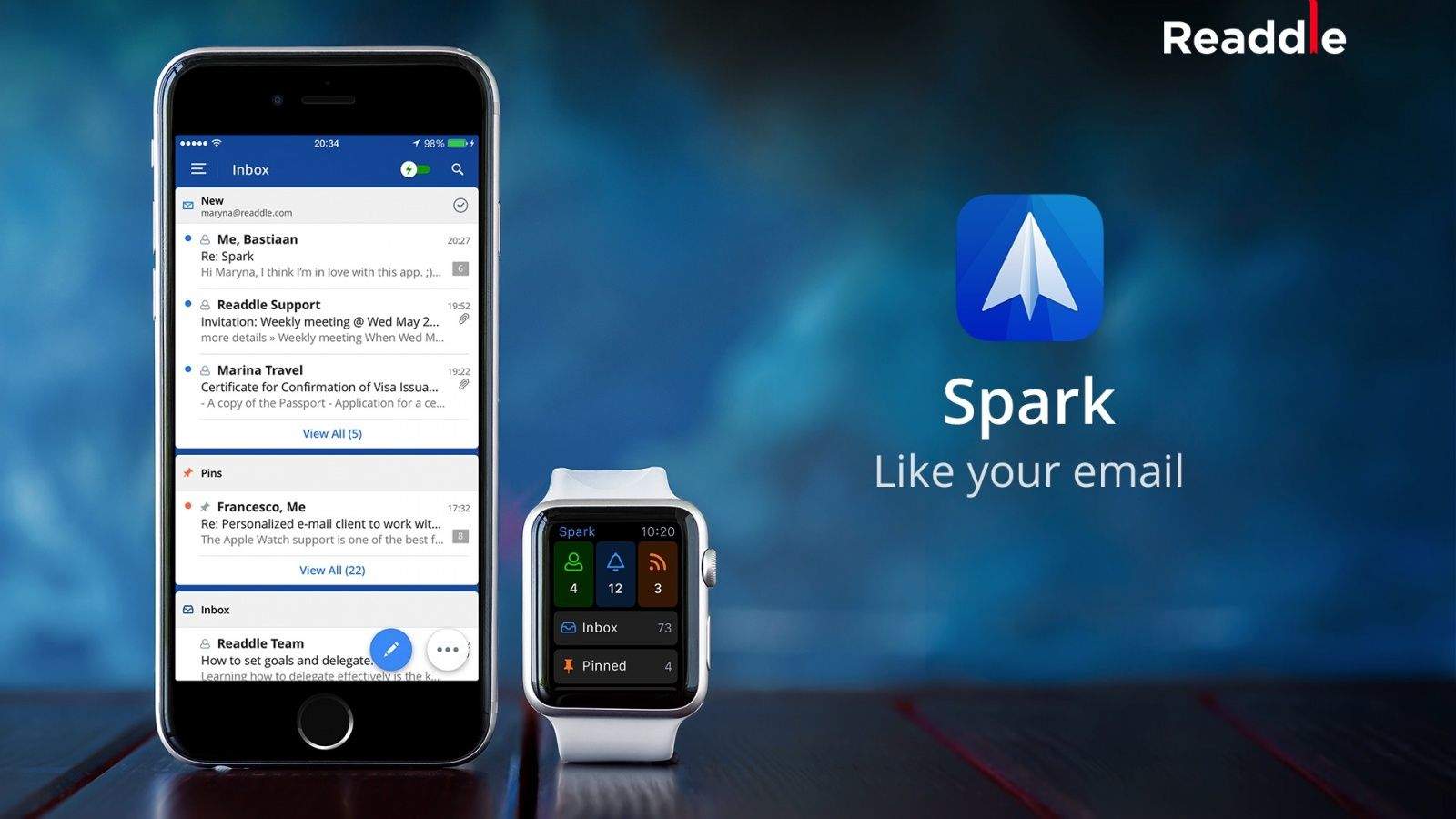
Readdle’s beloved Spark email app for iPhone and Apple Watch is also coming to the iPad and Mac. A spokesperson for the company confirmed that development is underway for the apps in an email to Cult of Mac. The iPad version will likely make its debut next month in December, while a Mac version is a little further down in the pipeline since it’s only currently in the planning stages.
The moment I downloaded Spark I fell in love with it because it’s the first email client I used that significantly weakened my hatred of going through my mail. Spark makes it brilliantly easy to organize and prioritize all the messages I get every day, so I was insanely excited to find out it’s on its way to iPad and Mac, even if the developers do need some more time.
Plenty of other savvy email clients exist, too. The Dropbox-acquired Mailbox has similar features to Spark, but it seems like development has stalled since July and reviews in the App Store have started tanking as a result. I wanted to love Mailbox, but bugs and a lack of Microsoft Exchange support steered me away. Microsoft’s Outlook app and Inbox by Gmail both attempt to combine day-to-day productivity features with your inbox too.
Though Spark created a fairly loyal fanbase, the Readdle team is better known for some of its other free apps: the portable scanner, Scanner Pro, and PDF Expert 5 in the iOS App Store.

George Tinari has covered Apple and technology for over six years. On the rare occasion that he’s not sitting in front of his laptop, you can find him eating, awkwardly socializing, listening to music or singing along loudly to said music. You can also follow George on Twitter if you need more complaints and sarcasm in your timeline.


8 responses to “Smart email app Spark coming to iPad and Mac”
If you have Gmail, Google’s Inbox is a fantastic time saver as well.
The iPhone app has been flawed and unreliable from the start. There’s no reason to be excited about an iPad and Mac version.
I don’t have any major issues with the Spark iOS app. I use for my Gmail (IMAP) and @domain (POP3) e-mail accounts. I have seen some minor issues with the POP3 and saying that you have a new e-mail although i removed it in the app before. I love the way it handles attachments and actually attach the files itself that you can grab from various cloud storage locations and that you can attach multiple files at once. Also the search feature is great so e.g. ‘Jim attachments’ will give you all e-mails in which Jim send you an attachment.
Untill know I have used this on my iPhone and are using CloudMagic on my iPad because both have good ways of handling attachments by actually attaching the file to your e-mail. I’m hoping the iPad release of Spark will also support the Slide Over / Split View features of iOS9.
v1.3 of Spark will add Exchange support. Great email app.
I am truly amazed that anyone would recommend an app for handling gmail if it doesn’t – pls correct me if I’m wrong – understand labels
Are you saying you have issues with your Gmail e-mail together with the Spark iOS app? I don’t. What are the issues? I love the way it handles attachments from cloud storages and that it has such a great search feature e.g. ‘Jim attachments’ will give you all e-mails in which Jim send you an attachment.
In that case, you don’t use labels/folders in your gmail, right?
I am using a lot of labels/folders. I also added a quick link to one of those labels/folders yesterday so i can also see it below my Inbox to go quickly to certain e-mails. Works like a charm.