https://www.youtube.com/watch?v=uqLBZ4Dh8Hk
Using QuickIO, an iOS app we reported on a couple of weeks back, you can stream your media from your Mac to your iOS device, be it an iPhone, iPod touch, or iPad.
Today, the app was updated to include support for streaming that very same media to your Apple TV.
Even before the update, QuikIO let you send media files, including video, photos, and documents, from your Mac to an iOS device like an iPad or iPhone. You simply download and install a free QuikIO app to your iOS device and Mac, and then sign in to the service via Facebook or with an email address. Once that’s done, then you can look at any media file from your internet-connected Mac on your iPad or iPhone. It’s a direct connection through the QuikIO service, so there are no long upload times or storage limits: it’s all on your Mac, and sent through QuikIO.
Today’s update brings the same functionality to the Apple TV, provided it’s on the same WiFi network as your Mac. Here’s what QuickIO’s co-founder, Michael Chen, told us today in an email:
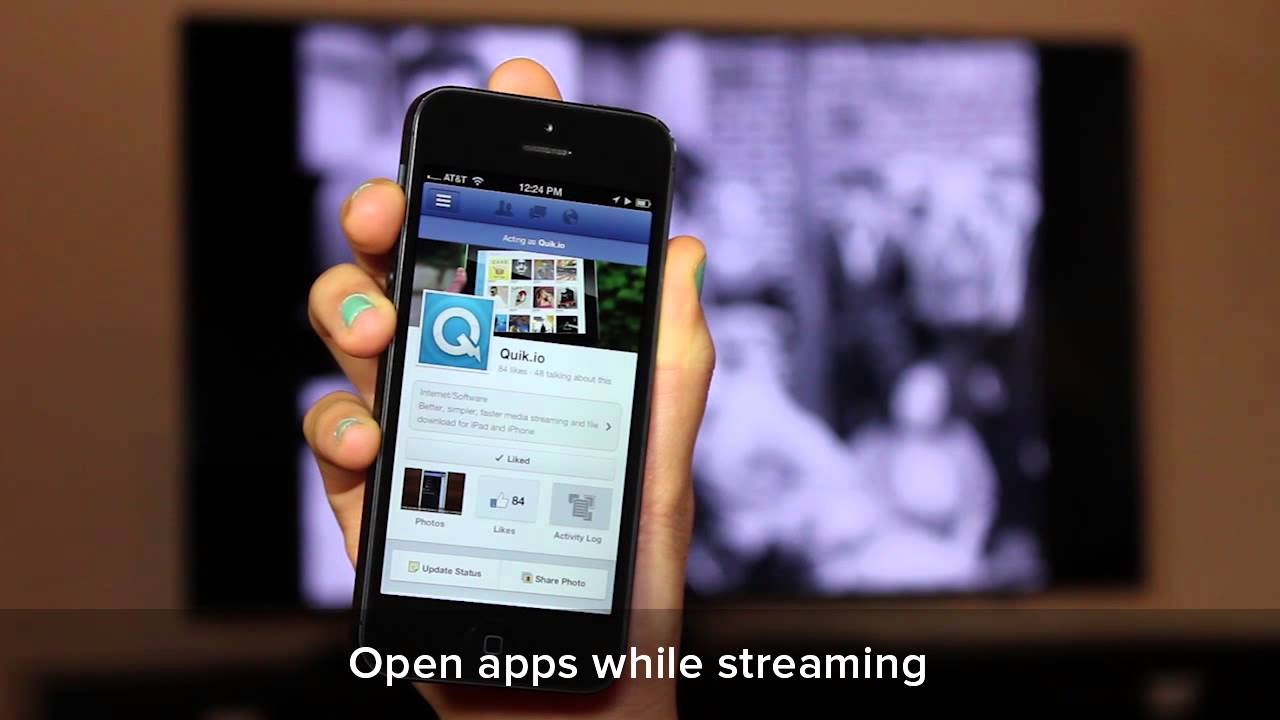
This new version update of QuikIO makes it easy to stream and view your media content on a big screen with Apple TV from home, a friend’s house, family or at a gathering. And what sets it apart from Apple’s AirPlay mirroring feature is that QuikIO allows you to multitask on your iPhone, iPad, Mac or PC while streaming content from the QuikIO app to your screen using Apple TV.
Sounds pretty slick, especially that multitasking part, so we’re off to check it out on our own Apple TV. Let us know if you do, too, and we can compare notes.

Rob LeFebvre is an Anchorage, Alaska-based writer and editor who has contributed to various tech, gaming and iOS sites, including 148Apps, Creative Screenwriting, Shelf-Awareness, VentureBeat, and Paste Magazine. Feel free to find Rob on Twitter @roblef, and send him a cookie once in a while; he’ll really appreciate it.

