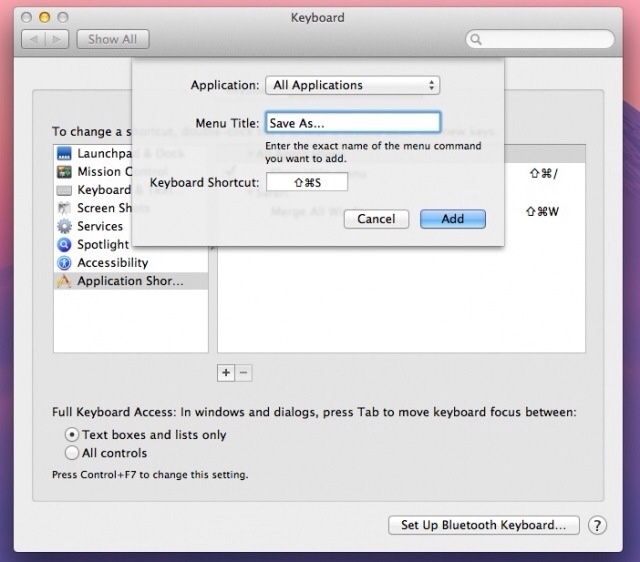
Remember that neat little hack to bring the Save As command back to Mountain Lion? It turns out that it’s not quite as handy as we first thought. Sure, you can now “Save As” instead of being forced to “Duplicate” the file and then save it, but Mountain Lion will not only save your changes in the new document, but write them to the original at the same time.
That’s right. If you save a copy of a document to which you have made changes, OS X 10.8 will not revert the original. Instead, it’ll just add your changes and – if you close the file – save that.
It’s not an actual disaster. Thanks to Mountain Lion’s versioning, you can revert to the previous version, but that’s not going to help when you open a document and expect it to contain one thing, and it contains another. And you’re a nerd. Imagine that a Normal does this: panic would quickly ensue.
There are some workarounds… Kinda. You can set your Mac not to save files automatically on quitting an app or closing a document, but that’s hardly ideal.
Source: Mac Performance Guide

Charlie Sorrel writes reviews and how-tos. Follow Charlie on Twitter at @mistercharlie, and at micro.blog on @mistercharlie

