Mobile menu toggle

Here’s How Guided Access Works In iOS 6 [Video]

By

Guided Access
Apple is heavily promoting accessibility features in iOS 6.

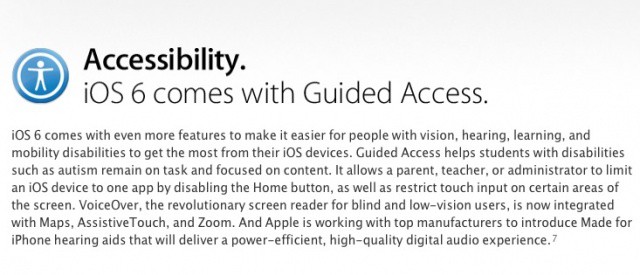
With every iteration of iOS, Apple provides more and more accessibility features to its users to make iOS devices open to more people than ever before. iOS 6 includes something big. Guided Access is essentially a tool that allows you to restrict certain areas of your screen and physical buttons in order to make the device easier to use for someone with a disability, or for younger children.

 Guided Access can even be used in the classroom, to stop children from exiting the current app while taking a test. It’s a really neat feature, and in my opinion, one of the most overlooked. If you’re exploring how to manage access on an iPhone, Guided Access is a great alternative to guest mode iPhone, as it lets you control app usage effectively. With iOS 6 beta 2, the feature is finally functional, so in this video I’ll show you how it can work.

  • Subscribe to the Newsletter

    Our daily roundup of Apple news, reviews and how-tos. Plus the best Apple tweets, fun polls and inspiring Steve Jobs bons mots. Our readers say: "Love what you do" -- Christi Cardenas. "Absolutely love the content!" -- Harshita Arora. "Genuinely one of the highlights of my inbox" -- Lee Barnett.

4 responses to “Here’s How Guided Access Works In iOS 6 [Video]”

  1. theobserving says:

    i think this is a brilliant feature. one question: i notice you have airplane mode on. how does the phone handle things like a notification or phone call in guided access mode? are notifications and incoming calls disabled?

  2. Demonstr8r says:

    I want a similar feature where I feel comfortable handing my iPad to a colleague who needs to check a website, web based email, check in for a flight, etc. limiting use to Safari blocking access to bookmarks, reading list, recent Google searches, and list of recently visits pages. Similarly, it would be equally helpful to feel comfortable handing a colleague my iPhone and only allowing them to make a call, blocking access to voicemail, contacts, recent calls, favorites, etc.

  3. Alva Cottingham says:

    Thanks for making this video, I was hoping this is how it would work. Very little information about it on Apple’s site. It will be great to limit my non-verbal son to proloquo2go on his ipod touch.

  4. Alva Cottingham says:

    Thanks for making this video, I was hoping this is how it would work. Very little information about it on Apple’s site. It will be great to limit my non-verbal son to proloquo2go on his ipod touch.

Leave a Reply

