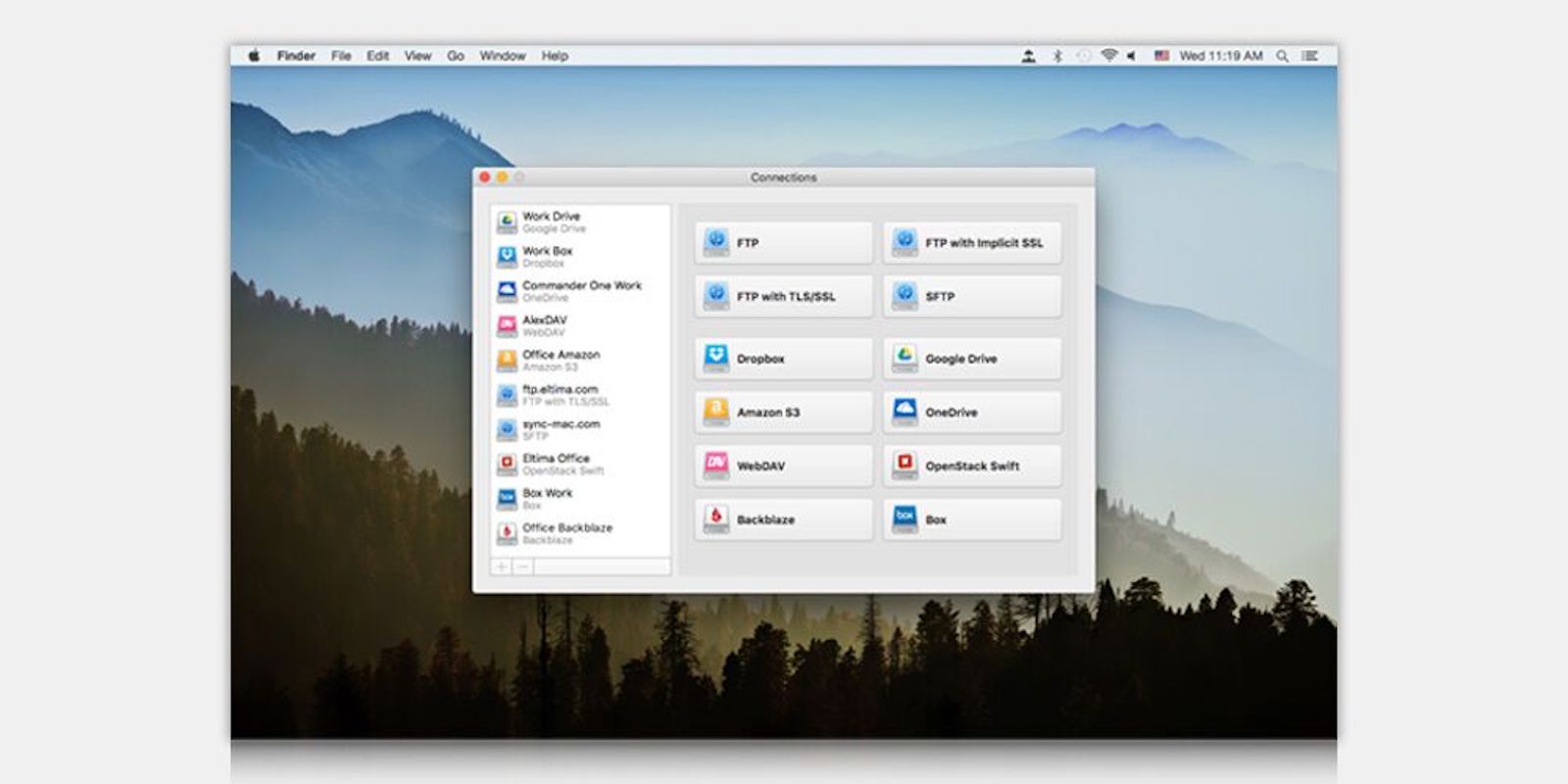
Access your cloud storage just like local drives, right from the Mac desktop. Photo: Cult of Mac Deals
For many Mac users, there’s a distinct line between local and cloud storage. But we rely on both to get our work done and keep our data secure and tidy. So why shouldn’t both be accessible straight from the desktop?
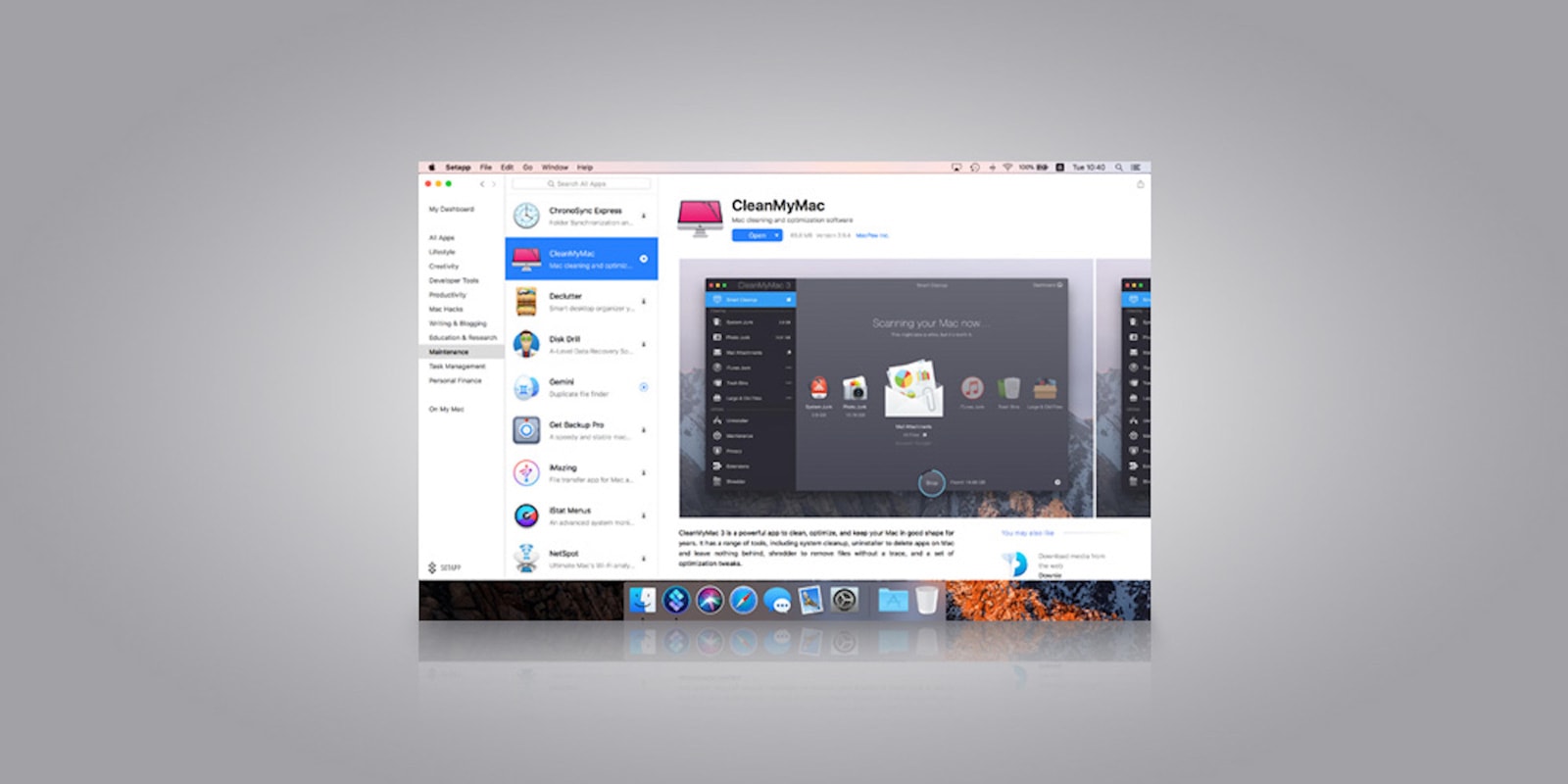
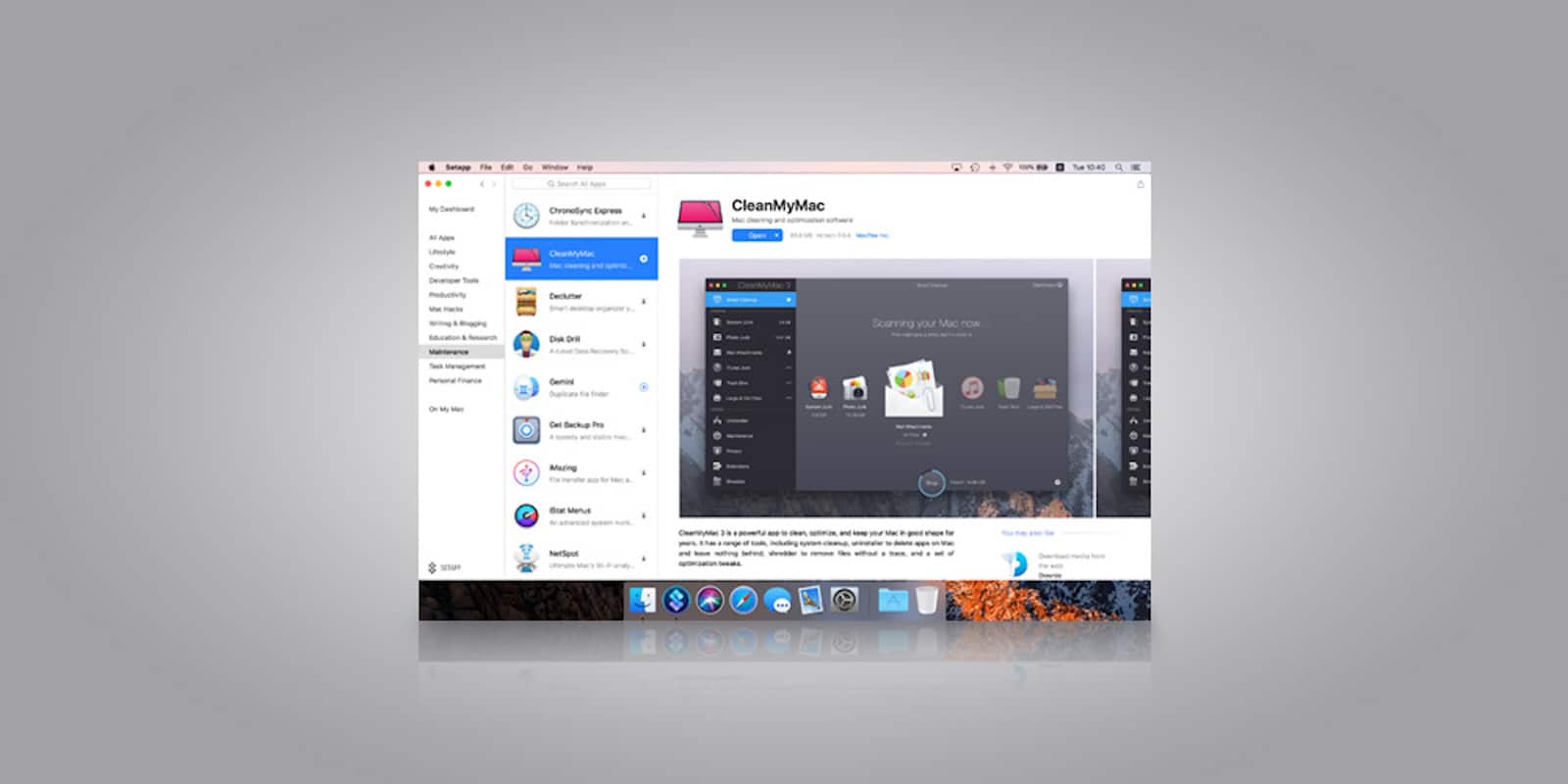
Get access to a massive library of premium Mac apps for a low monthly payment. Photo: Cult of Mac Deals
Knowing which apps to get can be pretty overwhelming, and the good ones can be expensive. Luckily, the subscription model that makes content easier and more affordable now extends to apps.
Get more stuff done with these highly-reviewed noise-cancelling headphones. Photo: Cult of Mac Deals
Black Friday’s gone but the deals aren’t. If you survived the chaos of Black Friday 2018, you can shop today for killer deals on apps, courses and gear — right from the safety of your home.
Be sure to click on the collection links at the end of each section to catch more great deals on hardware, software and educational bundles. And don’t forget to use the discount codes for extra savings.
Wrest control from iTunes with DearMob iPhone Manager. Image: DearMob
This post is presented by DearMob.
Traveling for the holidays means keeping track of the flood of photos that comes with the season. So does getting a new iPhone XS, XS Max or XR as a gift. Basically, the more flexibility you have when dealing with your digital photo library, the better. DearMob iPhone Manager, an easy-to-use alternative to iTunes, lets you take back control of all your iOS data.
Whether you need to download YouTube video, manage your day-to-day tasks or recover old files, Cult of Mac Deals has you covered with three great Mac apps on sale today.
In celebration of Black Friday, get these 10 top-rated Mac apps. Photo: Cult of Mac Deals
It’s not even Thanksgiving yet, but we’re already thinking about Black Friday. Luckily, in this day and age, you don’t need to leave the couch to jump on great deals. In fact, you don’t even need to open a box.
Check out this week’s best new and updated apps. Photo: Cult of Mac
This week we chill out with the retro-tastic Mellowsound synth, check out the essential new QWERTY keyboard support for GarageBand, explore a huge update to everyone’s favorite painting app, Procreate, and more.
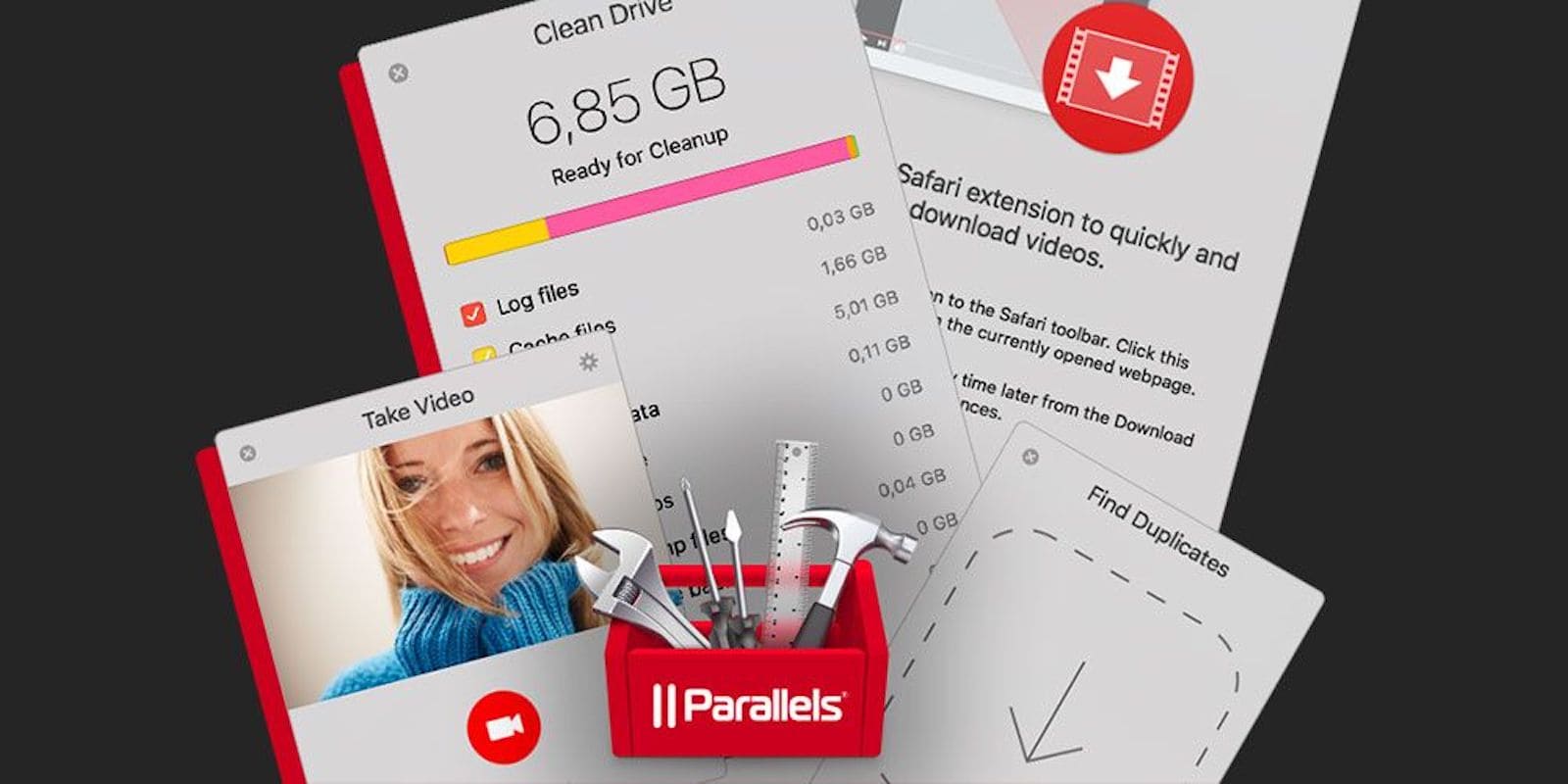
Instantly add more than 30 top shelf utilities to your Mac for about 10 bucks a year. Photo: Cult of Mac Deals
It pays to stock up on utilities for Mac, whether to record desktop video, clean up drives, or boost productivity. Unfortunately top shelf Mac tools also come with a cost. So this bundle of more than 30 Mac utilities for $10 a year is a can’t-miss opportunity.
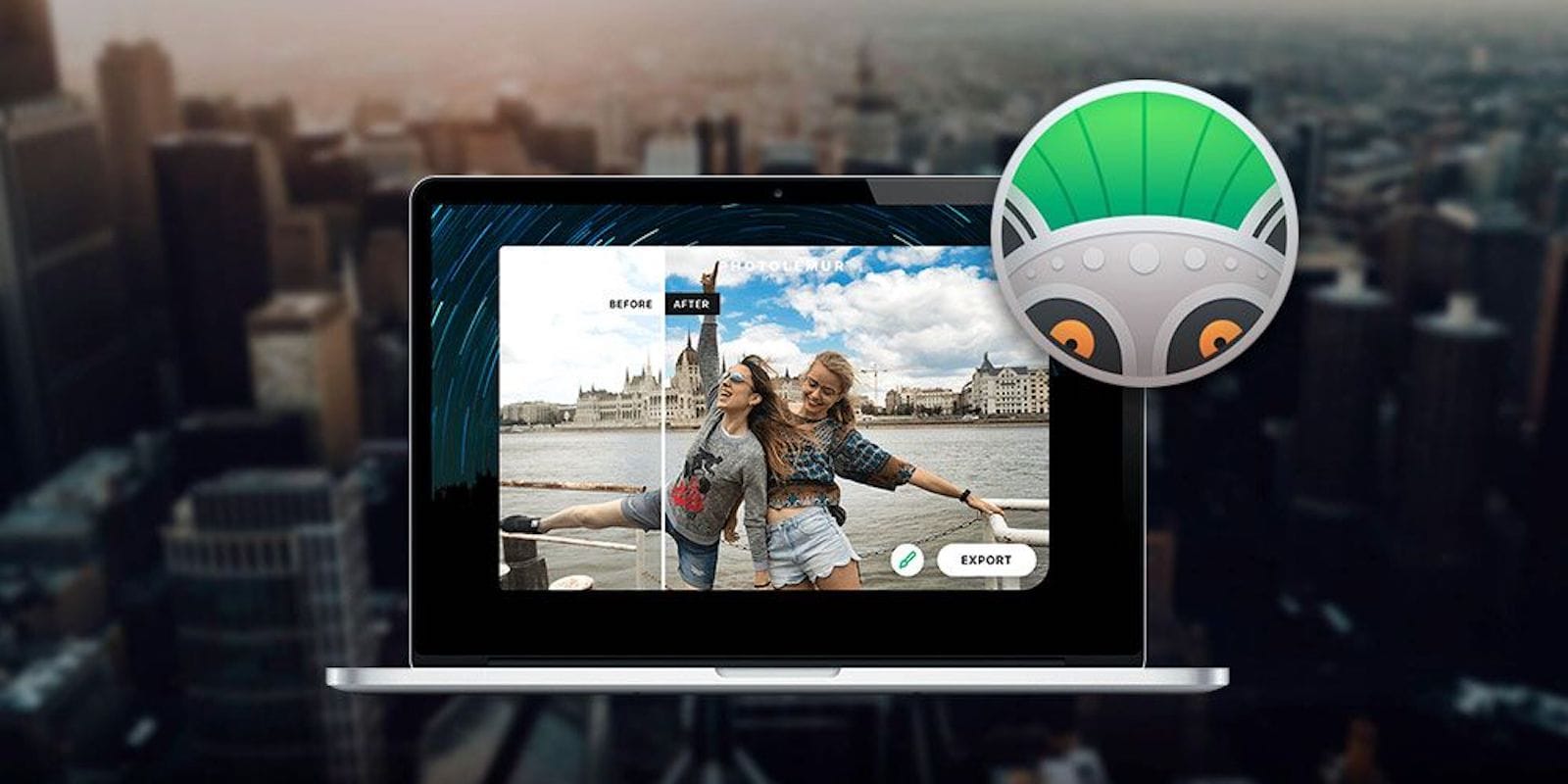
This app uses machine learning to touch up photos with a single click and simple sliders. Photo: Cult of Mac Deals
To make most digital photos shine, you need to do some touch ups and editing. Too bad editing is such a pain. Without the right software, not even possible, so it’s worth checking out this tool that does the editing for you.
This week we find out that Halide has added yet another awesome new feature to the iPhone’s best camera app, that the AudioKit team has busted out yet another amazing (and retro) synthesizer, that Name Skillz exists to help you remember people’s names, and that HomeRun has scored — yes — a home run with its HomeKit-controlling Apple Watch app.
This week we shoot and edit video with Adobe’s new Premier Rush, get into the long-awaited Drafts for Mac beta, and clean up our Photo Library with BestPhotos.
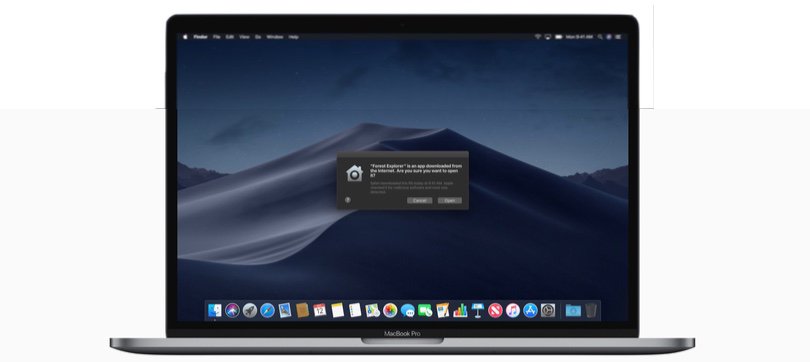
With MacOS Mojave, notarized apps install more easily because they're guaranteed malware free. Photo: Apple
There’s a new method to let Mac users know that the software they’re installing isn’t loaded with malware. It’s called notarized apps, and Apple urges developers to use it.
Right now, getting apps notarized is optional. Eventually, it’ll be a requirement. That’s a bonus for Mac users.
Get MacX MediaTrans for free and forget about iTunes. Image: Digiarty Software
This post is presented by Digiarty Software.
Managing data on iPhone means navigating iTunes on your Mac. For upgrading, syncing or backing up photos, videos and music, its broad controls can leave even the tech-savvy among us feeling clumsy. For more fine-grained control of your iOS data, you’ll want another tool.
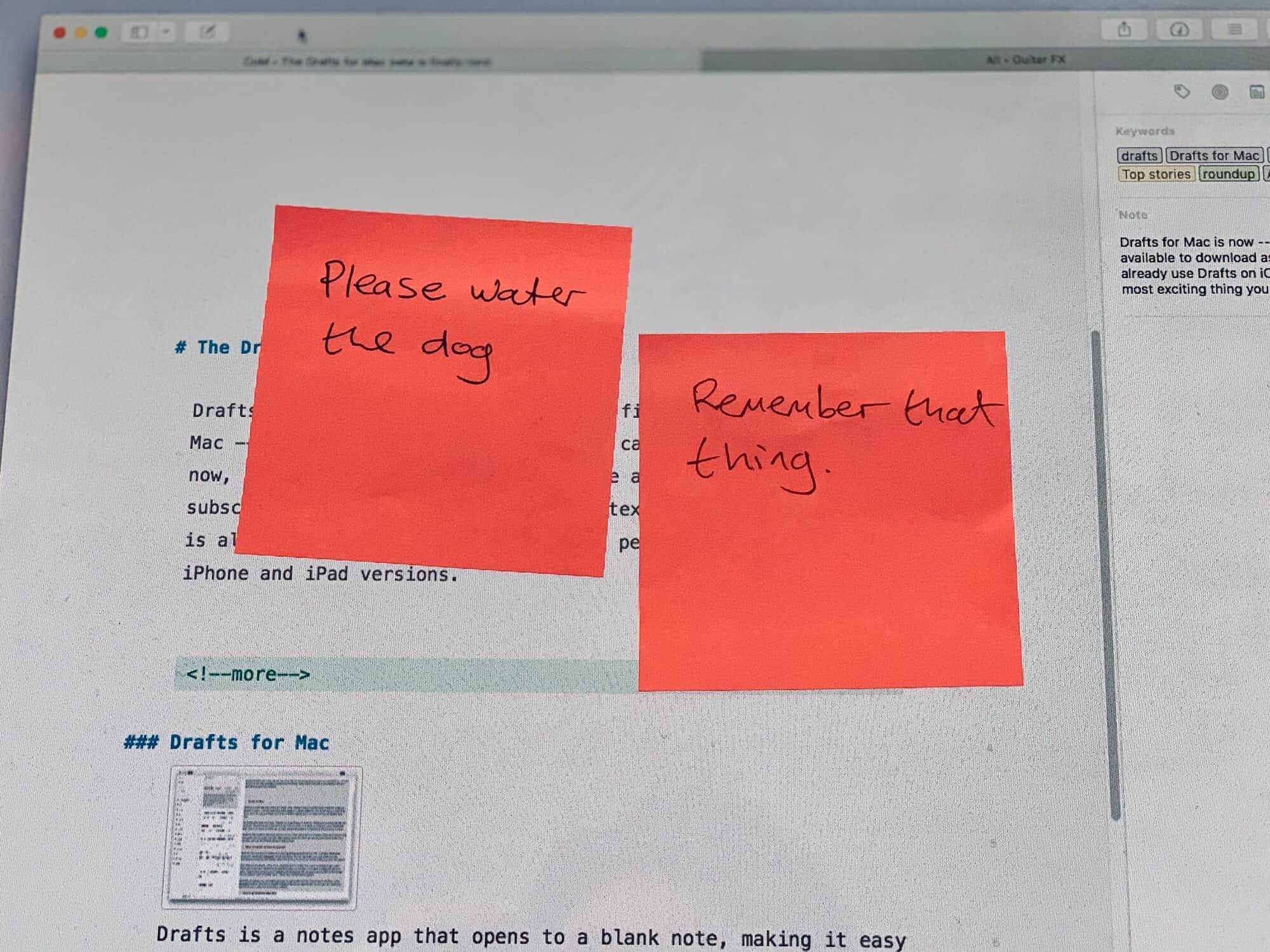
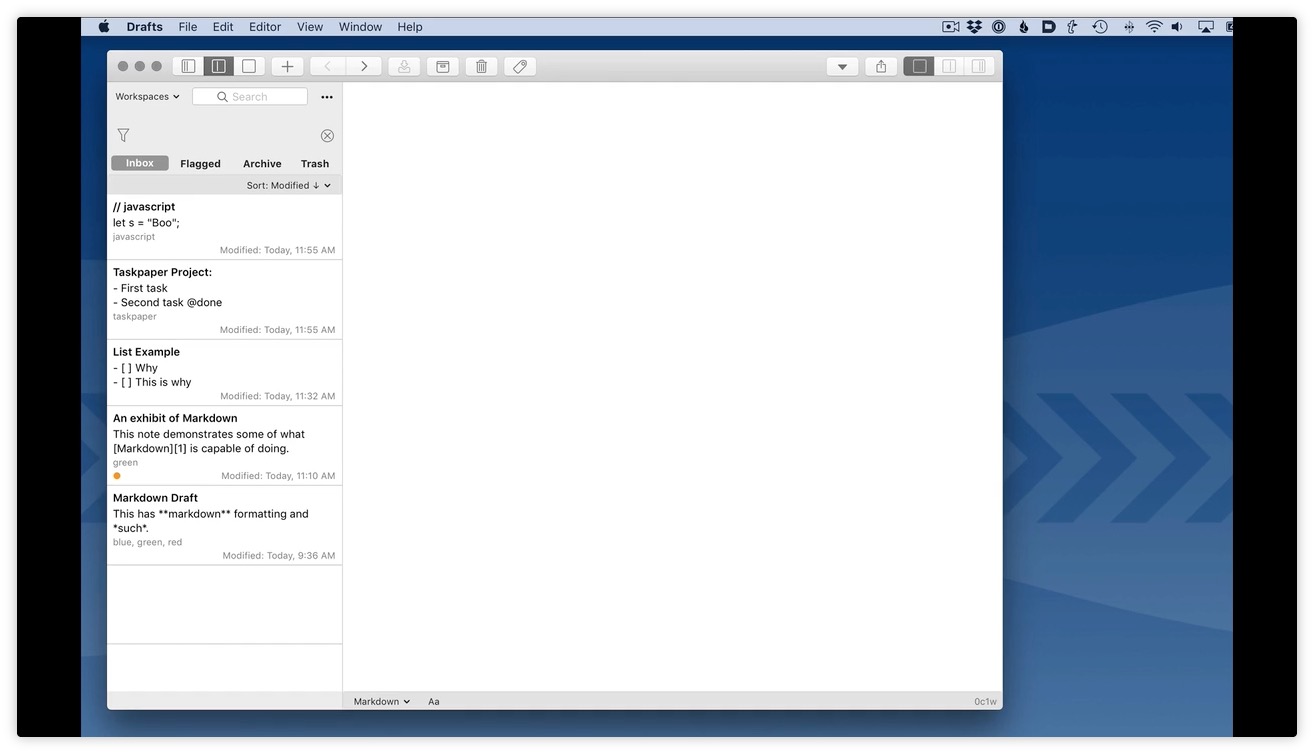
With Drafts for Mac, you'll never have to do this again. Photo: Charlie Sorrel/Cult of Mac
Drafts, the most useful app on iOS, is finally available for the Mac — in beta form at least. The beta can be downloaded right now, but you can only use it if you are already a Drafts Pro subscription. The Mac version of this text-wrangling masterpiece is already super-useful, and will sync perfectly with your existing iPhone and iPad versions.
Get access to a variety of Mac apps that range from lifestyle to productivity. Photo: Cult of Mac Deals
The App Store is a walled garden, meaning that you can get whatever app you want as long as Apple approves of it. So if you’re looking for a wider selection, you’ll have to look outside the App Store ecosystem.
With big discounts on new Macs, it’s a great time to upgrade. Photo: Cult of Mac
To make the most of your Mac, you’ve got to have the right apps. So we’ve rounded up four top-shelf apps at super-low prices. There’s a pair of powerful iTunes alternatives, a superpowered calendar app, and an enhanced contacts app.
Best of all, each is going for less than half the usual price!
Skip iTunes the next time you need to move data between your computer and iOS devices. Photo: Cult of Mac Deals
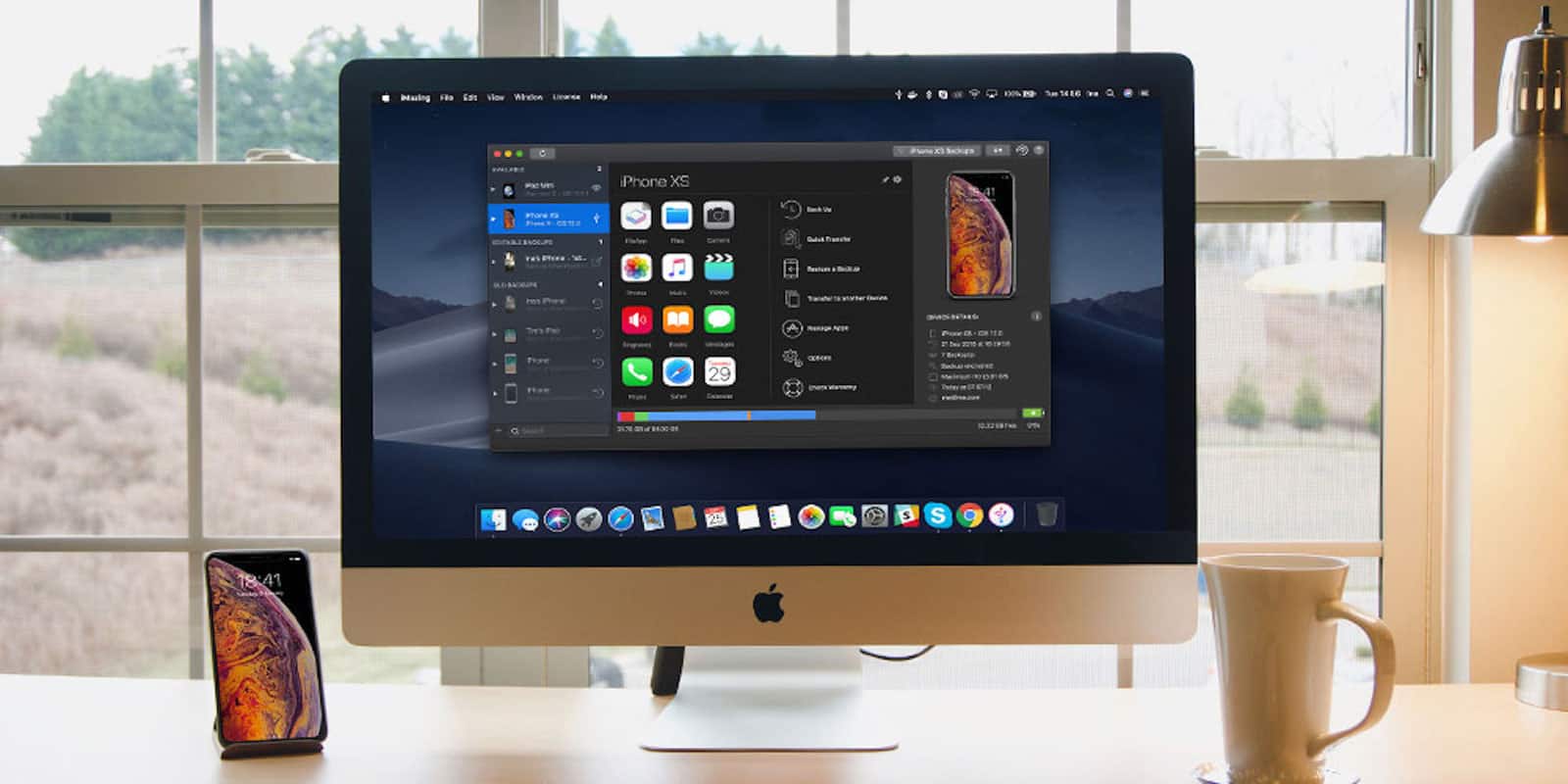
iTunes isn’t always your best friend. When it comes to managing mobile data and backups, you can do better. Luckily, there’s a straightforward iTunes alternative — iMazing.
Our own Leander Kahney calls it “the best way to transfer to a new iPhone,” but this powerful tool can do much more than ease you into your new iPhone XS or XR. And now Cult of Mac Deals is selling iMazing 2 for a whopping 75 percent off.
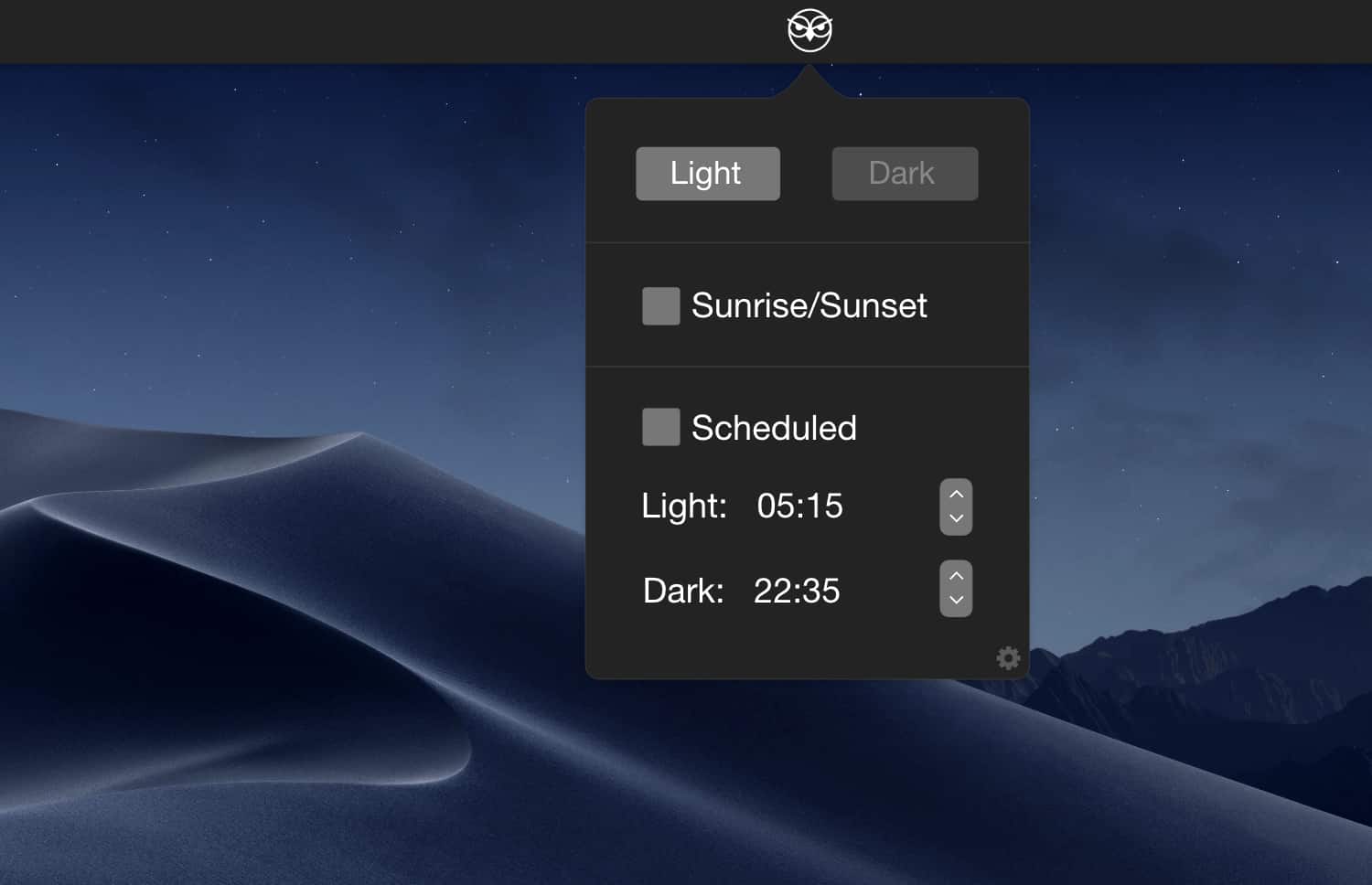
If you’re running macOS Mojave (and you really should be), probably one of the first things you did after installing it was to test Dark Mode. The new theme darkens the Mac interface and makes everything look cooler — apart from text, which is just harder to read.
But there’s no built-in way to have Dark Mode switch on automatically at sundown. That’s where NightOwl comes in. The free app switches your Mac between Dark Mode and the traditional lighter look automatically.
With task integration, cloud syncing, and customization options, this is a cut above your standard calendar for Mac. Photo: Cult of Mac Deals
We all count on our calendars to keep us organized and up-to-date. But even your well-worn iCal and Google Calendar could be more useful. For proof, just take a look at what BusyCal 3 can do.
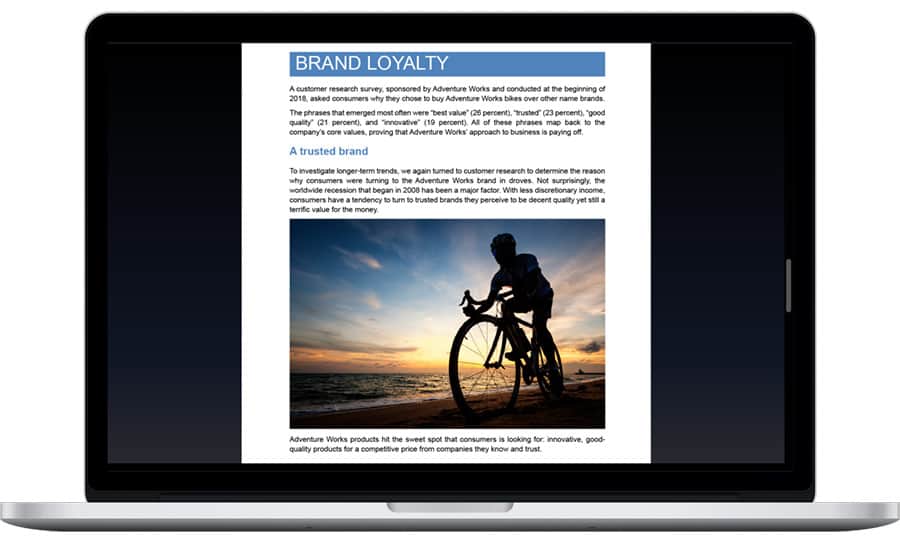
Among the new features in Office 2019 for Mac is Focus Mode in Word. Photo: Microsoft
Microsoft Office for Mac just got its first major update in years.Previews of the 2019 edition have been appearing for months, but the wait for the full version is over.
It brings loads of new features to Word, Excel, and PowerPoint.
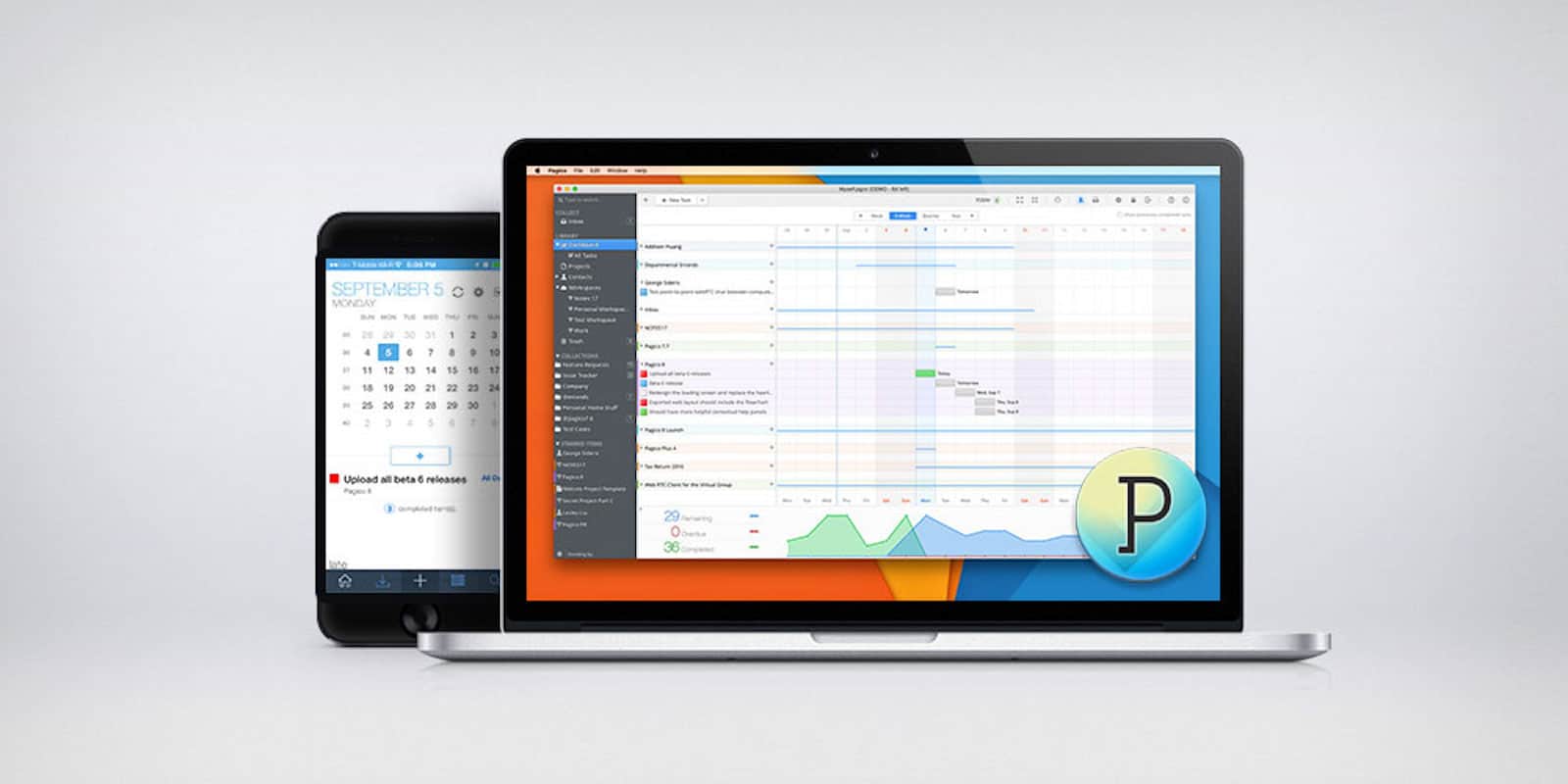
Pagico goes way beyond pen and paper to help you stay on-task and organized, and looks great in the process. Photo: Cult of Mac Deals
We all know adulting is hard, and staying on top of day-to-day tasks is a big task unto itself. Paper and pen are great for staying organized and capturing ideas. But we live in the digital age, so it pays to have digital tools.
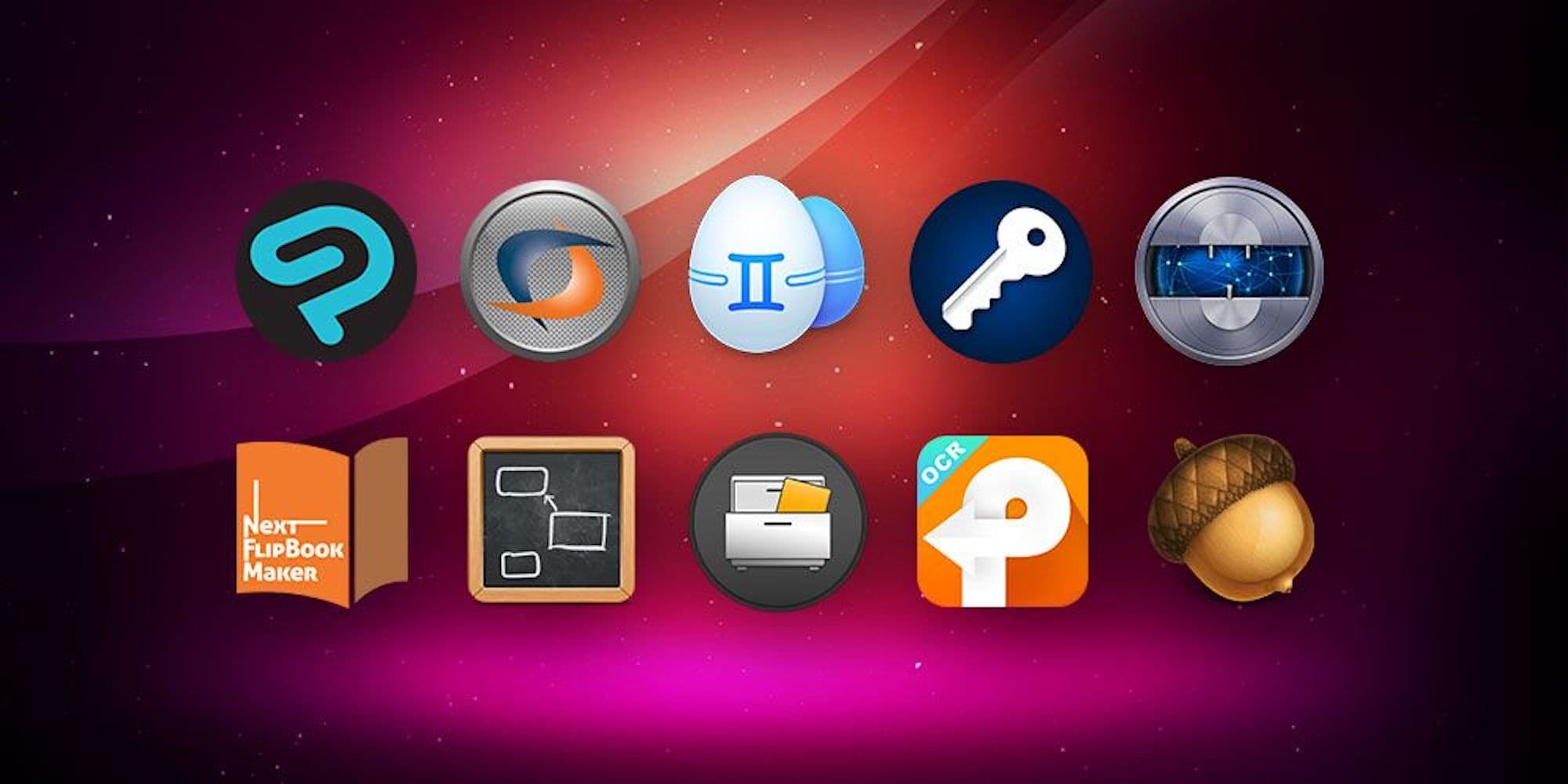
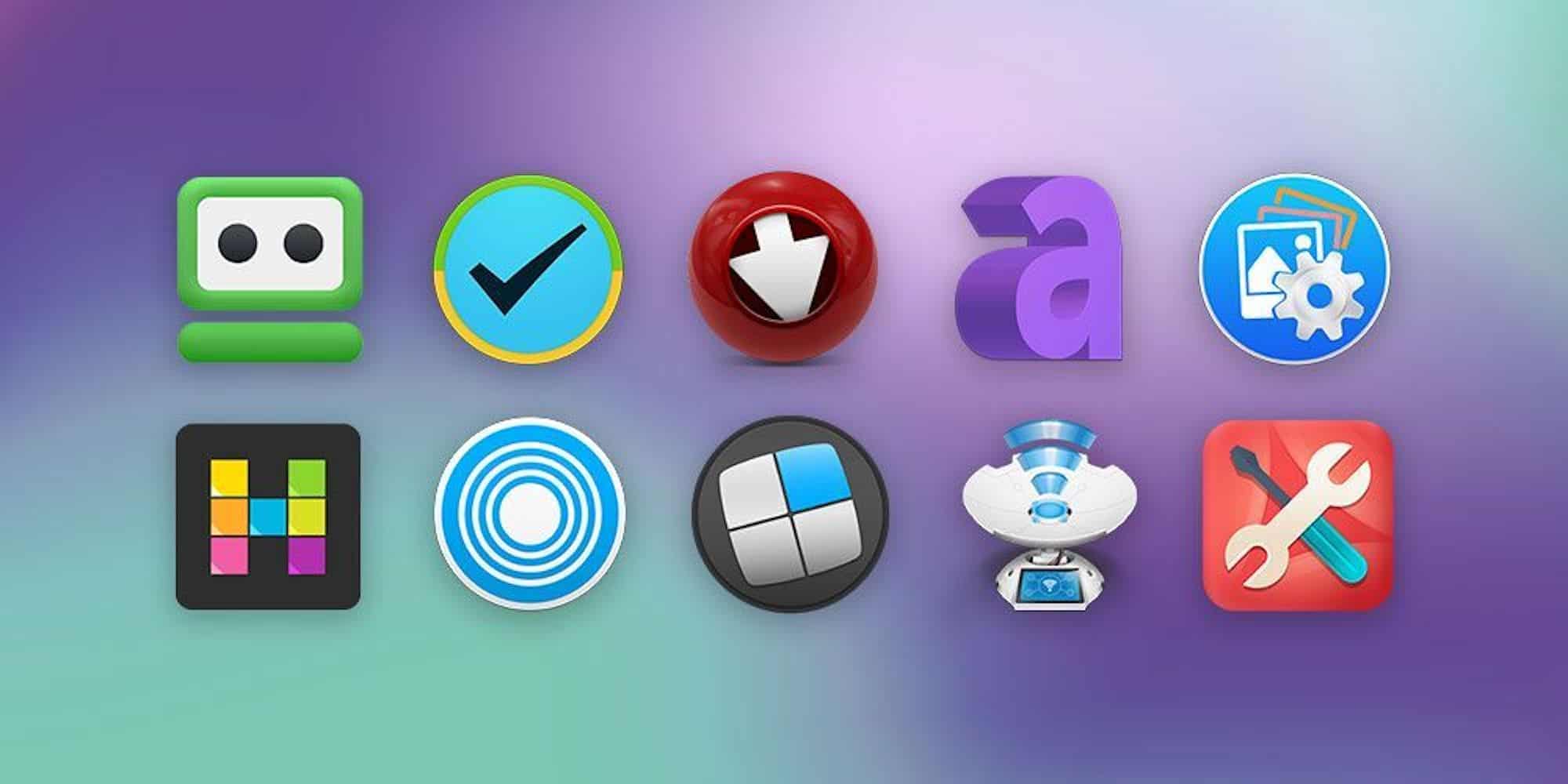
Name your price for a bundle of 10 top-shelf Mac apps. Photo: Cult of Mac Deals
When you get a Mac, you’ve got a machine with almost unlimited potential, limited only by the apps you use. This bundle of 10 apps is a great way to expand the possibilities of your Mac — and it’s yours for whatever you want to pay.
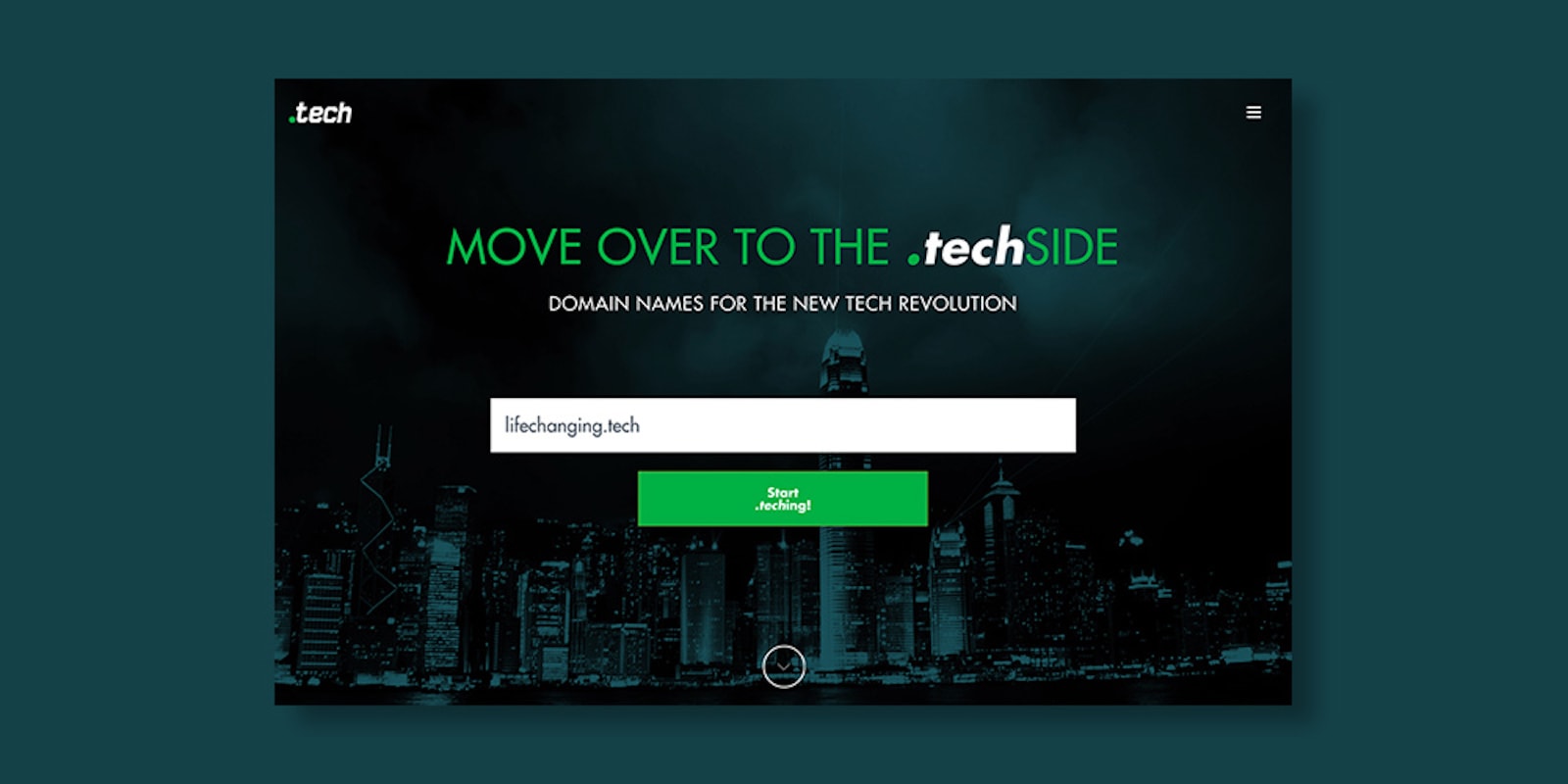
Set your website apart with a .TECH suffix, available for 10 years at a massive discount. Photo: Cult of Mac Deals
Enjoy the fruits of your labor this weekend with sales. This specific sale isn’t limited to just physical goods like power banks, a Macbook Pro, or even a gimbal for your precious iPhone X. Check out these four digital deals and save an extra 15% off with the coupon code: LABORDAY15.
Drafts is on its way to the Mac. Photo: Agile Tortoise
Drafts, the best text notes/writing/wrangling app on iOS, is coming soon to the Mac. Drafts, for those who haven’t tried it, is a kind of universal inbox for text. Whenever you want to write something — a note, an email, a blog post or an essay — you launch Drafts and start typing.
It’s always ready with a blank page. Then, when you’re done, you can use Drafts’ many, many actions to send that text elsewhere — beautifully formatted for the Notes app, as a list to the Reminders app, as a post to Twitter, a task in Things, etc. The list is almost endless thanks to a shared directory of new actions that can be installed with one click.
Until now, Drafts has been iOS-only. But soon, probably later this year, it’s coming to the Mac.
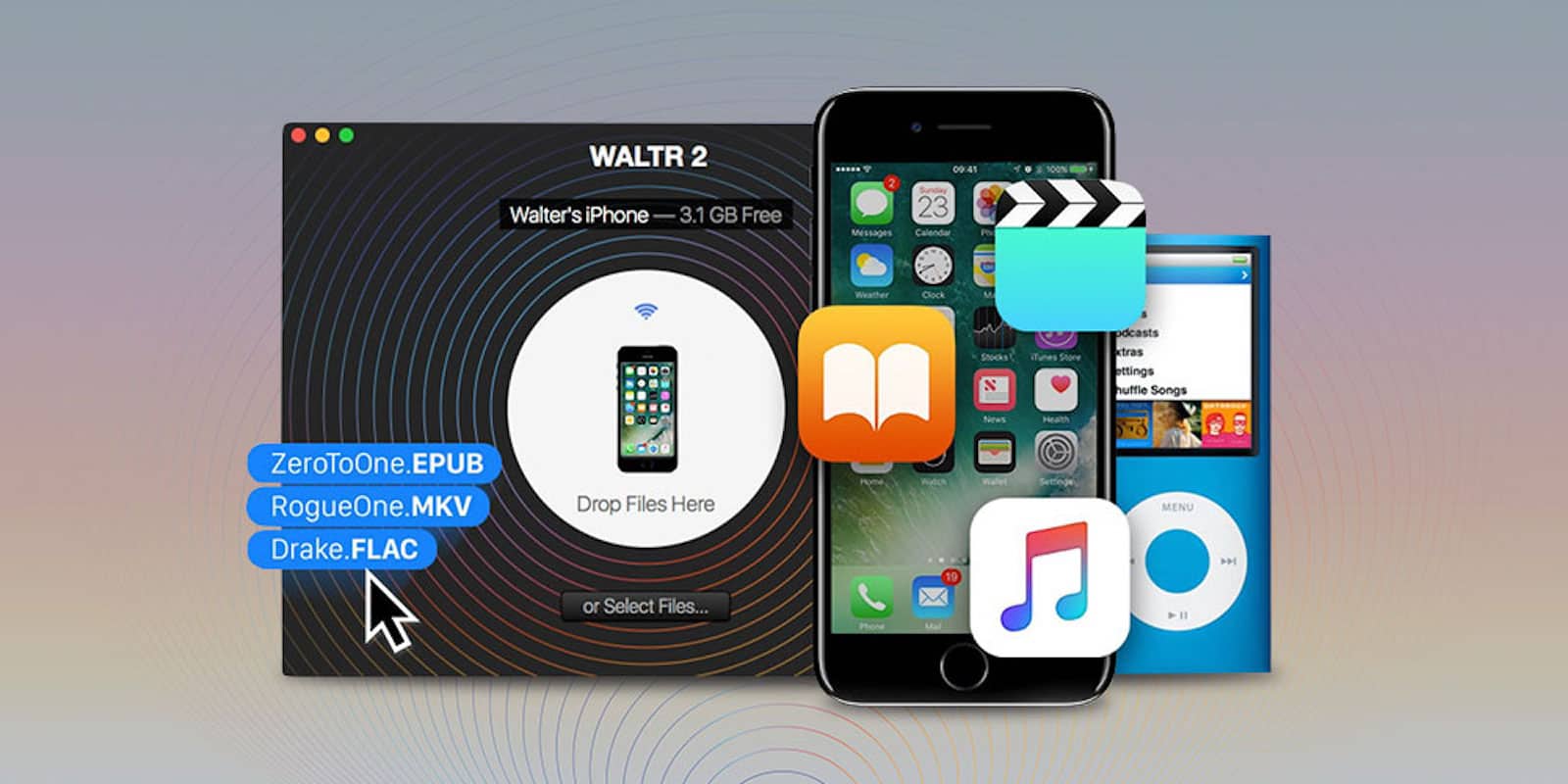
Easily move files among all your Apple devices without wires, converters or other headaches. Photo: Cult of Mac Deals
When you want to move files among your Mac and iOS devices, you probably use iTunes. But Apple’s software isn’t always cooperative, especially if your files need converting. Luckily, there’s another option that skips all the fuss.