Mobile menu toggle

iPhone accessories - page 23

Get your iPhone ready for summer tunes, pics and trips [Deals]
By

Exomount
Get in gear with the toys of summer.
Photo: Cult of Mac Deals
Summer’s here, but it’ll be gone before you know it. We’ve got some great gear and gadgets to make sure you get the most juice out of your iPhone before the fall. We’ve got water-resistant earbuds, a sturdy car mount, a set of iPhone camera lenses and a proper Bluetooth boombox. Take a look, and get your iPhone summer-ready:

This Bluetooth speaker lives up to the name ‘boombox’ [Deals]

By

G-Boom
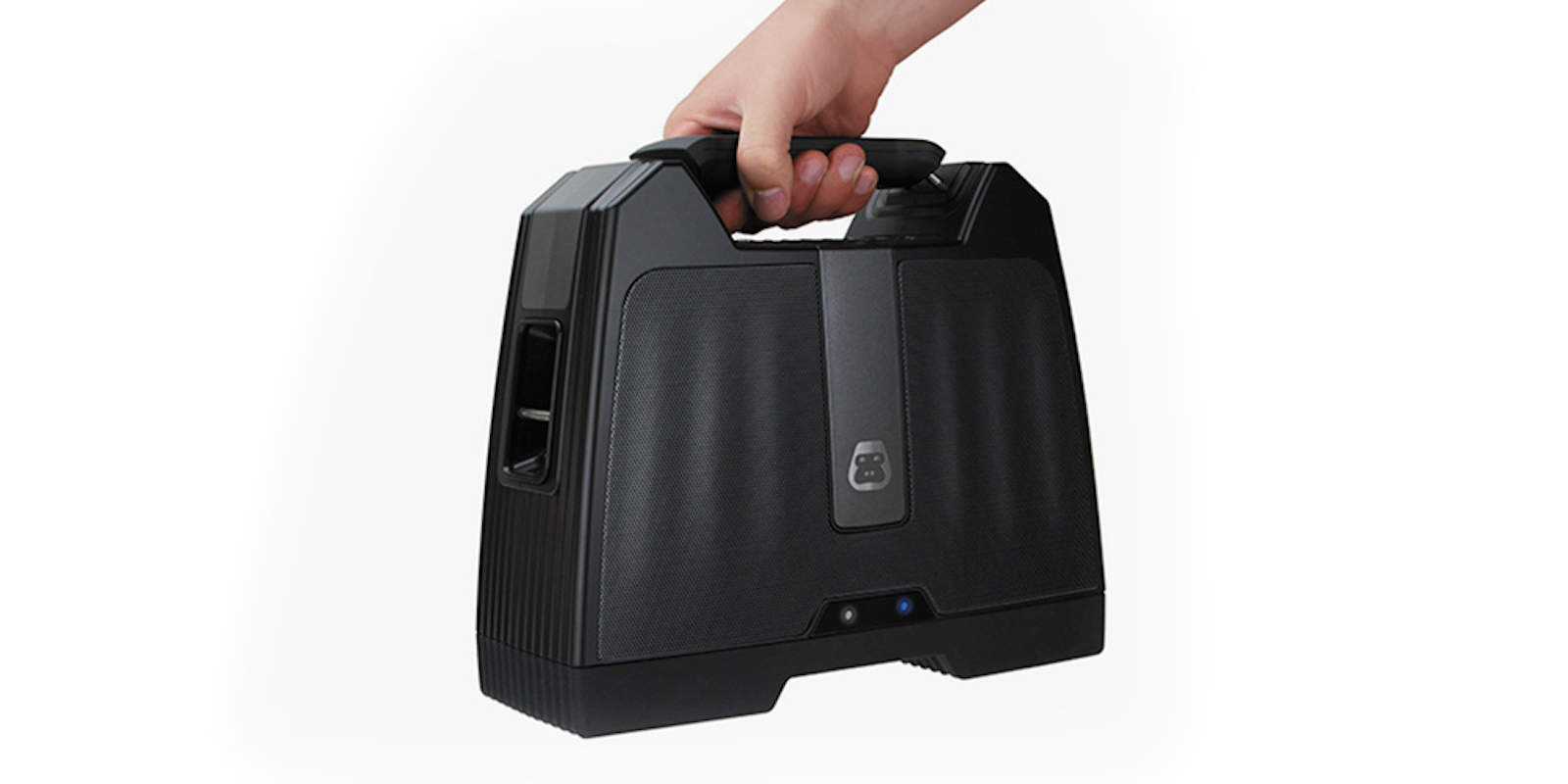
The G-BOOM is ready to rock the block.
Photo: Cult of Mac Deals

What ever happened to the boombox, the chunky sound blaster built to bring the noise anywhere, and built to last? With all the effete Bluetooth speakers on the market — designed to be compact and pretty — the G-BOOM does away with pretense and gets right to the point.

This thing is tough, with rubber feet, a big, dumb handle on top that begs you to take the G-BOOM with you, and a sturdy build with plenty of space for the speaker’s powerful sound driver. Of course it also packs in all the nifty wireless features you’d ever want. It’s a modern take on the classic boombox that’s just $79.99 at Cult of Mac Deals.

The Donald trumps his challengers in iPhone case sales

By

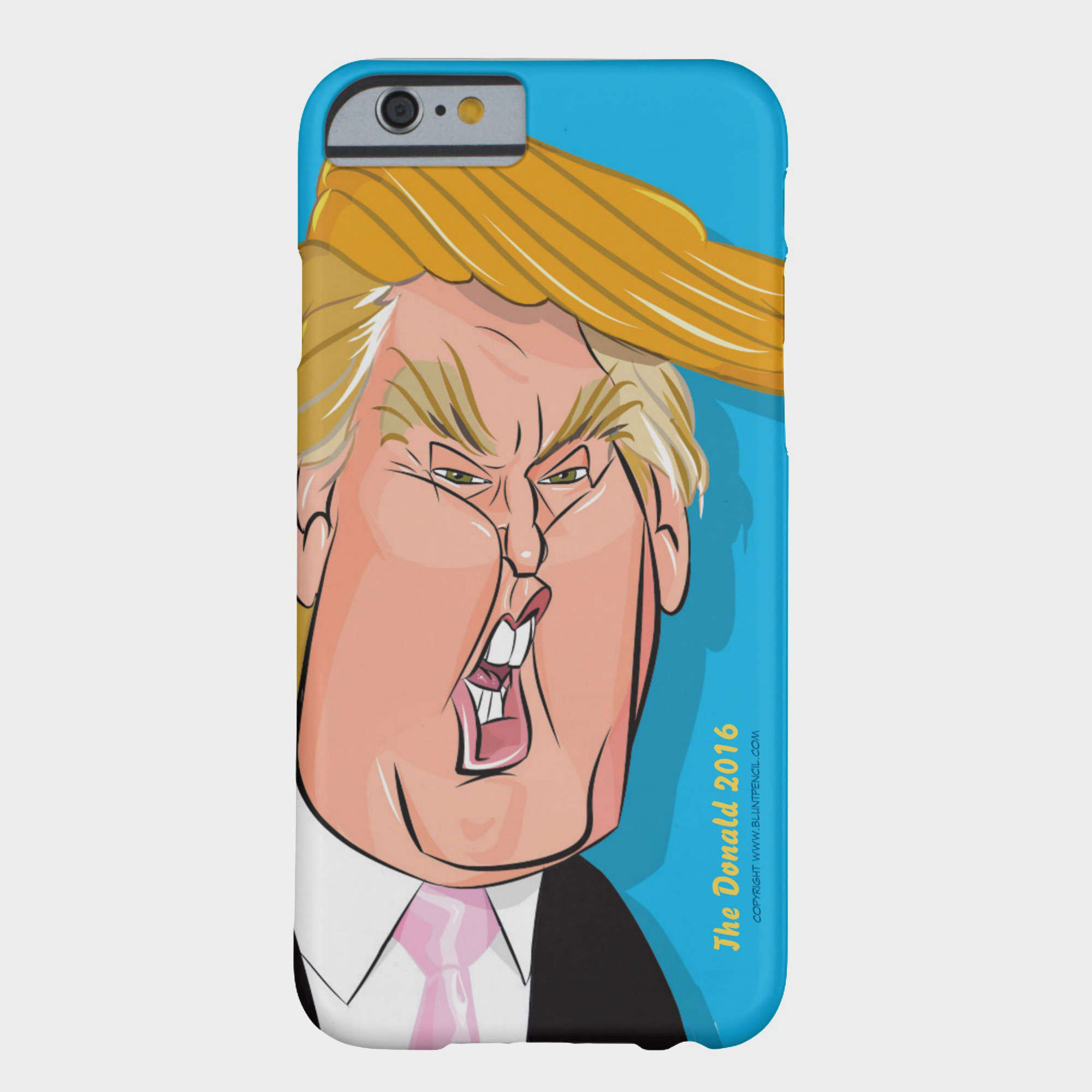
If you comb over the many smartphone cases at Zazzle, you will find this caricature of Donald Trump.
Photo: Zazzle

Forget political polls. The real horse race is in iPhone cases — and Donald Trump is dominating the field.

Whether it is the proud, orange face of Trump as Uncle Sam or a slogan that encourages others not to vote for him, The Donald is yuuuuuge.

Your Lightning cables look like sissies next to these [Deals]

By

CoM - Armour Cable

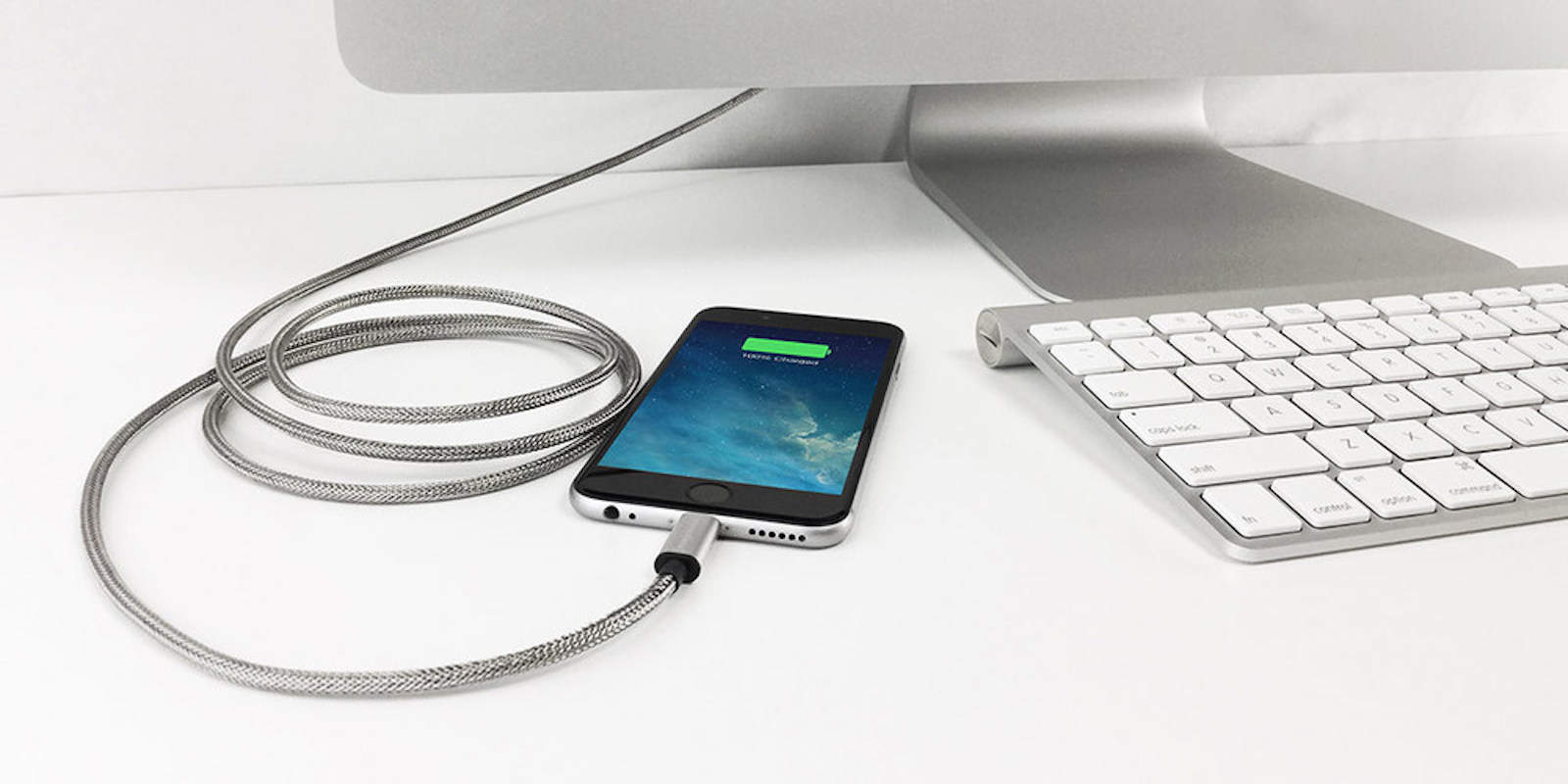
When Iron Man charges his iPhone, he probably uses one of Armour’s Lightning cables. These sleek, steel-lined, MFi-certified, charging devices are built to last. In fact, they come with a limited lifetime warranty, making them the last Lightning chargers you’ll ever need to buy. Right now they’re going at a big discount, so take a look and upgrade your charging game.

Always on the go? Stay charged with a pair of MFi-certified Lightning cables [Deals]

By

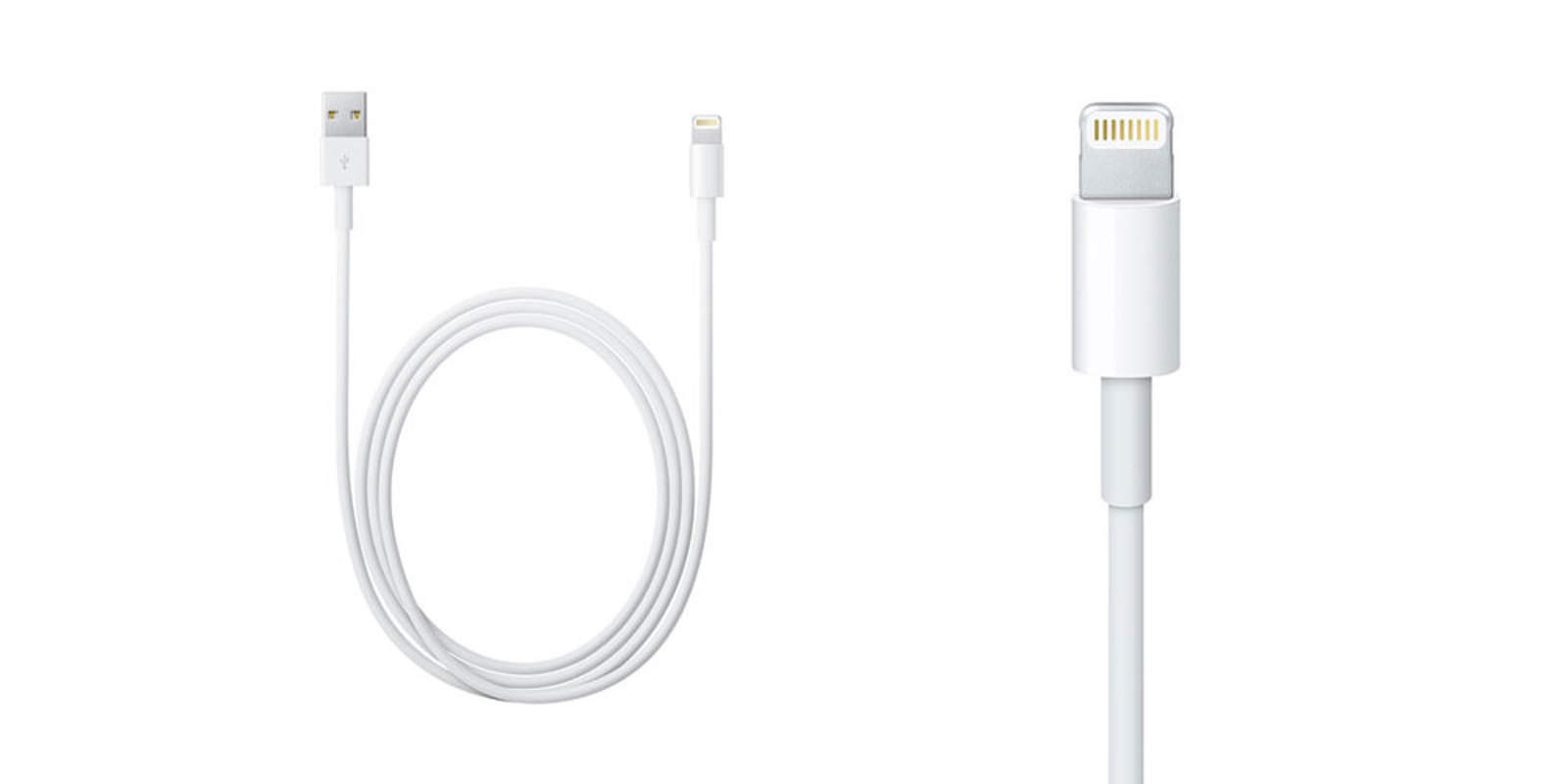
These two, 2-meter long Lightning cables are going for less than a single, standard one.
This pair of 2-meter Lightning cables is going for less than a single usually costs.
Photo: Cult of Mac Deals

Whether you need an extra Lightning cable for the office or the weekend getaway bag, it’s always clutch to have a spare. And, let’s be honest, the standard Lightning cable that came with your iPhone has probably seen better days. Usually running upward of $20, this 2-meter, MFi-certified Lightning cable set costs just $12.99 — a total of 77 percent off the normal price. With a reach of 2 meters, you won’t have to worry about getting out of bed in the middle of Game of Thrones to charge your iPhone.

Buy now: Pick up a pair of 2-meter MFi-certified Lightning cables at 77 percent less than what you’d normally pay.

Withings’ futuristic scale measures cardiac health

By

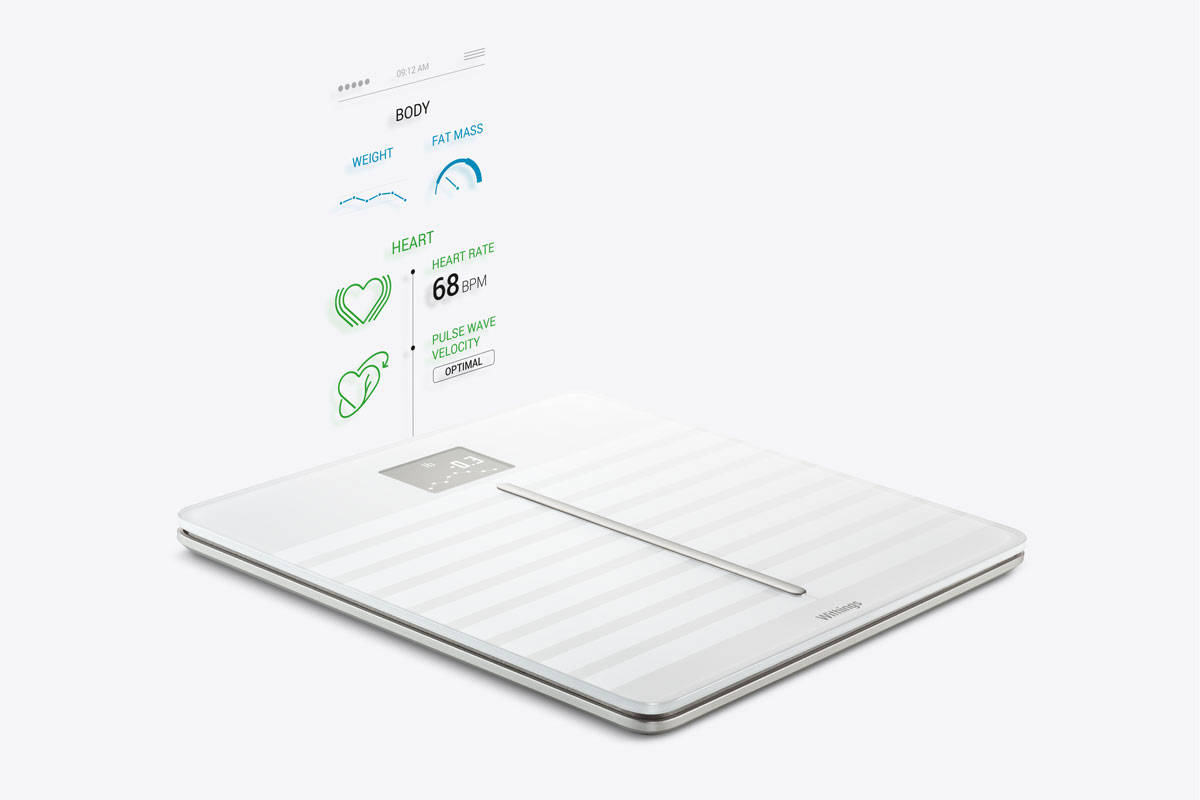
The Body Cardio uses PWV to measure your heart's health.
Photo: Withings

Getting a checkup on the old ticker used to require a visit to the doctor, but thanks to Withings’ incredibly smart new device, soon all you’ll need to do is put your feet on a scale.

The new Withings Body Cardio is trying to completely change the expectations of the modern scale by adding a technology called Pulse Wave Velocity to get a holistic view of your health by measuring your weight, BMI, body composition, and most important of all, cardiac health.

Any time, any place, keep your Apple devices juiced [Deals]

By

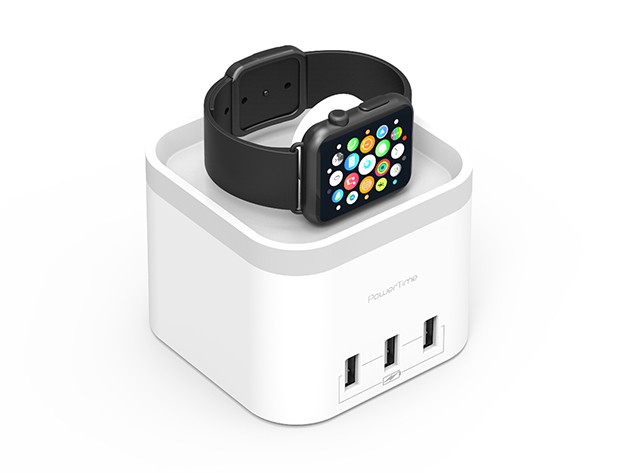
Wirelessly charge your Apple Watch, and up to 4 USB devices all at once.
Juice up your Apple Watch and three USB devices with this handy charger.
Photo: Cult of Mac Deals

We take our iPhones, iPads, Apple Watches and MacBooks everywhere with us, which means there are that many more chances for a dead battery (and a lot fewer available outlets). Whether at home, in a packed car, on a plane or in another country, these Apple chargers will make sure you’ve got access to power when you need it.

How to transfer your iPhone media to Mac (and back again)

By

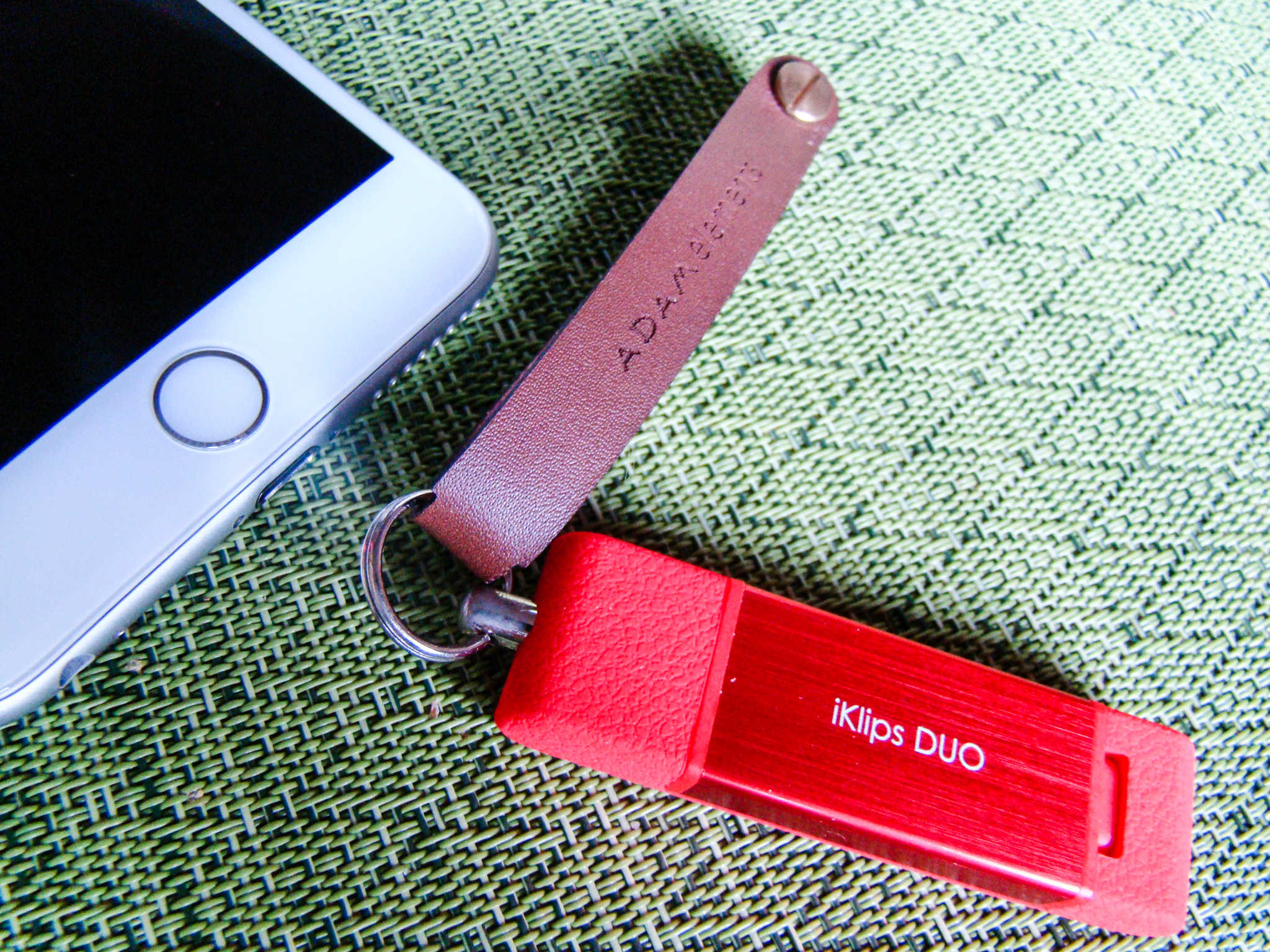
Back up your iPhone to your Mac on the go.
Photo: Rob LeFebvre/Cult of Mac

Want a quick way to move your photos, music and documents from your iPhone to your Mac? What about backing up your iPhone on the go?

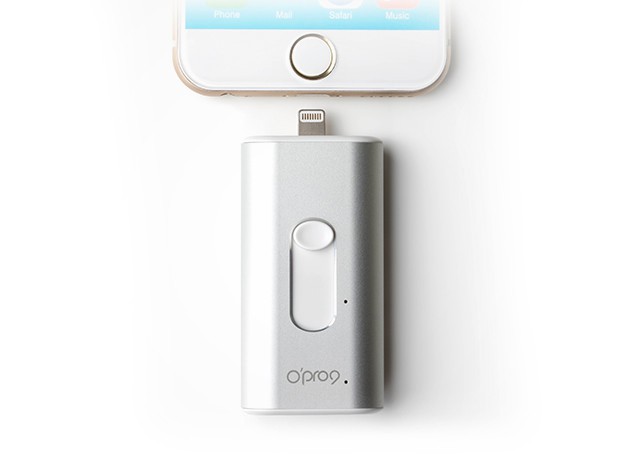
iKlips Duo is an innovative little gadget that will do both. It’s a well-made, MFi-certified USB stick that lets you connect to your iPhone (or iPad) via its Lightning port and to your Mac via a USB 3 port. Toss it in your bag and rest assured that you’ve always got a way to get your data off your iOS device.

It’s simple, easy and doesn’t require iTunes or iCloud. Here’s how to transfer your iPhone media to your Mac or PC, and then put it back, if you like, using the iKlips Duo.

iPhone drive adds storage, stays out of your way [Reviews]

By

SanDisk iXpand flash drive
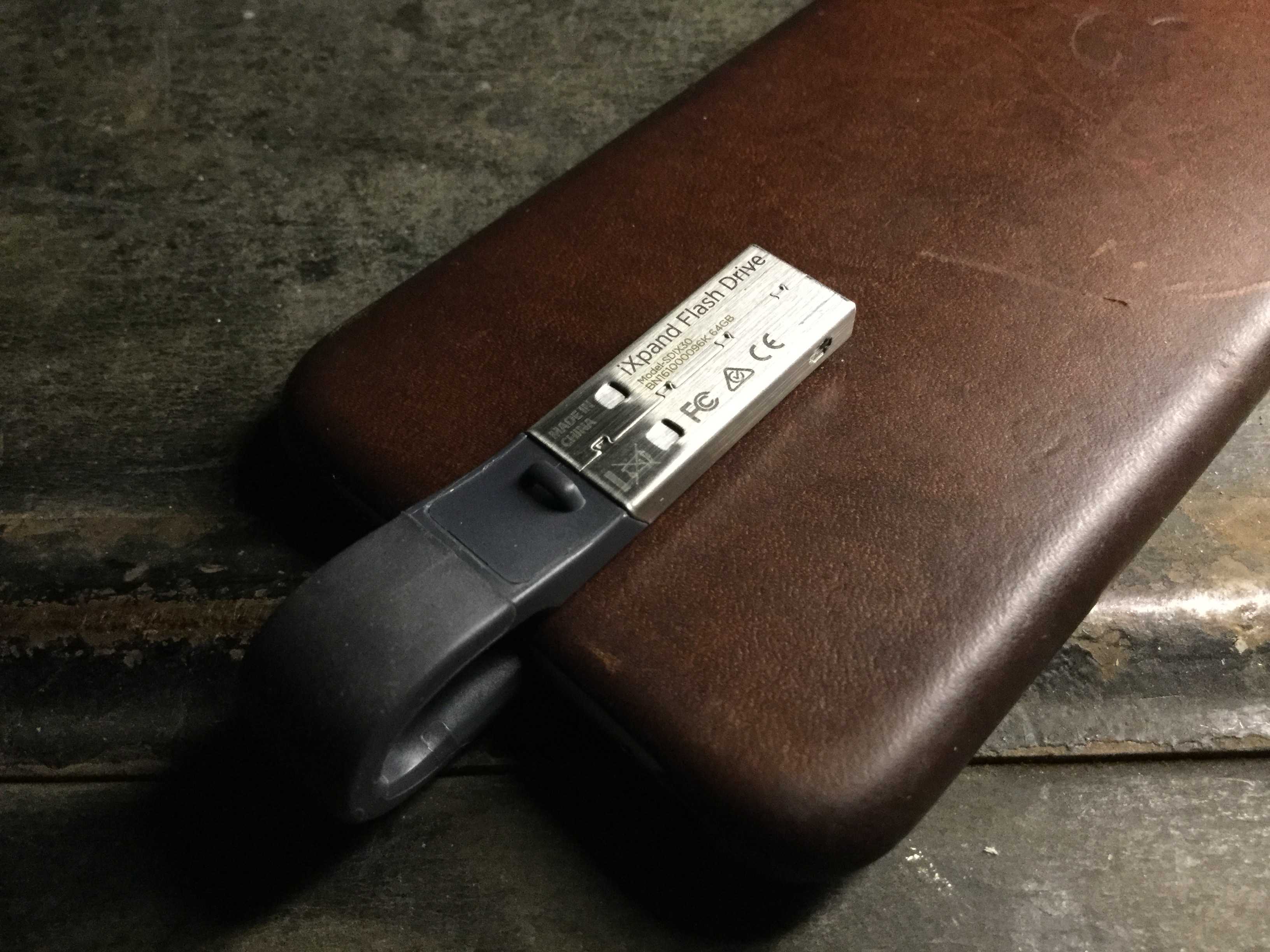
You'll barely even know the SanDisk iXpand is there.
Photo: Evan Killham/Cult of Mac

Budget-minded iPhone owners have gotten used to making do with a meager 16GB of memory on their devices, but it’s annoying and may not be worth the money you’ve saved. But the market has no shortage of iPhone-friendly flash drives to make your life easier, and the new version of the SanDisk iXpand is one of the cooler ones we’ve seen.

Not only does it offer a bunch of different storage sizes and a really slick app to keep everything straight, but the makers also designed it to be as unobtrusive as possible. Basically, you can keep it plugged into your iPhone all the time, and you’ll barely even notice it. And that’s more than we can say about most of the phone accessories we carry around.

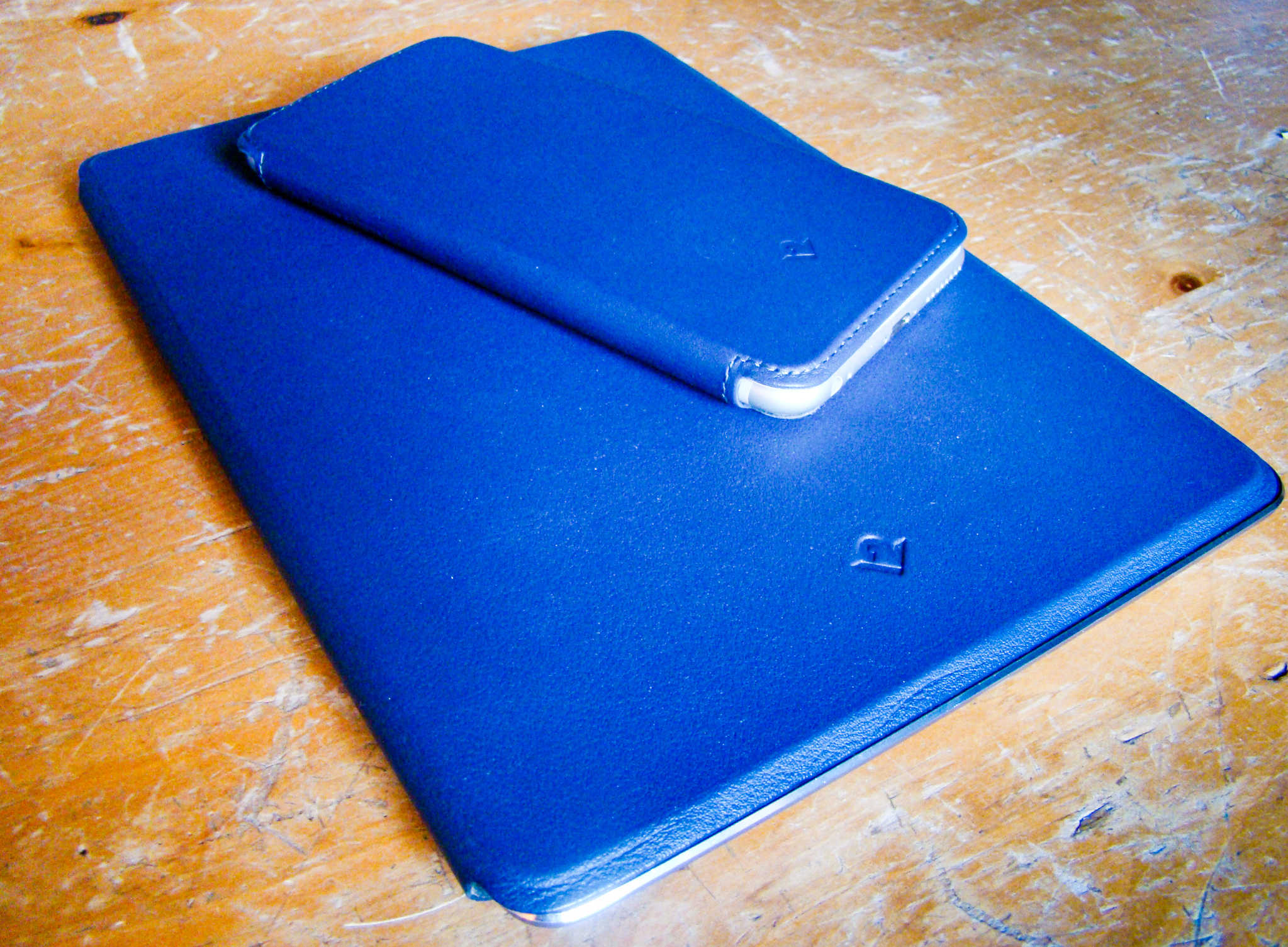
Wrap your iPad and iPhone in luxurious leather [Reviews]

By

These lovely, leather folios are delightfully classy.
Photo: Rob LeFebvre/Cult of Mac

SurfacePad for iPhone and iPad solves a problem I have with most folio-style cases.

These tend to cover up too much of the gorgeous Apple design without giving much in return. There’s always a trade-off between form and function. If you’re going to hide the gleaming Apple devices behind a case, at least make it look as classy and useful as Apple does.

The SurfacePad for folio cases from Twelve South are delightfully minimal, covering the front and rear of your iPad or iPhone in luxurious leather without sacrificing a refined look.

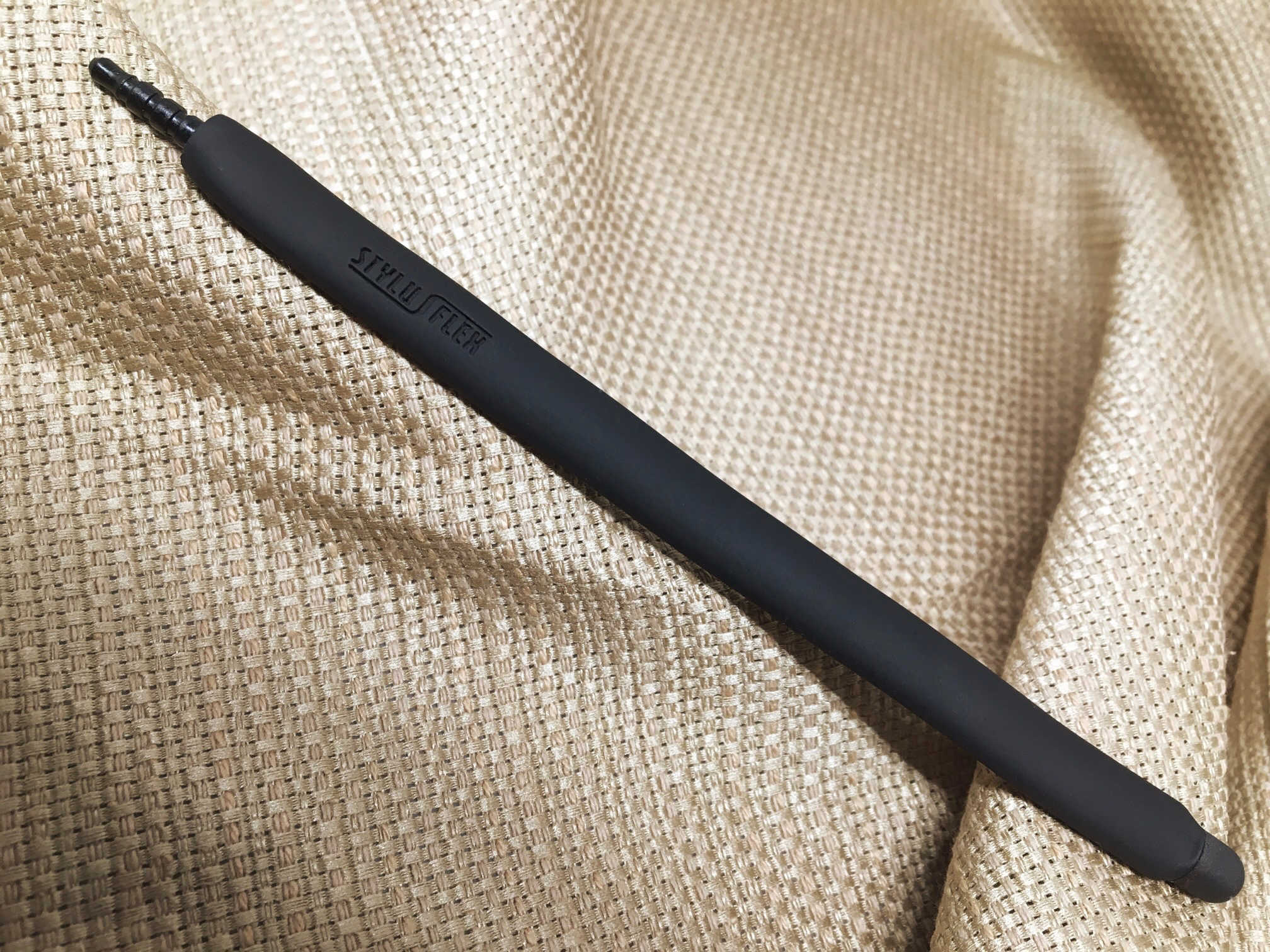
Flexible stylus has some cool hidden talents [Reviews]

By

StylusFlex
The StylusFlex does a bit more than just let you poke at your screen.
Photo: Evan Killham/Cult of Mac

StylusFlex

Most people don’t use a stylus with their iPhones, and late Apple co-founder Steve Jobs wouldn’t want them to. But the StylusFlex might change a few minds because it’s not simply a substitute for the five styli you have at the end of your arm.

You have plenty of reasons to just stick with your fingers when you’re using your iPhone or iPad, and this device seems to realize that. That’s why it does a few extra things that might help it earn its keep.

These accessories will give your iDevices a new lease on life [Deals]

By

7744fe9841bf3ce69dd4ebe97d4074692a3e24e0_main_hero_image
Take your iPhone or iPad to the next level with these cool accessories.
Photo: Cult of Mac Deals
You love your iPhone, you love your iPad, but what if you could make them even more worthy of your (let’s be honest, slightly creepy) affection?

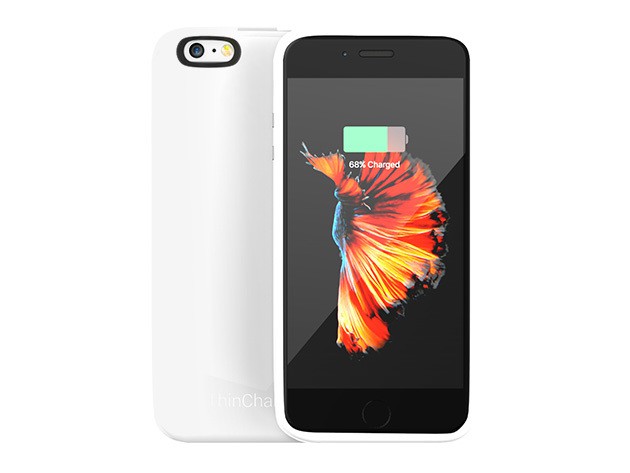
We’ve found four peripherals that’ll enhance, protect and expand the capabilities of your favorite iDevice. From glow-in-the-dark charging cables to slim charging cases and flexible mounts, there’s something here anybody can enjoy. Take a look!

Add a secure external drive to your iOS device [Deals]

By

Instantly add 32 gigs of fast, secure storage to your iOs device with this pocket size drive.
Instantly add 32 gigs of fast, secure storage to your iOS device with this pocket-size drive.
Photo: Cult of Mac Deals
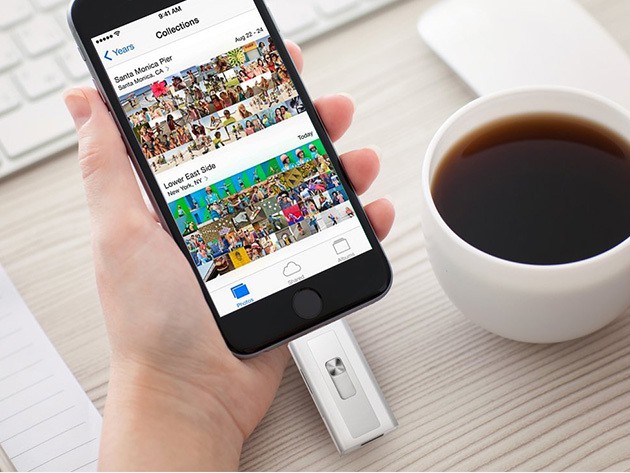
Plenty of people complain about the limited space on their iPhone or iPad, but what can you really do about it? Well, getting an iSafe Drive Lite is a great start. It’s a palm-size drive that adds 32GB of secure storage to your iOS phone or tablet. It’s also the first-ever MFI-certified storage device built specifically for iOS, and right now you can get one for just $69.

Best iPhone tripods and mounts for photographers

By

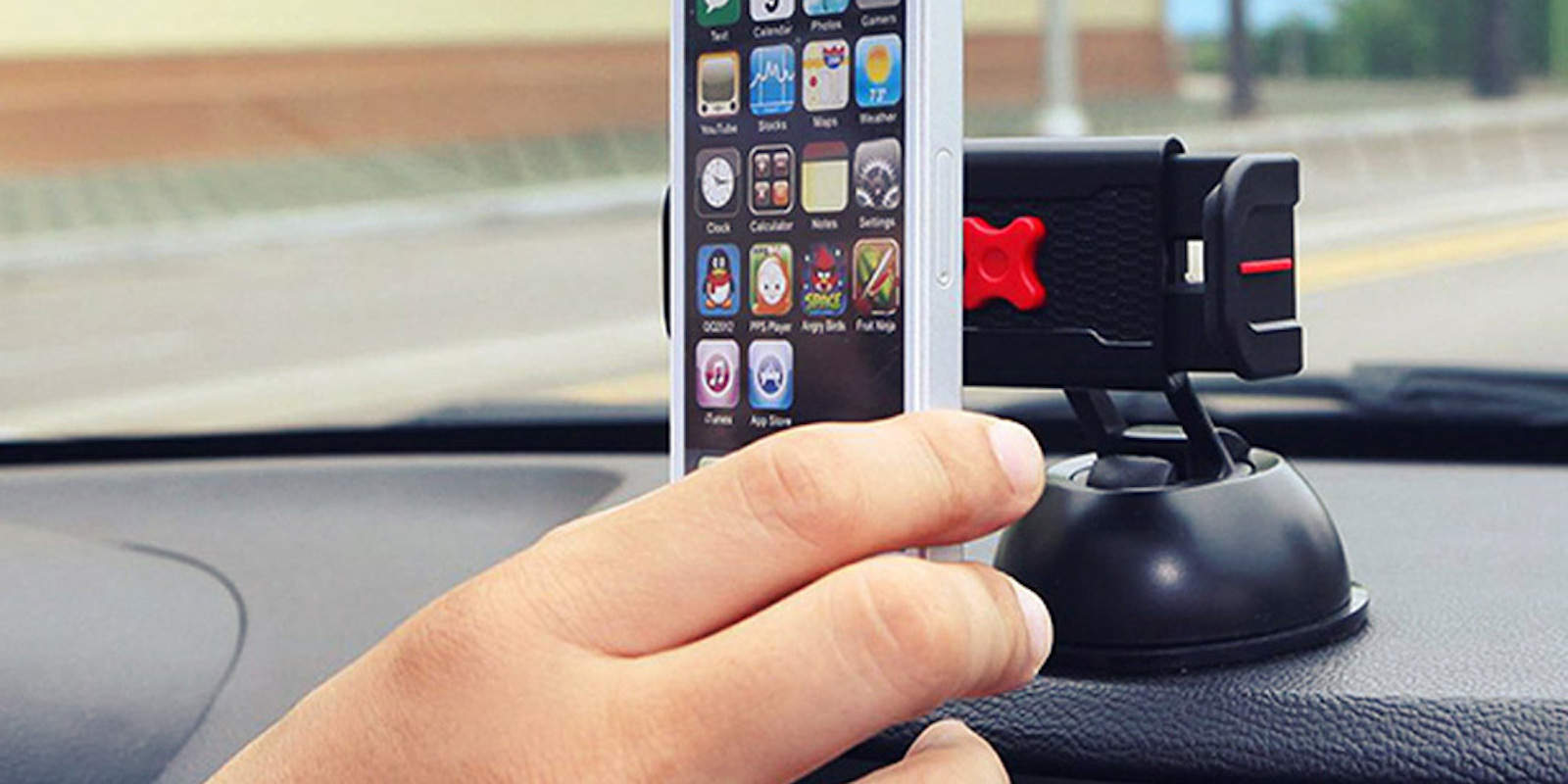
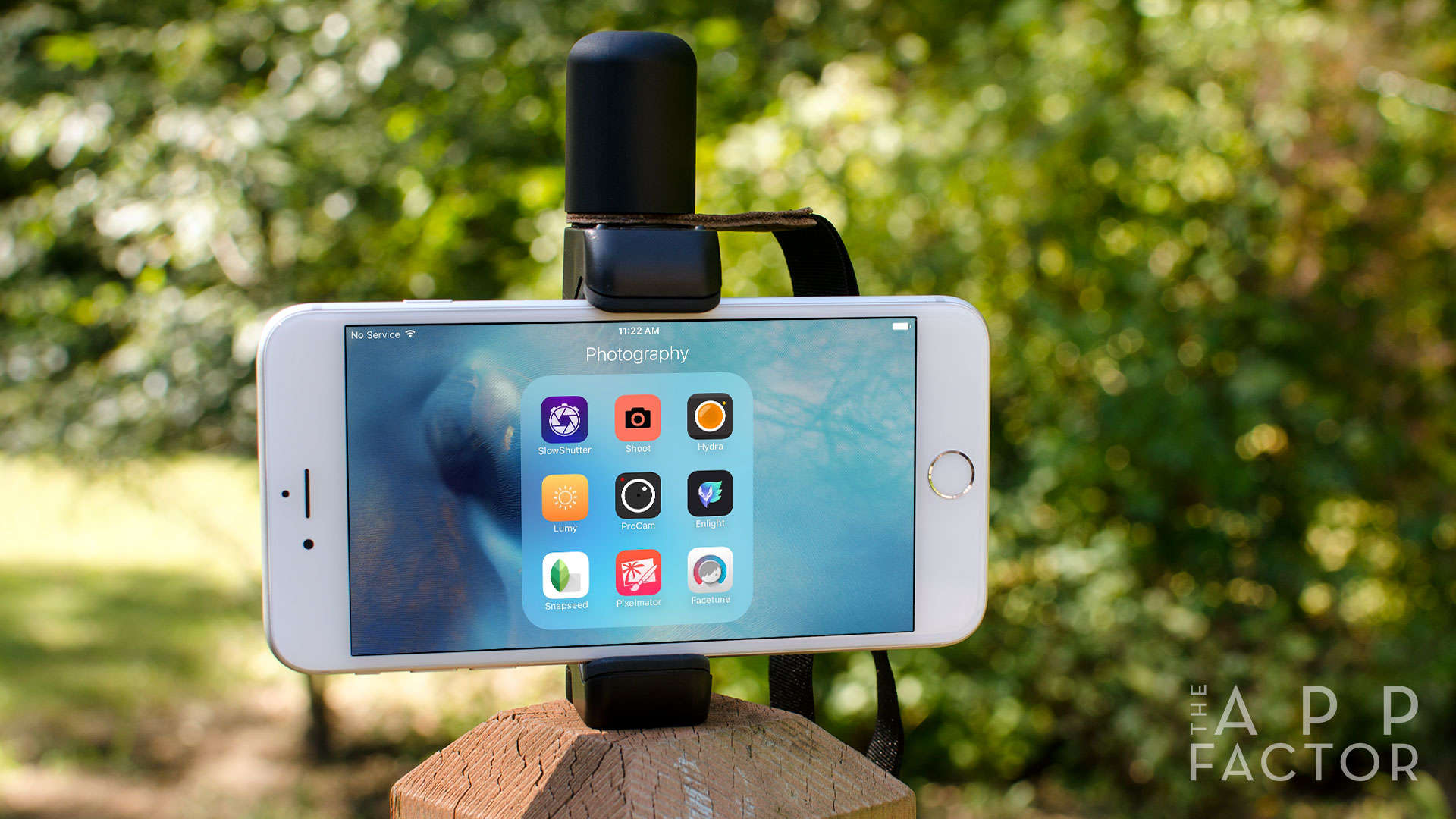
Looking for some great iPhone photography accessories for your gear bag? Here are the best tripods and mounts!
Photo: Ally Kazmucha/The App Factor

app-factor-logo-thumbnailIn a few weeks, my partner and I are heading to London and Iceland for a two-week vacation. While London definitely isn’t a first for us, Iceland is. This trip also marks another important first for me: It’s the very first time I’m leaving my DSLR at home. I’ll be relying solely on my iPhone 6s Plus for all my photos.

A dual flash drive perfect for transferring data between iOS devices [Deals]

By

iKlips makes it easy to store and transfer data for any iOS device.
Photo: Cult of Mac Deals

The iKlips might be the easiest and fastest data storage and transfer option for iOS devices. At 32 gigs, it’s got a USB on one end and a Lightning on the other, making it easy to access your music, photos, documents, and more at a moment’s notice. Right now a 32 gig iKlips drive is just $65.

6 must-have iPhone and iPad accessories for musicians [Reviews]

By

The iPhone and iPad are great companions on and off the stage with the help of these amazing accessories.
Photo: Austin Prock/Unsplash

app-factor-logo-thumbnail iPhones and iPads have become more than just media-consumption devices in so many ways. From using an iPad as a virtual cookbook to using it as a portable way to develop a website, the iPad and iPhone are extremely useful in everyday life. One of the biggest categories where these devices have made a huge difference is music.

Best charging docks for iPhone and iPad

By

When it comes to charging docks, not all are created equal. Here are my favorite two and why I like them better than everything else out there.
Photo: Ally Kazmucha/The App Factor

app-factor-logo-thumbnailIf there’s a single iPhone and iPad accessory I consider myself to be the most picky about, it would be charging docks and stands. While there isn’t a shortage of options, let’s be honest, most of them aren’t that great. They either don’t dock securely or they’re obsolete when a new iPhone or iPad form factor comes out.

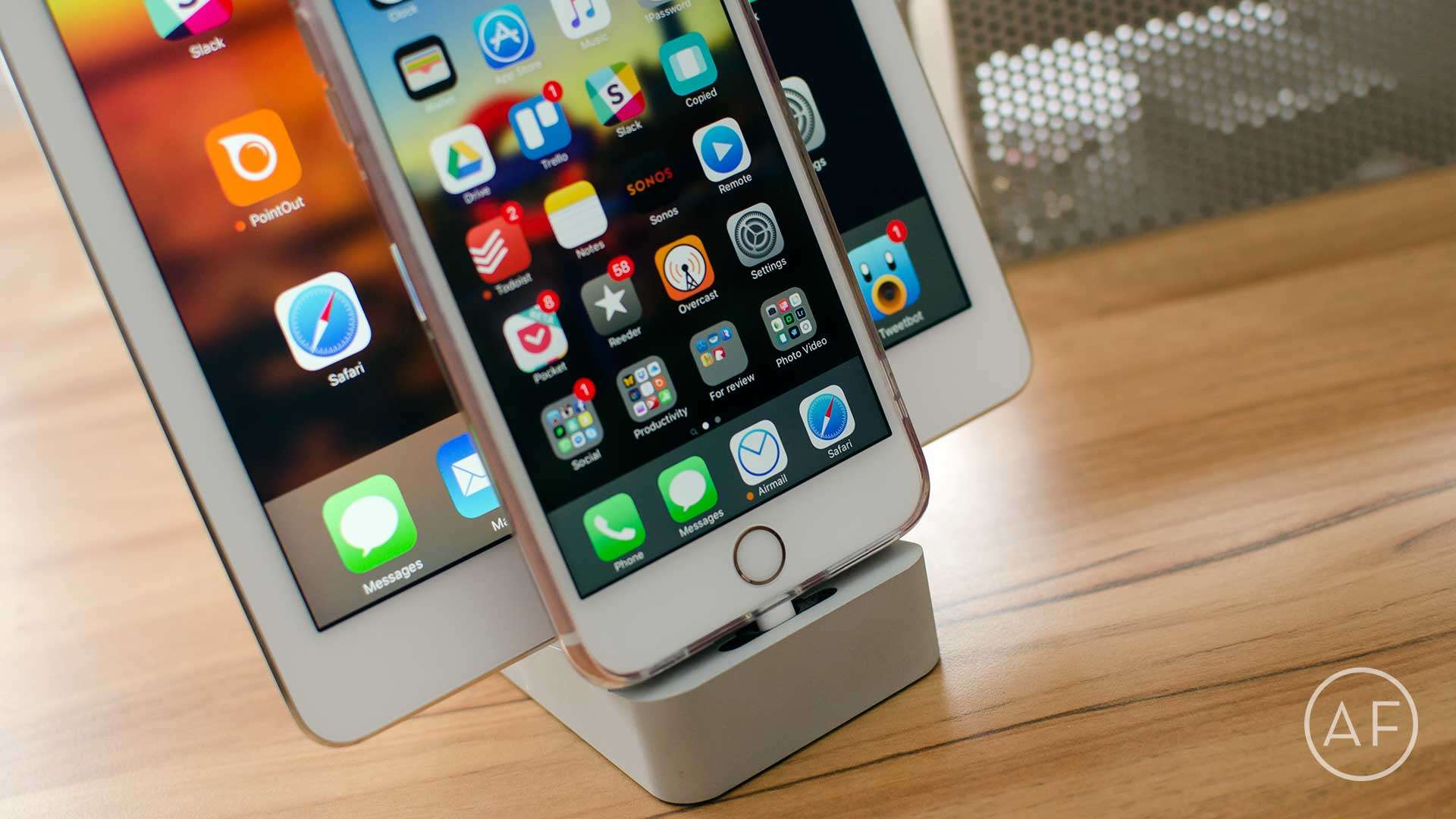
That’s why I’ve narrowed down my vote for best iPhone and iPad charging docks to only two candidates. Yep, just two. Here’s what they are and why I think they’re better than most:

Instantly add gigs of capacity to your iPhone or iPad [Deals]

By

Add up to 128 gigs of Micro SD storage directly to your iDevice via Lightning or USB 3.0.

A gig sure isn’t what it used to be. Give it a few months and that capacious new iPhone of yours is going to be busting at the seams from too many bytes. Thankfully you don’t have to get a new phone, go on a data diet or even look to the cloud for help, just add up to 128 gigs of extra storage with Xtra’s Lightning Flash Drive. Right now you can get one for just $71.99, including a 16GB micro SD card.

Best iPhone, iPad, and Apple Watch accessories for frequent travelers

By

7 must-have accessories for the iPhone, iPad, and Apple Watch owner on the go.
Photo: Unsplash

app-factor-logo-thumbnailI travel frequently, both for work and for pleasure. Over the past few years I’ve found certain accessories I just can’t live without. Whether I’m walking out the door to a coffee shop or I am getting on a plane and need to pack more serious gear, these are the travel accessories I couldn’t live without when it comes to iPhone, iPad, and Apple Watch.

iPhone case lets you record phone conversations

By

The JIC case for iPhone lets you instantly begin recording a phone conversation with the touch of a button.
Photo: JIC

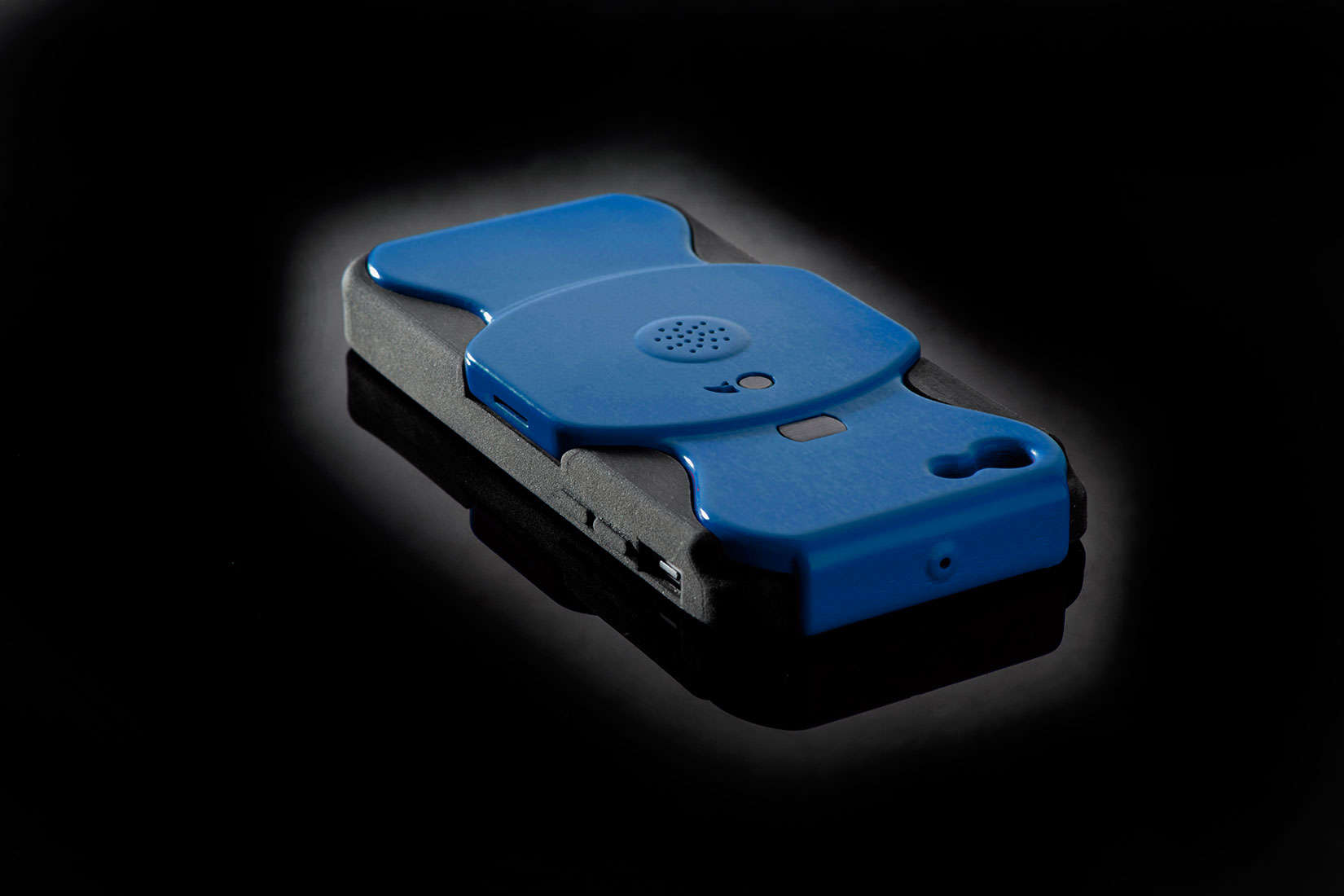
There’s no great way to record phone conversations. Apps and recording services come with fees and limitations. There’s my clunky way – putting the phone on speaker with my digital recorder nearby – but I will often lose a good quote from some sudden outside noise.

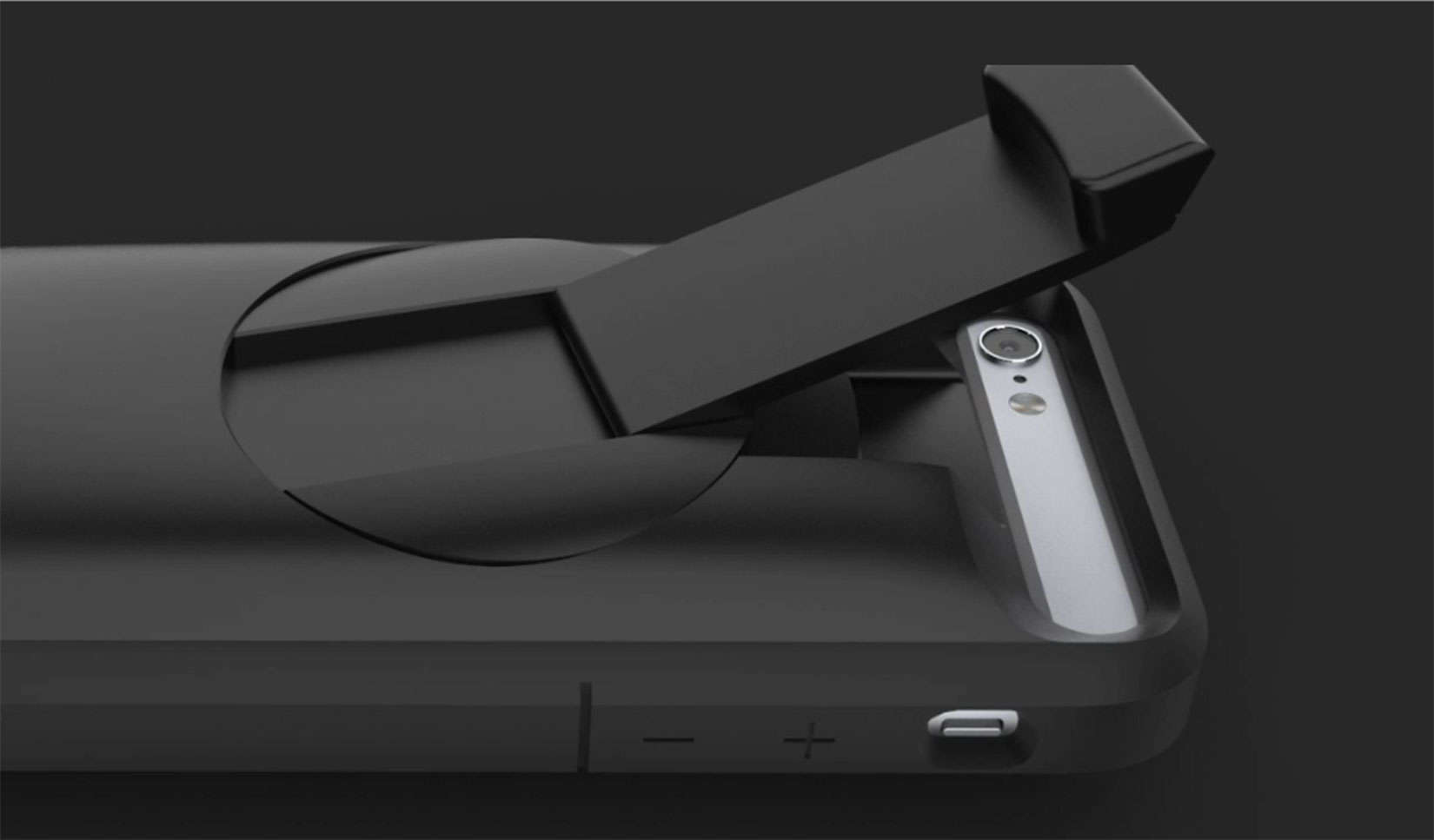
A company in Israel wants to mass produce a simple solution with an iPhone case that has a built-in recorder to pick up both sides of the conversation with the press of a button.

Hand-cranked iPhone battery case puts you in charge

By

Dead battery? Get cranking with the AMPWare case.
Photo: AMPWare

Now more than ever, we are able to manage our anxiety over a dead iPhone battery. There are plenty external power banks and battery cases on the market, but even those need to be charged.

The AMPWare Case revives a dead battery much like your great grandfather started his horseless buggy – with a hand crank.

Want USB on your iPhone? There’s an adapter for that

By

You can now use this to connect USB peripherals to your iPhone.
Photo: Apple

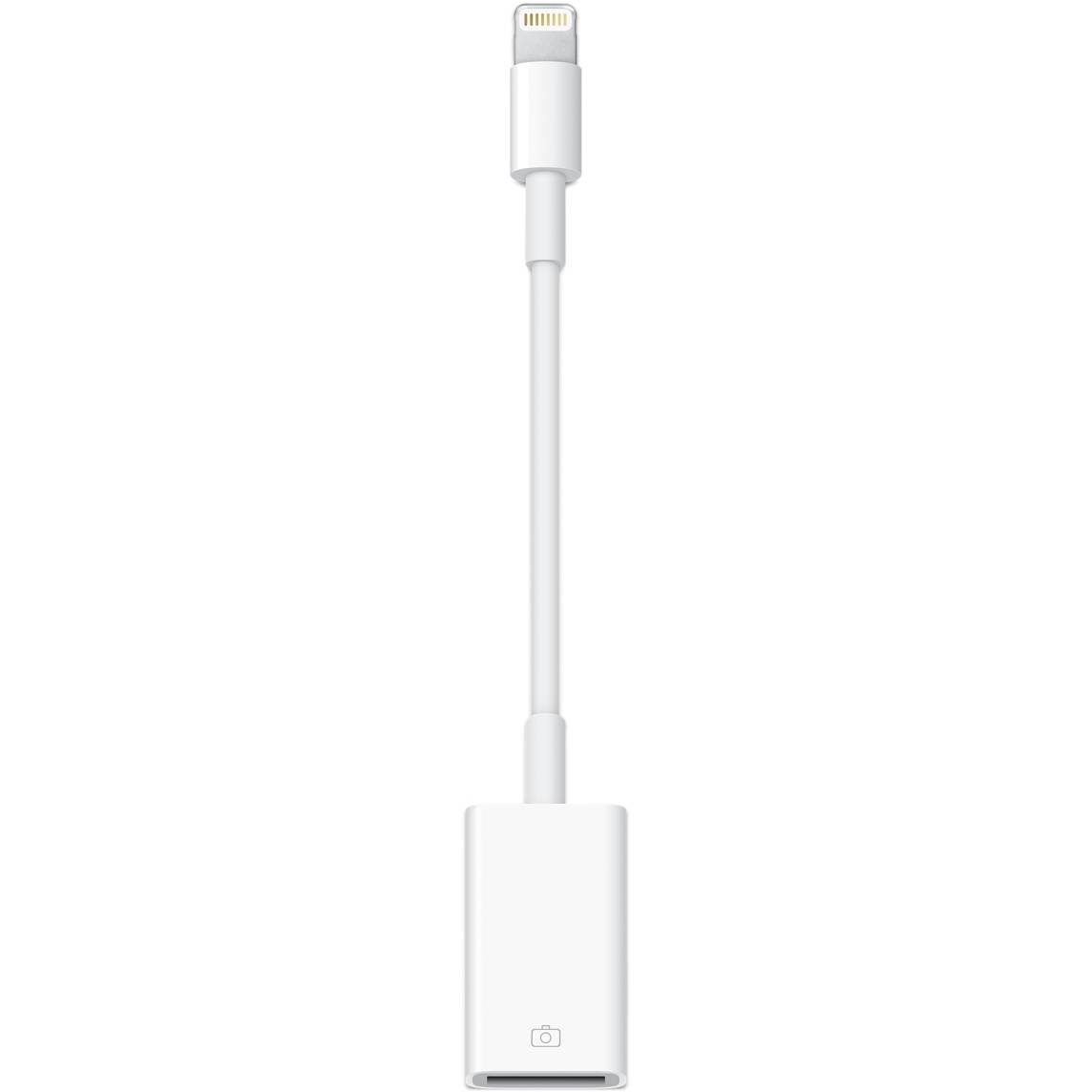
Apple’s Lightning to USB connector has ostensibly been about connecting your iPad to a camera to import images directly to your tablet.

Now, with iOS 9.2, it looks like the same adapter can be used on your iPhone to get photos onto your smaller-screened device.

There’s even some evidence that the Lightning to USB adapter works to connect other USB peripherals, like MIDI keyboards or USB-powered microphones. If you’re a musician on the road without access to your iPad, this might be your new best solution.

Toasty touchscreen gloves keep you warm and fully connected

By

Baby it's cold outside; use these gloves.
Photo: Rob LeFebvre/Cult of Mac

Best List: Double Layered Knit Touchscreen Gloves by Mujjo

It’s almost winter, and if you reside in an area with a climate like mine, you know you’ll be carrying gloves with you no matter where you go. When you live someplace like Anchorage, Alaska, even a quick trip outside to the trash bin requires that you cover up.

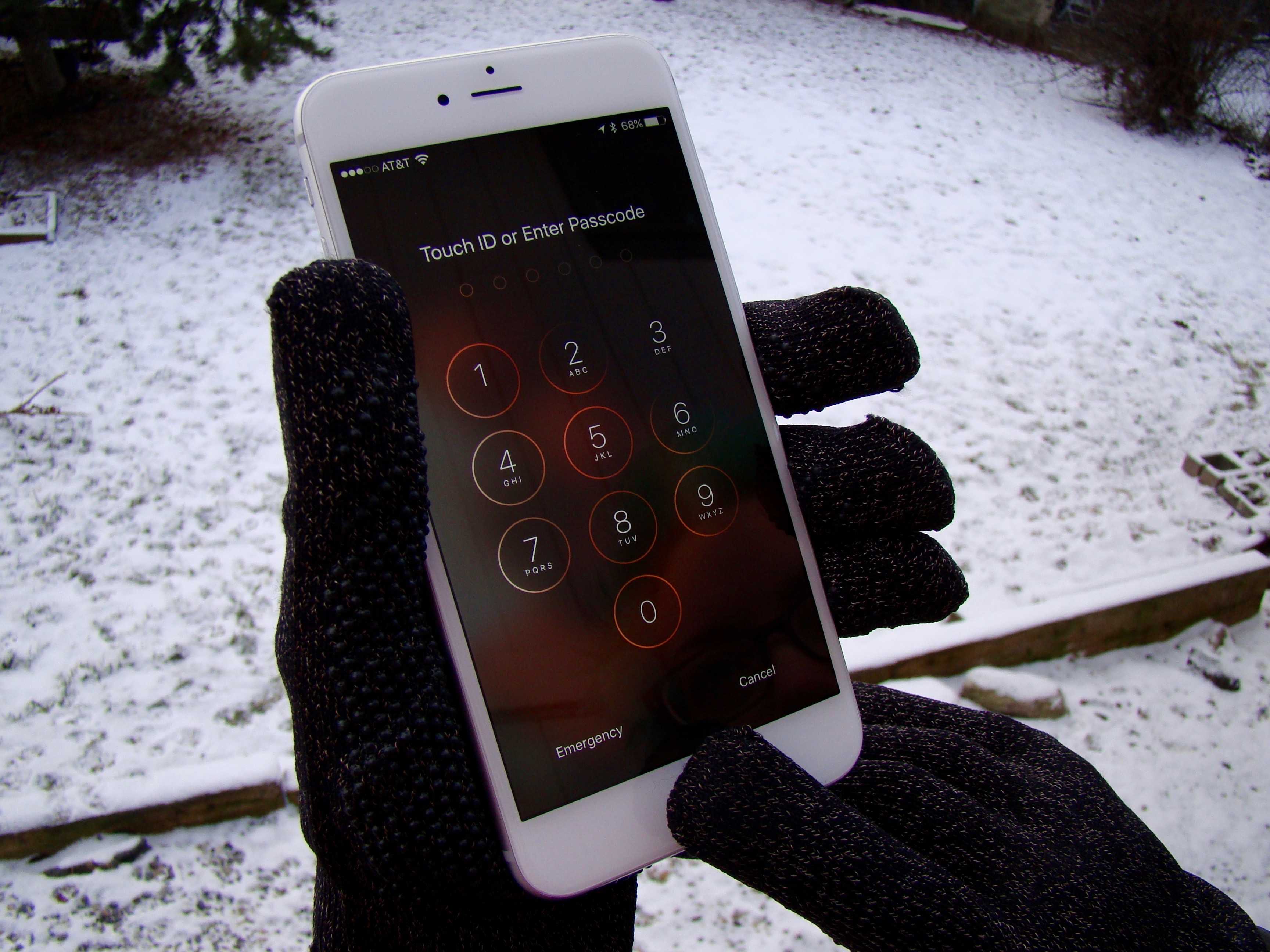
And yet, we live in a touchscreen world. I have my iPhone with me all the time, and I use it to stay connected to my kids and family members as I move around the winter wonderland. Pulling off a glove every time I want to play a song or answer a text is time-consuming and sometimes dangerous.

If that’s something you worry about, Mujjo’s got you covered, quite literally, with these new double-layered touchscreen gloves.

New magnetic charger lets you juice up iPhone wirelessly

By

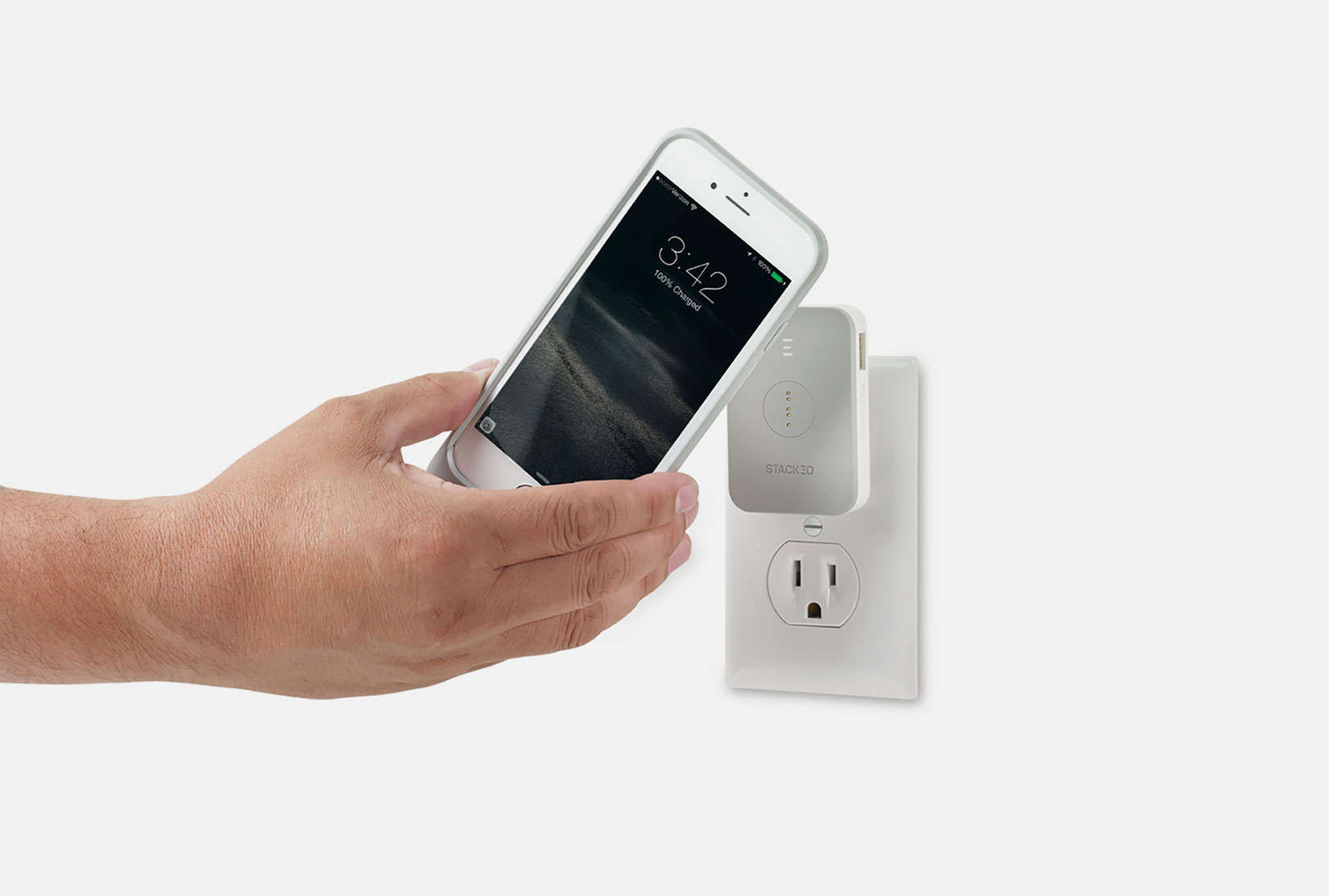
The STACK PACK takes the cord out of charging your iPhone.
Photo: STACKED

We are wireless, but not quite wire-free. One company wants to help iPhone users cut a couple of cords with a magnetic charging solution called the STACK PACK.

It’s all capital letters for a product that sounds more like workout vitamins. The STACK PACK promises to pack just as much power as that soon-to-be obsolete charging cord — except with shorter charging times and a satisfying feeling as your iPhone magnetically clicks onto a battery or charger.

Read by the light of your iPhone with this quirky, clip-on lampshade

By

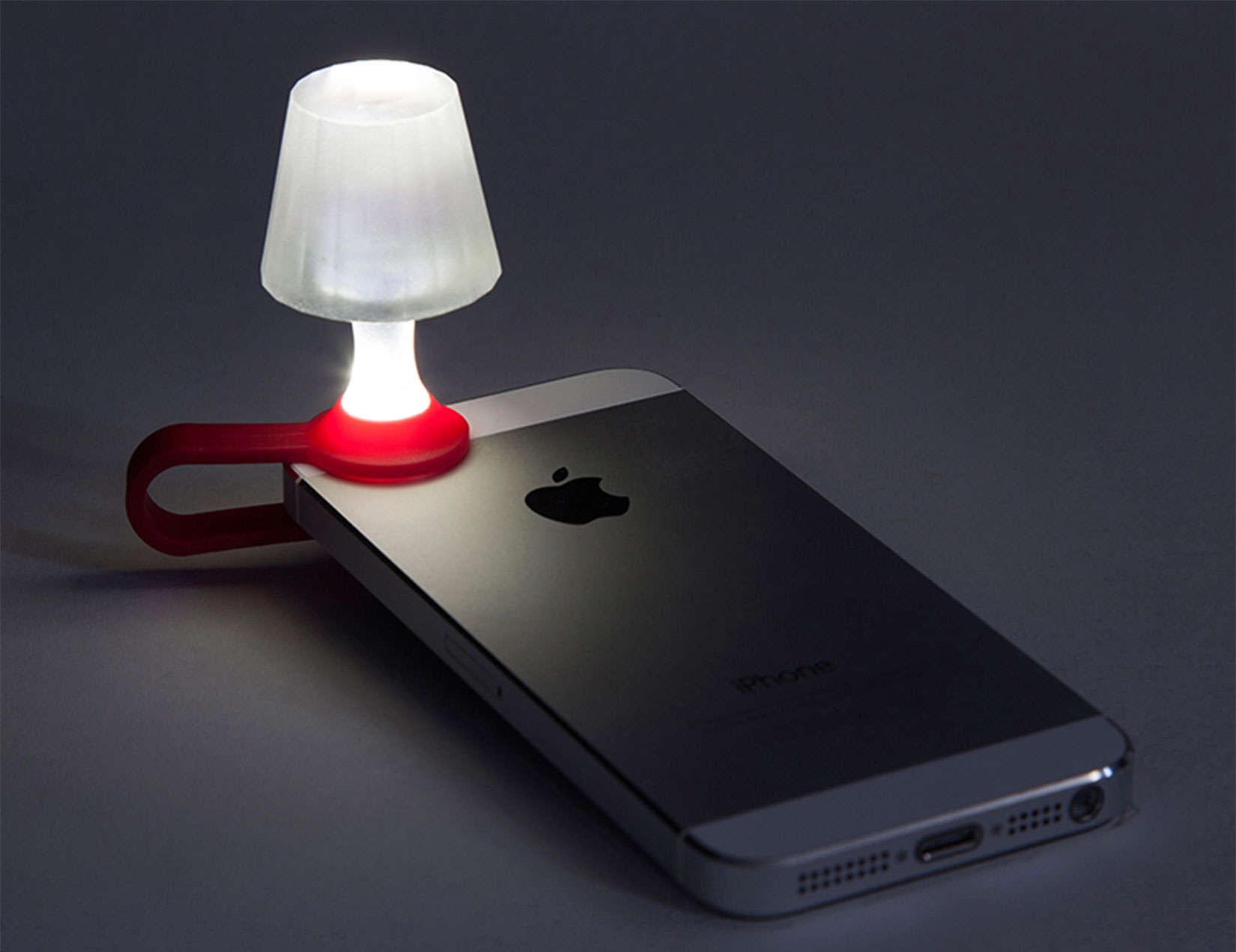
Your iPhone and flashlight app can create a cozy ambiance for reading.
Photo: Peleg Design

The iPhone can do a lot of things, but work as a functional piece of furniture? Yes, as one design studio proved when it created a tiny lampshade that clips to the iPhone.

Activate the flashlight app and behold, a nightstand reading light.