The latest LG UltraWide monitor sets a new standard for immersive viewing. Image: LG Electronics
This post is brought to you by LG Electronics.
“Immersive” is a big buzzword in tech these days, as creators and consumers of digital media seek ever-more-powerful ways to get sucked into the screen. The latest version of the top-shelf LG UltraWide monitor adds new technology that takes that elusive immersive experience to the next level.
Dr.Fone gets under the hood of iOS to make iPhone data recovery simple. Image: Wondershare
This post is brought to you by Wondershare, maker of Dr.Fone.
Say you’ve deleted your messages before backing up your iPhone. Usually the best iTunes can offer is a shrug. With a convoluted and opaque system of options, it makes a task that should be a simple matter — finding the stuff you need and getting (or returning) it to your device — overly confusing and frustrating. Worse yet, iTunes can often lead to results you’re not looking for.
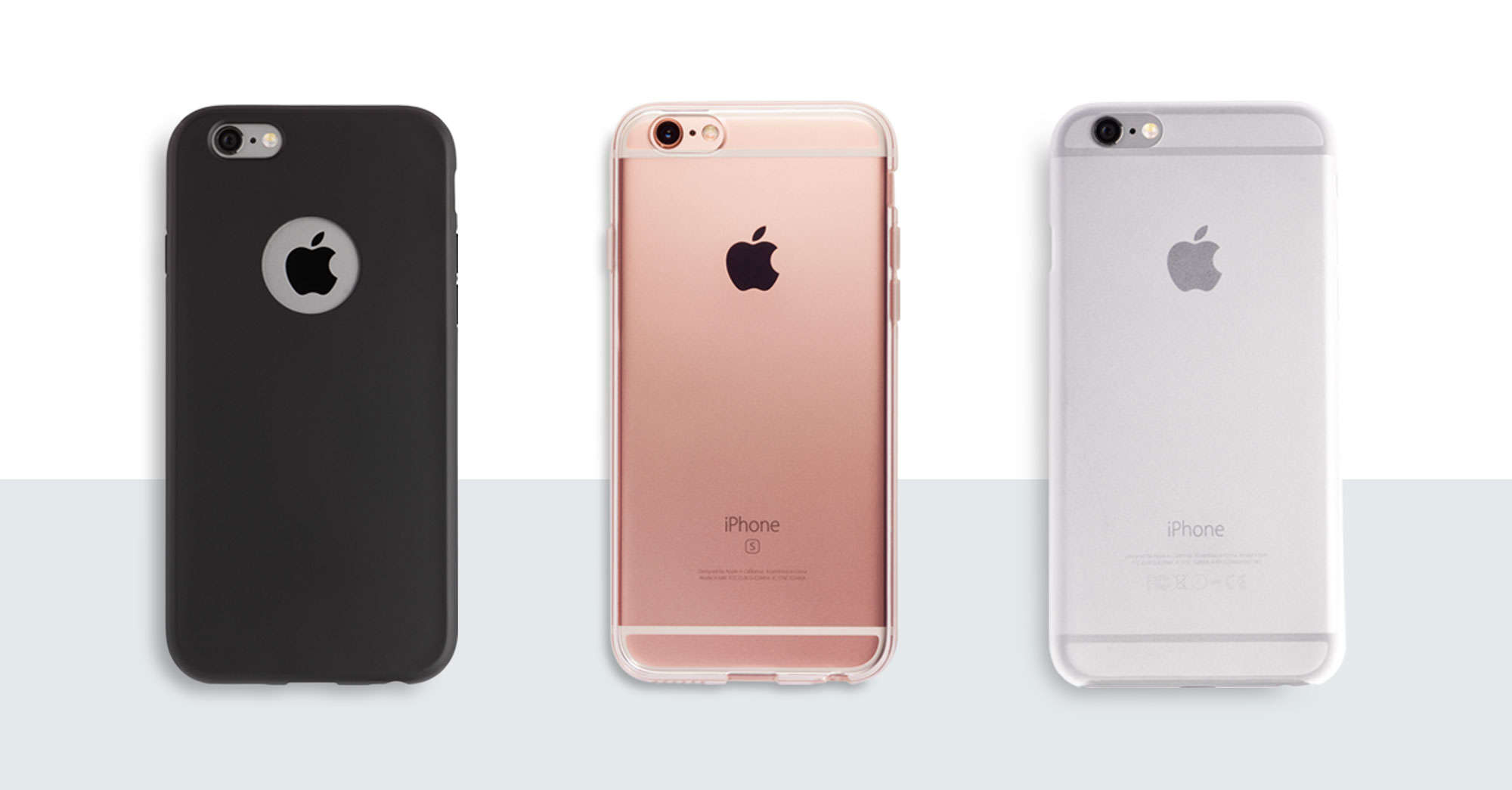
You know that feeling when you get a new iPhone case and find yourself wondering why it couldn’t be just a little — maybe even a lot — thinner? Sickening, right?
After all, the iPhone was designed to sit in your hand like a slender sliver of shiny wonder. The more it gets sheathed in armor, the less it feels like the sleek, tactile technological marvel that it is.
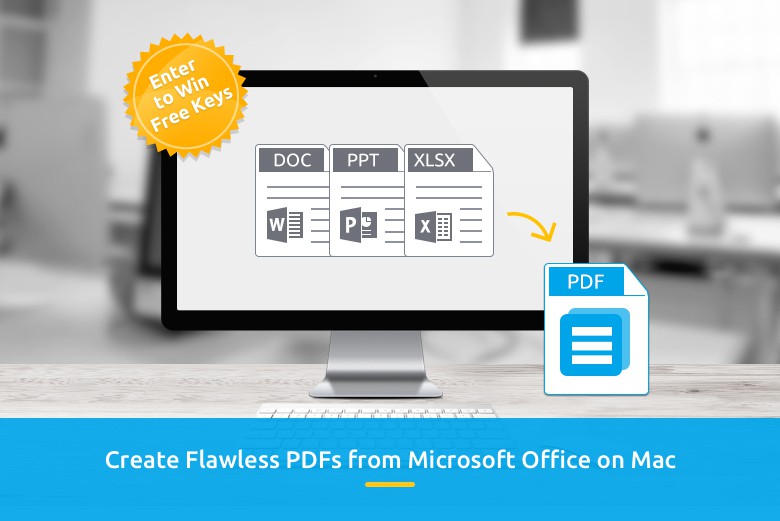
It's simple to crank out PDFs with Wondershare PDF Creator for Mac. Image: Wondershare
This post brought to you by Wondershare, maker of PDF Creator for Mac.
Wondershare has cemented itself as a dominant software-development company around the globe, thanks to an array of world-class software tools it has designed and tailored to fit the demands of the market.
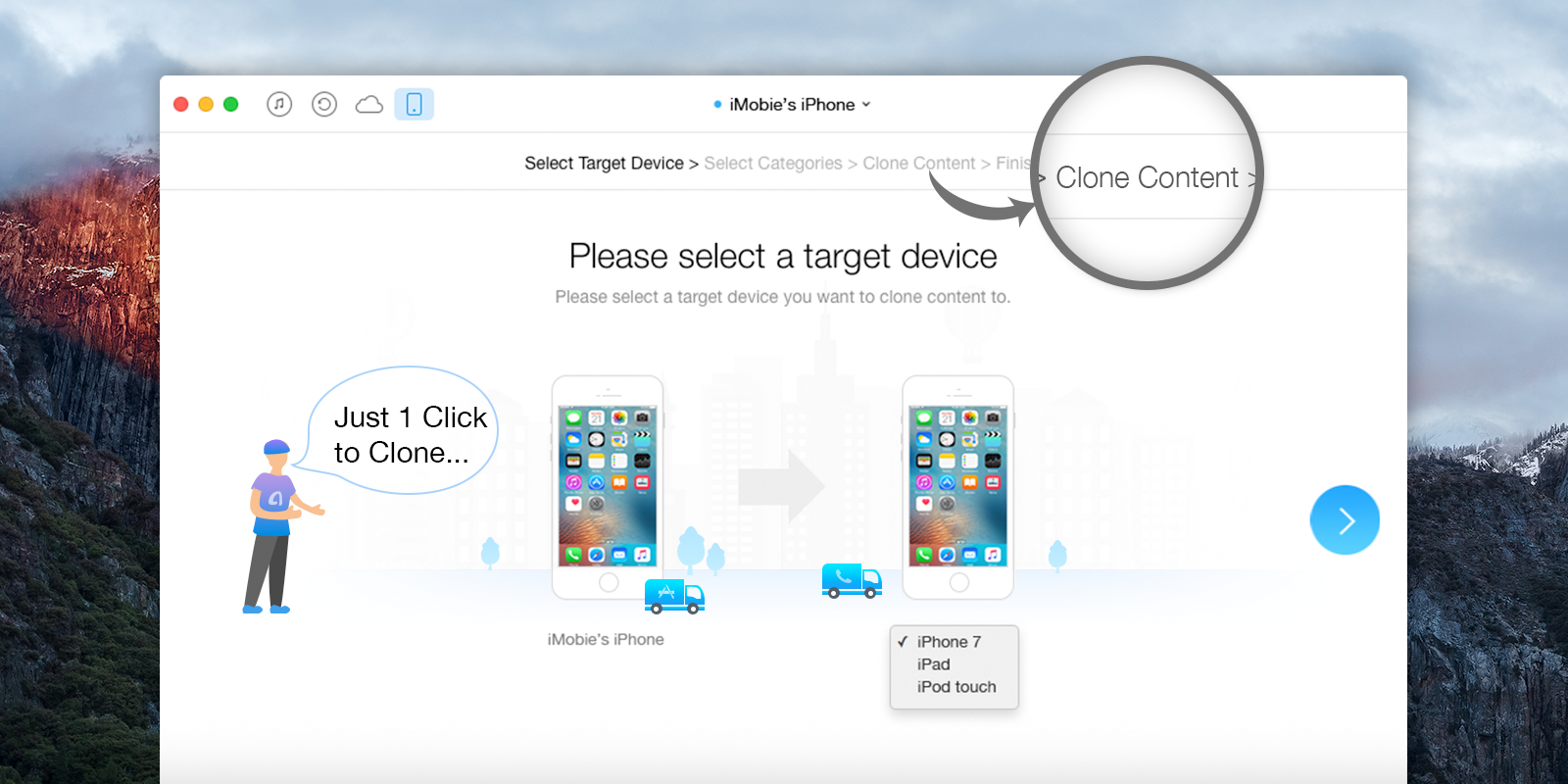
iOS data-management software AnyTrans makes your upgrade to iPhone 7 simple. Screenshot: iMobie
This post is brought to you by iMobie, maker of AnyTrans.
It’s almost time for the iPhone 7. And, as when any new iPhone model hits the scene, there are sure to be plenty of people staring at their newly booted devices, wondering where some of their favorite data went.
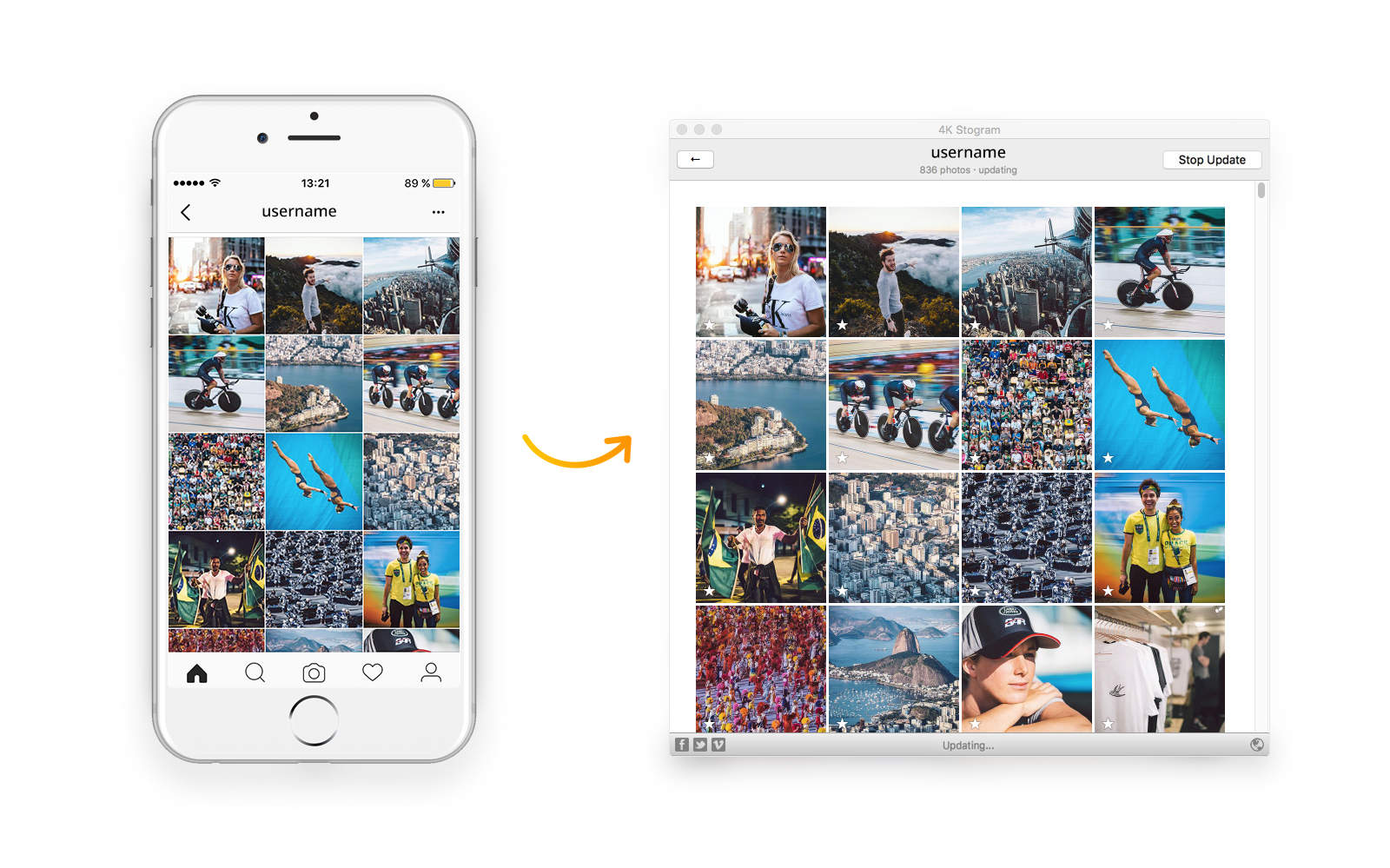
For many of us, Instagram is the primary place to get our daily fix of fresh images and videos. We’ll spend hours browsing the feeds of friends and family, and our favorite artists, public figures or journalists. But all that addicting content — including what you post yourself — stays on Instagram’s servers, where it’s a bit of a hassle to find and only accessible by logging in.
So many ways to lose your iPhone data; one simple way to get it back. Image: iMyfone Technology Co.
This post is brought to you by iMyfone Technology Co., maker of iMyfone D-Back.
Conversations, photos, notes — with the iPhone, the data we rely on most has never felt closer or more convenient. But when something goes wrong and that data disappears, it’s anything but convenient. And iTunes, with its tricky backup scheme based on bulk syncs rather than individual selections, doesn’t always help.
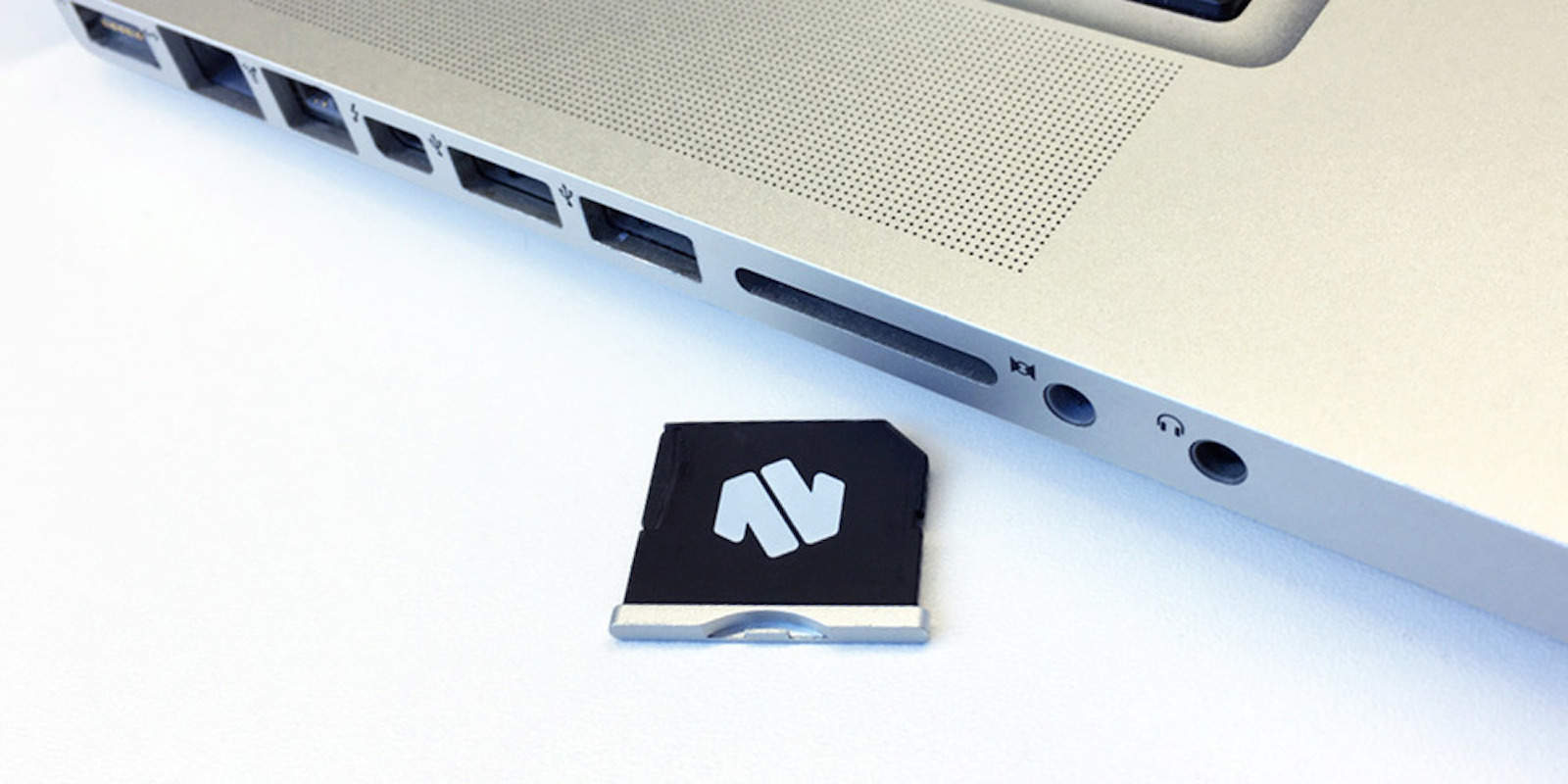
Instantly and seamlessly add up to 200GB of storage without a bulky external drive. Photo: Cult of Mac Deals
Coming up short on storage is frustrating and all too common, and the solutions often come with their own drawbacks. Upping drive space usually means adding a bulky external drive to your computer bag, or having an SD card sticking out the side of your laptop. Nifty’s MiniDrive Air offers a much less irritating solution, with a MicroSD adapter that disappears into the contour of the computer while adding serious storage. No wonder it’s been one of our hottest deals this month — right now you can get a MiniDrive for $33.99 at Cult of Mac Deals.
Putting a price tag on in-house app development can be tricky. Photo: MacPaw
Our new App Business section is brought to you by MacPaw, maker of proven Mac apps.
If you’re developing a Mac app, you’re faced with a major either/or decision: whether to distribute inside or outside of the Mac App Store (MAS). Sticking to the MAS means you’ve got access to tools for licensing, hosting, crash reporting and other necessary tasks. However, Apple’s tools may not be what’s best for your app.
Mac and PC are like yin and yang, or oil and water — essentially similar yet significantly distinct. It’s not just a difference in personal computing preference: The two platforms are literally built not to communicate with one another.
Apple and Microsoft coded their operating systems using completely different languages for writing files to drives, HFS+ and NTFS respectively. OS X offers only limited support for files written to a Windows-formatted drive, whether an external hard drive, SSD or USB stick, which can mean major headaches if you’re living or working in a cross-platform world.
You need a game plan if you want to successfully launch your Mac app. Image: MacPaw
Our new App Business section is brought to you by MacPaw, maker of proven Mac apps.
So you’re going to launch an app for Mac. Congrats! Now you’ve got to figure out an app marketing strategy that will get it to the widest audience possible.
There are many ways to approach the birth of a new product, but even in a field as fast-growing and dynamic as the world of apps, experience has yielded accepted wisdom about the best ways to start and maintain a successful campaign. Here are great rules of thumb for maximizing impact and customers for your app.
The Mac App Store isn't the only way you should distribute your apps. Image: MacPaw
Our new App Business section is brought to you by MacPaw, maker of proven Mac apps.
Like death and taxes, distributing your new app through the Mac App Store can seem inevitable. It’s widely considered the easiest way to get the widest exposure for an app, a centralized marketplace for software with a captive audience of buyers.
But ever more developers are looking beyond the Mac App Store (MAS) for distribution options that best serve their app. MacPaw, maker of DevMate, performed an interesting survey of developers to ask if they prefer MAS or another app store alternative, and why.
Project Planning Pro is a great tool for keeping your projects on track. Photo: i2e Consulting
This post is brought to you by i2e Consulting.
Keeping any project on track is like cooking a meal, requiring close attention to all the ingredients as well as the sequence and timing of critical tasks. In the kitchen you use a cookbook; in the digital workplace, you face a dizzying array of platforms and software for keeping all the goals, team members, deadlines and contingencies in order.
Project Planning Pro streamlines all that, and right now Cult of Mac is offering a special 30 percent discount on the Mac version of the easy-to-use software.
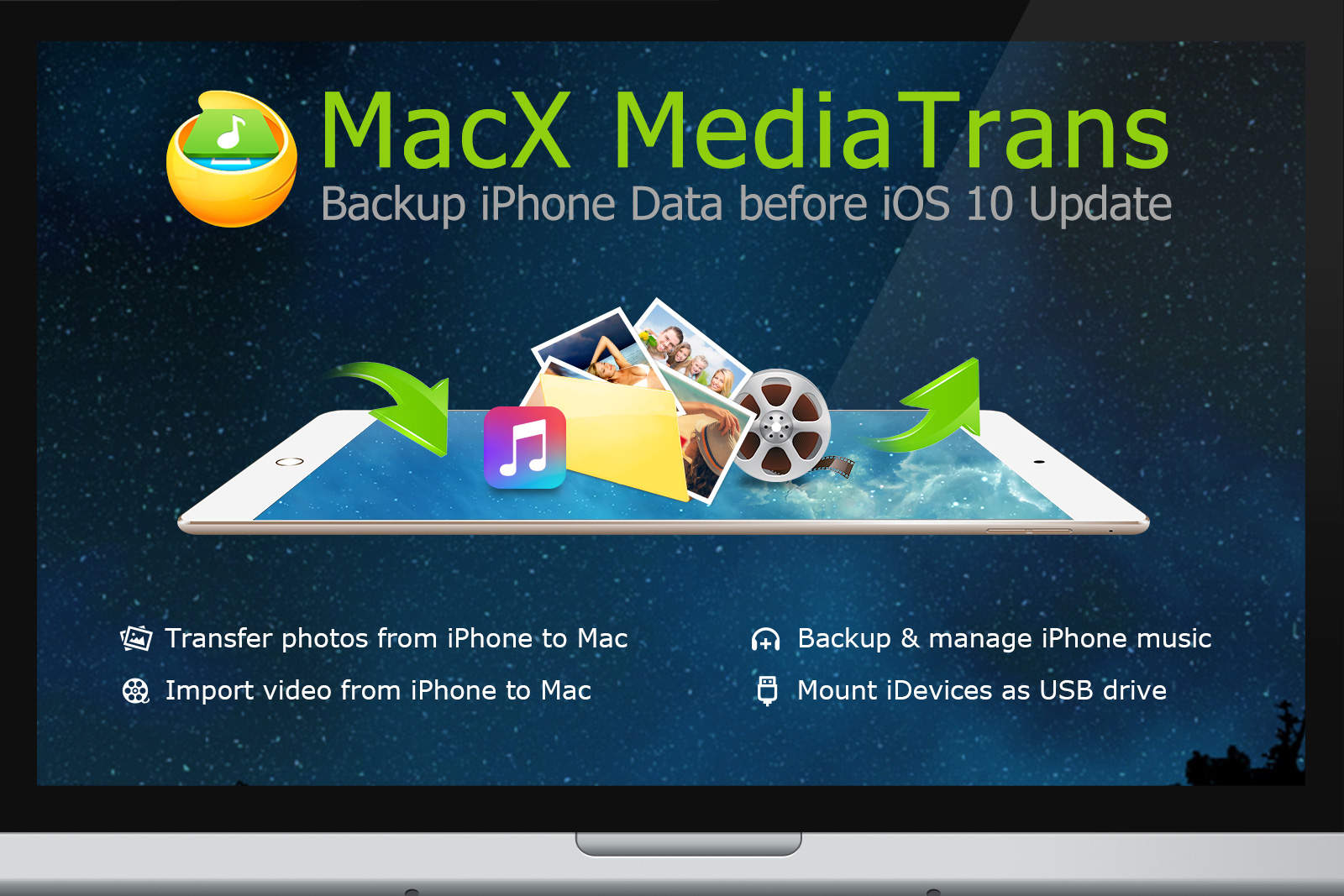
MacX MediaTrans makes it easy to back up and manage everything on your iPhone or iPad. Image: Digiarty Software
This post is brought to you by Digiarty Software.
Anyone who keeps half an eye on the world of Apple knows that iOS 10 and iPhone 7 are about to drop. This is a big deal: These major upgrades will bring a wide range of new capabilities and features, so you’ll likely be feeling the itch to upgrade soon.
But before you install iOS 10, or migrate to the iPhone 7, you ought to make sure you properly manage the data on your outgoing device. MacX MediaTrans offers a way to do just that, and it’s easier to use and more reliable than iTunes.
Cloud Raiders, a visually stunning and endlessly addictive base-building strategy game, is now available for Mac. Image: Game Insight
This post is brought to you by Game Insight.
If you’re a fan of base-building strategy games, there’s a good chance you’ve been playing Cloud Raiders on your mobile phones and tablets in the last few years — but you might not know that Cloud Raiders recently made the jump to the Mac App Store. We’ve been playing it on Mac, and as a geeky crew of gamers, we’re impressed.
Eve Energy offers easy tools for controlling and monitoring home electricity use. Photo: Elgato
This post is brought to you by Elgato, makers of Eve Energy.
We’ve been told for a long time to expect the Internet of Things to give us a new relationship with our homes. By releasing HomeKit, Apple took a big step toward turning that prediction into reality, offering a platform for apps to interact with your home right through your iPhone.
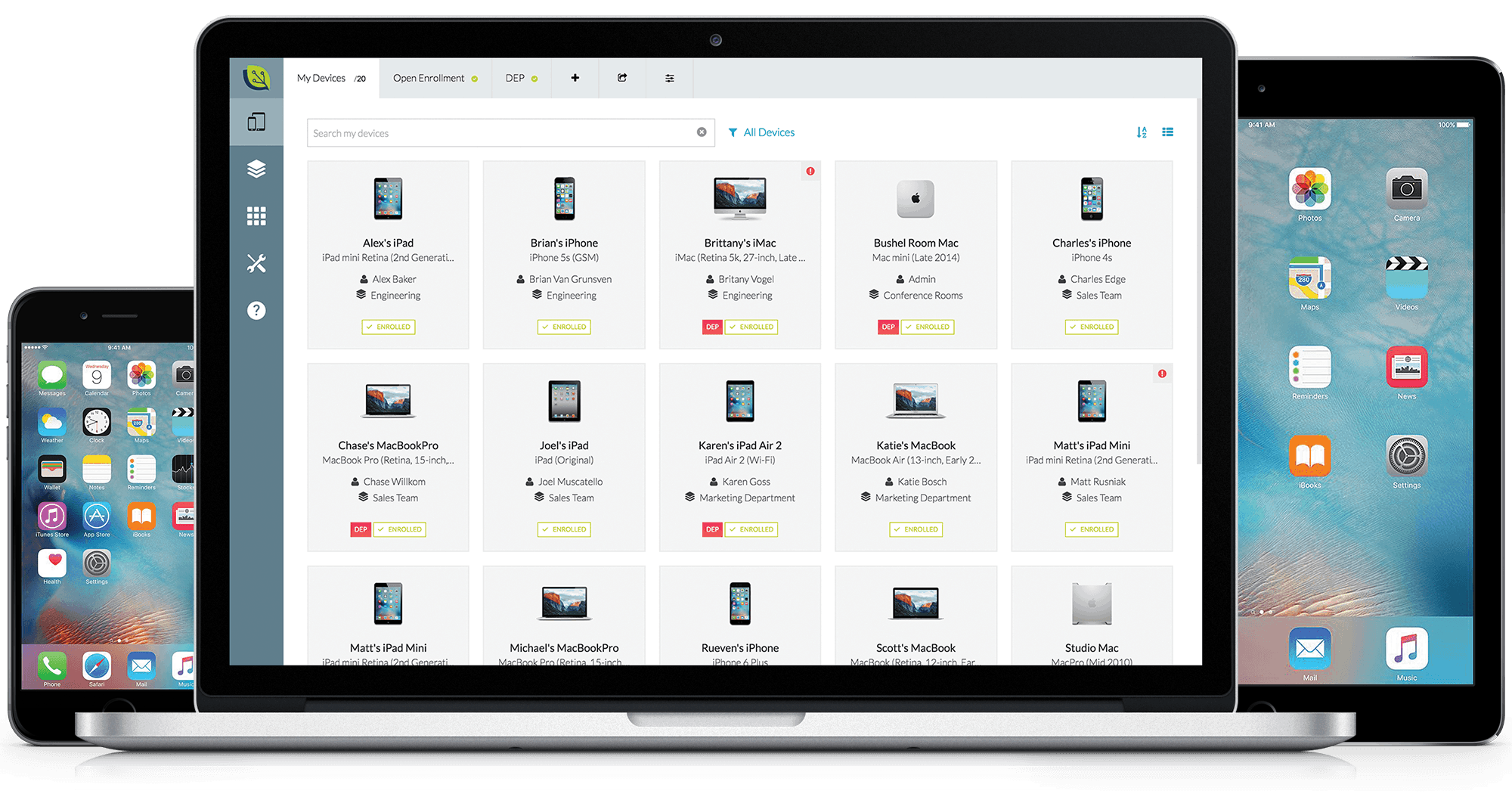
Bushel makes it easy for any business to establish and operate a network of Apple mobile devices. Photo: Bushel
This post is brought to you by Jamf Now.
Work has gone mobile, and businesses large and small must now keep up with the growing number of devices used by their employees to get the job done. Maybe you’re a contractor keeping track of repair crews from a field office Mac, or a store owner with iPhone-enabled inventory runners. Or maybe you run a coffee shop using iPads to process sales.
There are many reasons you might want a mobile-enabled workforce, and a lot of ways to go about setting one up, but many of them are quite expensive.
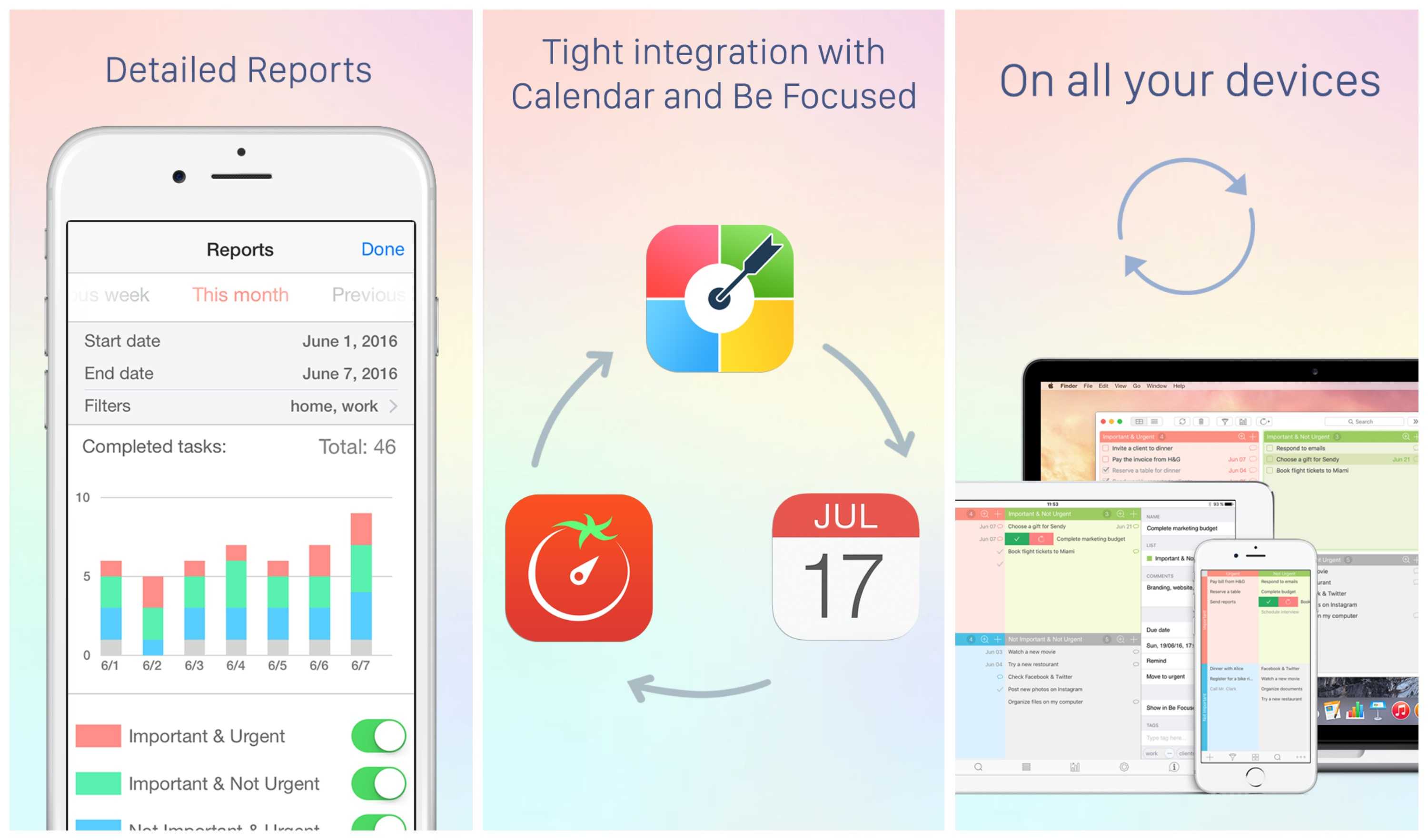
Focus Matrix brings simple yet effective time-management tools to iOS and Mac.
Photo: Xwavesoft
This post is brought to you by XwaveSoft.
“I have two kinds of problems, the urgent and the important,” President Dwight D. Eisenhower reportedly once said. “The urgent are not important, and the important are never urgent.” This idea underpins a way of organizing tasks named for the former general, using a grid to position tasks in the order they should be taken on.
Focus Matrix turns this time-honored approach to task management into a feature-rich app for both iOS and Mac.
With the exploding number of freelancers and independent business owners, we might need to rework an old phrase to say, “Nothing is certain but death, taxes and invoices.”
Keeping track of which clients need to pay you, and which vendors need paying, is a mind-numbing but necessary part of surviving in today’s economy. Many of us utilize our own DIY systems for invoicing. But Invoicely — a free, cloud-based service designed for freelancers that can scale up to work for businesses of all sizes — delivers handy features that make invoicing the least of your worries.
LG's new line of UltraWide monitors allow for shooting and editing in aspect ratios usually reserved for the pros. Photo: LG Electronics
This post is brought to you by LG Electronics.
Even if you’ve never heard of DevinSuperTramp, it’s a good bet your eyeballs have engaged one of his gorgeous videos of people at play.
Whether it’s parkour in the Shire, boogie boarding off wet rocks, parasailing, base jumping or squirrel suiting, you name the ill-advised activity, and this guy’s probably shot it — with glorious production values.
With 200 videos, 4 million YouTube subscribers and over 765 million views, he’s doing something right. One of the keys to his success is keeping on top of the latest, greatest gear.
Having worked as a graphic designer years before my official role as a YouTuber, I know the importance of having ready-made graphics and photos at my disposal.
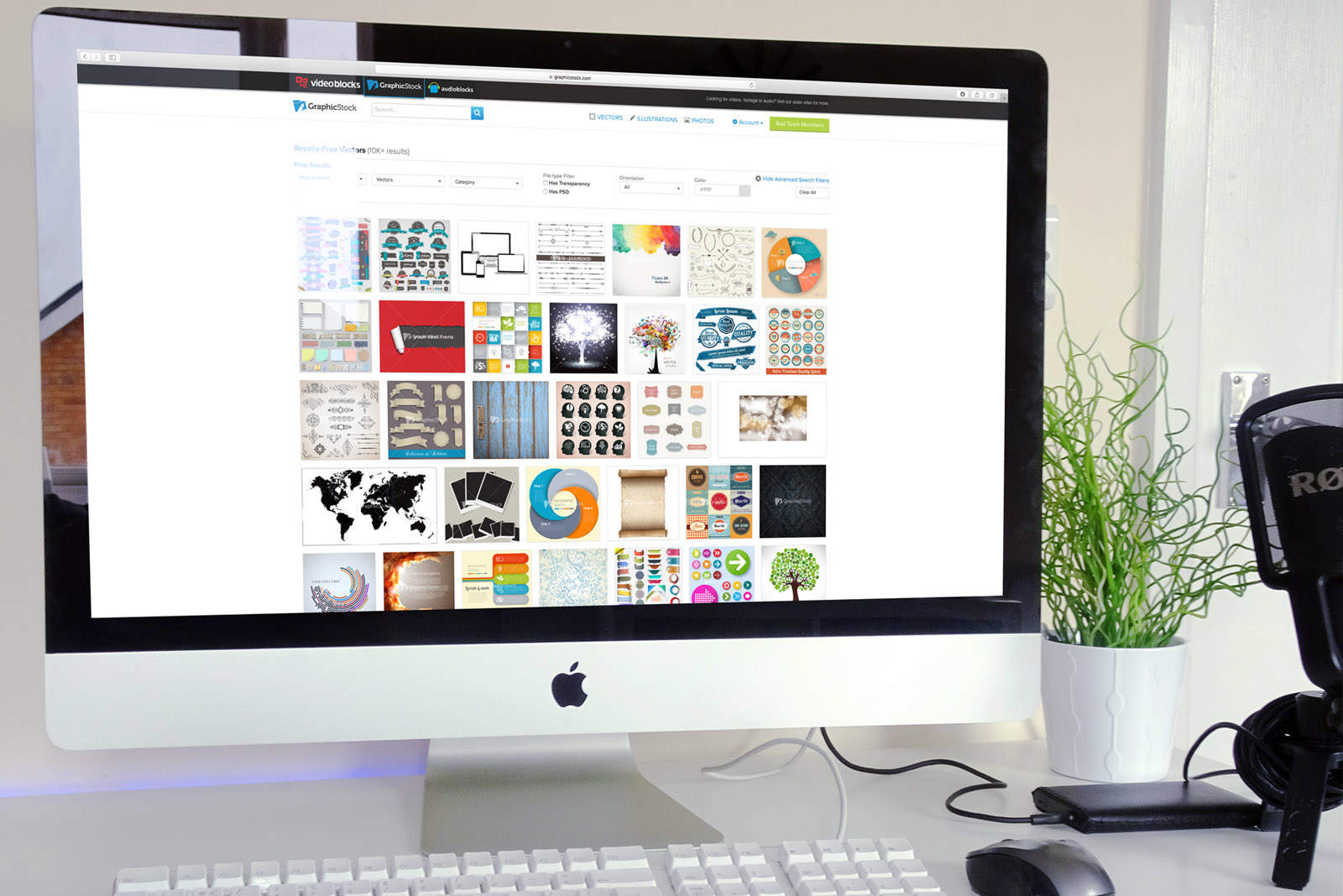
Lately I’ve been using GraphicStock, which is the place to go for all your illustration, vector and stock photo needs (and also a sponsor of Cult of Mac‘s YouTube videos). For a guided tour of GraphicStock, and to take full advantage of a free seven-day trial of the service, check out the video below.
Education is easy with EDX's learning platform. Photo: EDX
This post is brought to you by EdX.
It’s often said that the internet makes it possible for anyone to get educated on any subject. But just as in offline modes of education, the many models of online teaching and learning are far from perfect, with plenty of room for improvement and innovation.
A joint effort between Harvard and MIT — dubbed EdX — is aiming to provide not only a place for learning new skills, but a platform for innovating new ways of teaching and learning over the web. It’s a nonprofit online education platform partnered with nearly 100 of the world’s leading universities and institutions — Harvard, MIT, Microsoft, Caltech, Columbia, you get the picture — to provide students anywhere in the world access to more than 1,000 certified courses. As an open-source platform, it also offers educators an opportunity to design and implement their own modes of teaching.
Employees prefer their own iPhones. AirWatch could be your BYOD solution. Photo: William Iven/Pixabay CC
This post is brought to you by VMware AirWatch.
Let’s face it: Asking a person to carry around two devices all the time, one for work and one for play, is just inefficient. When organizations implement overbearing management or ignore privacy concerns, they almost force users to carry a device for work and a device for personal use.
While a few employees may enjoy the air-gap separation of church and state, most people buckle under the stress of having two separate devices to potentially forget in a cab or leave on the airport bathroom sink (true story!).
Everybody wants to bring their own device to work. AirWatch takes the hassle out of BYOD. Photo: William Iven/Pixabay CC
This post is brought to you by VMware AirWatch.
If you know what the word “containerization” means, you probably work in IT (or you’re tech-savvy and adventurous enough to run afoul of your IT department on a regular basis). Containerization is the method of securing a device for corporate use by putting a part of it behind some type of authentication — without managing the actual device.
It’s a common practice in the corporate world, especially for bring your own device (or BYOD) environments, because containerization is often viewed as more lightweight than mobile device management, aka MDM. Users also may assume that MDM is overly intrusive and that containerization is a good compromise.
However, many of these issues are already solved for iOS. By leveraging Apple’s built-in privacy protections, AirWatch allows IT departments to preserve the native device experience while protecting corporate data.
1Sync takes the hassle out of managing all your contacts. Photo: Kraftwerk9
This post is brought to you by Kraftwerk9, maker of 1Sync.
For all the fancy features on our phones, somehow keeping our many streams of contacts organized remains a tedious hassle. When you meet someone on Facebook, get a phone number, connect via Gmail, or get in touch through any of the other myriad forms of communication we use daily, you create a new contact in an isolated contact category.