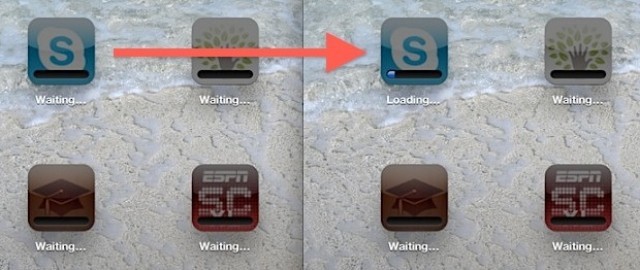
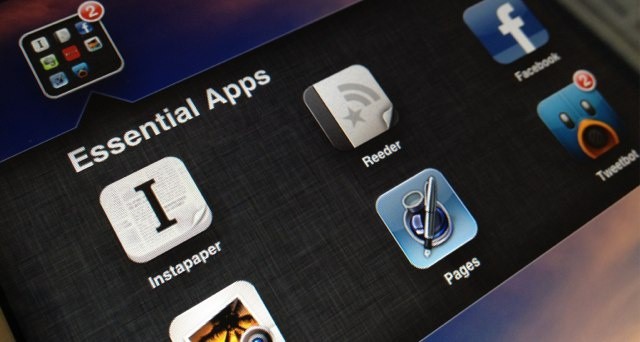
Yesterday, we showed you how to fix apps that get stuck “waiting” as you downloaded everything to your newly-restored iPad. That’s fine and all, but what if you really, really need to check your RSS reader of choice to read the latest Cult of Mac stories? With this incredibly simple tip, you can just tell the iPad to download that app right away.
"Can even my divine intervention get AT&T to unlock your iPhone? Let me meditate upon it."
Dealing with customer service representatives can be one of the world’s most torturous experiences. Apple isn’t perfect, but they usually give customers the best experience possible, no matter. Proving that point, earlier today a story surfaced of Tim Cook stepping in and forcing AT&T to make a special exception to a request the deny to most customers.
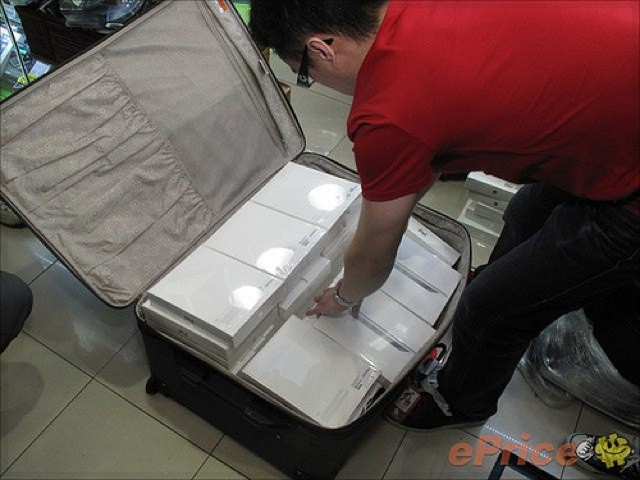
Like any Apple device, the new iPad is big business on China's grey market.
Apple’s new iPad has been available to purchase in the U.S. and nine other countries for just four days, but over 200,000 units have already been smuggled into China for sale on the grey market. Natives are reportedly importing the device into the city of Shenzhen, a city that borders Hong Kong, for a profit of around $20 on each device.
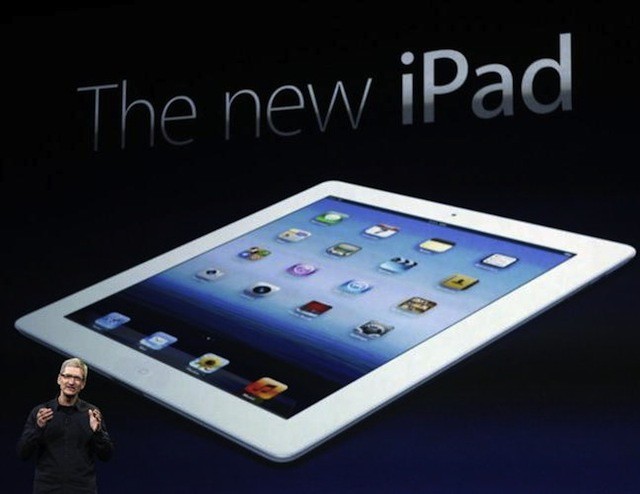
When Apple first announced the new third-generation iPad, there were people — and, I suppose, still are people — who were disappointed. Why they were disappointed is inexplicable; what they envisioned is hard to imagine. The flying car of tablets, one supposes: they called the new iPad an “incremental update” when what Apple had just handed them may as well have come spiraling through a time vortex from the future. It’s that good.
Let’s face facts. In the last year, Android makers haven’t even been able to ship a viable competitor to the iPad 2. The new iPad, with its Retina Display and LTE technology, is unlike anything else on the market. No one is even close to making a tablet as fast, as beautiful, as vivid, as thin or as long-lasting as this, and if history is any guide, when the fourth-generation iPad comes out, they’ll still be trying to catch up.
Make no mistake. If the new iPad isn’t a “beefy” enough upgrade for you, you’re not just spoiled. You’re not just completely out of touch with the state of the tech landscape today. No, you’re bonkers. This is the most advanced piece of consumer mobile electronics tech available today.
After unboxing your new iPad and getting it setup, the first thing you should do is open up the App Store and download some essential games. We’ve compiled a list of 9 of the App Store’s greatest offerings, which we think should be installed on every iPad. These are games you certainly won’t want to miss.
As with many Apple product launches, today’s release of the new iPad is mostly a consumer event. But that doesn’t mean that the launch won’t have an impact on businesses. In fact, on Monday morning a number of new iPads may be walking into workplaces around the world. And users may be lobbying their employers to purchase the new iPad – if they haven’t stared doing so already.
So, what questions should businesses or IT professionals be asking about the new iPad? More importantly, what are the answers to those questions?
After unboxing your new iPad and getting it setup, the first thing you should do is open up the App Store and download some essential apps. We’ve compiled a list of 12 of the App Store’s greatest offerings, which we think should be installed on every iPad. These are apps you certainly won’t want to miss.
Despite strong demand, the iPad continues its international rollout next week.
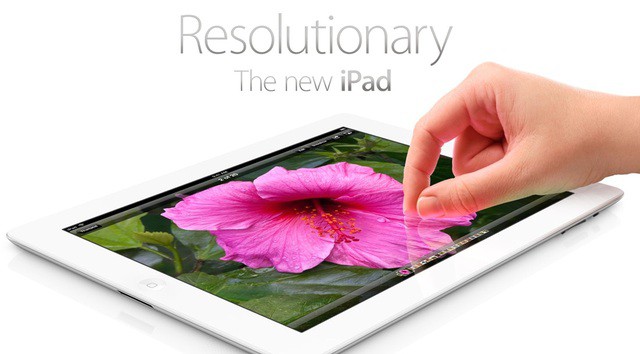
If you’ve just upgraded from an iPad 2 to an iPad 3 a new iPad, no doubt you’ll be wanting to put the new device’s super powers – Retina screen, LTE wireless data, improved camera, and A5X processor – to the test.
Here’s a short list of apps that’ll help you do that.
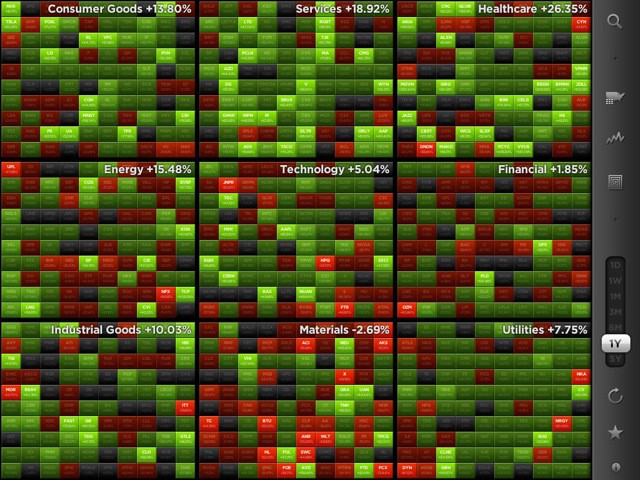
We’ve all seen news reports on the TV when stock markets take a nosedive. The footage is always the same: traders looking in despair at screens full of red rectangles, each one representing a falling stock.
Those magical digital rectangles are no longer for traders only. Now you can play with them yourself, in a $4.99 iOS app called StockTouch.
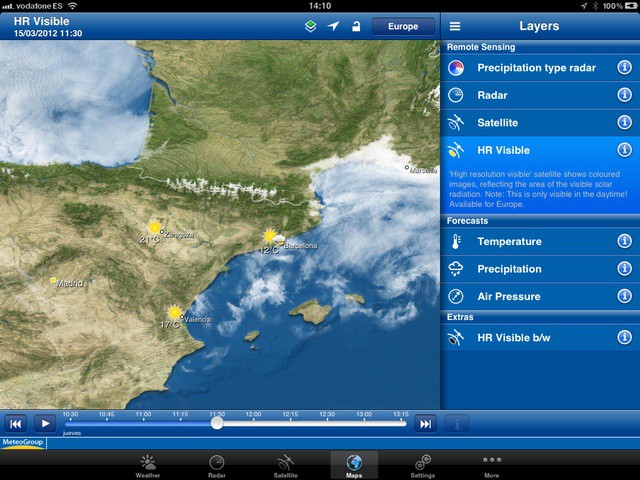
Now you can play at being a weather man in your own home
Weather Pro for iPad has just been updated with hi-definition maps. I know what you’re thinking: Are those dorks at Cult of Mac really going to write a post about every app that gets retina display support? Well, maybe, but this update actually brings something that can make use of all those extra pixels: Super-detailed weather maps.