Whether you're tweaking your Mac or playing around, these apps will help. Image: Cult of Mac
It’s Sunday, and you’re staring at your computer. What’s it gonna be? Work or fun?
Some of the new and upgraded apps in this week’s roundup put an array of clever tools at your disposal if you’re feeling productive. You can free up space on your Mac’s hard drive, download YouTube videos or give your Home app a makeover.
Others focus on fun. They give you new ways to flex your creativity and stay entertained — and maybe even get paid while doing so. Time to dig in!
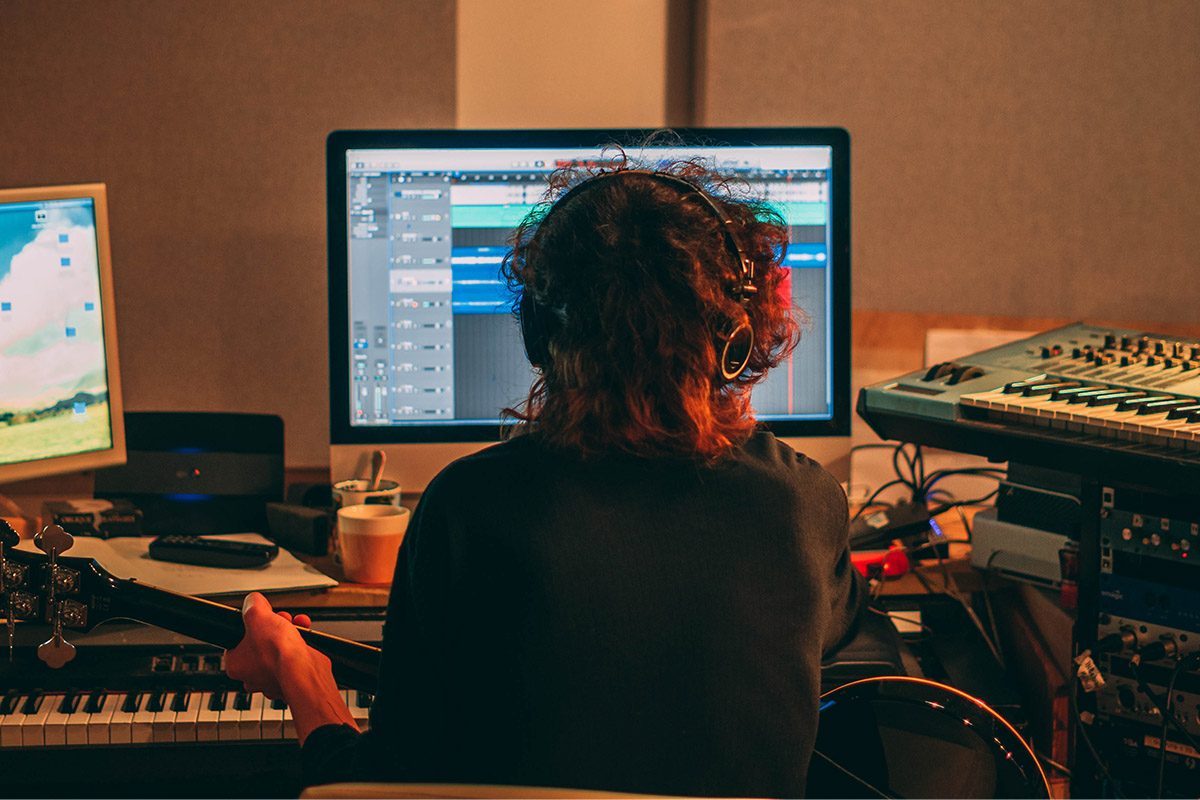
This innovative iOS app removes vocals and isolates instrumental tracks so you can create your own remixes. Photo: Cult of Mac Deals
Have you ever spent hours scouring YouTube for an accurate instrumental or vocal track from your favorite song? If the answer is yes, you know just how difficult it can be to find a particular isolated track.
EasySplitter is the perfect solution to this problem. The app (iOS or Android) seamlessly splits the vocals and instrumentals from any recorded song. Valued at nearly $600, a lifetime subscription to EasySplitter Pro is now available for just $39.99. That’s a small price to pay for a lifetime of remix freedom.
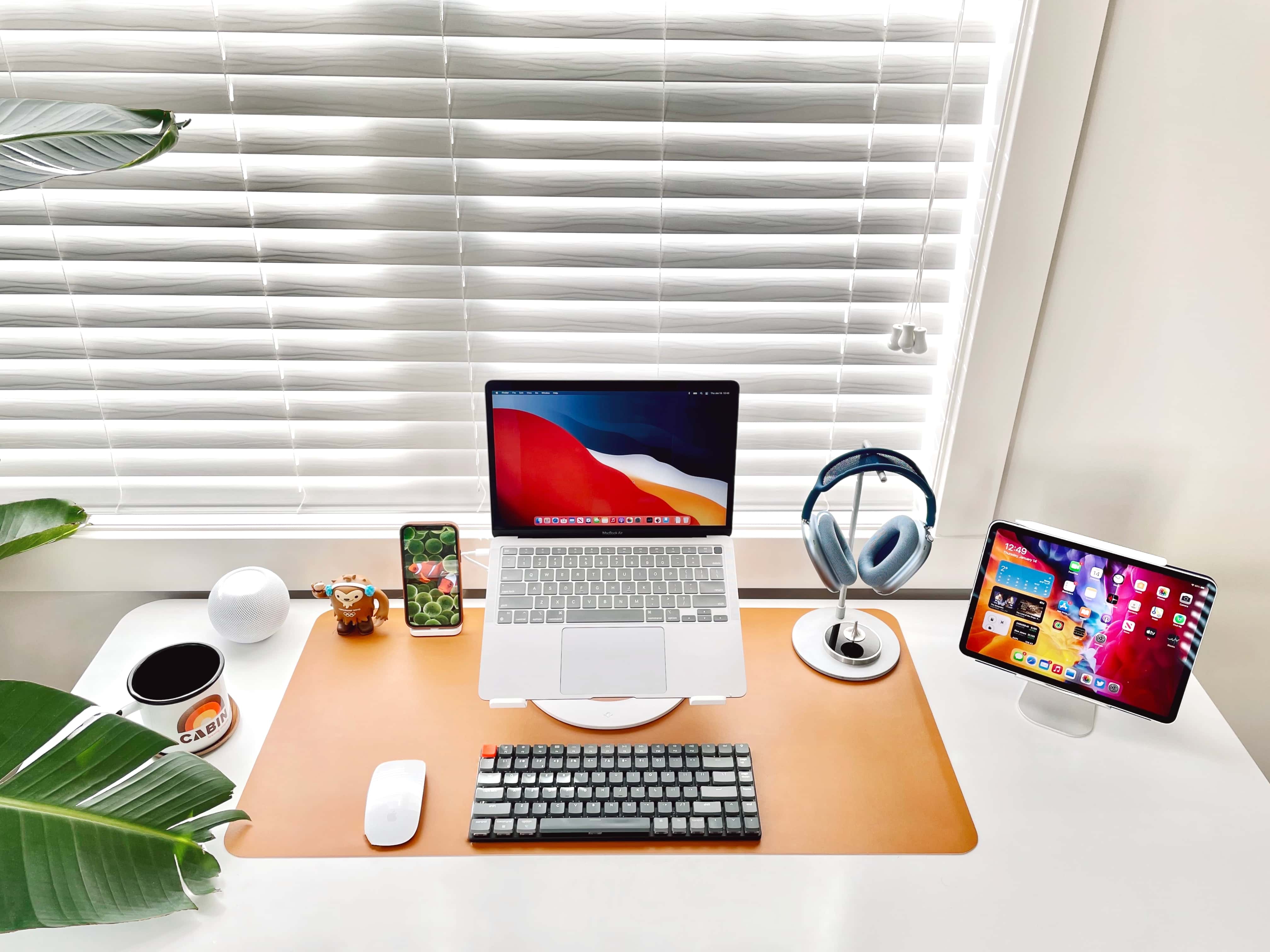
Do you really need both a MacBook and an iPad? Of course you do. Don't ask silly questions. Photo: BasicAppleGuy@Reddit
The setup showcased in a recent Reddit post consists of just a MacBook Air, an iPad, an iPhone and some peripherals and accessories, but it brings up a puzzling conundrum: Should you use both a MacBook and an iPad, even though their functionality overlaps to a great extent?
According to most of the comments, the answer is yes — even if it makes you feel like a sucker.
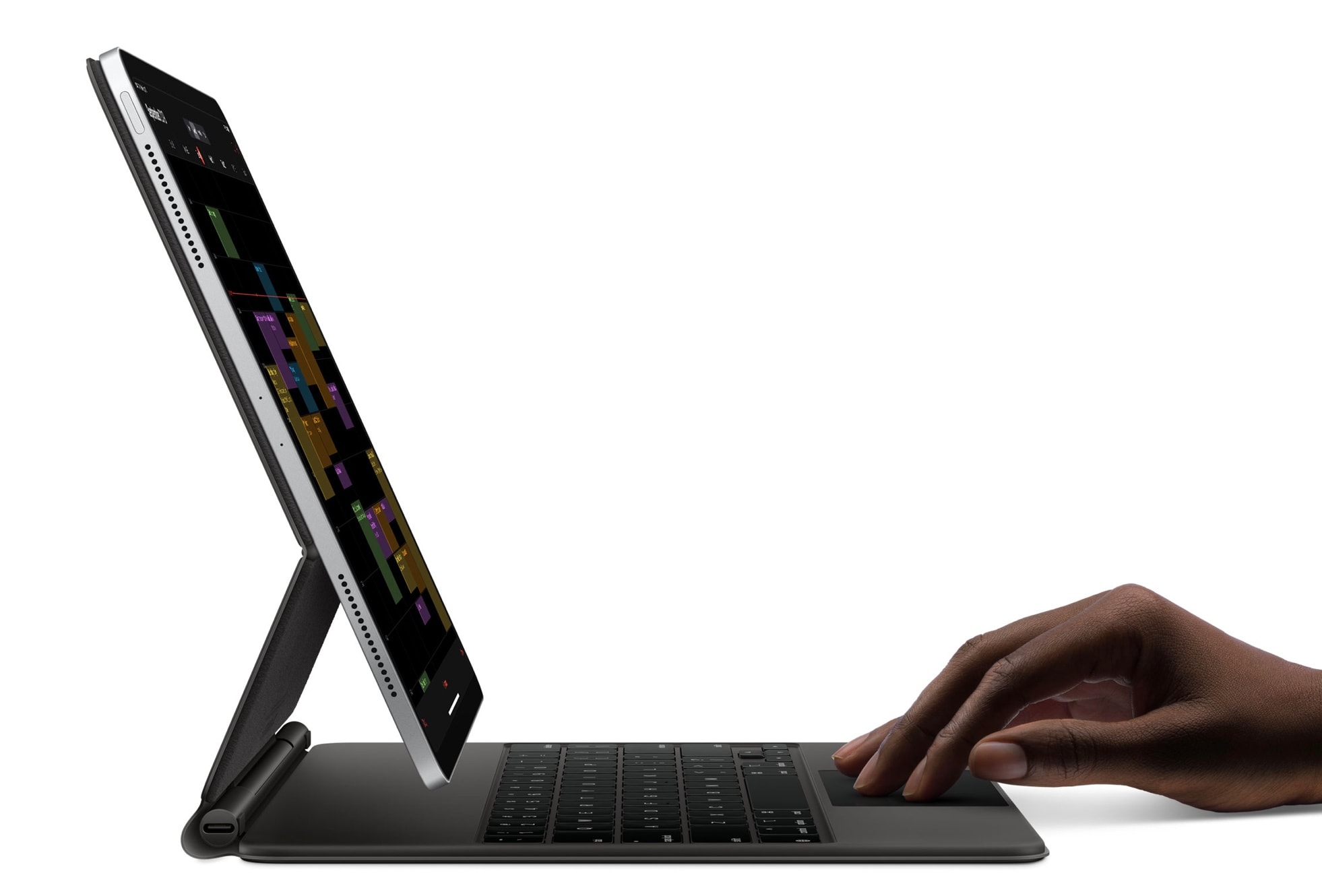
This discount won't last long — don't miss out! Photo: Apple
The biggest ever discount on the outstanding 12.9-inch Magic Keyboard for iPad Pro is back. Order yours from Amazon or Best Buy today for just $249 — down from $349 — before the price returns to normal.
You can also save $100 on the 11-inch model for iPad Pro and the newest iPad Air, which is now just $199.
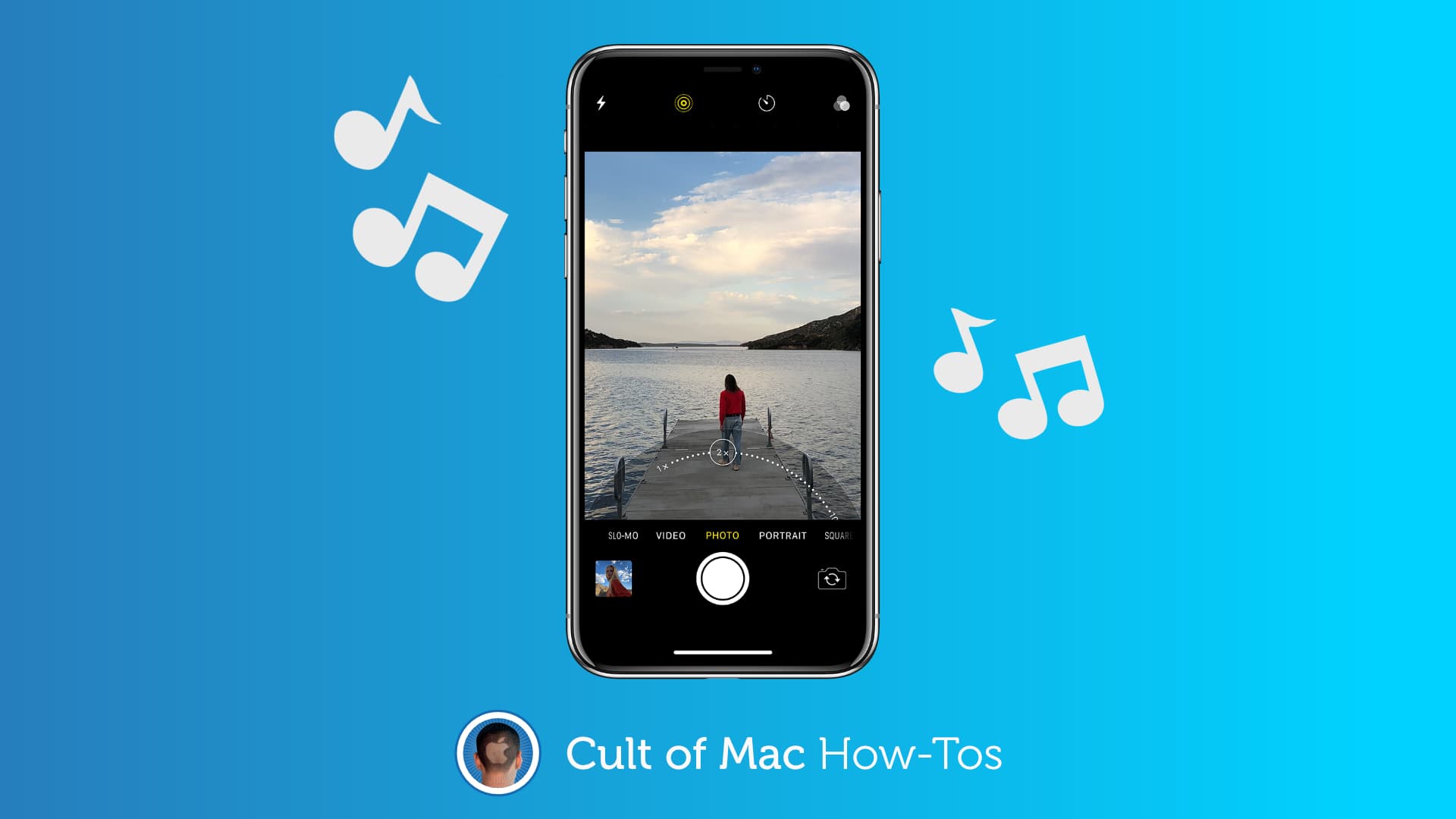
No third-party apps required. Image: Apple/Cult of Mac
You’ve probably noticed that your iPhone stops playing music as soon as you switch to Video mode inside its Camera app, which prevents you from easily adding a soundtrack to your recordings. But there is a simple trick that lets you shoot video while your music continues to play.
The trick works in all versions of iOS 14 (including the latest iOS 14.5 betas) and requires no third-party apps. We’ll show you how to use it.
“Everlight” is a bonus pre-season Mythic Quest episode premiering in April. It takes a funny look at returning to work after the pandemic. Photo: Apple TV+
Fans of Mythic Quest won’t have to wait until May for season two of the comedy series to return to Apple TV+. A special pre-season episode will debut Friday, April 16.
It will explore the challenges the quirky characters experience returning to their office after the COVID-19 pandemic. Anthony Hopkins will have a voice role.
Despite being an Apple TV+ production, a surprising amount of Wolfwalkers was hand drawn or painted. Image: Apple
A new behind-the-scenes video on the making of Wolfwalkers shows that much of the animated movie was sketched and painted the traditional way. Kind of surprising — one might think an Apple TV+ film would be an intensely computer-driven production.
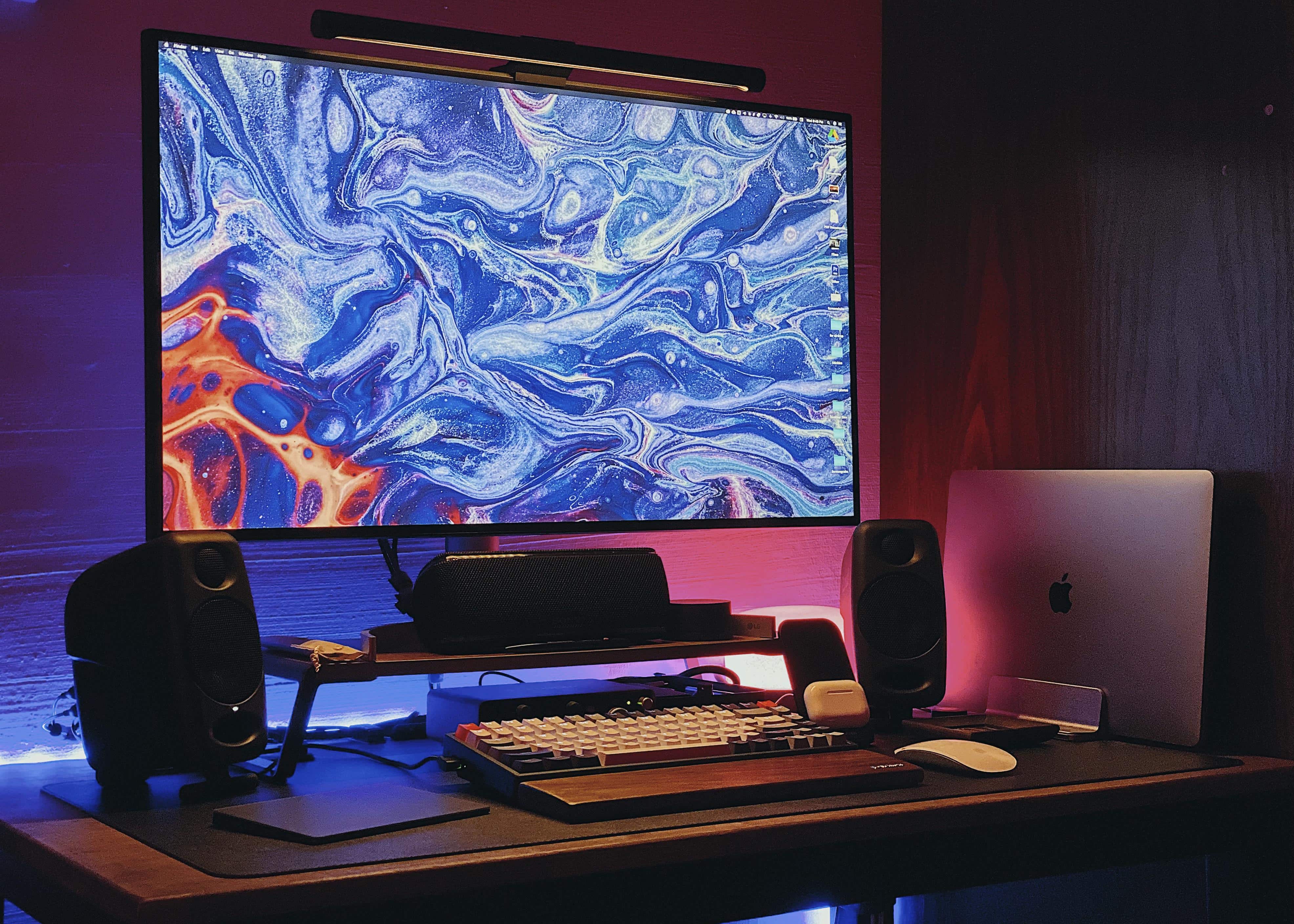
A small desk and a small room need not necessarily mean a small setup. Photo: vostok91@Reddit
After toiling for many months to get it right, Southeast Asia-based Redditor vostok91 finally finished fitting a vibrant computer setup on a small desk in a small room. The result may be a small setup compared to some, but that doesn’t make it a “small setup.” It’s plenty feisty.
A 15-inch MacBook Pro paired with an LG 32UL950 Ultrafine 4K LED Monitor make up the setup’s core.
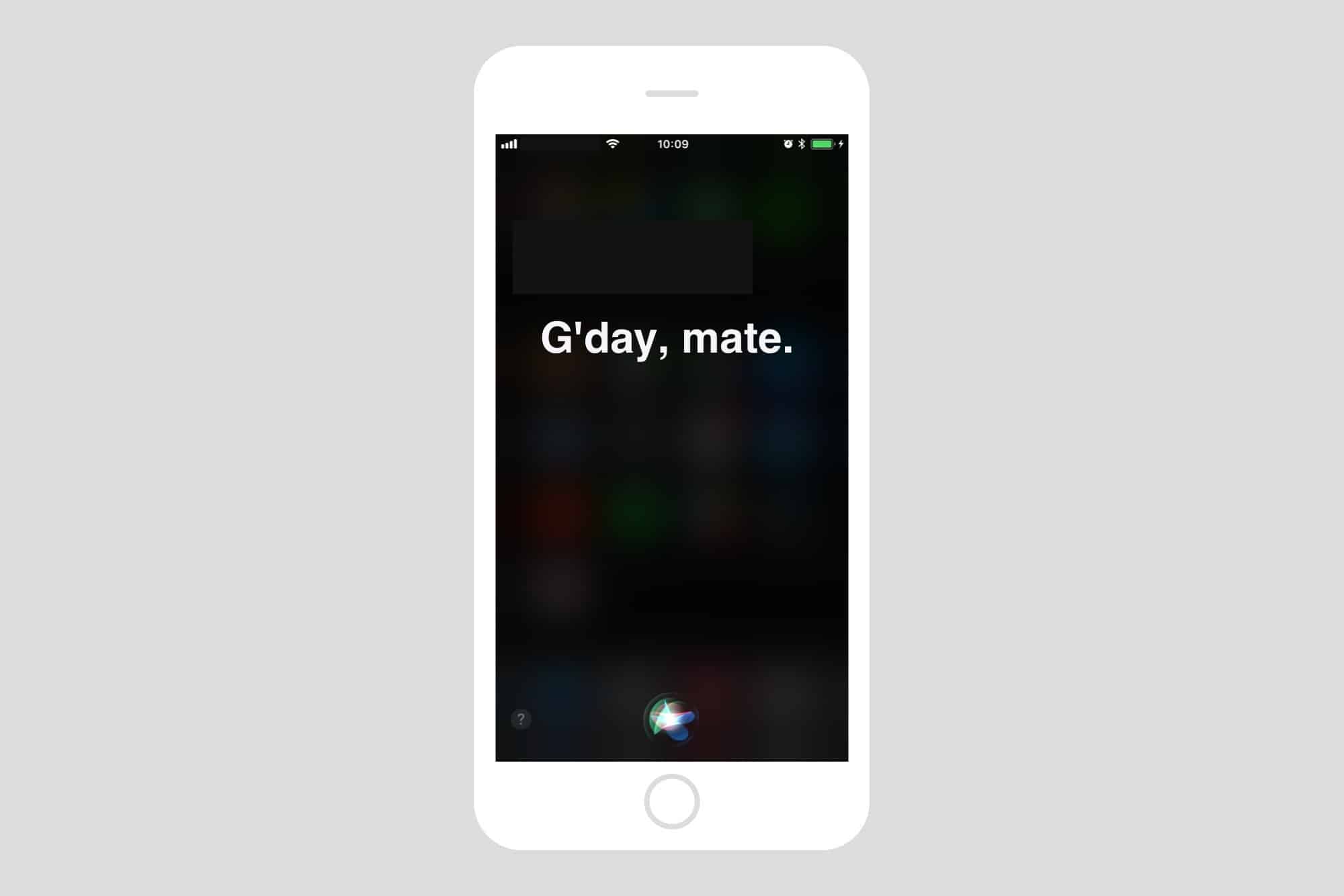
Changing Siri's accent is easy. Photo: Cult of Mac
Most folks refer to Siri as “she,” but that’s not always true. The original British English Siri, for example, was male-only up until iOS 7.1 added a female version. And in the latest iOS 14.5 beta, a female Siri is not the default option.
No matter what, you don’t have to stick with your local version of Apple’s comically bad voice assistant. U.S. English speakers, for example, can currently choose from American, Australian, British, Indian, Irish and South African accents for Siri, and also pick male or female versions — with more voices coming soon.
So, if you’re a U.S. native who views the U.K. Standard English accent as quaint, cute, respectful, sexy or reproachful, it’s easy to set your iPhone or iPad to sound like a Brit or whatever you want. And your choice of Siri accent will follow you on all Apple devices logged into with your Apple ID. (In addition to iPhone and iPad, Siri works with just about everything now: Mac, AirPods, iPod, Apple Watch, CarPlay, HomePod and Apple TV.)
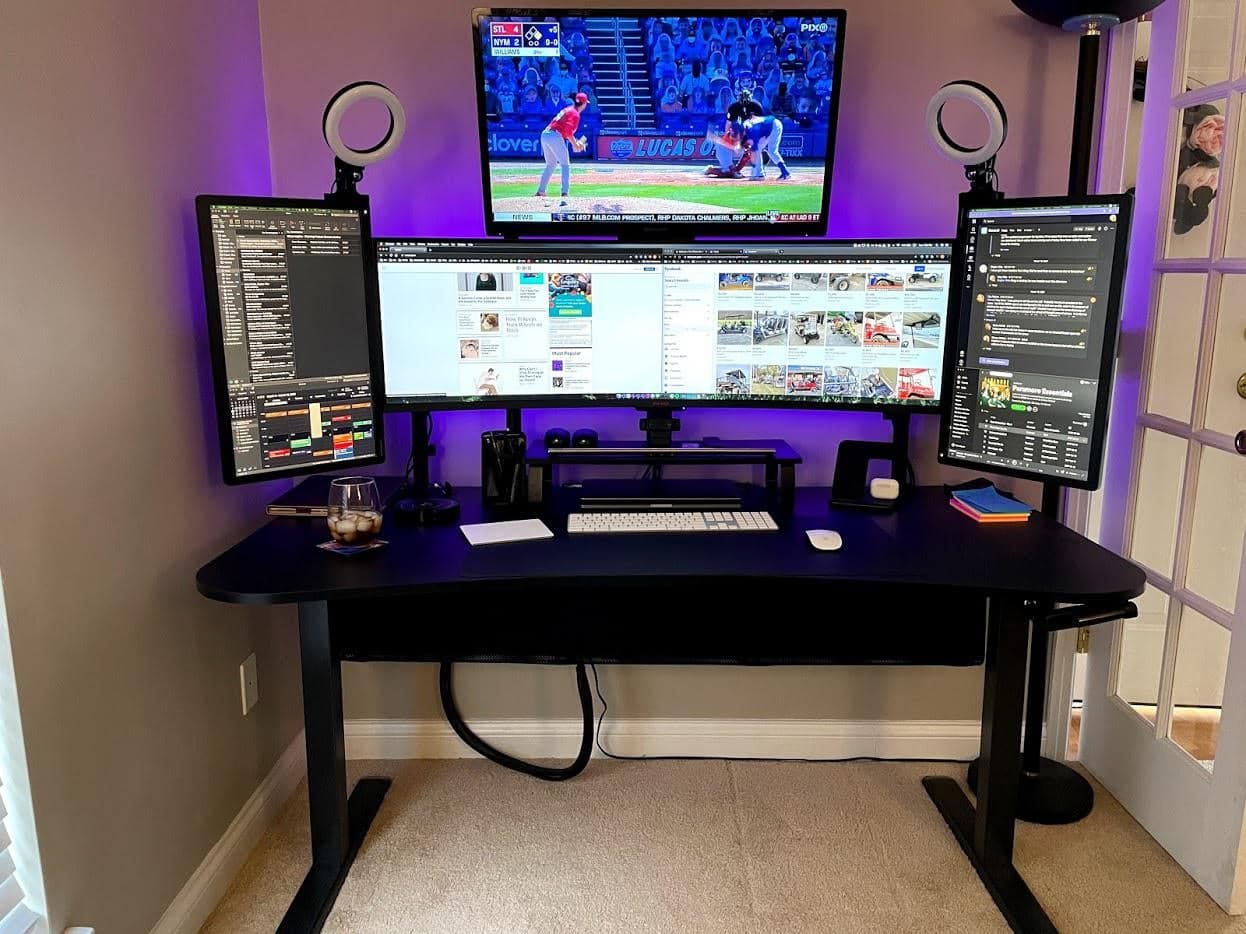
Can you ever really have too many monitors? Photo: KipKang@Reddit
A Mission Control-looking setup featuring an ultrawide monitor with a spacious screen above it and a portrait-oriented screen on either side of it was bound to get some attention — especially with ring lights sticking up from it like antennae. And it did.
“That just seems so excessive that it isn’t even funny,” one Redditor commented on KipKang’s post promoting his MacBook Pro setup and its relative orgy of displays. “I love it and I am jealous of it. Long winded way of saying NICE!”
“Thanks! ‘Nothing exceeds like excess,’” KipKang replied.

 It’s Sunday, and you’re staring at your computer. What’s it gonna be? Work or fun?