Mobile menu toggle

Search results for: apple tv

WWDC23 kicks off June 5 with online event

By

Apple WWDC23 announcement
WWDC23 will happen June 5 through June 9, with loads of big announcements expected.
Image: Apple
WWDC23

The official invitation to Apple’s Worldwide Developers Conference 2023 went out Wednesday, confirming we’ll get our first look at what’s on the company’s near-term agenda on June 5. Apple promises WWDC23 will bring an opportunity “to learn the latest about Apple platforms, technologies, and tools.”

In other words, expect new versions of iOS, macOS and more — including a possible first look at the company’s long-rumored AR/VR headset (along with the software that will power the device).

WWDC23 will kick off with a keynote on June 5 and run the rest of that week. Even in this post-pandemic world, the event will be mostly online. However, a fortunate few developers and students will be able to watch the video keynote from Apple Park.

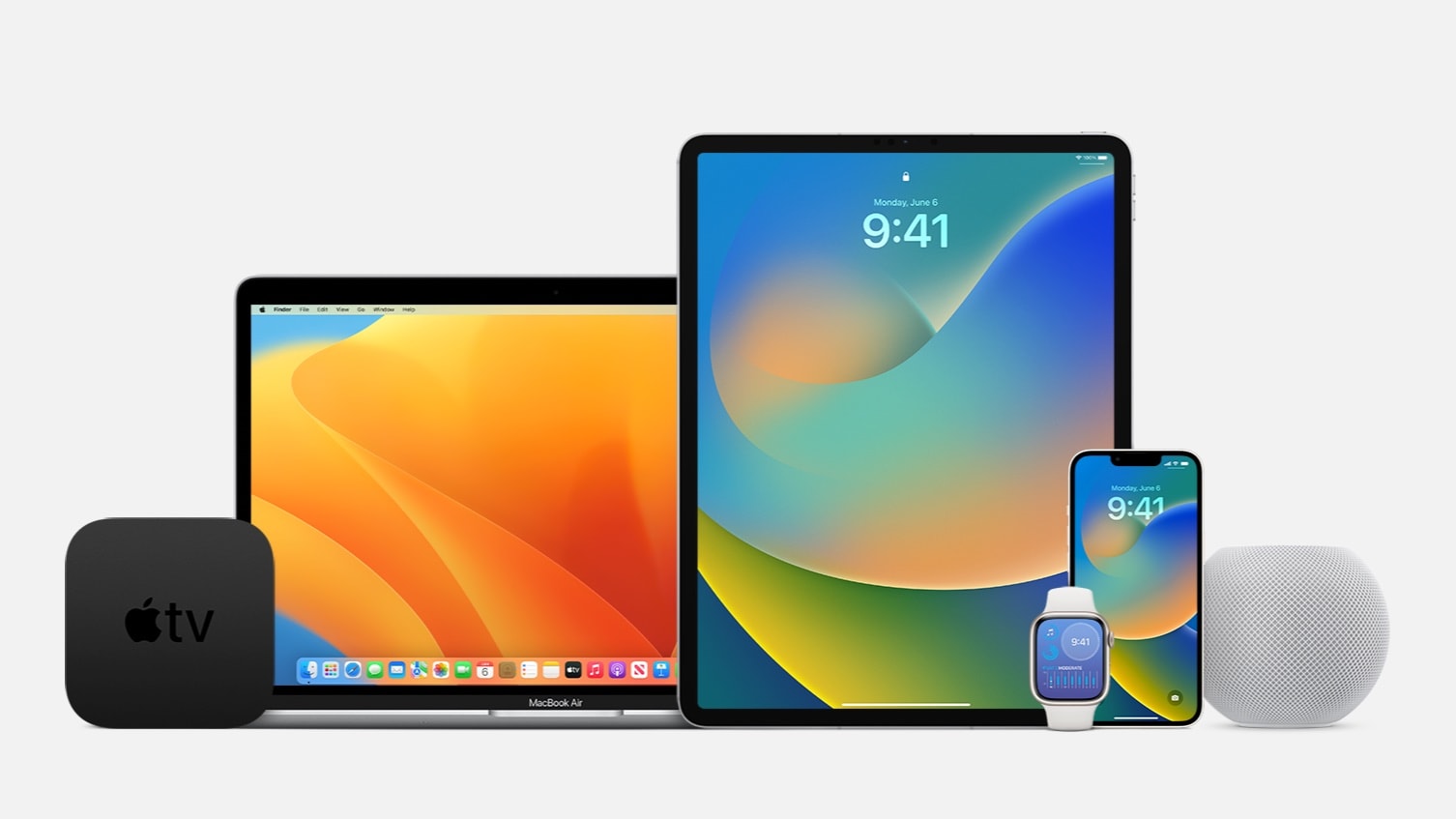
macOS Ventura 13.3 and iPadOS 16.4 usher in new emoji and other improvements

By

First public betas for iOS 16, macOS Ventura arrive
Apple released OS updates for its various computers today, including Mac and iPad.
Photo: Apple

The wait is over for macOS Ventura 13.3 and iPadOS 16.4, which Apple released Monday. While not major upgrades, they do bring new emoji, a better way for devs to work with betas, and other changes (including security updates).

Apple also released iOS 16.4, as well as watchOS 9.4 and tvOS 16.4, today.

Major workstation makeover covers all bases [Setups]

By

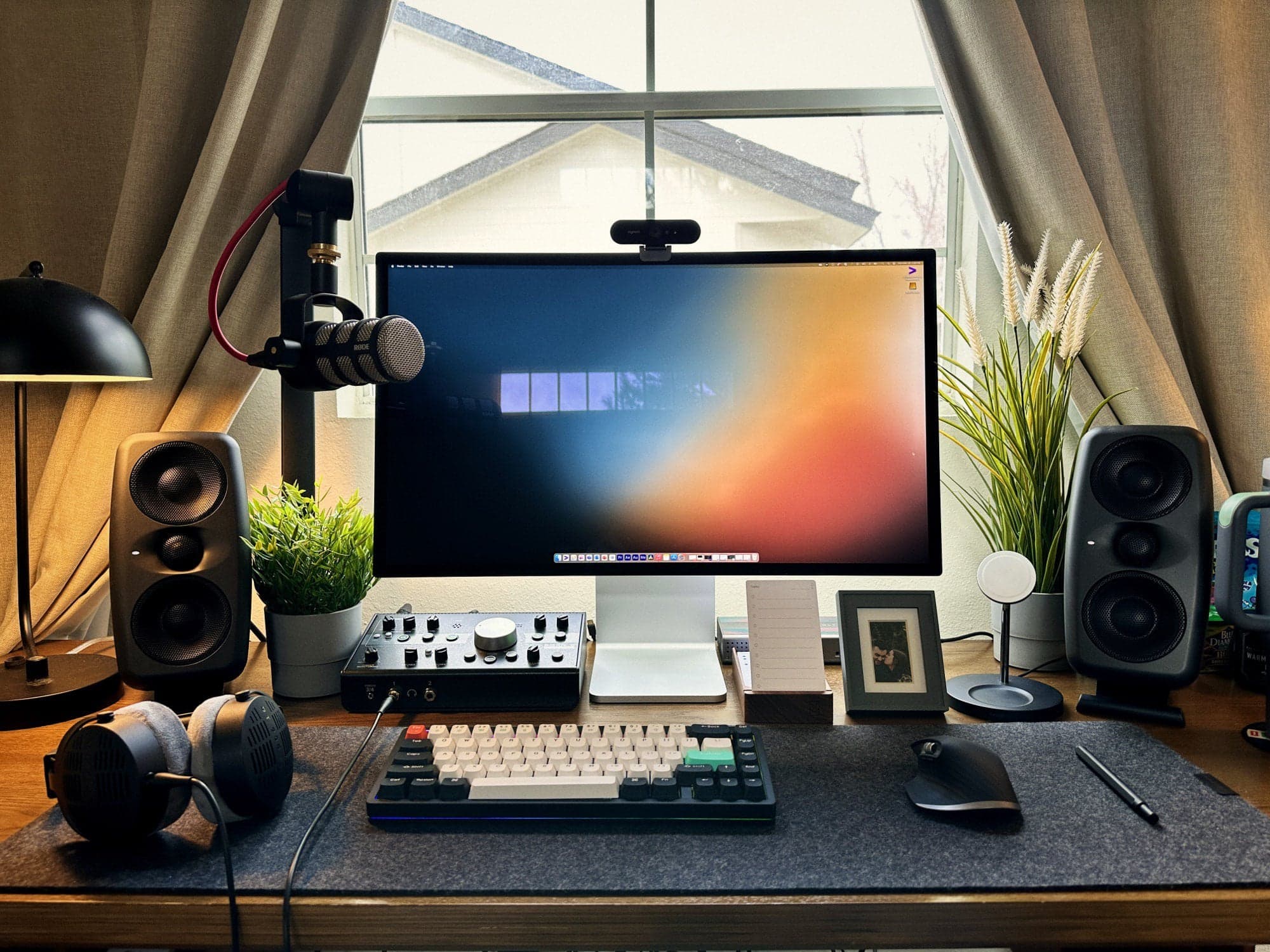
The nearly maxed-out M1 MacBook Pro is on a shelf out of frame.
Photo: [email protected]

We often see big upgrades to setups we’ve covered here in the past. But they’re not usually comprehensive, where everything from the daily-driver Mac to the input devices to the audio gear gets made over (and in some cases greatly expanded).

Let’s just say today’s featured MacBook Pro setup looked a lot different 2 years ago. It’s more evidence that a setup is never, ever “done.”

You can’t go wrong with AirBox Go while traveling [Review] ★★★★

By

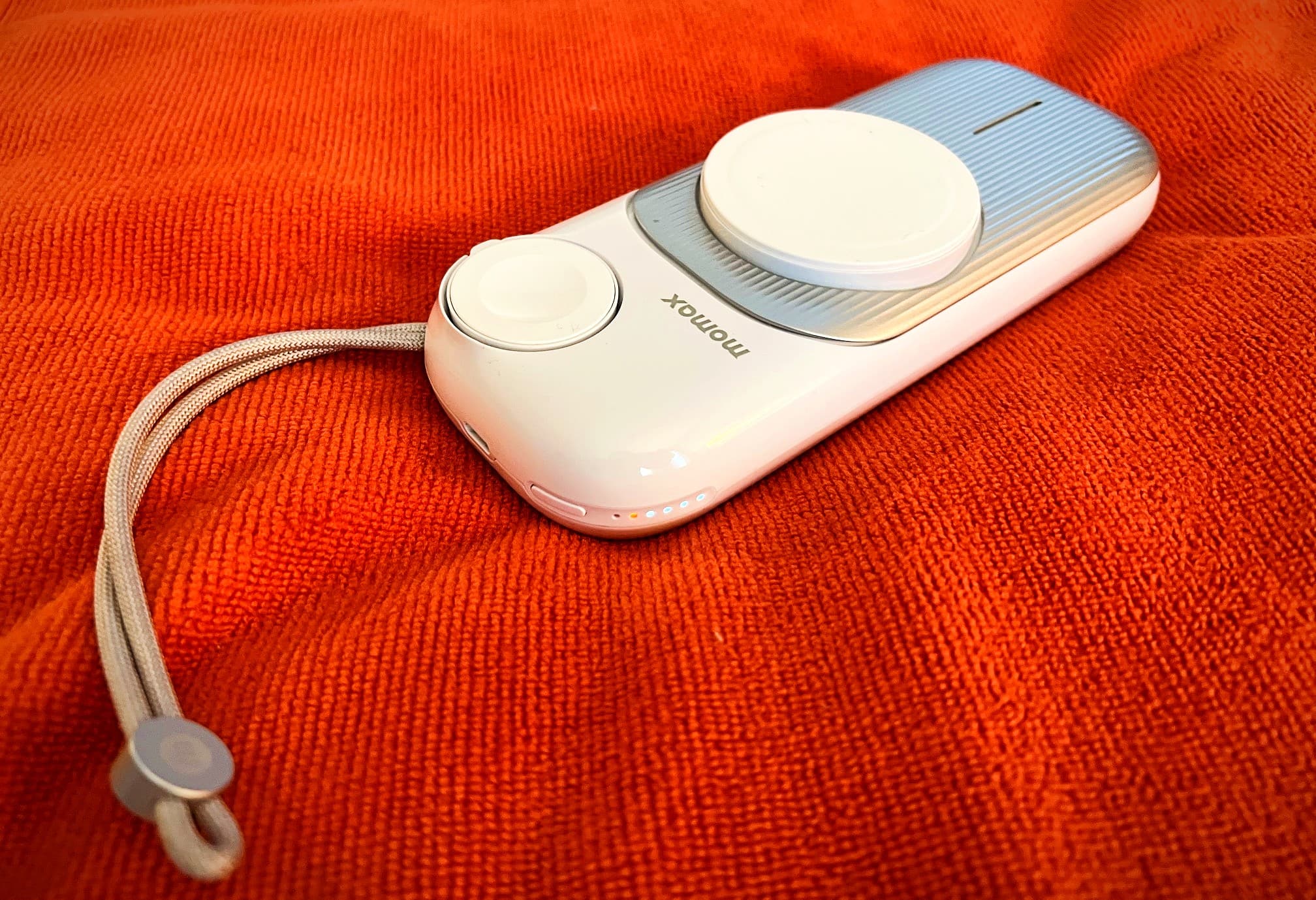
A product shot of Momax AirBox Go, a portable MagSafe power bank for iPhone, Apple Watch and AirPods, on a an orangish-red microfiber cloth.★★★★
Momax AirBox Go is a portable MagSafe power bank for iPhone, Apple Watch and AirPods.
Photo: David Snow/Cult of Mac

The beauty of a portable power bank becomes apparent when it gets you out of jams as your gadgets run out of power without an electrical outlet in sight. And if the bank can juice up a few devices at once, all the better. That’s what makes the Momax AirBox Go so great.

Momax recently sent me the three-in-one portable MagSafe charger to test. I took it on a weekend trip and found it performed well, keeping my iPhone, Apple Watch and AirPods Pro going.

6 reasons you should play Sneaky Sasquatch

By

'Sneaky Sasquatch' on Apple Arcade
Sneaky Sasquatch is a standout hit for Apple's gaming service. You really should try it.
Image: Rac7 Games/Apple Arcade

Sneaky Sasquatch is a delightful game on Apple Arcade. It lets players live the life of a Sasquatch doing regular, everyday things this mysterious forest dweller does: sneak around campgrounds stealing picnic baskets, play golf, ski, learn to drive. That sort of thing.

If you haven’t discovered it yet, here are six reason why it’s worth playing.

Latest iPhone 15 rumors sound like a mixed bag [The CultCast]

By

iPhone 15? The CultCast show notes page.
Just how different will iPhone 15 be?
Image: Cult of Mac

This week on Cult of Mac’s podcast: iPhone rumors are flying, and some of them sound fantastic! But then there’s the one about a potentially troublesome mute button…

Also on The CultCast:

  • Apple TV+ gets ready to invade theaters in a big way.
  • Celebrity portraits created by Midjourney V5 look shockingly realistic. Erfon’s been trying his hand at AI-generated art, too, and he’s loving this new technology.
  • We’re giving away a selfie stick with superpowers.

Listen to this week’s episode of The CultCast in the Podcasts app or your favorite podcast app. (Be sure to subscribe and leave us a review if you like it!) Or watch the video live stream, embedded below.

Our sponsors: Mylio and ExpressVPN

  • Mylio: It’s the easy way to manage all your photos on all your devices. Try it at Mylio.com/cultcast.
  • ExpressVPN: Get fast, global protection for every device you own. Try it at Expressvpn.com/cultcast.

A MacBook Pro makes a questionable monitor stand [Setups]

By

It might take a moment to locate the MacBook Pro in this photo, even with the help of that nice Anglepoise desk lamp.
Photo: [email protected]

Today’s featured setup carries a strong vibe of minimalism — so much so it appeared to lack even a computer, at least at a glance at the photograph. But then we realized the laptop was stashed away in unusual (and questionable) fashion.

We recently featured a setup with the MacBook Pro and iPad hidden on a little shelf mounted under the desk. This time the laptop is stashed in a case sitting directly under the monitor stand’s base (not recommended).

Mac Studio stacked on Mac mini looks like a Pixar robot [Setups]

By

One commenter thought the Mac Studio stacked on the old Mac mini looked like a Pixar robot character.
Photo: [email protected]

This just in from the Things That Look Like Other Things Department: a Mac Studio desktop computer sitting on top of a Mac mini “looks like a small robot from Wall-E or one of the [other] Pixar films.”

Today’s featured setup sports the unintentional character in the form of an old Mac mini acting as a server and a stand for the much-newer Mac Studio. It’s pretty cute. You can imagine it rolling around, beeping and maybe firing off a laser blast.

iOS 16.4 and macOS 13.3 likely will launch next week

By

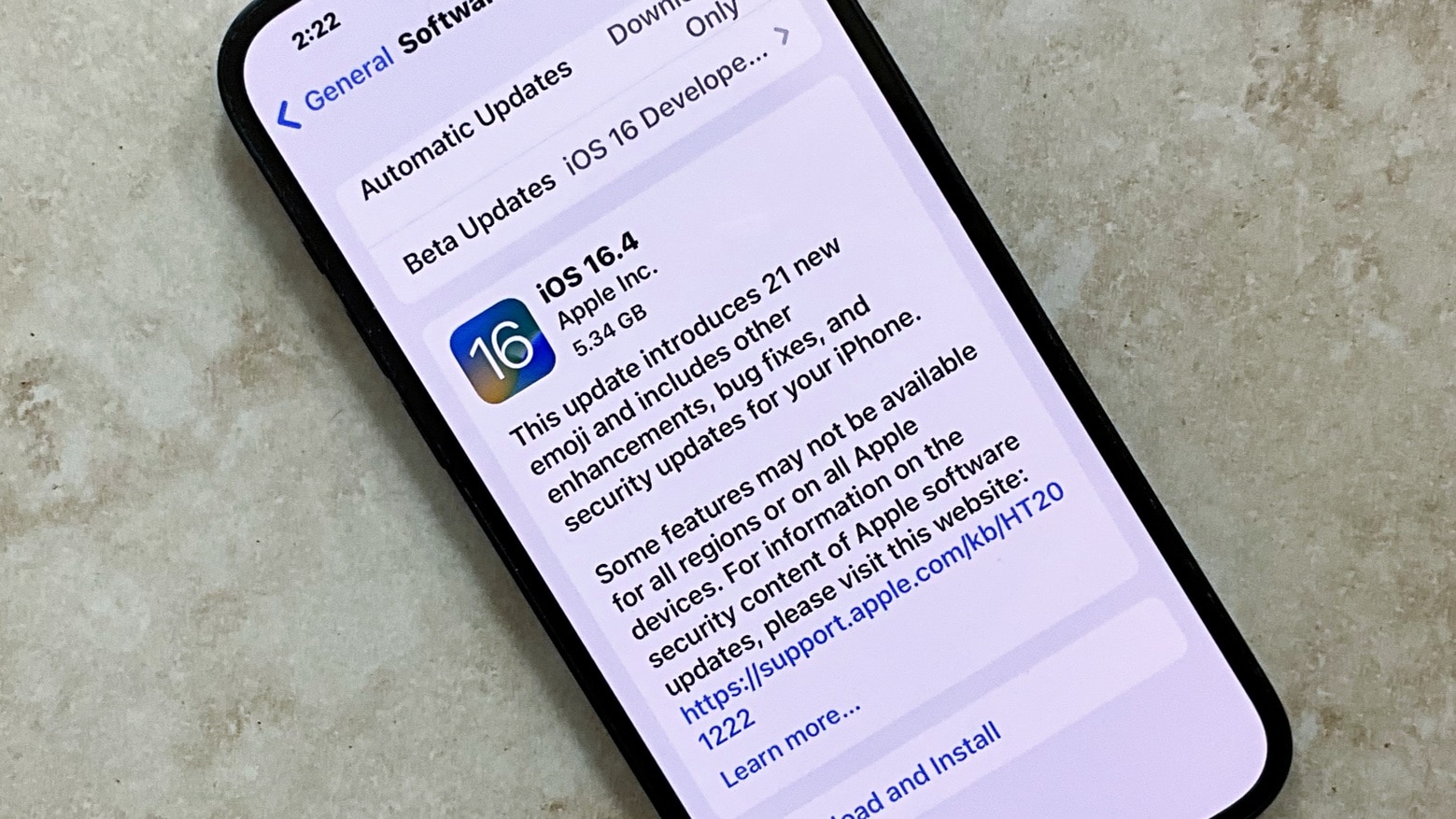
iOS 16.4 release candidate
The iOS 16.4 release candidate means the full version should reach iPhones everywhere before the end of March.
Photo: Ed Hardy/Cult of Mac

Apple seeded the release candidates for iOS 16.4 and macOS Ventura 13.3 to developers on Tuesday, signaling that beta testing for these upcoming operating systems is almost over. The same is true for the release candidates for iPadOS 16.4, watchOS 9.4 and tvOS 16.4.

These will usher in new emoji, a better way for devs to work with betas, and other changes.

A HomePod with special skills + Tim Cook’s VR power play [The CultCast]

By

AI-generated image of a HomePod smart speaker with an embedded display.
No, the next-gen HomePod isn't gonna look like this. AI can't do everything! (At least not yet.)
Image: Midjourney/Cult of Mac

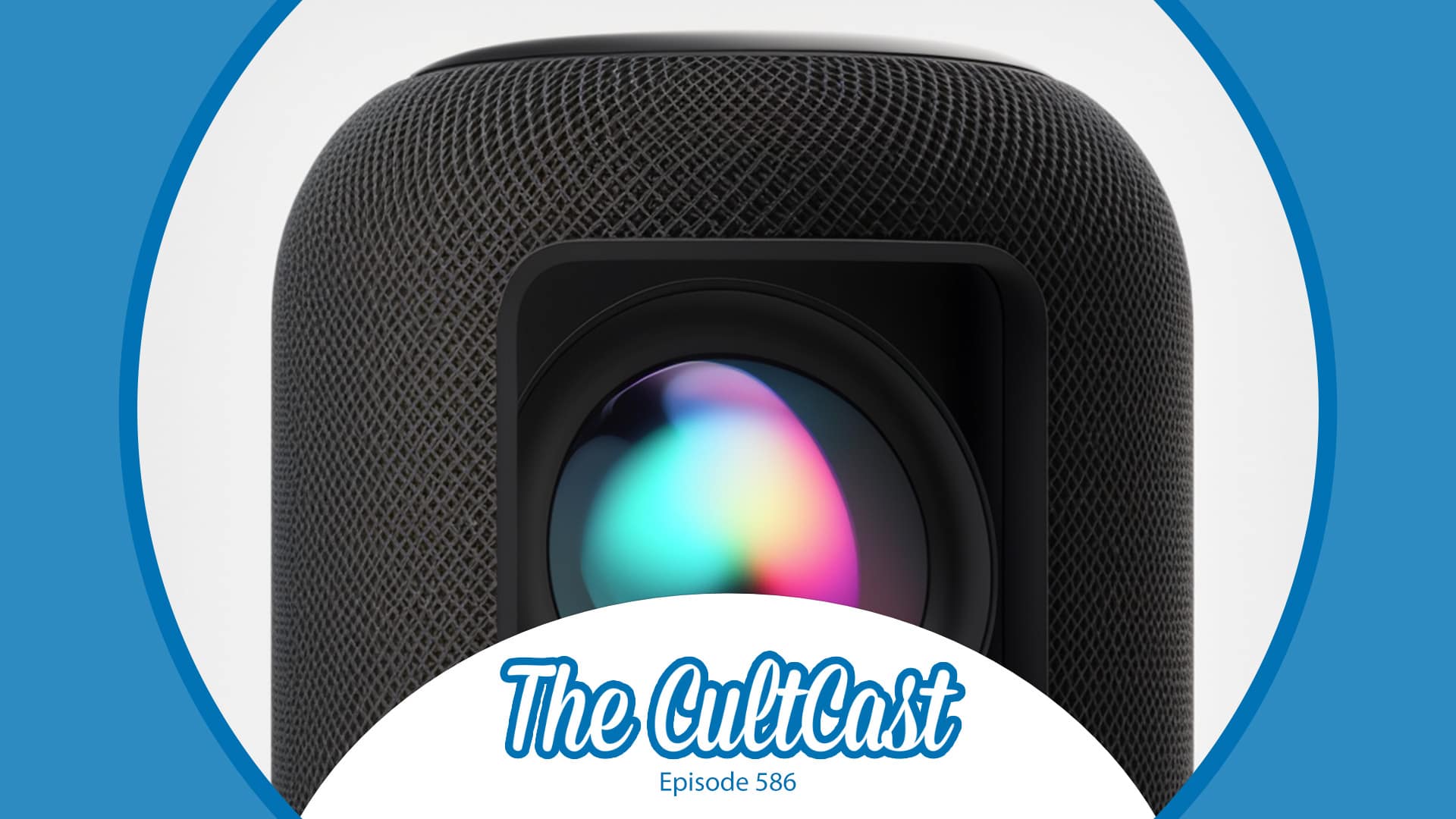
This week on Cult of Mac’s podcast: That old rumor about a HomePod with a built-in display for FaceTime calls and smart-home wizardry resurfaces. But this time, some fresh details make Erfon even more cranked up than usual about Apple’s smart speaker.

Also on The CultCast:

  • It sounds like Tim Cook pulled a power move on Apple’s design team to make sure the company foists an expensive AR/VR headset on the masses sooner rather than later. Who’s excited? Show of hands?!?
  • Apple TV+ racks up another Oscar, and Erfon is almost intrigued enough to resubscribe. (Especially if his “get three months free” trick works again.)
  • The baton’s about to wave on Apple Music Classical. We’re all quivering with excitement!

Listen to this week’s episode of The CultCast in the Podcasts app or your favorite podcast app. (Be sure to subscribe and leave us a review if you like it!) Or watch the video live stream, embedded below.

Our sponsors: Kolide and Squarespace

  • Kolide ensures only secure devices can access your cloud apps. It’s Zero Trust tailor-made for Okta. Book a demo today at Kolide.com/cultcast.
  • Squarespace gives you all the tools you need to set up your very own website and commence selling anything online. Start your free website trial today at squarespace.com/cultcast (no credit card required). Save 10% off your first purchase of a website or domain with code cultcast at checkout.