ColorSplash for iPad by Hendrick Kueck (iTunes Link), who now operates under the name Pocket Pixels, Inc., is an app that allows you to make some very dramatic changes to your photos for its meager $1.99 price tag. The software uses a process called desaturation to convert your photos to black and white while letting you leave behind color within areas you select. The results are astounding.
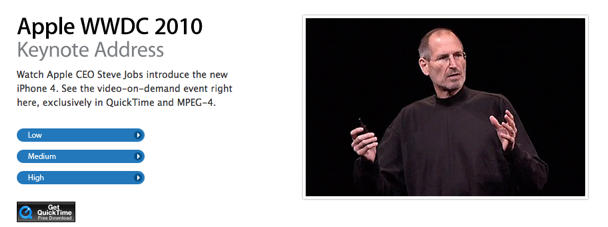
Apple has posted the full video of Steve Jobs’ keynote at WWDC yesterday. It’s worth watching for a few highlights.
Look out for the iPhone 4 announcement at around 30 min (“Stop me if you’ve already seen this…”), about the retina display (“Once you’ve used a retina, you’ll never go back”) at around 38 minutes and enjoy Jobs coping with a wi-fi glitch at around 40 minutes. We also enjoyed the Guitar Hero demo and the video chat with Jonathan Ive.
What was your favorite moment of the hour-long state of the Apple nation?
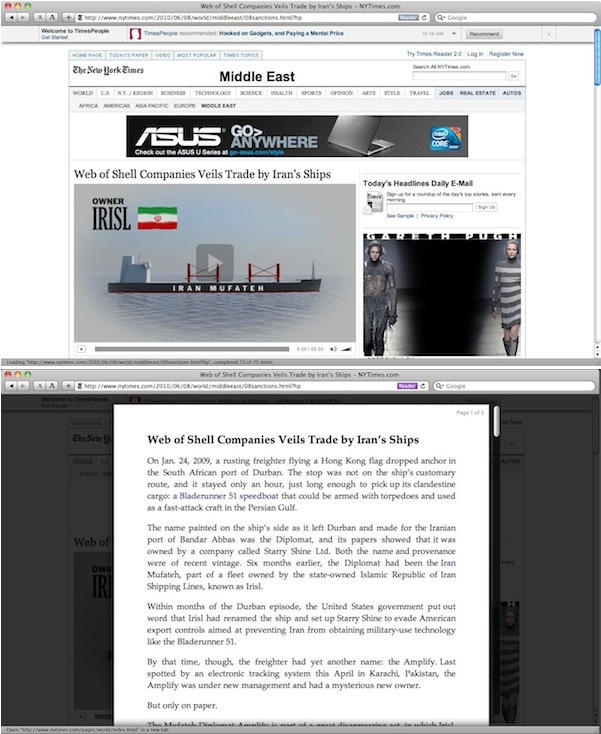
If Safari 5’s new Reader feature sounds familiar, that’s because it’s not a new idea.
The Readability bookmarklet has been doing a very similar thing for a year or so now, and of course works in many different browsers, not just Safari. Incidentally, Readability’s developers are delighted about Reader.
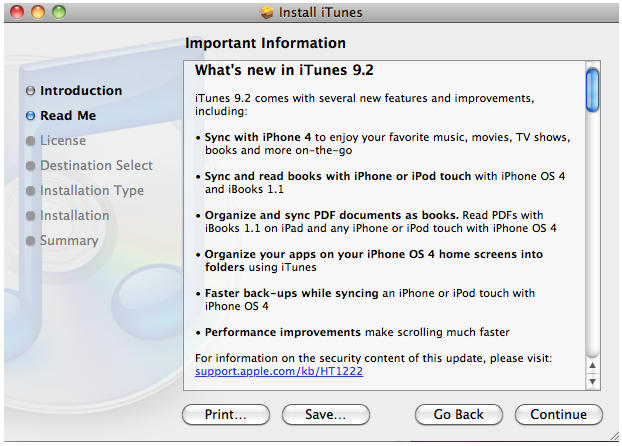
It’s not the streaming iTunes we were all hoping for — that announcement makes more sense to come at Apple’s iPod-centric September event than WWDC anyway — but iTunes 9.2 is on its way, and while you won’t see anything revolutionary in this iterative point update, there is a bunch of cool new functionality allowing iPhone owners to more easily cope with the new features in iOS 4.
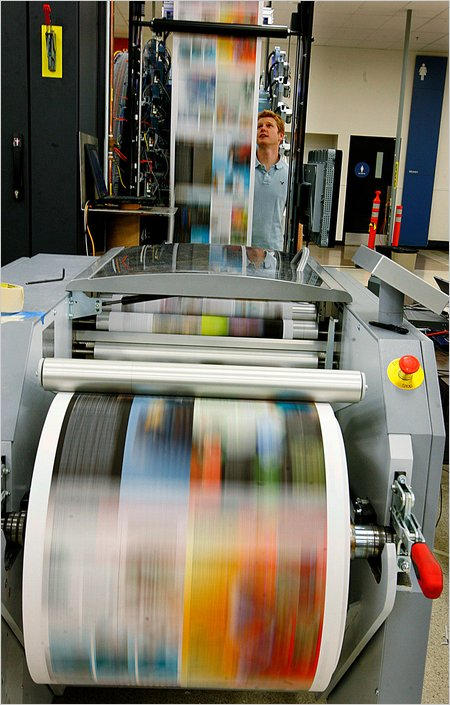
One depressing omission from yesterday’s keynote was the long-requested addition of direct printing support for iOS devices. Jobs himself has said it’s coming, but apparently not this year, leaving your only option for printing a document on your iPad as emailing it to a computer with access to your printer.
If you don’t mind upgrading your printer, though, HP’s coming to the rescue with a line of new printers that will allow you — more or less — to print directly from your iDevice. Their line of new printers will cost between $99 and $400, and they come with a unique perk: each printer has its own, unique email address.
With HP’s new printers, all you need to do is email a document to your printer from your iPhone or iPad and have it automatically printed out. You can even share that email address with friends and family members.
There’s no word on exact models yet, but HP promises the first of their email-capable printers will be out next month, with small business models hitting in September.
Until Apple gets around to offering printer capability directly from your iOS, this seems like the best solution around… as long as you’re already in the market for some new printing hardware.
Although Steve Jobs didn’t highlight the update on stage at yesterday’s WWDC, Apple has more or less quietly updated Safari to version 5, confirming the details of yesterday’s leak.
There’s a lot of new functionality in the change log, but the most evident new functionality is Safari Reader. Yesterday, I speculated this would be a remedial newsreader, but it’s actually not that at all: instead, it’s basically a built-in version of Arc90’s Readability bookmarklet that strips a web page down to just newspaper-style text on a blank white page, retaining only simple text formatting and in-line images.
What’s particularly awesome about Reader is that on multi-page articles, it’ll automatically appends pages together so you can read the whole article in one sitting, no navigational clicks required. Just click the “Reader” button at the left of the address field to go into Reader mode (it only works on articles of a certain length).
It’s hard to remember when one of Steve Jobs keynote speeches WWDC had a glitch, but the Demo Gods weren’t smiling on Jobs today. Thanks to network problems, Jobs had to ditch on a demo because of Wi-Fi trouble. But maybe it’s not some luckless Apple engineer’s fault: The same thing happened to Google during its developers conference last month at the same venue.
Apple’s getting into the advertising game with their iAds network, and Jobs says the goal is Emotion + Interactivity. The idea is to make it painless for developers to put ads in their apps: just tell Apple where you want them and they’ll inject it themselves. Likewise, it should be painless for viewers to see them: tap them and it’ll expand. You’ll never be hijacked into the browser.
They’ve only been selling iAds for eight weeks, and already attracted a huge number of advertisers, including Nissan, Citi, Unilever, AT&T, Chanel, GE, Liberty Mutual, State Farm, Geico, Sears, JCPenny, Target, Best Buy, DirecTV, TBS network, and Disney.” Overall, iAds has brought in $60M in advertising, and makes up 48% of US Mobile Display Advertising Spending in the second half of 2010.
The demonstrated advertisements look pretty good, admittedly. Certainly more like interactive applications than musty old banner ads. They’re almost like mini-apps that dynamically download when needed into an existing program. The new interactive Nissan Leaf iAd is particularly impressive, which allows you to interactively compare a $1 of gas when driving the fully electric Leaf compared to other hybrids.
iAds probably isn’t going to be very good for consumers — I despair that there will be literally no reason for a developer not to put ads even in paid apps anymore, and that too much of the iPhone’s screen real estate will be taken up with advertisements — but it should be a windfall for both Apple and the developers taking part in the iAds ecosystem.
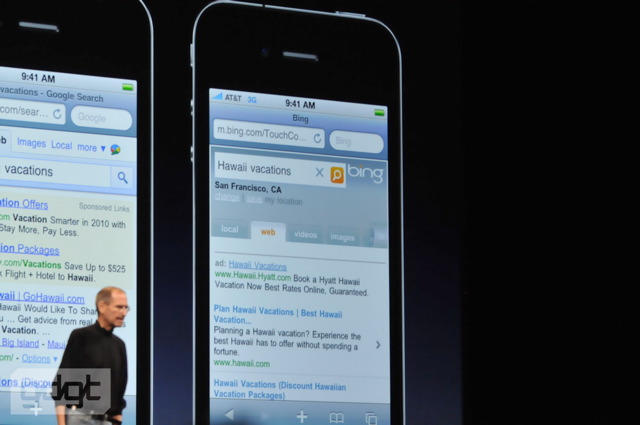
Apple may be warring with Google in the smartphone arena, but they’re not going to take it out on their customers: Jobs has just confirmed rumors that Apple was getting into bed with Microsoft and adding Bing as a search option to iOS.
Google’s still the default, but now you have another choice, and Bing’s doing some really snazzy things with the HTML5 presentation of results. If you like your search results to be pretty, it looks like Google’s going to have some catching up to do with Bing.
Oh, and the three of you who still default to Yahoo… you can still search with them too. Go nuts!