Mac OS X Lion has more than 250 new features, and Apple has thoughtfully put together a list of all of them.
Here are some interesting nuggets plucked from that list…
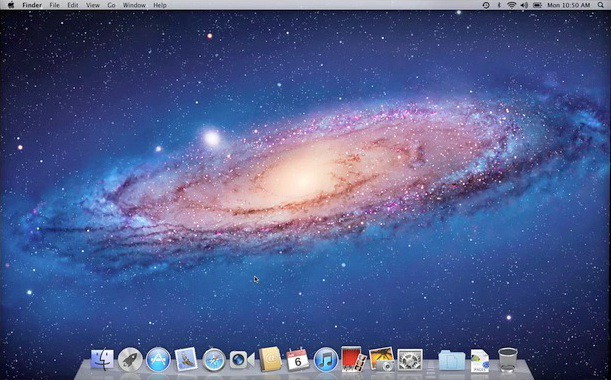
Mac OS X Lion has more than 250 new features, and Apple has thoughtfully put together a list of all of them.
Here are some interesting nuggets plucked from that list…


OK folks, this page is for you. You’ve heard about iCloud and iMessage and iTunes Match and iTunes in the Cloud and Lion and iOS5 and OMG, there’s so much stuff.

Lion represents something of a landmark in the history of operating systems, for many reasons.

Here’s how iCloud will work, according to Jobs:
“Now, if I get something on my iPhone, it’s sent to the cloud immediately, and they’re pushed down to my devices automatically. And now everything is in sync without having to think about it. I don’t have to be near my Mac or PC.”
“Some people think the cloud is just a hard disk in the sky. You transfer back and forth. We think it’s way more than that. We call it iCloud. It stores your content in the cloud, and automatically pushes it to your devices.”
It’s completely integrated with apps, and there’s nothing new to learn. It all just works, no iTunes required.
But why should we believe Apple? “After all, they’re the ones that brought me MobileMe,” Steve Jobs jokes. He’s clearly still pissed about that.
“It wasn’t our finest hour, but we learned a lot. We’ve written Contacts, Calendar and Mail from the ground up to be iCloud apps.” All the changes are stored in the cloud and pushed to your devices.
Best of all, these three core apps are now free… with no ads.
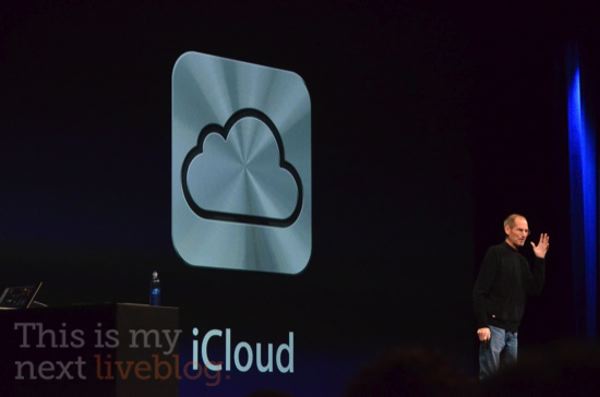
Steve Jobs has come back onstage to talk about iCloud.
I get to talk about iCloud. We’ve been working on this for some time. About 10 years ago, we had one of our most important insights. We thought the PC would be the hub for your digital life. Where you put your photos, your video, your music,” says Jobs.
“You were going to acquire it, and sync it to the Mac, and everything would work fine. And it did… but it’s broken down in the last few years.”
“Why? Because all your devices have photos, have video, have music. If I buy something on my phone, I have to sync it to get a song I bought. Then I have to sync that to other devices, and if I have photos, it’s the same thing… and keeping these devices in sync is driving us crazy!”
“We’ve got a solution for this problem. We’re going to demote the PC and the mac to just be a device. We’re going to move your hub, the center of your digital life, into the cloud.”
Wow. I had no idea they were going to phrase iCloud as an invalidation of the PC as a center of your computing life, but it makes sense, given where Apple’s business is going. Can’t wait to see the details.
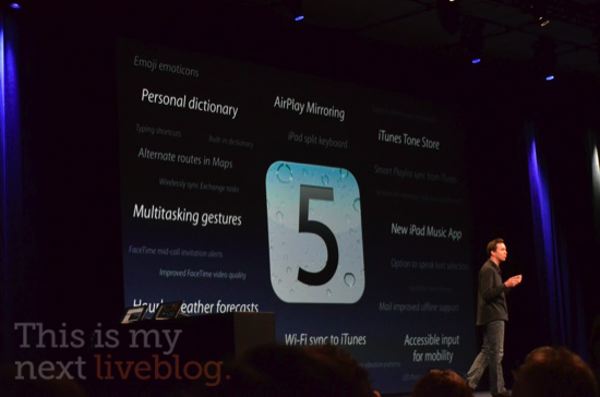
Uh, hey, see that right at the bottom of the slide showing what’s new in iOS 5? WiFi Syncing to iTunes! That’s one I was praying for, but didn’t actually think we’d see coming.
Others include new multitouch gestures and universal Dictionary support.
Apple’s just shown us ten new features of iOS 5. There’s 190 left. Unbelievable.
Devices iOS 5 will supprt are iPhone 3GS and iPhone 4, iPad and iPad 2, iPod Touch 3rd Gen and Fourth Gen.
It’s coming this fall… right in time for the iPhone 5.
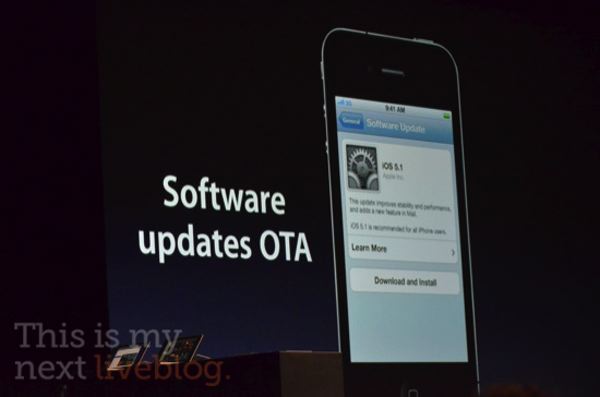
We’re living in the post PC world, according to Steve Jobs, so why do you still need a computer to use your iPad or iPhone?
No longer: iOS 5 is going PC Free. Now, instead of starting up an iOS device and saying to connect to iTunes, you get a Welcome Screen.
And guess what? You know what else you get now? Wireless updates over the air, which Apple is calling Delta Updates.
This is great news for most, but I’m guessing this is going to be a huge fly in the ointment for jailbreakers.
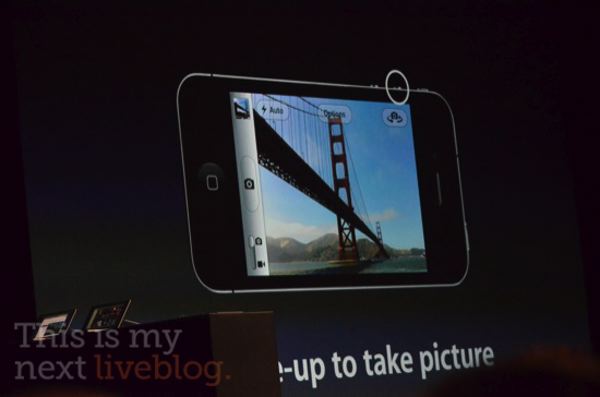
The iPhone is already almost the most popular camera on Flickr. Apple wants to make it even easier to take photos with an iPhone: coming soon, you’ll have a lock screen shortcut for taking photos in iOS 5.
What’s cool about this is that even if you have a passcode set, you’ll go right to the camera. You can’t see anything else… and you can use the volume up button to take a photo…” said Fortsall to huge cheers.
This is my favorite iOS 5 addition today short of the new notifications.
In addition, Apple’s adding some abilities to easily edit photos on the iPhone, including cropping, red eye reduction, quick enhance and more.
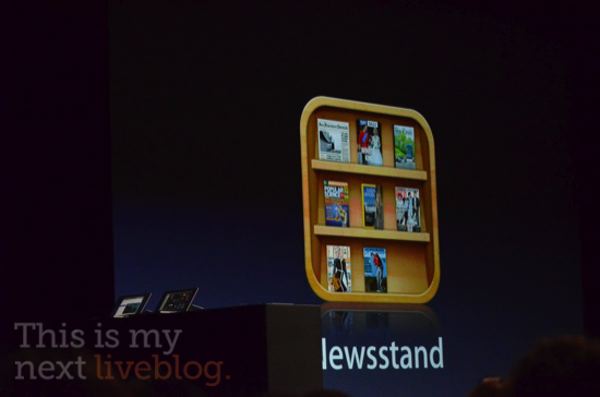
Next big feature for iOS 5? Newsstand. Think of it as iBookstore for periodicals.
“We’ve now created a single place in the App Store that combines these newspapers and magazines,” says Forstall.
Unlike in-app subscriptions. Newsstand is a direct line between magazines and newspapers to your iOS device.
If a new issue comes out of a newspaper while you’re sleeping, when you wake up, that new newspaper is already there for you to read it. You can even read it offline.
Looks like you no longer have to download each magazine’s app. Apple’s brought them all together in one place for you now. Will Apple save periodical publishing?

The final Lion feature Apple wants to talk about today is the new Mail.app.
• Two or three column view, similar to iOS Mail.
• Smart new search suggestions. “It prompts you, when you select one, it becomes a search token, and you can have more than one,” says Phil Schiller.
• Conversation view, completely compatible with people who don’t have Lion.
It’s nice to finally see Lion’s default Mail.app catch up with the likes of Postbox, don’t you think? Hate the new logo though. Apple’s really embracing brushed steel again with Lion.