Readdle is famous for its plethora of impressive productivity apps for iOS devices, and their latest continues that fine trend. PDF Converter — a $6.99 app for the iPad — will turn any document into a high quality PDF.
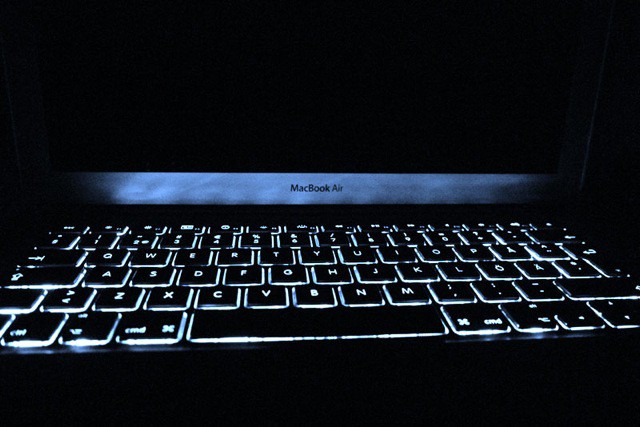
Apple’s next-generation of MacBook Airs are expected to launch alongside OS X Lion as early as this week, and in addition to the latest Sandy Bridge processors and Intel’s high-speed Thunderbolt technology, the new models could boast a backlit keyboard.
I’ve had one particular conversation with Windows blockheads far too often; you know, the one where the blockhead says something like “Macs are overpriced marketing gimmicks created to sell nothing but empty fashion to upscale fops!” (only it’s usually expressed as an eloquent “Macs are stupid!”) Which, of course, is nonsense — and so you confidently and patiently ladle responses over the blockhead’s statement like thick gravy, watching his ego deflate further and further…until the blockhead’s eyes light up as his addled brain finally digs up the winning phrase: “But gaming sucks on the Mac!” And all you can do is begin to protest by muttering something about Civilization or Borderlands, and then slowly hang your head in shame.
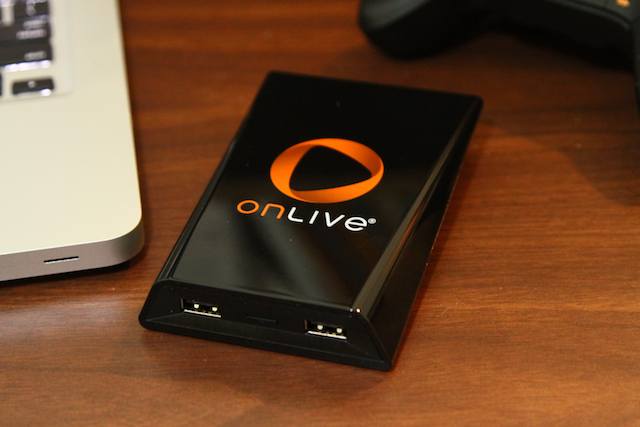
Unless you know about OnLive — in which case he’s toast. Oh, and you might want to mention the iPad app as well.
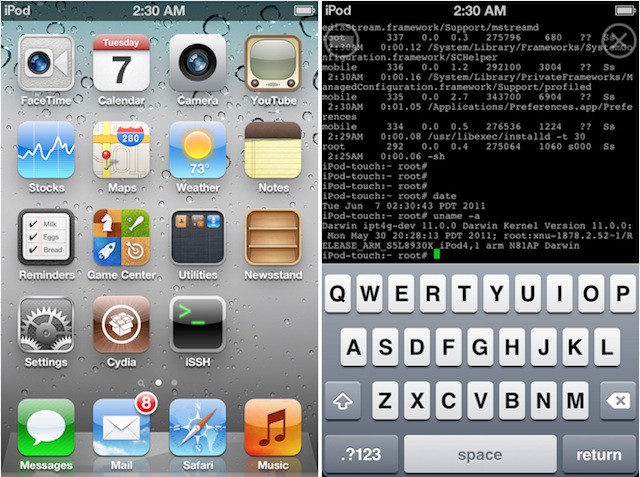
Apple may have just released iOS 5 Beta 3 today, but the Dev Team never rests, and the beta has already been jailbroken using the popular tool, RedSn0w. The mouse hasn’t exactly gotten the cat by the tail this time around, though. If you jailbreak iOS 5 Beta 3, prepare to give up all of your third-party App Store apps as punishment.
This is included in our what’s new in iOS 5 Beta 3 post, but its so cool we thought it deserved separate highlighting.
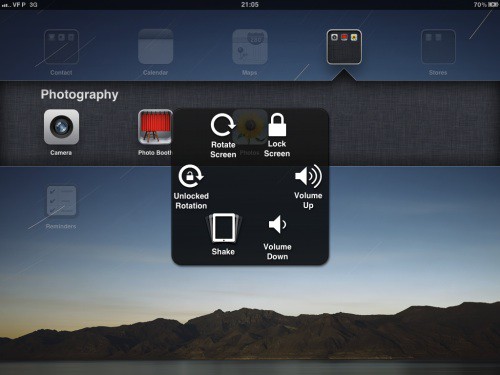
In the new beta, Apple has activated the “Assistive Touch” settings pane for the iPad (but not on the iPhone or iPod Touch). Update: This works on the iPhone 4, but not my iPod Touch third-gen.
The new feature allows you to activate a menu overlay on the iPad by pressing on a designated corner of the dock after clicking the Home Button twice. This menu then allows you to trigger all of the iPad’s functions just by tapping an icon.
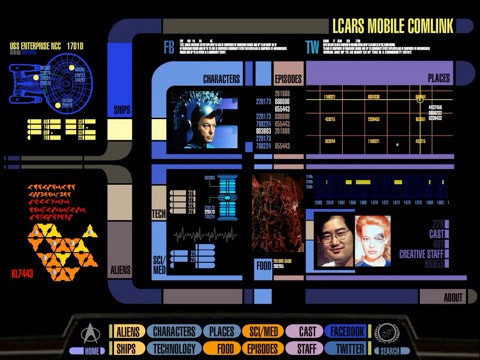
This has been a good month for Star Trek fans. Last week Netflix finally made available many Star Trek episodes online, and today CBS Interactive announced the offical Star Trek PADD (Personal Access Display Device) app for iPad. Just what all geeks need, something else to keep us on the couch…
The Philadelphia Media Network announced today that in addition to local news it will also peddle “deeply discounted” Android tablet computers pre-loaded with four apps, including digital versions of its two newspapers, The Inquirer and the Daily News, as well as additional content from The Inquirer and the Philly.com website.
Too bad they can’t offer at least one thing anybody actually wants.
We’re just starting to dive into Beta 3, but we thought we’d start a thread to catalogue everything new that we discover in the latest dev previous of iOS 5. We’ll be keeping this updated throughout the day.
Noticed anything new? Let us know in the comments, or email us at [email protected] and we’ll update the post accordingly.
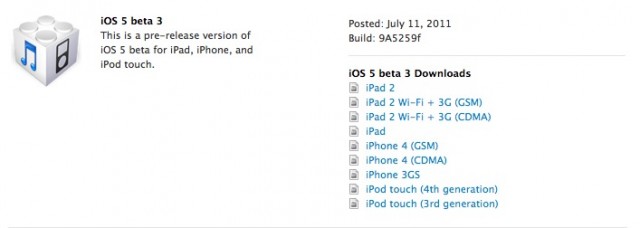
Apple has just released the third beta of iOS 5 to registered developers, known as Build 9A5259f. We’re downloading and installing now, but in the mean time, if you’re a registered developer, get downloading at the iOS Dev Center.
Noticed anything new in Beta 3? Drop us a line in the comments below! Here are the release notes.
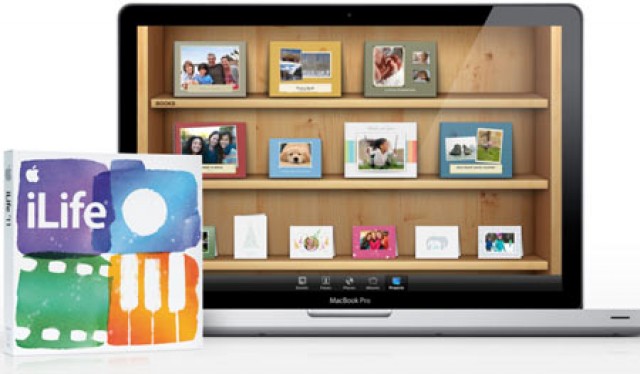
If you’ve ever dropped $14.99 on the Mac App Store for iPhoto ’11, iMovie ’11 or GarageBand ’11, you might want to check the update tab, because three large stability updates for the iLife trio have dropped. Here’s what is new.