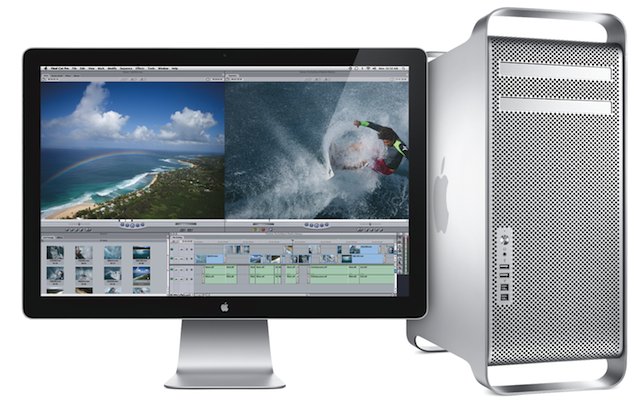
Apple has neglected to update its Mac Pro for just under 18 months now, and recent speculation has suggested that the company may be set to discontinue the high-end desktop. However, according to drivers found in the latest Mac OS X 10.7.3 beta, a new Mac Pro is on its way, packing AMD’s upcoming “Tahiti” graphics cards.
We told you about the recent release of Alfred 1.0, the popular app launcher tool for the Mac. The developers from Running with Crayons have created a robust, sleek, Apple-like tool for controlling nearly every facet of your Mac.
Most Alfred users understand how to open apps and files, but there are many things Alfred can do that may surprise you. The recent versions of Alfred support third-party extensions, and that opens up the door to all kinds of possibilities.
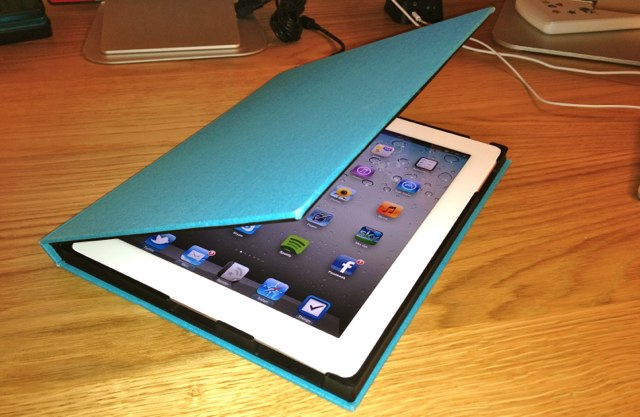
The FieldFolio case ($70) for iPad 2 is an innovative case that’s inspired by classic cloth-bound notebooks. It’s manufactured by hand from recycled board and cotton-blend bookbinding linens, and traditionally bound just like a real book. But instead of paper inside it, you’ll find a custom-fit cradle that houses your iPad.
This week, a lot was made in the news about Siri’s supposed pro-life leanings. Essentially, a bunch of people got upset because Siri couldn’t find a local abortion clinic, even though abortion clinics don’t actually call themselves that. Apple denied that Siri had any pro-life leanings whatsoever, saying instead the service was in “beta.”
So what really happened? Well, Apple just learned its first lesson about search: you’re held responsible when the information people are expecting to see doesn’t show up in a search query, even if that information is only tangentially related to the actual words in the query. It’s a headache Google’s been dealing with for almost a decade.
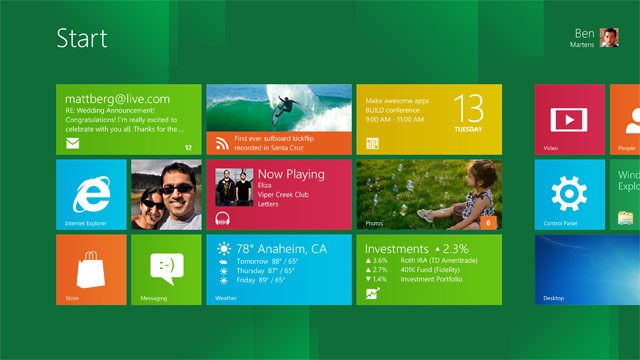
Microsoft appears more intent on gunning for Apple when the software giant unveils its Windows 8 ARM-based tablets sometime in early 2012. Reports today suggest Microsoft is throwing out its desktop app and will go finger-to-finger with the iPad’s touchscreen only interface.
PlayBook versus iPad (Photo by The GameWay - http://flic.kr/p/9p5XMz)
Trying to compete against Apple’s iPad can be costly – especially if you are RIM and your PlayBook tablet went from design to discount bin in record time. Today the Waterloo, Ontario company announced it will take a $485 million charge for a growing number of PlayBooks it just can’t sell.
It is hard to imagine that I’ve written and contributed to more than 450 posts during the nearly two-year tour of duty with all the rest of the Cultists at Cult of Mac.
I’ve served up news, break fixes, tips, opinions, etc. to more users than I ever could have imagined, and I’m grateful that I had the opportunity to do so. I have always been greatly humbled by your reader responses and surprised by a few too. I have had an amazing time meeting some really great people along the way.
I’ve accepted a job offer with a new start-up, which will take me in new directions and adventures in blogging. However, I’ll never be far from where my heart is. I’ll still be deep into all things Apple. I’ll always be a part of the Cult of Mac just like all of you.
If you would like to stay in touch, please follow me on Twitter or visit my personal website for updates on my next project or big adventure.
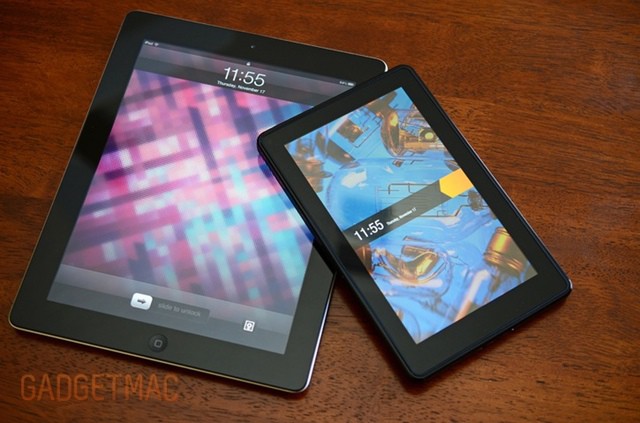
Netbooks were the dodo birds of technology: ill-equipped to compete and eventually done in by a consumer form of natural selection — the iPad. After just about a week on the shelf, the Kindle Fire is being labeled the “netbook of the tablet market.” Analysts looking beyond the $199 price believe the Amazon tablet just can’t compete with the market-leading Apple device. Are Kindle Fire purchasers headed for a serious case of buyers remorse?
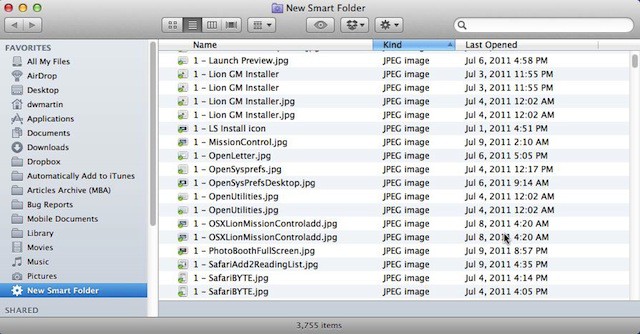
Smart Folders in Mac OS X Lion are finally something to talk about. In earlier versions of Mac OS X they were frankly kind of dumb, but not any more. They now act and work just like regular folders in Finder and they are incredibly fast. That is why Apple made a Smart Folder, All My Files, the default folder when you open a new Finder window in Mac OS X Lion.
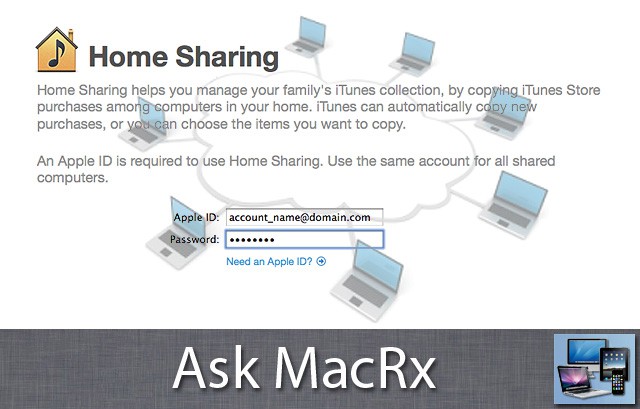
iTunes Home Sharing has been around for a few years and is a handy way to access your media between devices. One reader wonders about trying to use this service while traveling:
My setup is Apple based i.e. iPad/iphone/appletv2/airport extreme/imac. The iTunes Home Sharing works brilliantly. Is there a way by which I can retain the home sharing function remotely? In other words if I am on 3g and still use the be able to see the iTunes media as I would on the same wifi? I have seen various articles referring to vpn and then indicating that iTunes is not available through the vpn tunnel or through the airport extreme etc.