Mobile menu toggle

Search results for: Apple One

Rdio Unveils Completely Redesigned iOS App With Better Song Queuing

By

Rdio 2.0 iPhone

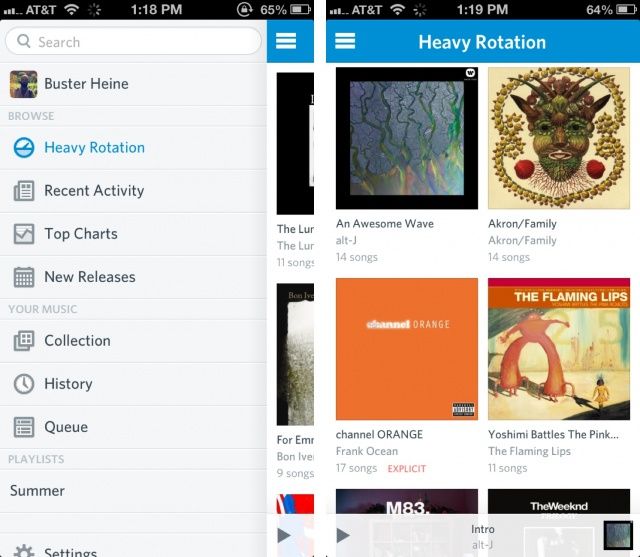
Like Spotify, Rdio offers unlimited music streaming for a monthly subscription fee. Today Rdio unveiled a completely redesigned iOS app in the App Store, and it’s available now as a free download for subscribers.

Clean and simple design has always been a plus for Rdio, and the new iPhone and iPad apps reflect that design taste.

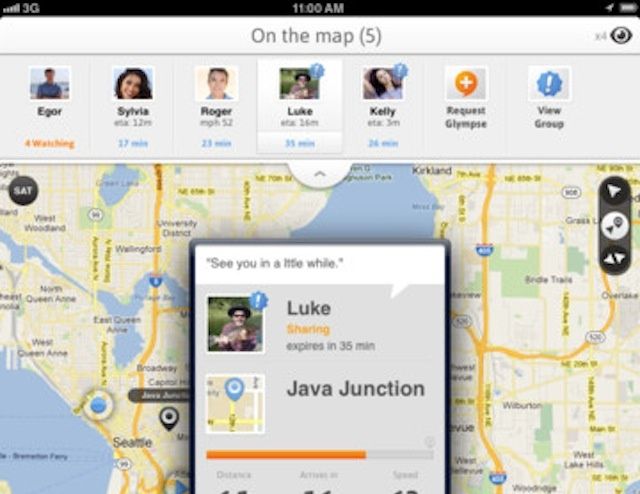
Easily Share Your Location And Arrival Time With Groups Of Friends Using Glympse [iOS Tips]

By

glympse

There are quite a few apps out there that share your location data and allow you to check in at a place, like Foursquare, Facebook, etc. They’re pretty fantastic, and they let your friends see where you are at, and then come meet you.

But what if you want to share where you are going to be in a little while? What about letting your friends know that you’re on your way, and letting them track where you are, how far away you are, and when you’ll arrive at a certain location? Glympse has got your back for that very thing, and some other great stuff.

OS X 10.8.3 Hints At AMD Radeon 7000 Drivers Coming To Updated Mac Pro

By

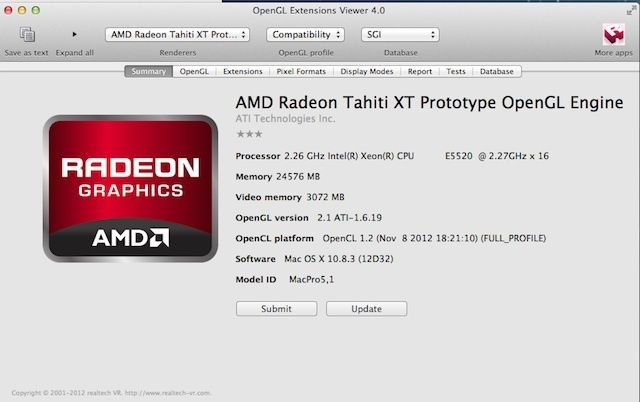
radeon700macpro

The Mac Pro has been sitting in a forgotten corner of the Apple campus, relatively untouched for the last two years. And who can blame Apple for focusing on the iPad and iPhone when the Mac Pro just hasn’t been selling all that well.

Last summer Apple did throw a two year-old Intel Xeon E5645 chip into the monstrous beast, but that just pissed Mac Pro fans off even more, so Tim Cook sent an email out reassuring customers that a new Mac Pro will be coming in 2013. OS X Mountain Lion has a few internal configuration files for the new Mac Pro, and the latest OS X 10.8.3 beta also hints that the AMD Radeon HD 7000 series might be coming to the Mac Pro in 2013 as well.

Cyber Monday Special: The Two Best Mac Bundles On The Planet [Deals]

By

CoM - iStack 2

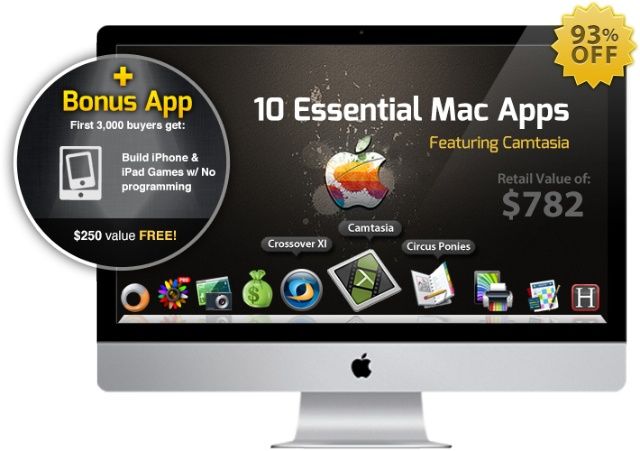
Black Friday was just the beginning. Now that Cyber Monday has arrived, there’s plenty to offer our readers here at Cult of Mac. Most notably, we’ve got a pair of killer Cult of Mac Deals offers lined up for you that will net you a whole slew of value for under $100!

To celebrate Cyber Monday, we’re offering two great bundles – The iStack Mac Bundle and The Mac Utility Bundle – that on their own are standout sales – but together they are perhaps the best deal we’ve ever offered.

Hubbl Cuts Through The Clutter To Find Apps You’ll Want [Daily Freebie]

By

post-202929-image-a0b07b989c920b65c76e93f3f0614b3e-jpg

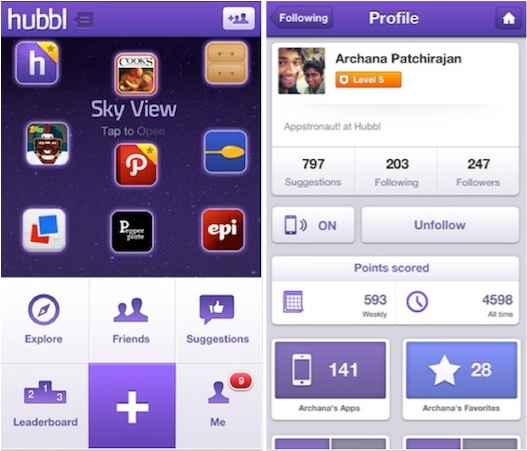
With all the junk floating out there at the Apple App Store and Google Play (Android users, you get the nastier end of the shaft in this case), it’s no wonder good apps can often go undiscovered and neglected, withering pitifully under a heap of flashy debris.

One way to find diamond-in-the-rough apps — or apps that actually do what you want them to — is to regularly read blogs like either of the Cult twins. But there’s another way, and it involves using an app discovery tool like Hubbl.

Barnes And Noble’s Nook App Gets VoiceOver And Zoom Accessibility

By

nookVoiceOver

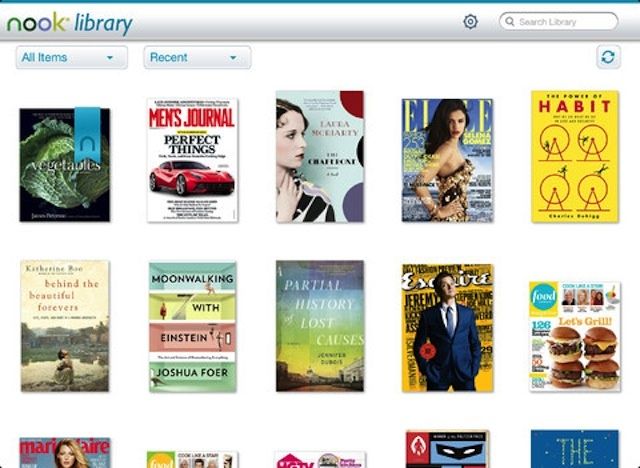
Good news, everyone! Barnes & Noble’s Nook app for iOS has just been updated with support for Apple’s fantastic VoiceOVer accessibility feature, as well as the zoom functionality. This brings the Nook iOS app up to parity with iBooks, the only other iOS e-reader app that can be used by folks with a visual impairment or learning disability to have books read out loud.

Zoom lets those with low vision see the screen at much higher magnification than just increasing the font size, allowing them to use the buttons, icons, and other visual interface systems that they can’t see at the standard size on the iPad or iPhone screen.

Air Display Now Has A Free, Ad-Supported Version For Second, iOS-Based Screen On Your Mac

By

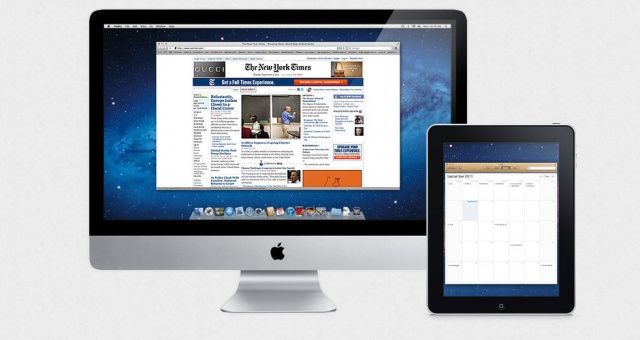
Now there's a free ad-supported version.

The original Air Display is a great way to add a temporary second screen to any laptop or desktop Macintosh. It’s also super easy to set up and use, as we told you in an iOS tip a while back.

Unfortunately, it’s also a bit on the spendy side. While $10 really isn’t that much to spend for quality software that lets your Mac use an iPad as a second monitor, some folks might not want to spend that much without giving it a good try first.