Mobile menu toggle

Search results for: Apple One

Cult Of Mac’s Awesome 2012 Advent Calendar: Day Eleven – Nike Fuelband

By

adventcalendarday11

One of the better Yuletide traditions is the venerable holiday Advent Calendar, in which each day of December leading up to Christmas is marked off on a special calendar by opening its corresponding door to find a small gift, toy or chocolate squirreled away inside.

This year, we here at Cult of Mac decided we wanted to give our readers their very own Apple-themed advent calendar, filled with the year’s best apps, gadgets, stories and other curios. So each day in December, we’re going to lovingly peel back the door on the Cult of Mac 2012 Advent Calendar to reveal another delicious morsel, something really special that came out this year that we think every one of you should enjoy.

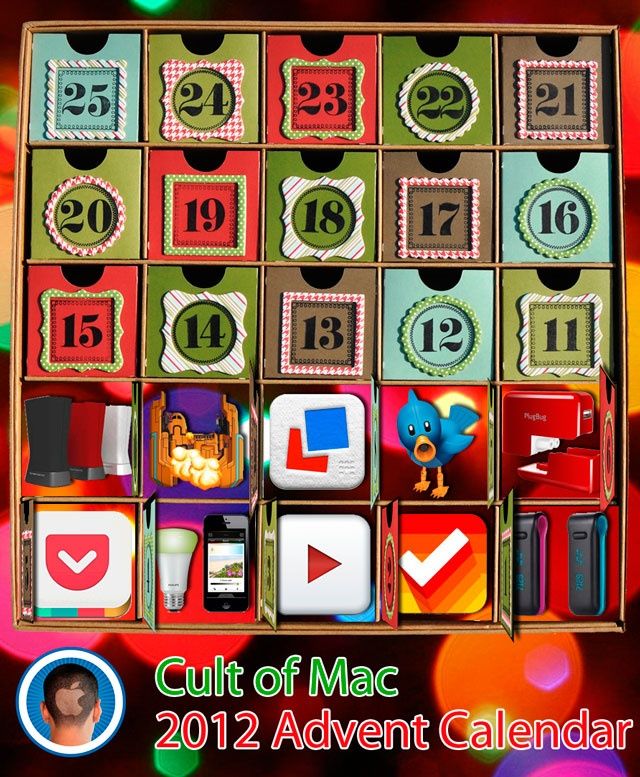
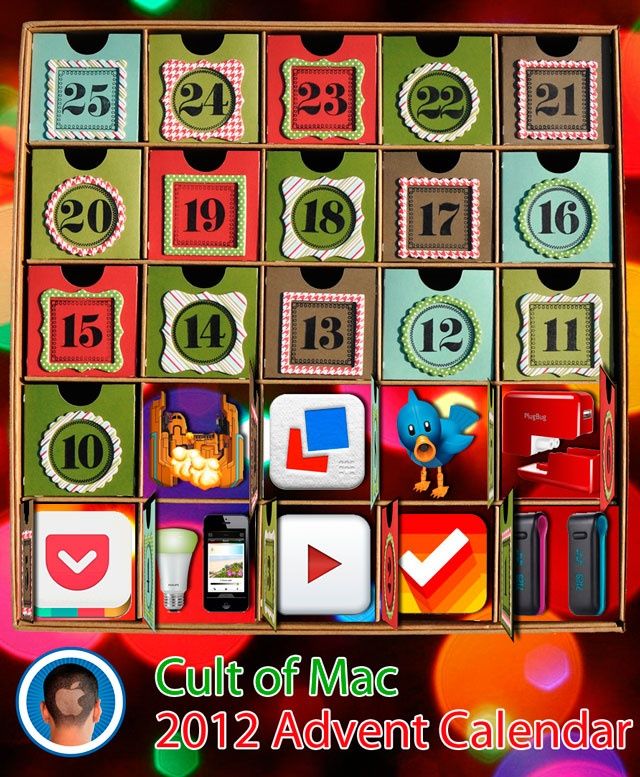
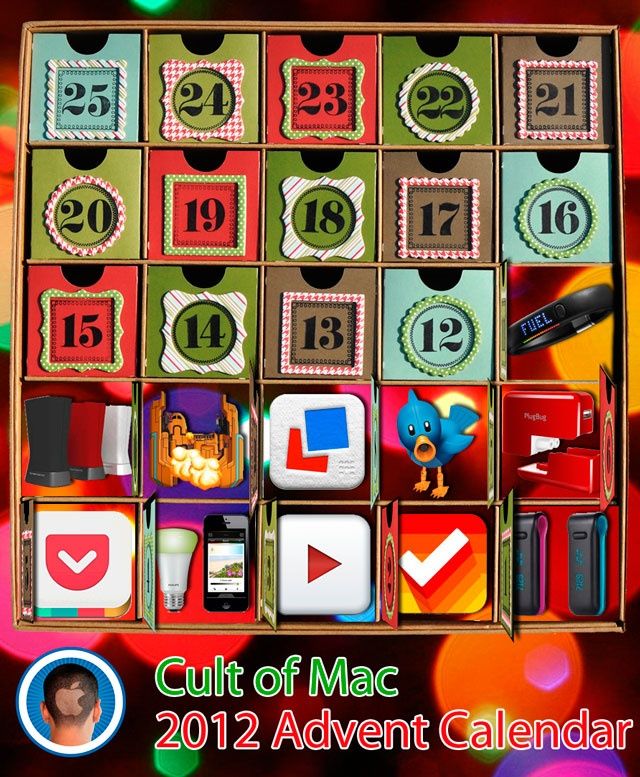
What hidden behind door number 11? How about something that will help you burn all those Holiday Calories – The Nike Fuelband.

Twitter Brings Instagram-Like Photo Filters To Official Mobile Apps

By

post-205382-image-4cb157617907a3e37841c51a4b0d7d4f-jpg

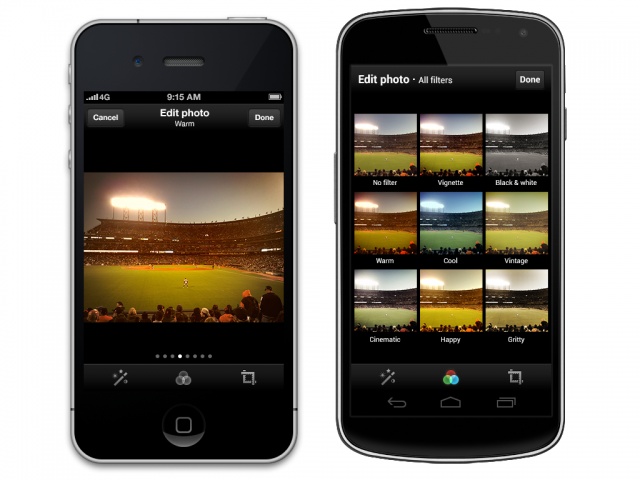
Twitter has unveiled Instagram-like photo filters for its official mobile apps on Android and iOS. It’s been rumored that Twitter would roll out this feature by the end of the year, and the time has come.

You can choose from 8 basic filters and crop/enhance your pics before sharing them in the Twitter app. This addition comes after Instagram recently shut off photo previews for links shared in Twitter.

Instagram Updated With Improved Camera Interface, Design Tweaks, Foursquare Buttons, New “Willow” Filter

By

post-205354-image-41bc45999f50ab7f634c3f2935969aec-jpg
Same Instagram, fresh coat of paint.

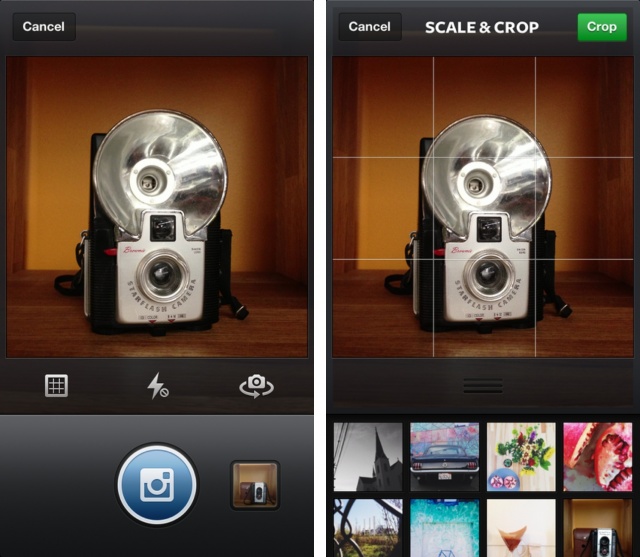
A big Instagram update is now available for Android and iOS devices. The camera interface of the app has been improved with a quick preview of the last picture you took on your device. Now there’s an optional grid guide for taking pictures and a permanent grid to help you with aligning when you’re scaling and cropping. For iPhone 5 users, Instagram has included an “improved Camera Roll image selector for quick access to your last photograph.”

Today’s update also includes a number of speed enhancements, Foursquare buttons, several design tweaks, and a new filter called “Willow.”

This Simple Concept Fixes Everything That’s Annoying With Notification Center

By

iPhone5notificationsCenterComp

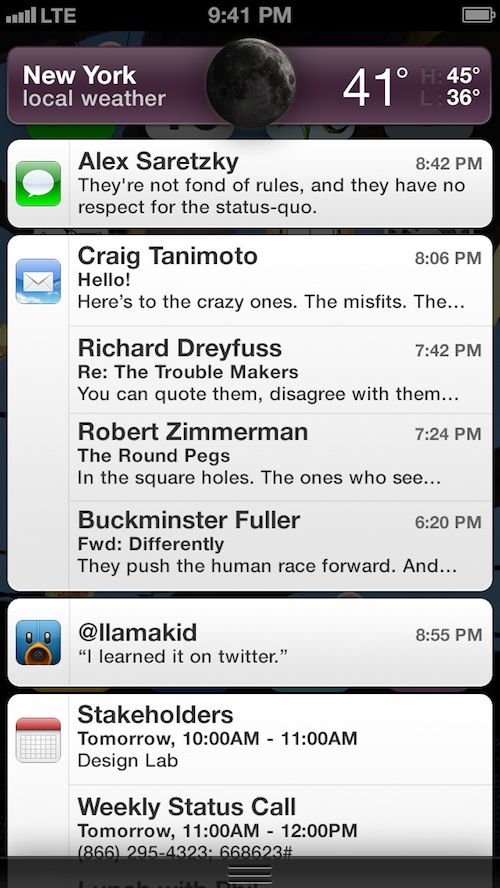
Notification Center in iOS and OS X is great in concept but kind of crappy in practice. First off there’s the linen background that doesn’t really make sense when you’re pulling down a curtain for notifications in iOS. There’s also those tiny little X buttons that you have to tap twice to close notifications, and a couple other annoyances that fill up the Notification Center page.

Alex Saretzky decided that Notification Center needs to be spruced up by simply applying Apple UI concepts that have been used in other apps. His new concept for the Notification Center isn’t a complete revision, but more like fine tuning, and it’s something that Apple should implement with iOS 7.

Cult Of Mac’s Awesome 2012 Advent Calendar: Day 10 – Supertooth Disco 2

By

day10adventcalendar

One of the better Yuletide traditions is the venerable holiday Advent Calendar, in which each day of December leading up to Christmas is marked off on a special calendar by opening its corresponding door to find a small gift, toy or chocolate squirreled away inside.

This year, we here at Cult of Mac decided we wanted to give our readers their very own Apple-themed advent calendar, filled with the year’s best apps, gadgets, stories and other curios. So each day in December, we’re going to lovingly peel back the door on the Cult of Mac 2012 Advent Calendar to reveal another delicious morsel, something really special that came out this year that we think every one of you should enjoy.

Today’s little morsel? It’s the Supertooth Disco 2.

Office For iPad References Leaked On Microsoft’s Support Site

By

excelforipadreferrence

It’s been rumored that Microsoft Office for iPad will be unleashed on the world in early 2013. We haven’t seen any leaked screenshots, nor has Microsoft given an official release date, but it’s bound to come out sooner or later.

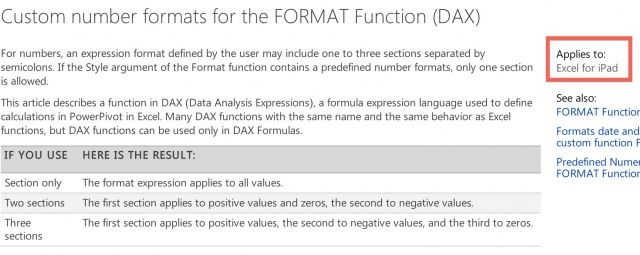
The latest signs that Office for iPad is coming soon come from Microsoft’s own support site where references to “Excel for iPad” have been found.

Last Chance: Get The iStack Mac Bundle 2.0 Today! [Deals]

By

CoM - iStack 2

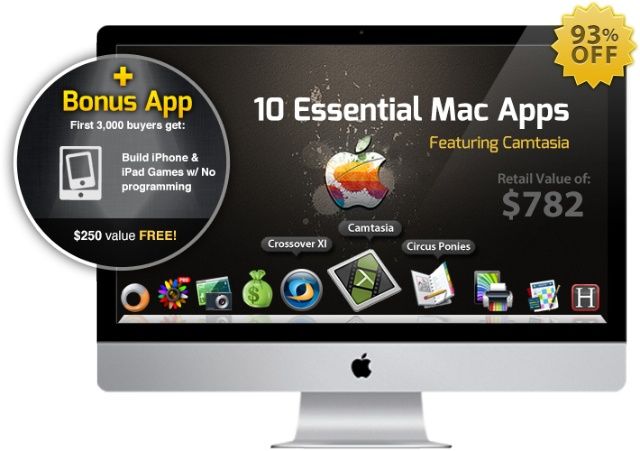
You’ve got just one more chance to get The iStack Mac Bundle 2.0. In this worthy sequel to the original bundle, we’ve got 10 killer apps (and a bonus e-course for the first 3000 buyers) lined up at a massive savings of 93% off the regular price you’d pay for them separately.

That’s right…you’ll get this Cult of Mac Deals offer for only $49!

Cult Of Mac’s Awesome 2012 Advent Calendar: Day 9 – FTL

By

adventcalendarday9

One of the better Yuletide traditions is the venerable holiday Advent Calendar, in which each day of December leading up to Christmas is marked off on a special calendar by opening its corresponding door to find a small gift, toy or chocolate squirreled away inside.

This year, we here at Cult of Mac decided we wanted to give our readers their very own Apple-themed advent calendar, filled with the year’s best apps, gadgets, stories and other curios. So each day in December, we’re going to lovingly peel back the door on the Cult of Mac 2012 Advent Calendar to reveal another delicious morsel, something really special that came out this year that we think every one of you should enjoy.

What do we have in store for you for Day 9 (admittedly, going up a day late)? FTL for Mac, about the closest experience to sitting down in the Captain’s Chair on the U.S.S. Enterprise you’re likely to find on any platform for less than $10.

Make Gmail Your Default Email Client In Chrome, Safari, and Firefox [OS X Tips]

By

default gmail web app

I have quite a few email addresses, and almost all of them are Gmail based. I also use a ton of different devices to check my email, including my iPhone and iPad as well as a Macbook Air and a Mac mini. That’s not even mentioning the iMac I use from time to time at my office job. With all these devices, especially the Macs, it makes sense to me to use Gmail in the web browser, so I don’t have to keep setting up email client after email client, or make sure all my filters or rules are set up the way I want them on each of the Macs I use.

What doesn’t make sense to me is how my Mac opens up Mail app when I click a mail-to link on the web, in Twitter, or on Facebook. I want my Mac to open a web browser with the web version of Gmail in it every time I click one of those types of links. Here’s how to make that happen on the big three web browsers for Mac: Safari, Chrome, and Firefox.